

.gif.09c9795f713c10c309d68122b089d26c.gif)
DARKNESS
-
Posts
2381 -
Joined
-
Days Won
19
Everything posted by DARKNESS
-
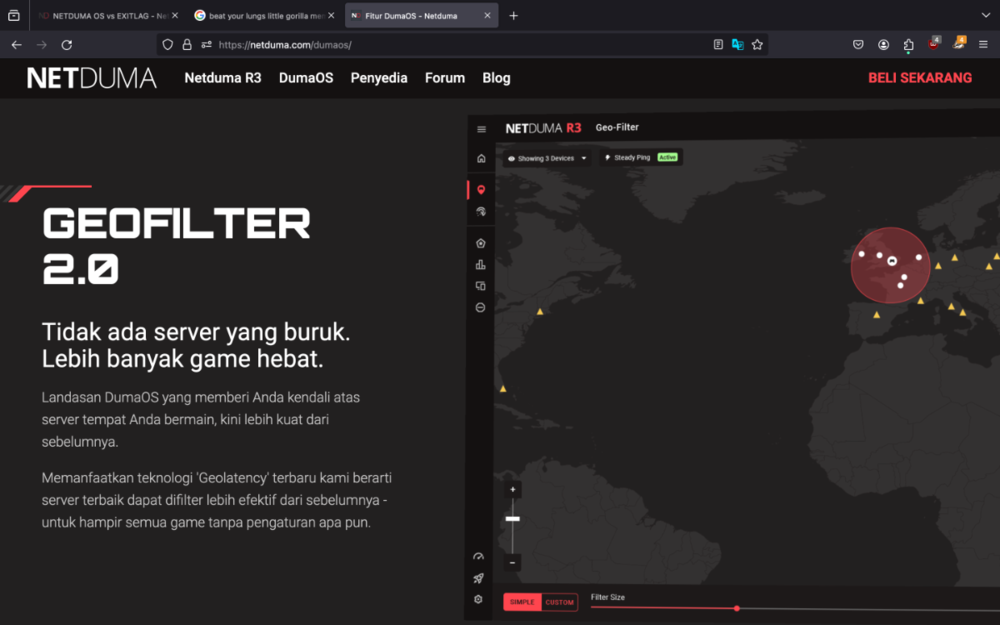
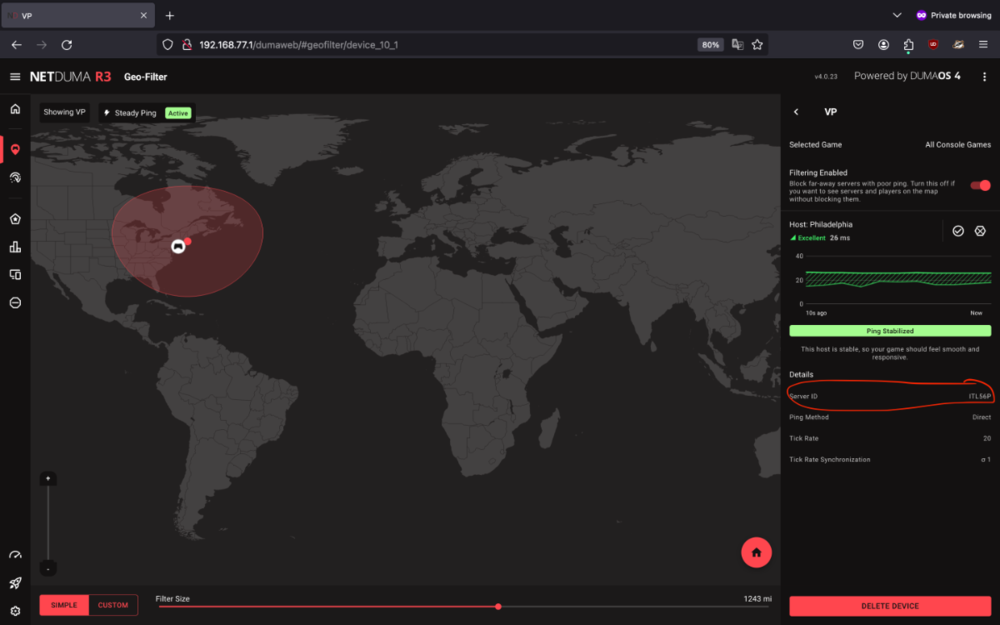
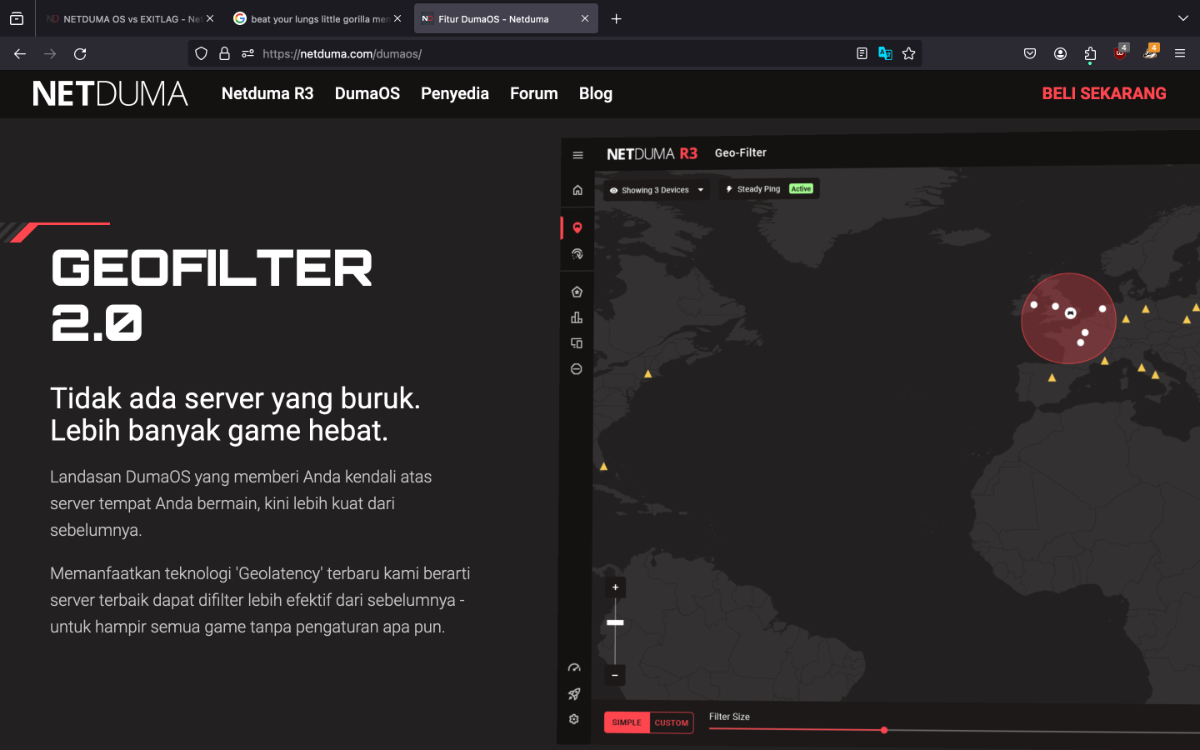
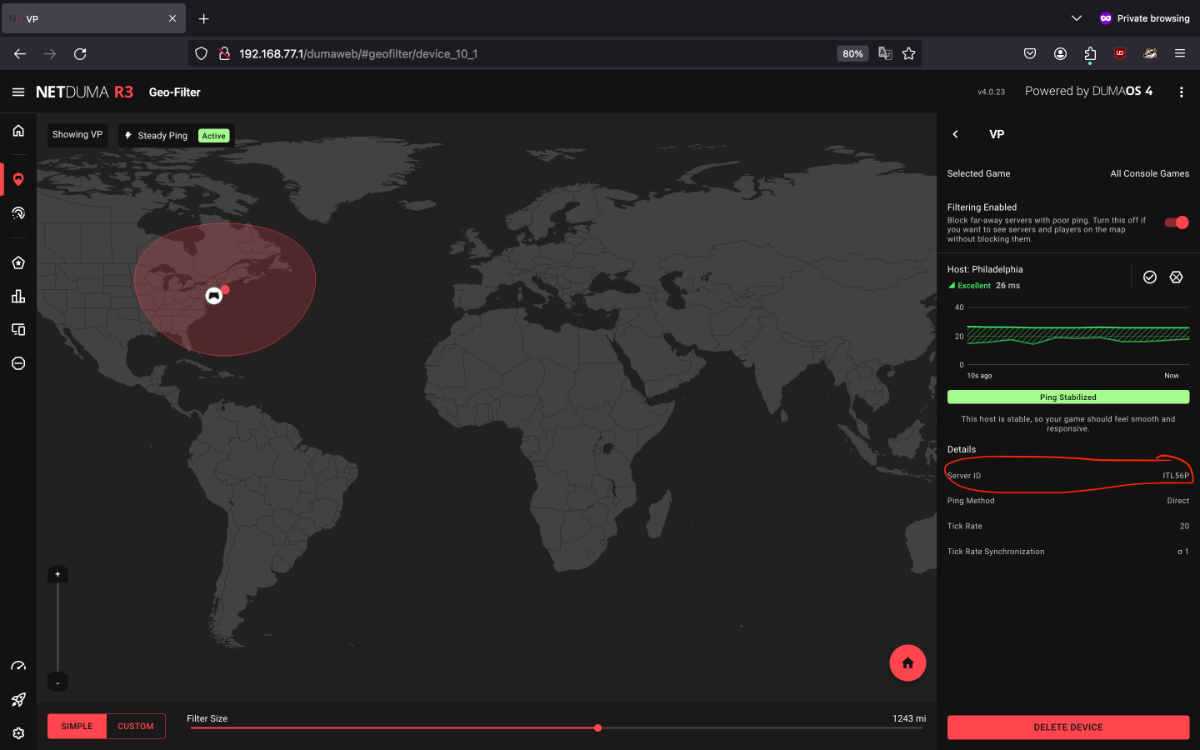
@vinu hunter My guy people have already tried to explain what your situation in your case you want to act like a buffoon then keep acting like one there the translation in your language if you can even read that is...😂 Once HVPN is available you can use it with geofilter and should be able to get better routing doing so and lock into the closest server but as of currently were waiting for the feature to come back. It clearly doesn't state anything about routing but the ability to select nearby servers to connect to in addition you don't necessarily need the ping heatmap most servers will be around you and you can tell were there located by launching the game and looking at geofilter. If you want them to be supported quicker add the ID as this is mostly data collected from Users and Netduma 0113 (1).mov
-
@jmoorect1979Packet loss shouldn't be appearing unless there a download or something though you can manually prioritize your device so it doesn't happen if packet loss still appears I recommend diagnosing your network using https://www.pingplotter.com/ To add I doubt Rocket League is coming back to the DPI as it has encrypted traffic so it just going to have false positives that why it was removed from the section
-
What games are you exactly playing? If there not on the list then it not going to show up as active as it isn't supported you can check the supported games by going to Smart Boost and then selecting add and check the list of supported titles
-
.thumb.gif.4a8d59f41391d88092e62269cfe1e7ec.gif)
Firmware 0.23 - Router is restarting randomly every 2 hours
DARKNESS replied to DeeKay_FPS's topic in Netduma R3 Support
@DeeKay_FPSIf possible before it restarts but it doesn't generally matter as it can provide some info though did you try hard resetting the router? -
Firmware 0.23 - Router is restarting randomly every 2 hours
DARKNESS replied to DeeKay_FPS's topic in Netduma R3 Support
@DeeKay_FPSHave you tried doing a hard reset? if possible capture a log by going to Settings>Troubleshooting>Advanced>System Logs>Download Logs -
@DerlandesShould be this month if nothing unexpected happened....
-
Fixed CPU usage spike issue coming next week.
DARKNESS replied to Netduma Cameron's topic in News & Announcements
@Netduma CameronSo basically it a packet acceleration focused CPU like the XR1000 has...makes sense if it for stability I just thought that wouldn't have an effect if all CPU's were used to balance each other but I guess I am wrong on that end... -
Future of Dumaos R&D...
DARKNESS replied to Krush's topic in Feature Ideas & Improvements for DumaOS
@FuzyYeah that works as well you could say you can mod it a bit like getting a wall-mount and mount it or you can just buy some double sided tape to be more cost effective and stick on wall...I think of it more like a smart thermostat though I do believe I am overthinking. -
Future of Dumaos R&D...
DARKNESS replied to Krush's topic in Feature Ideas & Improvements for DumaOS
@FuzyTechnically you can do that though as Fraser said it expensive the method would be using a raspberry pi and then buying a display for it though if you have the pockets then you can make it possible and you can use the raspberry for several other things if you decide to do so... -
It currently a bug am sure there already aware off and are working to resolve in the mean time just adjust your cc settings manually
-
Different settings recommendation for COD MW3
DARKNESS replied to Psyco-Mengo's topic in Netduma R3 Support
For Geo-Filter I recommend the following * Disable GeoLatency * Disable PingAssist (set it to 0,0) * Enable Strict Mode * Disable Fast Search You don't need dmz unless it necessary for your own network if you nat type 2 with upnp you don't need to do anything else same with port forwarding as it port fowards the ports automatically no need to waste time finding ports. For Congestion Control that is something that is based on your own network you can't necessarily copy someone else's settings and expect to work as everyone has different networks and all react differently. The best thing to do is use bufferbloat---https://www.waveform.com/tools/bufferbloat or pingplotter---https://www.pingplotter.com/ and see how your network reacts the lower or higher the bandwidth you give under CC settings while saturating it by doing a speed test. -
@The_Optimizer

-
Fixed CPU usage spike issue coming next week.
DARKNESS replied to Netduma Cameron's topic in News & Announcements
@Netduma CameronSo as you work on the CPU section is there particular reason why CPU3 is mostly IDLE? -
@iOrcusDid you check test bypass was disabled and set to always on cc also you might need to double check as it doesn't save on incognito most of the time you basically have to keep reapplying till it applied something am sure there trying to solve at the moment.
-
@Kevomeister011If speed test Bypass doesn't appear try using incognito and check whether it appears...So when you switched ports did you get any different results? Also am referring to the ports on the R3 not your switch.
-
@Kevomeister011Did you try switching lan ports and checking whether speeds changed since I had a bug were it was slow on one specific port...
-
Are connected by LAN or WIFI?
-
I have had about 7+days or so though personally that because I am tweaking stuff and testing things out..it pretty stable for me though there are users that can't access the UI so they typically reboot so there's that so it going to per users case etc...I'll probably run a benchmark as well to see how long it can stay up though I'd wait till the firmware is more polished as it currently does have bugs.
-
@Netduma FraserSo I retested it with older firmware and I guess this only happens when you reinstall the same firmware as you don't get the following prompts if your using a different firmware. I did original have some sort of CGI error when updating so that may need to be looked upon or that might been the cause etc...
-
@Netduma FraserHey so I tested whether you could update through the dumaos app since someone else told me they couldn't and I guess it is indeed a bug since I couldn't do it either. Logs provided when the crash happened it does show the processes being killed there also the footage to add the interference becomes inaccessible till 2-3 minutes after. R3 DUMAOS APP UPDATE CGI.txt R3 2ND TEST.txt lv_0_20240108190105.mp4
-
If I were you and you wanted the software features updated quicker and new additions you should definitely stay with the netduma series and just use an access point for wireless connectivity as the wireless connectivity isn't so good when it comes to range but if you live in a small apartment then it doesn't matter it just in households were you'll need an access point for range.
-
@iOrcusI would just recommend setting the speeds manually as we can't adjust the slider the way we want currently...if you remember your settings then put it on the R3 should work the same way your just forced to input the speeds.
-
@Netduma FraserDo you know when’s the DPI getting updated?
-
@KinomoriI would advise updating to the latest version even though it just minor security updates I believe netgear is lazy and can't even push the update through the router so there that...so you have to do it manually. https://kb.netgear.com/000065541/XR1000-Firmware-Version-1-0-0-68
-
@Proud R3 OwnerIsn't it just a basic website about finance if there no VOIP then there isn't much of a point as it just like searching for an URL
.png)
