Netduma Fraser
-
Posts
86491 -
Joined
-
Days Won
1866
Everything posted by Netduma Fraser
-
 Not the Heatmap ping, what does the blocked triangle ping at? Factory reset certainly wouldn't hurt
 -
As in, on your phone, connect to the R3 WiFi again
-
Great to hear, thanks for the update!
-
Yes there should be, it is detecting servers though, is there nothing other than that blocked triangle that appears on the map when zoomed out? Does that blocked triangle appear during the entire match? Ping it manually, what ping do you get?
-
Adblocker no longer blocks adds from https://www.light.gg
Netduma Fraser replied to Orionsnet's topic in Netduma R3 Support
Glad to hear that sorted it! It should just be Spanning Tree that needs to be disabled, my IPv6 was disabled for example. Yeah PO/Speed Test we're aware isn't 100% reliable currently, we'll get that sorted, in the mean time adjust them manually/use other tests -
Do this: Quit the application/game/client completely Remove device from the Geo-Filter Give PC PlayStation Device Type in the Device Manager Resync from the Geo-Filter Map menu Re-add the device to the Geo-Filter Set up the Geo-Filter how you like Wait 2 minutes Boot up application/game/client
-
There is a blocked icon on the map there so it is showing servers, zoom out fully and see if anything appears, if not try with the normal radius mode instead
-
Adblocker no longer blocks adds from https://www.light.gg
Netduma Fraser replied to Orionsnet's topic in Netduma R3 Support
Could you disable Spanning Tree Protocol, reboot, then try again please? -
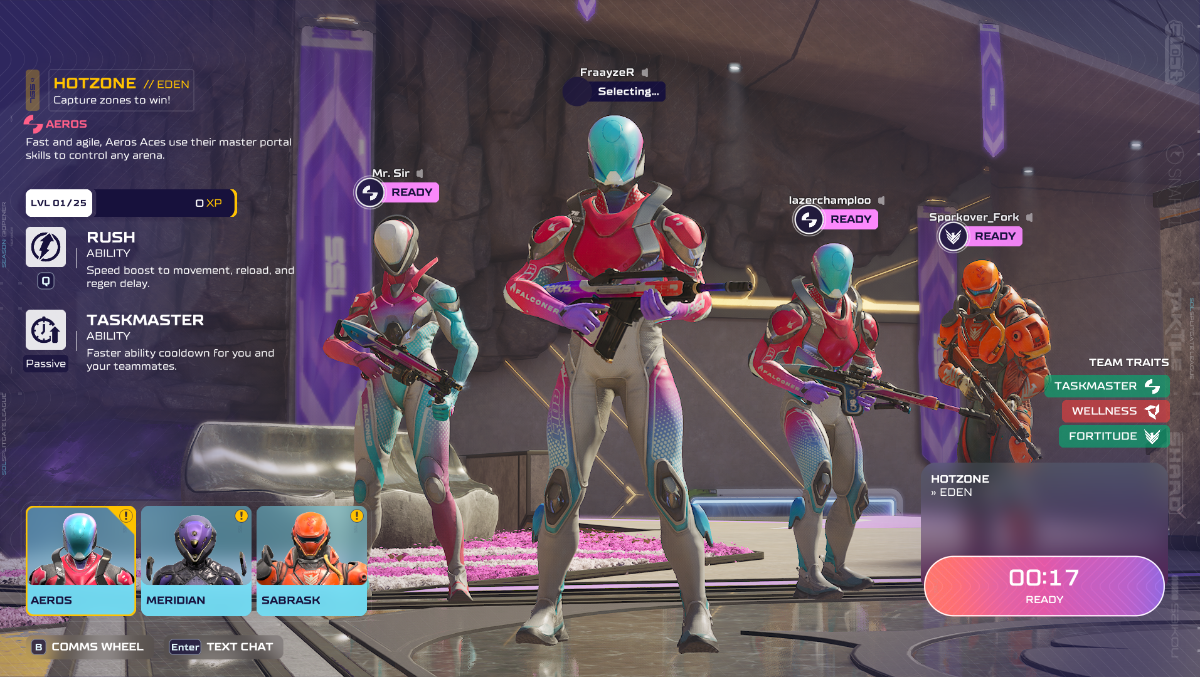
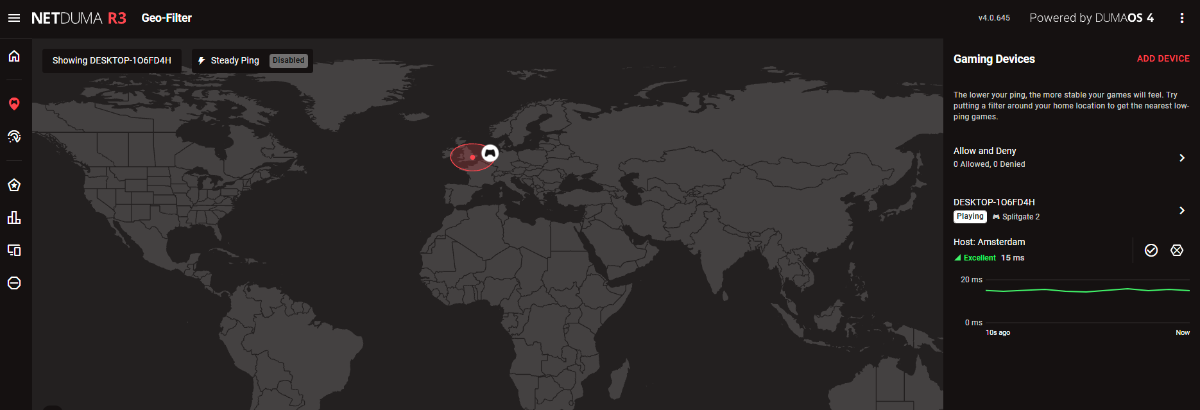
Mine seems to be working fine, Steam was already open in the System Tray but then I added my PC to the Geo-Filter and launched the game. Important to note, it doesn't show servers being blocked/allowed like you might be used to with Call of Duty for example, it just shows the game in your radius when you get one, the screenshot above in game is when it first showed for me
-
Netduma R2 Keeps Factory Resetting on its Own
Netduma Fraser replied to schmizzbeats's topic in Netduma R2 Support
The XR1000 still has DumaOS though. How are you determining that the R2 runs fine without DumaOS when it doesn't run any other software? -
Adblocker no longer blocks adds from https://www.light.gg
Netduma Fraser replied to Orionsnet's topic in Netduma R3 Support
From a factory reset what specific settings have you/did you change exactly? Have you disabled SmartBOOST or DPI at all? -
Netduma R2 connection constantly shutting off
Netduma Fraser replied to guymetal's topic in Netduma R2 Support
Opera may force HTTPS, see if there is a way to disable that and try again -
I can mention it, them knowing what that is based on that information is another matter. I'll test the game myself as well to double check
-
Use the DMZ or Port Forwarding, not both Having Filter Mode Off means you will not be Geo-Filtering, it will not impact what servers you get connected to You can disable Allow Ping if you like but you don't need to disable any of those options to improve your game experience Steady Ping stabilizes the ping so it doesn't fluctuate and you have a smoother experience, it adds ping so some people like using it, others don't, best to find what your experience is like with it enabled/disabled and decide from there I wouldn't suggest using a VPN when playing, your ping will be higher
-
I've chased them but don't have any kind of ETA for it
-
Netduma R2 connection constantly shutting off
Netduma Fraser replied to guymetal's topic in Netduma R2 Support
Is that with both ethernet and WiFi as well? What web browser/device are you using to access and does it happen on other devices/browsers? -
What do you get on speedtest.net via ethernet? Where are you testing the speeds over WiFi? Try these suggestions: Split the bands, give 2.4/5GHz different names and apply - you'll want to connect to 5GHz specifically for speeds Use a WiFi analyzer to find the least congested channel and change to that Experiment with the widths to see what gives better results Ensure it's in an elevated position - not on a metal surface Ensure there aren't any electrical / wireless devices e.g headphones etc within close proximity ~3 feet if possible Set the antennae to this position _ | | _ I think I got that actually, still play it from time to time, thanks!
-
If they're hosting the lobby/have invited you into a game then unless the server is within your radius, most likely you will be kicked and they will continue on to play. You should be the party leader which then should keep the party together if you're filtering and unable to connect to a server
-
Added - it has been removed temporarily
-
Netduma R2 Keeps Factory Resetting on its Own
Netduma Fraser replied to schmizzbeats's topic in Netduma R2 Support
Best to make a new topic so we can focus on you there, did you try the power suggestions I mentioned above? -
Netduma R2 connection constantly shutting off
Netduma Fraser replied to guymetal's topic in Netduma R2 Support
Do you get that with both http://dumaos & http://192.168.77.1 ? -
I don't think we were planning on testing it specifically but I can make a request to the team
-
Can’t seem to use my ROG Alley with EE Net Duma
Netduma Fraser replied to Redflame's topic in Community Discussion
We don't give out any ETAs but I think it will be coming, although I don't have the finer points on it It doesn't really matter as it should essentially disconnect everything from the internet when running the test, however if it isn't doing that then I'd suggest doing it idle. It just forces a download of the Geo-Filter cloud database - you shouldn't ever really need to do it. It downloads the cloud automatically anyway. -
Added
-
Netduma R2 connection constantly shutting off
Netduma Fraser replied to guymetal's topic in Netduma R2 Support
Good to hear! Needing to reconnect as in you access it and its like you've disconnected from it but then it loads the interface?
.png)