Netduma Fraser
-
Posts
87496 -
Joined
-
Days Won
1946
Everything posted by Netduma Fraser
-
Pinned. Also to clarify, we're absolutely fine with it being published on the Chrome store as long as it is safe - which I assume it is
-
That's awesome! I don't see a problem with it at all but will get clarification on it. Good job, love it
-

Post your Secret Santa Gifts here!
Netduma Fraser replied to NETDUMA Santa's topic in News & Announcements
I've only just noticed those huge bags under my eyes - jeeez! -
Post your Secret Santa Gifts here!
Netduma Fraser replied to NETDUMA Santa's topic in News & Announcements
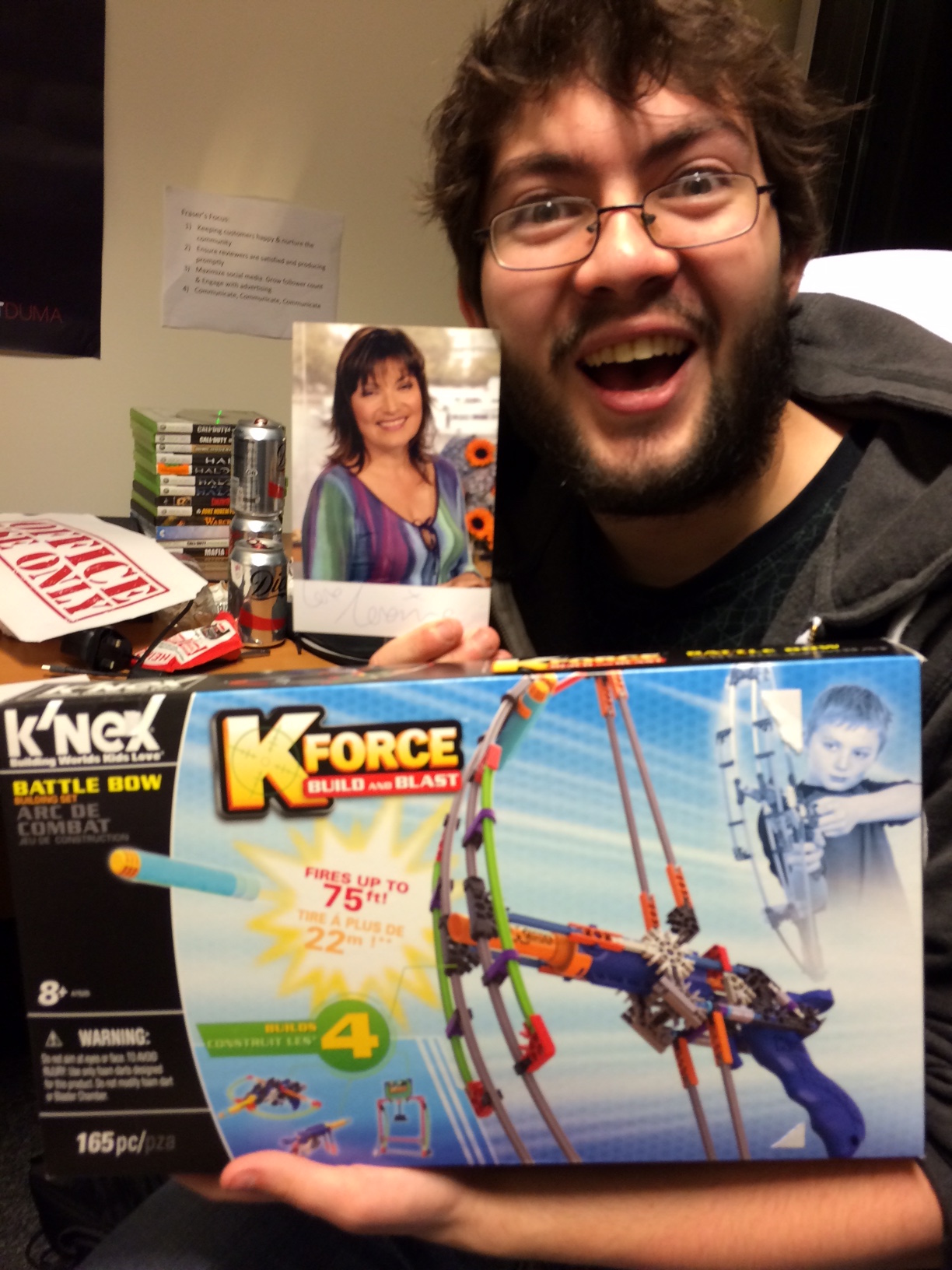
Thank you very much quick faith for my present! Loving it I lol'd hard at the Lorraine photo too

-
I have updated the main post with those that have signed up so far. Rules etc will be posted closer to the time. For the few questions that have been asked. It will probably be core and yes you can participate if you don't have a duma.
-
No I mean for the peer ping service make sure its the right one for the slot you have your console is in Just double check the auto&bleeding edge cloud is selected, settings for your speeds, cookies on, upnp forwarding disabled if duma in DMZ of hub. What does peer ping show for average ping now?
-
For peer ping make sure you have the correct service selected for it (corresponds to the device in the slot you have at the top of the page) Make your radius ~1000km and with peer ping after doing the above what is the average ping? Is congestion control set?
-
That is a player so I can't add it to the cloud, are you waiting for Geo-filter to clear after blocking them before searching again?
-
They should still connect to the dedicated server you're connected to. Are you experiencing less booting with the cloud update decimalator?
-
Post your Secret Santa Gifts here!
Netduma Fraser replied to NETDUMA Santa's topic in News & Announcements
Thanks Secret Santa! -
Okay do your best and let me know if you're able to get it Yes you can PM but really as long as the cloud settings have been updated, PA 0, strict off and you should be good to go. That's what I'd mainly be looking for With strict off? Are you getting anything come up as blocked when this occurs? If so please provide me with the IDs If you get it again please provide the ID when you get booted
-
Is that with strict off? Want to get rid of all booting if possible, please do provide me with the ID of the host that is blocked when that occurs again. They won't be connecting to you so are forced to connect to the dedicated server within your radius, which is good for you. No need for their IDs unless you believe they're incorrectly located if you ping them
-
I've put the Destiny update out now. Please have auto cloud & bleeding edge cloud ticked and applied in settings > miscellaneous. It may take up to 4 hours to propagate. Please let me know your feedback.
-
It'll be dropping today, will update as soon as it goes out
-
Come on everyone get signed up, have a blast with community members and potentially win prizes, what's better than that?
-
UPDATE: I've put the Destiny update out now. Please have auto cloud & bleeding edge cloud ticked and applied in settings > miscellaneous. It may take up to 4 hours to propagate. Please let me know your feedback. Original post: I've been testing Destiny Taken King, I've made some changes looks like it's working well I'm just double checking all playlists to make sure but once thats done I'll release a mini cloud for Destiny tomorrow. After that I'll do a main cloud update for incorrect locations, dedicated servers etc. I'll update this post when it's been released.
-
Post your Secret Santa Gifts here!
Netduma Fraser replied to NETDUMA Santa's topic in News & Announcements
Thats actually my desk -
*YOU CAN SEE THE RULES/GROUPS HERE* Our next FFA will be on Sunday 3rd January 2016 for Black Ops 3. Post in this thread if you wish to participate: Gamertag: Console: Your Home location (e.g. UK, West Coast US etc): We will stream the FFA to Twitch and there will be prizes Seeding, rules etc will be posted closer to the event. Current signups PS4 - EU: littlemantate - UK Macca60 - UK brydie123 - UK Burdy-75 UK Madjust - UK Andynewns - UK kessuade - FIN s4wCOD- - UK MrDuck917 - NETHERLANDS little_saturn - UK ezra24rct3 - NETHERLANDS Axcentric - UK ziCriMiNaLz- - Ireland MissShellly - Denmark NiNDo35 - Netherlands TryHardUndies - UK Ti-Kuan_ - Portugal Kyngford - Austria Darkrideractual - UK SLCupra - Luxembourg Total players: 20 PS4 - NA: FQs19 - USA Mrfncypants - USA LDase - USA XclusiveTheJMan - USA protectionplan - USA Throwerguy - USA Epic_glitcher_13 - USA G_Myx - USA oPlutohhh - USA Djlvx - USA Crazyed98 - USA Thegoatkc- - CAN JonTheAvenger - USA gam3_d3 - USA i_-GoHard-_ - USA ItzzzChronic-_- - CAN TheRobotGAMER - USA WrathofTank - USA xolhid - USA DoYou-Know-Lexis - Puerto Rico peacemaker - USA r1ch516 - USA ERG_Tybo_Ingram - CANADA MOTMoxie - USA kyoiiism - USA Total players: 25 PS4 - ASIA: xcrossCARNAGEx - INDIA Dellgenius - Saudi Arabia Total players: 2 Current signups XB1 - EU: Pro Innocence - UK Netduma Luke - UK Madjust - UK RADDY1993 - UK lkonviict - UK VI BaTii BoY x - UK xRated Hades - UK Netduma son - UK oatesy50 - UK MoobsLikeJabb4 - UK brotherR0mulus - UK princGago - NORWAY Total players: 12 XB1 - NA: JoshWRECK - USA Zoonite - USA SweetLeviathan7 - USA UnrL OSoMarr - USA Rx ATLAS - CAN yobigdusofly - USA ClownPuncher15 - CAN Gotendo - USA Cderst US - USA Infamou5 wolf - USA xcomplexIONx - USA mitha dirty - USA FRE5KO - USA xXMegaKill973Xx - USA Singedpancakes - USA Notherealance - USA Reconn3cted - USA BRAD94LEY - USA RSXbig0 - USA DogAVitch - USA Total players: 20
-
The deadline closed unfortunately and clips should be under a minute, ideally 30 seconds
-
Yes it is, I'm collating the clips. I'm working on it but have been super busy recently
-
I realise a lot of you may not follow us on Twitter or social media so I'm posting it here so you don't miss out on the chance As it is rapidly approaching the holidays we have decided to do a huge giveaway! So if you've got an old Twitter account that you don't use much I would recommend jumping on just to take part. One lucky person will receive: Choice of a PS4 or XB1 Game of your choice NETDUMA Router You can enter here, good luck to those that enter!

-
Due to missing the deadline to close this myself I will end this tomorrow 27th November. If you want to take part now is the time, please post here
-
Black Ops 3 Update, Upgrade, Cloud & Extras
Netduma Fraser replied to Netduma Fraser's topic in News & Announcements
The upgrade seems like its working great so far. We are just waiting on a few US guys that had some issues but we believe that may just have been a case of them updating to the previous version. We will update you with more info/release asap. -
Black Ops 3 Update, Upgrade, Cloud & Extras
Netduma Fraser replied to Netduma Fraser's topic in News & Announcements
That's not really our area as we are limited to the servers the game actually provides to players/consumers. However rest assured if we do find any they'll be moved so you can have a better experience. ----------------- Just a slight little update, the upgrade appears to be working well for most of the testers which is fantastic news, there are a few that are having issues so Iain will be dedicated is day to getting those fixed as quick as possible. When it's released we'll let everyone know how they can download it. The cloud update will be going out today regardless, make sure to keep auto & bleeding edge cloud ticked and applied. -
Hey everyone, Final testing for the upgrade is being done right now, it should be released to everyone tomorrow morning barring any bugs that will be fixed but we're quite confident it's a good stable upgrade. It will fix the hosts outside of the radius as well as improve upon Ping assist massively, to the extent that you could use it exclusively if you wish to. We've got a massive cloud update incoming as well that will go out tomorrow and will streamline the Geo's performance. In addition, In about a weeks time a small update will go out allowing you to temporarily block dedicated servers, so If you're getting a terrible one time and time again, say goodbye to that! Once all of this is done you will have ultimate control over your BO3 experience. We will let you know either way tomorrow if there are any delays on the update/cloud.
.png)