Netduma Fraser
-
Posts
87243 -
Joined
-
Days Won
1924
Everything posted by Netduma Fraser
-
 Awesome, hope you enjoy them
 -
Black Ops 3: Hosts outside radius
Netduma Fraser replied to Netduma Fraser's topic in News & Announcements
I really would not pay attention to the trace route, it is quite inaccurate, in fact we are thinking of removing the feature all together. Just focus on the ping itself. Should be out very soon, Iain has been working tirelessly all day on this task -
Anyone else want to join in the holiday spirit? 11 days until signups close
-
Yeah there was an issue getting the cheetah on the front originally, so I put it on the back instead, I can see if I can place it on the front now As it is custom made it is a bit more expensive than mass produced clothing
-
The time has finally come, our apparel store is now open for business! Here is the link We make a small profit on each item sold so we have decided to put every penny we earn on apparel back into the community e.g. tournaments, competitions, prizes etc. We'll let you all vote on what you would like to do with the profits. I can change the design/product combinations so let me know if you have a specific request. To be able to offer you all these designs we are using Spreadshirt - a very respected t-shirt company.
-
Hey everyone, two things: Hosts outside radius - We know how to resolve this and we will put it into the upgrade. We have figured out how to optimise the Geo-filter better than ever before! We believe BO3 will be super smooth and working really well once this has been done. Stay tuned to the forum, we hope to get this cloud and fix out to you by the end of the week if all goes well.
-
Sounds like you may need to DMZ the R1 http://wiki.netduma.com/doku.php?id=how_do_i_open_my_nat
-
Black Ops 3: Hosts outside radius
Netduma Fraser replied to Netduma Fraser's topic in News & Announcements
Sorry I mis typed, I meant have you named, rated them low, updated. Clicked off the descriptor and after waiting for Geo to clear got that same one pop up? -
Black Ops 3: Hosts outside radius
Netduma Fraser replied to Netduma Fraser's topic in News & Announcements
Have you made sure to rate it highly and click update on it? When you've done that click off the host descriptor, when you get another game does it come up again with the same name? -
Black Ops 3: Hosts outside radius
Netduma Fraser replied to Netduma Fraser's topic in News & Announcements
Was it the exact same ID? Many are clustered in the same area. You can try it with bleeding edge on as well -
Hi there please could you read http://forum.netduma.com/topic/8866-black-ops-3-nat/
-
Please see my post above yours that I just posted as it's the same issue I believe.
-
The reason you need NAT is because you only have 1 internet IP address but you have multiple devices on your LAN. So NAT does fancy tricks to make all those devices appear as 1 computer. NAT in nearly all scenarios is transparent, you can't tell it is happening which is great. The only time NAT is visible is when the first packet for an application comes from the WAN side first instead of LAN which is far more typical. When that packet arrives it has no idea which device to send it to. So this is where port forwarding comes in, if the packet is destined for a particular port the port forwarding table tells it which individual device to forward the packet to. Obviously you can't have 2 devices port forwarded because then you're back at the same problem, which device would get it? The way to get multiple consoles to get open NAT is usually through UPnP. It simply automates the port forwarding process so the game can dictate to the router which ports to open. In the case of the multiple consoles the second console would open a higher number port. So what you should do if you have multiple consoles is delete all port forwarding and let UPnP do the work. If you have UPnP and Geo-filter disabled and it's still not open. Unfortunately that is a game issue and we're not able to help you. I realise that is frustrating, I hope this explanation at least helps you understand the reason why. We're not trying to pass the buck. If you're behind another router make sure it has no port forwarding rules and the R1 is put in its DMZ.
-
Black Ops 3: Hosts outside radius
Netduma Fraser replied to Netduma Fraser's topic in News & Announcements
@r8rs4lf Can you click the disable button at the top of the Geo-filtering page on your PS4, enable, then disable and enable it again please and then wait 2 minutes for Geo to clear and try again. Also your radius is very small, do at least ~1000km. -
Black Ops 3: Hosts outside radius
Netduma Fraser replied to Netduma Fraser's topic in News & Announcements
Can we do another 1 on 1 with bleeding on please -
Hey everyone, I wanted to address this NAT issue that multiple people are having. We may be blocking a NAT server which is responsible for checking your NAT type on the game. If you remember, this was the case on AW. The simple way to fix this is to disable your Geo-filter when you boot up the game. That way the Netduma then behaves like a normal router, in fact it's much better as our UPnP server is very good. If it works then fantastic, it is just a false reading and you can enable and play without issue. If after disabling the Geo-filter the issue is still occurring but you have an open NAT on your console and other games then this is an inherent problem with the game itself. Remember the game is still in it's infancy and also had these issues in the beta. If this is happening to you then try rebooting the router and disable the Geo-filter, if it is still not open then you can post a picture of your "Settings > UPnP" page here to check the correct ports are open. If they are then this is definitely an issue with the game. Don't worry worst case scenario we can show you how to manually port forward, it's not that difficult but let's just confirm whether the game does indeed have a faulty UPnP client. Thank you. P.S. Any threads relating to this we will close and refer here so we can collect all in one place.
-
Hey everyone, I want to address this issue that people are having. I've spoken with Iain and we are certain that it is impossible for any hosts to appear outside of your radius. Even if they are mis located. It should not be happening if you've followed the below steps: Auto & bleeding edge cloud ticked and applied. Your device on Geo-filtering page is selected with the correct service and the button underneath says "disable". Strict mode is ticked. Ping assist at 0. You have let the Geo-filter clear by waiting ~2minutes for any changes to take effect - (this is our anti-cheat feature) I've done 1 on 1's with multiple people today and I haven't found one that experienced this issue when these steps were followed. If you believe that this is still occurring I am more than happy to do a 1 on 1 with you. I will however just be performing the steps above. I'm in the UK so please keep in mind I can only do reasonable GMT hours. Thank you. P.S. Any thread related to this issue will be immediately closed and referred to this one so that we can collect in one place.
-
I've responded to your thread
-
Thanks for the feedback guys! @Ramakant was anything showing up as blocked when you were getting booted? If so can you provide me with the IDs please.
-
Hi everyone, I realise a lot of you seem to have issues with the game, whether that be connecting to hosts outside your radius, being booted, lag etc. I want to thank you for being patient. This is a massive game for everyone including myself so I realise how frustrating it can be when it doesn't work correctly. Lag: Some of you are experiencing a lot of lag, this game is massive and has a HUGE player base, therefore the likely hood that dedicated servers are getting hammered is high. This can lead to lag especially during peak hours. I'm not trying to shift any blame here just something to keep in mind - it's still early days! Make sure you all have your congestion control settings set up to eliminate any local congestion. That means 70/70 sliders and prioritising your console. Ensure you have your Geo-filter set up to avoid far away hosts - strict off, PA at 0 etc. I realise some of you may be connecting outside your radius, more on that below. Booting: Some of you are experiencing booting issues, such as in parties or after games have ended. Are you seeing anything being blocked when this occurs? Make sure to add your friends to the allow list as well. With strict mode off does the issue still occur? If it does do you see anything getting blocked? If no then it could be an issue with the game. I would recommend disabling the Geo-filter once you're in a game if you are experiencing this. If you still get booted then it is definitely a game issue. Hosts outside your radius: After initially seeing this I thought maybe there was an issue with the cloud update I put out, however I have checked this and it doesn't seem like it could be an issue. Just to check though try auto cloud without bleeding edge and see if it still occurs. Ensure you have strict on & pa at 0 and make sure your device says 'disable' is the issue still occurring? I will work with Iain tomorrow to ascertain what may be causing this issue. ---------------------------------- We will continue to work hard on this to see what is causing the issues and will try to continually optimise the game but we need your help! I realise many of you are frustrated however it is harder for me to help when there are 10+ threads about BO3's performance with the router. Please if you are having issues post in this thread along with IDs as this will make it much easier for me to see what is happening. I can not stress this enough. We need ID's to help improve the cloud. This includes: Mis located servers Anything that is being blocked when getting booted - especially with strict off, we somewhat expect some booting with strict on. If strict is getting you games but causes booting at the end this is something we need to know. IDs of servers you're getting outside your radius. IDs you think could be dedicated servers Don't be wary of posting too many IDs, I'd rather you posted 100 IDs where only 10 are useful compared to 5 where none are (even though 100 IDs would take a long time to ascertain their use haha). Please copy and paste the IDs rather than taking screenshots of them. As always we want to continually improve the experience for everyone, we're not happy unless you are. I hope this thread doesn't come across too badly we just want to provide a quality service and this would really help us do so. If you could also help spread this thread to the individual threads about BO3 that would be really helpful, thank you.
-
Jeff that kind of item is high in demand, therefore it's value is higher than allowed. However, if you're my secret santa I'll turn a blind eye.
-
Hey guys, it's getting close to the holidays so I thought what better way to get into the spirit of giving and community than by doing a Secret Santa! If you want to take part just comment down below with your location Please keep in mind you may have to send your gift abroad and this can be costly, especially if it is a heavy item. However I will do my best to regionalise it to save on costs for everyone. Please keep the gift price to around $30/£20/€25 so that everyone gets something of equal value. Signups will end 23rd November at which point I will close the thread and contact all those participating and let them know who their Secret Santa is. Remember it's all just a bit of fun!
-
Awesome, look forward to seeing it! Haha don't worry they'll be available very soon!
-
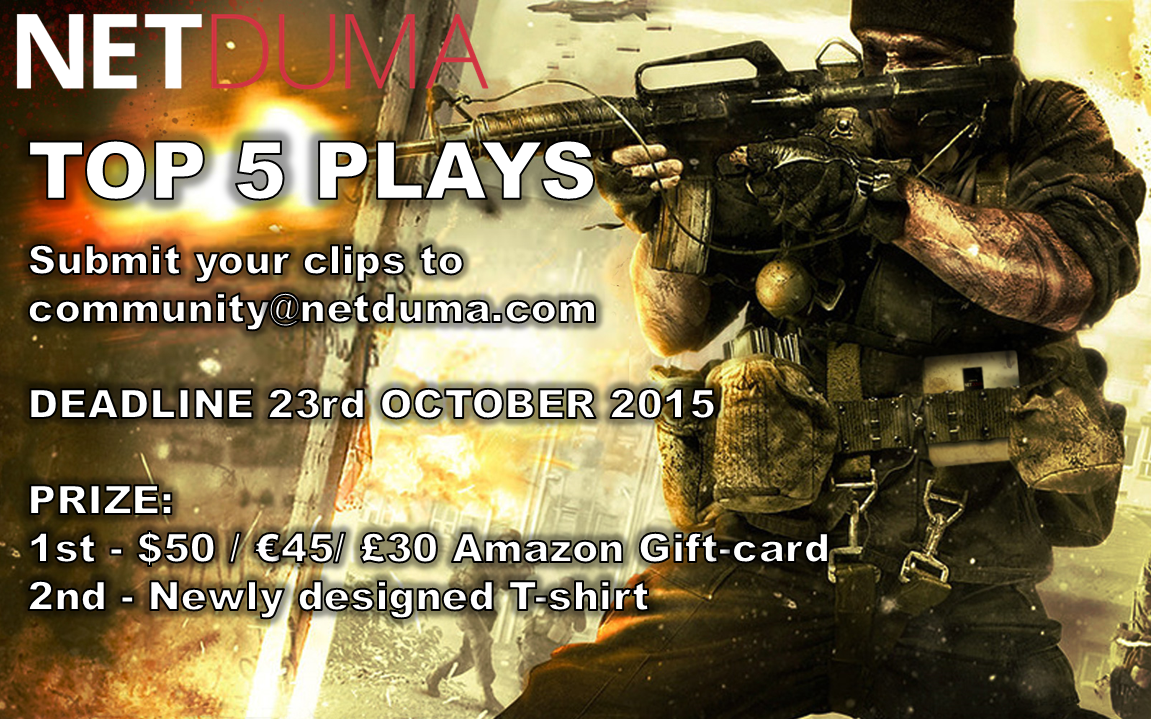
Hey guys, a lot of you are making videos now which is awesome to see, if you weren't aware we are doing another Top 5, this time with some prizes! Same as before send your ~30s clips to [email protected], at least 720p quality if possible, please don't overlay any music on it. Any games are accepted, good luck! Deadline is this Friday so get them in quick!
-
Hey all, Chive972 has been fantastic in assisting with French support often going above and beyond, doing 1 on 1's & translating the wiki for us. It can be very hard to give such a good level of support using Google Translate which can often result in not understanding each other so we are very glad to have Chive on board, I know I feel a lot happier knowing that Chive is available to help us take such good care of our French customers. Thanks for all you do Chive and welcome to the mod team!