Netduma Fraser
-
Posts
87496 -
Joined
-
Days Won
1946
Everything posted by Netduma Fraser
-
Hey guys, as you are probably aware us admins are all based in the UK and so that leaves a significant amount of time when we are asleep that the forums are unmoderated and this is usually when the spam comes through. So we have decided to have our first ever US based mod team consisting of abc123, fuzzy clam, Buck Nasssty and Dillinger. I think you would agree with us that they are all well deserving of becoming a mod! Congratulations guys, welcome aboard! If you weren't picked please don't feel left out, we value everyone here and I'm sure there will be times in the future where we promote more of you to be mods
-
Hey Dan, yeah please look at the thread Crossy has provided so you can mail in for the next one, I'll close this thread now
-

Calling all Destiny Players!
Netduma Fraser replied to Netduma Fraser's topic in News & Announcements
We have now updated the cloud, you should have it in around 4 hours time. Please select auto cloud and bleeding edge and apply. Please let us know your experience with it -
Calling all Destiny Players!
Netduma Fraser replied to Netduma Fraser's topic in News & Announcements
I'm in the process now -
Calling all Destiny Players!
Netduma Fraser replied to Netduma Fraser's topic in News & Announcements
I reckon it will probably be in the afternoon BST, we'll let you know when we've done it Haha yes that would be great! -
Logging on to the forum through a VPN
Netduma Fraser replied to Netduma Fraser's topic in News & Announcements
Yeah I'm sure we can do that, send me a PM with the IPs and I'll make sure they're not blocked -
Hey guys, so Crossy has identified that these pesky spammers have been very persistent in using VPN's to get around our IP bans. So this is more of a heads up for you guys if you're using a VPN to login to the forum that we will soon be banning a lot of VPN IP's in an effort to prevent these spammers from returning. Sorry for any inconvenience this may cause!
-
Calling all Destiny Players!
Netduma Fraser replied to Netduma Fraser's topic in News & Announcements
You can do as prencher says or invite them to your Fireteam one at a time and allow them like that -
Thats what I mean by not entirely finished. Finished one will have our logo and probably Dominate Lag as well
-
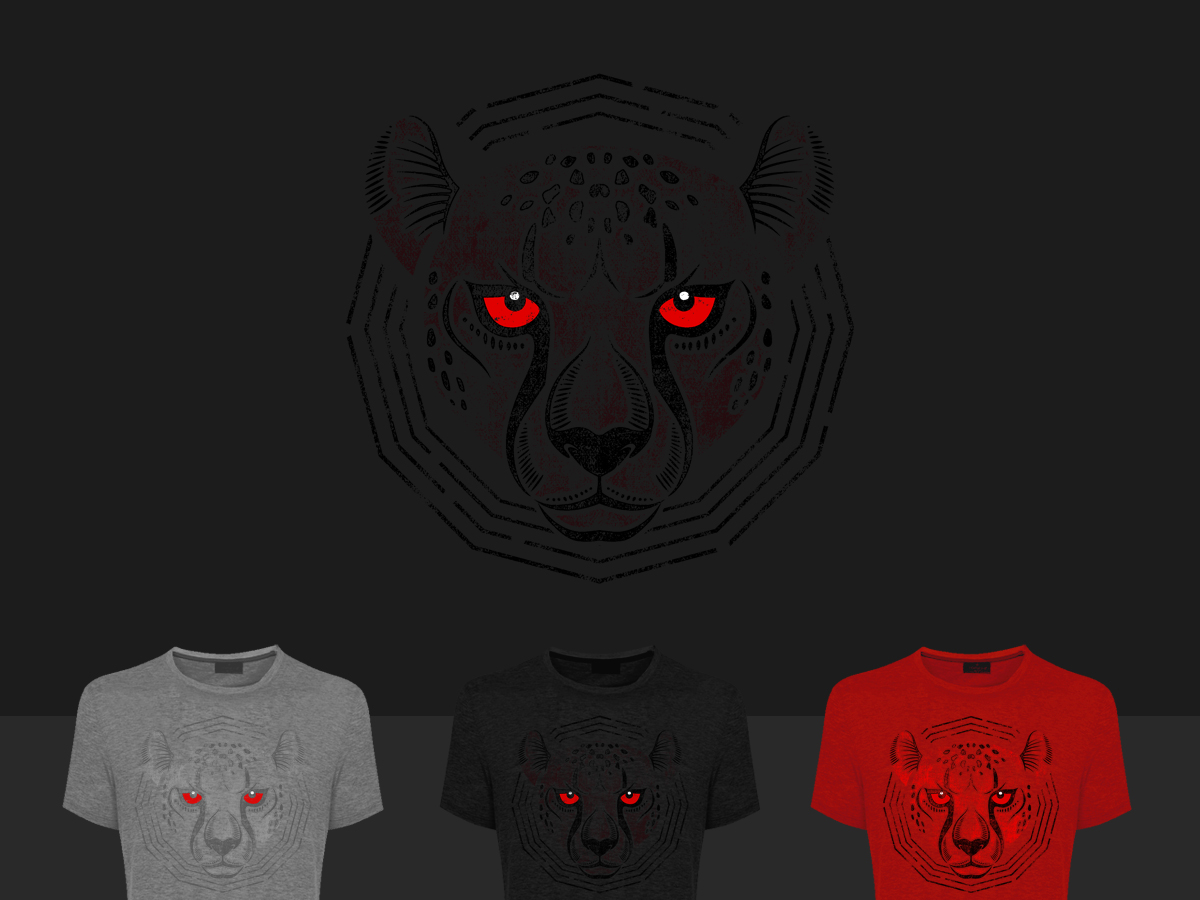
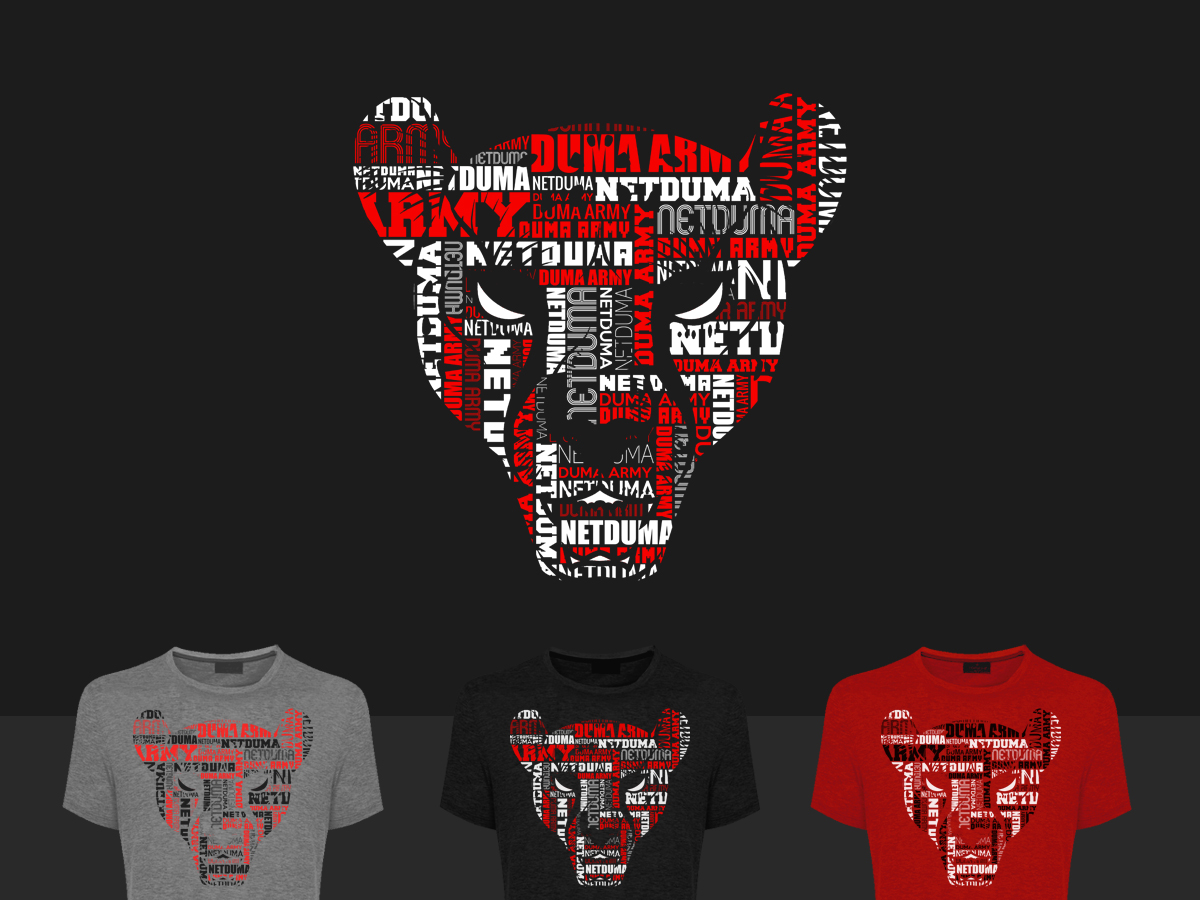
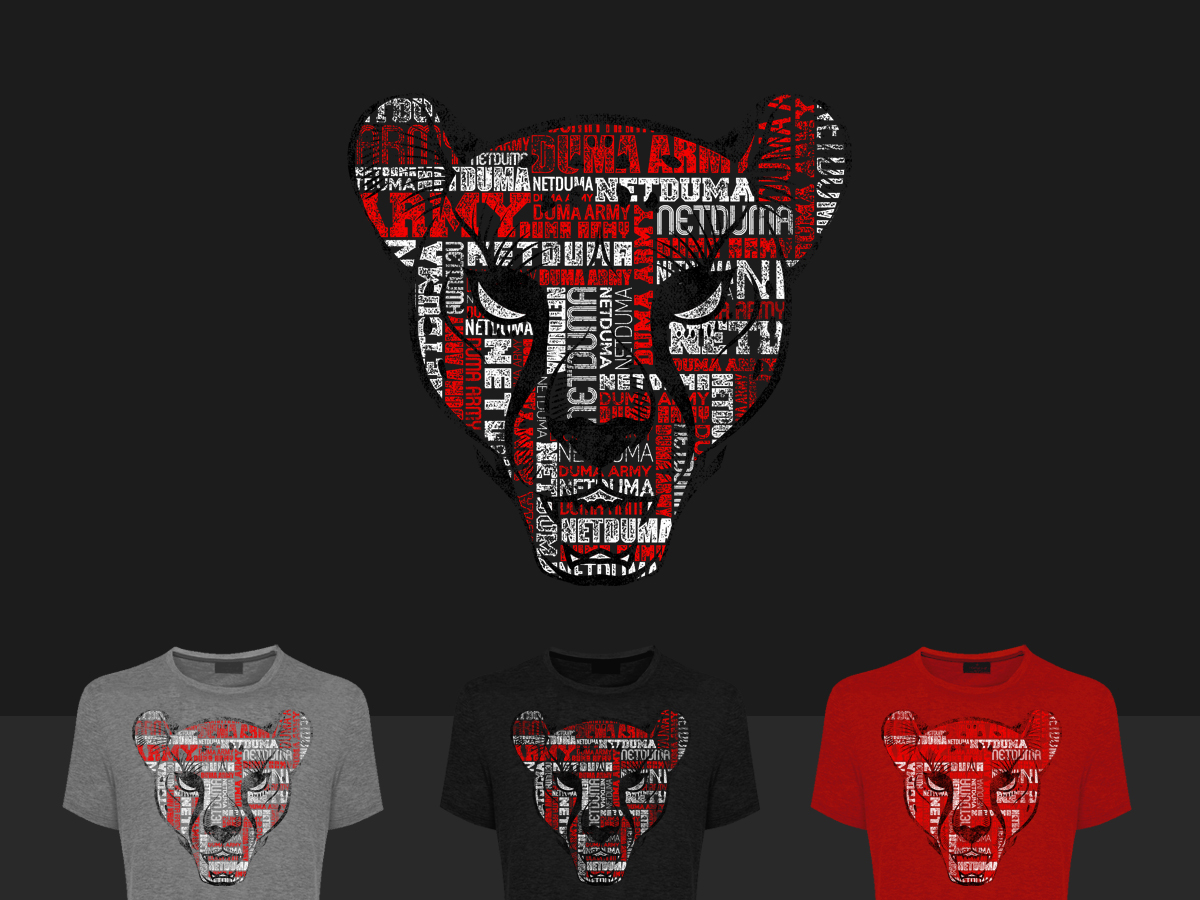
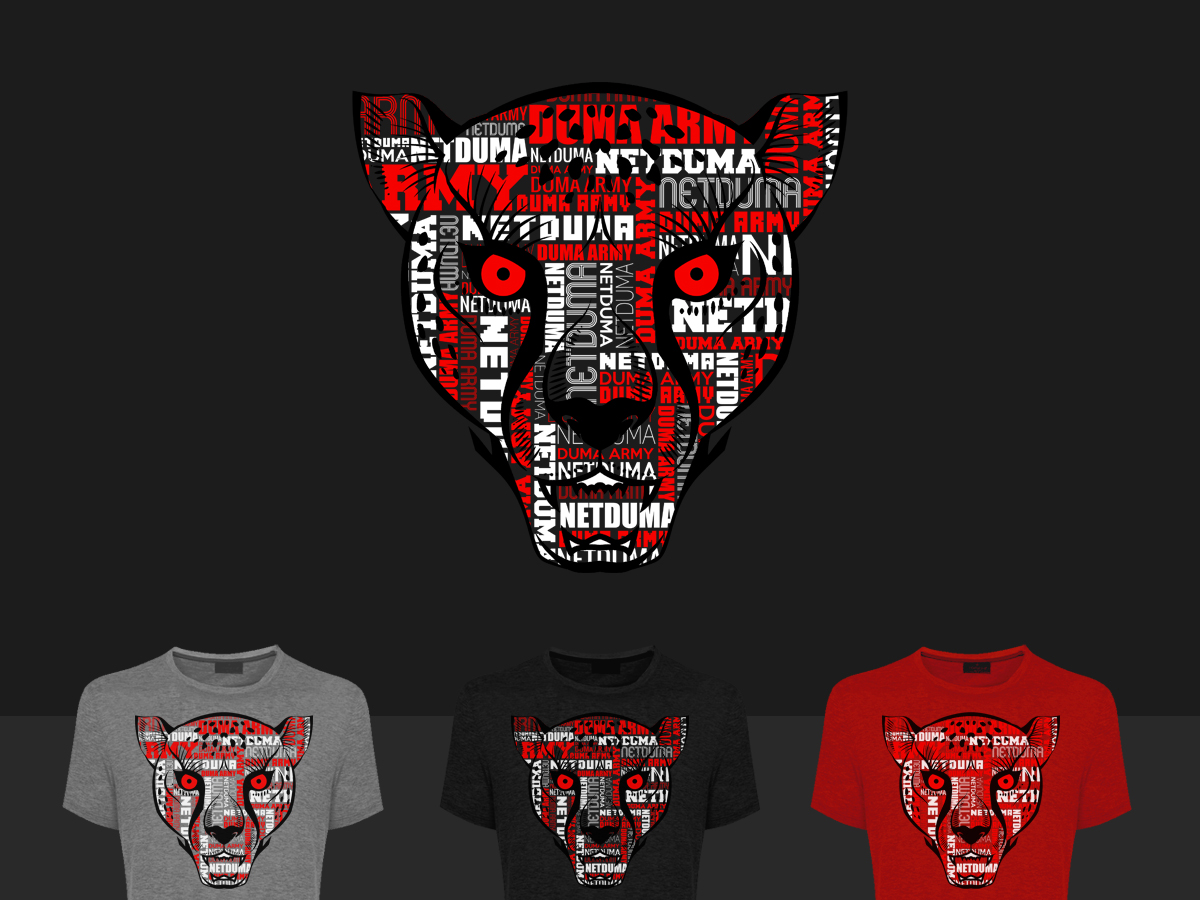
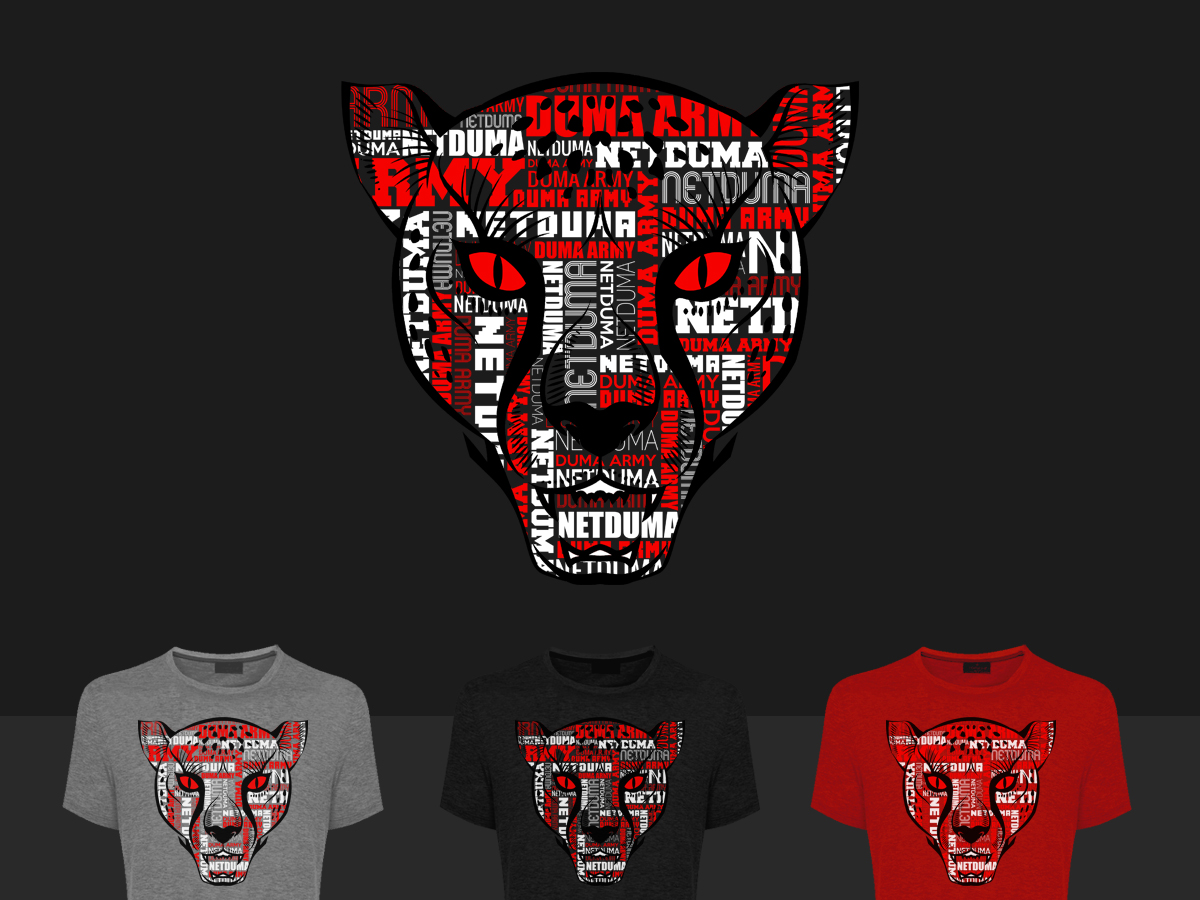
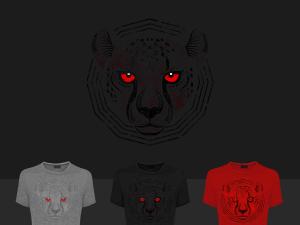
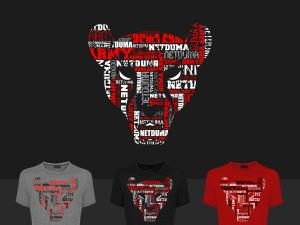
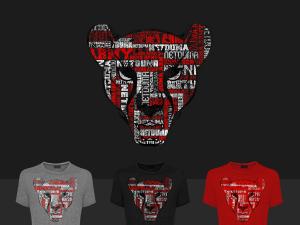
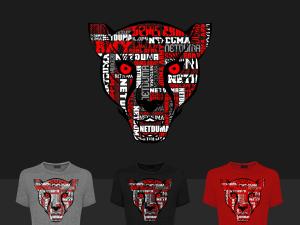
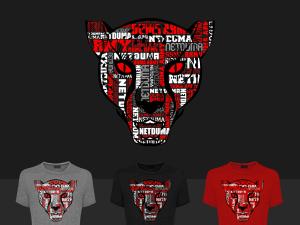
Okay guys these aren't completely finished will just need a few things done, but here are the initial designs we have, the last 3 are variations on the second design. Cast your votes and let us know your thoughts Design 1: Design 2: Design 3: Design 4: Design 5:
-
Calling all Destiny Players!
Netduma Fraser replied to Netduma Fraser's topic in News & Announcements
No that will be next Tuesday but glad to hear that! -
Calling all Destiny Players!
Netduma Fraser replied to Netduma Fraser's topic in News & Announcements
Yes I hope so! You shouldn't need to but it can't hurt to keep it on really Welcome to the forum btw! You should make a post in introductions so we can welcome you properly -
Hey Ivan, this FFA has already taken place but we'll be doing more in the future
-
Hey Ivan, this FFA has already taken place but we'll be doing more in the future
-
Calling all Destiny Players!
Netduma Fraser replied to Netduma Fraser's topic in News & Announcements
I know its in the ticket system, unless I'm mistaken it may be coming in the next update. -
Calling all Destiny Players!
Netduma Fraser replied to Netduma Fraser's topic in News & Announcements
It will be for everything really, CoD, Destiny, incorrect locations, should see a significant improvement across the board -
Hey guys, We'll be doing a massive cloud update next week, probably on Tuesday but will post back here when its been done. This should improve things a lot so we'd like to get your feedback when the cloud update goes out on how Destiny is performing for you.
-
Fixed, don't know what happened there haha
-
Thanks everyone for voting for our new YouTube banner, the winner was Nort with the majority of the votes, congratulations! Thanks everyone who participated, was awesome to see the designs everyone came up with. We've put the winning banner over on our YouTube channel, we love it https://www.youtube.com/user/netduma
-
Watch the first Netduma Top 5 Gameplays!
Netduma Fraser replied to Netduma Fraser's topic in News & Announcements
Yeah thanks so much for those RADDY, they look great -
Watch the first Netduma Top 5 Gameplays!
Netduma Fraser replied to Netduma Fraser's topic in News & Announcements
Its a guy called xSi1verBacKx who does work for AM2PRO etc his name is actually Fraser weirdly haha -
Hey guys, Clips must be sent to [email protected] Guidelines: • Any game of your choice. • Your clip can be of any type e.g. skilful, lucky, fail or generally entertaining. • Clips generally within 25s or exceptional clips that are longer will be accepted. • Resolution at least 720p. • Include in your submission email to us with the subject “Top 5 Clips”: • Online Gamertag • URL to video or xbox share details Prize TBA. Please make sure that all submissions are owned by you, by submitting your clip to us you agree to allow the use of that clip free of charge.
-
Without further ado I present to you our first Top 5 plays! Congratulations to everyone that made it into the Top 5, everyones clips were amazing, it was hard to pick between them all. Thanks for all your submissions and don't forget to submit clips for our next one. Benson the MLG host & presenter maybe commentating our next Top 5 (not confirmed) so you don't want to miss it!
-
Hey guys, it was suggested that we create a steam group so I've gone ahead and done it The group is open and free for anyone to join! Discuss games, party up and play, whatever you'd like to do, so if you have a steam account you can join here https://steamcommunity.com/groups/netduma hope to see you on there, maybe we can organise some PC gaming nights as well
-
Yes there will be