

.gif.09c9795f713c10c309d68122b089d26c.gif)
DARKNESS
-
Posts
2381 -
Joined
-
Days Won
19
Posts posted by DARKNESS
-
-
-
@MiiiithraaksYeah it just in downloads as for the directory it doesn't contain a folder I just added into a folder and same occurs as for running a directory listing how would you do that?
-
-
@Netduma FraserYeah I tried that I just get a prompt with the details and can't prompt anything
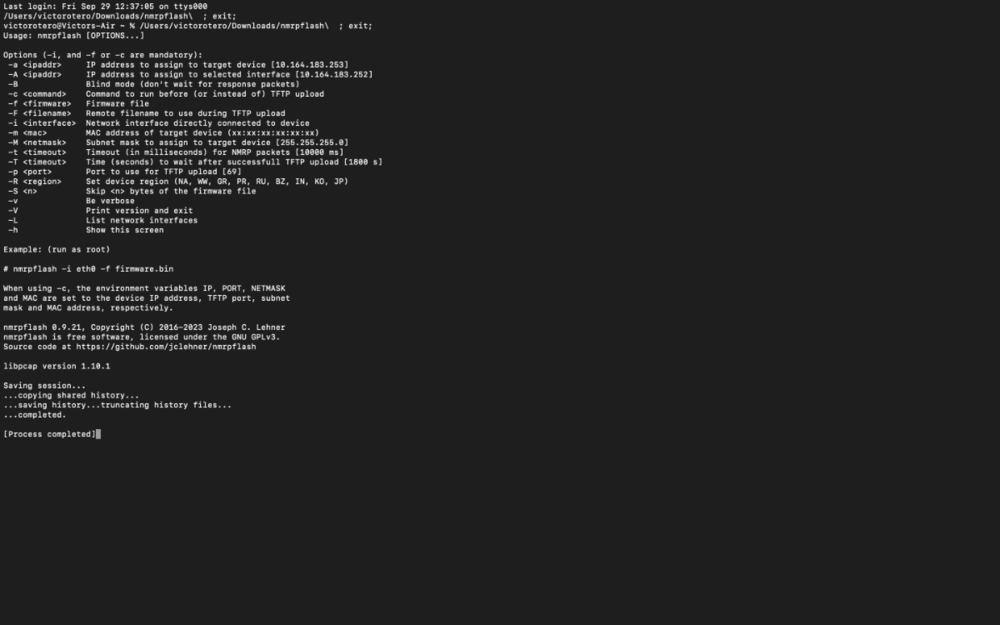
-
@Netduma FraserTried that didn't work either the only thing that works is the full file input without cd
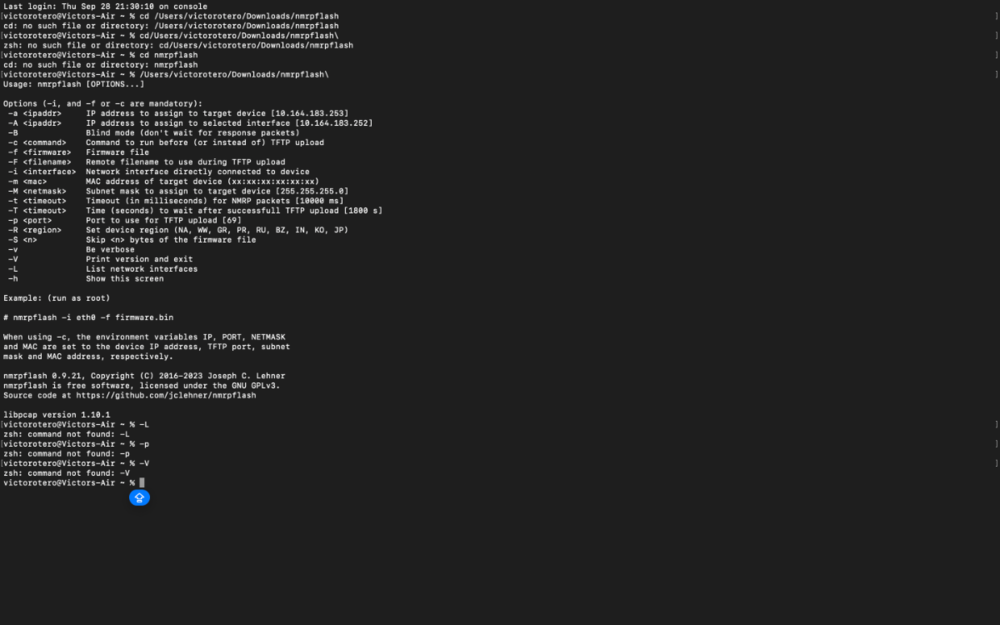
-
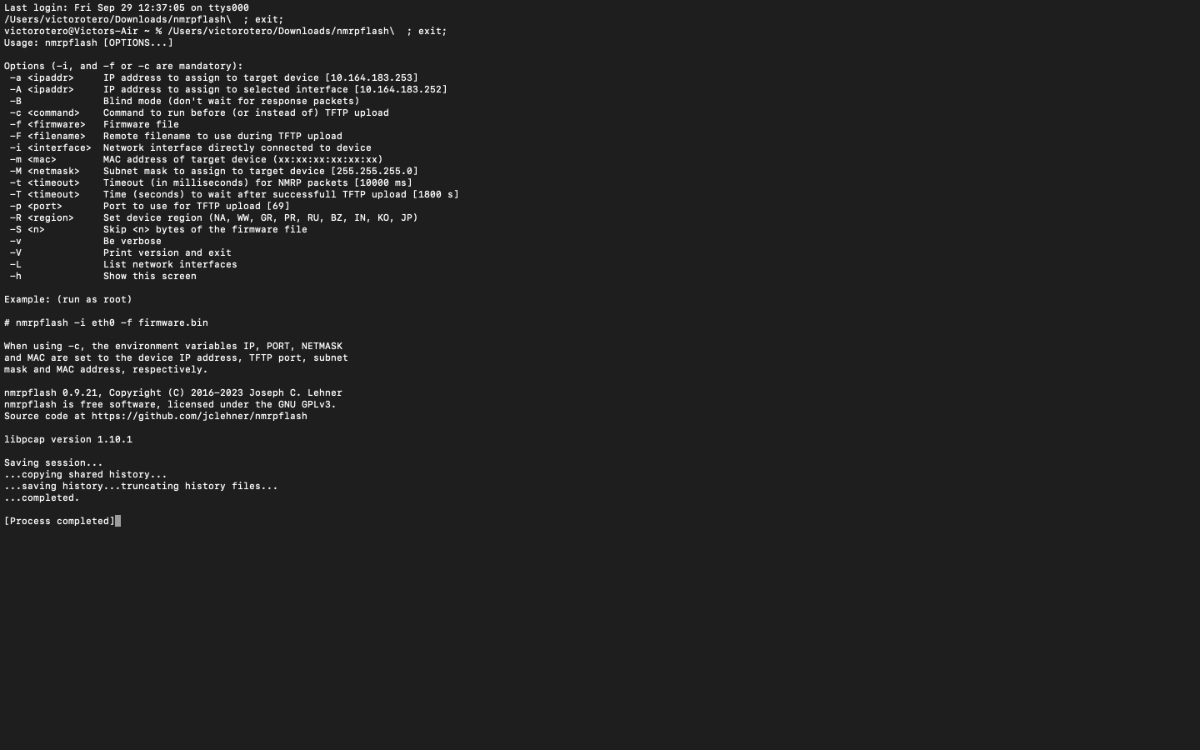
I tried TFTP and all you get are timeouts even if you time when the light turns orange and see the light indicate that Ethernet is active that didn't work for me and I tried nmrpflash but all I get is no such file directory even though it in there unless I am smoking crack at this point might have to do it on a windows since mac doesn't seem to be the simplest way to do this and there barely any info out there doing it on mac. Unless someone understands what am doing incorrectly here would be appreciated

-
@TrayDay Latency between inputs and fps is getting bigger and bigger can’t wait to see the newer 540hz monitors hitting the market which is going to increase the gap even more though this is one reason I’ll be moving to pc this year hopefully do to unfair game practices…forced by devs. Another thing yes pc is full of cheaters and clearly this companies can’t stop them with the potato anti cheat engines but what difference does it make now on console since you’ll be playing with them regardless. Not only that older games are being cheated using saved data using save wizard I get modding for fun though cheating is a different aspect when your doing it online.
-
@TrayDayThat the biggest lie as fortnite does the exact same thing it not a fair play field when your playing with mouse and have better hardware capabilities and if you disable it you'll never find a match since cross play is forced automatically and on cod you will still see mouse keyboarders on console since they know it advantageous.
-
@Cajun72Fortnite is known for having chat issues you can try switching chats on the menu options from everyone back and forth sometimes that works.. though back then there was such a bug that would prevent users from chatting and knowing how buggy fortnite keeps becoming I ain't shocked that old bugs keep reappearing like we still have issues with reload animations and fall damage and then you have game breaking glitches that certain users abuse.
To clarify I am referring to the game voice chat if your trying to join an actual party chat you'll need to either manually allow the servers or simply disable geofilter and re-enable after
-
It is if your a beta user
-
- Popular Post
- Popular Post
It been like that ever since sbmm was implemented into cod it just after the newer cods that got released around 2018 and so on that really when it became rigged were they started adding manipulation tactics such as manipulating audio, damage, latency and score and people eat it up but it obvious if you have two brain cells...not only that they clearly don't care about the consumers when it took them almost 3 years to add an anti-cheat system that still fails to get rid of cheaters.
Also let not forget all the patents that keep appearing which you know have been implemented into there games there just not going to blatantly tell you
-
You can use ping assist if you like or re adjust your geofilter settings to wherever the servers for that specific game are located upon you can check this by booting up the game and looking at the geofilter or by looking at the game's server locations etc
The geo will block any servers not upon those parameters so you must know were the servers are located to get the best overall experience
-
@Chf WiggumSo are you able to reinstall firmware/flash a file?
-
@Jakerod12Do a device manager re sync that should bring you up to date with the most recent cloud updates though there are certain games not on the list and they'll appear as unknown and not be prioritized unless you force prioritize the device. That why it recommended to add them to the DPI if you want them to be detected etc...
-
@RossDxboxIf your playing specifically cod I would recommend just using ping assist...as for the servers there sometimes outdated or are for other game modes so it not going to be 100% and for some games it best to use polygon/circle mode because it doesn't work to well with ping assist such as Fortnite and others.
-
@Chf WiggumHow are you hard resetting? if you don't mind me asking....also have you tried logging in with 192.168.1.1
-
@davemarsden132That the beauty of working with internet providers you get people that get paid to act like there doing they're job and eventually if the problem becomes too big they give you someone who actually knows what they're doing...personally if they don't try to fix the issue last resort is filing an ffc claim which they'll eventually contact a superior at there headquarters because they don't like the fcc to well 😂 Something I gave them a taste of once for pissing me off though if it get serious you'll have to pay for a civil file claim also it best to document everything before the case occurs.
-
@Netduma FraserHere some footage of it being unresponsive and responsive whenever it works
-
@Netduma FraserAround 15-30 seconds
-
@Netduma FraserThere seems to be something going on since when I turned off the console it gained access to the vpn though the console does not get the vpn initially it did though this started happening and there seems to be a delay when it activates
-
-
@Netduma FraserSo what dns would I have to put specifically? Would that be the remote on the file?
-
@Netduma FraserSo I think it was actually the Ethernet cable however now Hybrid VPN is not working as it not being applied to the devices I did do a reboot and that didn't work and on the logs it shows reloading IPS so it doesn't make since as to why it not working.
-
@Crazy CatI would try hard resetting again and then wait 5 minutes and then try to access the interference
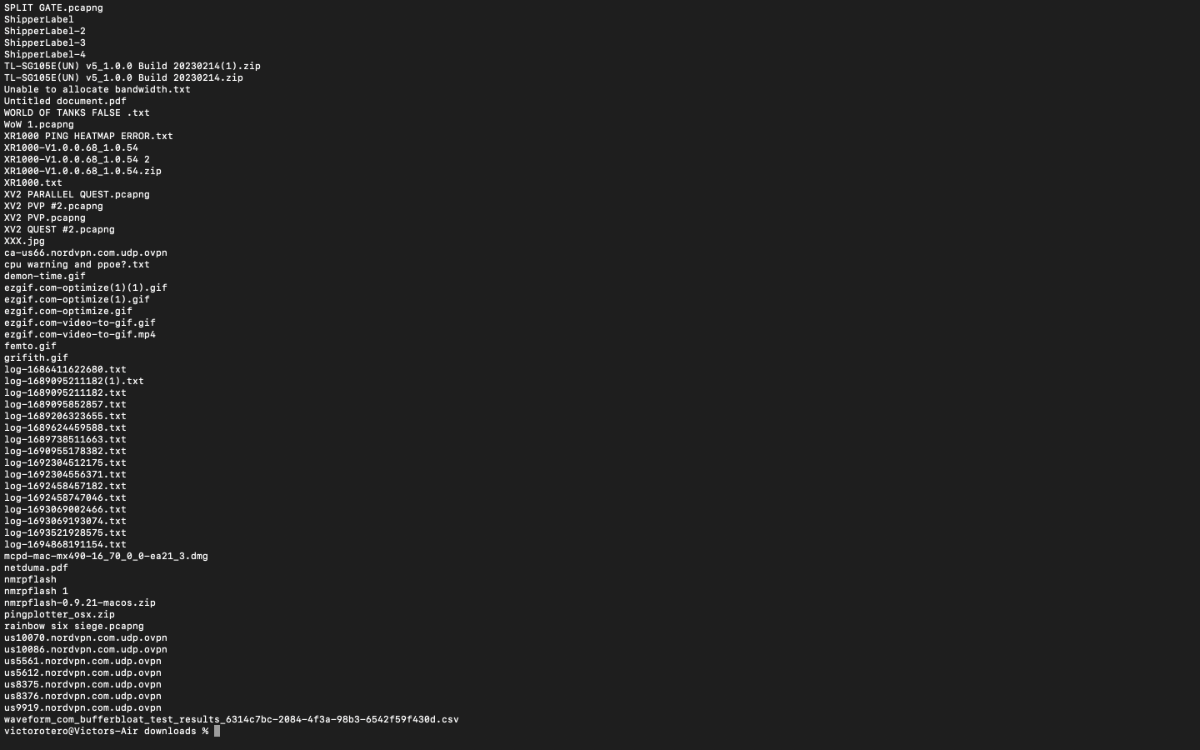
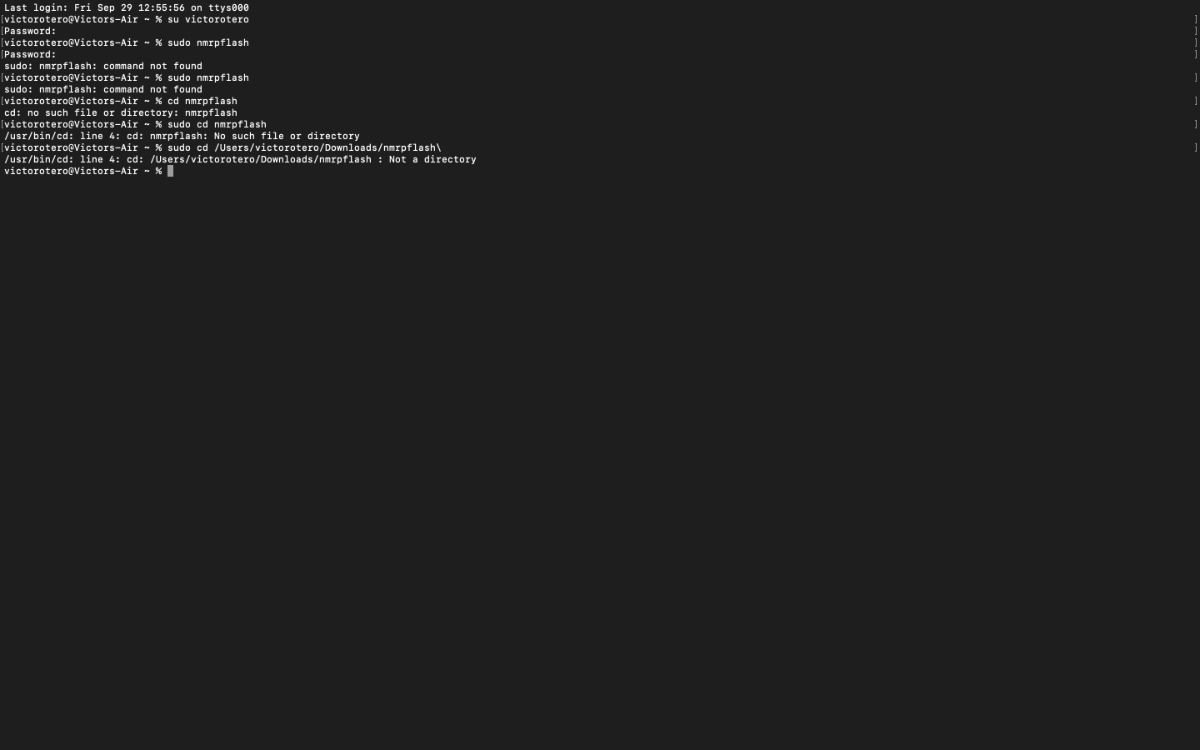


.png)
My XR1000 issues seems resolved for me after using the nmrpflash tool and flashing the firmware.
in NETGEAR Nighthawk Support (XR range)
Posted
@MiiiithraaksNope just say command not found