
Krush
-
Posts
5610 -
Joined
-
Last visited
-
Days Won
64
Everything posted by Krush
-
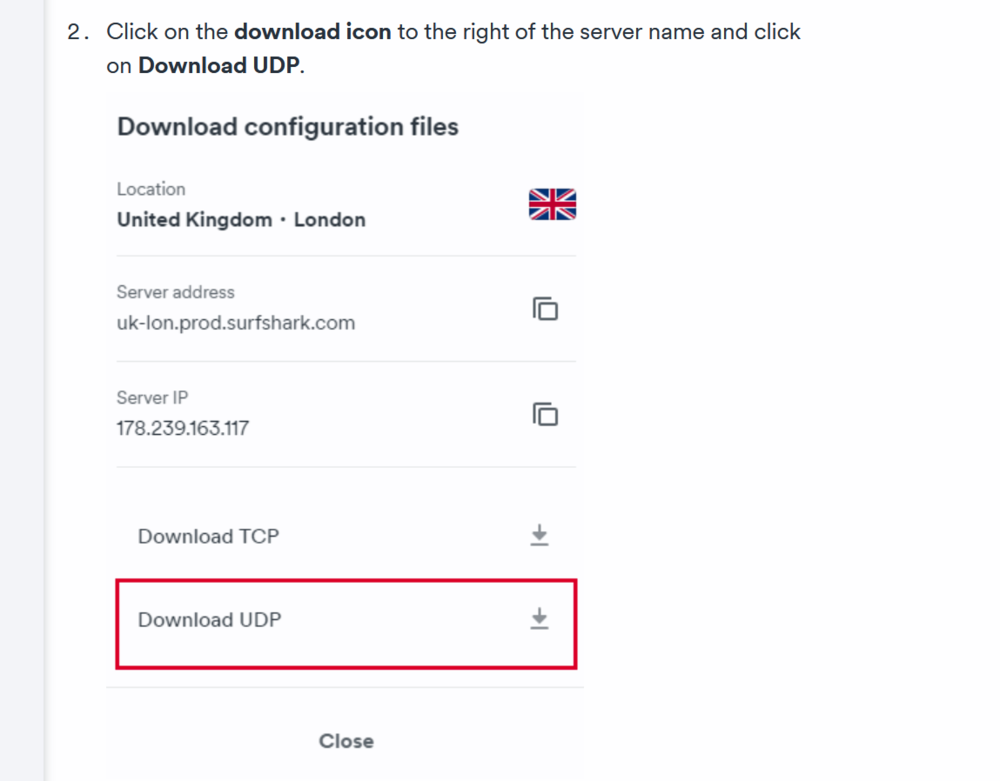
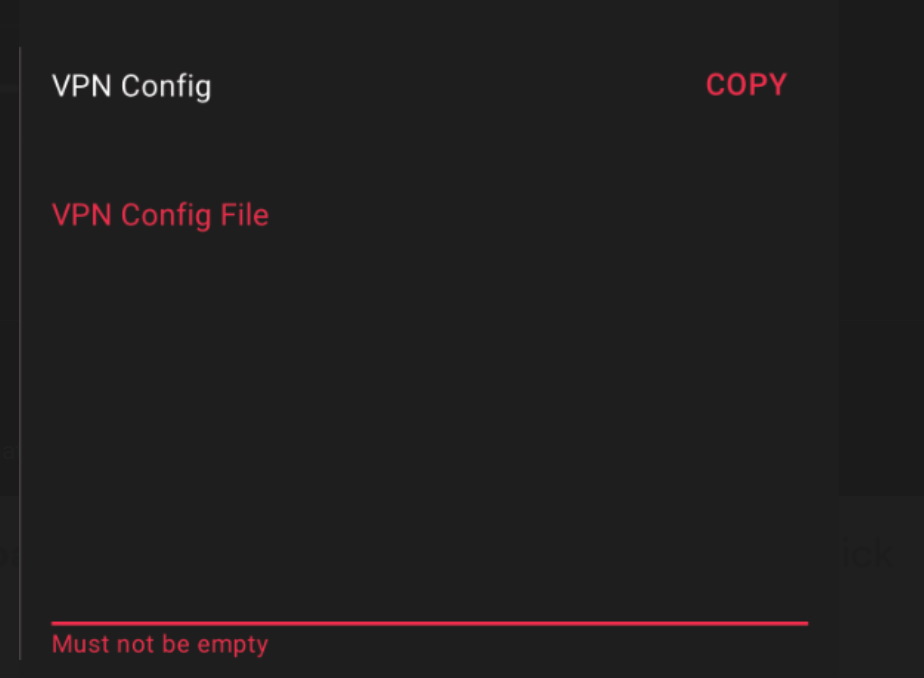
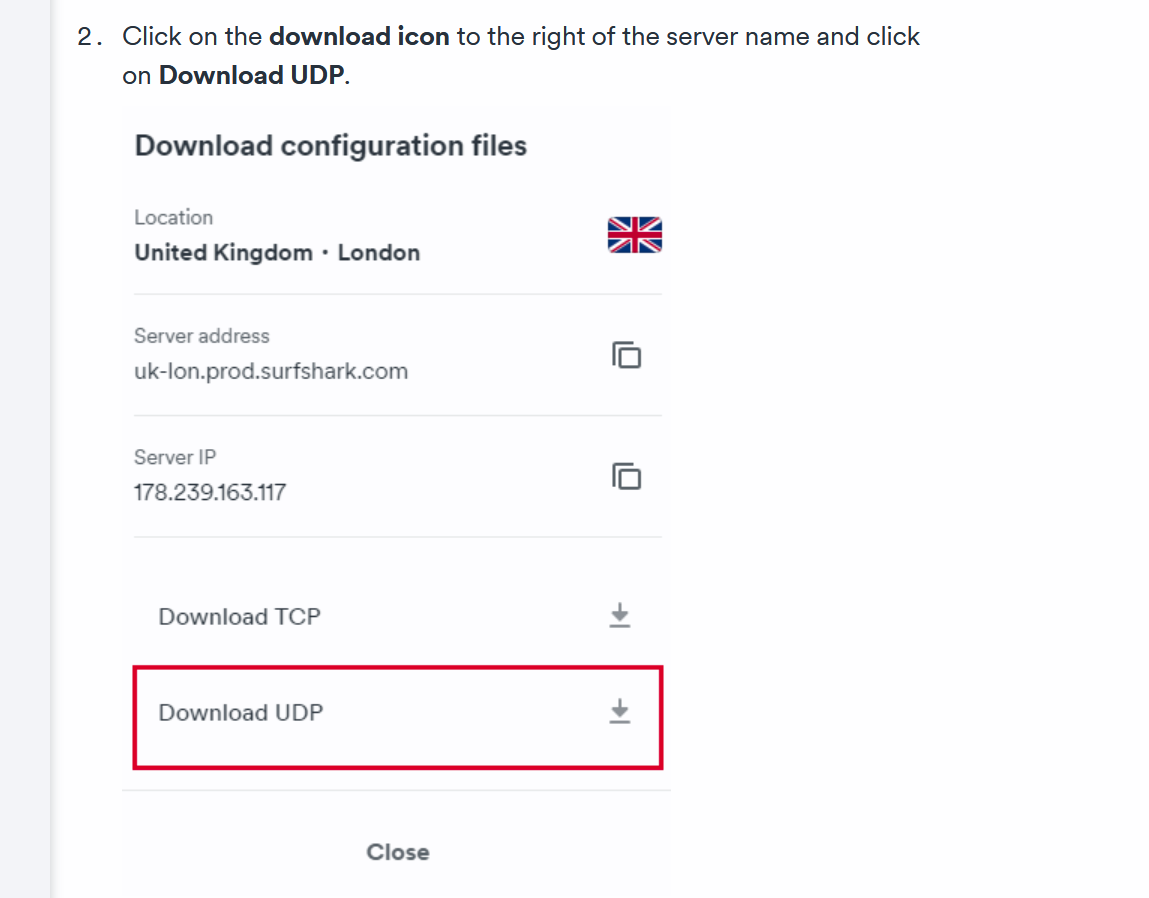
Sorry, I guess this is confusing for you, knowing that you have never done it! Once this file is downloaded, open it with a text file on your PC, and copy/paste in VPN config file "R3 HVPN"!
-
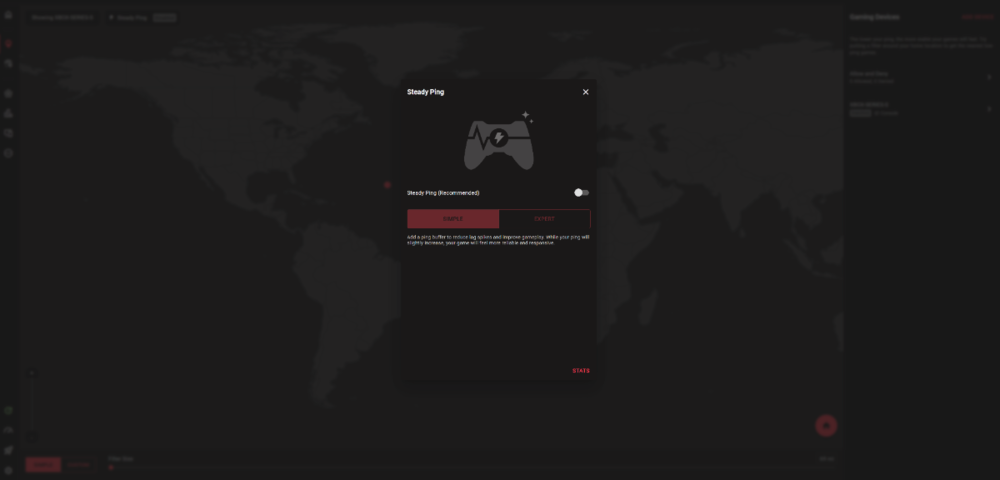
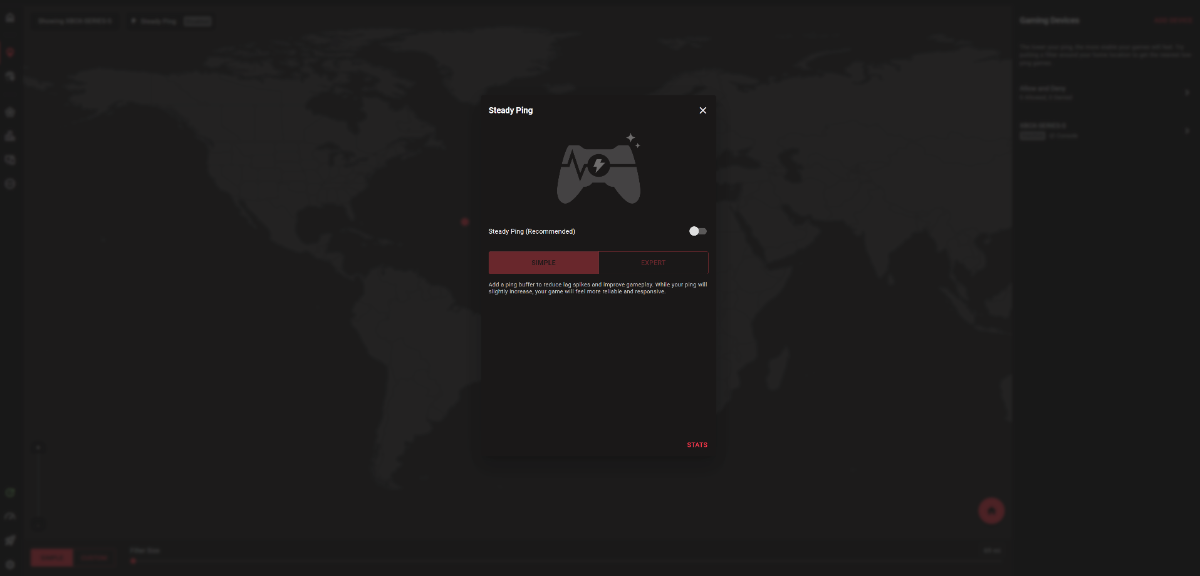
Hi ! Disable Steady ping! 😉
-
https://support.surfshark.com/hc/en-us/articles/360003086114-How-to-set-up-OpenVPN-on-DD-WRT-router if it can help!
-
Most VPN providers provide a 30 day trial period, you can do a google search and test them! For me it's the same... If the "DDOS" is upstream of your ISP or PS5, not sure it helps !
-
Hi! How do you notice DDOS attacks? By MAC or by IP... or other! If this is really the case, the best is to simply change ISP, it will provide you with another IP/MAC address! ----It's hard to explain to a child how a VPN works!---- All you need to understand is that the main VPN providers provide configuration files... HVPN (DumaOS) allows the use of OpenVPN and Wireguard type files. As long as this type of file is provided by the VPN provider, you just have to copy/paste it into HVPN. Start with free versions to get the hang of it, and choose a paid version if that helps!
-

R3 configuration with livebox (France)
Krush replied to Fais_13Attention's topic in Netduma R3 Support
Ta question est trop vaste : Mais tu peux dans un premier temps consulter ça : https://support.netduma.com/support/home -
Hybrid VPN - Improvements
Krush replied to Devastate's topic in Feature Ideas & Improvements for DumaOS
Hi! In my opinion, points "1" (using Activity), 2, 3 and "5" (same point 1) are already the case! Point 4 is difficult to achieve, I think, because it would require several VPN clients, but you can always do it manually! -
CIAO ! Puoi farlo senza problemi! Enregistrement 2024-08-13 132016.mp4
-
R3 configuration with livebox (France)
Krush replied to Fais_13Attention's topic in Netduma R3 Support
Salut ! Si tu passes par un naviguateur, c'est très simple de traduire la page d'administration en français ! 20240813-1132-43.4647684.mp4 -
Hi! To be confirmed because I use a switch, but I would say that it is the Lan to Lan activity. Transfers locally via the integrated R3 switch. Your devices exchange data between them without you knowing it. For example, you can take Windows updates, a PC will download them and transfer them locally to the other machine!
-
Saved Geofilters for one device
Krush replied to LuKy's topic in Feature Ideas & Improvements for DumaOS
It's done !😉 -
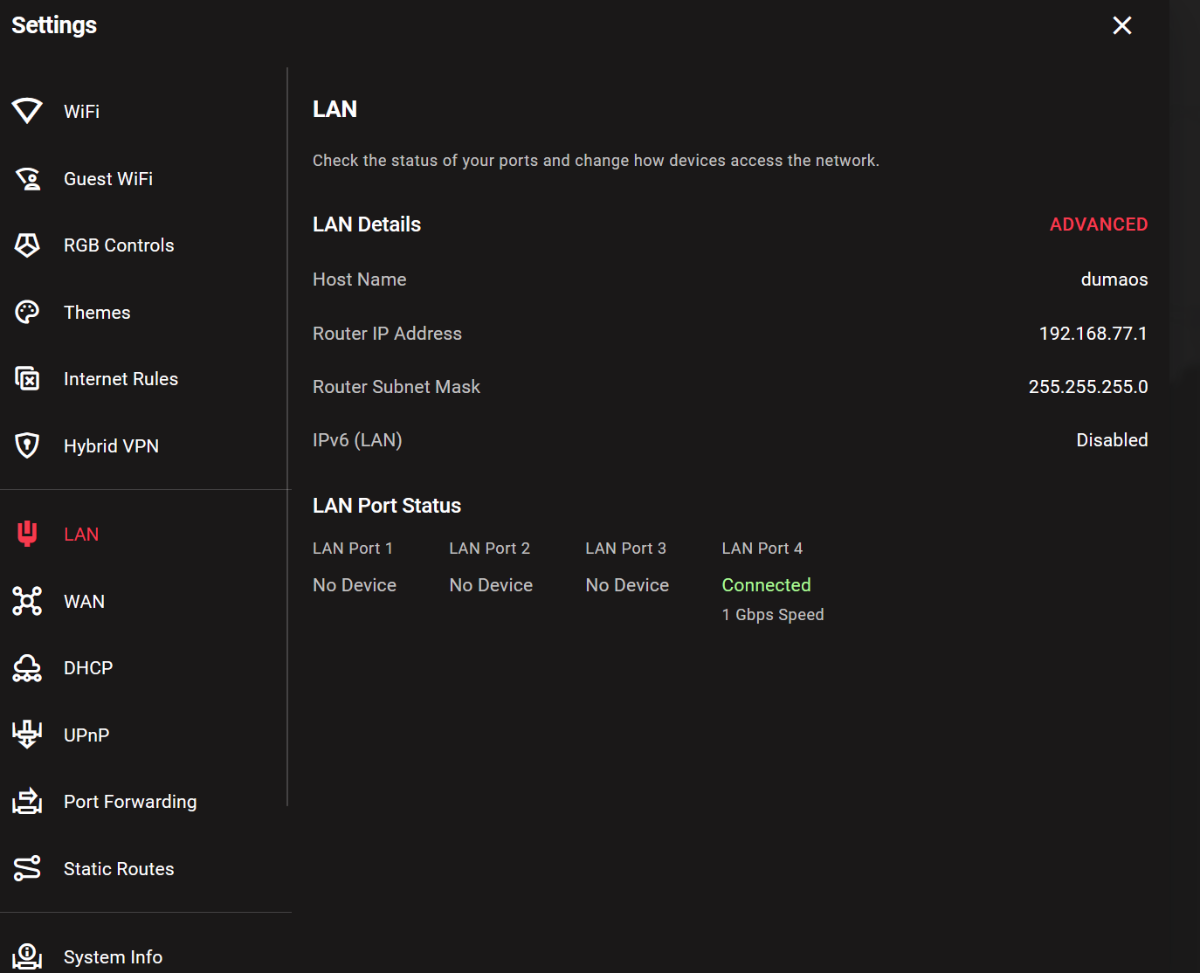
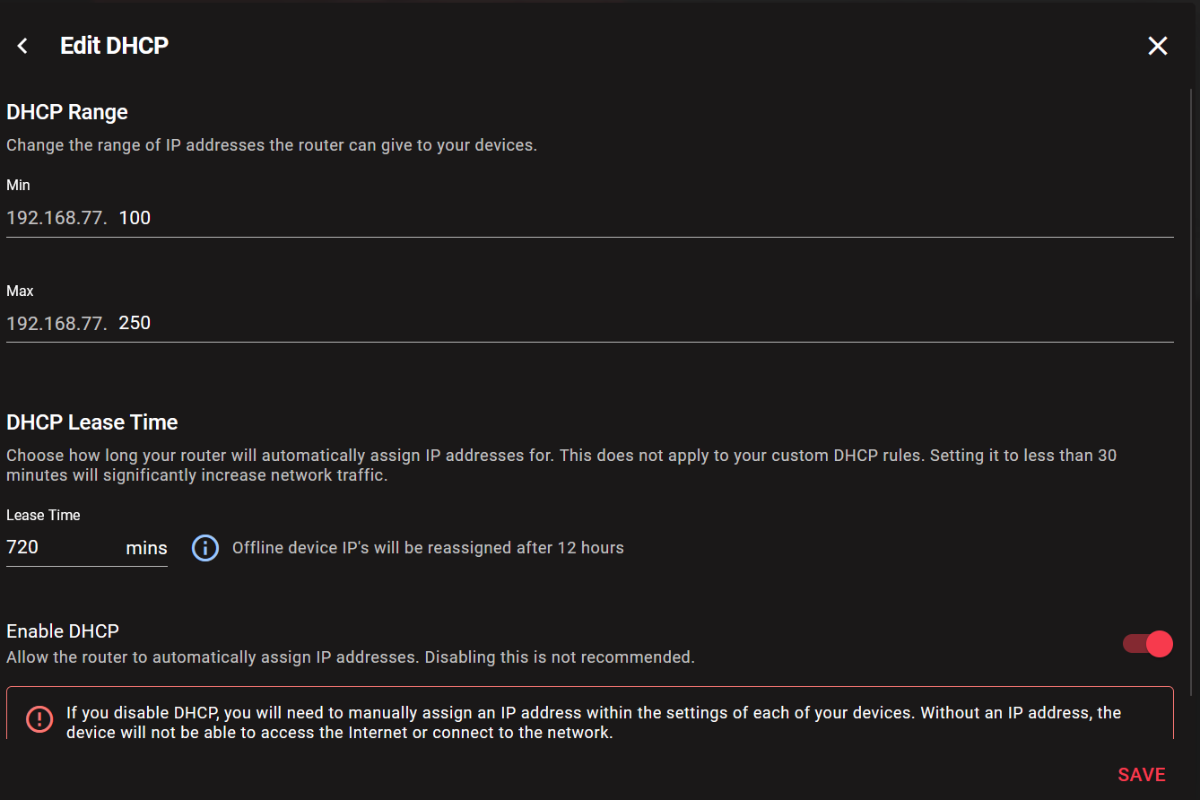
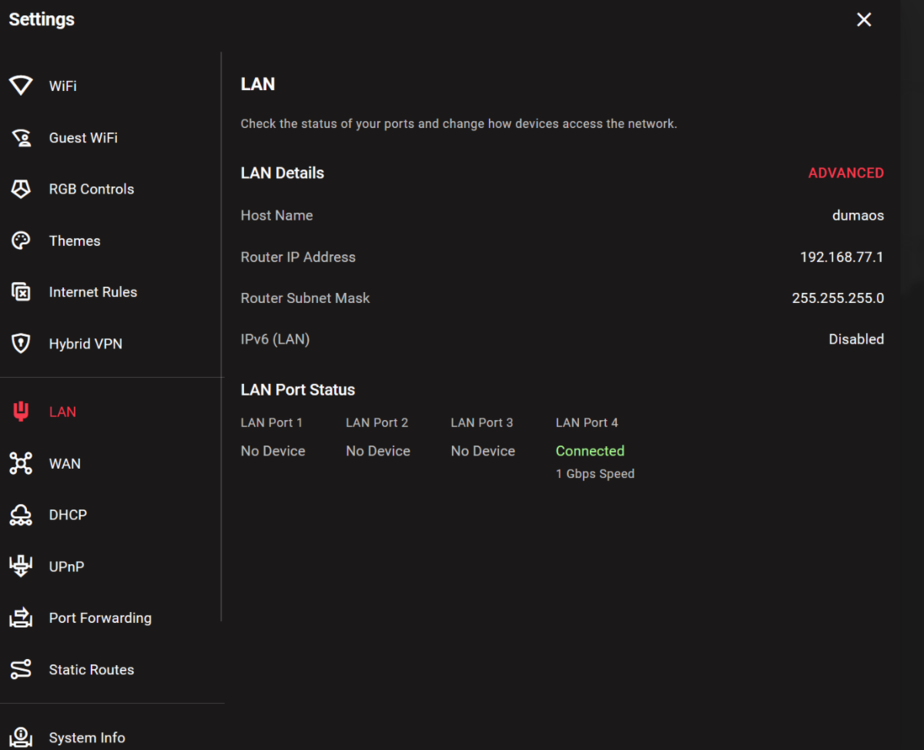
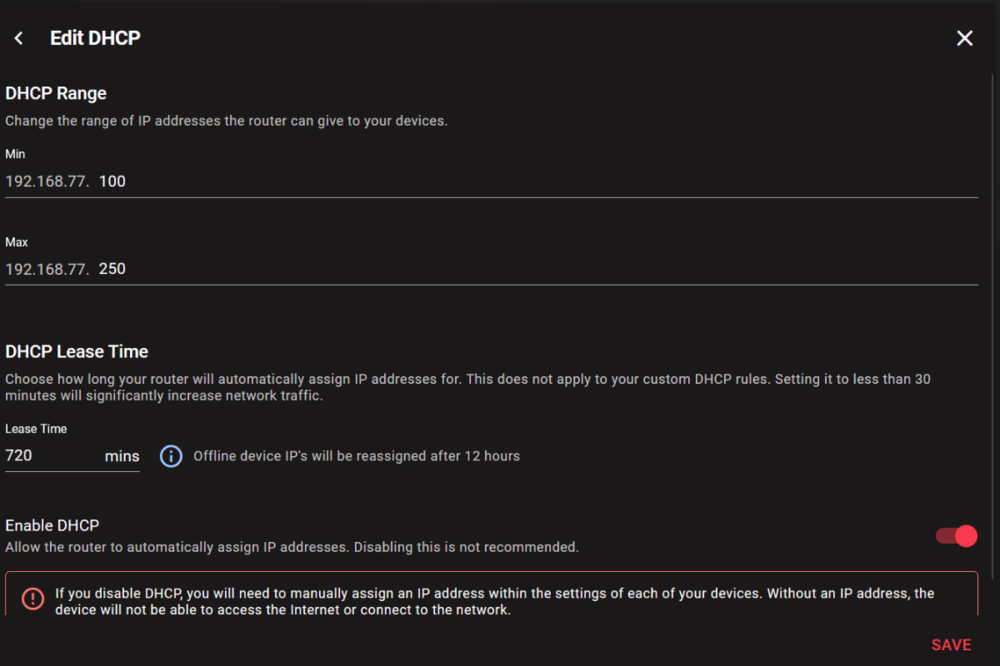
Hi! The DHCP range of the R3 is basic see capture: To access the GUI, you must type in your browser the address of the gateway, that is: 192.168.77.1 Connect your PC to the R3 and check that your PC has an IP between 192.168.77.100 and .250
-
Ok! I'm not sure I understand, is the Linksys your main router or are you using your ISP router upstream?
-
Hi! If you use the Linksys as a gateway modem/router and all your devices behind the R3, you can disable the firewall options. On the Linksys Firewall, there is a NAT redirection filter enabled, I'm not sure but this option can be the cause because suddenly the DMZ is not considered a real DMZ...
-
https://forum.netduma.com/search/?q=starlink&quick=1&type=forums_topic 😉
-
Hi! It depends on the traffic between the devices and the R3! A device without traffic will be recognized as offline... An AP or switch with a DHCP IP will also be recognized as offline because they act as bypassed devices. For a managed AP or switch, the best is to disable DHCP on their GUI and give them a static DHCP IP (R3 range or not). This will allow you to keep their GUI access by keeping them silent at the R3 level.
-
PS5 SETTINGS MODERN WARFARE, POSSIBLE CONSOLE FIX?
Krush replied to meck1's topic in Netduma R3 Support
@meck1 Hi ! His results seem normal to me, I guess you limited your speeds upstream of the R3! The buffer swelling is only visible on very high speeds, by limiting the max speeds to 50Mbps upstream of the R3... still happy that you have a test like that! What must be kept in mind is that in this way all the peripherals behind the R3 will be limited to the determined max speed. -
20240723-1618-25.0514097.mp4
-
Just wondering if there is a new firmware update
Krush replied to jame0174's topic in Netduma R3 Support
😉 -
You both seem to have the same ISP...Virgin...the problem may be on their peering side etc...
-
This is a preparation match for the Olympic Games. The German team is world champion in the last championship ! From 4:00 p.m. French time... IPTV with French commentary! 😉 https://www.lequipe.fr/tv/
-
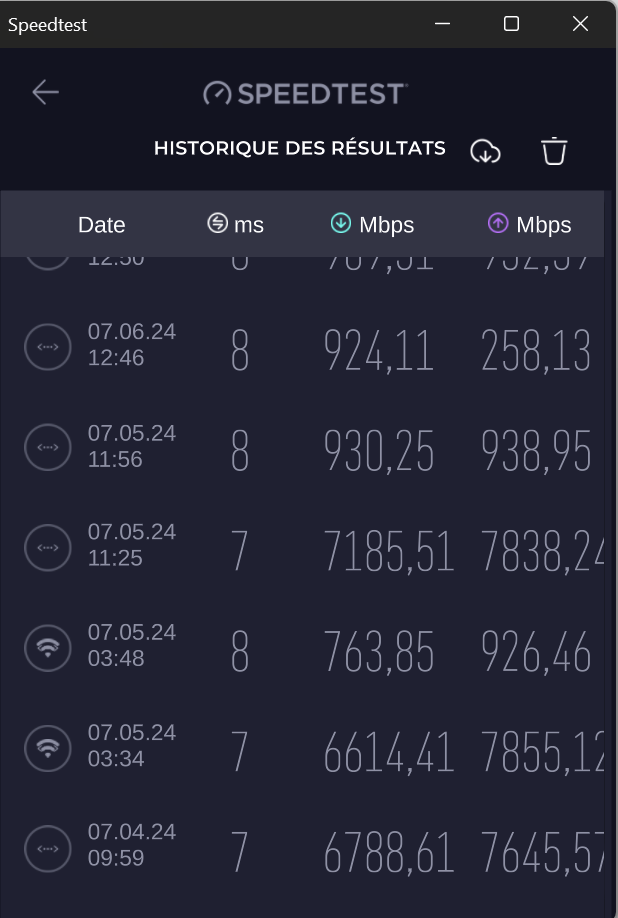
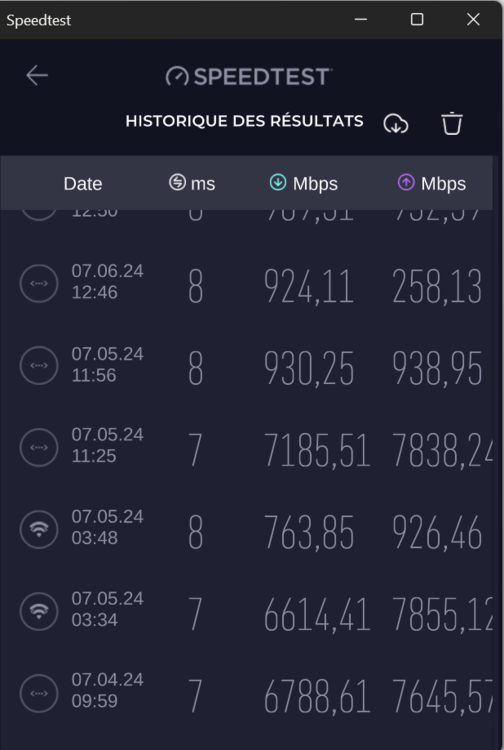
Hi ! Your speed tests are carried out on which IPv6 or IPv4 protocol ?, you can see it on the ookla application by clicking on the settings/history.
-
Hi ! In expert mode you define the size of the artificial buffer. In your case a buffer of 50ms should be good because you have peaks between 40 and 90 ms max on Pubg servers.
-
Hi ! Correction ! "Steady ping" is only of interest from the moment the game server you are playing on is unstable, it allows you to calibrate within a range (highest, lowest), a regular ping; which will allow you not to suffer from lag or anything else during the game depending on the server... 😉
-
WAN mac 😉
.png)