banjo22
-
Posts
186 -
Joined
-
Last visited
-
Days Won
1
Recent Profile Visitors





-
.png "Like") banjo22 reacted to a post in a topic:
ADSL connecting disconnecting. Reboot fixes
banjo22 reacted to a post in a topic:
ADSL connecting disconnecting. Reboot fixes
-
ADSL connecting disconnecting. Reboot fixes
banjo22 replied to banjo22's topic in Netduma R3 Support
Thank you. There have been no disconnects since I did the work around Tuesday night. I'm on 4.0.402, is it worth just staying on this or if I upgrade is it likely to cause issues again? I'd rather stay on old firmware and have a reliable connection. -
ADSL connecting disconnecting. Reboot fixes
banjo22 replied to banjo22's topic in Netduma R3 Support
If I tried another router the issue wouldn’t happen though so surely it’s an issue on the R3? I have tried your work around and currently on 4.0.402. will see how it goes for a few days thanks for your help. -
ADSL connecting disconnecting. Reboot fixes
banjo22 replied to banjo22's topic in Netduma R3 Support
I’ve just found your post. I didn’t realise this was affecting so many others. I also didn’t notice it was 24 hours difference for each disconnect. It worries me as im a big online game and dont want this affecting that unless I schedule a reboot every morning so hopefully it goes down in times im not playing!! I really don’t want to do this! I might try your work around, I have nothing to lose. -
ADSL connecting disconnecting. Reboot fixes
banjo22 replied to banjo22's topic in Netduma R3 Support
Any idea anyone? The DSL disconnected again today and I had to reboot the duma to fix. Really want to get to the bottom of the problem. I factory reset the R3 too and it’s still occurred. I’m going to try an old router I have. Input PPPoE details into the HG612 and see if the replacement router works. -
ADSL connecting disconnecting. Reboot fixes
banjo22 replied to banjo22's topic in Netduma R3 Support
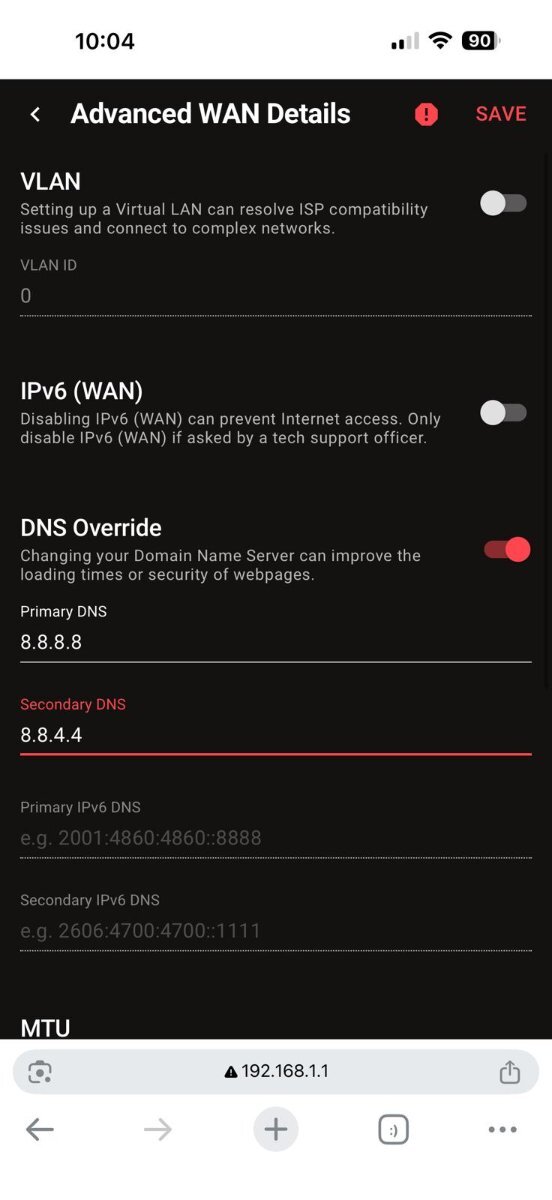
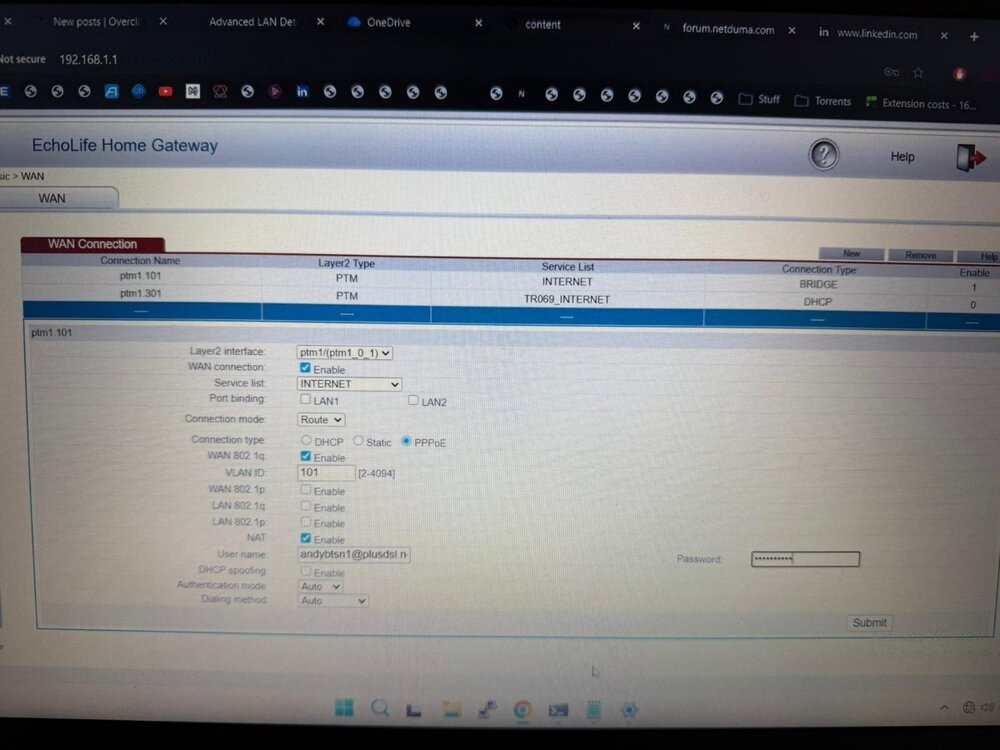
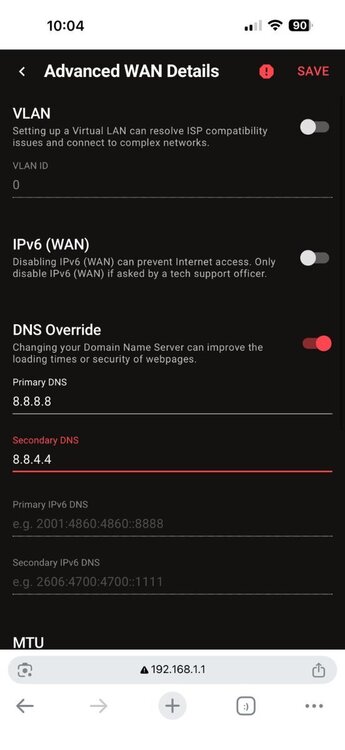
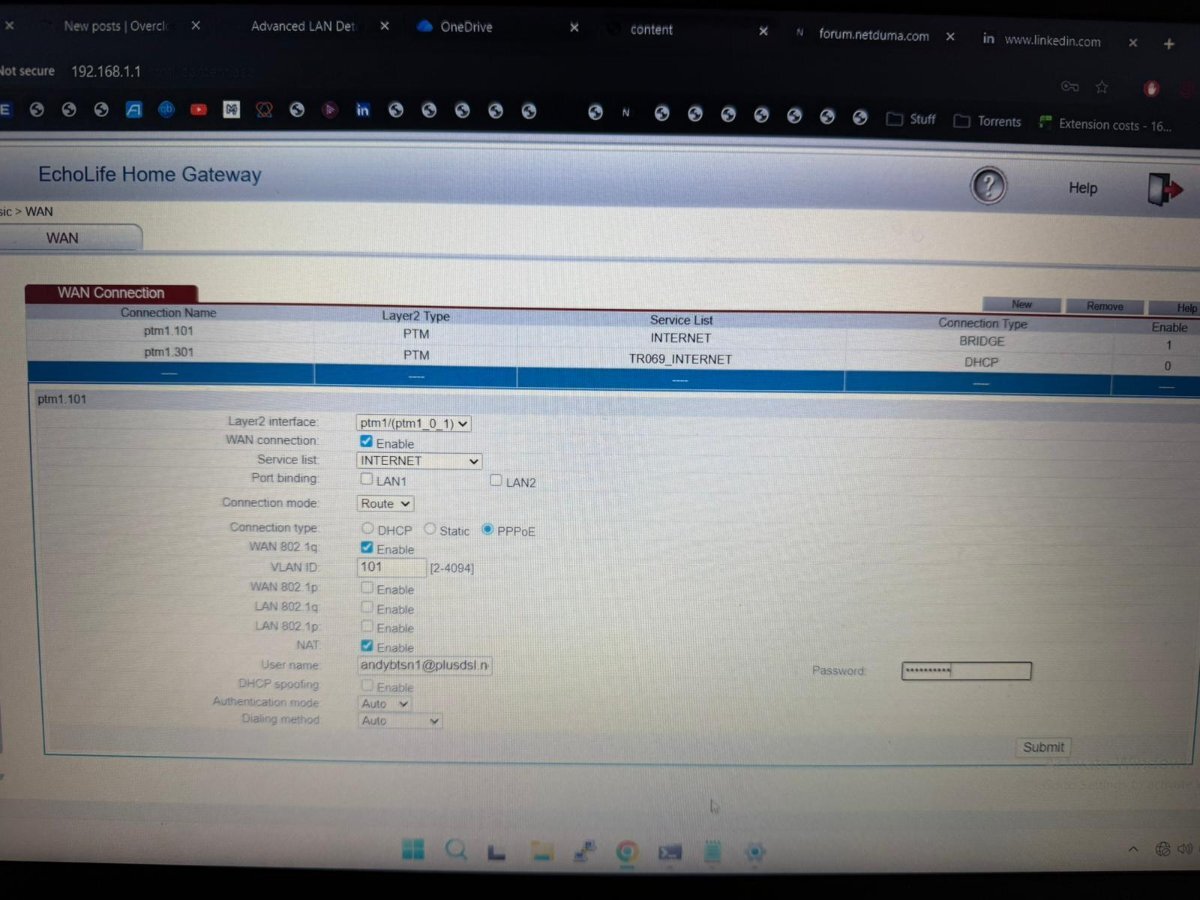
You'll regret I asked that Fraser.. I'm having a nightmare. So, HG612 unlocked and I'm able to get ont he GUI. The original default setup in bridge mode looks like this the below. The R3 works 'fine' (apart from the random discconects) with PPPOE details input on the R3. I created this WAN connection on the 612: All seems okay on tthe modem, the DSL is connected etc. I then go to Settings>WAN on the R3 and encounter issues. I first tried DHCP first but got nowhere with that. I then chose Static, set the DNS servers as 8.8.8.8 and 8.8.4.4 and this is the bit I'm sure of. I used whatsmyip to give me my external IP address. I'm going to use a fake one, just so you can check my setup. Does this next look right? Internet port shows connected but internet status was always offline. What am I doing wrong?.thumb.jpeg.6da37a52ac261ba6f9d763aa2251ddca.jpeg)
.thumb.jpeg.19f935b9dada27fb37c2fcab3c5c838b.jpeg)
-
Devastate reacted to a post in a topic:
ADSL connecting disconnecting. Reboot fixes
-
ADSL connecting disconnecting. Reboot fixes
banjo22 replied to banjo22's topic in Netduma R3 Support
Thanks. Strange that it’s happening now? I will try and unlock the HG612 tonight when I’m allowed by the family to take the internet down 🙄 -
ADSL connecting disconnecting. Reboot fixes
banjo22 replied to banjo22's topic in Netduma R3 Support
HG612 and Netduma have worked fine since the release of the R3. This suddenly started happening so no haven’t factory reset the R3 I’m going to try adding PPOE details in the HG612 tonight and test how that works -
ADSL connecting disconnecting. Reboot fixes
banjo22 replied to banjo22's topic in Netduma R3 Support
It's also a BT Openreach Huawei EchoLife HG612 FTTC VDSL Fibre Modem, not a Draytek as I assume. I'm not sure if this is configurable tbh. Edit: Having looked into it, sounds like you can can unluck the modem and configure so I will try this and report back. -
ADSL connecting disconnecting. Reboot fixes
banjo22 replied to banjo22's topic in Netduma R3 Support
Pure modem unfortunately. I have had this setup for years without any issues so not sure why it's suddenly occurring now. -
Hi all, I have an issue that is procuring most days where the WAN adsl connection is disconnecting. I reboot the R3 and connection is restored. anyone know why this can be happening? I’ve attached the logs of the most recent reboot needed to restore connectivity (14:08 it lost connection) The gui is always accessible on the R3 and know it’s the same issue every time as I go to settings>WAN and it says internet port: disconnected and the PPOE details are not visible. For reference happened on older and the new firmware. There is a draytek moment that provides adsl to the r3 R3_2026-07-05T130926.021Z_logs.txt
-
Rodolfo Lima reacted to a post in a topic:
Can someone translate the logs to determine what happened?
-
Can someone translate the logs to determine what happened?
banjo22 replied to banjo22's topic in Netduma R3 Support
The thing locks up quite regularly, I say often, but that's every few months or so, which is a lot for a router! I want to keep up with the latest updates too, and you recommend factory resetting every time a release comes out? When you have 50+ devices connected to the router and you need to rename them everytime and then reserve IPs etc, it becomes a real chore doing this all every time. -
Can someone translate the logs to determine what happened?
banjo22 replied to banjo22's topic in Netduma R3 Support
So was this caused by a Device being turned on? My son has just returned from school and turned his PS5 on. Is there any way to prevent this in future updates? I have had this issue a lot over the years. The problem I find is that I need to factory reset this router so often that naming devices and reserving IPs becomes a nightmare. It would be ideal if you could save configs like this. -
Between 15:25-15:30 today, I lost network connectivity in my office, both my work Laptop and my Home PC have no access to anything, and I couldn't log onto the R3 either. 4/5 mins later access was restored. I had similar issues last week so I factory reset the router as it was down for ages. Can someone see what occurred between 15:25-15:32 to cast any light? I've attached the log Thanks R3_2025-11-10T15_33_34.718Z_logs.txt
-
After numerous resets and restarts its finally playing ball. Until next time...!
-
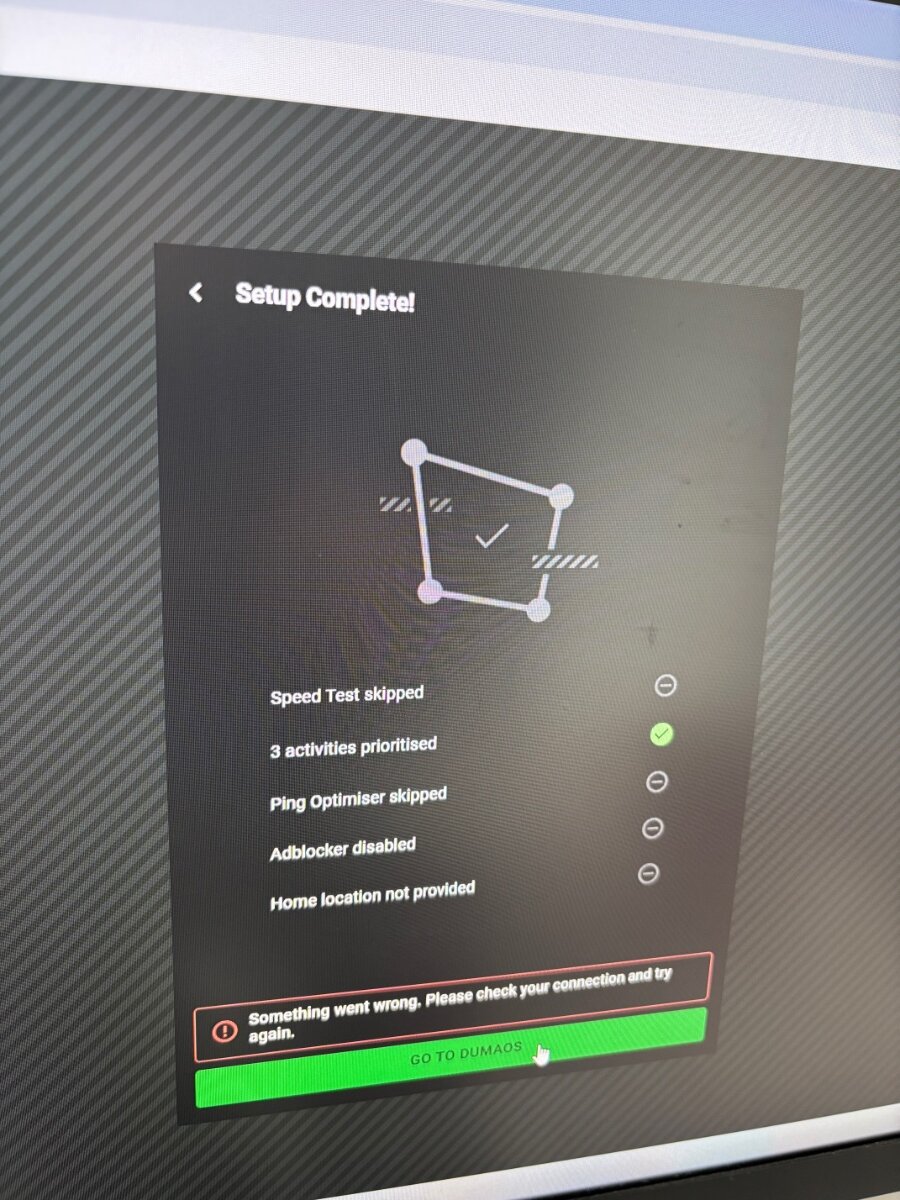
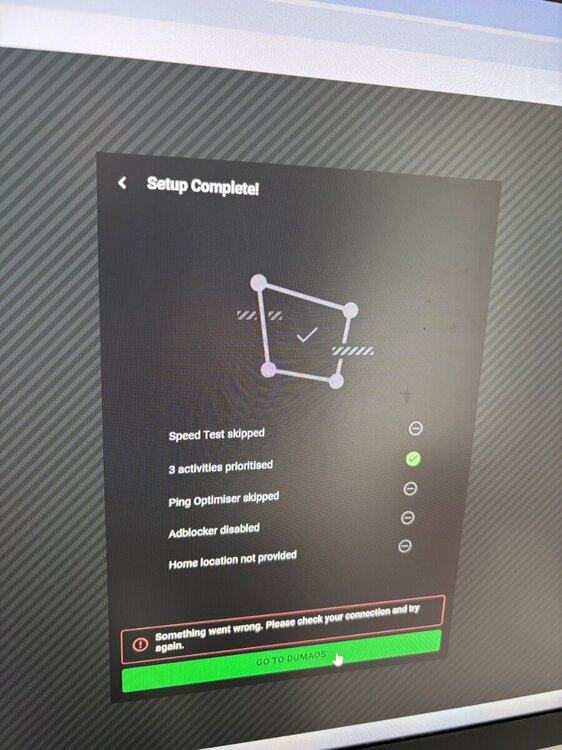
anyone got any suggestions? Just stuck on this setup page. Click go to DumaOS and it reappears. I’ve Rebooted, reset to factory settings x2. Cleared Internet history. It keeps resorting to this setup page, I did fill in the options originally but now just skipping. Arrrrrgh!!!!
.jpeg.1fa39a3633034903d8386a3210d65b90.jpeg)
.jpeg.3c5bfcac86c491a1cbda37e5016f6d27.jpeg)