
PharmDawgg
-
Posts
3883 -
Joined
-
Days Won
24
1 Follower

About PharmDawgg

- Birthday 06/29/1972
Recent Profile Visitors
17006 profile views





-
 Netduma Fraser reacted to a post in a topic:
Could Future Firmware Add AI/ML Features to Netduma Routers?
Netduma Fraser reacted to a post in a topic:
Could Future Firmware Add AI/ML Features to Netduma Routers?
-
 It seems as though technology is advancing very quickly. I am just trying to keep up. lol
 -
 PharmDawgg reacted to a post in a topic:
Could Future Firmware Add AI/ML Features to Netduma Routers?
PharmDawgg reacted to a post in a topic:
Could Future Firmware Add AI/ML Features to Netduma Routers?
-
Hey Duma Army, I’ve been following the latest wave of Wi‑Fi 7 routers, and a lot of manufacturers are now integrating AI and machine‑learning capabilities directly into their hardware. For example, ASUS recently launched routers with built‑in NPUs (Neural Processing Units) that handle things like AI‑driven QoS, traffic optimization, latency reduction, smarter energy management, and enhanced security features such as ad and tracker blocking. There’s also industry discussion about how AI/LLMs could enable self‑optimizing networks, proactive troubleshooting, predictive failure alerts, and intelligent assistants for configuration and problem‑solving. These features don’t always require dedicated hardware — some implementations use hybrid approaches (local + cloud). Is it technically possible for future Netduma firmware to include any form of AI‑ or ML‑enhanced functionality? I’m thinking about features such as: Machine‑learning‑based congestion prediction Adaptive QoS that learns usage patterns over time AI‑driven traffic prioritization Smart security detection or anomaly monitoring Any kind of on‑device or cloud‑assisted AI logic I understand that full AI acceleration (like what NPU‑equipped routers get) may require hardware support, but I’m wondering if some level of ML‑based optimization could still be implemented on current or future DumaOS builds. Would love to hear from the devs or anyone familiar with the hardware constraints. Is this something that could realistically be added in the roadmap, or would it require next‑gen hardware? Thanks!
-
His router/modem combo unit looks like mine Humax BGW 320-500. AT&T does not offer a true "modem mode" or DMZ. Instead, ATT offers IP Passthrough, which functions similarly by forwarding the public IP to your own router while disabling most gateway features.
-
I play on pc - battlenet. I could never get upnp to work but I was able to portforwarding to work. But of course, my setup is probably different.
-
BI and DPI have to be use together for everything to work as it should but it isn't perfect. There may be miscategorisations. Miscategorisations It's possible that there will be some miscategorisations when using BI. E.g if you are Gaming and Downloading through a VPN, it will struggle to prioritise the gaming as the behaviour is different to normal gaming traffic due to the download. An example of what to report as a miscategorisation is something like: VPN + Gaming (No other traffic on the PC) is coming up as Work From Home. Please if you find something like this, please grab Netduma a wireshark (if possible) capture whilst its happening, explain the miscategorisation and Netduma try to fix it. I know everyone may not be familiar with wireshark but it will help Netduma correct the miscategorisation asap.
-
I did not even know this. 🤣
-
Has anyone ever done this. What was your experience. I’m was thinking of getting rid off the ATT 320-500 box.
-
The Netduma R3 router does not support dual WAN or failover capabilities natively. The R3 is designed primarily for optimizing single WAN connections with features like QoS, Geo-Filter, and network monitoring, rather than managing multiple internet connections.
-
Is there any way to tweak the Ping Heat Map for instead of ranking the server locations based only on ping but on other parameters as well. Honestly, I am not every sure this is even possible, but I just had to ask. Other parameters to look at: 1. Server-Side Issues Server Overload: If the server is hosting too many players or running on limited resources (CPU, memory), it can cause delays or lag, regardless of your low ping. Tick Rate: A server with a low tick rate (e.g., 20 Hz) processes updates less frequently, leading to inconsistencies in actions like hit detection or movement. 2. Network Jitter 3. Packet Loss 4. Connection Stability 5. Matchmaking and Peer Quality
-
This specific error typically indicates that the Deep Packet Inspection (DPI) classification service has crashed but is automatically set to restart. Reboot the Router: Sometimes, a simple reboot can fix temporary issues with the services. Power off the router for 1–2 minutes and then turn it back on. If the crashing is not affecting your internet performance significantly, you can leave the process to restart automatically.
-
Cant login and setup router
PharmDawgg replied to Dominik Grabowski's topic in Feature Ideas & Improvements for DumaOS
I removed your previous post. Please try not to make duplicate posts. Thanks. -
Is it better to prioritize categories or specific services or both. Initially I would only prioritize gaming but if there are multiple gamers in your home how does the R3 know which to prioritize. Maybe I am overthinking. As of right now I have Gaming priortized and Call of Duty Series prioritize above it.
-
Which port is best for gaming on netduma r3
PharmDawgg replied to blackeagleoslo's topic in Netduma R3 Support
No difference. They are all the same. -
De nada! Me alegra saber que te está funcionando. 😊 Si necesitas más ayuda, estamos aquí. ¡Éxito! 🚀
-
Found mislocated servers? Let us know here!
PharmDawgg replied to Netduma Alex's topic in Call of Duty Support
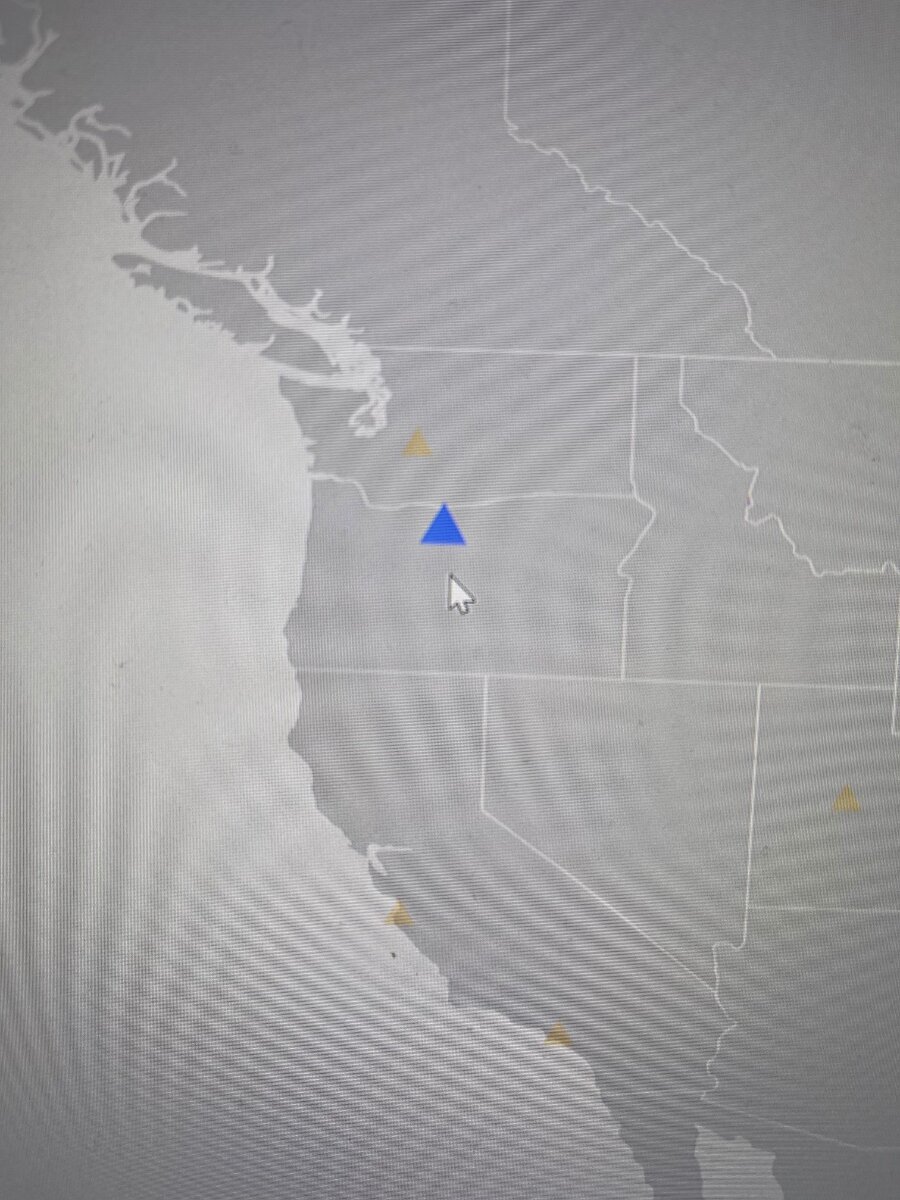
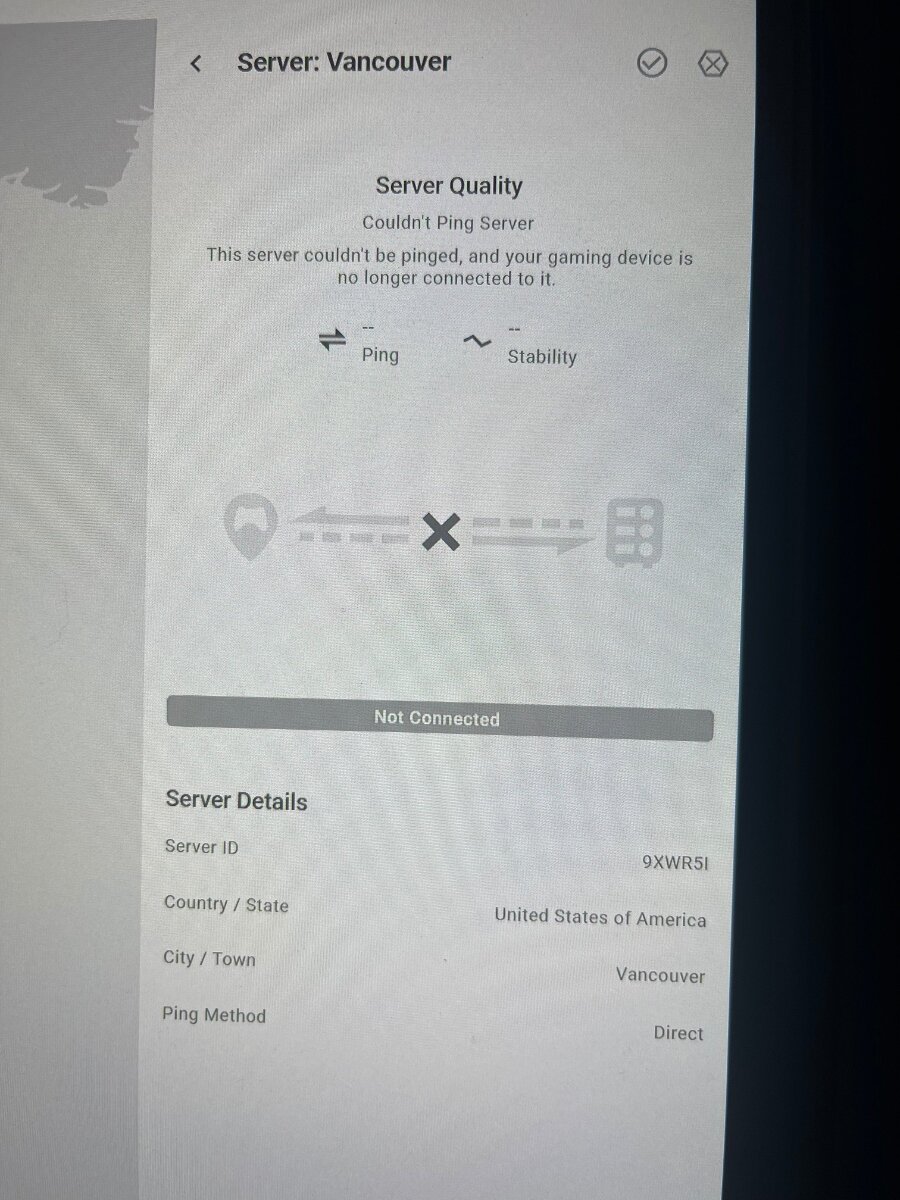
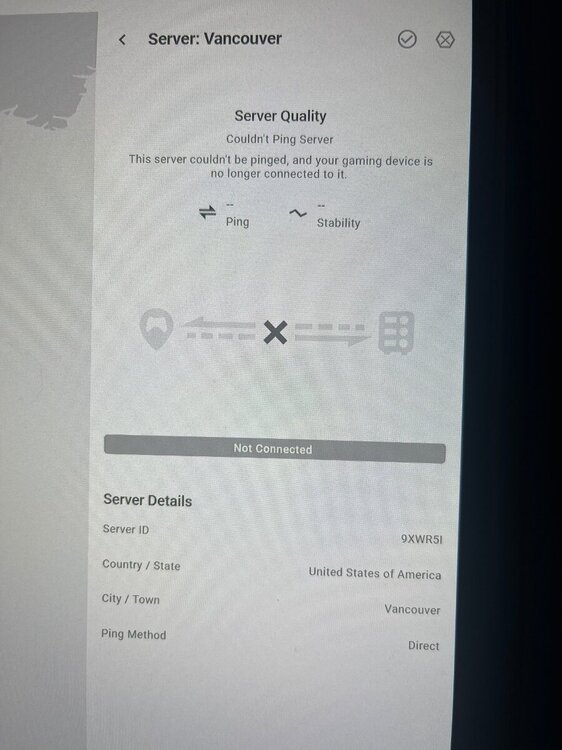
BO6- It says it is in Vancouver but it’s looks like somewhere in Oregon.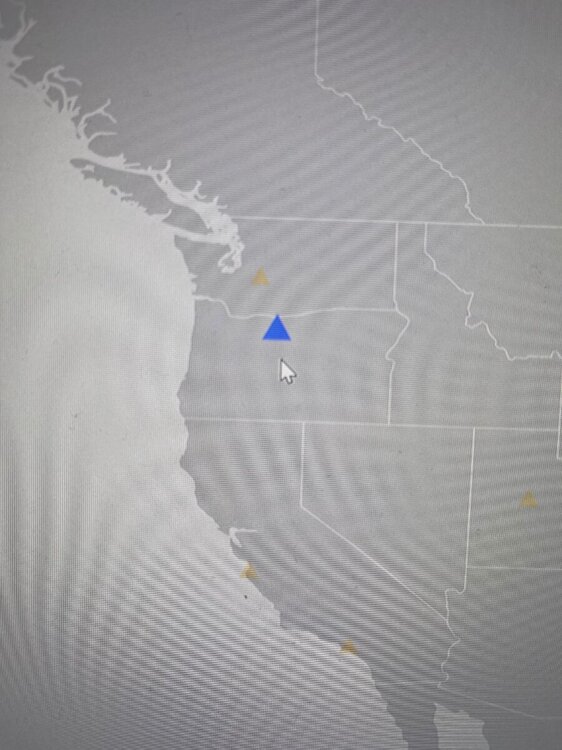
.png)