


Krush
-
Posts
5524 -
Joined
-
Last visited
-
Days Won
60
Everything posted by Krush
-

FIRMWARE: 3.3.308 Smart QoS (Hit Detection)
Krush replied to TODDzillaInLA's topic in Call of Duty Support
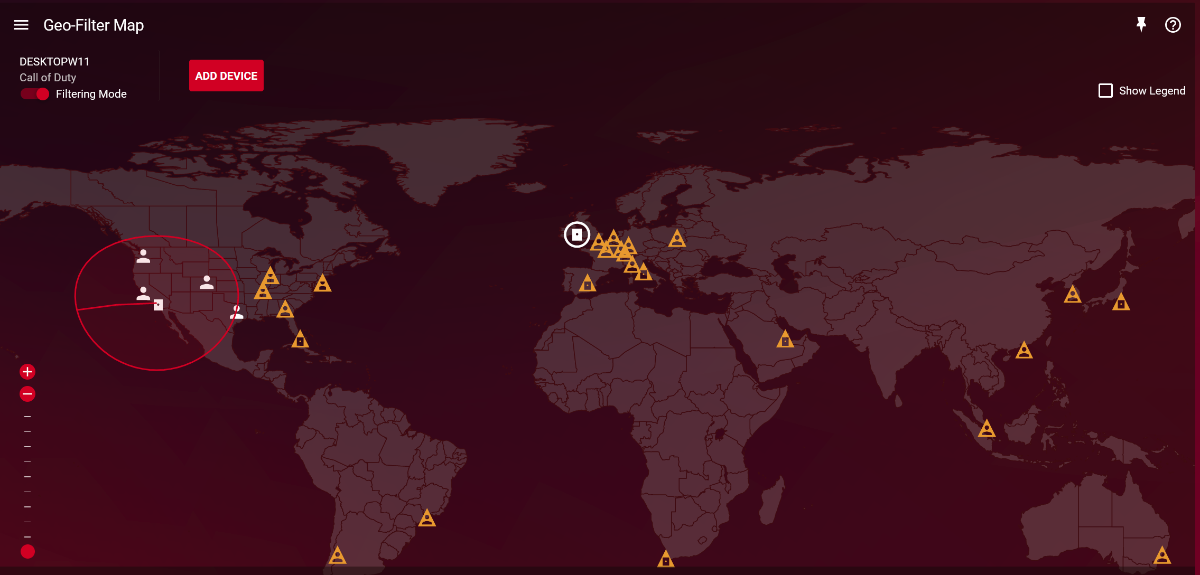
Give it a try by disabling the geofilter!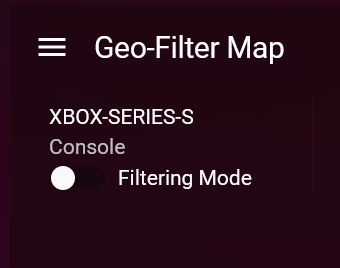
-
FIRMWARE: 3.3.308 Smart QoS (Hit Detection)
Krush replied to TODDzillaInLA's topic in Call of Duty Support
Intriguing to read this... How did you configure it? -
DEVICE MANAGER BUG FOUND AND FIX
Krush replied to DARKNESS's topic in Feature Ideas & Improvements for DumaOS
-
DEVICE MANAGER BUG FOUND AND FIX
Krush replied to DARKNESS's topic in Feature Ideas & Improvements for DumaOS
It's just graphic! 😉 -
Geofilter M.W2019 works fine, but M.W2022 doesn't.
Krush replied to xenomaid's topic in Call of Duty Support
Well, I did the test for you, unfortunately no server on Hong Kong seems to be unlocked when the game is launched, not even an authentication server for me, unfortunately I cannot connect to a game server because Paris - Seoul - LA and vice versa is too much. The most surprising thing is that the authentication server on Hong Kong on my side does not appear... Could you try on Warzone 1 and see if it works? Otherwise it would be specific to MW2022!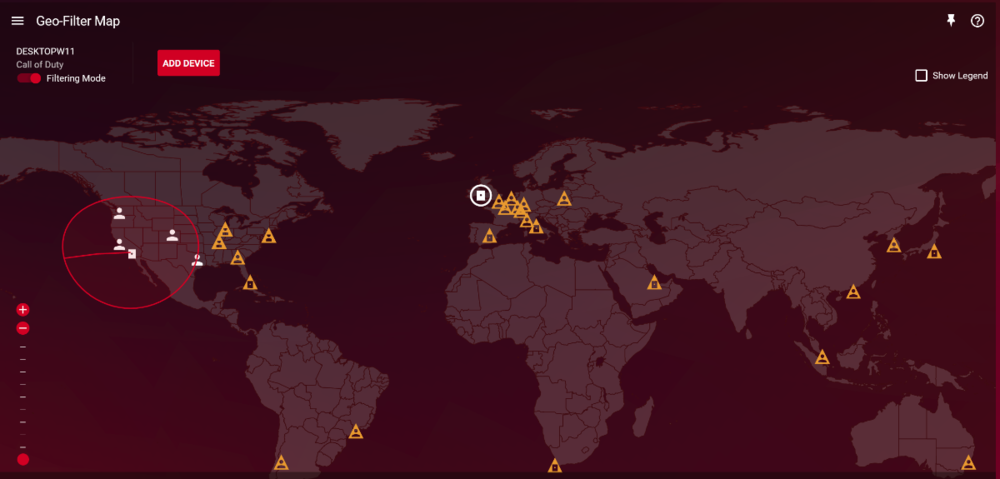
-
Geofilter M.W2019 works fine, but M.W2022 doesn't.
Krush replied to xenomaid's topic in Call of Duty Support
Okay sorry about that! I will try by putting myself on a VPN server in Seoul (The ping from France will be terrible I think) ... -
Geofilter M.W2019 works fine, but M.W2022 doesn't.
Krush replied to xenomaid's topic in Call of Duty Support
I don't know if you have a good dl speed, but it might be worth reinstalling the game completly ! What amazes me the most is that it works on other games…. -
Salut, Le mieux serait que tu fasses une capture d'écran de l'HVPN pour voir ce qui pourrait clocher !
-
Geofilter M.W2019 works fine, but M.W2022 doesn't.
Krush replied to xenomaid's topic in Call of Duty Support
He is a PC player who is in Korea! -
@Bernard Have you restarted the devices after setting up the static ip? Maybe by setting the DHCP lease Time to 168 And by choosing an ip outside the dhcp range of the R2...!
-
Geofilter M.W2019 works fine, but M.W2022 doesn't.
Krush replied to xenomaid's topic in Call of Duty Support
@xenomaid I did the test tonight, I had no problem connecting to the US west coast server! Have you tried by any chance to change the region of the game at battle.net level?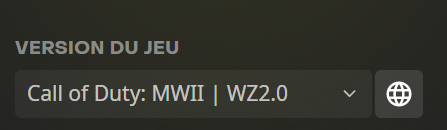
-
Geofilter M.W2019 works fine, but M.W2022 doesn't.
Krush replied to xenomaid's topic in Call of Duty Support
If as you have shown, it is specific to MW2 2022... I'll try tonight when I get home! -
Geofilter M.W2019 works fine, but M.W2022 doesn't.
Krush replied to xenomaid's topic in Call of Duty Support
Have you tried with the geofence? Otherwise try to block this server -
This is a very good idea for users who do not have access to the web or mobile administration page. A visual indicator directly on the router that indicates correct support! (I like the idea)
-
less than 10 servers showing for WZ.2 ??
Krush replied to craigbarrick's topic in Call of Duty Support
The best would be to refer to the geofilter when launching the game!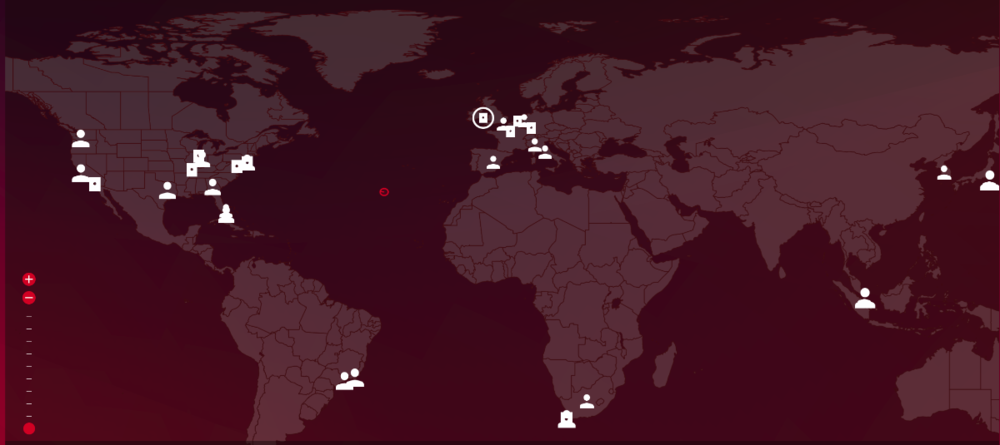
-
Gamevpns xbox + playstation call of duty console vpn compatible?
Krush replied to bullet_uk's topic in Call of Duty Support
No definitely, No matter expressVPN (personally it's just an example because it allows the same service on game console as your "proxyDNS") or another real VPN , you will have the same result ! -
Gamevpns xbox + playstation call of duty console vpn compatible?
Krush replied to bullet_uk's topic in Call of Duty Support
-
Gamevpns xbox + playstation call of duty console vpn compatible?
Krush replied to bullet_uk's topic in Call of Duty Support
Fortunately, the community is watching to protect the most gullible! -
Gamevpns xbox + playstation call of duty console vpn compatible?
Krush replied to bullet_uk's topic in Call of Duty Support
$8.99/month for a proxyDNS, I admit it's the best! -
Gamevpns xbox + playstation call of duty console vpn compatible?
Krush replied to bullet_uk's topic in Call of Duty Support
If you are willing to give your bank details and ip address on a website with gamingVPN in the title... Hallelujah! -
Gamevpns xbox + playstation call of duty console vpn compatible?
Krush replied to bullet_uk's topic in Call of Duty Support
That's what I thought, you don't know how a VPN works and you'd rather pay more to have something like a simple proxyDNS with 7 servers. It's crazy that people are willing to pay for that! But if you are happy with the result, Amen! -
Gamevpns xbox + playstation call of duty console vpn compatible?
Krush replied to bullet_uk's topic in Call of Duty Support
it looks like the service via dns offered by ExpressVPN on console... But no way to control the location and I admit I saw no difference in the game... -
Gamevpns xbox + playstation call of duty console vpn compatible?
Krush replied to bullet_uk's topic in Call of Duty Support
Ok, what's stopping you from doing that with a real VPN? In multiplayer for 12 years... now! Yes, this is the role of the geofilter! -
Gamevpns xbox + playstation call of duty console vpn compatible?
Krush replied to bullet_uk's topic in Call of Duty Support
I simply stayed on the price of a NordVPN subscription paid 100€ for 3 years... I also tend to be suspicious of all services with the annotation "gaming" which is more marketing than anything else! A VPN remains an encrypted tunnel... (gaming or not) We might as well stay on the market leaders, cheaper, secure (real privacy protection), manageable and which don't need any marketing tricks to prove their effectiveness with thousands of servers around the world. -
Gamevpns xbox + playstation call of duty console vpn compatible?
Krush replied to bullet_uk's topic in Call of Duty Support
$8.99/month...it could be a rip off! Just the graphics of the website looks like a bad fishing mail!

.png)