
Krush
-
Posts
5610 -
Joined
-
Last visited
-
Days Won
64
Everything posted by Krush
-
Does this LTE router/modem have an RJ45 LAN output?
-
Rather in the range reserved for this .2 to .99 on the R3!
-
Yes, the DMZ requires having a reserved IP!
-
Hi ! By the way, remember to take the device out of the R3's DHCP range by defining a static IP (DHCP R3) before adding it to the R3's DMZ. 😉
-
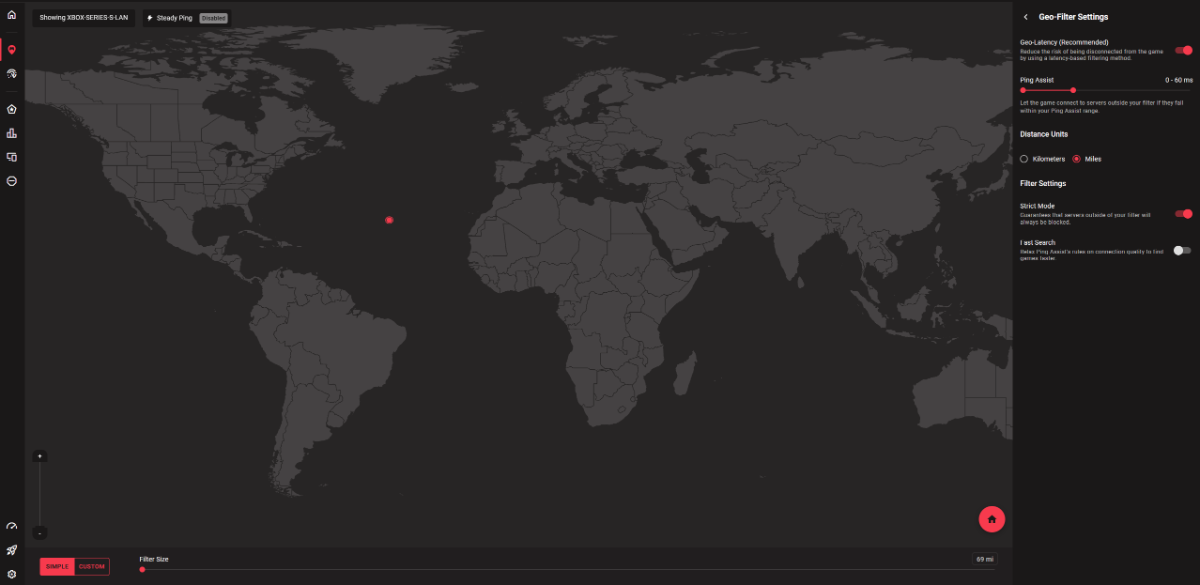
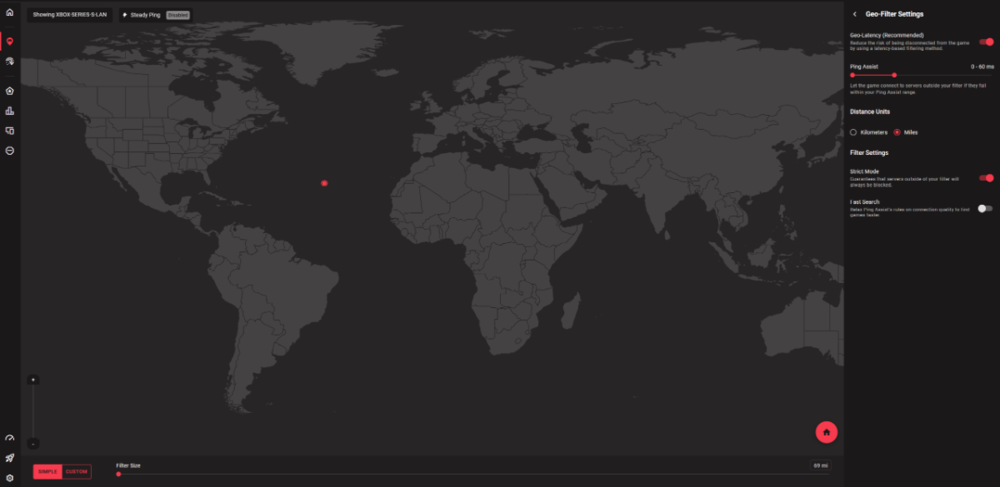
Hi! Try using ping assist instead of the server may have changed!
-
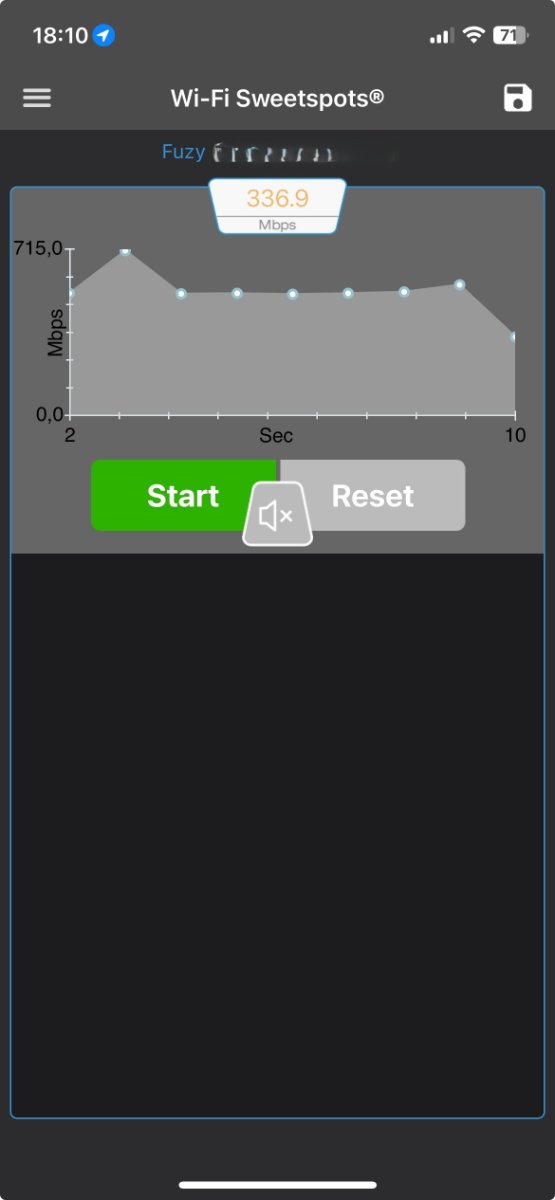
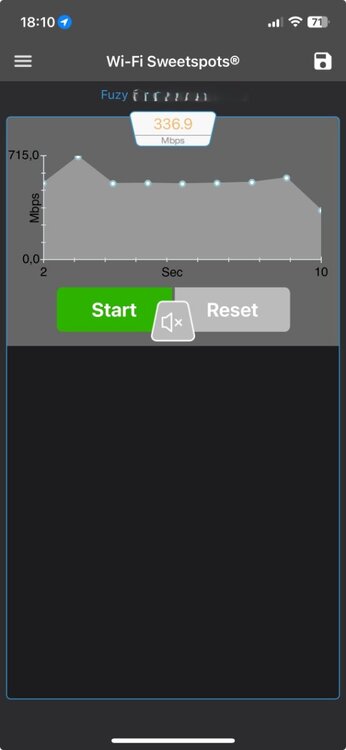
Hi! It depends on the desired speeds on your WIFI devices: By separating the 2 bands 2.4 and 5 Ghz with 2 different SSIDs, this will allow you to capture the WIFI valid on your most distant devices but with a limited speed. Otherwise, you can get mesh repeaters, if your home is very large. You can use this application on your mobile, this allows you, depending on the rooms in your home, to know the maximum speed offered on the 2 bands depending on the position of the R3. Do the test on the 2 bands 😉
-
Tu utilises une XR (Netgear) et tu sembles avoir un problème lié au lien internet, donc rien a voir avec Netduma .... 😉
-
Ok, on va essayer un une chose chiante, mais essayes de réinitialiser ta box SFR ...
-
Tu vois le XR derrière le DHCP de ta box SFR ?
-
Ok ! Vérifies que le XR est bien branché a ta box SFR, port lan box SFR vers port wan XR. Si c'est le cas cela vient peut être de ton cable ! Tu vois bien le XR sur la box SFR dans le tableau de périphérique ?
-
@Matvent T'as réussi à t'en sortir ?
-
Si tu branches ton PC derrière la Box SFR, as tu as un accès internet ?
-
Cool ! Si le XR500 est derrière ta box SFR... il devrait être accessible sous 10.0.0.1 sur ton PC derrière XR500 "naviguateur" (SFR ayant un DHCP de base 192.168.1.1) jusque là tout va bien... Je pense simplement que tu as oublié de supprimer soit VlanID ou VCID. Un réinitialisation d'usine devrait régler le problème ! ?
-
Ok, tu réponds depuis ton portable 4G/5G ? On va procéder par élémination... Ta configuration : Box SFR/XR500/tes autres périphériques ?
-
? Cela ne t'empèche pas de prendre des captures d'écran ....
-
Je reviendrai vers toi demain pour essayer de t'aider ! Au passage, si tu es sur PC, pourrais-tu utiliser la capture d'ecran integré, ce serait plus lisible pour nous et plus facile pour toi ! https://support.microsoft.com/fr-fr/windows/utiliser-l-outil-capture-d-écran-pour-effectuer-des-captures-d-écran-00246869-1843-655f-f220-97299b865f6b#ID0EDD=Windows_10
-
password...
-
....You already have all the information about the geofilter... The identification server is in Singapore. The work is done on this game, the geofilter works and the game traffic is well recognized in the DPI!? Enregistrement 2025-01-14 193109.mp4
-
Hi! Did you accidentally disable RGB by chance?
-
 The "ping" test is necessarily linked to a server!... From memory, to be confirmed by the Netduma team, but it targets google 8.8.8.8...
 -
It is linked to your local network activity, you cannot do much as I explained to you before because the test is on a specific DNS server! 😉
-
Where do you measure jitter?
-
It depends on the number of devices behind the R3 and their bandwidth under load! 70/70% is a good percentage with SmartBoost to avoid any ping spikes behind your games.
-
This is normal because the speed test server (Netduma) is not necessarily optimized for your geolocation. 😉
-
Hi! Enter your max speeds in the R3 and do a test on a wired device please!