DayDay
-
Posts
16 -
Joined
-
Last visited
-
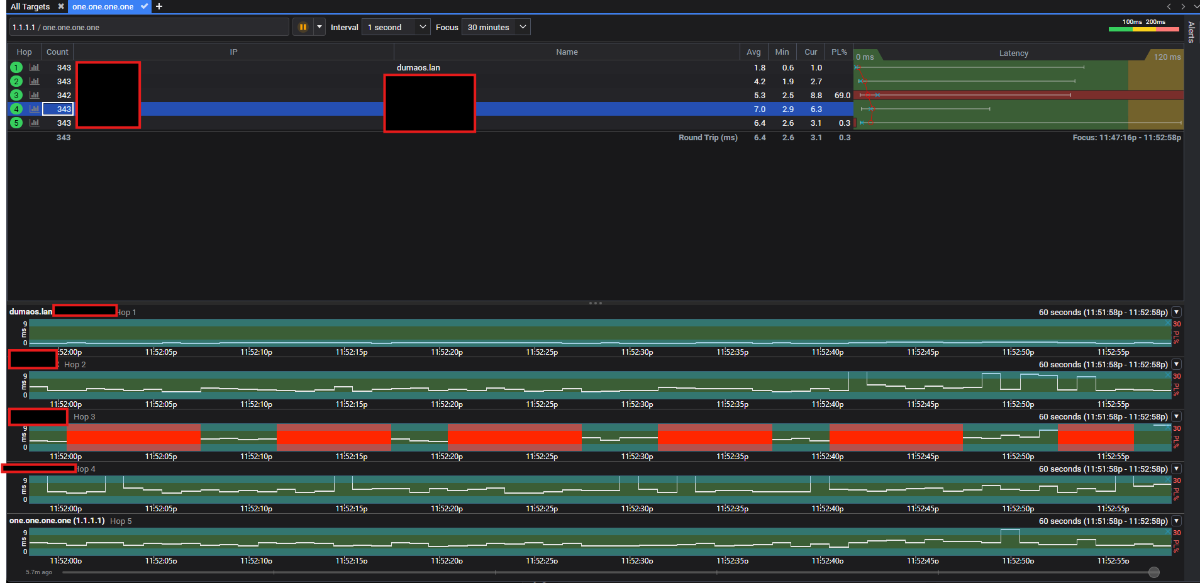
To add on to this I connected my modem directly to my pc and played a few games of Call of Duty and I didnt experience any packet burst AT ALL. Everything ran smoothly with the exception of not having a geo filter because i live in hawaii. So i connected to a few east coast games. So it 100% the router or something i have setup incorrectly.
-
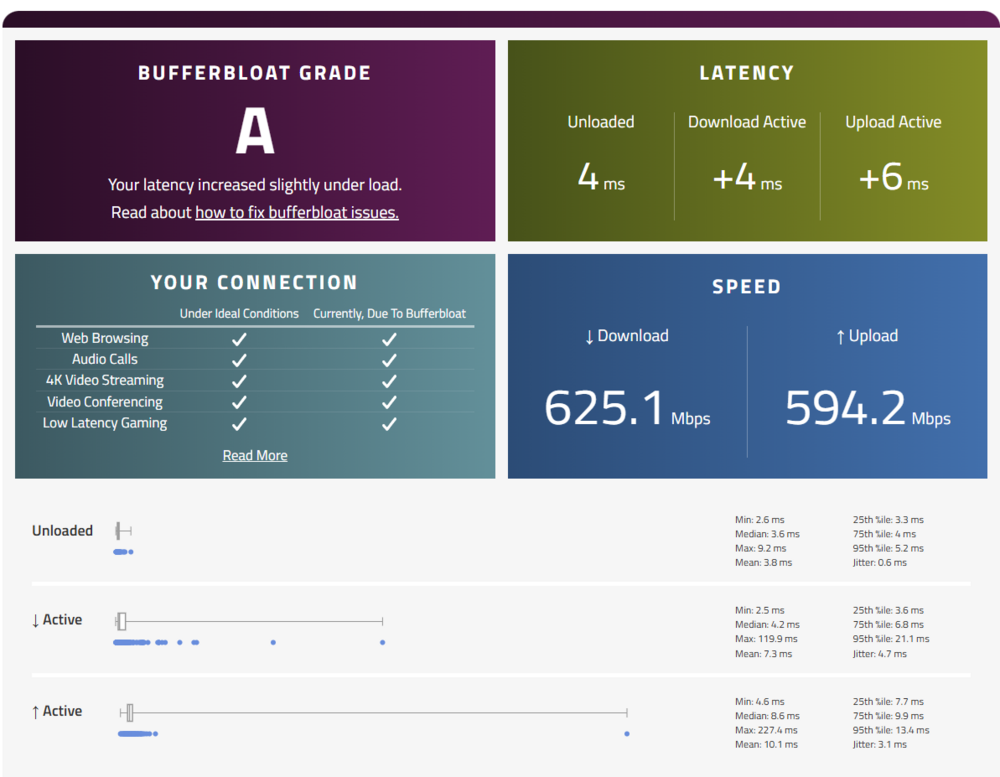
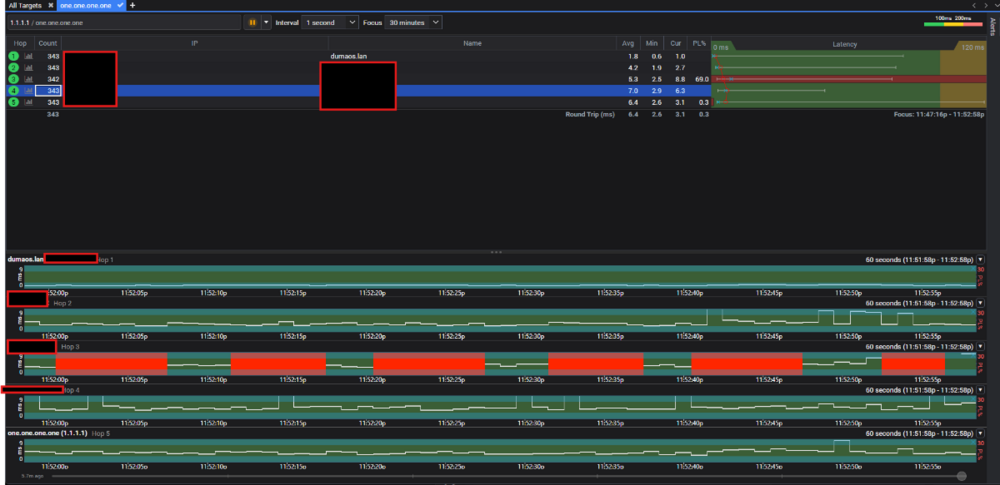
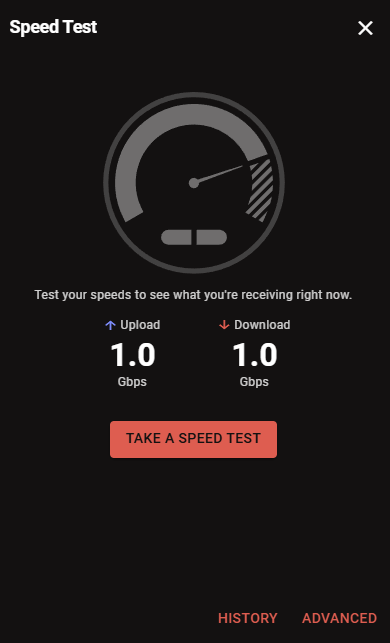
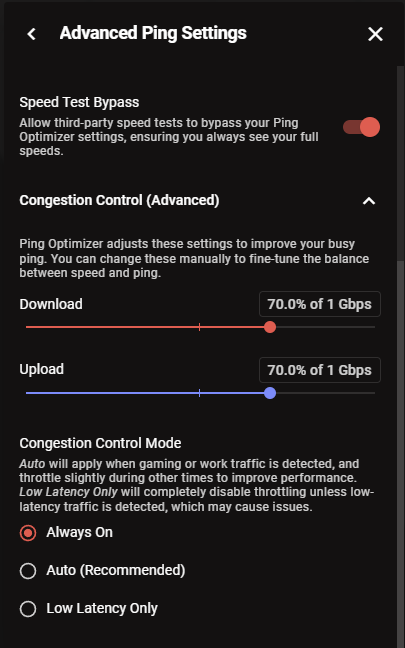
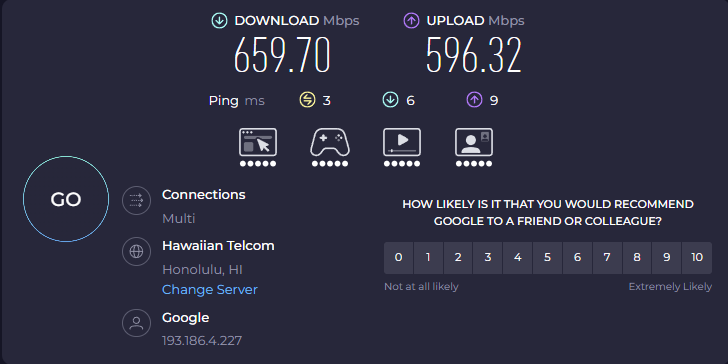
So, lately on COD and BF6 I've been receiving a lot of packet burst/packet loss. I had my ISP Hawaiian Telcom to come down to test my modem. And the test on the modem was flawless. I have fiber internet at 1 GB download and upload. And I'm trying to figure out what's going on. Everything I have attached to the this topic are wired test from the router (NetDuma R3) to my gaming pc. Are there any other things i can do because at this point I'm considering trying another router.


-
Yeah i did the full reset of the router and it works now.
-
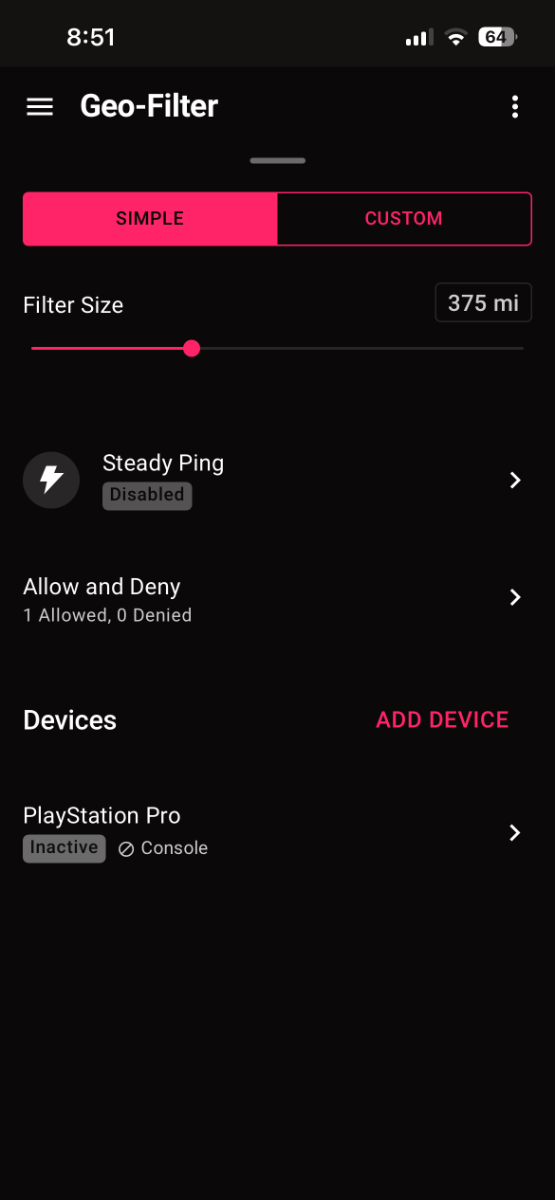
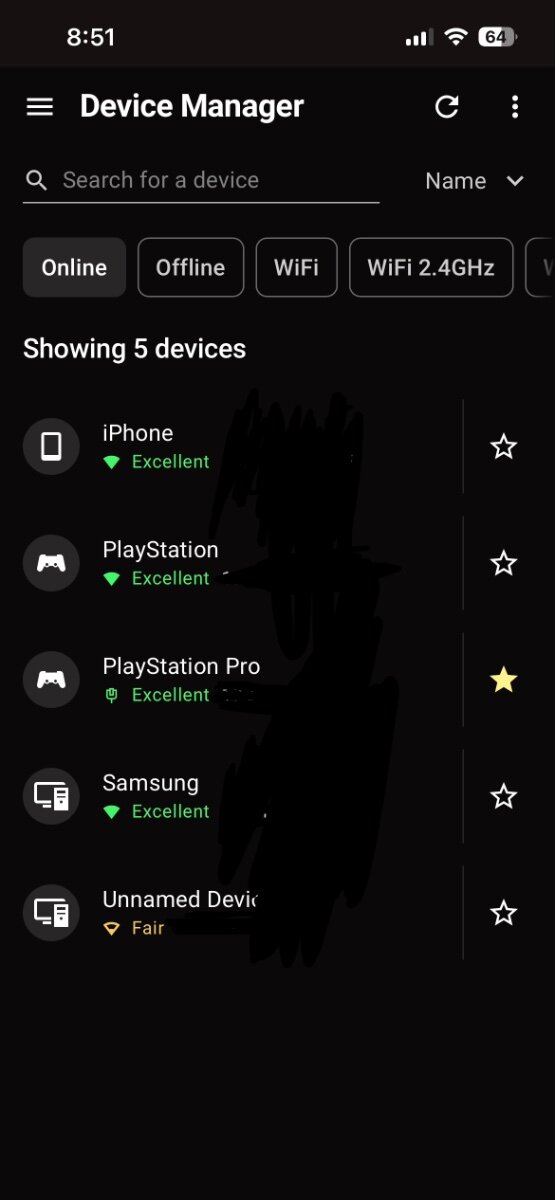
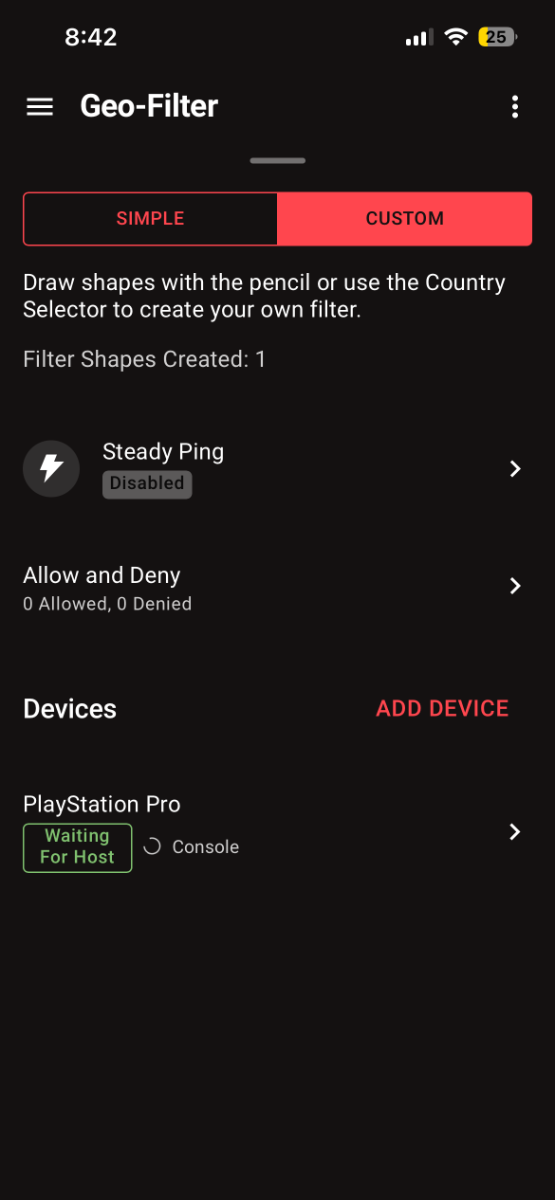
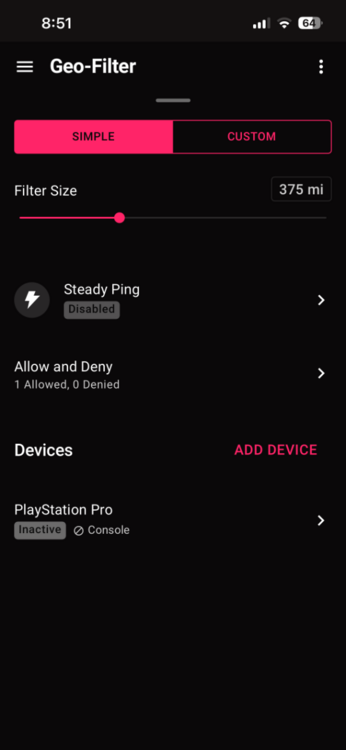
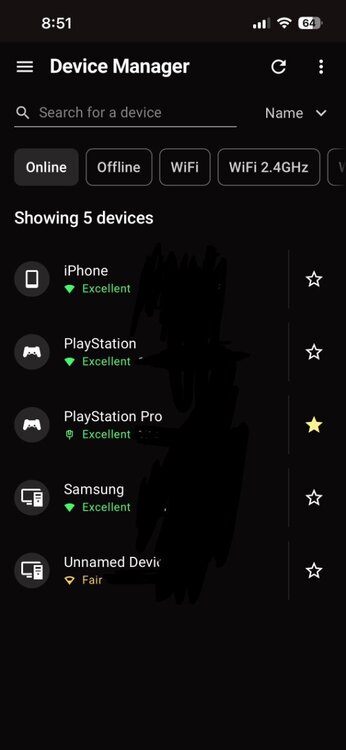
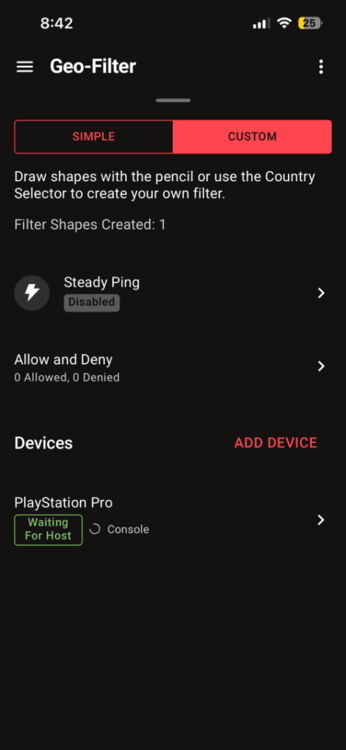
Its saying my playstation pro isnt connected but it is. This randomly happened and i didnt adjust or change anything. The troubleshooting actions i have taken were deleting the old geo gilter and making another one, resyncing cloud, turning my playstation off and on again. None of those have fixed my issue.

-
.png "Like") Netduma Fraser reacted to a post in a topic:
How to get lowest ping possible.
Netduma Fraser reacted to a post in a topic:
How to get lowest ping possible.
-
That worked thank you so much. It was an ireland one like you said. Server ID was 1FD98CG
-
DayDay reacted to a post in a topic:
How to get lowest ping possible.
-
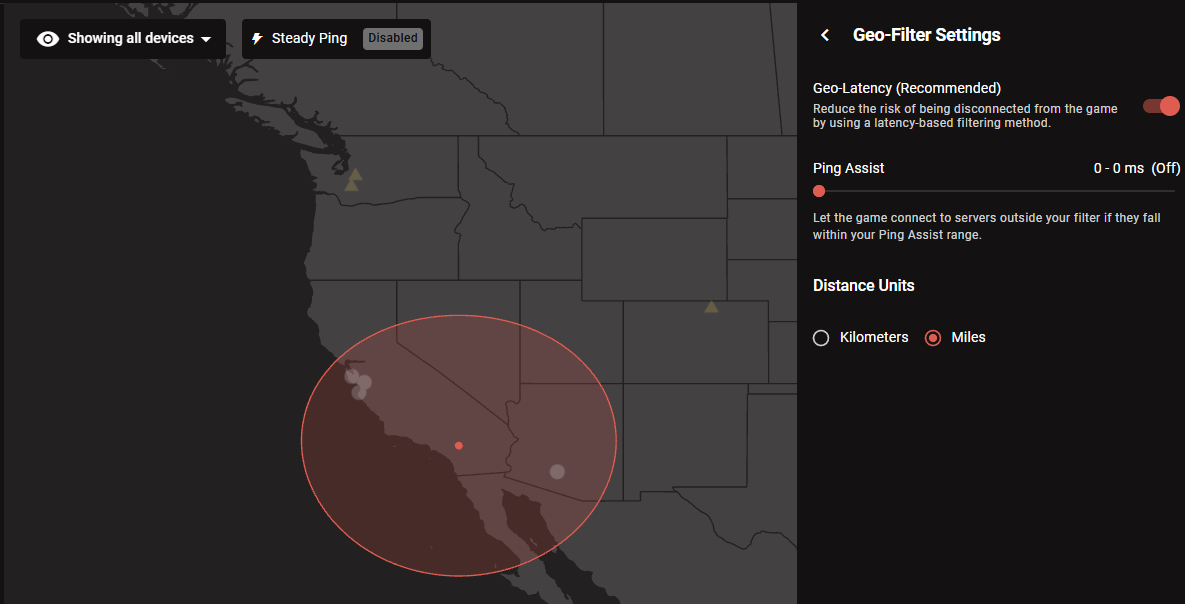
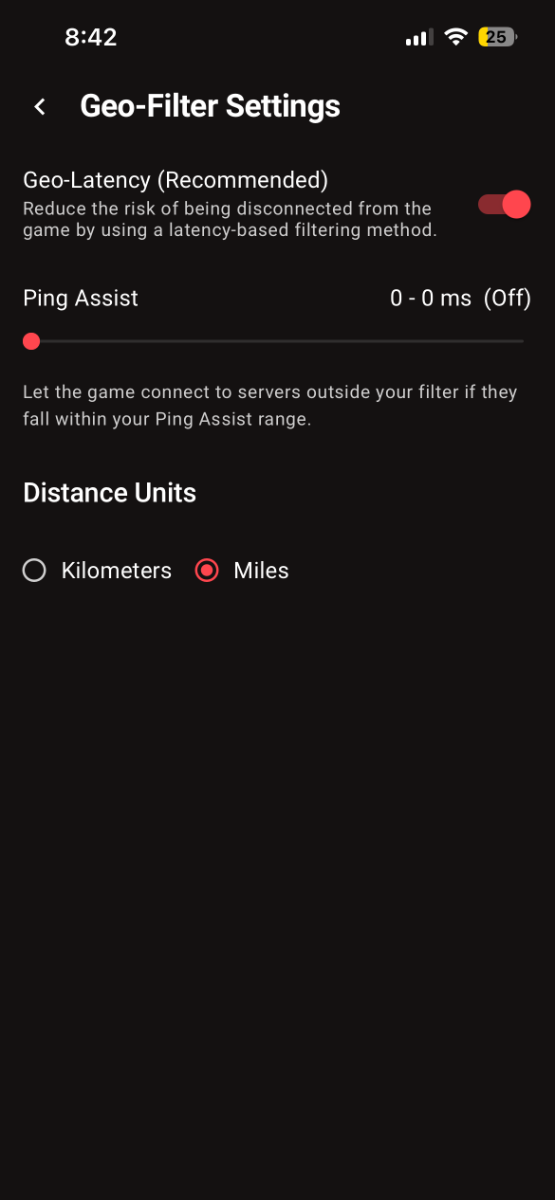
This is what happens when geo-latency gets turned off.
-
DayDay reacted to a post in a topic:
How to get lowest ping possible.
-
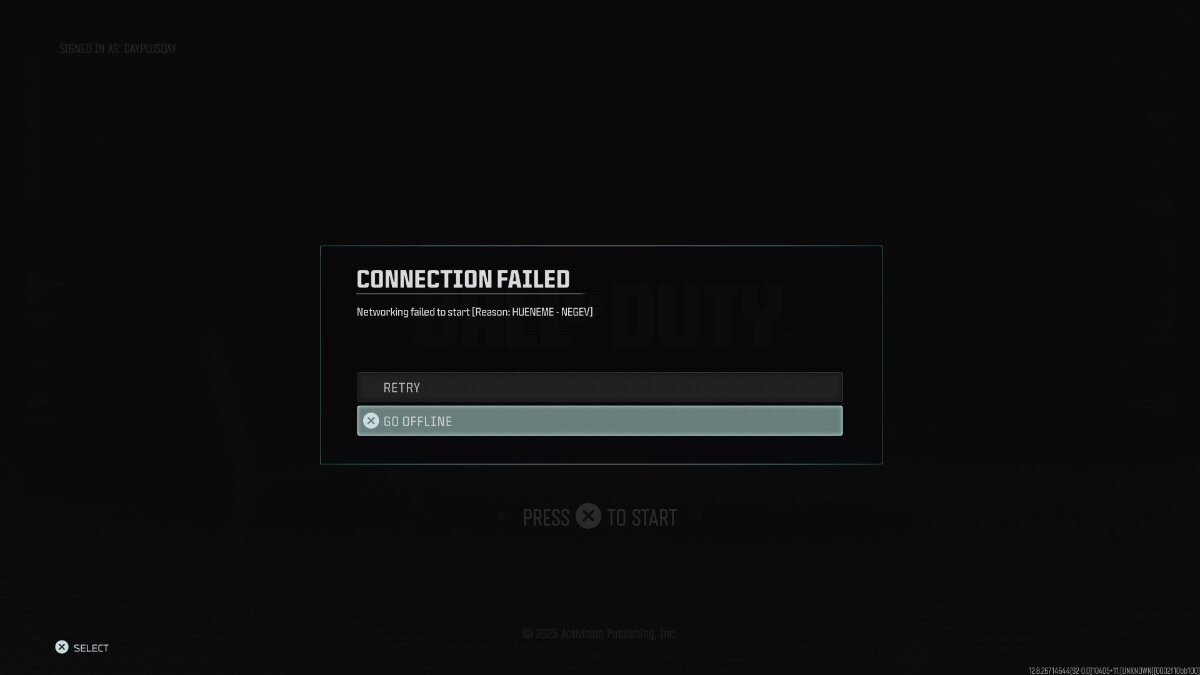
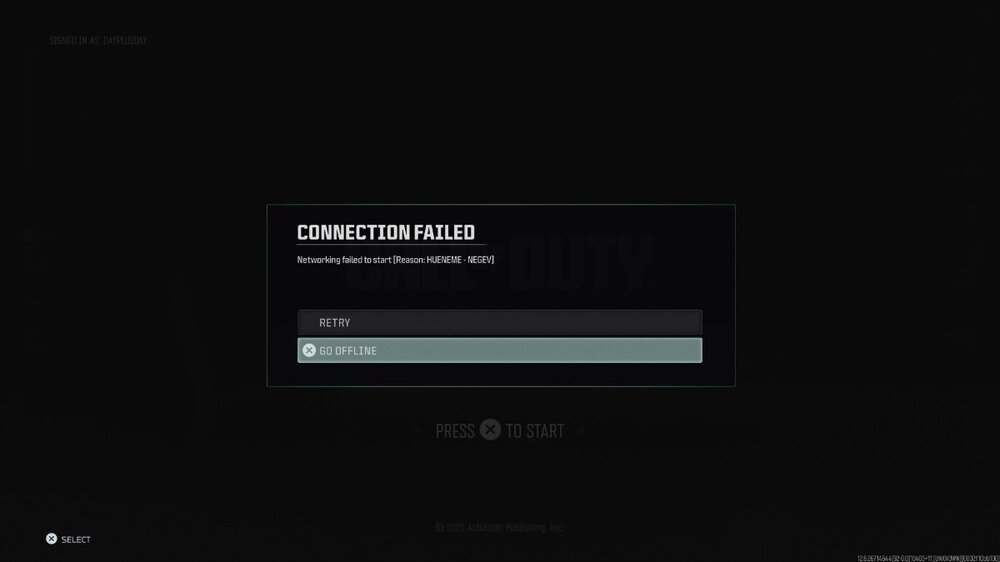
weird thing is when i disable geo latency it makes it to where i get a error message in call of duty and it wont allow me to get passed the main menu unfortunately.
-
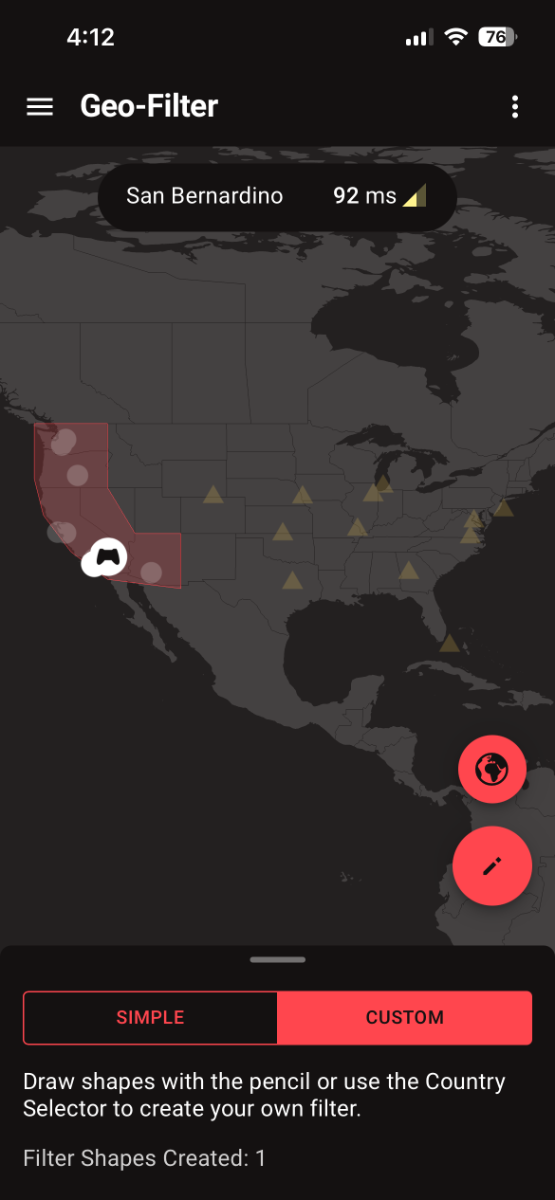
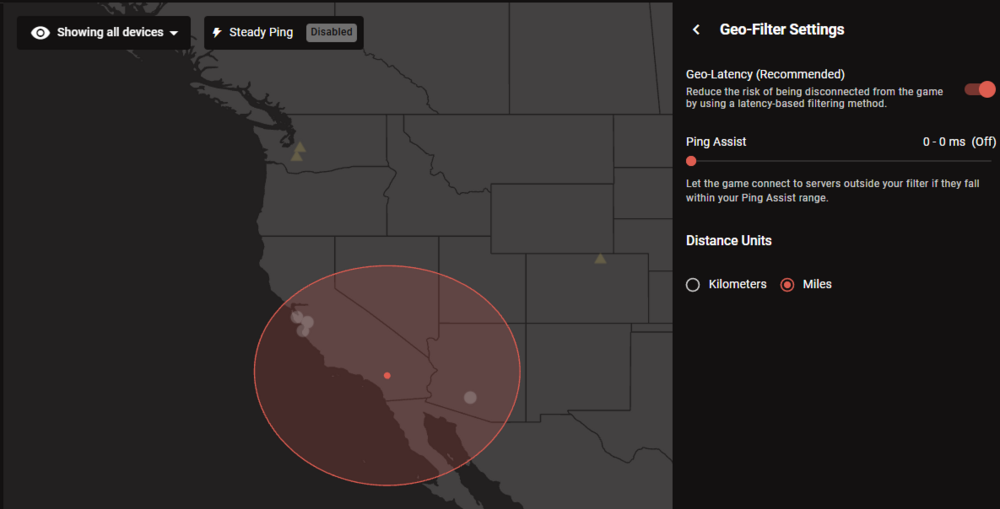
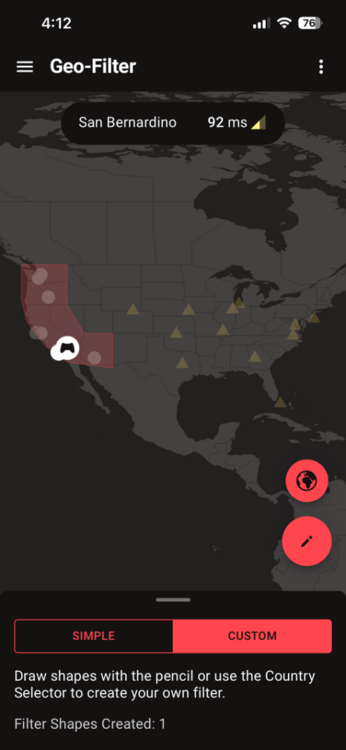
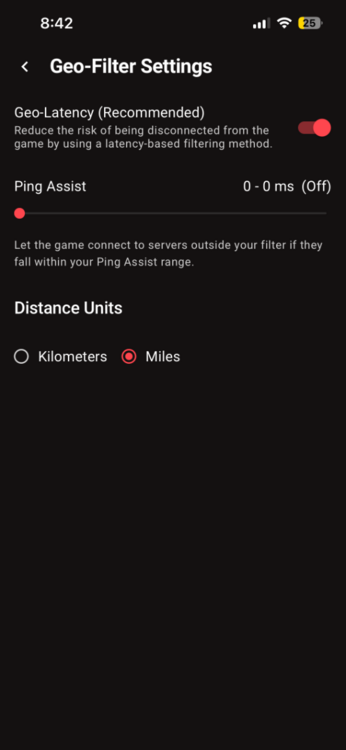
Hey so i play out of Hawaii and some west servers give me 49 ping (which is preferable since I'm playing ranked play in sweaty lobbies) and some other west servers give 60-70 ping. How can i manipulate my settings to only get the servers that give me the lowest ping possible. I don't care about long queue times it’s worth it in the end. And i want the settings to be strict for that ping alone. Attached is what my layout and settings looks like for the geo filter.
-
can i get the firmware as well
-
showing the same thig and the geo filter is also not working the way it used to work. My ping is a lot higher now and i feel like it putting me in any server it wants now.
-
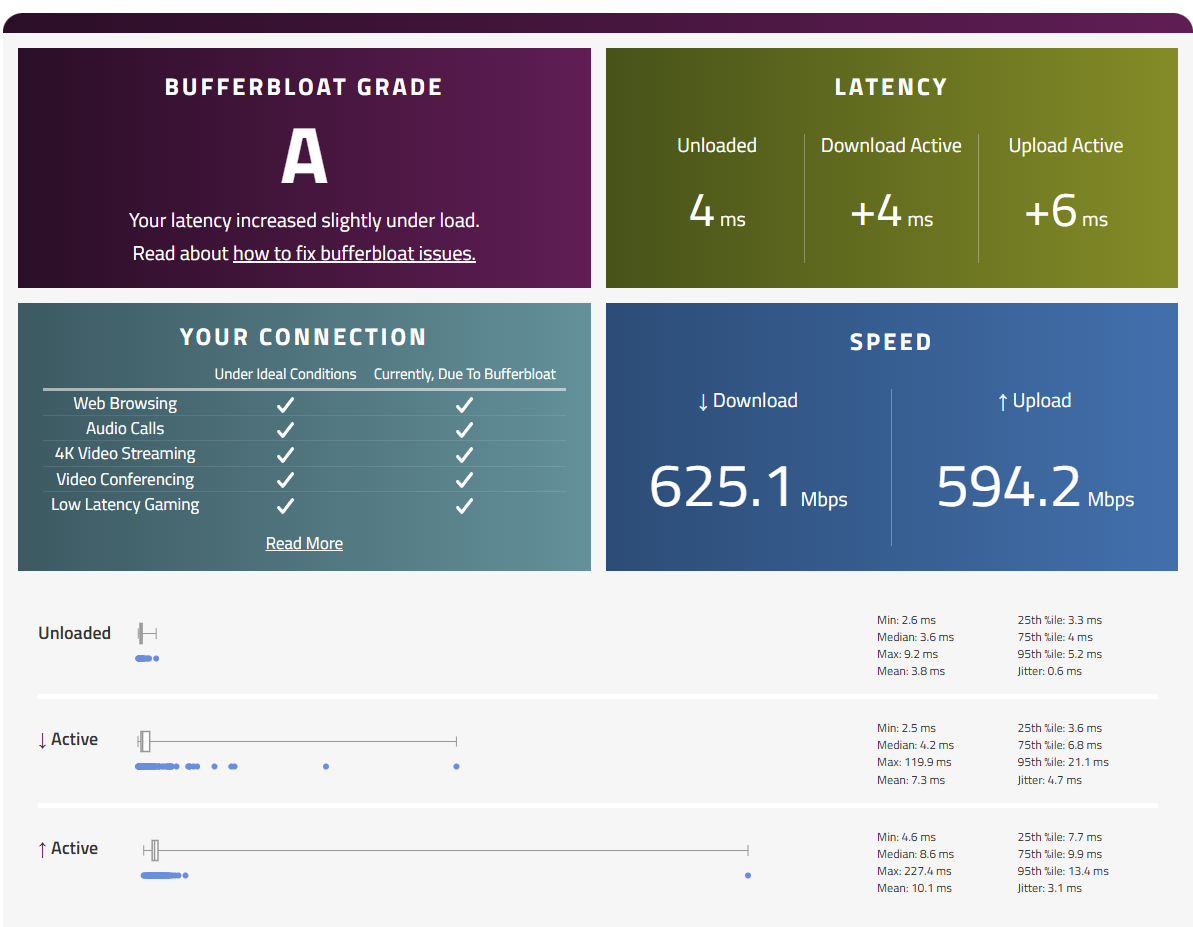
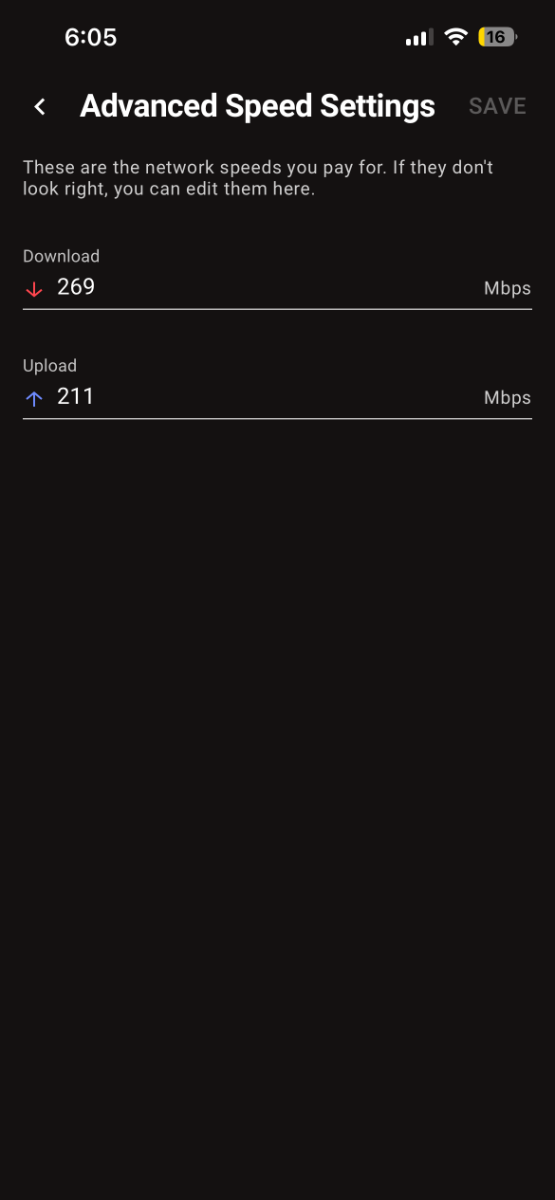
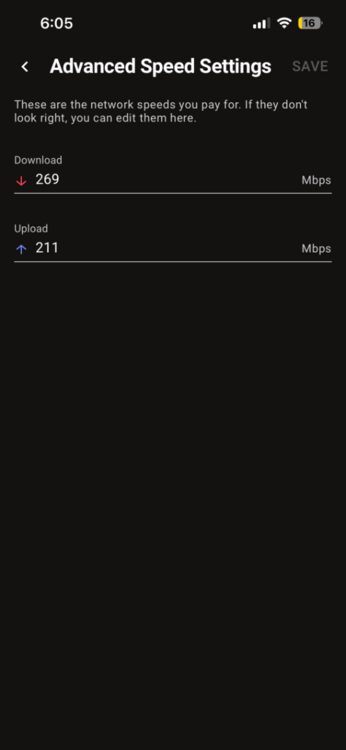
Yeah cause my confusion came from using the speeds the duma app is showing me but i will input the speed that im getting from the speedtest. Quick question if i used lower speed than what im actually getting from this setting would this hinder performance of internet or router?
-
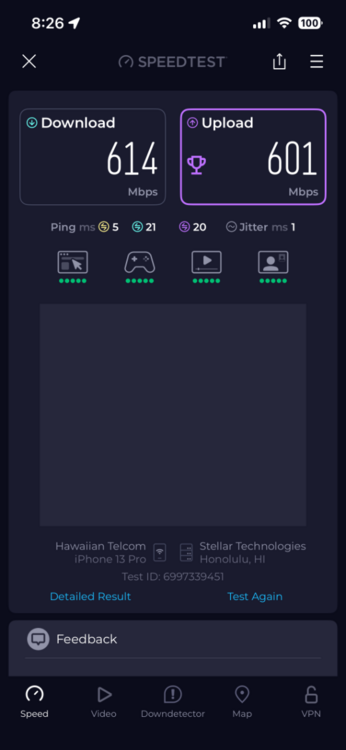
yeah but im asking should i use the speed test info for the app instead of using the speeds the app gives me
-
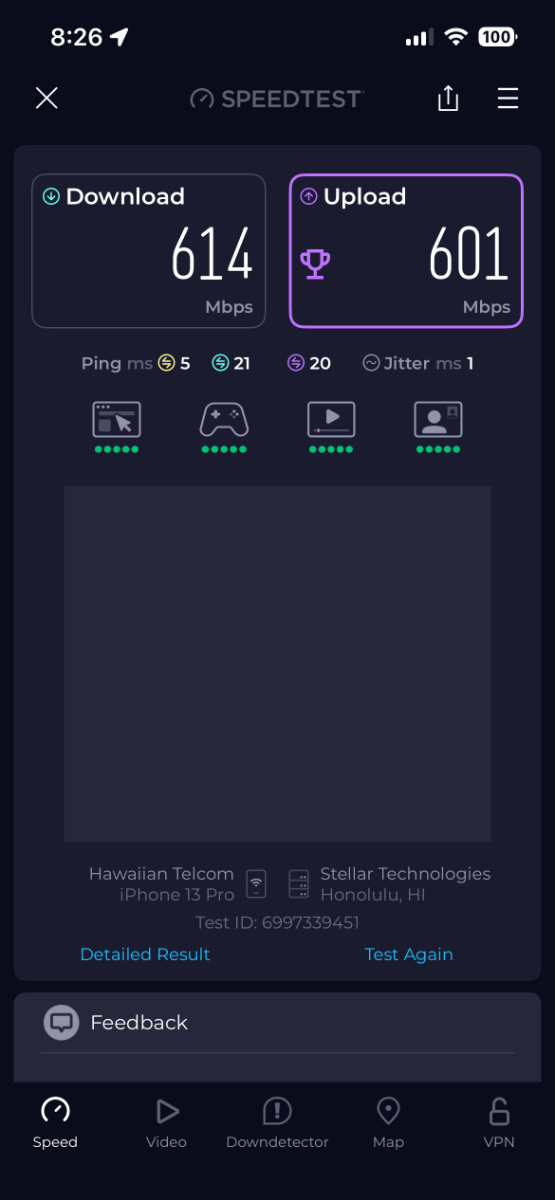
I get this in speed test. But my question is should i be using the speed from speedtest or netduma?
-
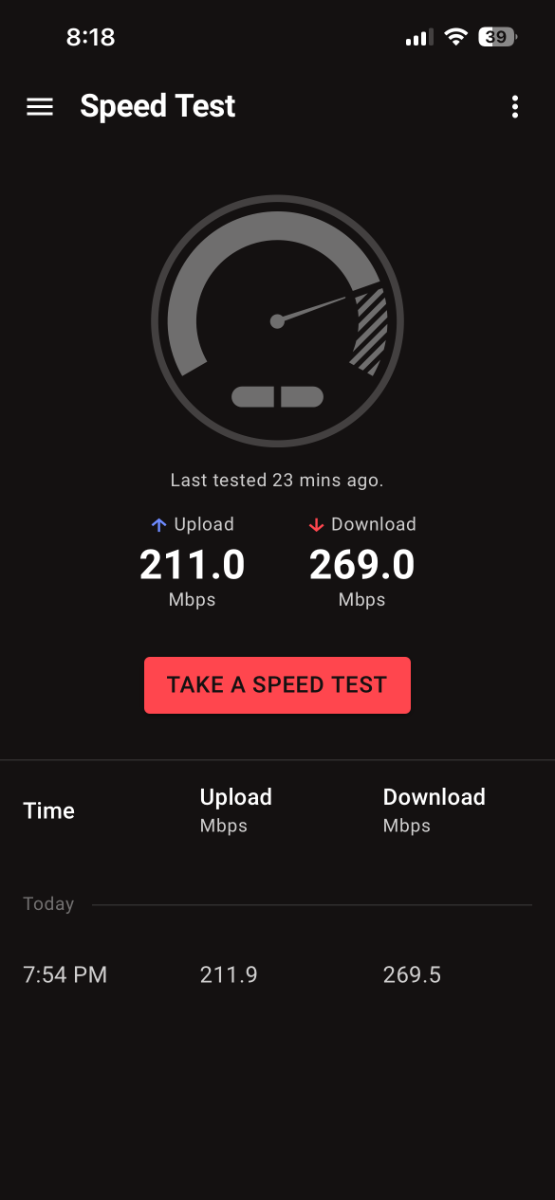
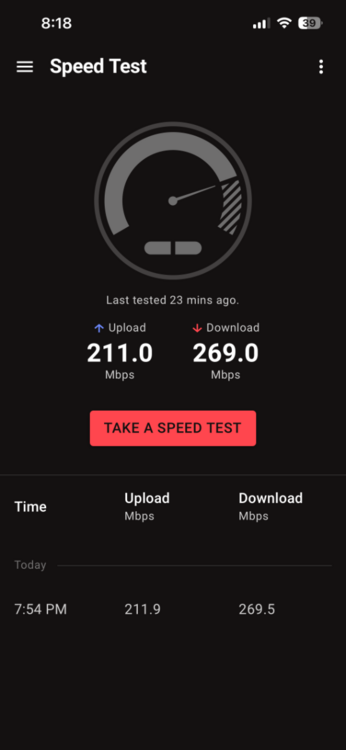
Hello, I’m currently experiencing significantly lower speeds than expected when testing through my Netduma router. My internet service is 1 Gigabit fiber, so I should be seeing speeds much closer to that. However, when running the speed test through the Netduma app, I’m consistently getting around 200 Mbps download and 200 Mbps upload. To rule out configuration issues, I have already performed a full factory reset on the Netduma router using default settings, but the speeds remain the same after the reset. Because this is fiber, there shouldn’t be any limitation from the ISP side that would explain speeds dropping this low. The results seem far below what should be expected for a gigabit connection.
-
• Its a spectrum modem • Yes I entered the speeds into the router. •I have it setup to where my PlayStation 5 is prioritized and I get low speeds when I do a connection test on my PlayStation. And yes my PlayStation is connected via wire.