Mac
-
Posts
9 -
Joined
-
Last visited
-
.png "Like") Anonymous reacted to a post in a topic:
NEW R3 FIRMWARE - DumaOS 4.0.1510
Anonymous reacted to a post in a topic:
NEW R3 FIRMWARE - DumaOS 4.0.1510
-
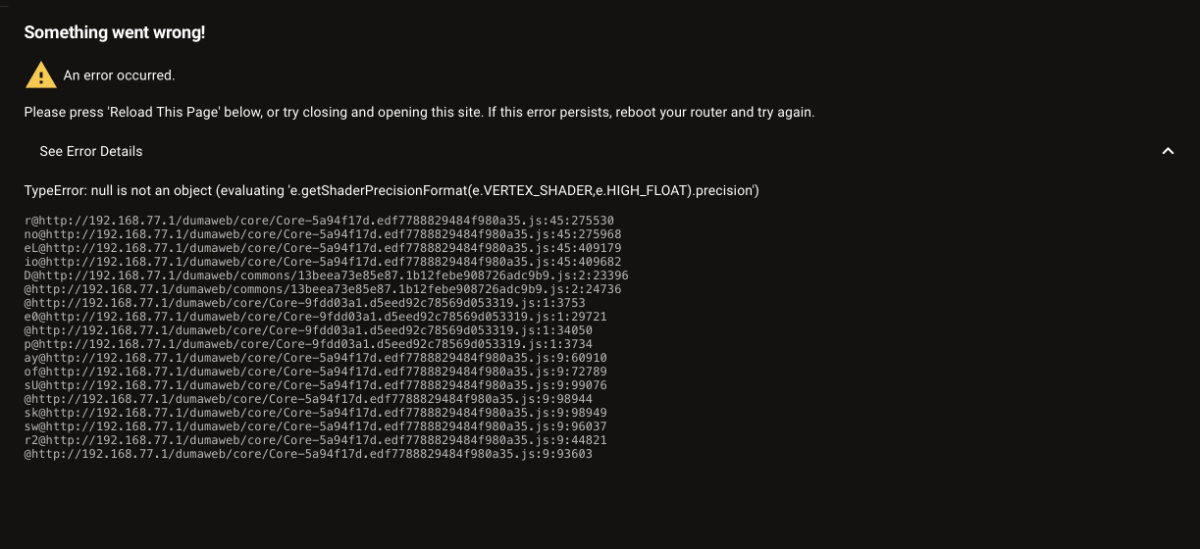
Just a heads up. The Mac Address Cloning area under Advanced WAN Details is constantly trying to load/buffer the address. This is on all Internet browsers and on the app. I am also unable to enter and save any DNS Override or MTU settings as pressing the save button doesn’t save your inputs. This is likely because the Mac Address Cloning area is still trying to load. This also happens on all browsers and the app too. Thanks.
-
Netduma Fraser reacted to a post in a topic:
R3 not letting all internet through to the PS5?
-
I see. Thanks for your swift response. Much appreciated 👍🏻
-
That seems to have worked. Weird, the IPv6 has been connected to the console with no issues up until today. Does disabling IPv6 LAN/WAN make any difference with gaming /connection in general? Thanks.
-
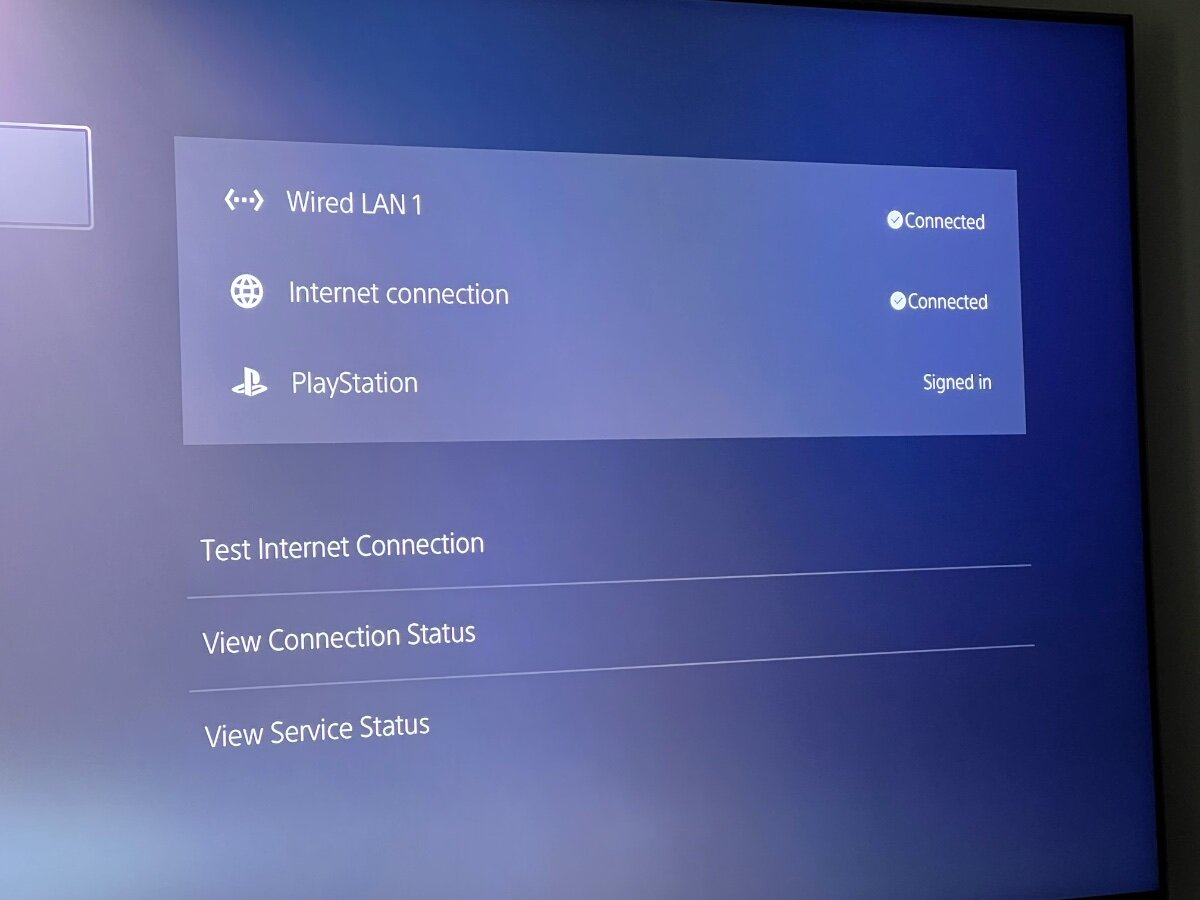
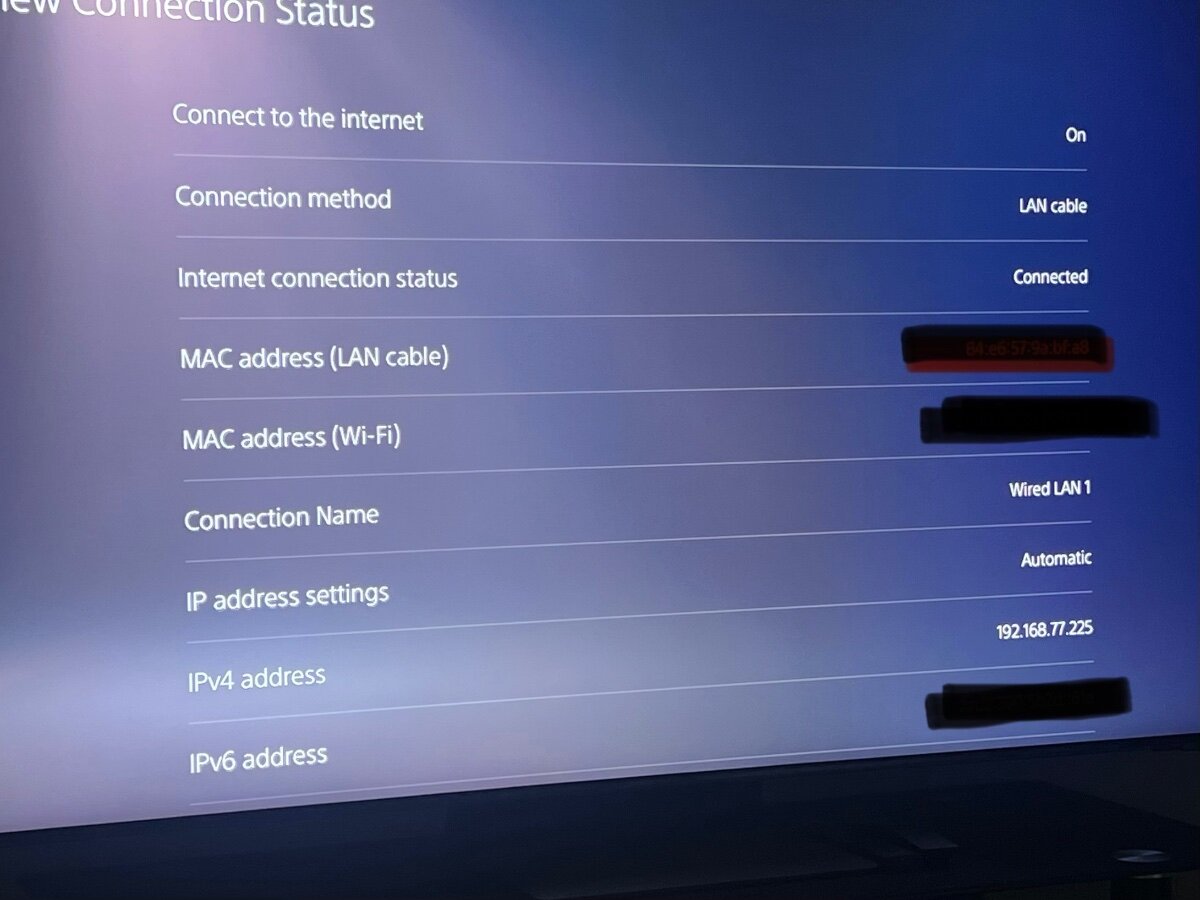
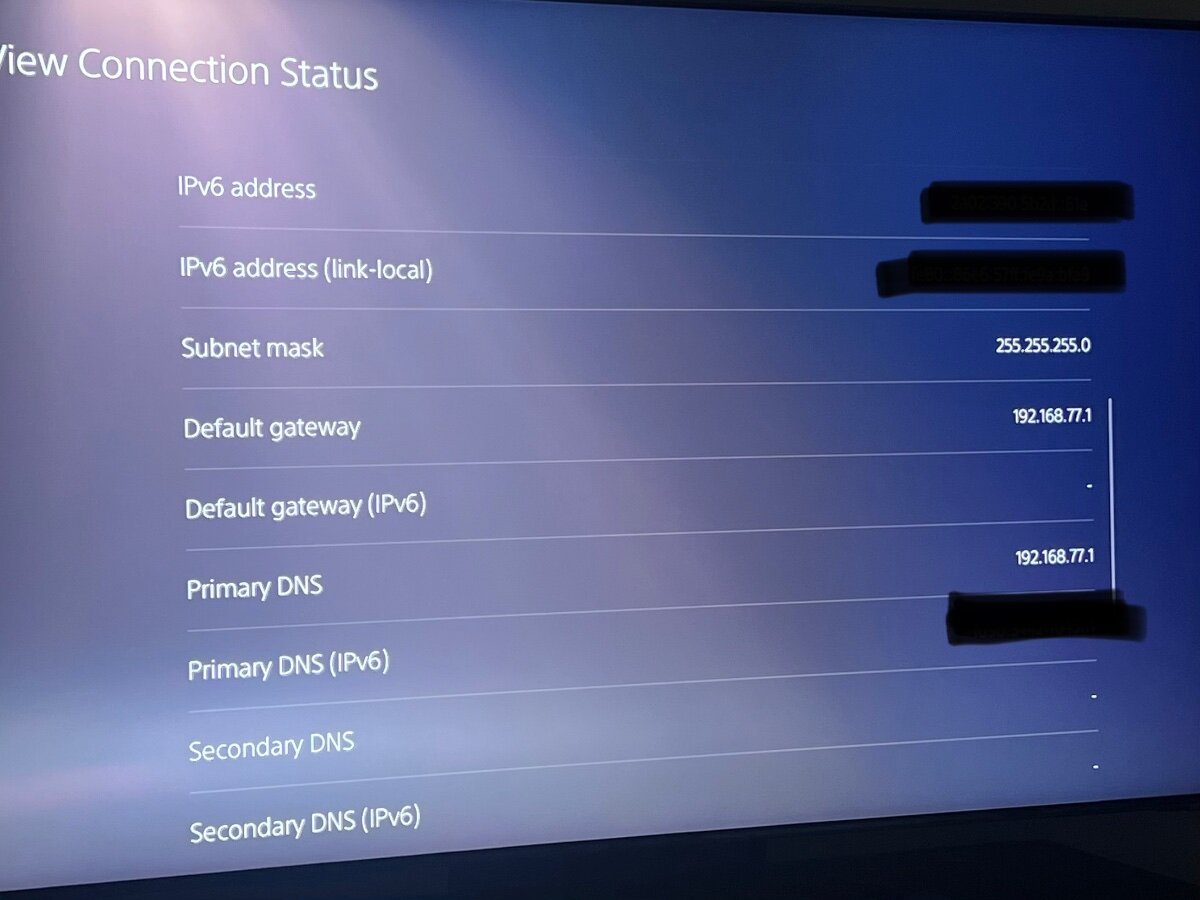
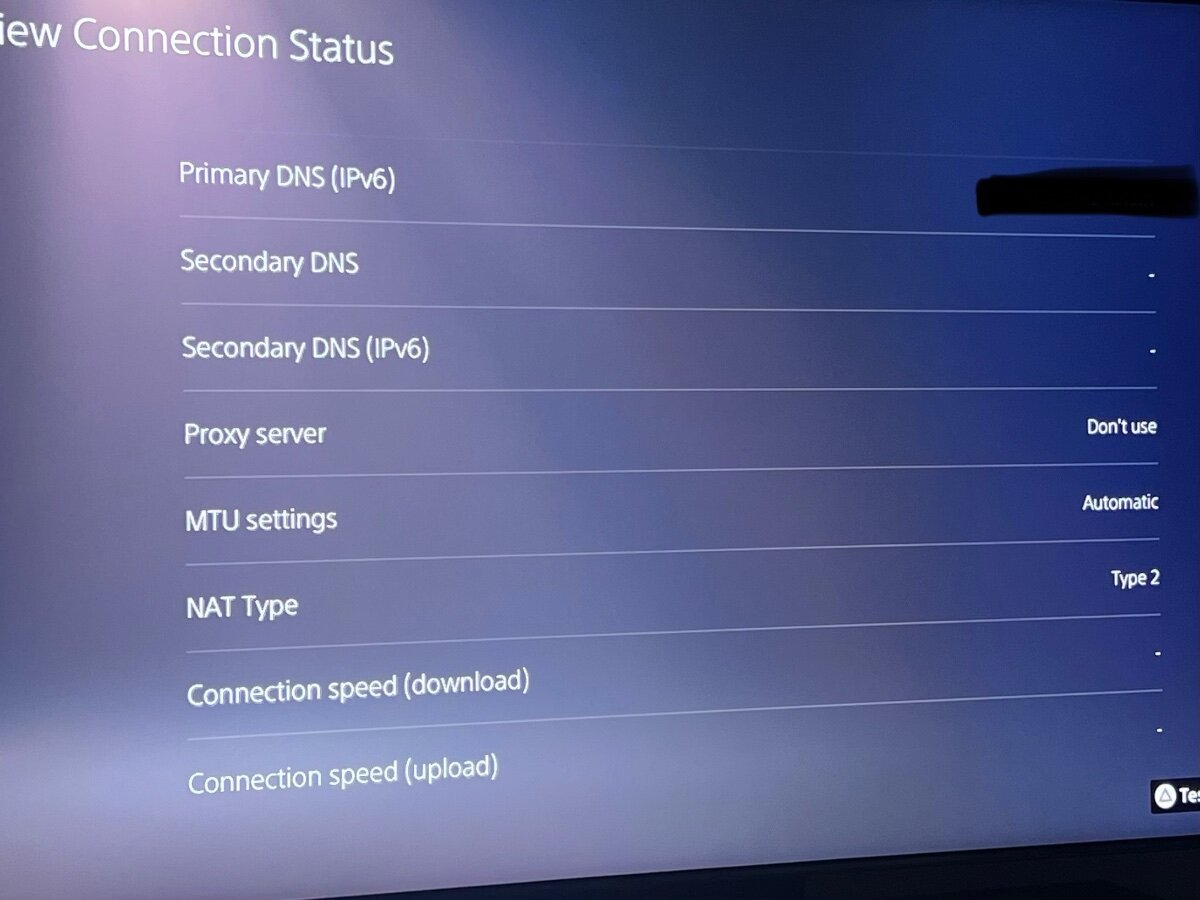
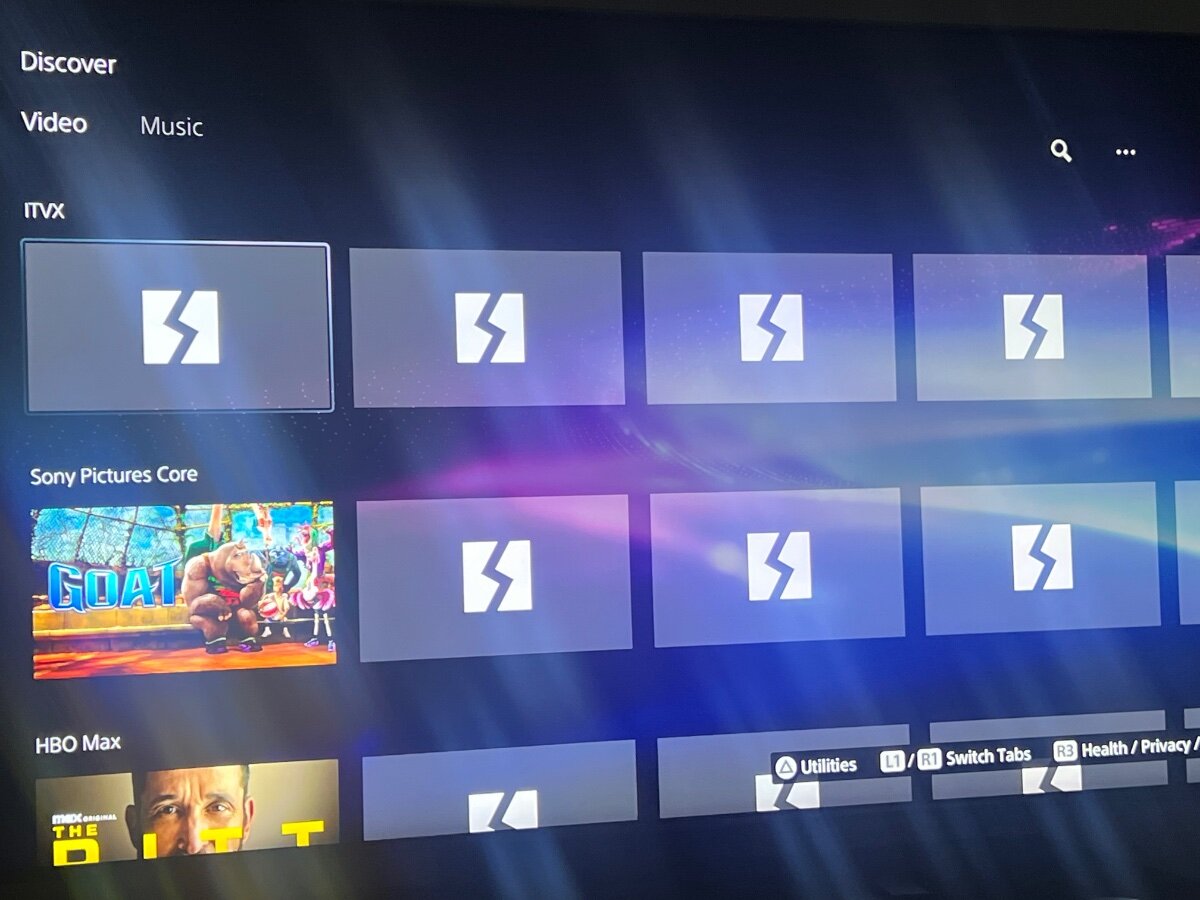
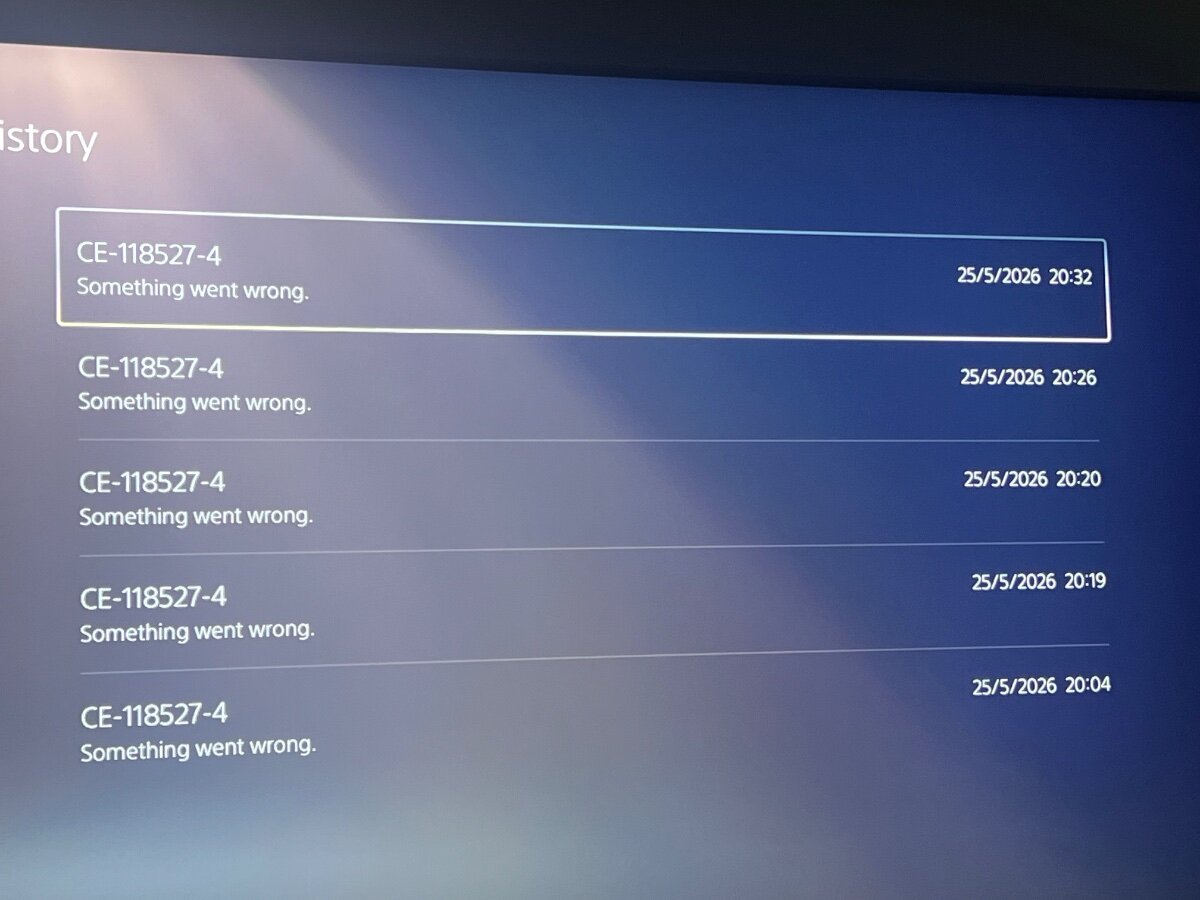
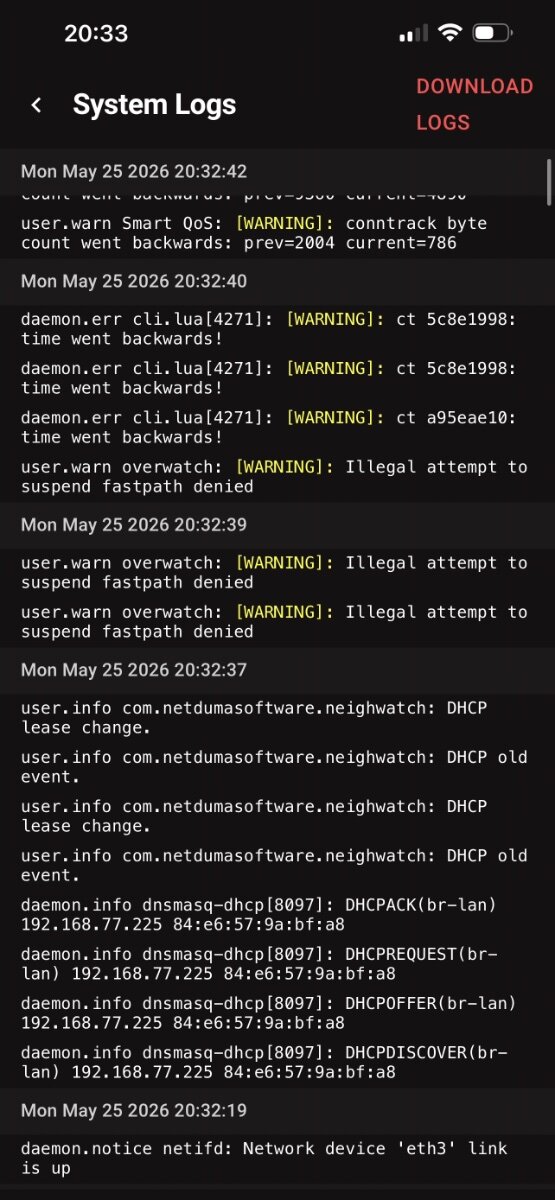
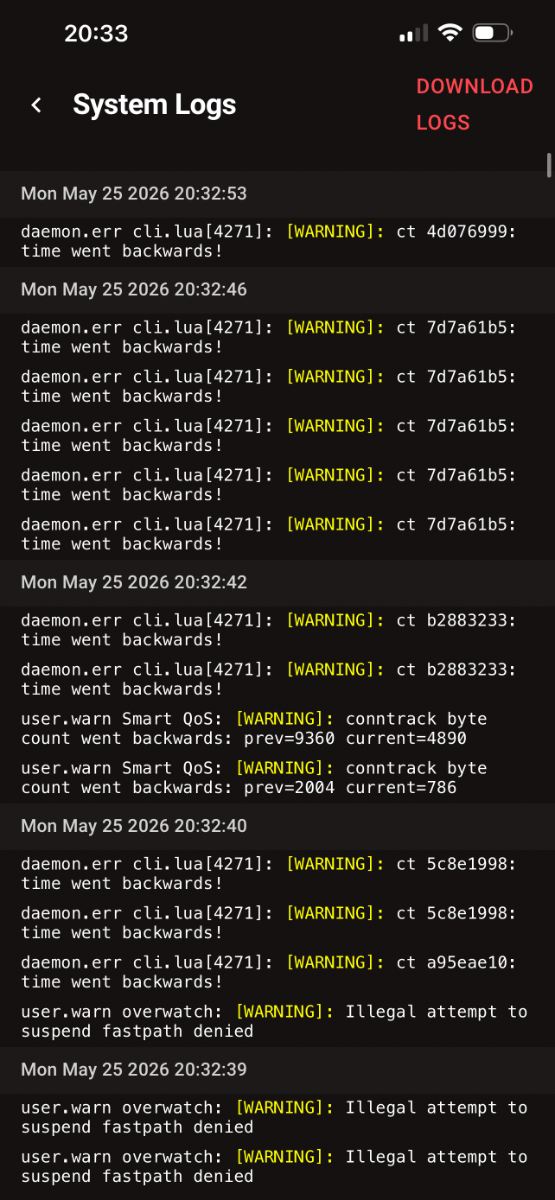
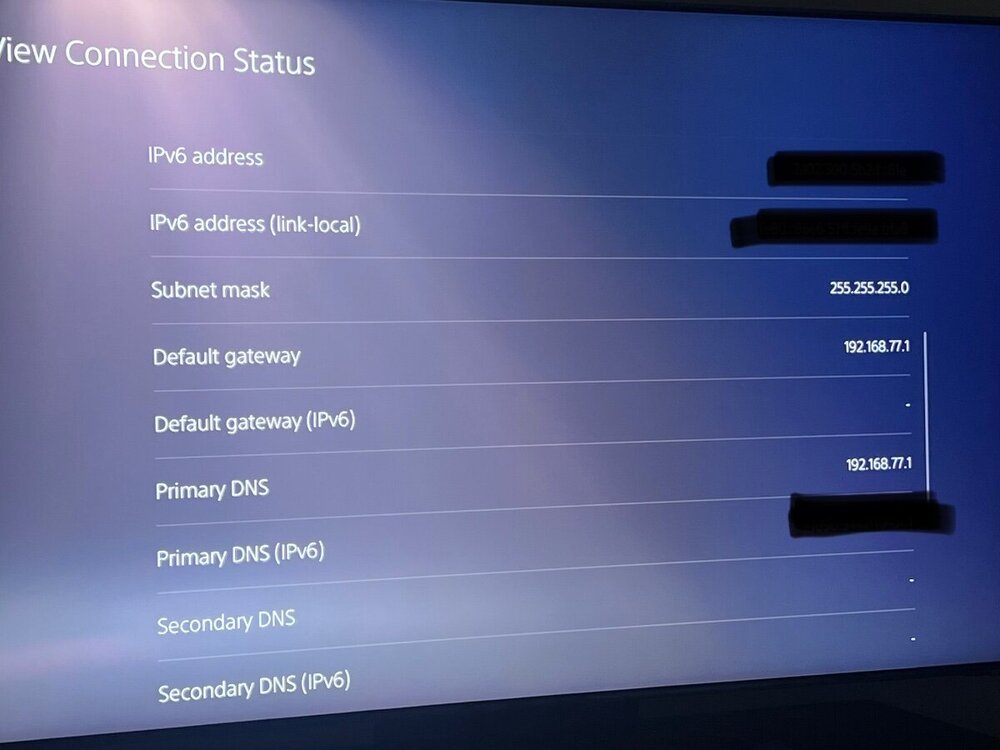
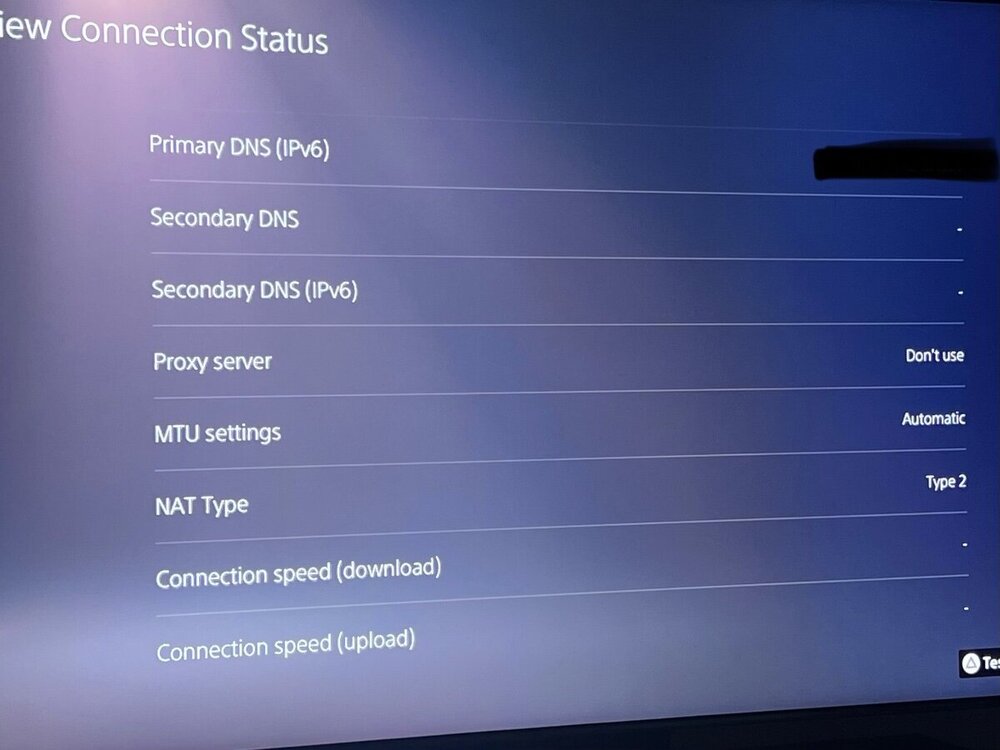
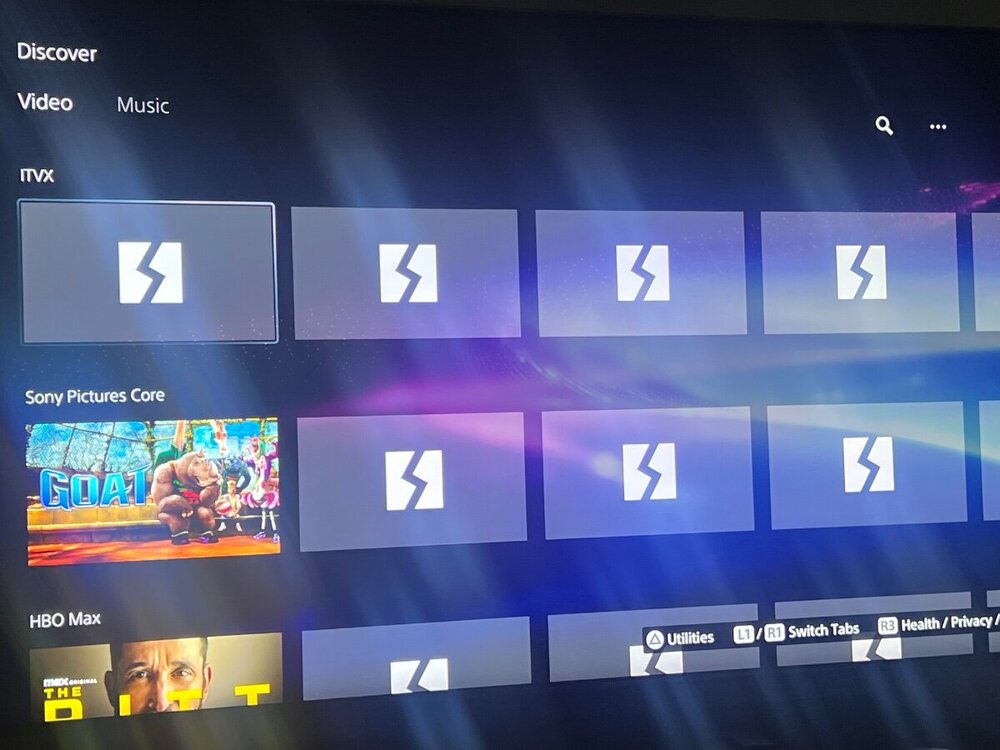
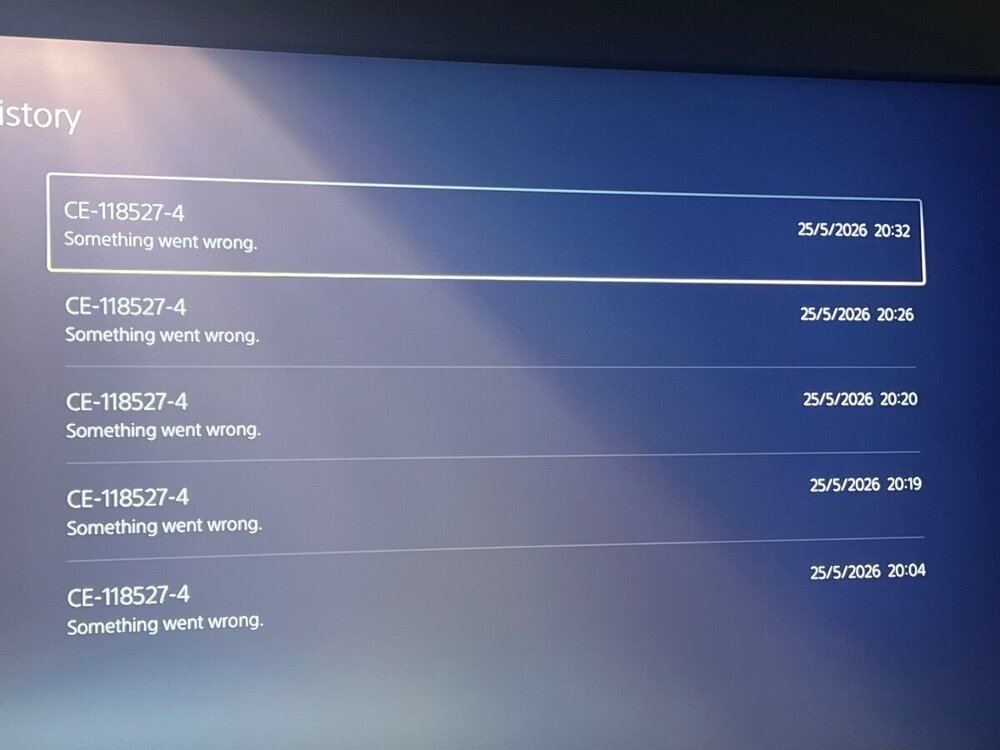
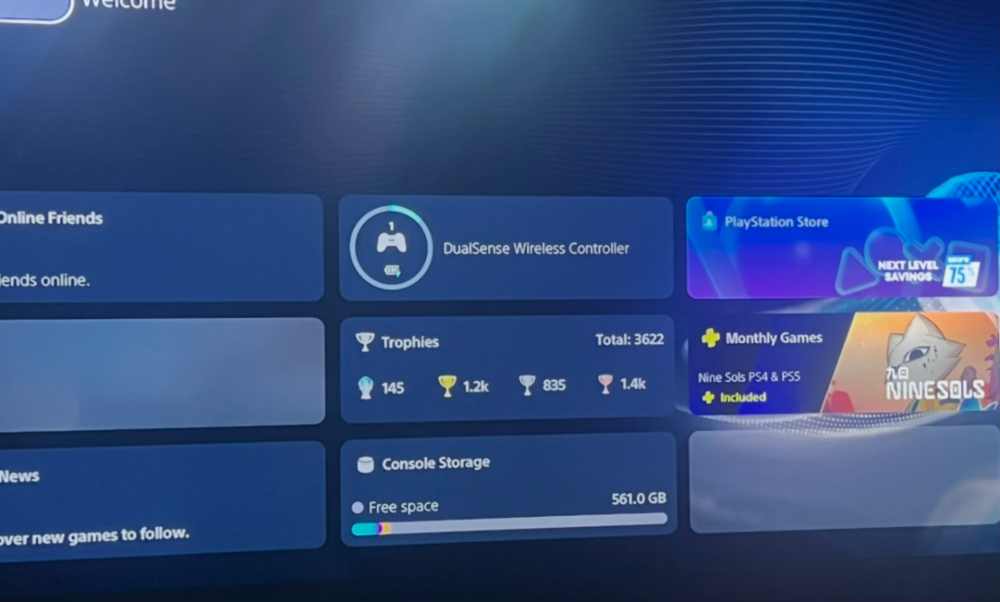
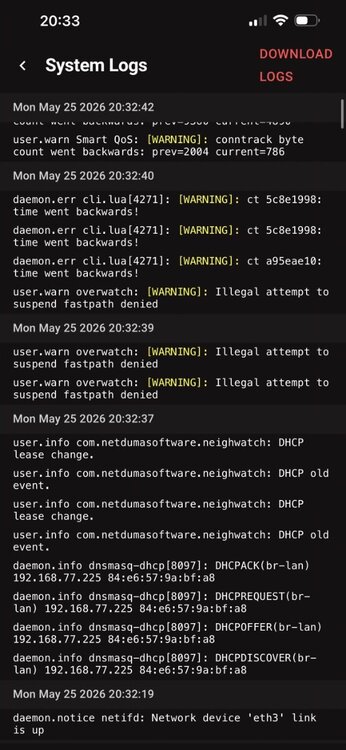
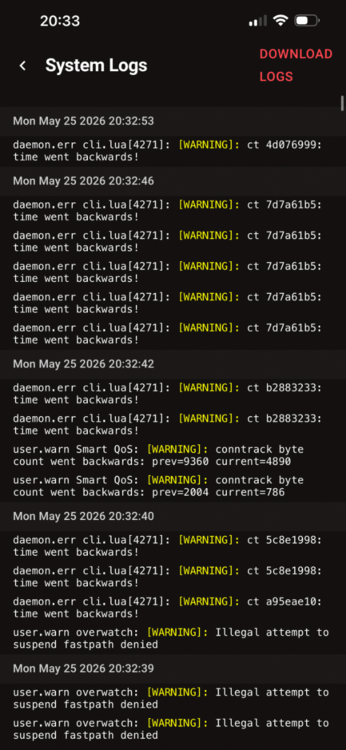
PS5 says it is connected to the internet but some areas of the console fail to load for at least 5 seconds or not at all. First thing I always check is to see if PSN is down, but all day there has been no issues. Every time I do a ‘Test Connection’, all functions return. However, when I turn off/reboot console the same thing happens occurs again. I have factory reset both the console and the router but the same still happens. Changed Ethernet cable too but no joy. Have attached some photos for reference. I booted up the console again at 20:32:19 and have attached system log for your info. Thanks.
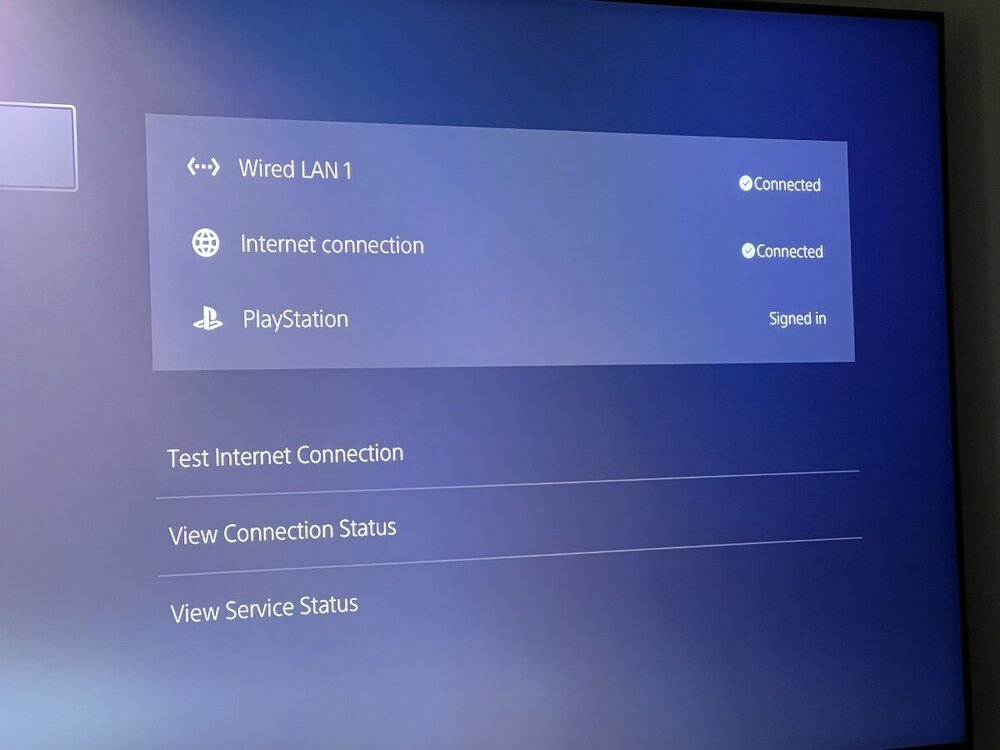
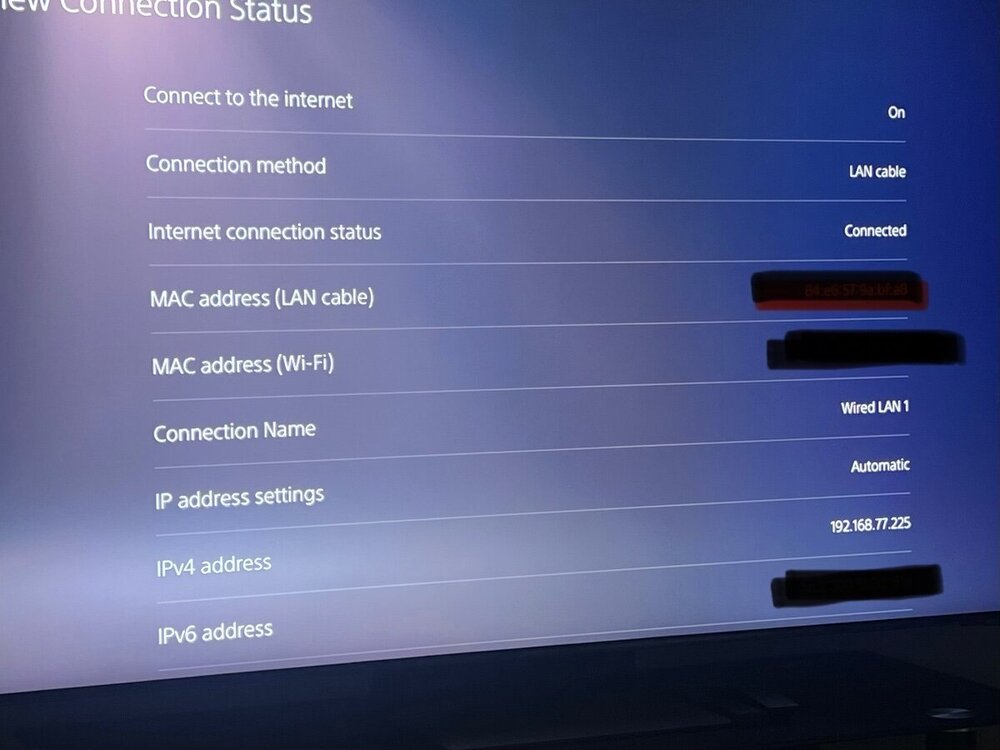
-
Netduma Fraser reacted to a post in a topic:
GeoFilter & Ping Heatmap Not Working.
-
Awesome. All sorted and back on track. Any issues i'll get back to you. Many thanks guys.
-
Thanks. Is it the .1147 or .645 one?
-
At first I factory reset on the interface and then when that didn’t work I did a factory reset on the back of the router to see if that made any difference. Both have resulted in still getting errors on both GeoFilter and Ping Heatmap pages.
-
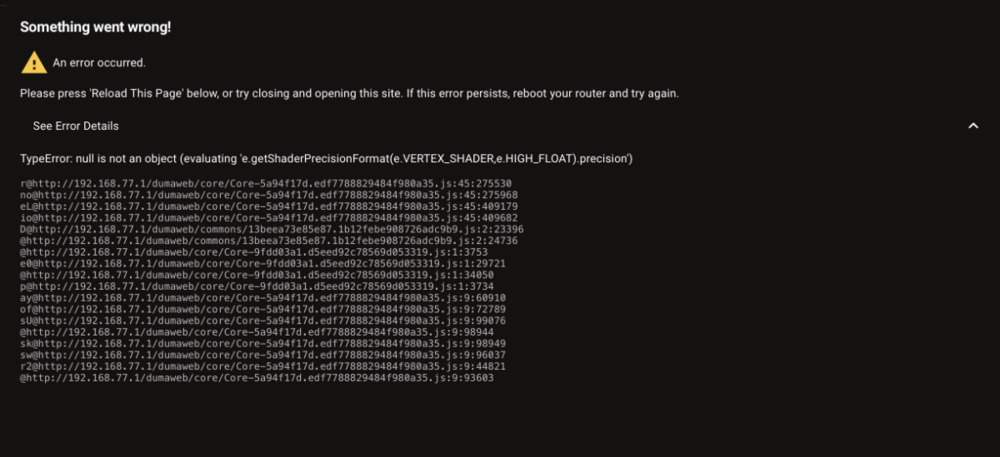
Just had to reset my router because my PS5 get getting CE-118527-4. No idea why when it was fine for around a year. Now I’m seeing this? Any fix? Thanks.
-
Hello. I am a complete newbie to internet protocols and the NetDuma R3 in general. Does anyone or can anyone provide a step-by-step guide to setting up the R3 to the max quality possible? Engineer installed ONT black box into wall and he said use this Cat7 cable to connect ONT to this NetDuma and input these digits provided. Did that. My ISP gave me my login details of: Username Password VLAN ID with IPv4/IPv6 He said I needed to select PPPoE A connection was established at the first time setup guide. Updated to new firmware. WiFi setup Entered manual speeds of 1GB/1GB — Only got 590GB up and 540GB down though? Cuz I’m on WiFi maybe? Ping Optimiser setup — Ping 6.4, Jitter 0.1, Loss 0 Got into dashboard ok. I haven’t touched anything besides Geo-Filter(**) , but here is what the router has given me so far. (**)Geo-Filter Custom (Just the UK). Steady Ping - Disabled Geo-Latency - On Ping Assist - 0/0 Off Strict Mode - On Fast Search - Off Home Location - My hometown Ping Heatmap I don’t think I’ll be using Ping Heatmap as I do not PC game. I use PS5. Ping Optimiser Same results as setup. Run full-test - On Ping Optimiser Mode - Expert Speed Test Bypass - Off Congestion Control Advanced - Download and Upload both 100% of 1GB Congestion Control Mode - Auto (Recommended) SmartBoost Priority Mode - Simple Enabled - On Device Manager Just added in all my devices (x10) Gaming - Top Priority Adblocker Off Settings WiFi - Fine WPA-PSK2 Guest WiFi - Off RGB - Just turned this off Hybrid VPN - Off Advanced LAN Router IP Address - Fine Subnet Mask - 255.255.255.0 - My ISP gave me one that says 255.255.255.255 so do I change this? IPv6 (LAN) - On Advanced WAN Details WAN IP and Public IP - Same digits. Is that correct? VLAN ID - Fine IPv6 - Turned on but then this caused loss of internet so turned it back off. Is that right? My ISP said I’m given IPv4 and IPv6 addresses? DNS Override - What do I put in these 4? MTU - What goes in here? MAC Address Cloning - Keep same DHCP - What goes in here? UPnP - On Port Forwarding - What goes in here? Static Routes - What goes in here? The rest looks ok I think. Speedtests done online using WiFi giving me consistent 650-700mb up and down but I’m paying for 1.2gb so is that a worry? Apologies if this is a lot to ask but any help with what to input the rest to get best max setup for gaming and speed would be very much appreciated. Thanks.