Grey
-
Posts
5 -
Joined
-
Last visited
-
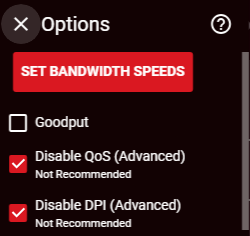
small update... so i fixed it, i didn't have QoS and DPI fully disabled i never clicked on the three lines until i took that screenshot above
-
-
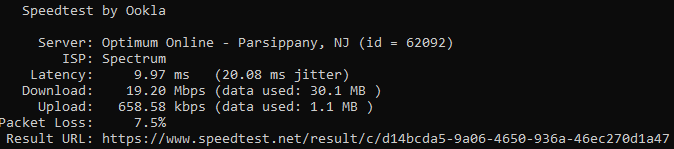
new Speedtest Modem - XR500 - PC via ethernet with two brand new Cat8 ethernet cables
-
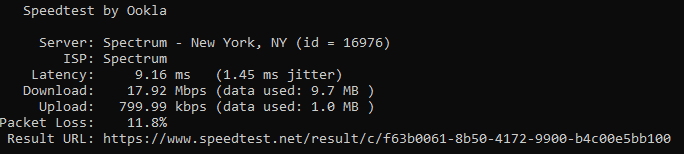
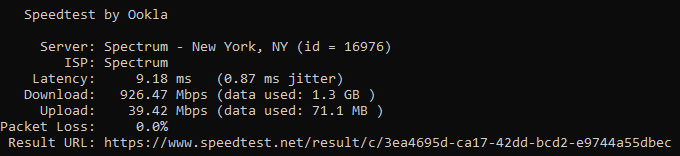
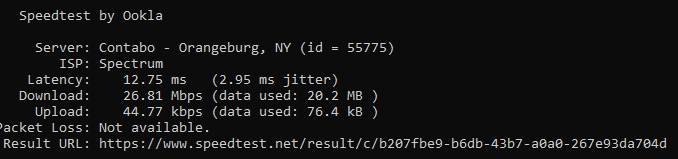
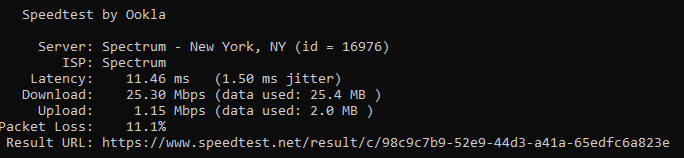
1st photo is Lan through the Modem - XR500 - PC 2nd photo is Lan through Modem - PC 3rd photo is over WiFi 2.4GHz band 4th photo is WiFi 5GHz band So I am getting the correct speeds directly connected to the modem, the router speeds are the issue.
-
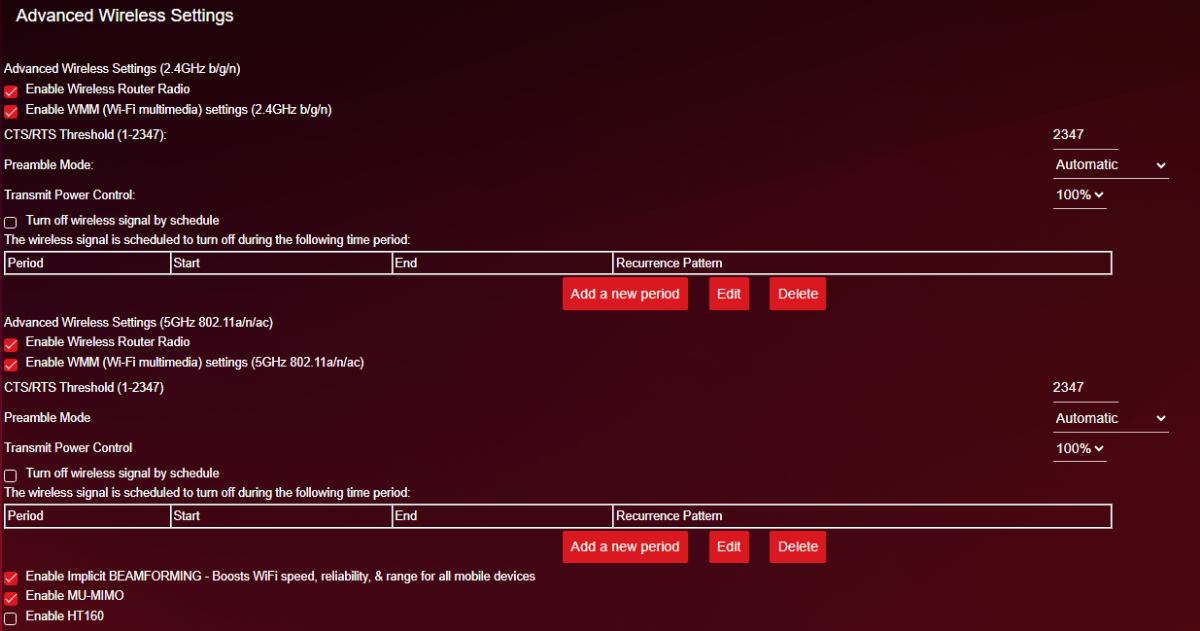
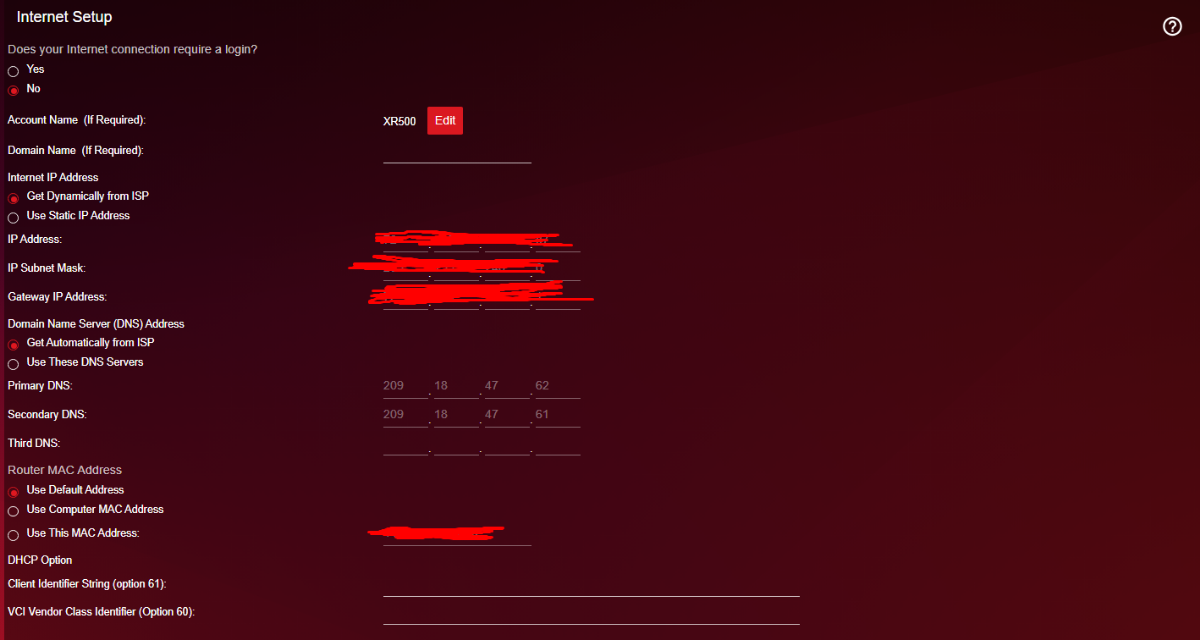
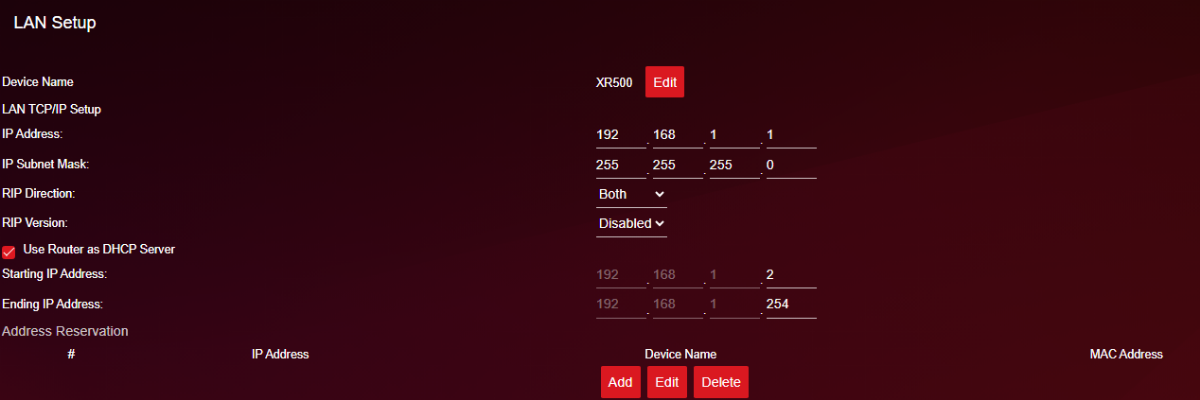
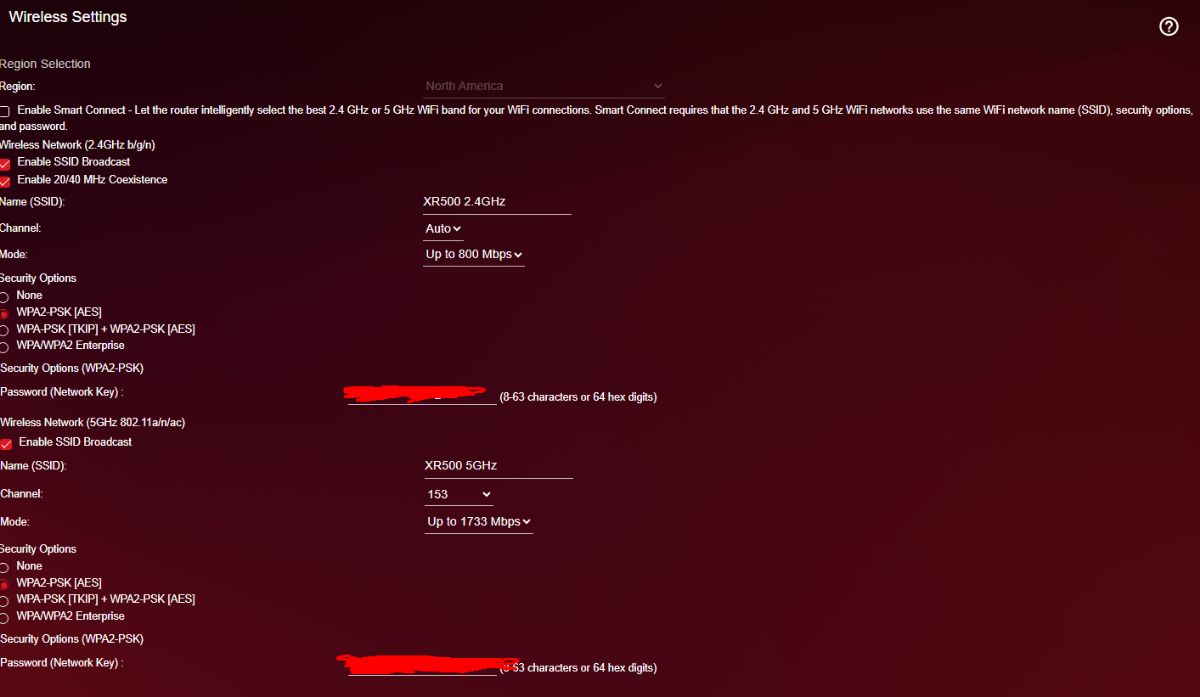
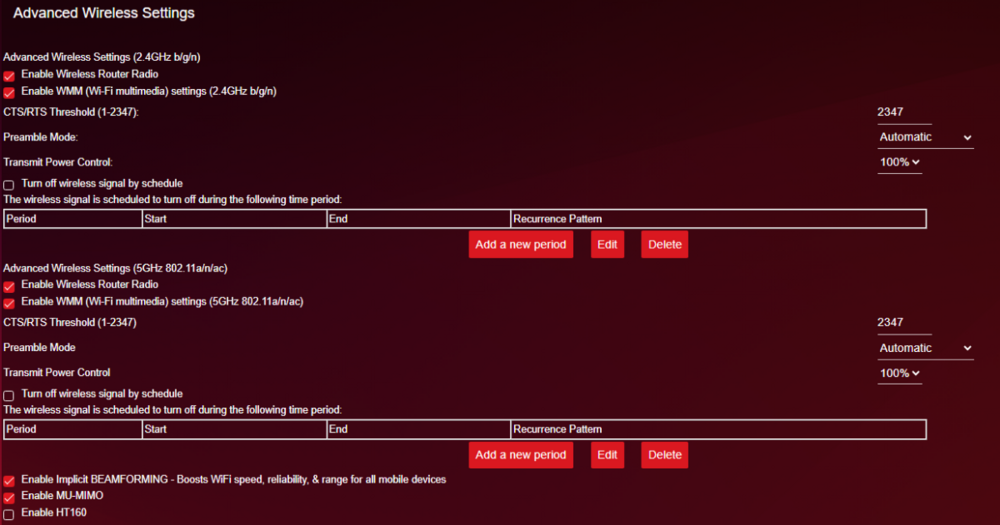
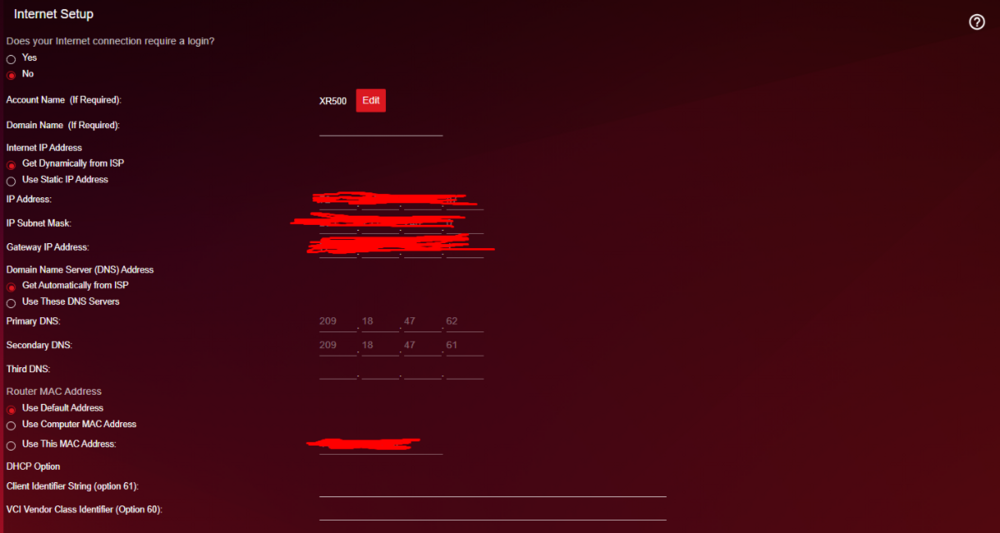
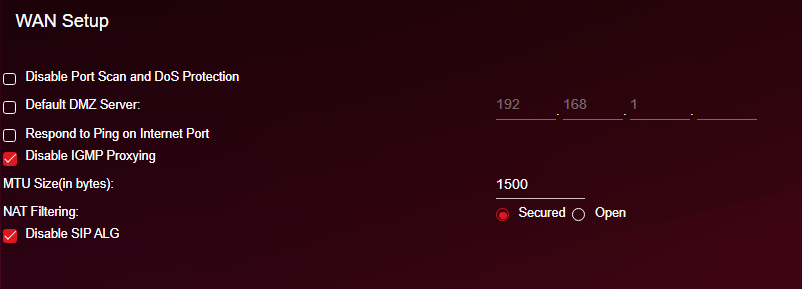
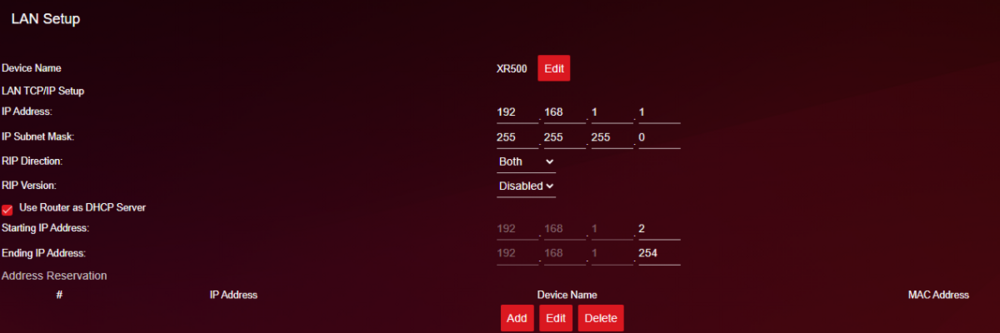
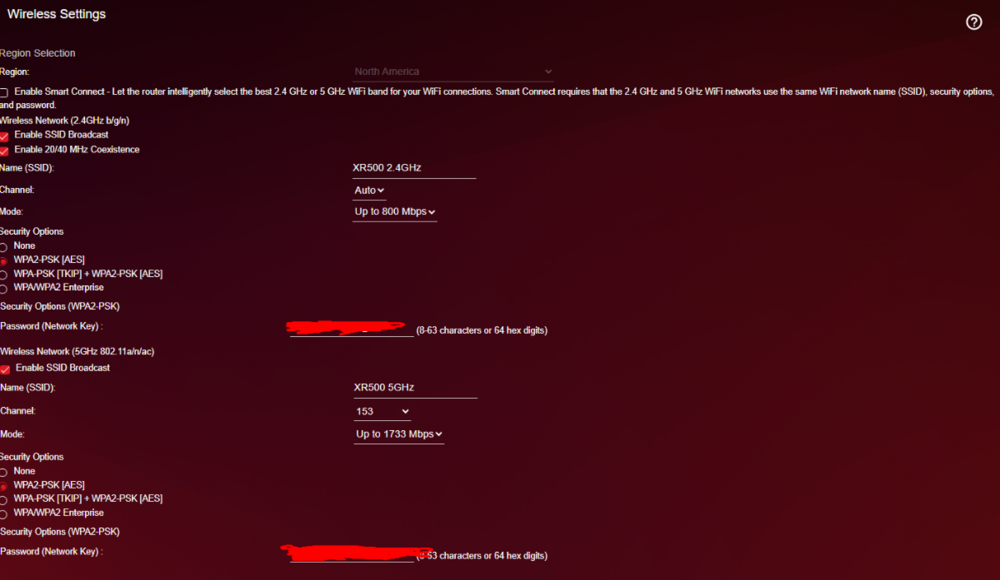
Hello, for a long while now my speed on LAN and WiFi have been very very slow, i used to get 500mbps download and around 30mbps upload before upgrading to a 1gig plan through my ISP, now I can barely install small updates without having to leave my PC on overnight, I've turned off QoS, redid the setup after factory resetting 6+ times, called my ISP, tested my modem via ethernet and updated/downgraded to various different firmware versions I'm lost on what todo, attached will be my speed tests on LAN, both WiFi bands and LAN connected straight to my modem. Currently all settings are default besides QoS is turned off. ISP: Spectrum Modem: Arris Surfboard SB8200 Router: Netgear Nighthawk XR500 Modem - XR500 - PC via LAN Modem - PC via LAN WiFi 5GHz band WiFi 2.4GHz band