Chaiyoabc
-
Posts
346 -
Joined
-
Last visited
-
Days Won
1
Everything posted by Chaiyoabc
-
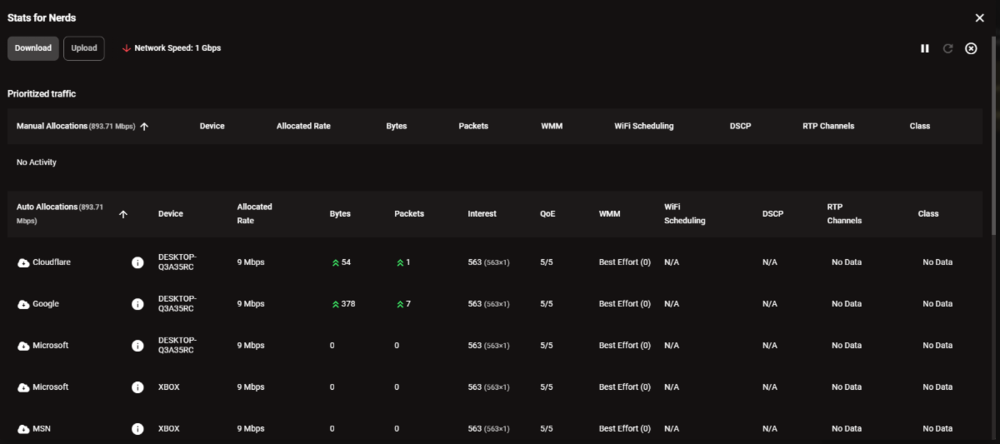
 I have found some workaround for smart boost not tracking packets correctly. If your network is not too congested. Just unstar all those activity, including your gaming activity. now you will see blank table now if you check at ‘stats for nerd’ menu on the too right (little three dots), you should see the table. In generally, if everything is right, cod packet should be under either ‘manual prioritization’ or ‘auto allocation’ But problem is sometimes smartqos is buggy so you will need to manual do it as following 1. unstar all default activities. Make queue blank 2. Normally add your ports by hitting ‘add reservation’ it is inside manage profile button. 3. pick your console/ targeted device Hit next 4. switch to ports tab 5. manually enter source ports and destination ports. If you dont know, just put 1-65535 in both 6 give it 20mbps reservation and click Finish. all done
 -
R3 no longer pick up Call of Duty(Series) Packets
Chaiyoabc replied to Chaiyoabc's topic in Netduma R3 Support
My port has already been at default -
R3 no longer pick up Call of Duty(Series) Packets
Chaiyoabc replied to Chaiyoabc's topic in Netduma R3 Support
so what should I do to get this packet label correct? -
R3 no longer pick up Call of Duty(Series) Packets
Chaiyoabc replied to Chaiyoabc's topic in Netduma R3 Support
I did resync the cloud. it is funny that now my cod packets has become apex legend packet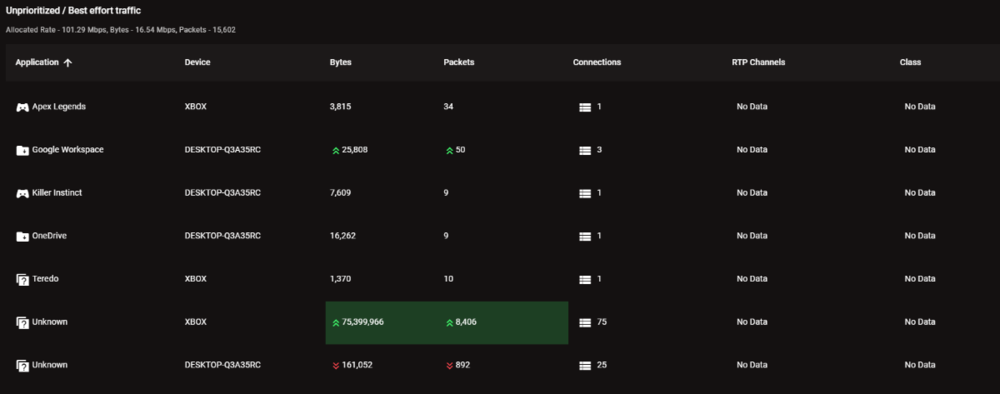
-
R3 no longer pick up Call of Duty(Series) Packets
Chaiyoabc replied to Chaiyoabc's topic in Netduma R3 Support
I will try resync the cloud. Where is that option -
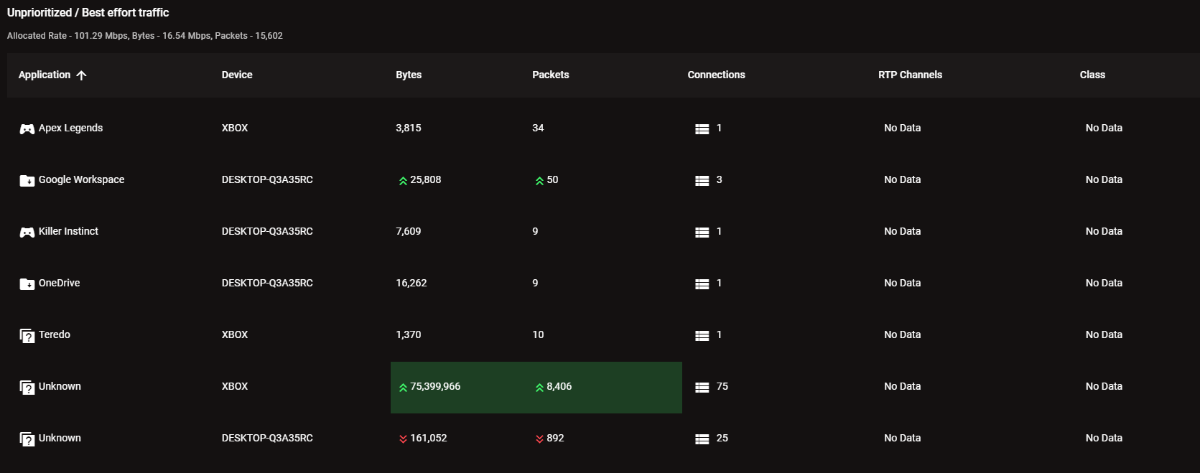
in 'Stats for Nerds' When I actually am playing CoD MW3, in general, there was supposed to have CoD Packets in Stats for Nerds. Now I suddenly disabled Smart QoS and then turned it back on. It has gone as screenshot image above. I have resetted my Xbox and my Netduma R3 several times. But no luck for me. Now SmartBoost is no longer picking up my cod packets for prioritization. Sigh
-
Actually, R3 does great job letting us know if qos is working or not if you go to ‘stats for nerds’ menu, you will see when has been prioritized and vice versa I had bad experience before with r3 and ended the router hadn't prioritize mw3 packets at all. turned out I have used alternative port which was the reason why smart qos didnt work well from the beginning
-
Restart won't help.
-
Customize ports and stuff. Just like when I did in Mikrotik when you know can make custom rule and name it.
-
I know why it did show as uncategorized I use ‘52263’ alternate port in xbox It was supposed to be 3074 NOW is there a way I can create custom priority rule?
-
Would you mind sharing your setting? May be your setting could be better
-
You wouldn’t imagine what happened to me after that game. I got stomped hard. This was pure luck to find such lobby
-
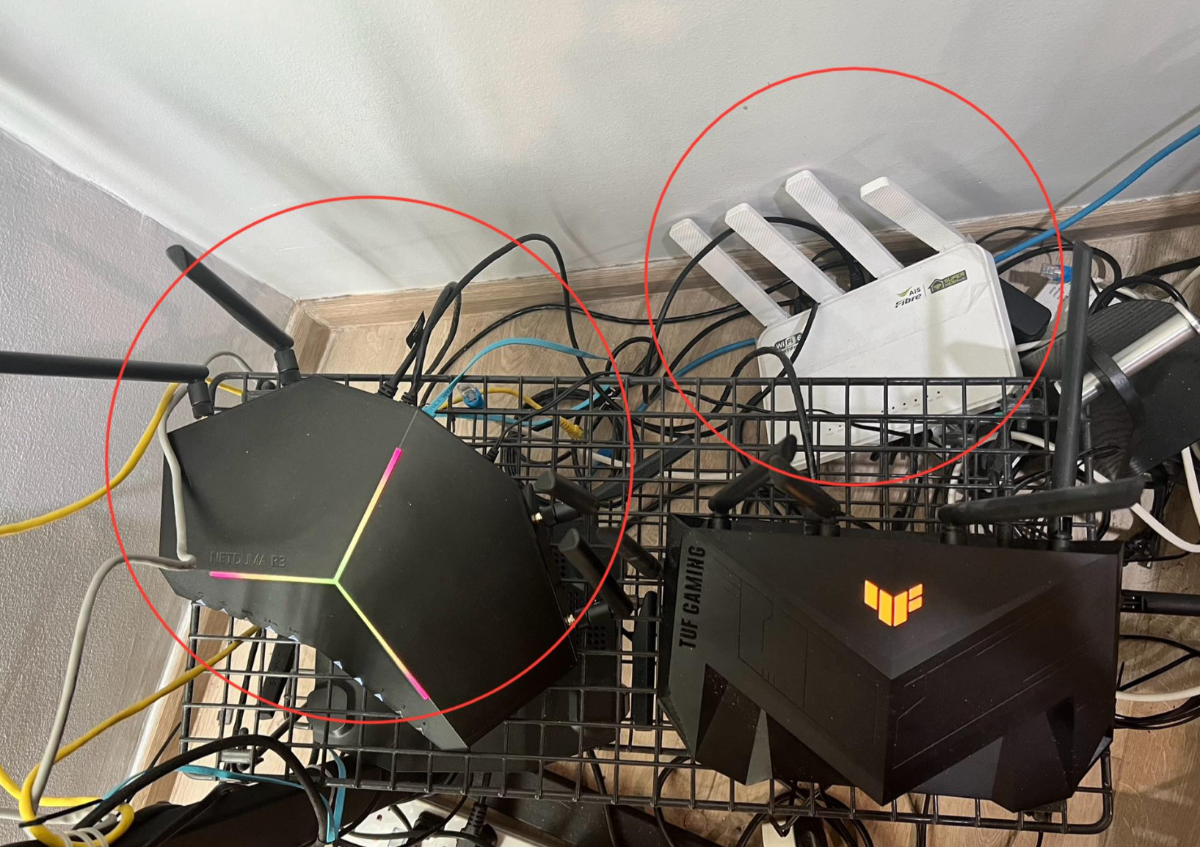
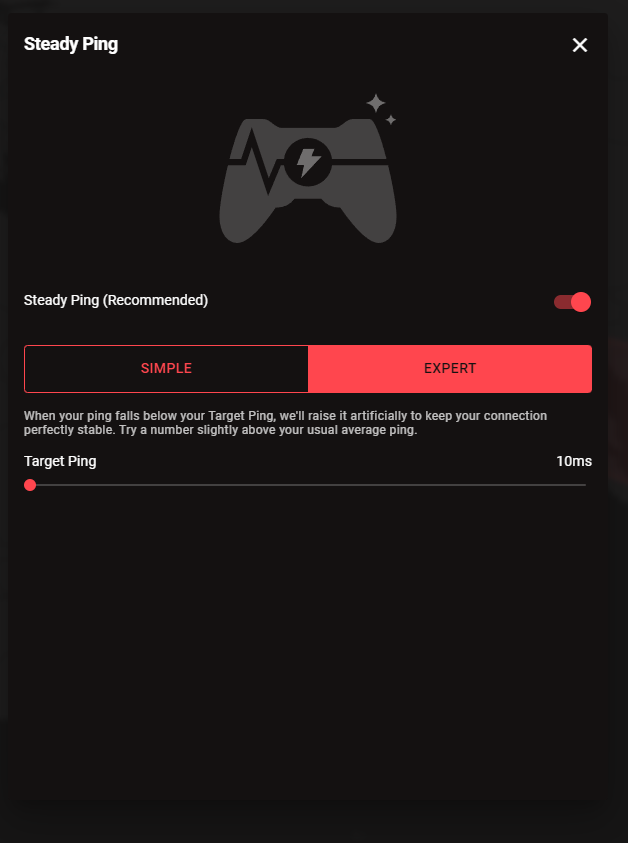
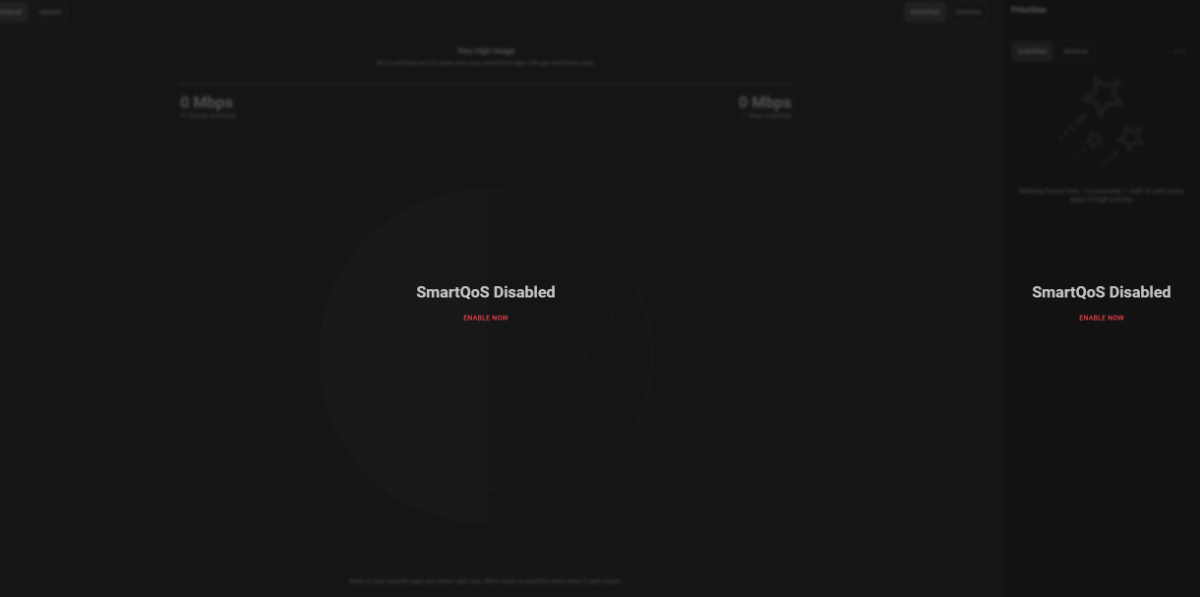
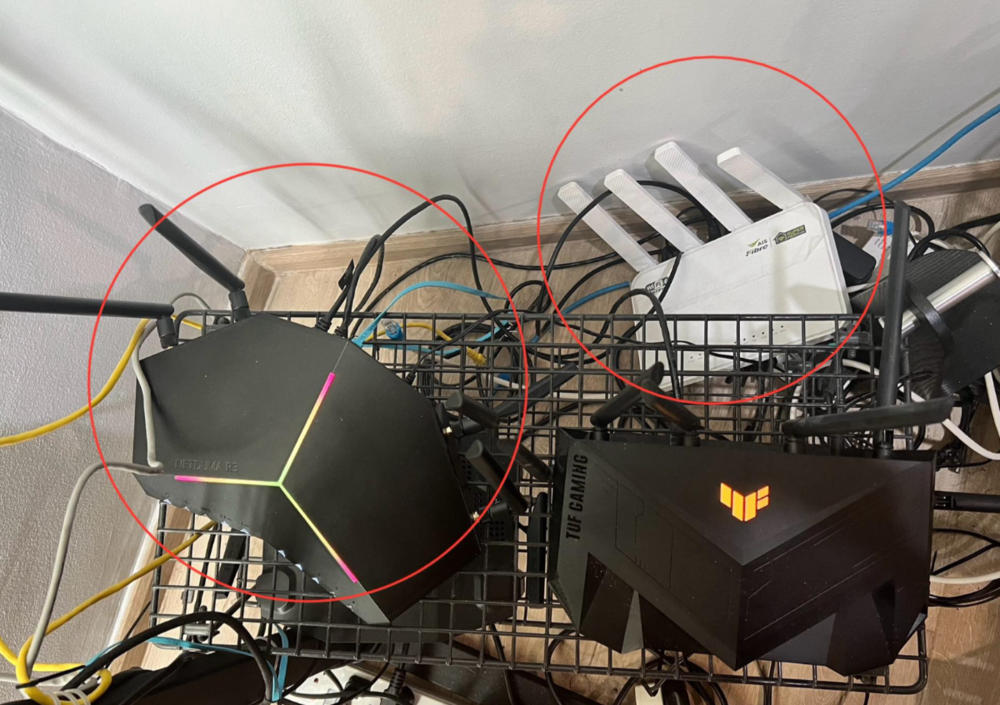
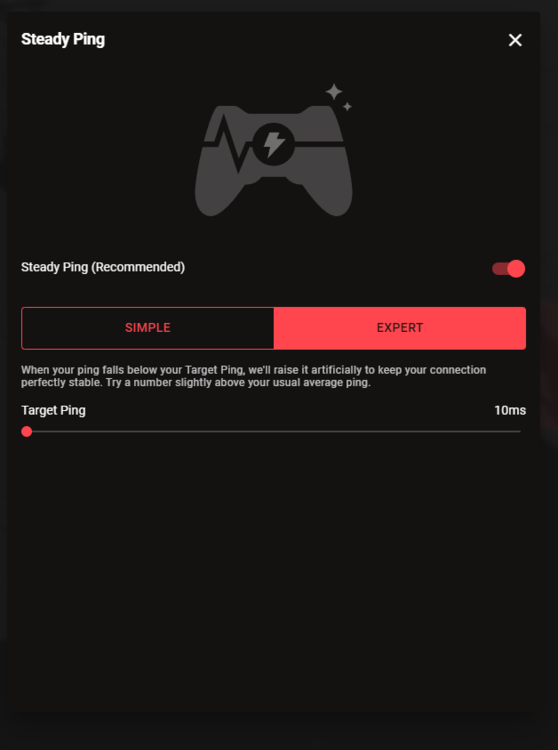
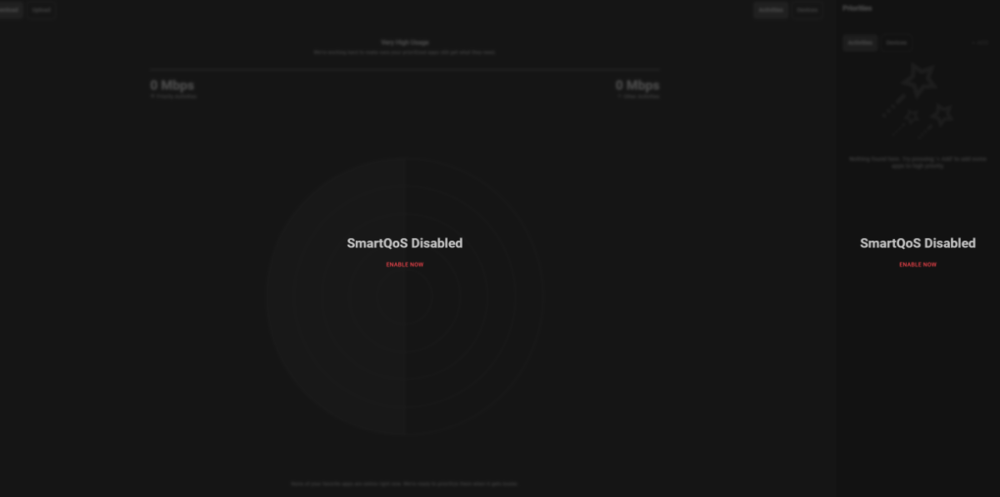
This router has good and bad. I will be honest with this. My setting: AIS Fibre 1000/1000 Location: Bangkok, Thailand. Server: Singapore (ping 38) How I setup: As image below AIS ISP Router Connected to Netduma R3 in AIS ISP Router I DMZed to Netduma Internal IP. So my connection won't get double NAT in Netduma: GEO Filter: Make sure to use Steady Ping. It adds ping but somehow it plays better. No instant killed Smartboost: I turned off I am being honest. it is buggy and unreliable. If you have gigabits connection. Don't use it. Now it categorizes CoD as 'unknown' packets. and it prioritize something else that can cause your hit detection to be so much delay. Other than that, it is good. Hardware is good and capable of handling 1000 mbps Upnp turn ON No Port Forwarding, No DMZ Make sure to reserve your console IP for static Important: Without QoS, it is the best to keep your connection un-touch. If possible, try to be the ONLY device in netduma. literally only one. now it is gonna be ONLY CoD packets in your entire network. I know it sounds selfish for your family members. What I did was just buy Phone Internet Sim + Sim Router. And I let my family use the Internet from Mobile Sim. And I take the whole gigabit connections
-
Only one person can play online at one time
Chaiyoabc replied to Lulustevie's topic in Call of Duty Support
Just reboot netduma i had this a lot -
Geo-Filtering doesn't work & other grievances
Chaiyoabc replied to Zer0Aspect's topic in Netduma R3 Support
I need the fw too. Geo filter is not working at all -
Ordered it few days ago to ship it to Thailand guess I am the only one in Thailand who ordered Netduma lol Approximately how long does it take to ship to Thailand? I know we are so far away so I don’t expect much
-
Netduma
-
My success story isp router and put dmz to netduma upnp on netduma qos off and make sure console/pc is the only device in your network. Turn off wifi. Only wire with one device. qos generally slows down hit detections smooth and consistent my kd is 3.08
-
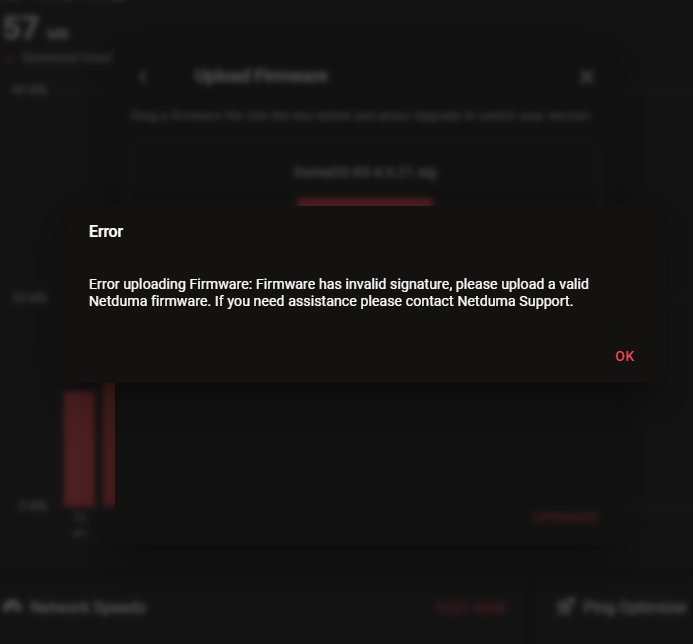
Fixed it downgrading to previous version of fw
-
I have ovpn file from nolagvpn. But I cant use it. Whenever I pressed enable, status will show ‘Failed’ this happened on latest official firmware .280
-
Found mislocated servers? Let us know here!
Chaiyoabc replied to Netduma Alex's topic in Call of Duty Support
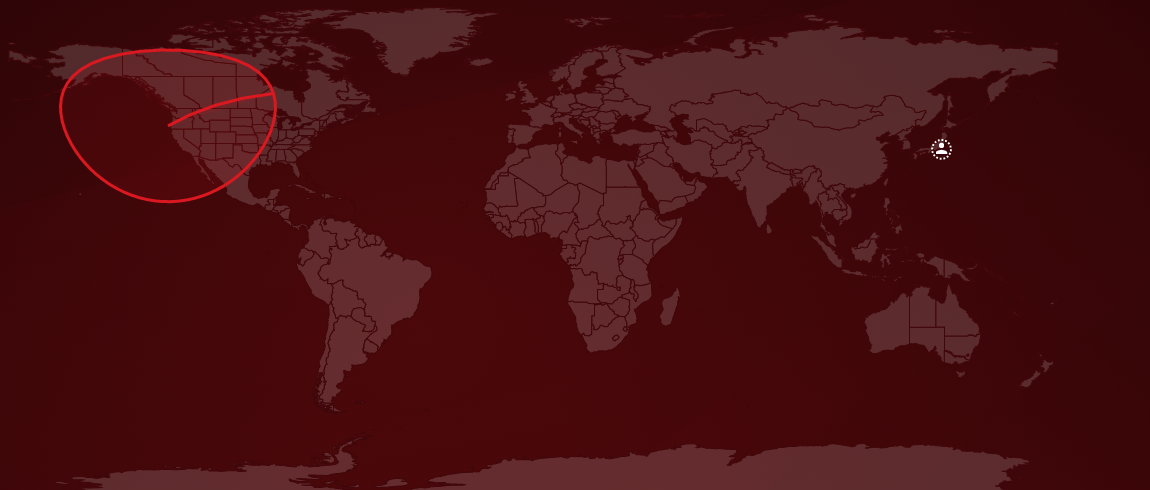
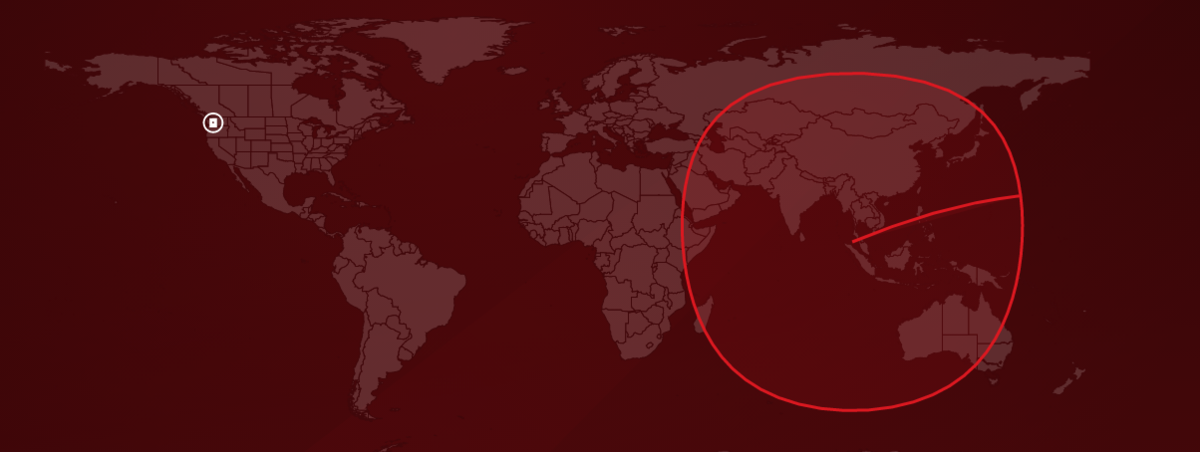
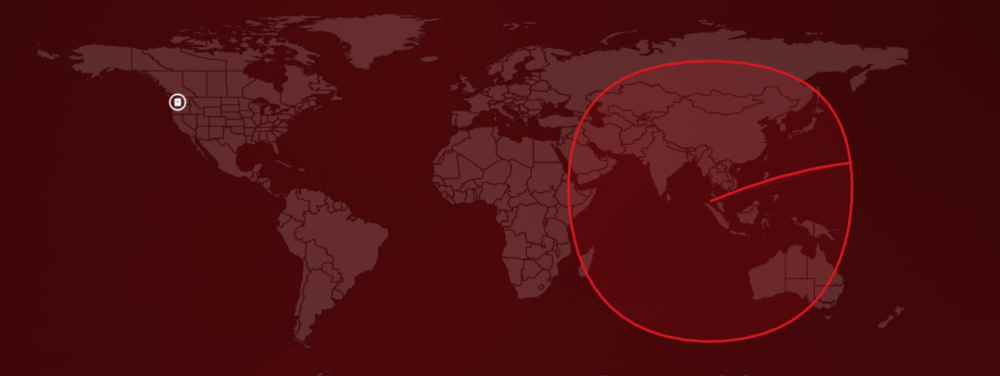
Hi Netduma Team, I would like to submit another mislocated server report. And yes, I have already put them in Google Form. Hope you guys fix it ASAP because geo filter is kinda unreliable right now. I had reported mislocated server before. back then, it was mislocated in somewhere in West US, later on, it had been in Australia. Currently, it has been mislocated in Japan and her comes the problem. Normally I would try to avoid Japanese servers since its ping is too high and unplayable for me. now if SG server is mislocated in JP then what's the point of having Geo-filter as they are in same location. Also just want you to know that Singapore server is currently shown as peer, not dedicated server (white square icon). when MW boots up, it doesn't appear in GEO map Please see the attached for some references from my router EDIT: Here is the server detail Server ID: f88bf2bd2897afb4 Server Name: 139-180-151-189.choopa.net Ping: 27 Above image: This is when it normally connect to SG server. It is mislocated in Japan Above image: I believe this is supposed to be matchmaking servers. I assume It should have been somewhere in Ireland but whatever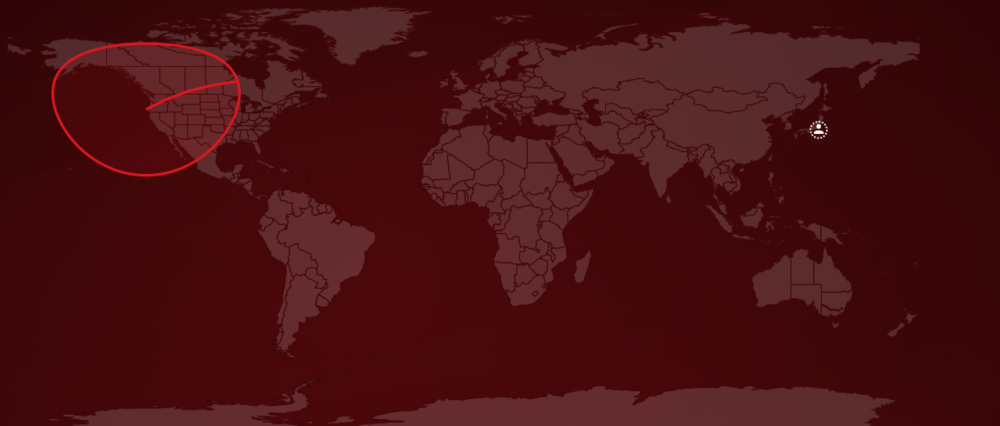
-
Found mislocated servers? Let us know here!
Chaiyoabc replied to Netduma Alex's topic in Call of Duty Support
This is the id of sg server that mislocated and put in US server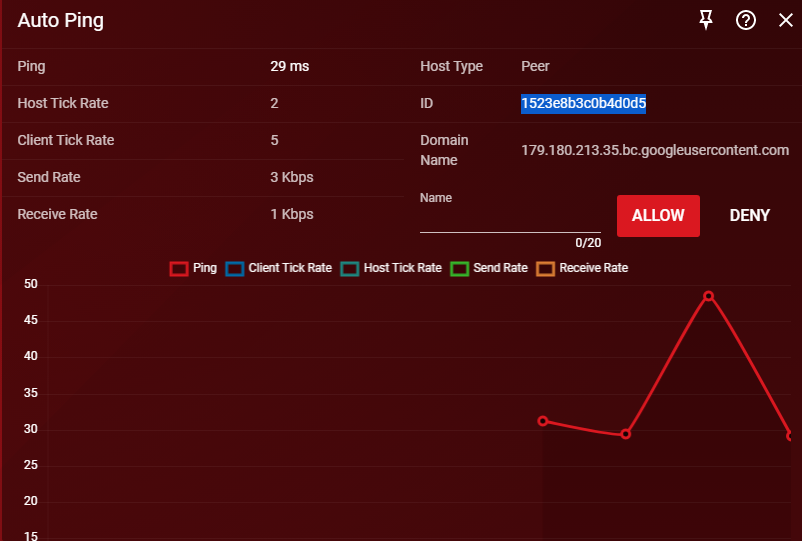
-
Found mislocated servers? Let us know here!
Chaiyoabc replied to Netduma Alex's topic in Call of Duty Support
Noted, will do that -
Found mislocated servers? Let us know here!
Chaiyoabc replied to Netduma Alex's topic in Call of Duty Support
If you put geo filter in upper west of US, you will be connecting to sg server just fine -
Found mislocated servers? Let us know here!
Chaiyoabc replied to Netduma Alex's topic in Call of Duty Support
If you put geofilter like me where is now in upper west us. You will normally connect to sg server just fine

.png)