ZahroKen
-
Posts
38 -
Joined
-
Last visited
-
.png "Like") Netduma Fraser reacted to a post in a topic:
limited LAN speed on XR300
Netduma Fraser reacted to a post in a topic:
limited LAN speed on XR300
-

problem limited LAN speed on XR300
ZahroKen replied to ZahroKen's topic in NETGEAR Nighthawk Support (XR range)
thank you for the help! -
ZahroKen reacted to a post in a topic:
limited LAN speed on XR300
-
problem limited LAN speed on XR300
ZahroKen replied to ZahroKen's topic in NETGEAR Nighthawk Support (XR range)
i tried another cable and it worked fine, does the lenght of the cable matters ? (the one i have is about 30 meters CAT6E and is brand new) i was working with it fine and now it limiting my speed a small one from my modem box and now its at 1000mbps, is the cable at fault? -
problem limited LAN speed on XR300
ZahroKen replied to ZahroKen's topic in NETGEAR Nighthawk Support (XR range)
tried it same problem btw the ethernet cable is brand new -
problem limited LAN speed on XR300
ZahroKen replied to ZahroKen's topic in NETGEAR Nighthawk Support (XR range)
yes i rebooted from the Web interface and from the power Button ill try the 4 minute wait and be back with you -
problem limited LAN speed on XR300
ZahroKen replied to ZahroKen's topic in NETGEAR Nighthawk Support (XR range)
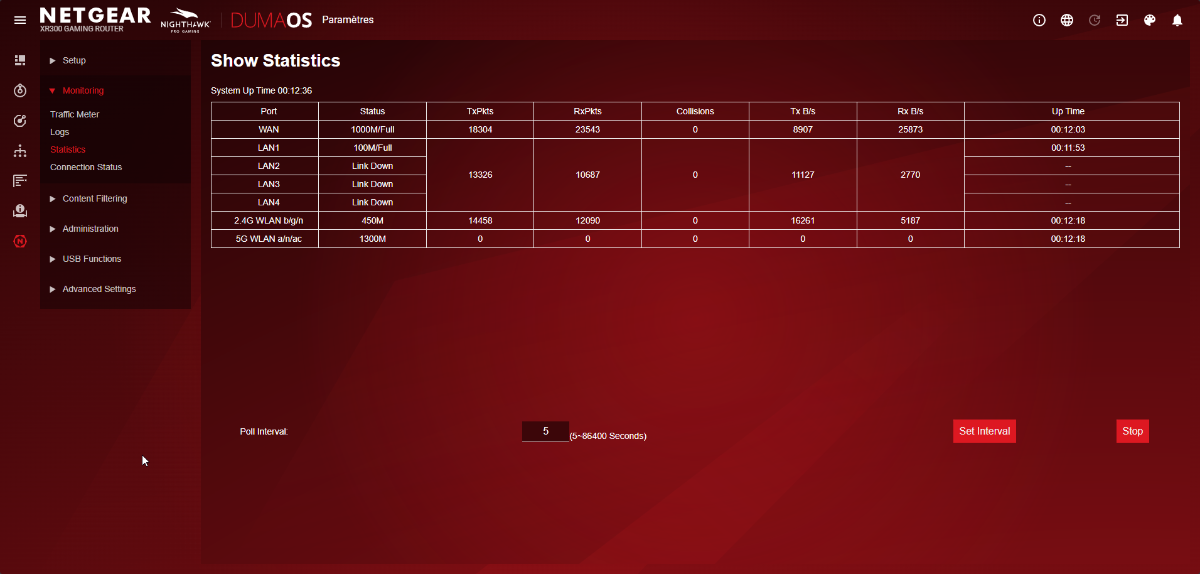
tried the other ports same i did the VLAN/brigde solution it fixed it just after i posted the topic but its back at 100mbps again and i lso tried the speed & duplex on the NIC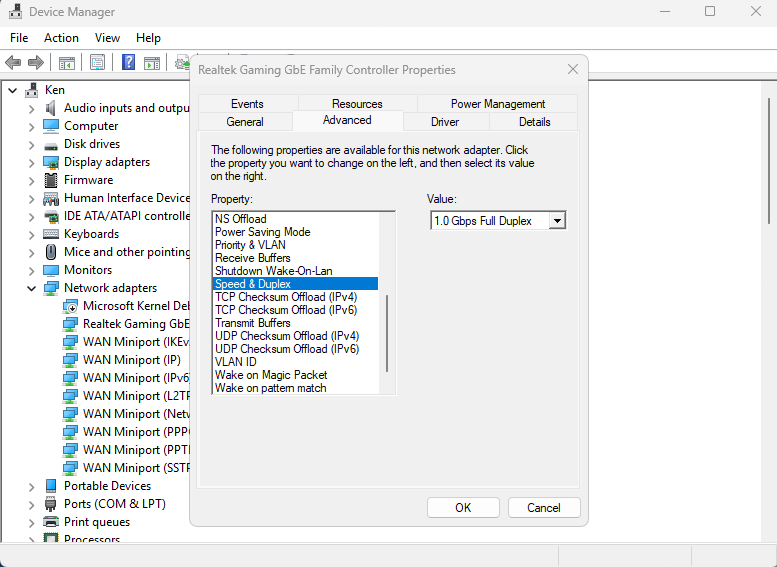
-
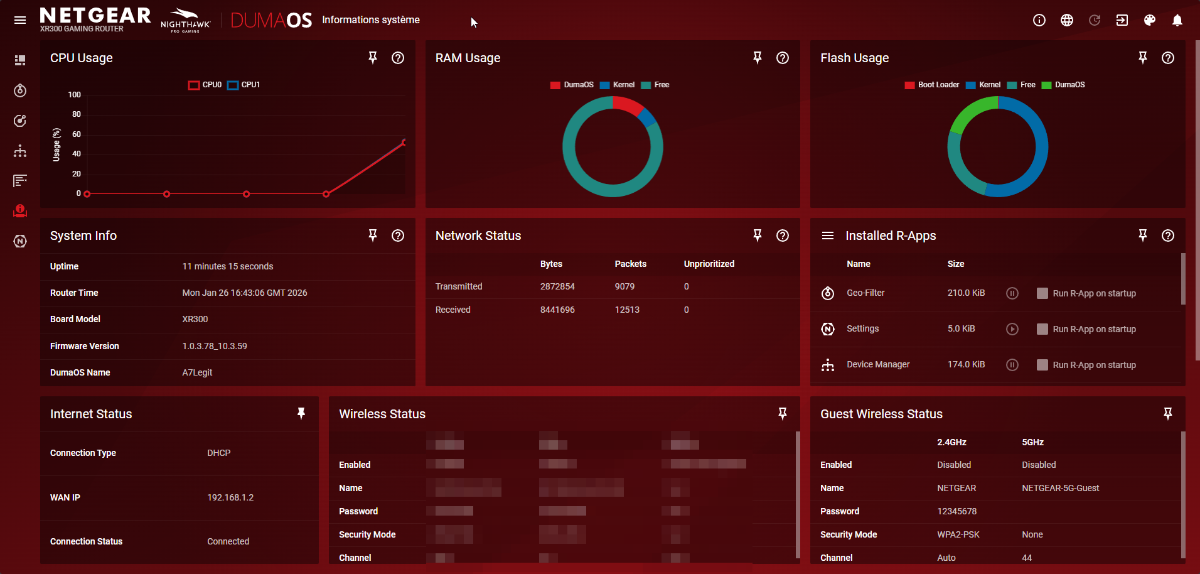
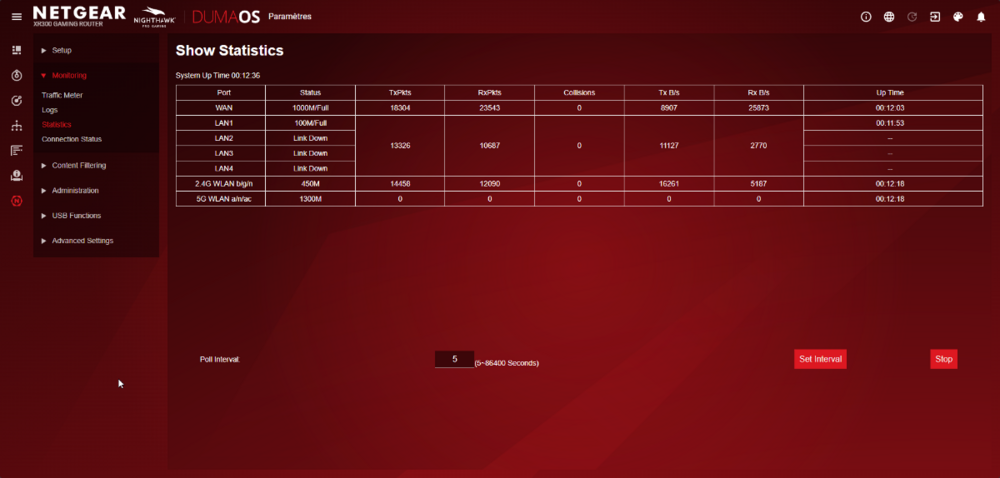
i have a XR300 gaming router and my speed is limited to 100mbps my ISP just installed Fiber in my area and i have a speed of 600mbps down and abouy 180mbps up i searched this problem on the internet the majority says it a software problem with the DumaOS i tried some solution that were suggested like turning on then off VLAN/bridge it worked for some time i even tried the manual IP for all devices on the network but since yesterday it is stuck at LAN1 100mbps full (i changed the ethernet cable i have one CAT 6E)
-
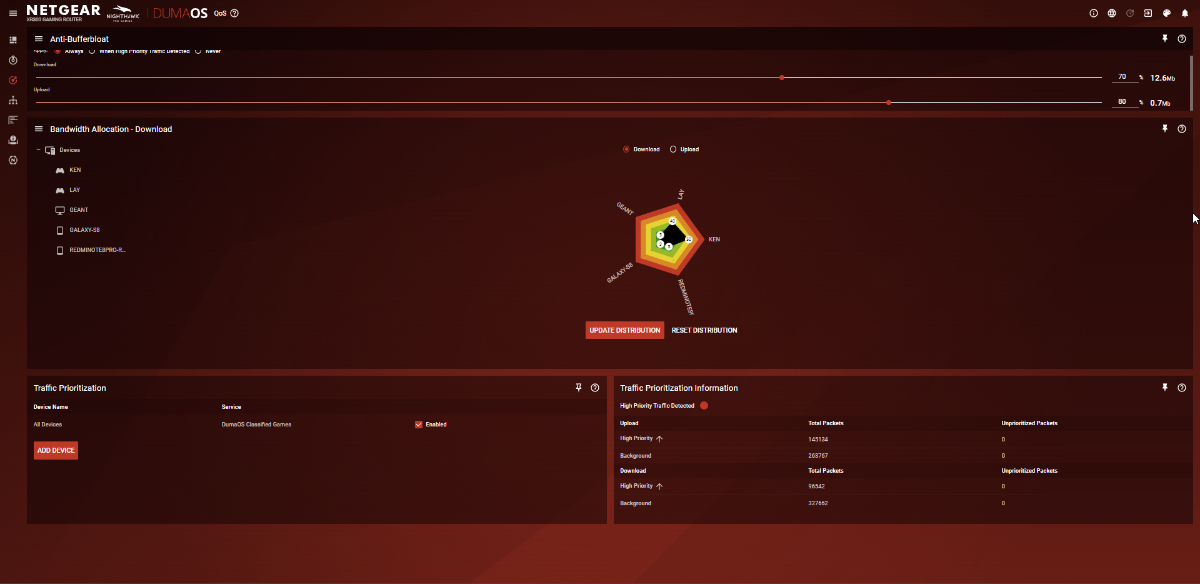
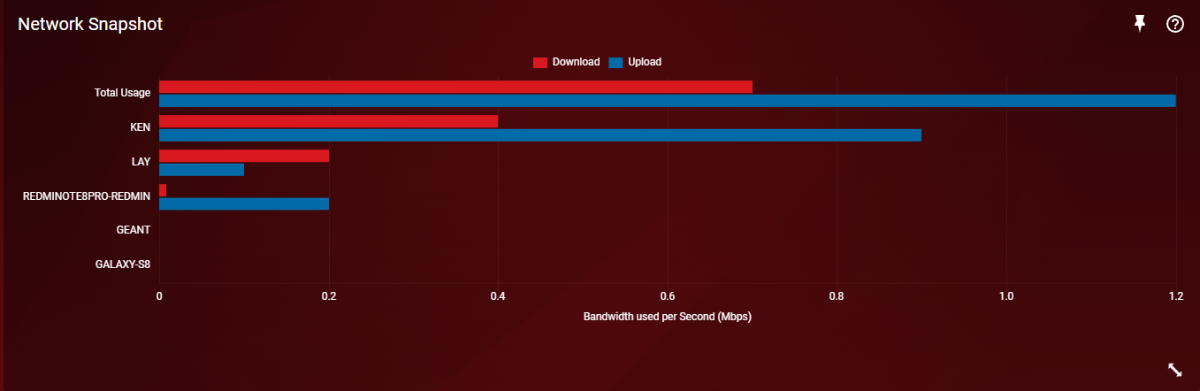
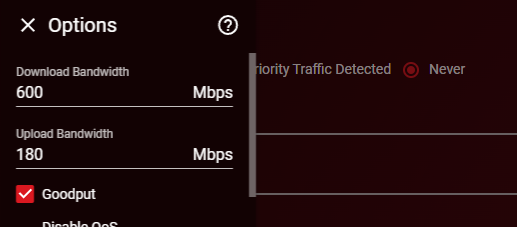
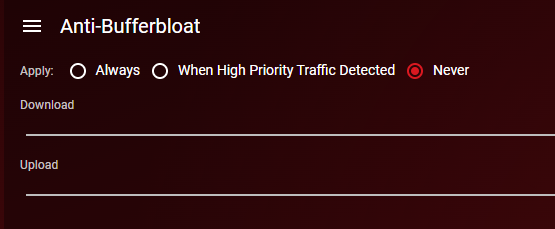
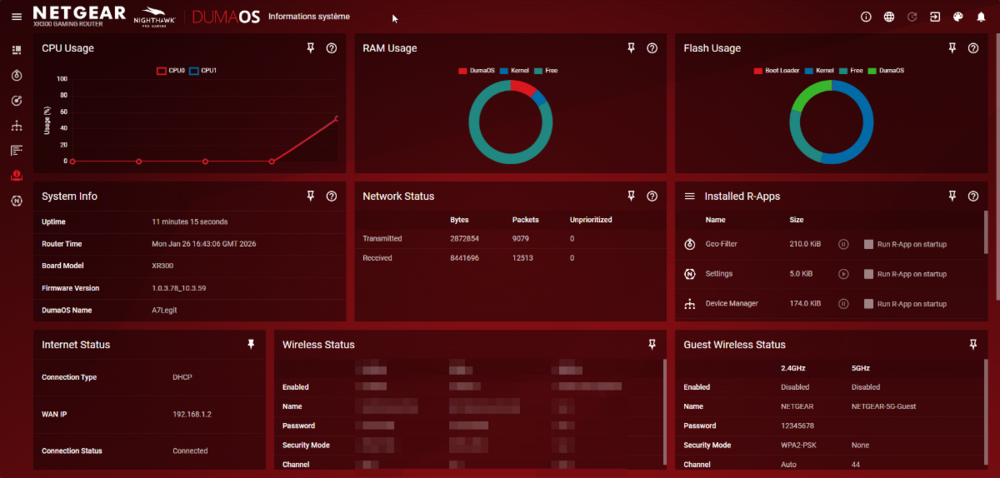
Hello, it's me again ranting about my network problem again with apex context: I am really calm guy never slammed my peripherals never poked a hole in my monitor out of rage. An adult gamer (as I'm writing I'm literally tweaking or having a mental breakdown depends on perspective, I wanna go down and undertaker piledriver my Router to oblivion) by the way my brother rage quit our gaming session just before im writing this post. so: (this the current setup) (this is my internet bandwidth) never had a problem playing online games in my life unless there was an internet problem (at the moment there is none) the 2 Pc (me and my bro are KEN & LAY respectively) PS: for the admin if he is gonna respond all the previous topic and post that i opened for troubleshooting (posted 2 posts) i tried every config that was recommended by Netdouma Fraser (thanks BTW for being patient with me even if I took longer to respond i appreciate it) iam here to desparetly ask for help it has been nearly 1 month since i played a good session of apex with my bro (every gamer knows that apex movement is godly and never matched in recent games TF2 (TitanFall2) doesn't count cuz it's the same game and TF2 is even more enjoyable) another PS: every other game I play even together everything works normally (CS2, CoD:WZ, Civ6, DST, Valo, TF2 .....), we never lagged because we were on the game in same moment. So pls i desperately need help I'm a poor gamer from a Third World country I can't afford to buy other thing or router from other manufacturers just to test (I have a headset I got it for the equivalent of 5 us dollars and I still have it till this day it's intoxicated with hot glue everywhere just because I don't have the capacity to get a new one)
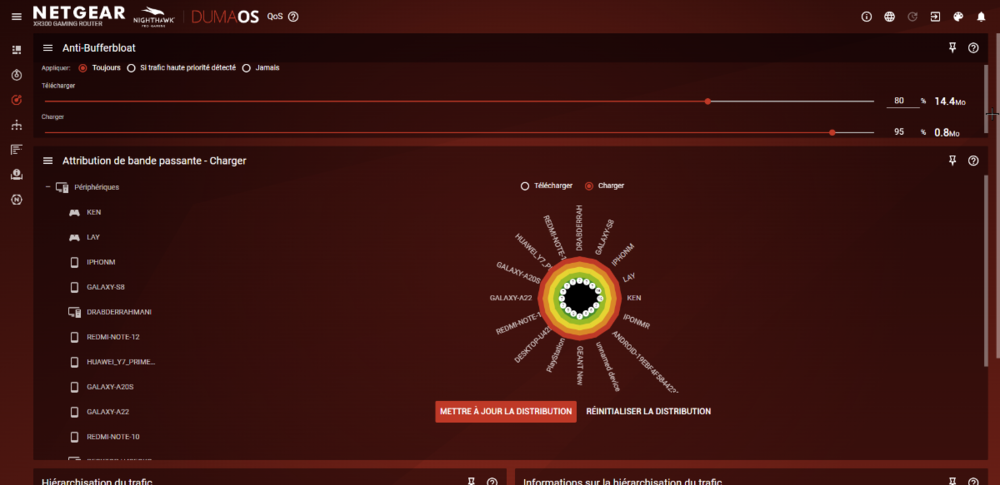
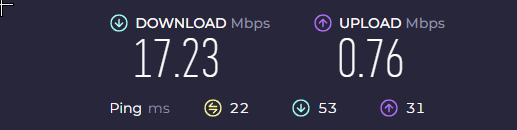
-
 ZahroKen reacted to a post in a topic:
Apex legends
ZahroKen reacted to a post in a topic:
Apex legends
-
Netduma Fraser reacted to a post in a topic:
Apex legends
-
Hello again, I tried this solution and it worked nicely now we can simultaneously play, me and my brother. Thanks for the help @Netduma Fraser And for the DNS problem, I've put this DNS address 1.1.1.1 on my NiC. thanks again
-
Netduma Fraser reacted to a post in a topic:
Apex legends
-
Ok, I'll try that and let you know if it solves the problem.
-
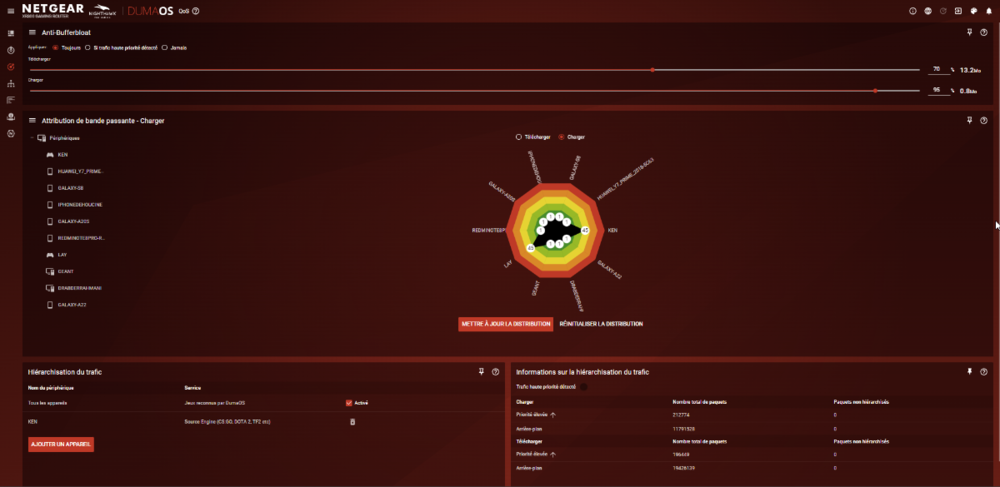
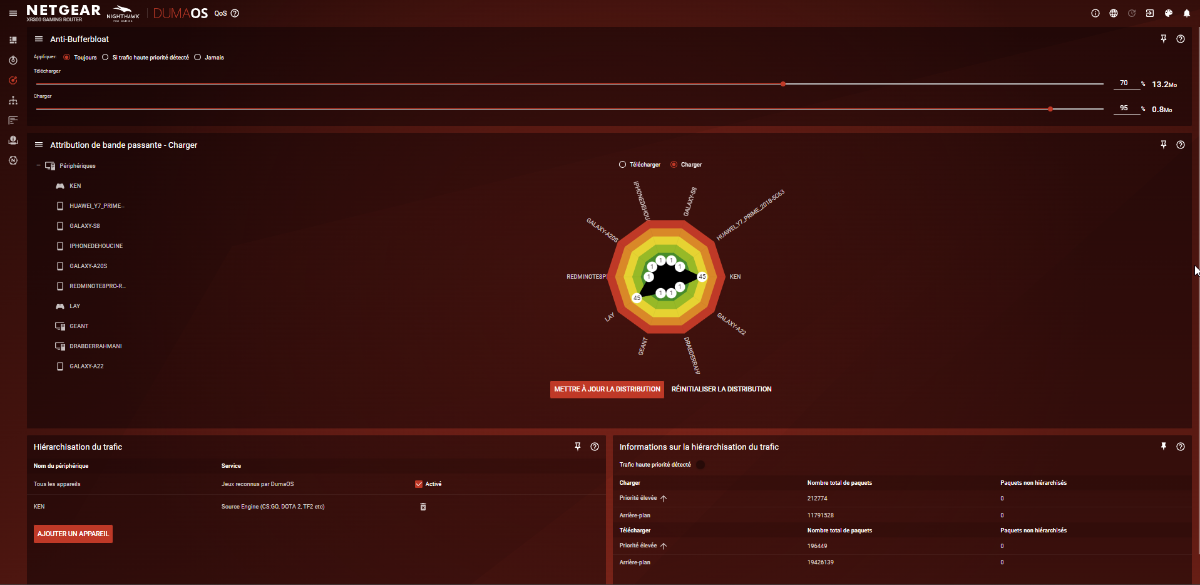
Here's traffic setup I had to do another factory reset (so not all the device are connected and i was lagging).
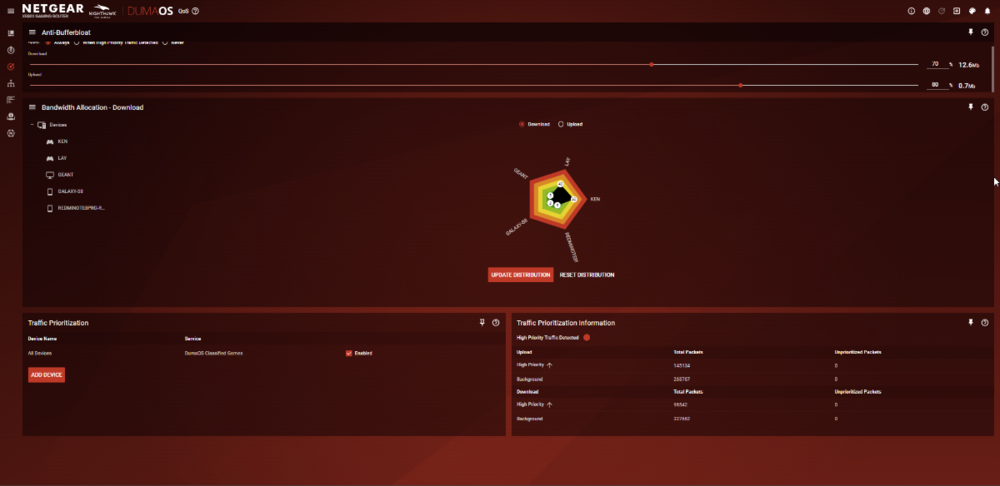
-
Now it's detecting the traffic prioritization. But same first problem (just now I was play in apex and my brother started playing) i don't even have over 1Mbps of upload and it goes up like that.
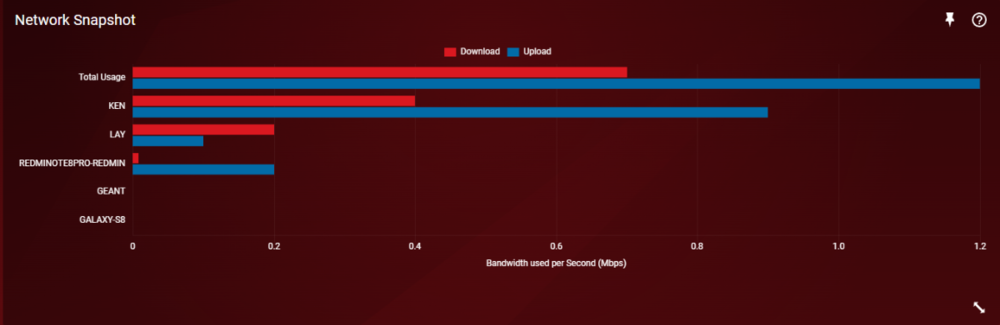
-
any sign about 3.0 version or a beta for the XR300 i saw this topic and it has been years
-
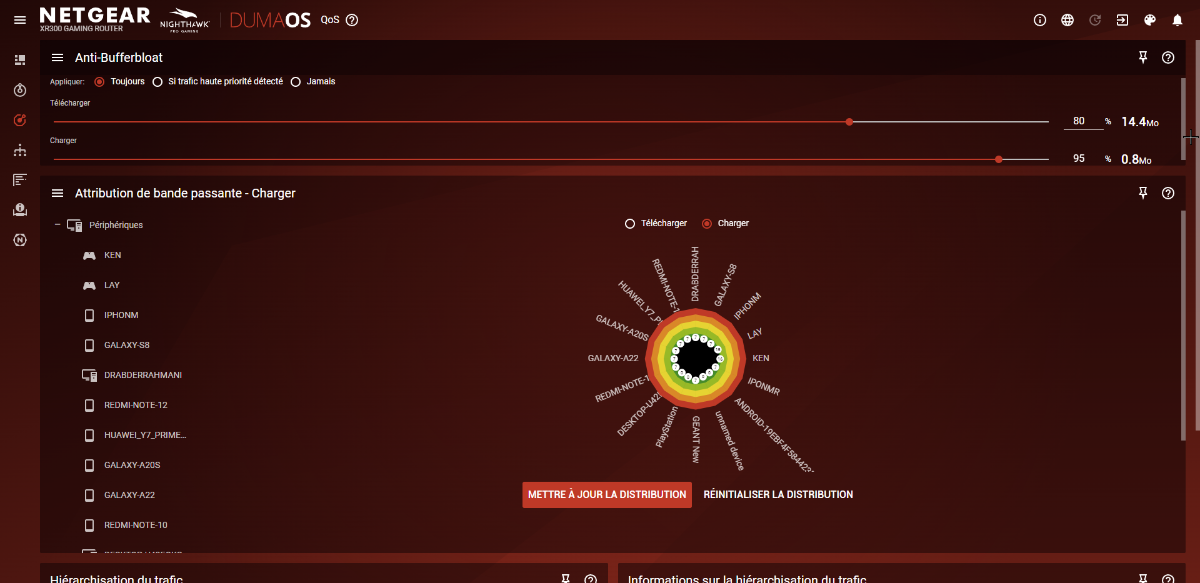
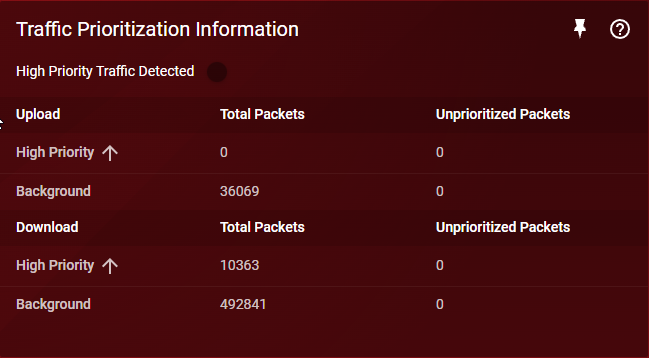
Now i have this: qos not recognizing apex when i launch it.
-
I am using a Tenda 300D as my ADSL modem
-
No, we're not using the geo-filter when we play. I have a nighthawk XR300, it's connected to my ISP modem through on port 1/WAN, and I followed the setup process like normal (QOS page when I play).