Albeno
-
Posts
67 -
Joined
-
Last visited
Everything posted by Albeno
-
So do you recommend to put the eero in front of the r3 instead?
-
What is B2B?
-
Hey can i be added to the beta to get optima?
-
so i just hook the r3 directly to my fiber line and the eero going directly to the r3. i then put the eero in bridge mode so all traffic goes through the r3. Played a few games and my connection is so much better. Bullet registration is buttery smooth now.
-
Okay do you know if mw4 will be added soon?
-
Okay so the best way to use the r3 is to put it in front of the eero? So fiber>r3>eero? And put the eero in bridge mode and turn off the r3 wifi and just use the eero for wifi. This way the r3 controls everything
-
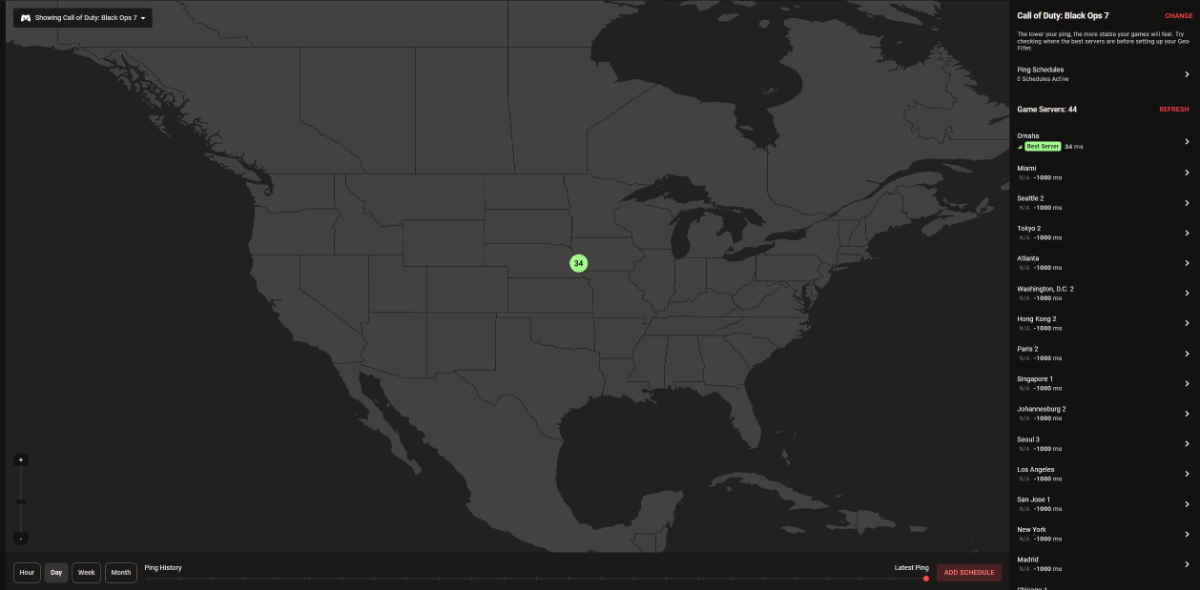
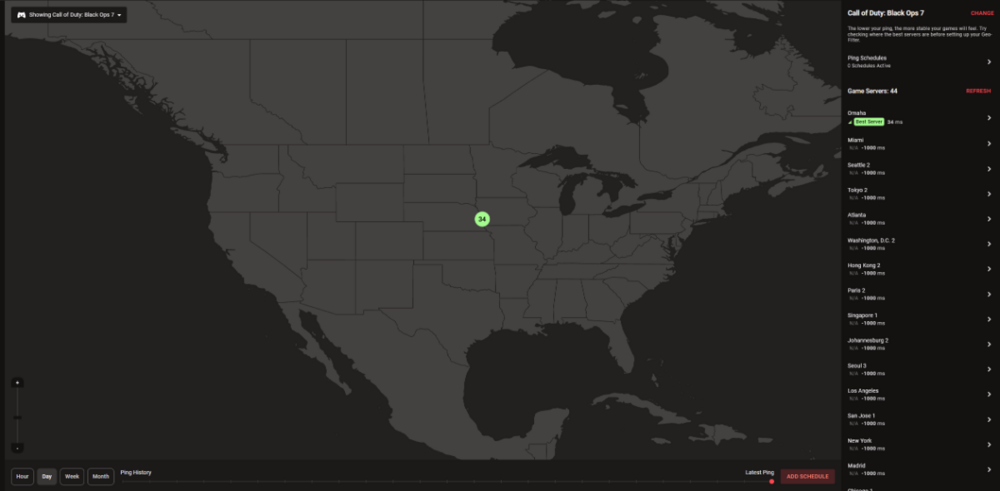
I have my r3 connected to my eero main router . so my setup is like this fiber>eero>r3. only devices i have connected to my r3 are my two gaming pcs and they are hardwired. I have the wifi turned off on the r3 and i use the eero mesh routers for my other devices in house. everything is working fine but im getting -1000 on alot of servers besides one server. It only does this for call of duty black ops 7. All other games ping heatmap works fine. Also the eero mesh router does not have a dmz setting so i cant put my r3 wan ip address into the eero dmz setting
-
@Netduma Fraserhey Fraser i havent used the netduma r3 in about a year. Im about to set it up again. I have fiber internet and i currently use a eero mesh setup. I have 2gbps down and 2gps up. What is the most optimal way to integrate the r3 into my setup. Fiber>eero>r3? I only want my gaming pc to utilize the r3 and the rest of my house to use the eero wifi. Would the r3 be able to work good if the eero is my main router and r3 is connected to eero and both my pc’s are connected to r3 ?
-
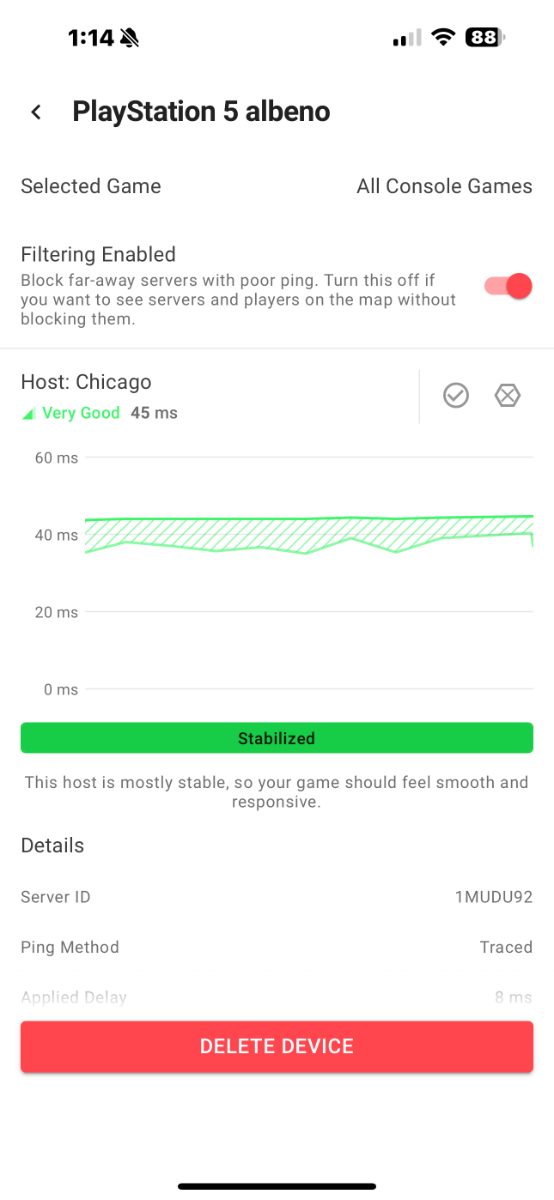
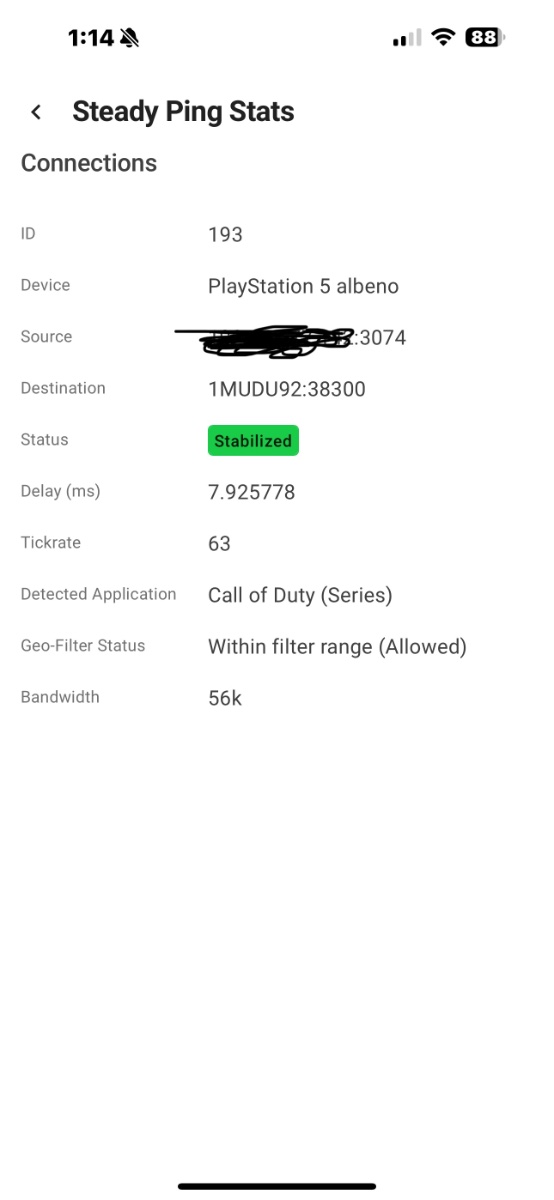
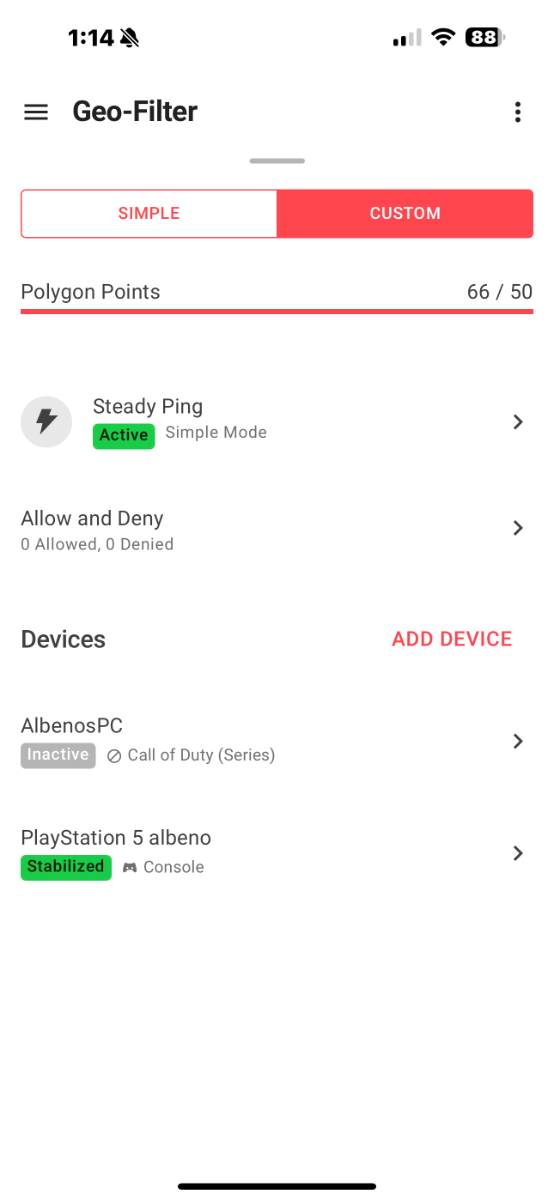
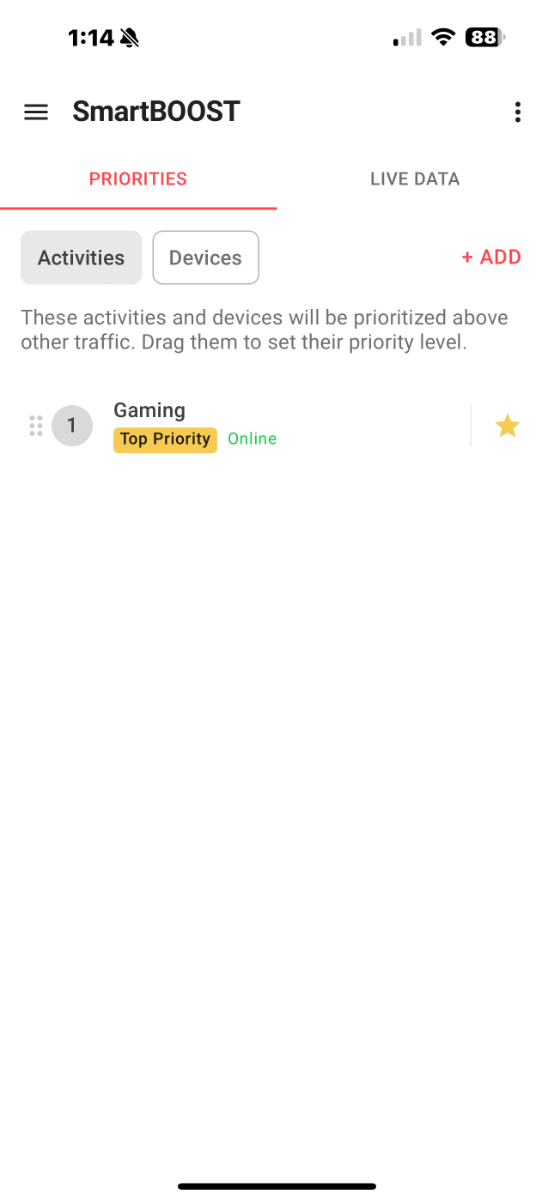
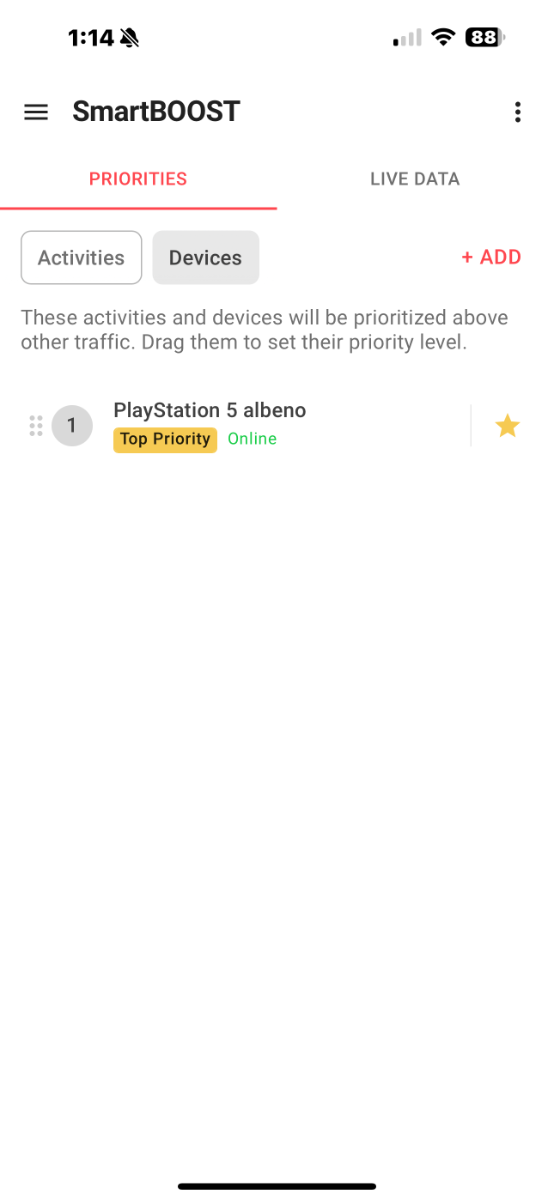
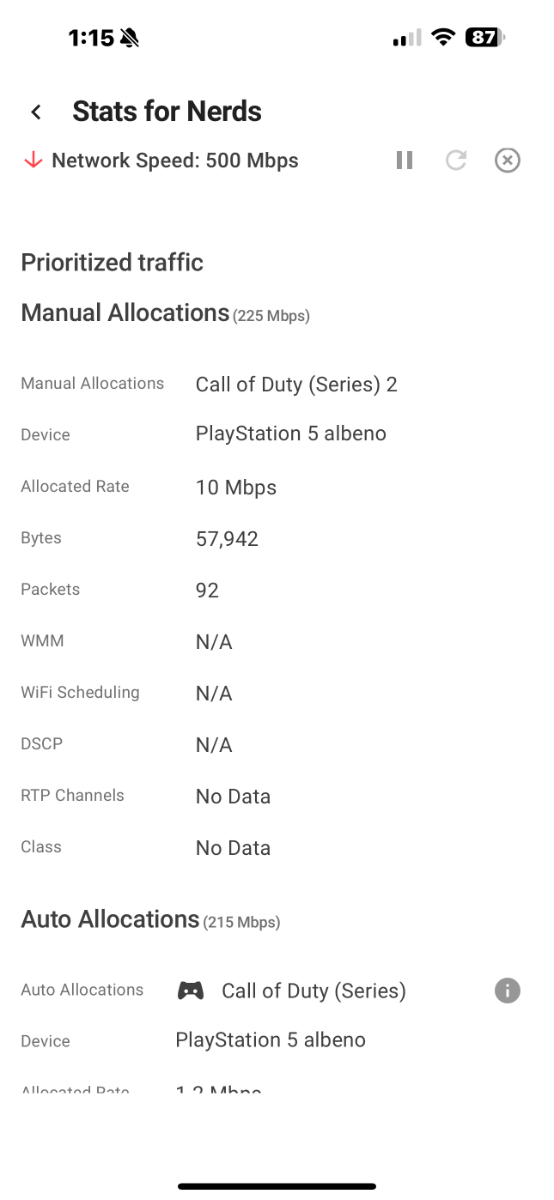
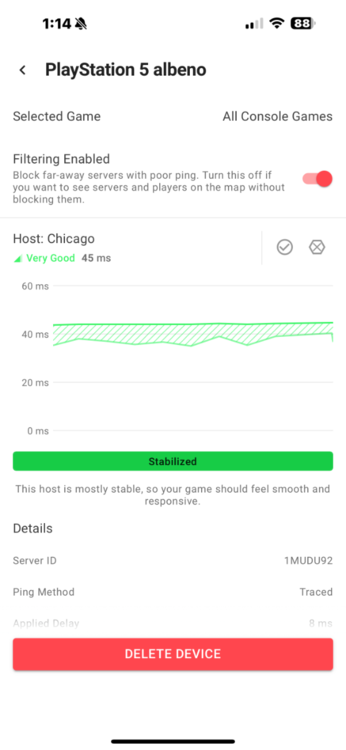
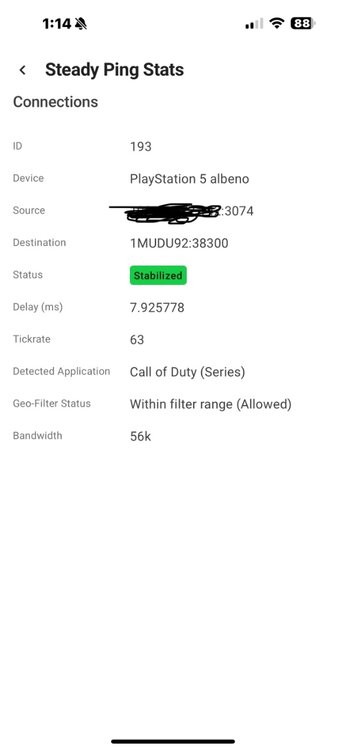
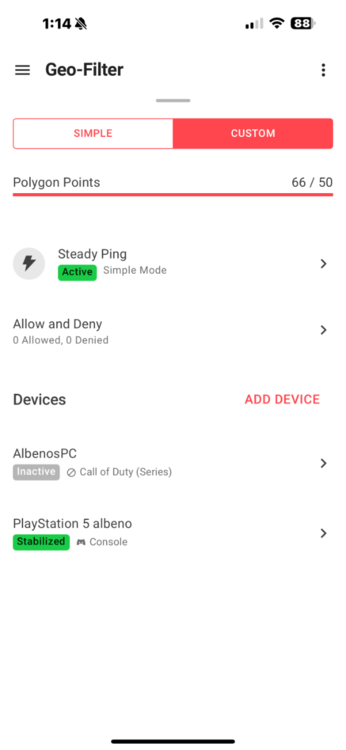
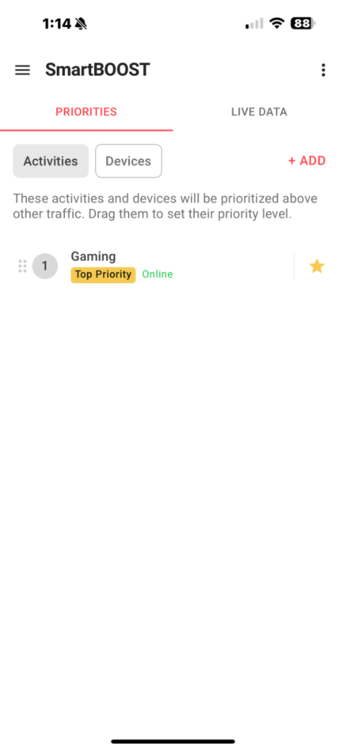
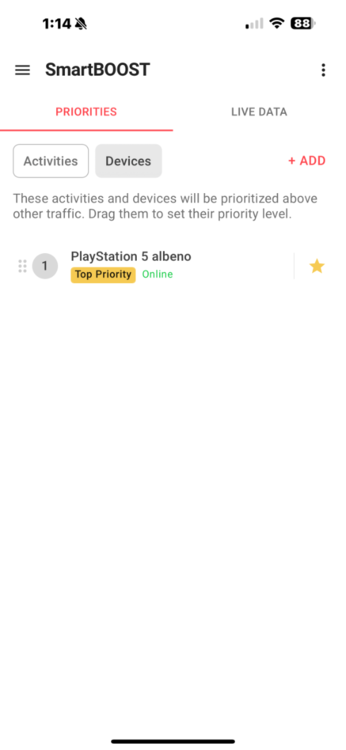
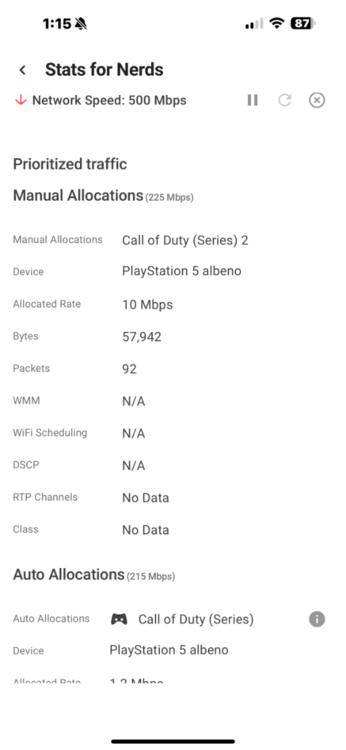
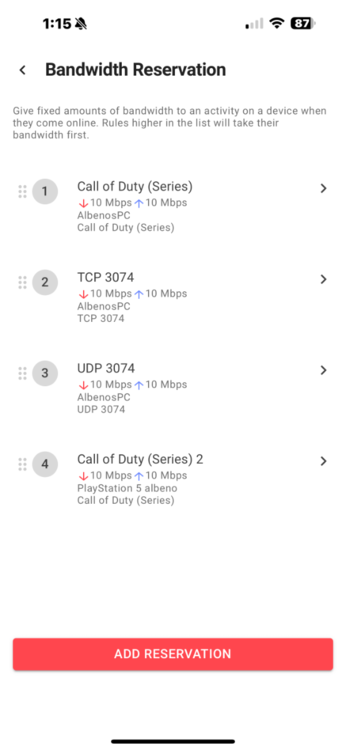
Hey I’m on the latest beta for the r3 and I have great results with ping and bufferbloat on black ops 6. I just want to make sure I have my ps5 configured correctly in the geofilter and in smart boost. I noticed when I add my ps5 in the geofilter it doesn’t give me an option to select the game. I do have my ps5 as a priority device in smart boost and I have it selected as call of duty series. When I’m gaming my ps5 is being recognized under geofilter stats for nerds but under smart boost my packets aren’t always prioritized on the ps5. Does everything look setup correctly? I also game on pc too.
-
hey how do i upgrade to the new beta? i downloaded it but i dont see an option to drag it in on the R3 under settings
-
Could I also be added? Thanks
-
Eliminating bufferbloat has changed gaming for me
Albeno replied to Megatf's topic in Netduma R3 Support
i want to see a pic also -
Eliminating bufferbloat has changed gaming for me
Albeno replied to Megatf's topic in Netduma R3 Support
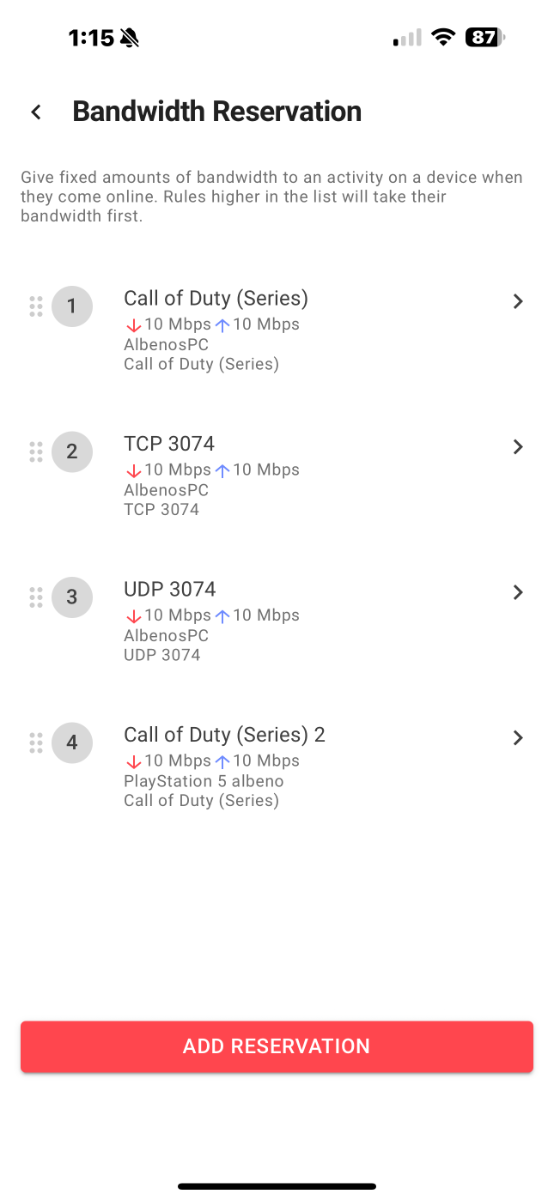
hey how did you put in the tcp and udp port? i type in 1-65535 but mine doest look like how others look.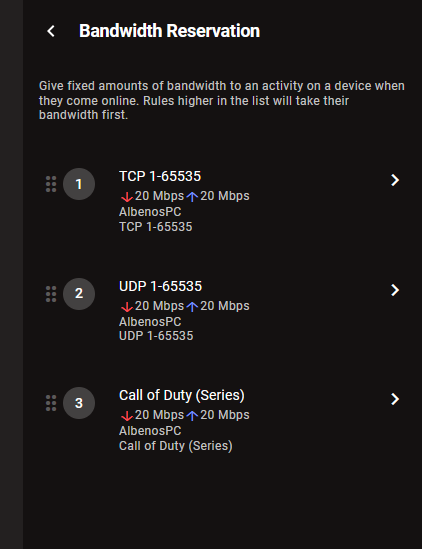
-
My settings for Good Hit detection MW3 <R3 Router
Albeno replied to Spritekid242's topic in Call of Duty Support
hey how are you guys adding those ports? Mine looks nothing like that when i add it.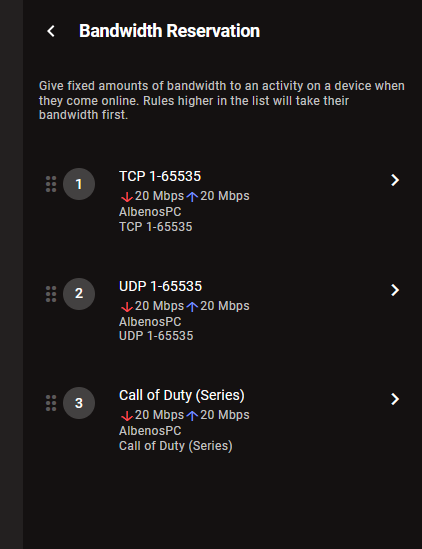
-
BLACK OPS 6 BETA + NEW WARZONE AND FULL GAME RELEASE
Albeno replied to JesusISmyKiNG84's topic in Call of Duty Support
Hey am I the only person that is only connecting to Washington server? I’m in Mississippi and it’s not even in my geofilter but every game it’s Washington. -
BLACK OPS 6 BETA + NEW WARZONE AND FULL GAME RELEASE
Albeno replied to JesusISmyKiNG84's topic in Call of Duty Support
Same bro. Every game I’m connecting to Washington server and I’m in Mississippi. -
Okay
-
it was moderate but i made my pc dmz and it turned open
-
what ports should i open on pc for call of duty mw3?
-
is that normal tho?
-
No issues but my ping optimizer isn’t working. If you scroll up I sent image
-
The latest one 4.0.236
-
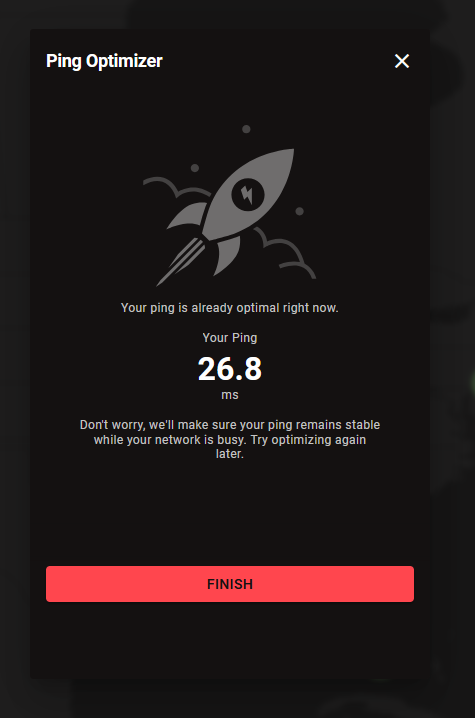
so far everything is running smooth. It was easy to setup. i got the eeros connected to netduma in bridge mode. is it normal to get this message when running ping optimizer
-
XR1000 not working after update
Albeno replied to Eyezicks's topic in NETGEAR Nighthawk Support (XR range)
so far everything is running smooth. It was easy to setup. i got the eeros connected to netduma in bridge mode. is it normal to get this message when running ping optimizer -
Hey my eeros that will be connected to the r3 have Ethernet ports on the back. Can I plug my gaming pc directly into the eero Ethernet port or do I need to plug the pc directly to the netduma r3