


alex.devine
-
Posts
170 -
Joined
-
Last visited
-
Days Won
1
Everything posted by alex.devine
-
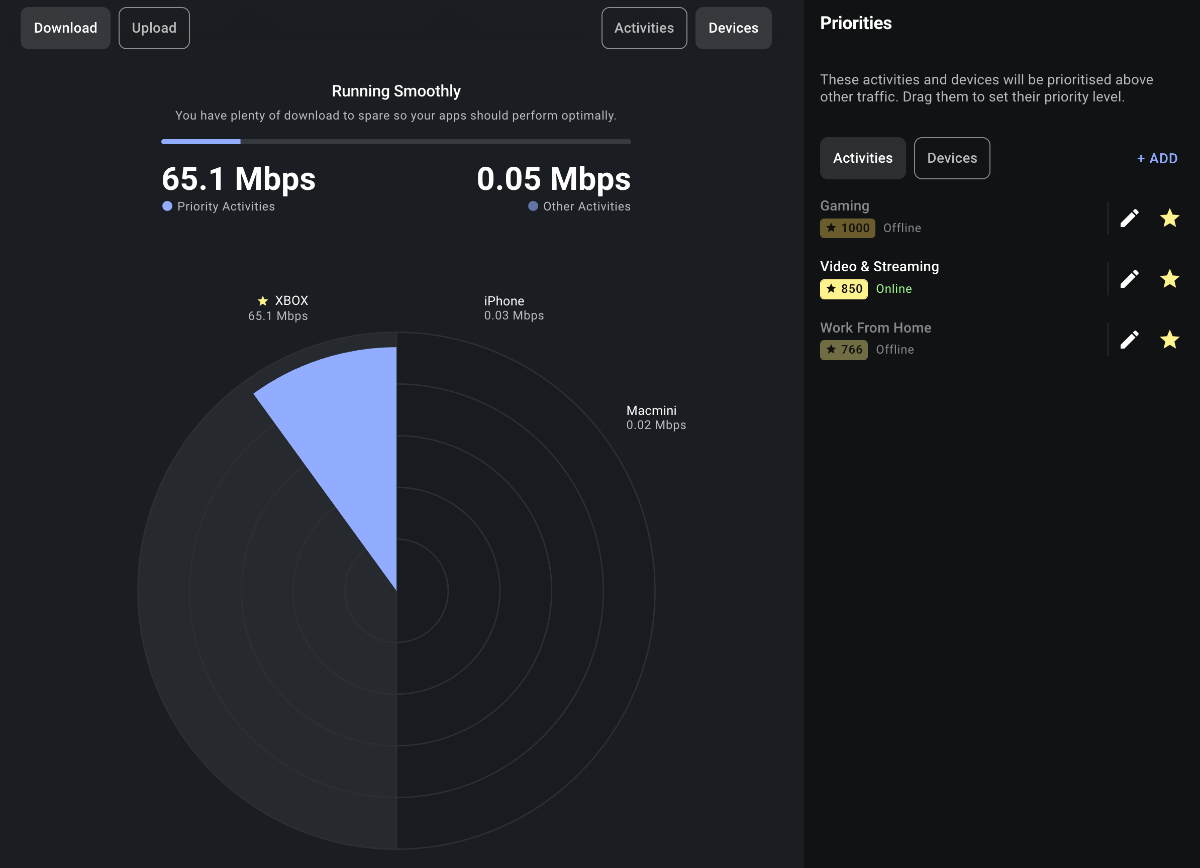
Hi there, We needed to add an extender to the house because the R3's Wi-Fi isn't reaching our upstairs rooms. I have installed the TP-Link extender, but it is showing the device offline! My son connects to this for his Xbox, etc., and his downloading games is showing unknown traffic, yet the Xbox is showing up in the priority devices, which I added. Is it normal for the extender not to show in the network tree as offline?
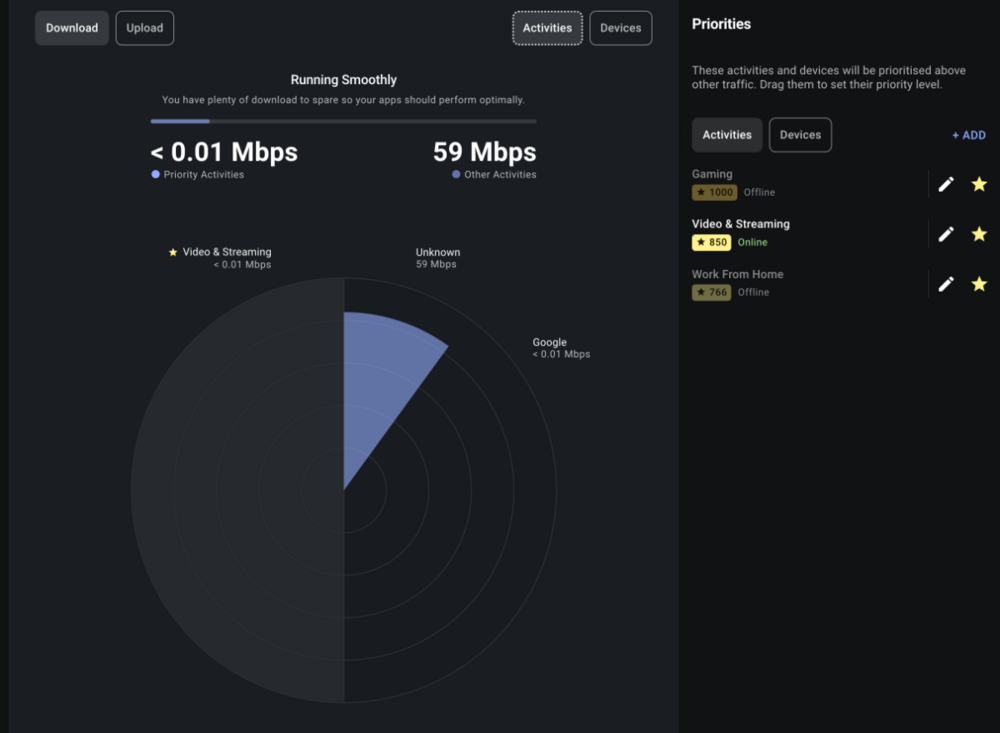
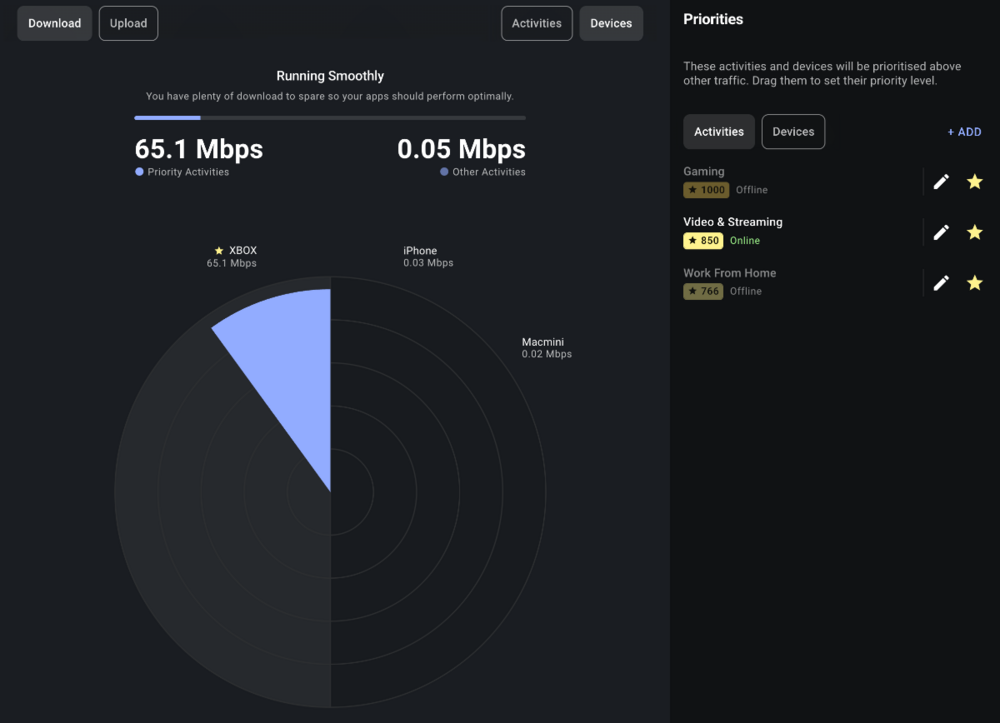
-
This was an issue early, and it has been resolved. Try resyncing the cloud and disabling geo-latency in the Geo-filter settings. I had to restart my router for the cloud update to take effect. Evertything now works
-
Yes, at a reduced amount. I am not sure why you cant just play normal MP, the weapons level up just fine and if you rush everything, what will you have to do on the game?
-
You want to play bots? Just go to the server browser, and you will find many bot lobbies!
-
Hi, I have using Express VPN and when I set my connection on VPN, all my wireless devices discconnect. Please help!
-
Ok understood, that makes sense. I will get that added. Thank you for your help
-
Hi Fraser, I get a Type 2 when I remove the Geo-Filter!
-
Hi, Sorry, that would help. Using EE full fibre with the R3 direct from the hub on the wall. Should i use the EE router > R3?
-
Hi, I can't seem to fix the failed nat type. Is there anything I can do?
-
Please can you add me? Thank you
-
It has improved by 100% on Netduma's side, and I'm finding games in London and Germany. (UK-based). But there are so many issues with BF6 right now with hitreg and servers.
-
What will that fix?
-
It seems to be working for me, all my games have been in London and not placed over the water in the USA Very smooth games apart from when the EA servers have a wobble!
-
It seems the cloud may be live? All yesterday I had the London server over in the UK, and not one appeared in the US!
-
Hi Fraser, thank you for your response. I disabled Geo-Latency as advised, but that makes the issue worse: the current bug has the UK London server showing in the US, and well, it just does not connect. There was to be an update on Friday to fix. Did that get pushed out? Other than the Geo Filter issues, the router is working perfectly.
-
Hi Fraser, Big thanks for the help on the EE thread over the last few days. I will keep posting in this thread with any questions and problems if OK? Setup Questions: My R3 is now set up correctly, I think. I have my Ethernet from the wall > EE router > R3. Connection Type: DHCP with ID's blank. Is this correct for EE fibre? Questions about Geo Filter: Please see my attached screenshot. Why is the GER server loading me into a game when it is outside my radius? This server is horrible for me when playing. I know there is an ongoing issue with the UK server loading over in the USA, it was to be fixed today, is that done and do I need to resync the cloud? Thank you.
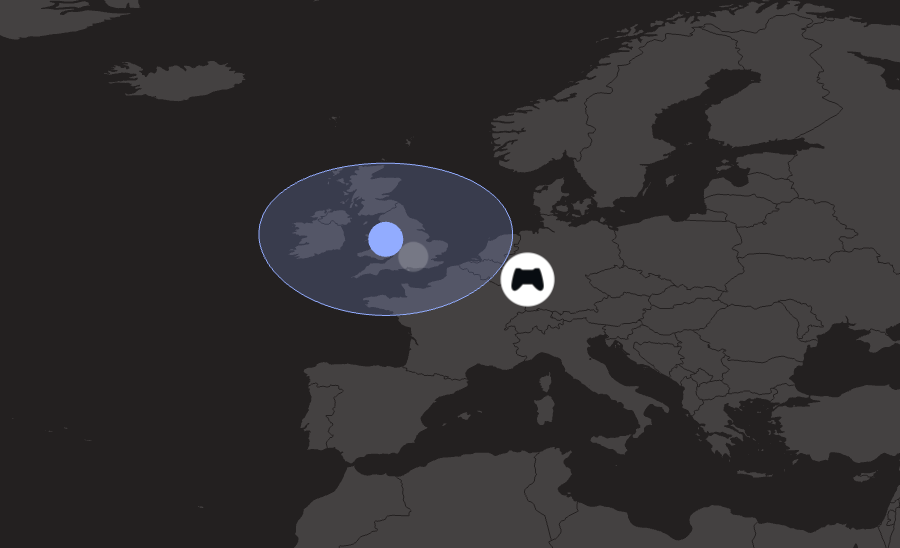
-
Frazer, I have ordered the R3, nice 30% off HAHA Thank you for all your help. Any tips or links you can share for me to setup with this EE router?
-
Ok Thank you. And when will the netduma cloud be fixed? I have an XR500 which I may use.
-
Thank you for the update. Sorry, a little confused, the update for your cloud and the boost both need approval by EE?
-
Hi Fraser, Are there any updates on the cloud update and the update for the boost?
-
Sorry to jump in, does that mean we can now update to the latest live version and be on 3.3?
-
Thank you for your quick reply. Do you know the game is not picking up on the boosted games, yes?
-
Amazing, thank you for the update. Just to confirm, do you have any idea about when EE pushes updates to boost game? BF6 is currently not showing in when playing the game.
-
Hi, Any update on the cloud update?
-
NEW XR500 BETA FIRMWARE: 3.3.535
alex.devine replied to Netduma Lew's topic in NETGEAR Nighthawk Support (XR range)
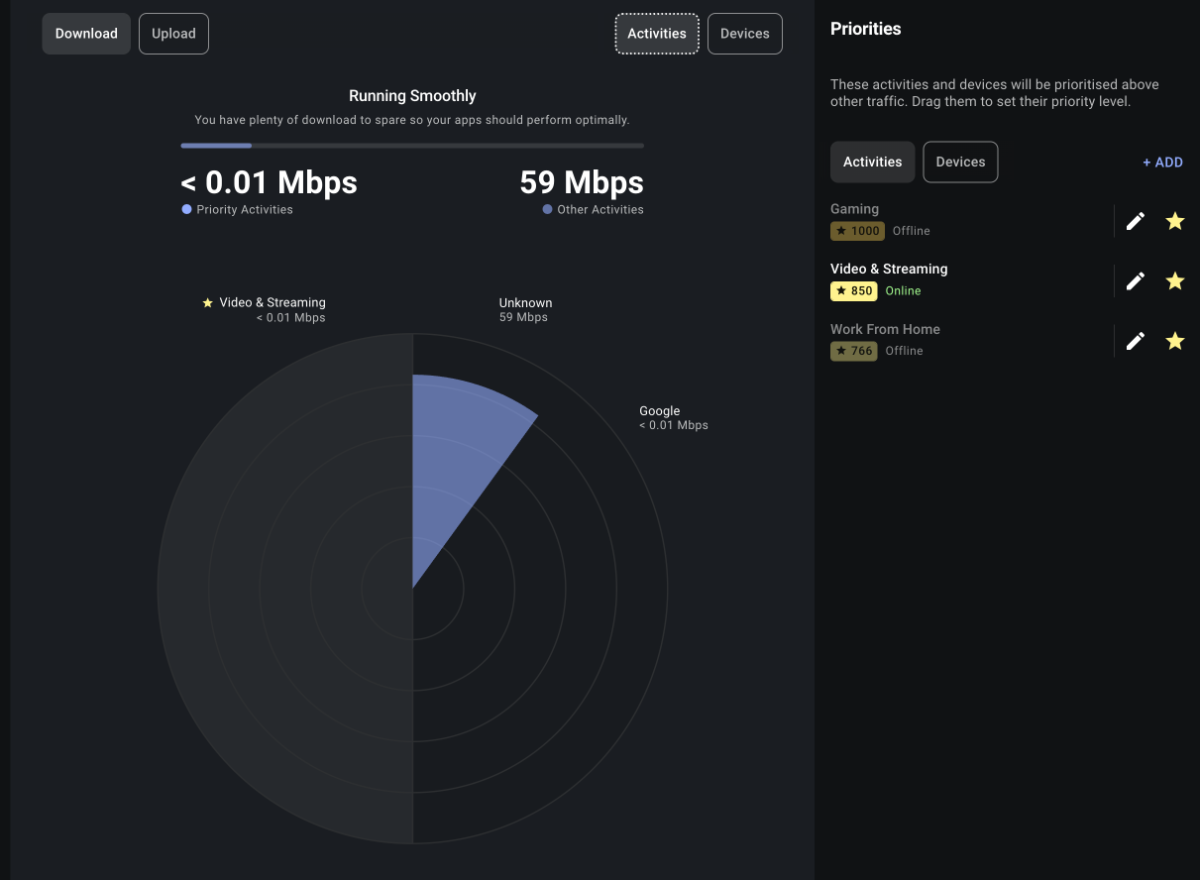
Hi, Is this any different to the current closed beta installed for the XR500.
.png)