Wr3ck3r
-
Posts
36 -
Joined
-
Last visited
-
Days Won
1
-
.png "Like") Netduma Fraser reacted to a post in a topic:
Moderate NAT... UPnP inactive
Netduma Fraser reacted to a post in a topic:
Moderate NAT... UPnP inactive
-
Wr3ck3r reacted to a post in a topic:
Moderate NAT... UPnP inactive
-
I tried that a while back...didn't work for some reason. I have no complaints about this router. It performs as advertised and the OS is awesome.
-
I have the same gateway. Xb10 in bridge mode. I have a tplink be550 wired to xb10. I have the r3 wired to the be550. the r3 is in dmz. I get open nat without issue. If I run bo7 on gamepass pc, I get open nat port 3075. If I play bo7 on pc through battlenet, I get open nat port 3074. the only time I get moderate nat is if my son logs on to battlenet before me. we can't both get open nat at the same time...which sux.
-
Wr3ck3r reacted to a post in a topic:
A different bufferbloat/network test if anyone is interested.
-
Wr3ck3r reacted to a post in a topic:
Couldn't ping Server
-
The ping very rarely goes over 25ms. So, yesterday I started adding servers to the allowed list whenever I see issues. So far, that seems to work. The lag/stuttering in game was really bad yesterday but seems to have gone away today.
-
Wr3ck3r reacted to a post in a topic:
Couldn't ping Server
-
I'm getting a lot of Couldn't Ping Server after the game (BO7) starts. As soon as this happens, the game seems to have major lag or stutter to it.
-
Wr3ck3r reacted to a post in a topic:
Ping heatmap not working for black ops 7
-
Wr3ck3r reacted to a post in a topic:
Xbox gamepass/open nat - Battlenet & Steam/moderate nat BO7
-

Xbox gamepass/open nat - Battlenet & Steam/moderate nat BO7
Wr3ck3r replied to Wr3ck3r's topic in Netduma R3 Support
Nothing seems to work. His pc connects to 3074 no matter what is done. It was a longshot anyway to get him to an open nat. I ended up putting him back on the gateway and leaving my pc as the only device connected to the R3. Thanks for all the suggestions...it's been a great learning experience. -
Xbox gamepass/open nat - Battlenet & Steam/moderate nat BO7
Wr3ck3r replied to Wr3ck3r's topic in Netduma R3 Support
from what I have read...3075 is used for xbox consoles. So I'm thinking that is why gamepass is using 3075 even though I'm on a pc. btw, that is my alt account I play on. Battlenet is my main. I also read that two pc's in the house running the same game...one will be open nat on 3074 the other will be moderate on 3074. I haven't found anyone that has found a workaround for this. -
Xbox gamepass/open nat - Battlenet & Steam/moderate nat BO7
Wr3ck3r replied to Wr3ck3r's topic in Netduma R3 Support
port forward didn't work. His game is using 3074 which is what mine is using. -
Xbox gamepass/open nat - Battlenet & Steam/moderate nat BO7
Wr3ck3r replied to Wr3ck3r's topic in Netduma R3 Support
Everything is running smooth. My pc has no issues with open nat now. I have my sons pc directly wired to the R3 and he is getting moderate nat. I noticed in the settings that his comp. doesn't show up in UPnP when I start up his game. My pc shows up requesting a port no problem. -
Xbox gamepass/open nat - Battlenet & Steam/moderate nat BO7
Wr3ck3r replied to Wr3ck3r's topic in Netduma R3 Support
just did a test...enabled upnp on the gateway and my nat went right to moderate. -
Xbox gamepass/open nat - Battlenet & Steam/moderate nat BO7
Wr3ck3r replied to Wr3ck3r's topic in Netduma R3 Support
Alright...10g disabled/unplugged, upnp enabled with port forwards still active...open nat...ip address in game reads as the one from R3 (of course). Now everything is running as it did before. What is confusing though is why was the geo filter still doing its thing while the 10g card was active? The game ip was the one assigned to the 10g card when it was plugged in. Oh, and yes, I did do what you suggested above. It didn't work. I believe that's when I decided to start testing things with the 10g and 2.5g. I wonder if I create a port forward on the gateway for my son if I'll see any issues now? I shouldn't since I unplugged the gateway line...but all of this has been strange. -
Xbox gamepass/open nat - Battlenet & Steam/moderate nat BO7
Wr3ck3r replied to Wr3ck3r's topic in Netduma R3 Support
Ok. So this is the only way I can get open nat for battlenet and gamepass. I have the R3 set up as Lan from Xfinity gateway to Wan on the R3. I put the R3 in dmz on the gateway. The gateway is not in bridge mode. I have no port forwards on the gateway either. The R3 dhcp is reserved. upnp is disabled. I have two port forwards of 3074 & 3075 tcp/ucp. Battlenet uses 3074. Gamepass uses 3075. All of this gives me open nat. On top of that...I have two network cables going to my pc. The motherboard has a 2.5g that I have the R3 plugged into. I also have a 10g card for my gateway. If I unplug or disable the 10g card, my nat type goes back to moderate. When both cable/cards are active, I have open nat. So, when I start a game, it uses the 10g card ip address but the geo filter still works great...excellent ping, no issues whatsoever. The funny thing too, if I create a port forward on the gateway for my sons pc, my pc game goes right back to moderate nat type. I delete the port forward, my nat type goes back to open. It's so confusing...lol -
Wr3ck3r reacted to a post in a topic:
Xbox gamepass/open nat - Battlenet & Steam/moderate nat BO7
-
Wr3ck3r reacted to a post in a topic:
Xbox gamepass/open nat - Battlenet & Steam/moderate nat BO7
-
Having an issue with Battlenet and Steam moderate nat in BO7 but it goes to open nat in Xbox gamepass. Normally this is never an issue. Any help or trouble shooting steps would be great.
-
Krush reacted to a post in a topic:
Waiting on relay - BO6 Geo Filter On/Off
-
Update...I now have an open nat. I removed the port forward I had earlier and added new port forwards that correspond with a PlayStation. I forgot to do that earlier after changing my device from PC to PlayStation. All is good now.
-
Ok, so I followed your steps and the net delay is gone. However, my nat type changed from open to moderate. I added a port forward in R3 but so far that hasn't worked. And yes...it is set up as R3 WAN to gateway LAN.
-
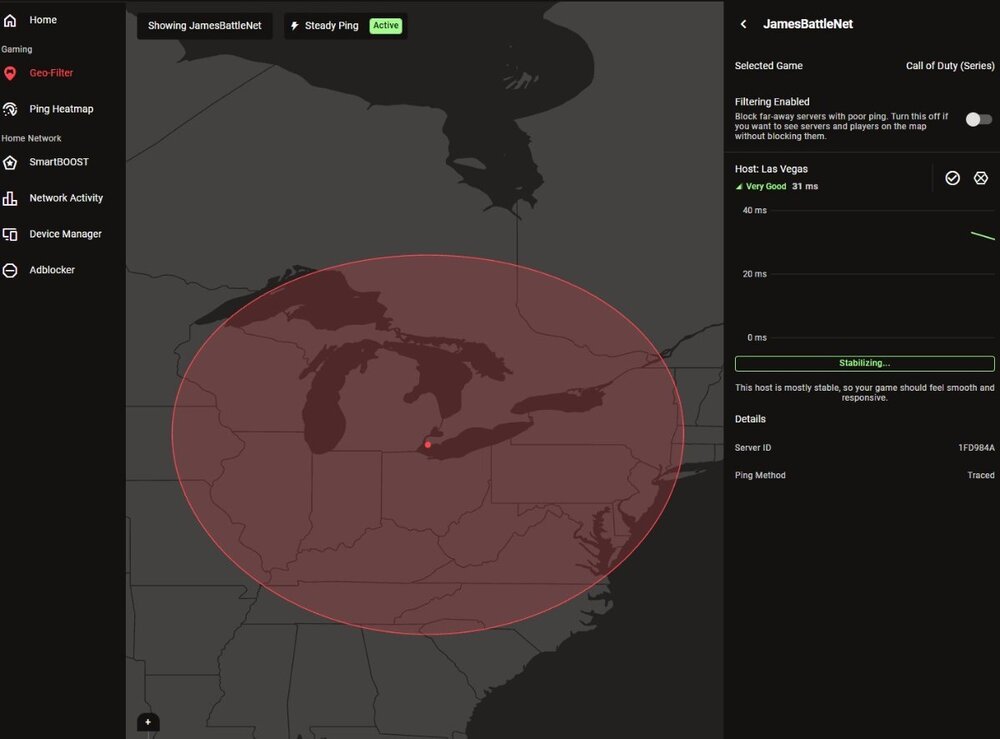
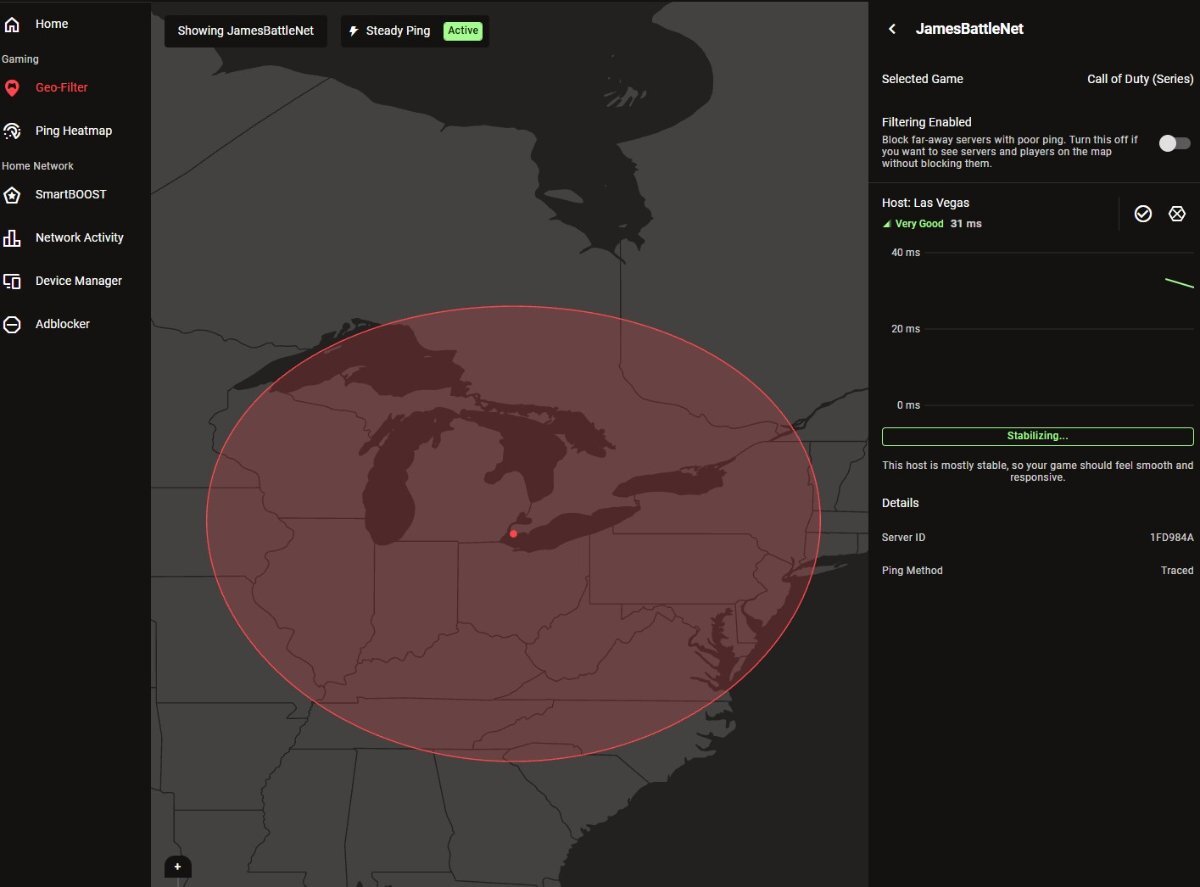
This is the best I could do. It kept going in and out trying to ping a server. Most of the time there was no server showing. I had to grab this shot fast as it kept going out.