dionsaur_
-
Posts
24 -
Joined
-
Last visited
Recent Profile Visitors
964 profile views





-
No I don't unplug often and I don't use incog. I had to change the bookmark adddress and that seemed to fix it. Just an odd bug possibly thought I'd share
-
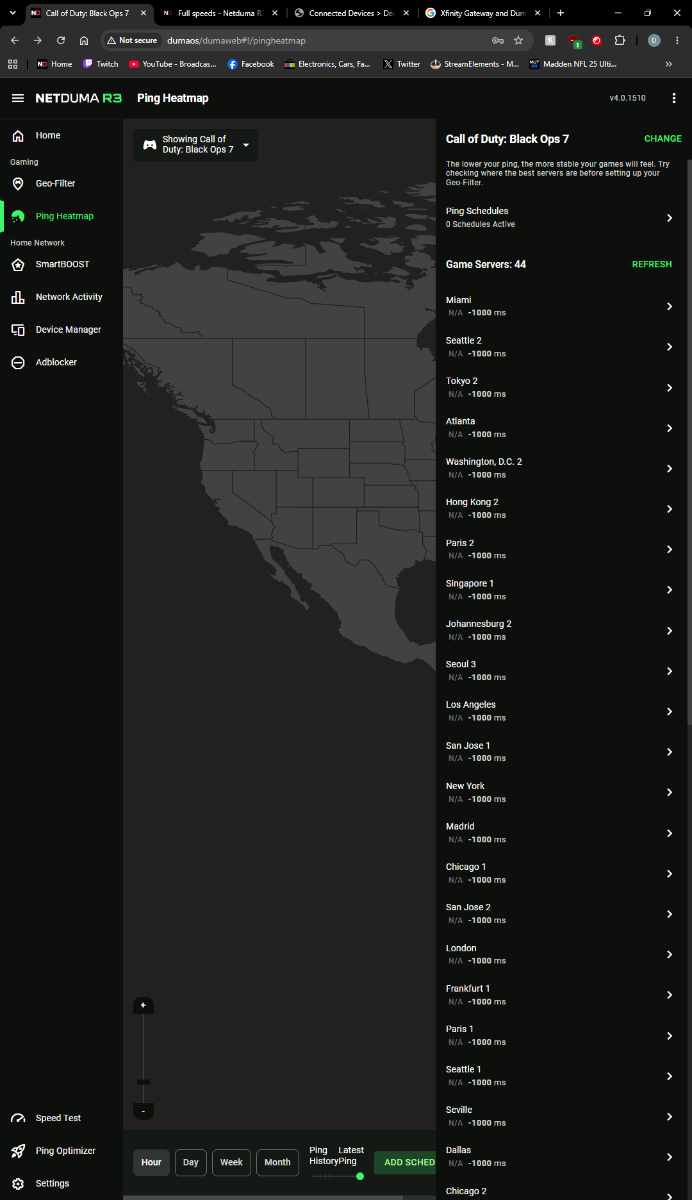
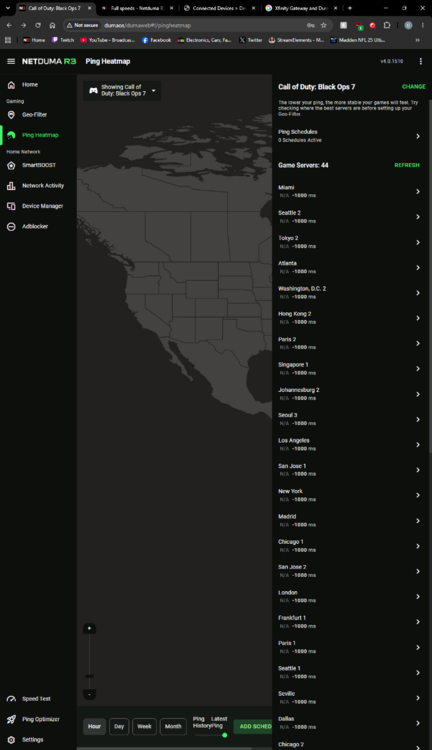
Also why can't I get a ping for some games?
-
-
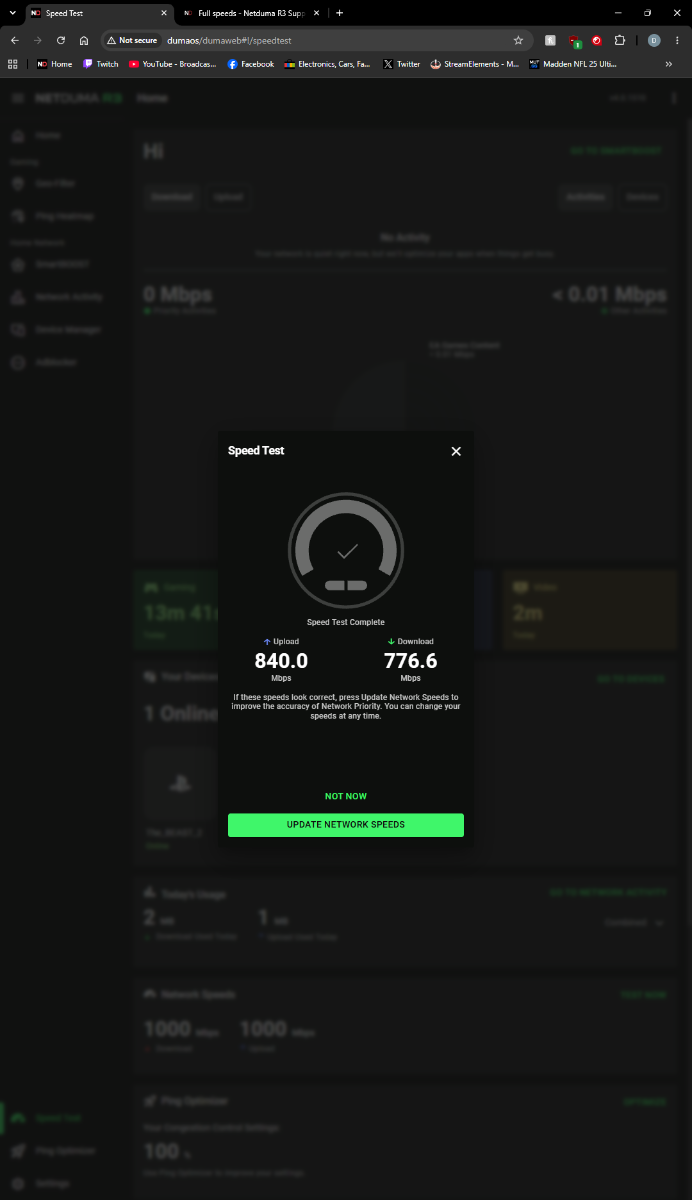
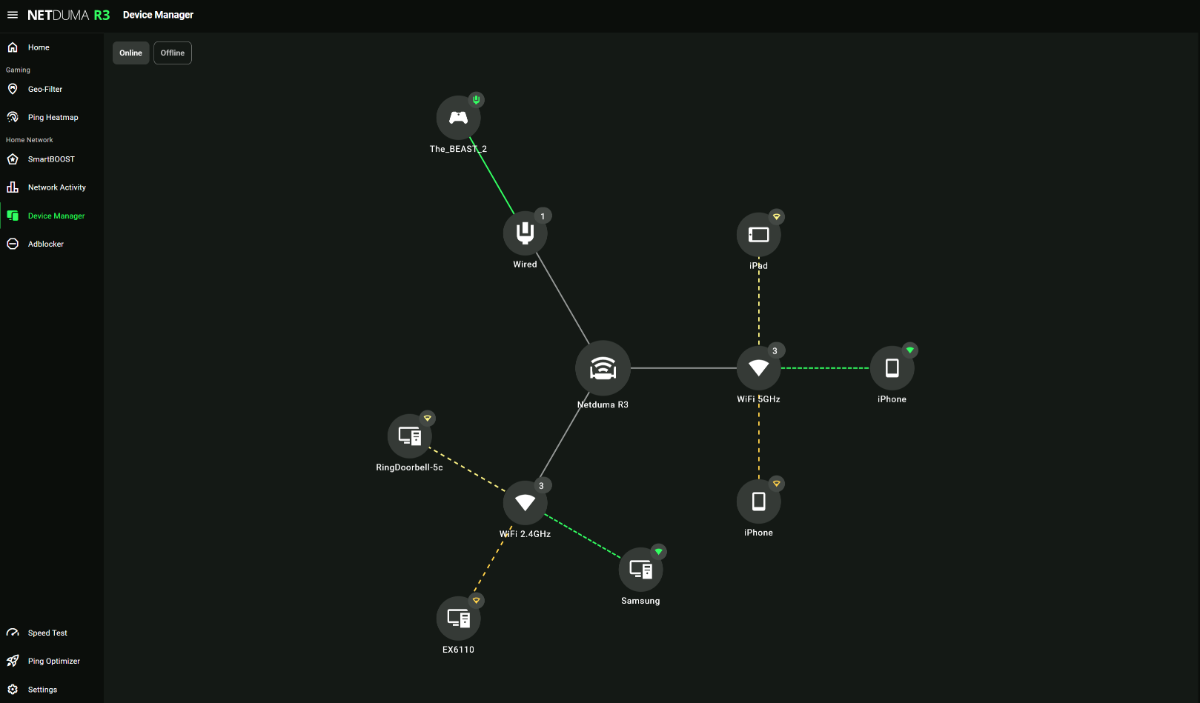
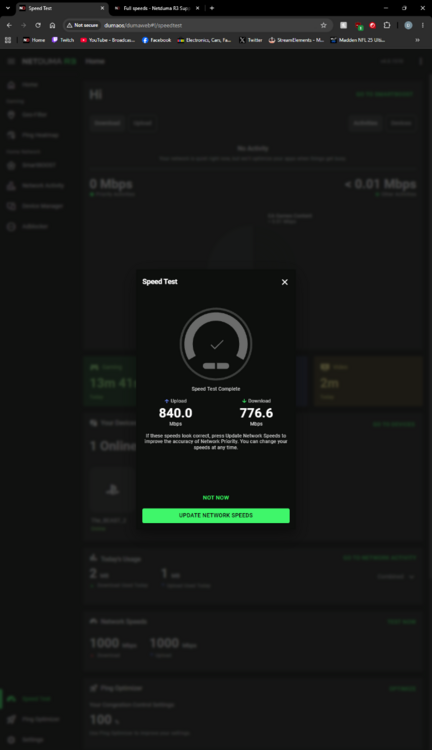
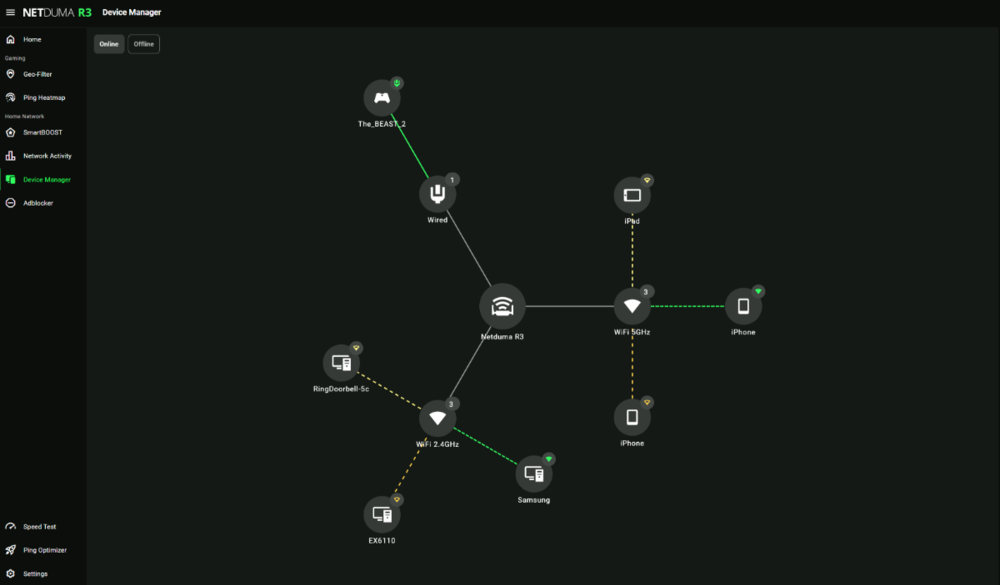
Yes I did enter the 1 GB speeds I pay for/expect, on my phone I get the full speeds it is connected to the gateway. I noticed my Ping average changed by +10ms so I tested the speeds to the duma I just have my pc wired to the duma and I have my other devices connected to the gateway from xfinity
-
Not getting full speeds I am missing about 200 mbs I pay for a 1GB up and down I am wired from my gateway from xfinity to my duma to my pc
-
Every time I log on to my DumaOS page it goes through like I am using it the first time an some of the settings don't save UPDATE: Apparently the bookmark needed to be changed/updated it's not doing it anymore
-
I'm trying to get my NAT type open for call of duty. My duma has UPnP on and the port it needs to open for Microsoft MP "inactive" I’m on PC wired in and I’m on the most recent update Port forwards are inactive as well I have an Xfinity modem/router gateway model XB10 ^^^^^^ need to open ports 3075 (Ports might of changed? idk but I'm OPEN now) actually not fixed the port goes active then inactive I am unable to connect to a match NAT is still OPEN though
-
.png "Like") dionsaur_ reacted to a post in a topic:
unable to connect to fragpunk
dionsaur_ reacted to a post in a topic:
unable to connect to fragpunk
-
It doesn't connect to the game 😞 . It connects to the internet. Thank you for all the help!
-
Yup straight from the wall doesn't connect... So my ISP is blocking the connection right?? Or could it be the ipv4 DNS? I'm using 1.1.1.1 and 1.0.0.1 cloud flare I believe... Update google DNS doesn't work for me either.
-
dionsaur_ reacted to a post in a topic:
unable to connect to fragpunk
-
I have the ports fowarding they all say inactive...? I also have UPnP enabled does that need to be disabled? I've tried changing DNS servers... Still doesn't work this has to be an ISP blocking the connection or something. When I log in with my hotspot instant login....
-
dionsaur_ reacted to a post in a topic:
unable to connect to fragpunk
-
With my ISP I Don't have access to my modem... I have a fiber connection the ethernet comes straight from the wall.. Must be a ISP port issue then maybe? or IPV6? I don't think my ISP uses ipv6. not sure
-
dionsaur_ reacted to a post in a topic:
unable to connect to fragpunk
-
Yeah I have it disabled. Still doesn't launch...
-
dionsaur_ reacted to a post in a topic:
unable to connect to fragpunk
-
dionsaur_ reacted to a post in a topic:
unable to connect to fragpunk
-
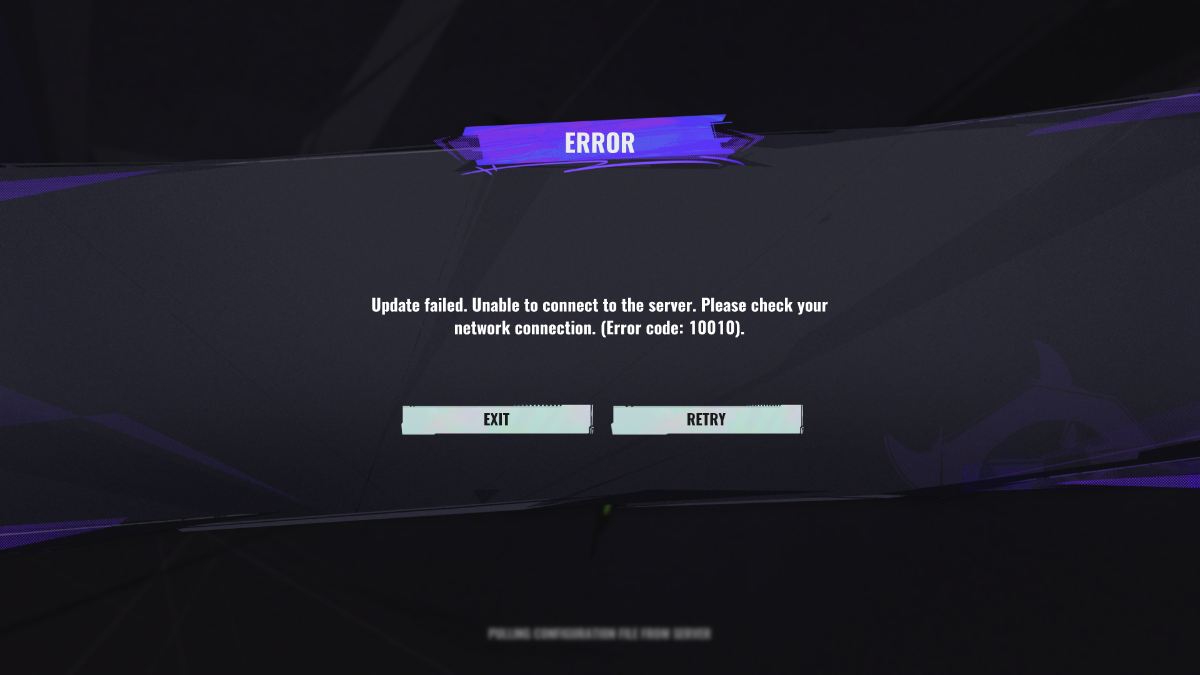
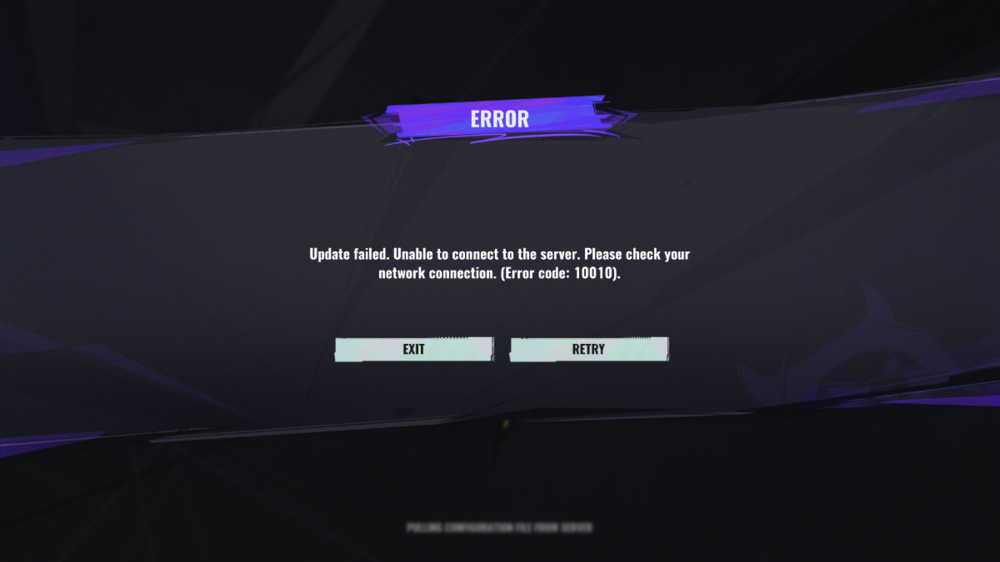
Pulling configuration file from server is what it gets stuck on Error: Update failed. Unable to connect to server. Please check your network connection. (Error code: 10010) I can only bypass this error code if i connect my pc with a hotspot and then switch back to my router after getting to the main menu. Just curious if this a router issue or it's on their side. Never had to use a hotspot to log on into a game before it's rather annoying. Thought I'd post here haven't seen a topic on this yet Devs have not addressed a fix yet but, they are aware I guess.... It's been a week since the game released 😞
-
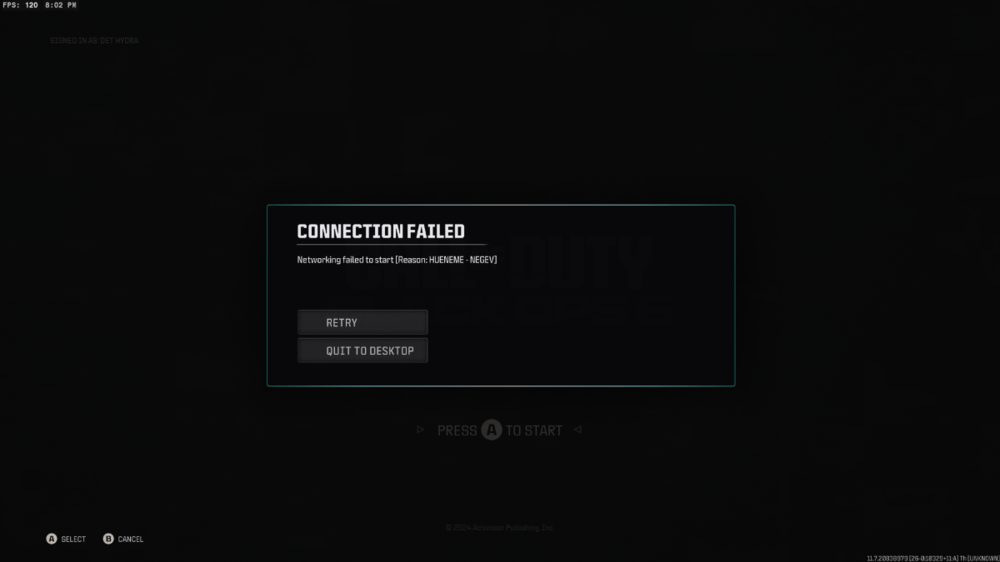
I can't login to call of duty without resetting my router every time
-
dionsaur_ reacted to a post in a topic:
My settings for Good Hit detection MW3 <R3 Router
-
My settings for Good Hit detection MW3 <R3 Router
dionsaur_ replied to Spritekid242's topic in Call of Duty Support
found the fix!! The mac address on dumaOS was wrong to the mac address on the R3 thanks it was off by 1 number at the end. I never changed the mac address so could be a bug. I should be getting full speeds now and my ping is down