Sentinel82
-
Posts
151 -
Joined
-
Last visited
-

XR1000 Firmware Rollback?
Sentinel82 replied to Mercy's topic in NETGEAR Nighthawk Support (XR range)
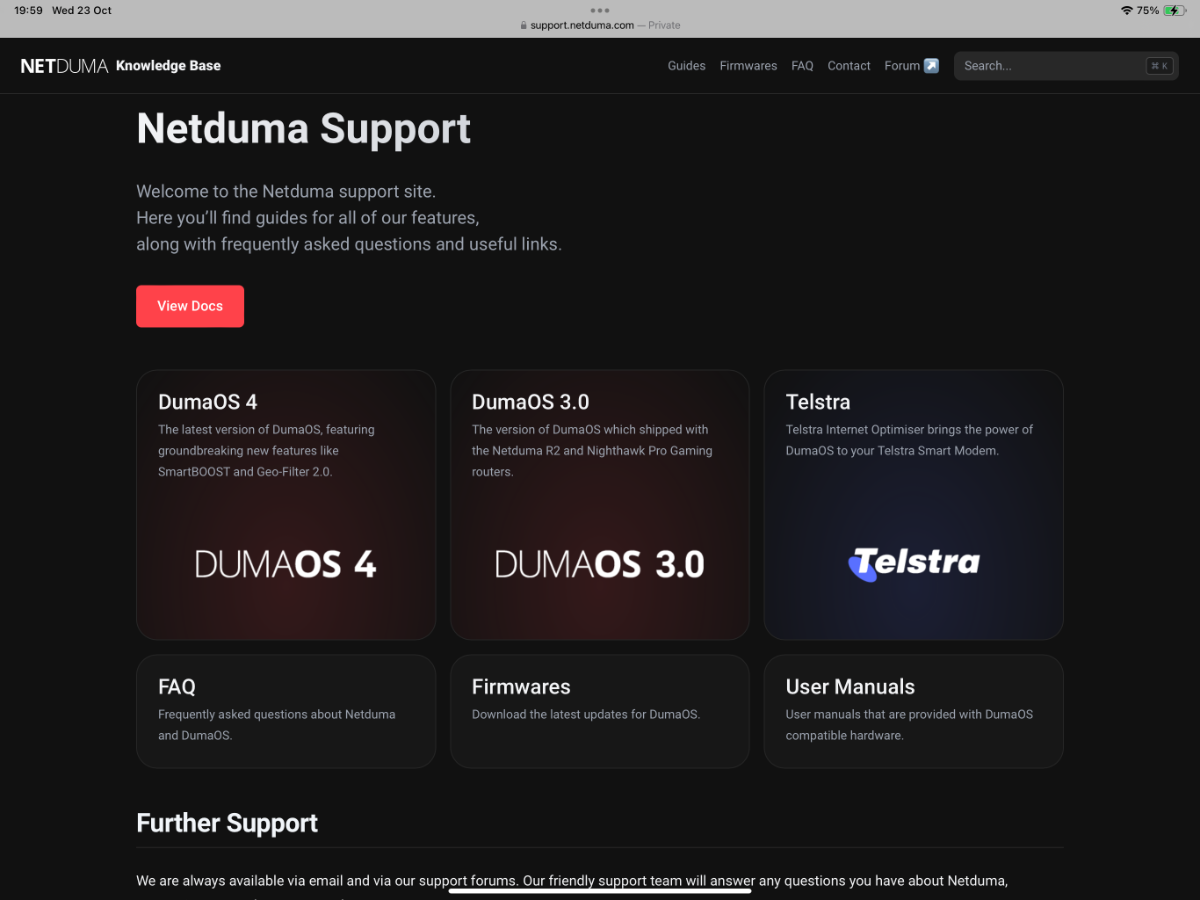
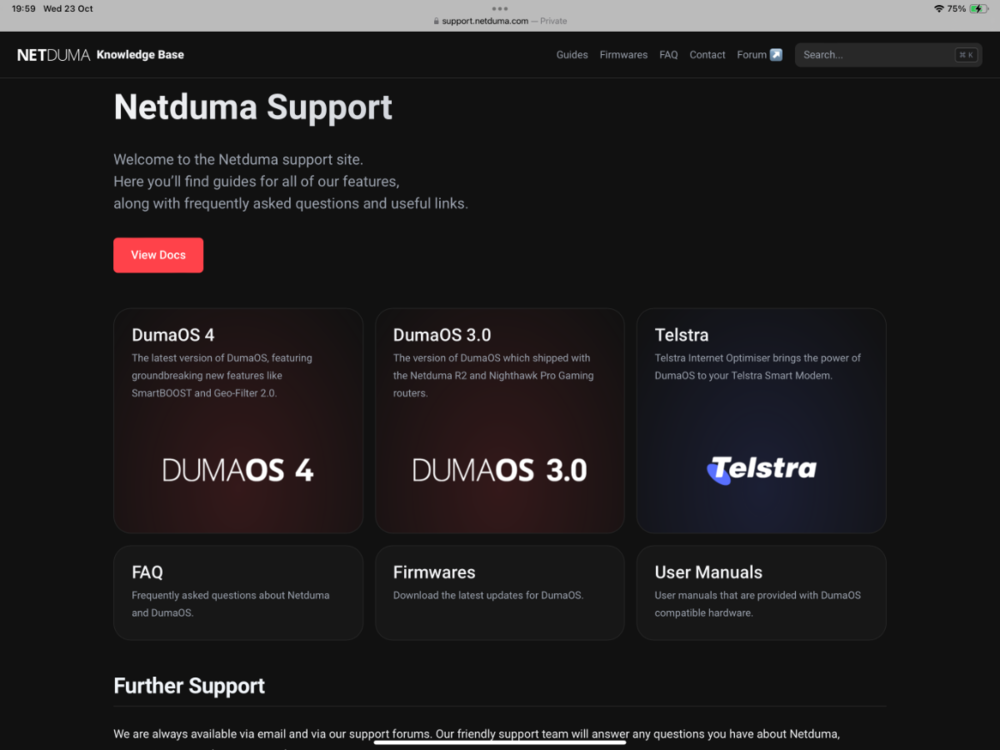
Hi Mercy, to roll back to firmware version 1.0.0.74, tap on Knowledgebase in the Duma Forum. From there, look for Firmwares, then select XR1000. It’s pretty straightforward from there. -
.png "Like") Sentinel82 reacted to a post in a topic:
R3 with Xbox
Sentinel82 reacted to a post in a topic:
R3 with Xbox
-
Sentinel82 changed their profile photo
-
Make sure ping assist 0-0 off Good luck 👍
-
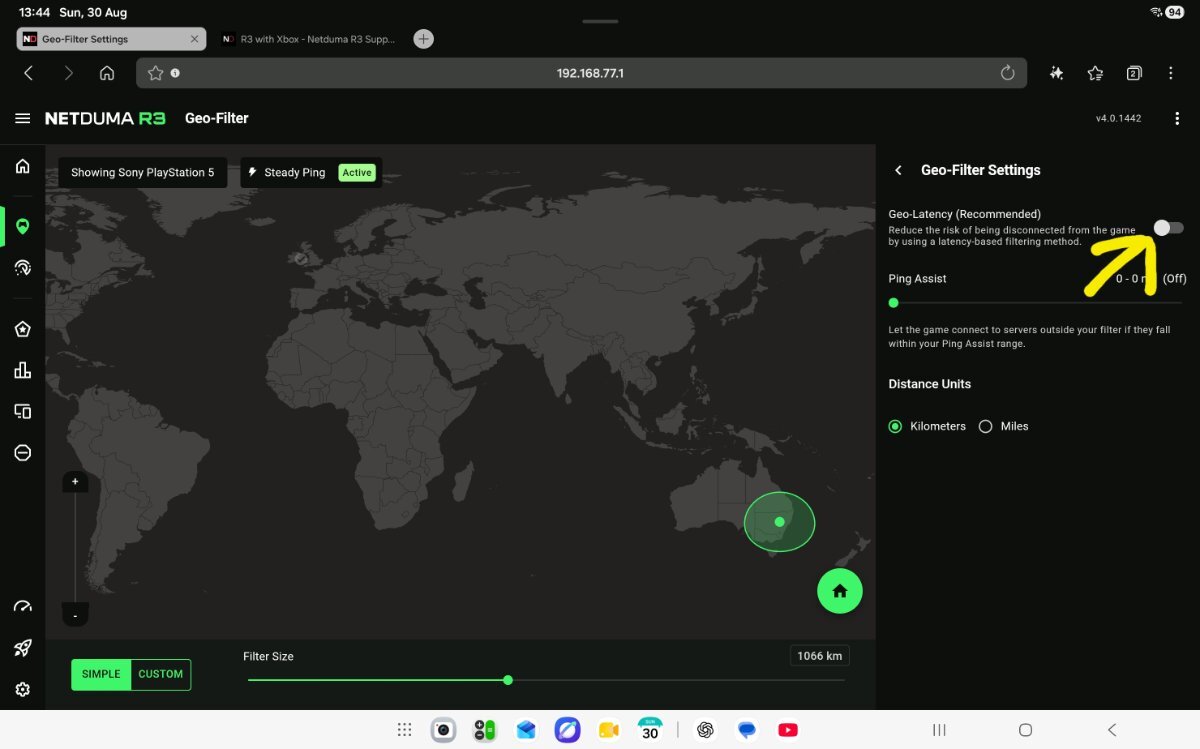
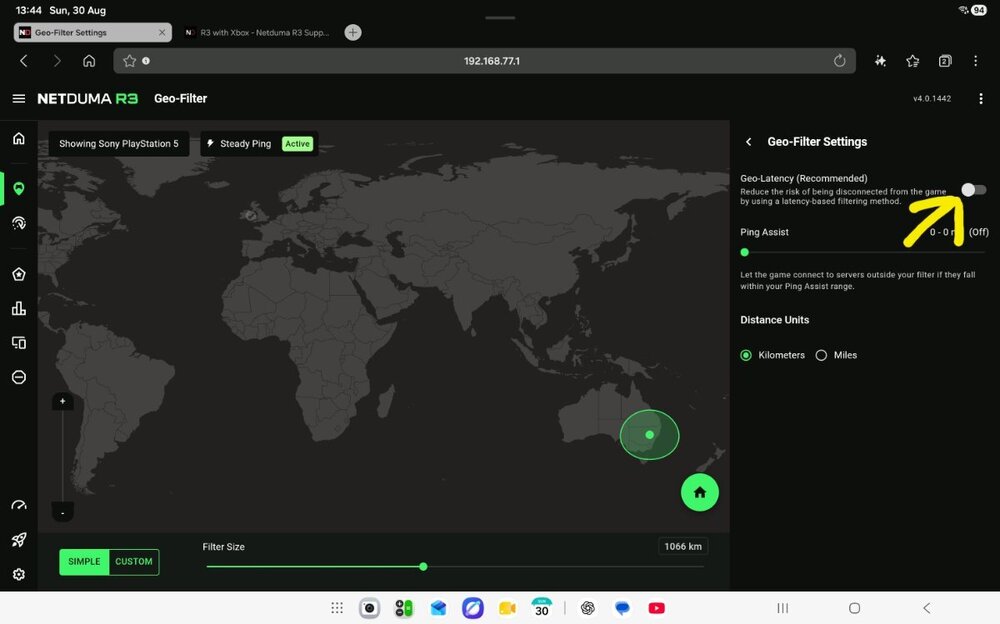
Just checking, do you have Geo-Latency switched on or off? If it’s enabled, that could explain why you’re connecting to servers outside your Geo-Filter.
-
Sentinel82 reacted to a post in a topic:
Upgraded to the latest FW XR1000
-
Upgraded to the latest FW XR1000
Sentinel82 replied to Sentinel82's topic in NETGEAR Nighthawk Support (XR range)
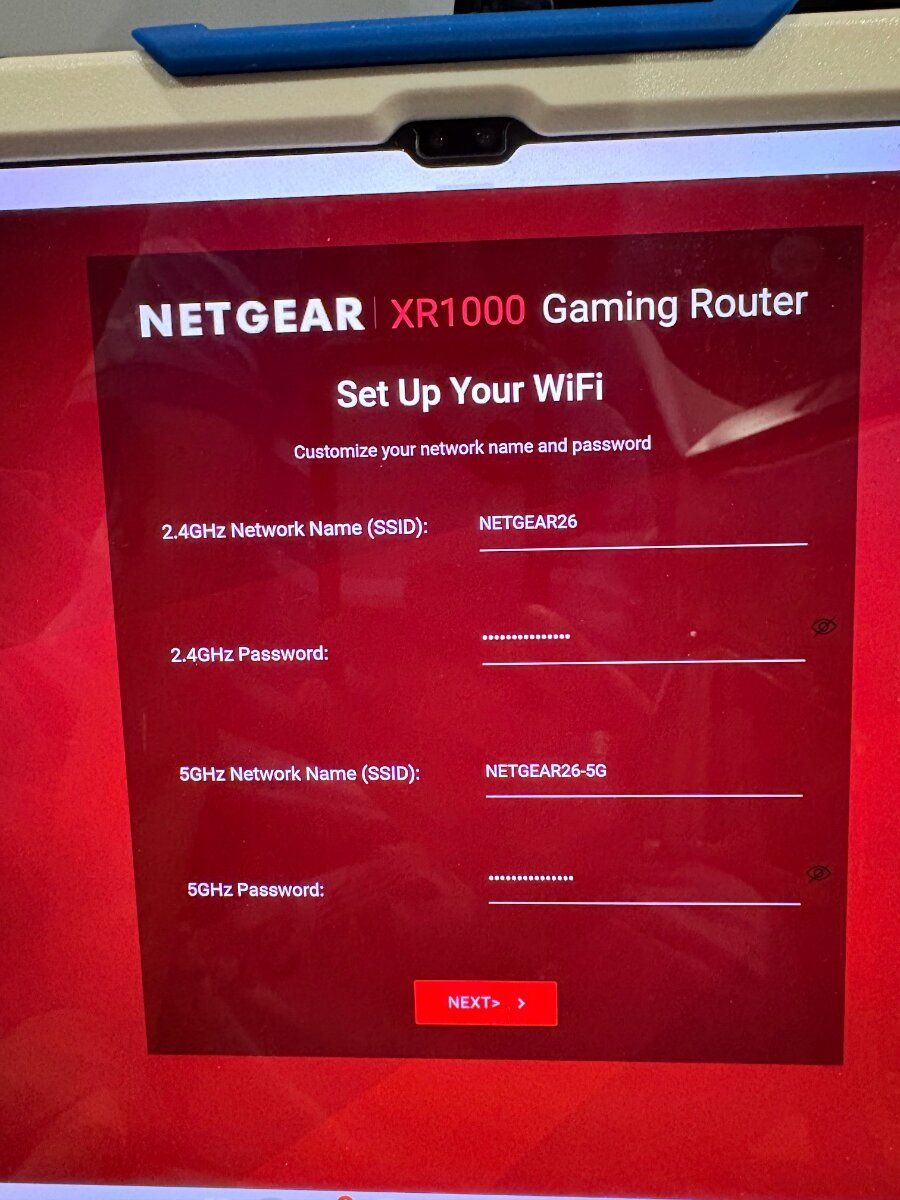
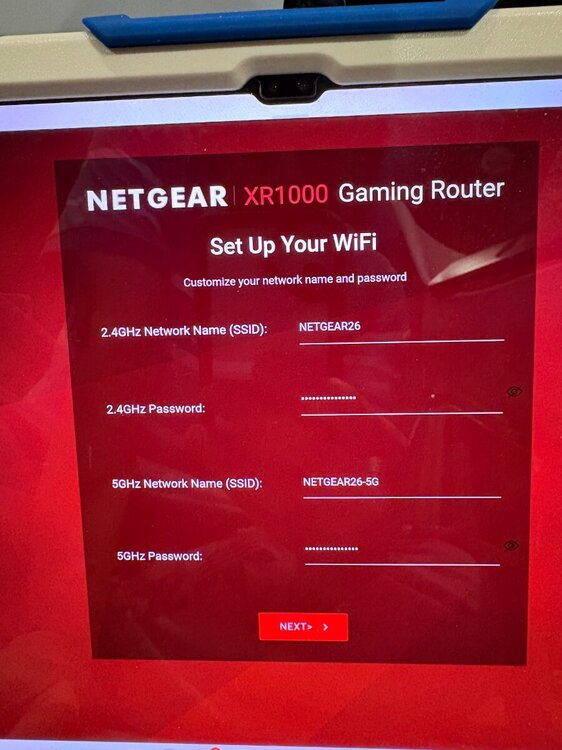
I tried again via 192.168.1.1. Both the 2.4GHz and 5GHz networks are showing, but it still can’t get past the “Set Up Your WiFi” step before the connection drops out. -
Upgraded to the latest FW XR1000
Sentinel82 replied to Sentinel82's topic in NETGEAR Nighthawk Support (XR range)
I tried setting it up using the Nighthawk mobile app as well, but I still can’t get past the step where it tries to detect the internet connection. It just loads -
Netduma Fraser reacted to a post in a topic:
Upgraded to the latest FW XR1000
-
Upgraded to the latest FW XR1000
Sentinel82 replied to Sentinel82's topic in NETGEAR Nighthawk Support (XR range)
Will do, thanks -
Sentinel82 reacted to a post in a topic:
Upgraded to the latest FW XR1000
-
Upgraded to the latest FW XR1000
Sentinel82 replied to Sentinel82's topic in NETGEAR Nighthawk Support (XR range)
Hi Fraser No, I haven’t changed the WiFi details — I’m still using the details shown in the picture. I’ll download the Nighthawk mobile app and give that a try later today. -
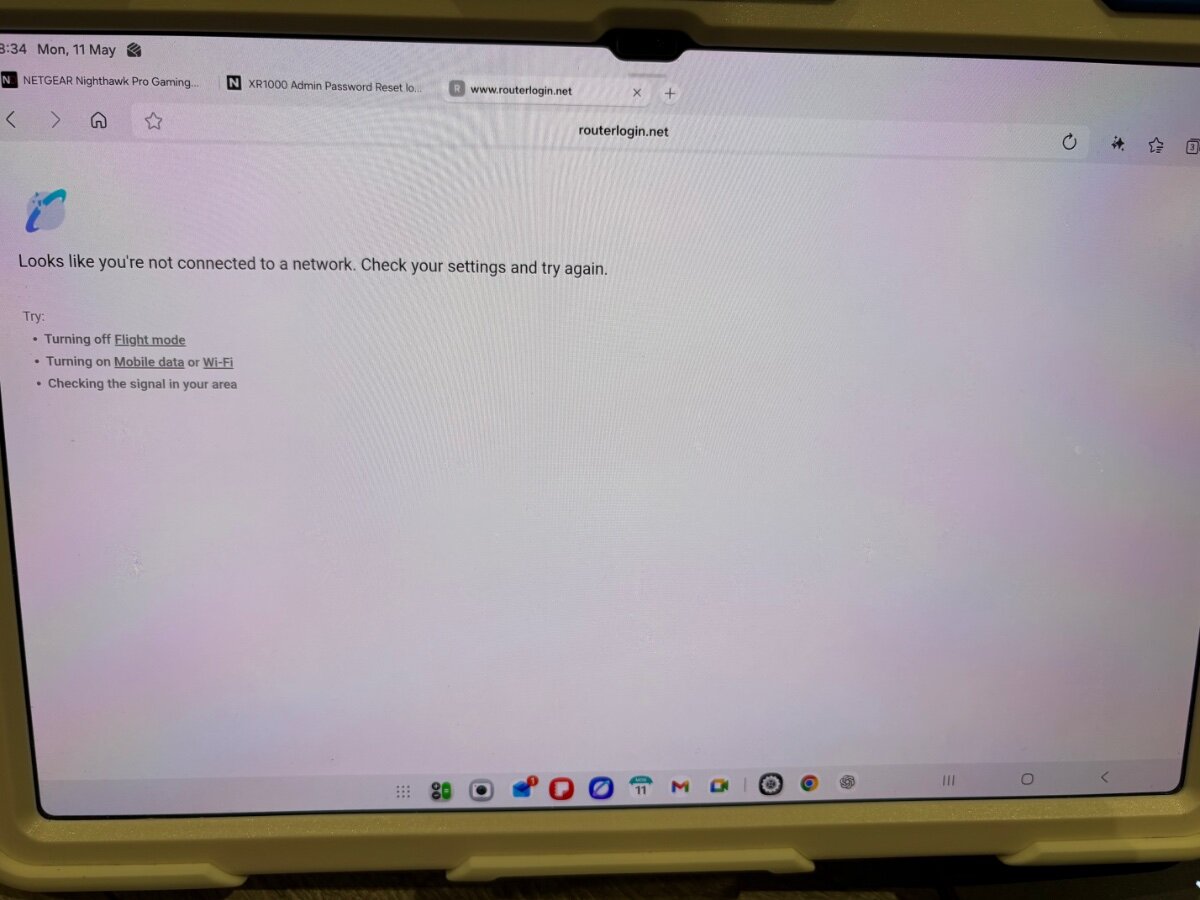
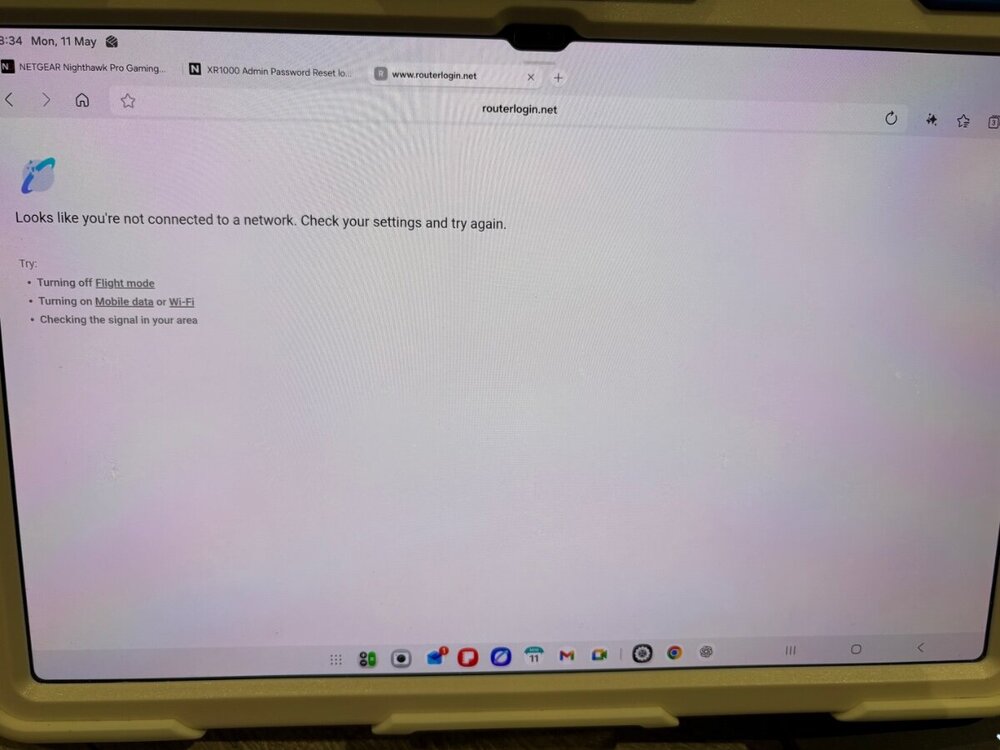
Hi Fraser, The other day I went back to the XR1000 to update it to the latest firmware. After performing a factory reset, I connected via Wi-Fi to complete the setup, but I’m unable to get far enough through the setup wizard to finish the configuration as the connection keeps dropping out. I’ve also tried several different browsers/websites and cleared the cache, but I’m still experiencing the same issue with the connection dropping. From memory, this was never a problem before. I don’t currently have a USB-C Ethernet adapter, but I may need to buy one and try completing the wizard setup via a wired connection to see if that resolves the issue. Any idea?
-
Netduma Fraser reacted to a post in a topic:
R3 router throttling LAN connection
-
That would be much appreciated if you could share it. Thanks, Fraser.
-
You could try turning off hardware acceleration under the Advanced troubleshooting settings and then run the speed test again — it made a big difference to my speeds. Best of luck 👍
-
A factory reset usually clears PPPoE credentials, static IP configuration, or VLAN tagging required by some ISPs. If those weren’t re-entered, the R3 won’t connect.
-
Everything connected but still no internet or ethernet
Sentinel82 replied to Finkler's topic in Netduma R3 Support
This might be a silly question, but i thought it's worth checking - after completing the setup wizard under WAN, have you tried entering a specific Vlan number under the advanced settings? For me i need to input Vlan ID 10 in order to get connected to the internet. -
Zli reacted to a post in a topic:
Can't connect to most games using R3
-
@Dunclin Try reverting back to and earlier version and see if it improves things. I'd suggest 4.0.236 it's been stable in my opinion good luck
-
@Baturi
-
Yes correct, after you have reset, in the url insert 192.168.77.1 to access duma from there upload firmware.