Wintercabin
-
Posts
70 -
Joined
-
Last visited
Recent Profile Visitors



-
.png "Like") Netduma Fraser reacted to a post in a topic:
Black Ops 1 & 2 - PS5
Netduma Fraser reacted to a post in a topic:
Black Ops 1 & 2 - PS5
-
thank you!
-
Wintercabin reacted to a post in a topic:
Black Ops 1 & 2 - PS5
-
 Wintercabin reacted to a post in a topic:
Black Ops 1 & 2 - PS5
Wintercabin reacted to a post in a topic:
Black Ops 1 & 2 - PS5
-
Sorry - this is for the XR500
-
With the ports of Black Ops to PS5, what settings can we use to get lobbies with really good hit detection? Also, which servers can we ping on the heatmap for these games?
-
Wintercabin reacted to a post in a topic:
NEW XR500 BETA FIRMWARE: 3.3.535
-

NEW XR500 BETA FIRMWARE: 3.3.535
Wintercabin replied to Netduma Lew's topic in NETGEAR Nighthawk Support (XR range)
So is this the latest official update? I don't want a beta release, I'm just trying to upgrade to the latest official release.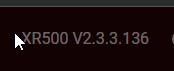
-
Wintercabin reacted to a post in a topic:
Bufferbloat HELP! - XR500
-
Bufferbloat HELP! - XR500
Wintercabin replied to Wintercabin's topic in NETGEAR Nighthawk Support (XR range)
thanks for your response - It hasn't been super easy to get the most out of this router but I do appreciate how much the staff assists on these forums -
Bufferbloat HELP! - XR500
Wintercabin replied to Wintercabin's topic in NETGEAR Nighthawk Support (XR range)
Ok so how do I get this number down to 5?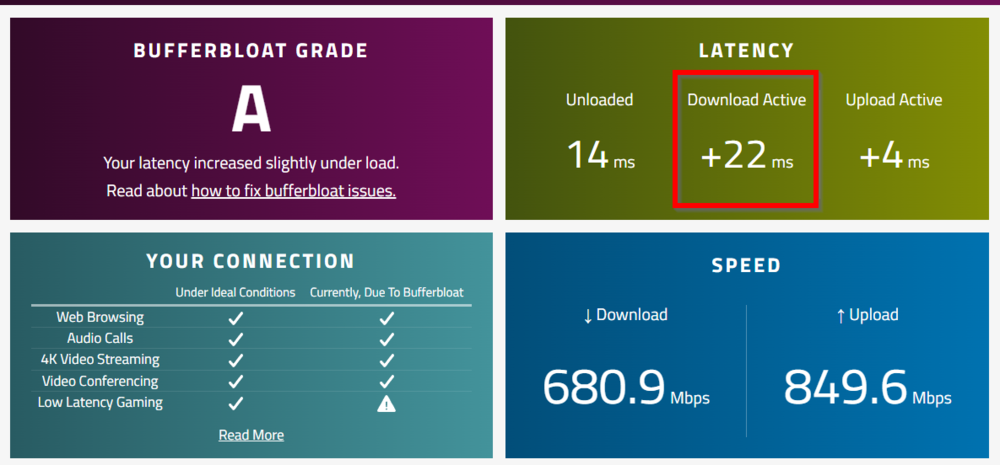
-
Bufferbloat HELP! - XR500
Wintercabin replied to Wintercabin's topic in NETGEAR Nighthawk Support (XR range)
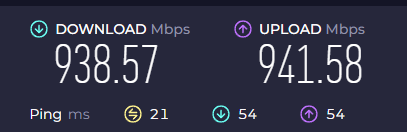
-
Bufferbloat HELP! - XR500
Wintercabin replied to Wintercabin's topic in NETGEAR Nighthawk Support (XR range)
They are set: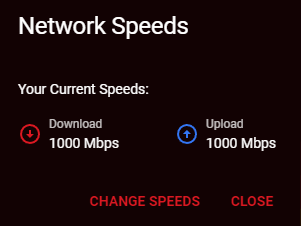
-
Bufferbloat HELP! - XR500
Wintercabin replied to Wintercabin's topic in NETGEAR Nighthawk Support (XR range)
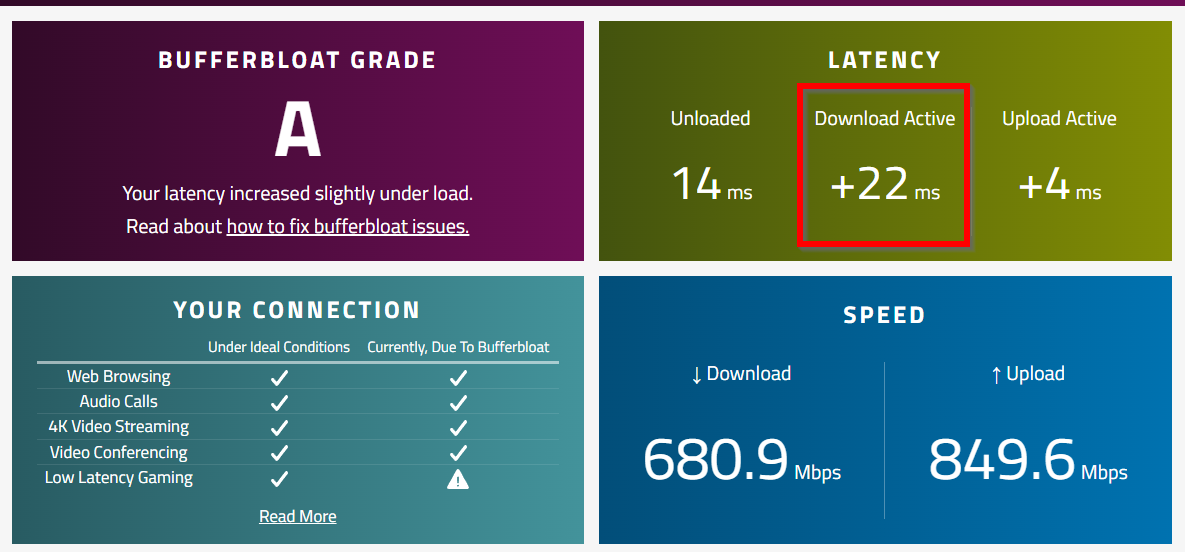
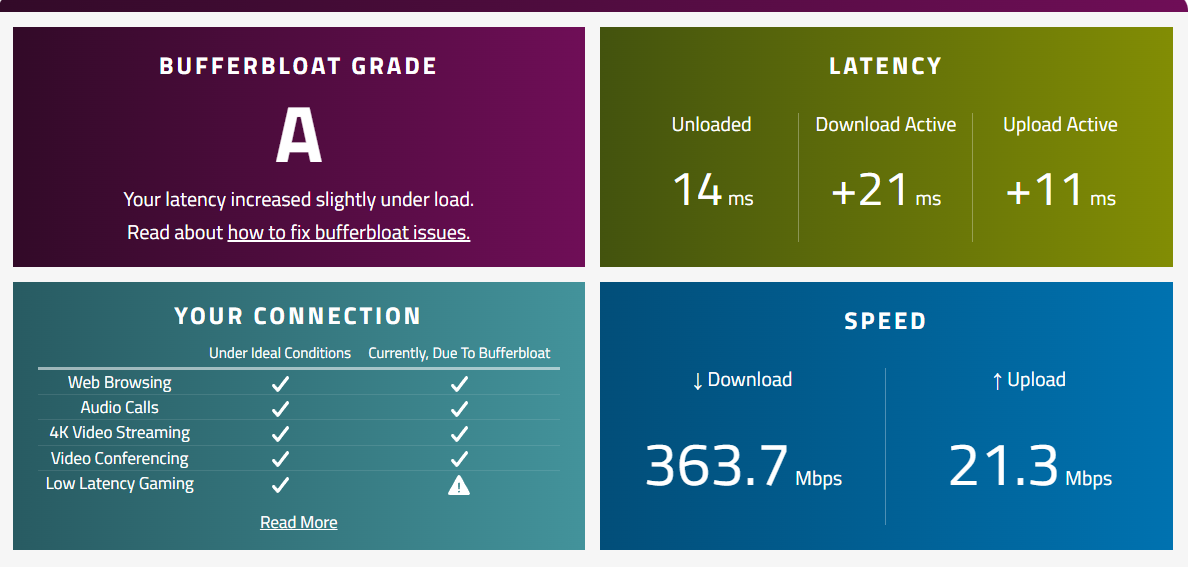
So grade went up but speeds went considerably down. Also, how do I get the latency down to 5 for an A+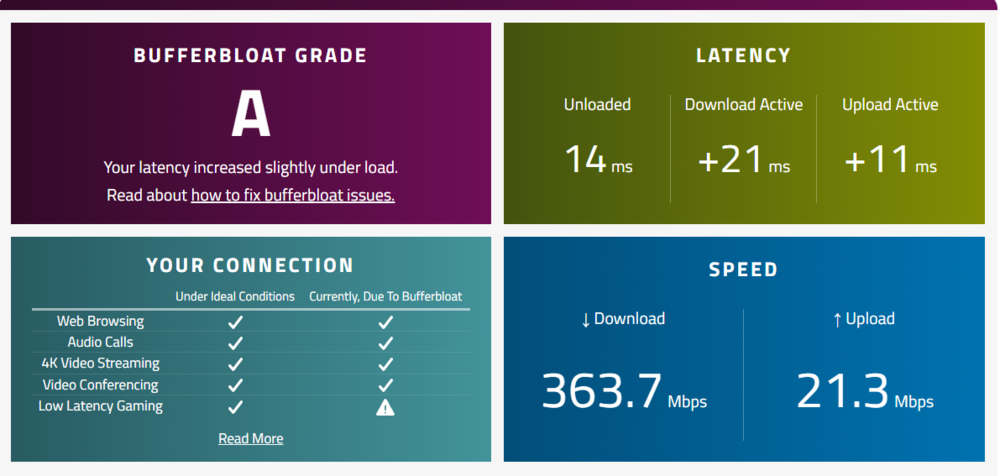
-
Bufferbloat HELP! - XR500
Wintercabin replied to Wintercabin's topic in NETGEAR Nighthawk Support (XR range)
Also when I have congestion control ON - it seems to disable some of the devices or the network traffic on them is unusable -
Bufferbloat HELP! - XR500
Wintercabin replied to Wintercabin's topic in NETGEAR Nighthawk Support (XR range)
why doesn't this reflect my real speeds if 1gb down/up?
-
Bufferbloat HELP! - XR500
Wintercabin replied to Wintercabin's topic in NETGEAR Nighthawk Support (XR range)
so my tree looks like this: You are saying I should reset the distribution and leave it alone?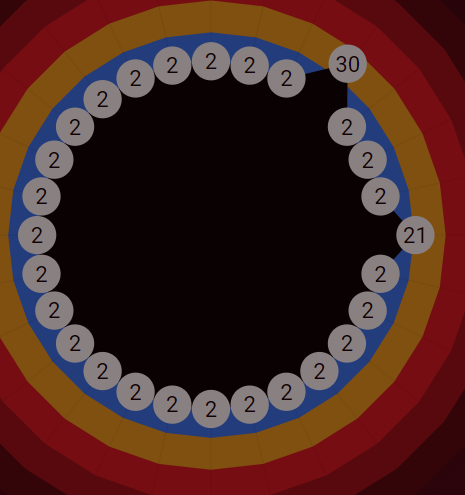
-
Bufferbloat HELP! - XR500
Wintercabin replied to Wintercabin's topic in NETGEAR Nighthawk Support (XR range)
goodput setting? the congestion control bandwidth allocation. (I have a lot of devices on my network) -
Netduma Fraser reacted to a post in a topic:
"This Rapp is not loaded yet, please try again in a minute." - XR500
-
Bufferbloat HELP! - XR500
Wintercabin replied to Wintercabin's topic in NETGEAR Nighthawk Support (XR range)
I guess my ultimate goal would be to get an A+ rating without having my other devices on the network have any buffering as I have a 1gb down/up. The QoS page seems confusing to me. -
ok this worked!