ifell
-
Posts
89 -
Joined
-
Last visited
-
Days Won
1
Everything posted by ifell
-
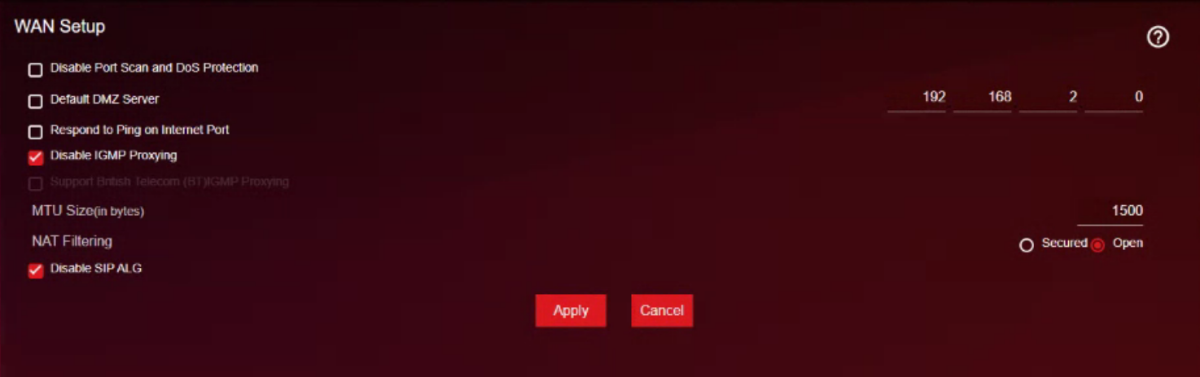
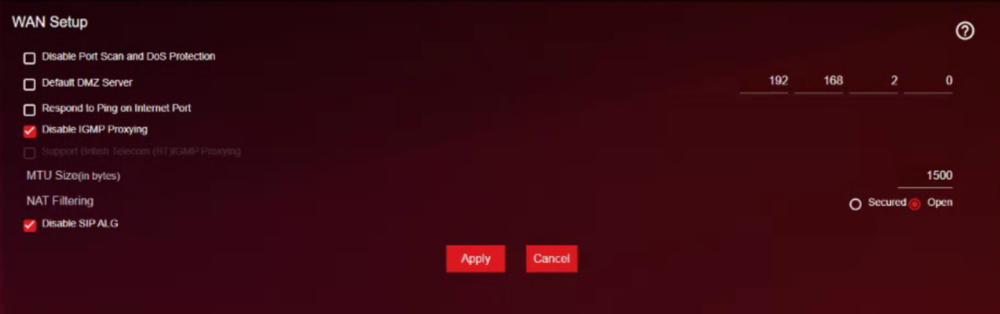
i've not changed any settings, i've only had the Nat filtering open since i first set up the XR
-
Still absolutely no difference, even completely disabled QoS in the advanced menu again to make sure, but nope unfortunately
-
Unfortunately it did not improve anything
-
PPPoE is handled through the ISP modem, and the XR1000 is connected to the ISP modem to get an internet connection the isp modem router gets 900mbps up/down but even when the XR1000 is connected to the ISP's modem it gets at best 580mbps download & 800mbps upload with absolutely no QoS on it even shows up as QoS disabled in the UI is there something that can be done to resolve this? since while QoS is enabled & the congestion control is set to always, the fluctuations in what the speeds really are to the XR1000 are making the lag worse, for example, finding the right max bandwidth/paid for (Mbps) no matter how many times this is done, as well as going to the sliders and finding what makes it stable, it doesn't last more than a minute till the bufferloat goes all over the place and theres tons of lag in games it just doesn't get what the ISP modem router gets 920mbps up and down, apposed to the XR1000 being connected to the ISP modem router with all traffic going through the XR1000 its set up exactly like this
-
PPPoE on the ISP modem
-
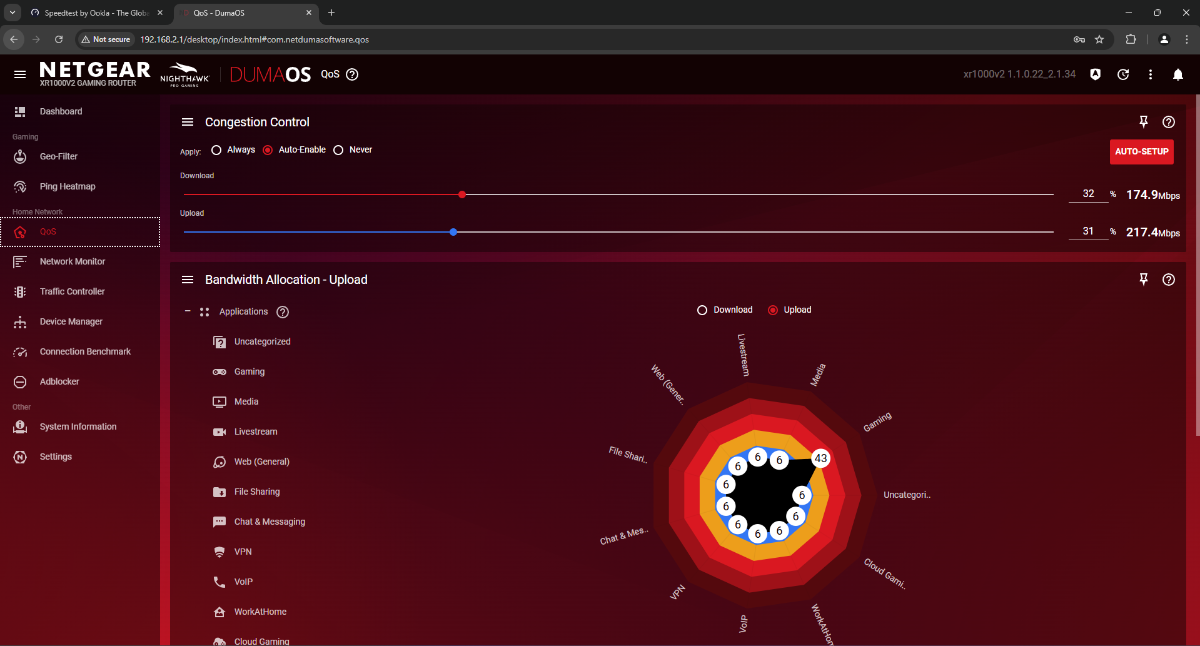
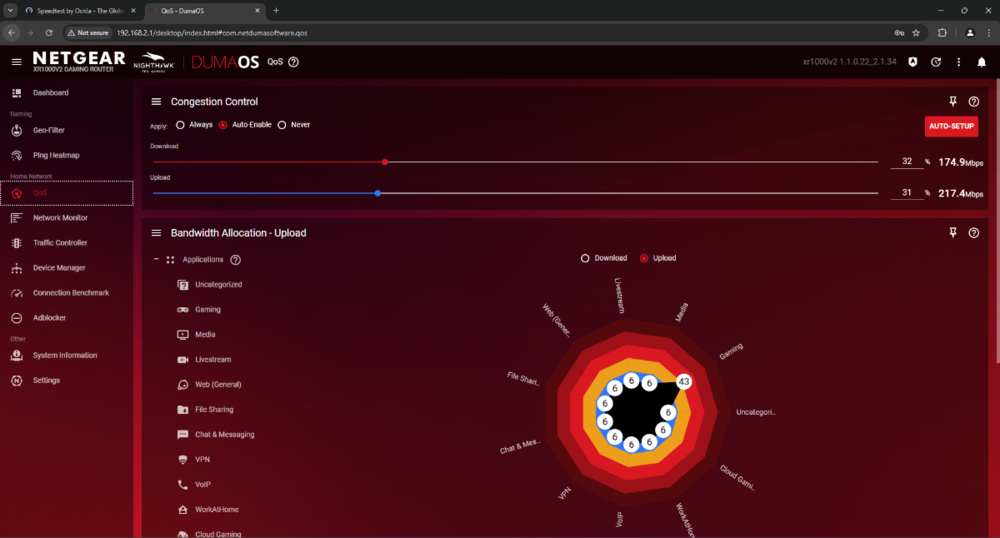
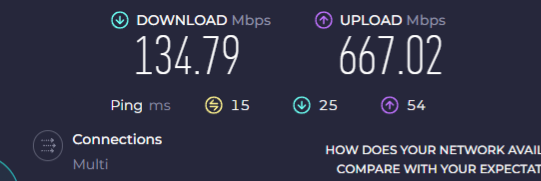
noticed that it should be limiting the download to 28.8mbps, but it still gets 34.85
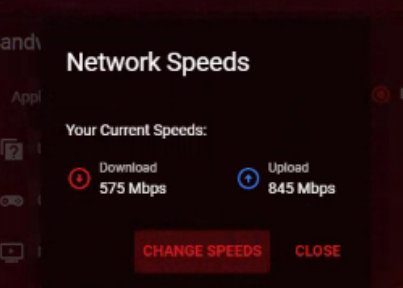

-
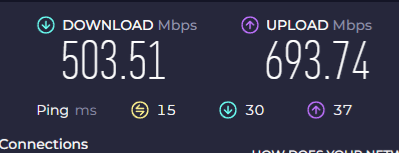
here's what speeds it got while it was fully disabled, doesn't make sense with how the modem router can get 900mbps but the XR1000v2 can't
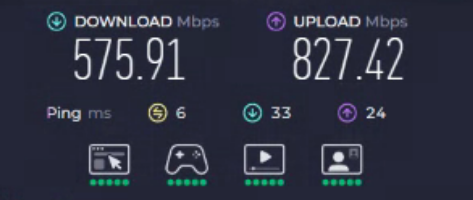
-
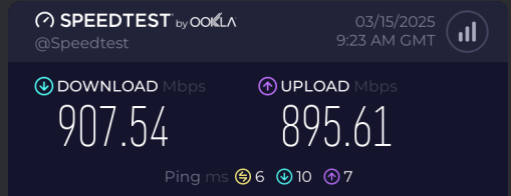
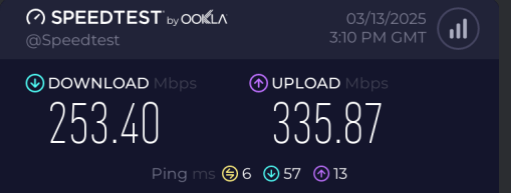
The ISP modem is a "Digi" Model Name:SR1041F All tests were done with Ethernet Paid for 1000mbps up & down QoS was disabled for the comparison All devices are connected through the XR1000v2 Did numerous speediests to get exact speeds only for the speeds to change, didn't matter how spot on it was, the speeds jumped around the 200s to 380mbps on the download, causing high buffer bloat on the XR
-
when the XR1000v2 is the only thing connected to the ISP router the speeds are inconsistent and low, even with QoS set to Never
-
qos not working RX1000V2 NO UPLOAD QoS
ifell replied to ifell's topic in NETGEAR Nighthawk Support (XR range)
yeah that's worked, cheers! -
My friend had gotten a XR1000 the V2, and I helped them with the settings, I've tried updating the router to the latest firmware, tried setting the congestion control to " always," as a test, but set back to auto. no matter what % the upload bandwidth is its always 100% the router came in this buggy way
-
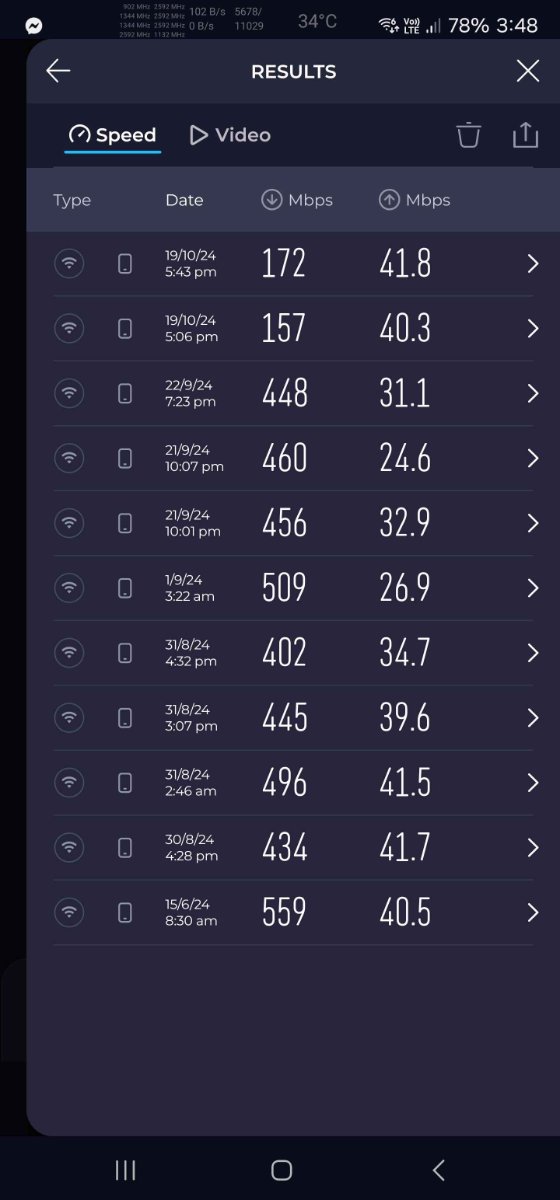
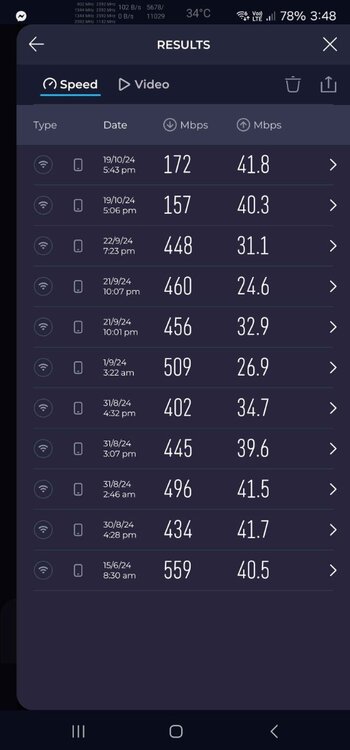
happens on both PS5(GTA 5 for ps5) & PC GTA steam. where it will not be detected by SmartBoost also i noticed that my wifi speeds dropped hugely after the update: v4.0.290 as well as the Buffer bloat fluctuates alot, and before it use to be +0ms/+1ms buffer bloat on version: v4.0.236 but after the update v4.0.290 is a bit higher at +6ms/+17ms sometimes or higher. the previous version seemed to handle bufferbloat better all gaming devices are wired. bufferbloat tests were done on a PC with ethernet NOTE: i factory reset after each update. i'll attach a screenshot from my phone that i saw a issue with wifi speeds, all the test results are done while connected to the R3 i'm headed back to v4.0.236 with my R3 till the next update drops
-
add all platforms of GTA Online to be detected in "Gaming" within SmartBoost. Grand Theft Auto Online traffic is not prioritized and leads to some lag, i checked and "Gaming" within smart boost doesn't show up as active while i play gta but works for Black Ops Cold War, if GTA is added to the list that would help with the lag that i've noticed. it would also help if we can select which ports for games we can set to prioritize game traffic to aswell, like in the netduma R2 using DumaOS v4.0.290 on the R3