Michael Carrasco
-
Posts
69 -
Joined
-
Last visited
Everything posted by Michael Carrasco
-
None work
-
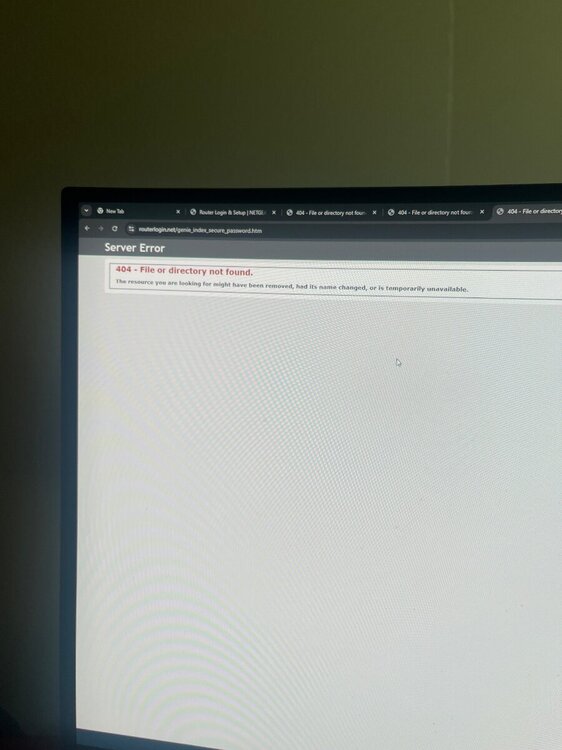
I just got att fiber and did ip pass through to use the xr1000 router instead of the gateway … when I try to set up the xr1000 I get this error message! What’s going on
-
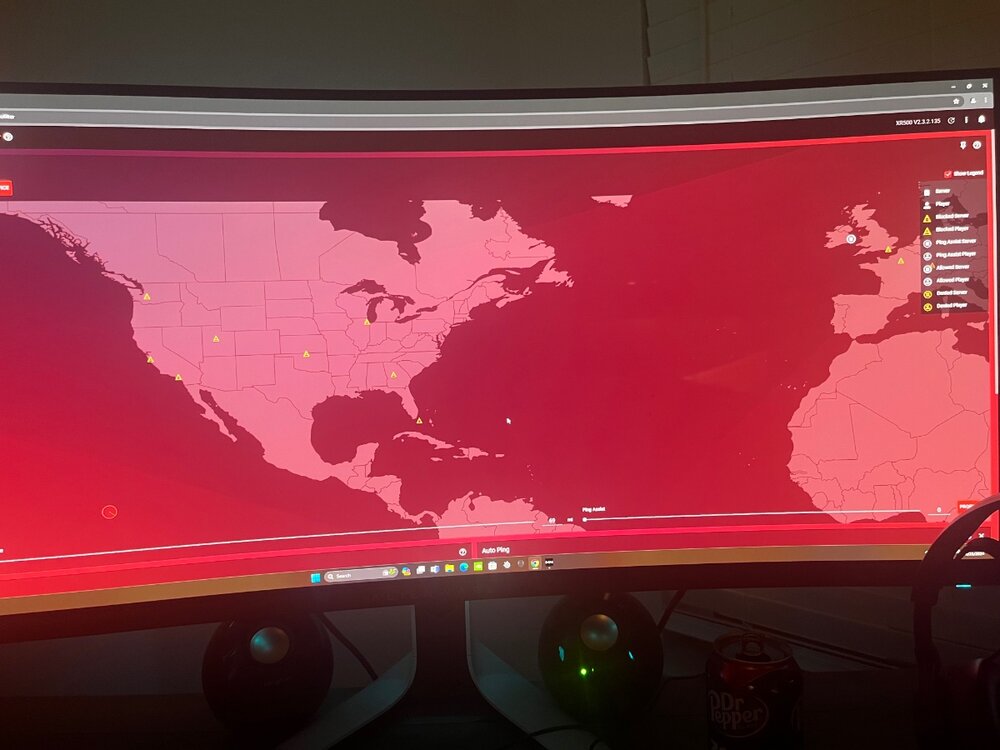
The Texas sever won’t pop up and can’t find no game even if I put the radius/polygon over the state. This has been for the past few months. I have my neighbor that has the same router xr1000 plays on pc that is able to connect with no problem.
-
Why can’t I ever connect to my local server (Texas) I’m on pc and all I play is modern warfare 2019. I tried everything from removing my device giving it PlayStation resyncing etc…. Resetting which is a huge inconvenience.This ain’t normal because this has been for the past 2 years and I know the server is online because my friend is able to connect to it. Whenever I put ping assist to 25 ms it connects me all the time to Oklahoma for some reason.
-
Hello guys… I had issues before about my pingmap taking too long to load and not showing… I had made a post about this and you guys responded for me to change some setting in the rapps I believe and change the number of tries … I reset my router and can’t remember how to do it again
-
Ping heatmap not working… “app taking too long”
-
Hello I only play cod modern warfare 2019.. where are the servers for this game as I only see mw2 in the ping heatmap ? Where can I set my radius on my geo filter if I don’t know where the severs are for this game ? I’m in Texas btw
-
FIRMWARE: 3.3.308 Smart QoS (Hit Detection)
Michael Carrasco replied to TODDzillaInLA's topic in Call of Duty Support
@Netduma Fraser is this firmware compatible with xr1000 if so can I try it ? -
All I play is Modern Warfare 2019 would I have to download this ?
-
Found mislocated servers? Let us know here!
Michael Carrasco replied to Netduma Alex's topic in Call of Duty Support
is there any way you guys can check to see if texas server is mislocated? i was able to connect to it last week no problem and router was working beautifully. came home from work now it cannot connect me to any game. i play modern warfare 2019 btw. alson in ping heatmap this game is not on the list only mw2. please get back to me as i really enjoy this game and router. -
WILL NOT CONNECT TO PNW (SEATTLE WA) SERVERS
Michael Carrasco replied to tru3skilla's topic in Call of Duty Support
I can’t really tell exactly if it is Texas server that I’m playing but it plays very smoothly when I disable my device off of geo filter…. But having it on geo filter it’s impossible to get into Texas server… I mean this happens every single day of the week. I tried messing with the qos sliders every possible number you can think of and still can’t connect to Texas. -
WILL NOT CONNECT TO PNW (SEATTLE WA) SERVERS
Michael Carrasco replied to tru3skilla's topic in Call of Duty Support
Yes I can Connect to other servers it’s just Texas that won’t allow me to connect. Whenever I remove my device from the gel filter then I can connect to Texas -
WILL NOT CONNECT TO PNW (SEATTLE WA) SERVERS
Michael Carrasco replied to tru3skilla's topic in Call of Duty Support
Same problem here… however I can’t connect to my texas server… and no it can’t be “ the server is full” because this happens every single day Monday through Sunday how can I fix this