Danmc17
-
Posts
27 -
Joined
-
Last visited
-
Wireless drop outs lock outs. (currently on latest beta)
Danmc17 replied to Danmc17's topic in Netduma R3 Support
Both of my separated bands go down and I have to wait approximately 5 minutes while the router does some sort of cpr. Already I've tried multiple channels and adjusted frequencies to try and help. It's directly in front of me all day while working from home. Antenna are as you say. Please look at the log attached for today's re occurrence. Lan connected devices do not suffer. 1gb BT fibre. Thanks. R3_2026-07-20T13_07_39.330Z_logs.txt -
Hi Netduma Team, I am writing to get some help with my Netduma R3. I am experiencing a total loss of network performance and complete connection drops. To be clear, these aren't brief latency or lag spikes; it is a total drop-off in performance and an outright lack of stable connectivity. This connection loss is happening globally across all SSIDs (both 2.4\text{ GHz} and 5\text{ GHz} bands are completely failing to maintain stable throughput or connections). My setup is connected via a BT FTTP ONT. Here is a summary of the thorough troubleshooting and optimizations I’ve already completed to try and isolate this: All SSIDs Affected: The performance and connection loss occurs on all configured SSIDs, even after splitting the 2.4\text{ GHz} and 5\text{ GHz} bands. Extender & IP Conflicts Addressed: I previously worked through potential DHCP and IP address conflicts specifically related to a wireless network extender and device MAC configurations to ensure they aren't causing routing loops. Double NAT / WAN: The R3 is in the DMZ of my primary BT router to completely bypass routing conflicts. DHCP Settings: I have optimized DHCP lease times, set up static IP reservations, and ensured clean IP distribution. Firmware & DNS: I have used custom DNS (NextDNS), managed bandwidth with Congestion Control, and previously experimented with rolling back the firmware. Despite all of these steps, the router's performance completely degrades to the point of being unusable. Looking at my logs, there are several repeating issues that seem to align with these severe connection drop-offs: Key Log Warnings: Massive Overwatch Loop Spam: Thousands of entries stating: user.warn overwatch: Asked to enable already-enabled Callback. It is completely flooding the log buffer. Severe Time-Sync Errors: Constant warnings from cli.lua stating: time went backwards! (e.g., ct 566ca1ce: time went backwards!). Failed IPv6 Messages: Even though I have disabled IPv6, the daemon odhcp6c is constantly trying and failing to send information requests (Failed to send INFORMATION REQUEST message to ff02::1:2). Fastpath Suspend Denied: Warnings such as user.warn overwatch: Illegal attempt to suspend fastpath denied show up repeatedly. Frequent SSID/Disassociation Events: Logs show rapid disassociations and associations, e.g., hostapd: wl0: STA ... IEEE 802.11: disassociated. I've added the log file. Could you please let me know if these time-sync/overwatch loop errors are driving the total wireless collapse, and how I can get this stable? R3_2026-07-16T11_46_04.437Z_logs.txt
-
So, I've set both channels back to automatic and done a test. 764mbps on the 5mhz. Wtf. Very odd. I'll monitor and feedback.
-
Searched best wifi bands available using WiFi analyser app, tried a few different ones and no better results, some channels worse.
-
.png "Like") Danmc17 reacted to a post in a topic:
NEW R3 FIRMWARE - DumaOS 4.0.540
Danmc17 reacted to a post in a topic:
NEW R3 FIRMWARE - DumaOS 4.0.540
-
Thanks, I've put the R3 in the Dmz on the bt hub and now see full speed pretty much. 950mbps However, on both wifi split bands on the R3 I now see relatively low speeds. 5mhz - 136mbps. 2.4mhz - 60mbps Maybe the router is throttling these for some reason??
-
Danmc17 reacted to a post in a topic:
NEW R3 FIRMWARE - DumaOS 4.0.540
-
i get the 336 on R3 and 497 Ookla. lan to pc from R3.
-
Danmc17 reacted to a post in a topic:
R3 Speeds vs Waveform Speeds
-
Danmc17 reacted to a post in a topic:
NEW R3 FIRMWARE - DumaOS 4.0.540
-
Hello, I've dug the R3 back out of the box in anticipation of this update. I've successfully applied the update. Factory reset. I am running on bt full fibre 1gb. R3 connected directly to ONT box. Ran the setup wizard, pppoe ipv6 lan and wan selected. Connected fine using the bt credentials But, I find myself with only 330mbps download. (lan) Does anyone know why?
-
Danmc17 reacted to a post in a topic:
having to reboot daily..
-
 Danmc17 reacted to a post in a topic:
The amount of issues I'm having with R3 router is crazy... all devices lose connection and dumaOS wont load
Danmc17 reacted to a post in a topic:
The amount of issues I'm having with R3 router is crazy... all devices lose connection and dumaOS wont load
-
 Danmc17 reacted to a post in a topic:
Restarting router everyday
Danmc17 reacted to a post in a topic:
Restarting router everyday
-
Danmc17 reacted to a post in a topic:
Restarting router everyday
-
I've reverted back to my xr500 due to the risk to my job with the R3 in use. It's unreliable.
-
One day of ownership - wifi drop outs, slow speed.
Danmc17 replied to Danmc17's topic in Netduma R3 Support
Oh, all I did was type in the hyperlink you posted, then what was displayed I copied and pasted onto desktop notepad and saved. Just had another drop out and unable to connect unless rebooted. -
One day of ownership - wifi drop outs, slow speed.
Danmc17 replied to Danmc17's topic in Netduma R3 Support
Morning Fraser, No, none of the above I don't believe. I did try a sort in ascending order on SAP for work but I doubt that should be a cause. No network switch. Lan cable is no more than 2m -
One day of ownership - wifi drop outs, slow speed.
Danmc17 replied to Danmc17's topic in Netduma R3 Support
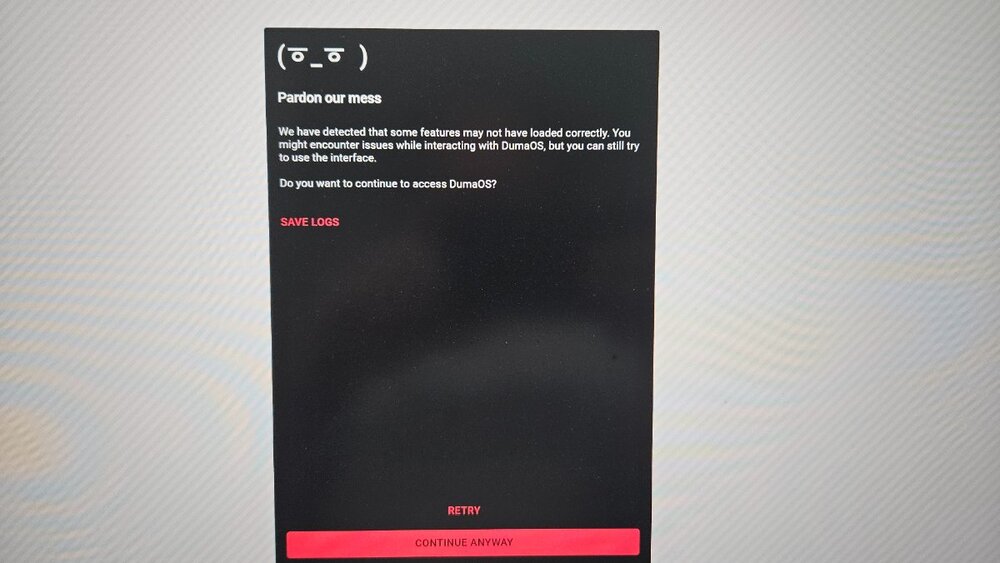
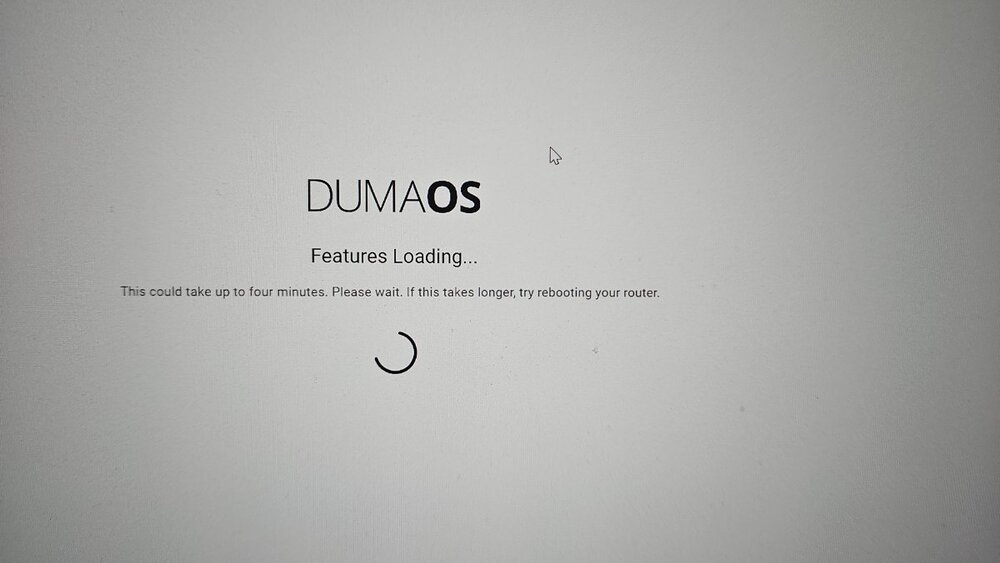
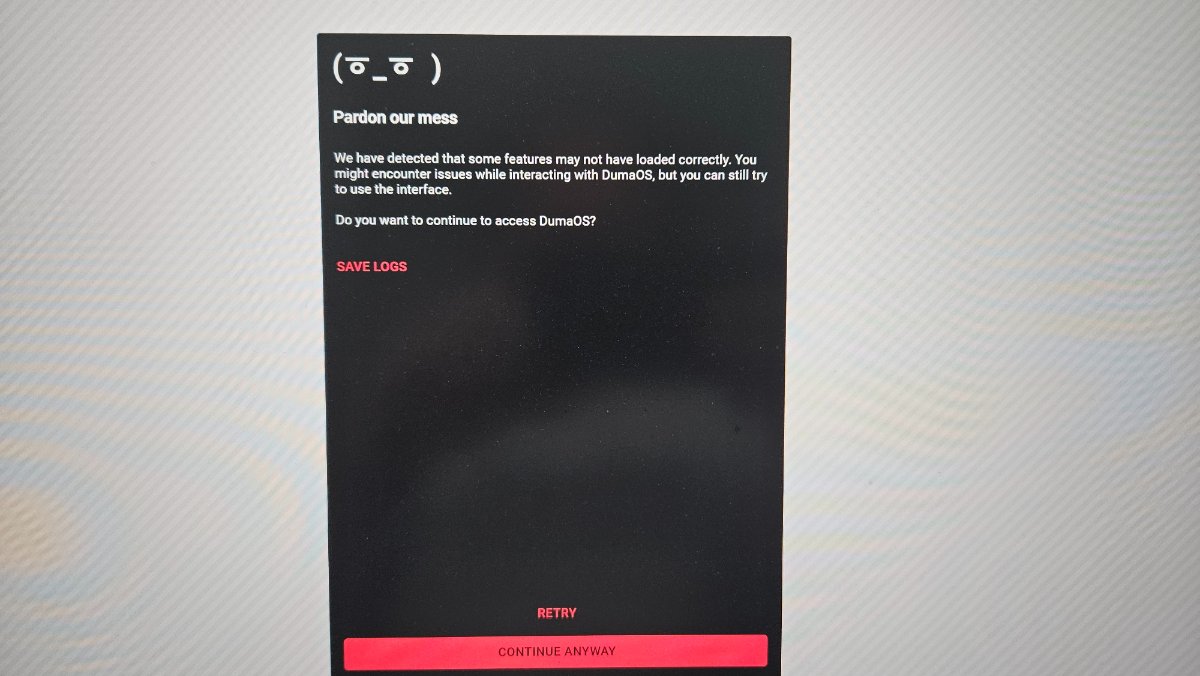
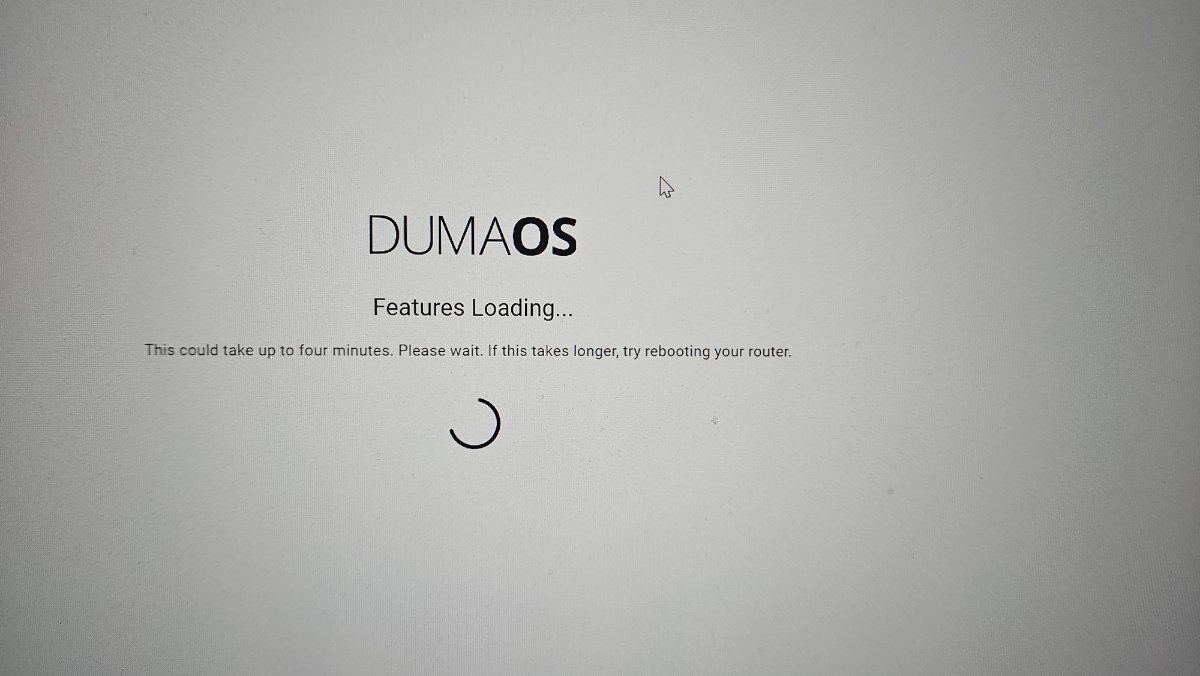
Hey, just an update. Had a repeated issue again today if wifi drop out during a work meeting. Not ideal. Laptop reconnected but the WiFi was none functional. Phone however said connected but Internet not available. Couldn't log in to duma os Had to reboot the router. Worked fine after. Have attached another log file should you need it. morelogs.txt -
Netduma Fraser reacted to a post in a topic:
One day of ownership - wifi drop outs, slow speed.
-
One day of ownership - wifi drop outs, slow speed.
Danmc17 replied to Danmc17's topic in Netduma R3 Support
Mega, thanks for your assistance. 👍 -
One day of ownership - wifi drop outs, slow speed.
Danmc17 replied to Danmc17's topic in Netduma R3 Support
Hi, thanks for the logs URL. It worked :) Please see attached, logs.txt -
One day of ownership - wifi drop outs, slow speed.
Danmc17 replied to Danmc17's topic in Netduma R3 Support
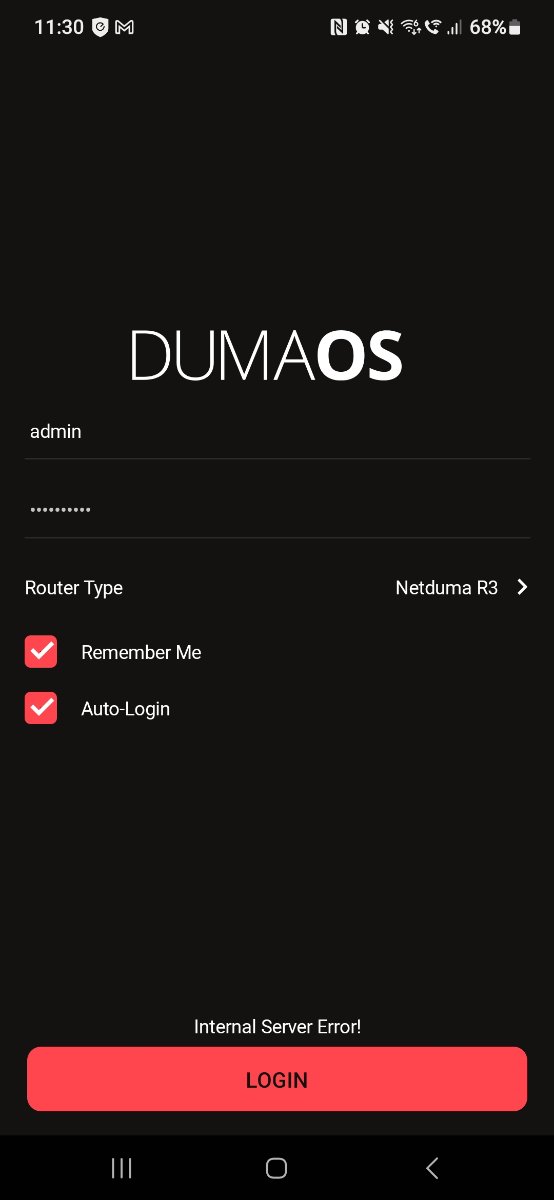
I also now cannot log in via the app on my phone. But as it stands I currently have WiFi. 🫠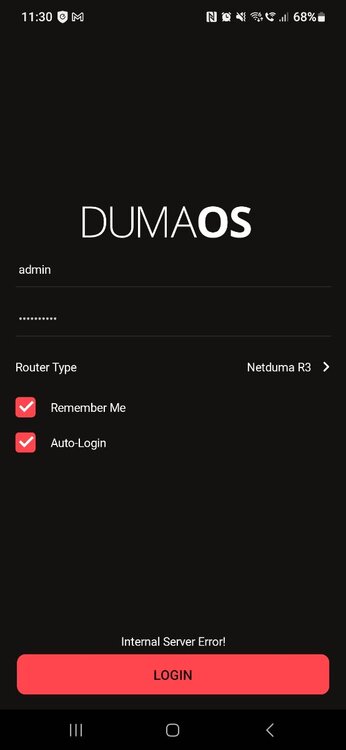
-
One day of ownership - wifi drop outs, slow speed.
Danmc17 replied to Danmc17's topic in Netduma R3 Support
I can't access it appears.