BSilverthorn
-
Posts
156 -
Joined
-
Last visited
-
Days Won
2
Everything posted by BSilverthorn
-
Let's give it whirl, please add me. @Netduma Fraser
-
Did this status page move? I have been checking it for the last year or more the XR1000. Seems like it quite or moved a few months ago? https://support.netduma.com/support/solutions/articles/16000132677-dumaos-firmware-progress
-
QOS: Device not found?
BSilverthorn replied to BSilverthorn's topic in NETGEAR Nighthawk Support (XR range)
I did a factory reset after after the post and that fixed it. but its back again, so I am trying to not go through PITA again to just fix this issue and reset the router up. I did restore the last backup, but that does not seem to affect the QOS as the error still pops up. I dont see a way to remove items from QOS, if I want delete or retire an network device either. -
QOS: Device not found?
BSilverthorn replied to BSilverthorn's topic in NETGEAR Nighthawk Support (XR range)
Is there anyway to see what the device name was in the logs? Im not sure what died or whats missing? Any bread crumbs? -
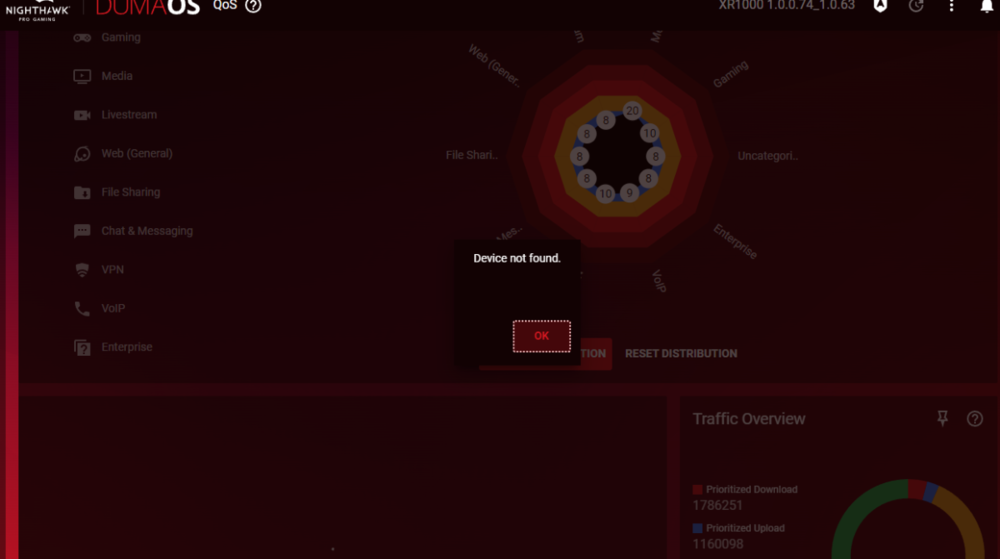
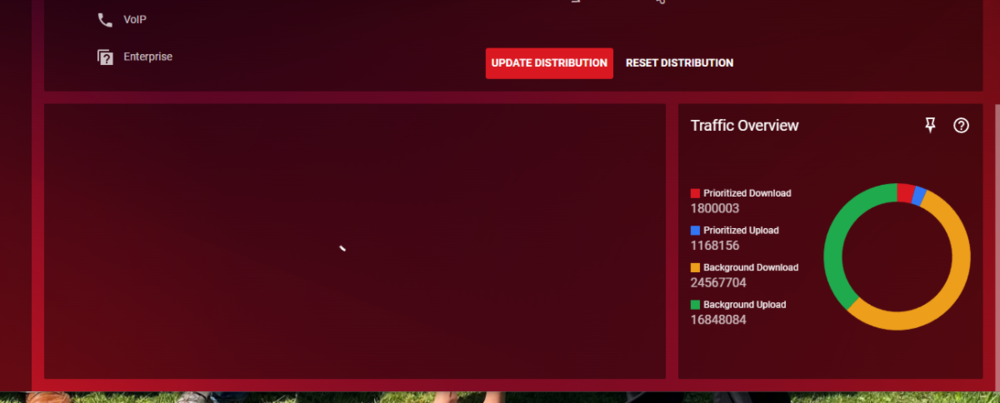
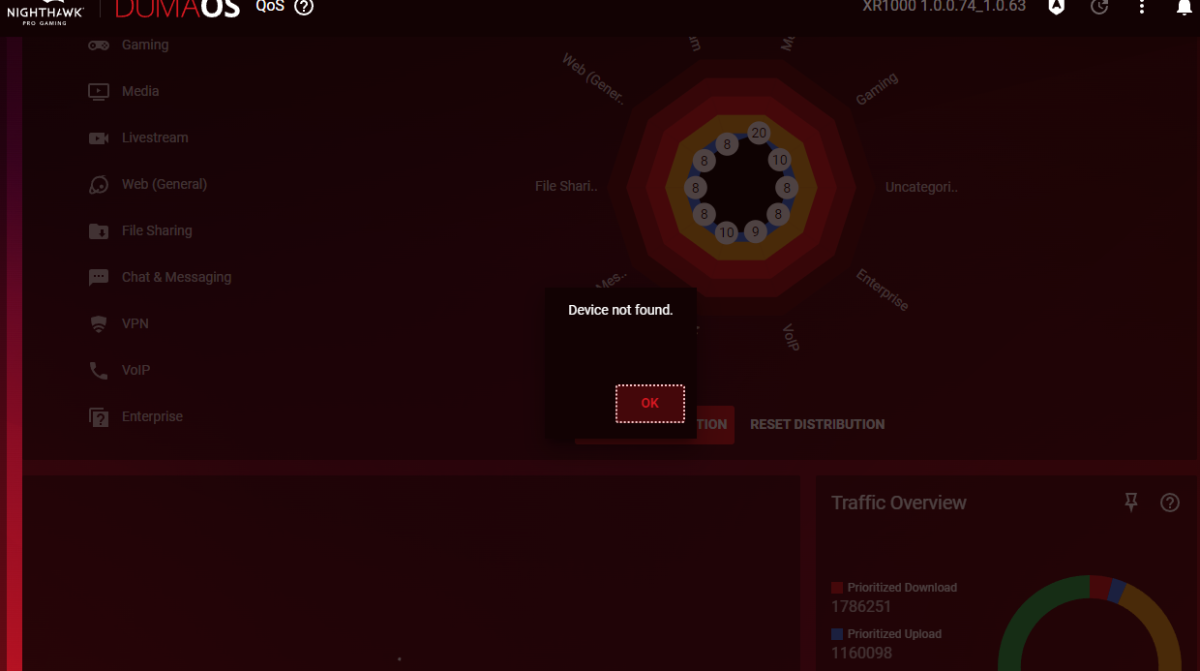
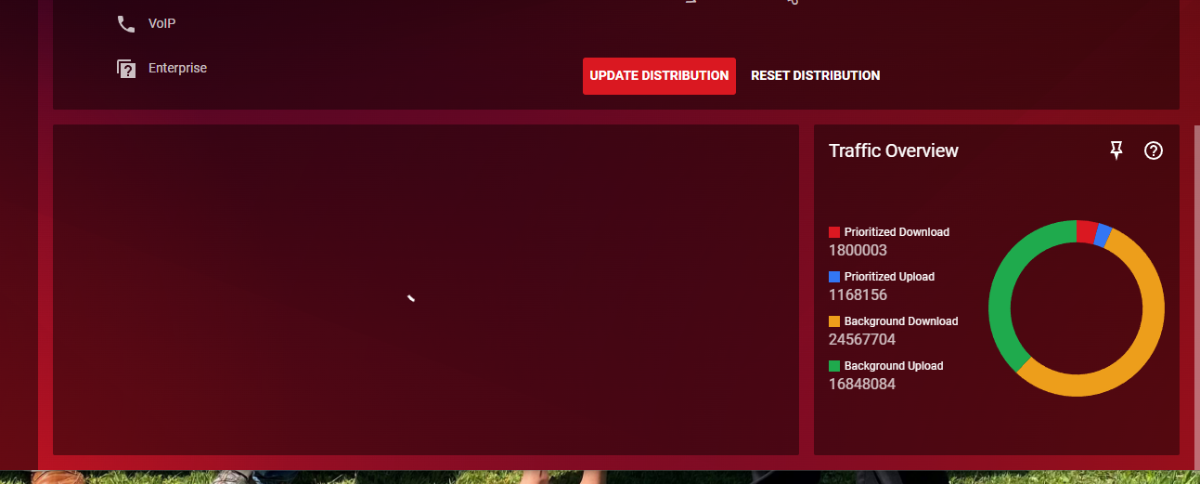
I deleted a device that died from the router, I am now guessing it had QOS on it. I am recieving Device not found when I cloick on QOS. Is there any way to fix this besides a factory reset? It seems to never populate the screen allowing me to remove the device that is not found?
-
Missing devices on network monitoring
BSilverthorn replied to BSilverthorn's topic in NETGEAR Nighthawk Support (XR range)
This is the machine I am on now, oddly: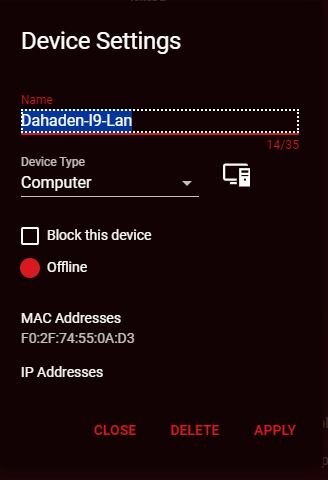
-
Missing devices on network monitoring
BSilverthorn replied to BSilverthorn's topic in NETGEAR Nighthawk Support (XR range)
I never got this resolved, but in answer it does not. Currently the PC I am pulling down 50 meg does not show up on the monitoring. Does not even show on the live grid of bandwidth used. 192.168.1.114 seems to be able to do whatever it wants as ghost ;-). I have deleted it from network manager, it magicly appears but seems MIA even though it works. It shows offline even when its in use. -
is there anyway to stop / pause syslog?
-
im wondering if this related to the router lock-ups and consistent needed factory reset.
-
It would appear its logging itself to death over something, I have been searching to see what this exactly means: Aug 29 16:58:07 XR1000 local1.notice CEVENT_APP[7654]: 1724950687490 wl0 08:36:C9:7F:BF:90 1 0000 0000 0000 Driver -- E_LINK/16 162 Aug 29 16:58:11 XR1000 local1.notice CEVENT_APP[7654]: 1724950691554 wl0 08:36:C9:7F:BF:90 1 0000 0000 0000 Driver -- E_LINK/16 162 Aug 29 16:58:15 XR1000 local1.notice CEVENT_APP[7654]: 1724950695601 wl0 08:36:C9:7F:BF:90 1 0000 0000 0000 Driver -- E_LINK/16 162 Aug 29 16:58:19 XR1000 local1.notice CEVENT_APP[7654]: 1724950699649 wl0 08:36:C9:7F:BF:90 1 0000 0000 0000 Driver -- E_LINK/16 162 Aug 29 16:58:23 XR1000 local1.notice CEVENT_APP[7654]: 1724950703711 wl0 08:36:C9:7F:BF:90 1 0000 0000 0000 Driver -- E_LINK/16 162 Aug 29 08:58:27 XR1000 user.warn com.netdumasoftware.ngdilsync: No DHCP device file found: /tmp/dhcp_info_for_fing/1C:90:FF:A9:42:9E 138 Aug 29 16:58:27 XR1000 local1.notice CEVENT_APP[7654]: 1724950707767 wl0 08:36:C9:7F:BF:90 1 0000 0000 0000 Driver -- E_LINK/16 162 Aug 29 16:58:31 XR1000 local1.notice CEVENT_APP[7654]: 1724950711819 wl0 08:36:C9:7F:BF:90 1 0000 0000 0000 Driver -- E_LINK/16 162 Aug 29 16:58:35 XR1000 local1.notice CEVENT_APP[7654]: 1724950715871 wl0 08:36:C9:7F:BF:90 1 0000 0000 0000 Driver -- E_LINK/16 162 Aug 29 16:58:39 XR1000 local1.notice CEVENT_APP[7654]: 1724950719921 wl0 08:36:C9:7F:BF:90 1 0000 0000 0000 Driver -- E_LINK/16 162 Aug 29 16:58:43 XR1000 local1.notice CEVENT_APP[7654]: 1724950723970 wl0 08:36:C9:7F:BF:90 1 0000 0000 0000 Driver -- E_LINK/16 162 Aug 29 16:58:49 XR1000 local1.notice CEVENT_APP[7654]: 1724950729028 wl0 08:36:C9:7F:BF:90 1 0000 0000 0000 Driver -- E_LINK/16 162 Aug 29 16:58:54 XR1000 local1.notice CEVENT_APP[7654]: 1724950734082 wl0 08:36:C9:7F:BF:90 1 0000 0000 0000 Driver -- E_LINK/16 162 Aug 29 16:58:58 XR1000 local1.notice CEVENT_APP[7654]: 1724950738133 wl0 08:36:C9:7F:BF:90 1 0000 0000 0000 Driver -- E_LINK/16 162 Aug 29 16:59:03 XR1000 local1.notice CEVENT_APP[7654]: 1724950743191 wl0 08:36:C9:7F:BF:90 1 0000 0000 0000 Driver -- E_LINK/16 162 Aug 29 16:59:07 XR1000 local1.notice CEVENT_APP[7654]: 1724950747241 wl0 08:36:C9:7F:BF:90 1 0000 0000 0000 Driver -- E_LINK/16 162 Im not using the router for DHCP so I understand that warning, but ever 2 seconds it logs the CEVENT 7654
-
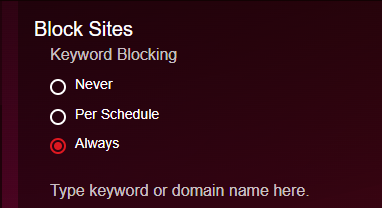
Are there any known issues with this feature on XR1000V1. It seems like it use to work fine, unless I am blurring this with my XR700 that died. It currently does not seem to be blocking anything even though it is enabled. This a full factory reset and fresh setup as of this AM. Firmware: XR1000 1.0.0.68_1.0.54
-
Below is the entry from the logs on the router, 10.1.1.1 is the internal side of VZ modem. One curious if this repsonse is valid as the VZ firewall is on and would not think it would let that thru to the internal. But I guess my other question is I see this often, a few times a day, Could I not just forward 67 and 68 to some bogus port that doesnt respond to anything to maybe assist in going away? [DoS attack: Fraggle Attack] from source 10.1.1.1,port 67 Wednesday, Feb 28,2024 03:39:23 [DoS attack: Fraggle Attack] from source UNKNOWN,port 68 Wednesday, Feb 28,2024 03:39:22
-
3rd Party Firmware
BSilverthorn replied to BSilverthorn's topic in NETGEAR Nighthawk Support (XR range)
I'll check openWRT, warranty is gone now. If it happens again when the new firmware comes out ill let you know and grab the logs. For now, Iam close to going office space on it so best it run something else, and move on. Not to concerned on getting back to Duma, I saved all the old firmwares so I can TFTP. If I can't I just get more time back added back. Thanks Fraser, ill take a look. Apprecaite all your help. -
3rd Party Firmware
BSilverthorn replied to BSilverthorn's topic in NETGEAR Nighthawk Support (XR range)
10.1.1.1 Very odd behavior, but I just switch the router out and im back up. Factory reset sometimes does it as well. So odd, as no rapp errors, no slowness per say. Just traffic stops. leave off for a day, makes do difference. -
So in less than 2 months for 3 rd time in 9 months I back to XR1000 not routing again. Looks healthy, can login, etc.. It just magicly gets slow then stops routing, numerous reboots or power offs do not fix it, the only fix is the TFTP solution basicly. Luckily now I keep a cheap TPlink router setup and on for when this thing pukes, so I just move 3 cables and the house is back online, while I tftp the darn thing. While I wait on the next firmware release, I was curious if anyone has a 3rd party suggestion, I do not see the XR1000 on openwrt or freshtomato. I don't want to reload this again, its just to much to mess with so often. Looking for alternative until the new firmware releases for XR1000. Any have any another solution they are running on the XR1000?
-
Geo-Filter error "RPC"
BSilverthorn replied to BSilverthorn's topic in NETGEAR Nighthawk Support (XR range)
That seem to resolve the issue, the bigger question is why ? -
Geo-Filter error "RPC"
BSilverthorn replied to BSilverthorn's topic in NETGEAR Nighthawk Support (XR range)
ill try it in the AM and see what happens, thank you! -
Geo-Filter error "RPC"
BSilverthorn replied to BSilverthorn's topic in NETGEAR Nighthawk Support (XR range)
Found this post: I have done everything in this post and probably more. -
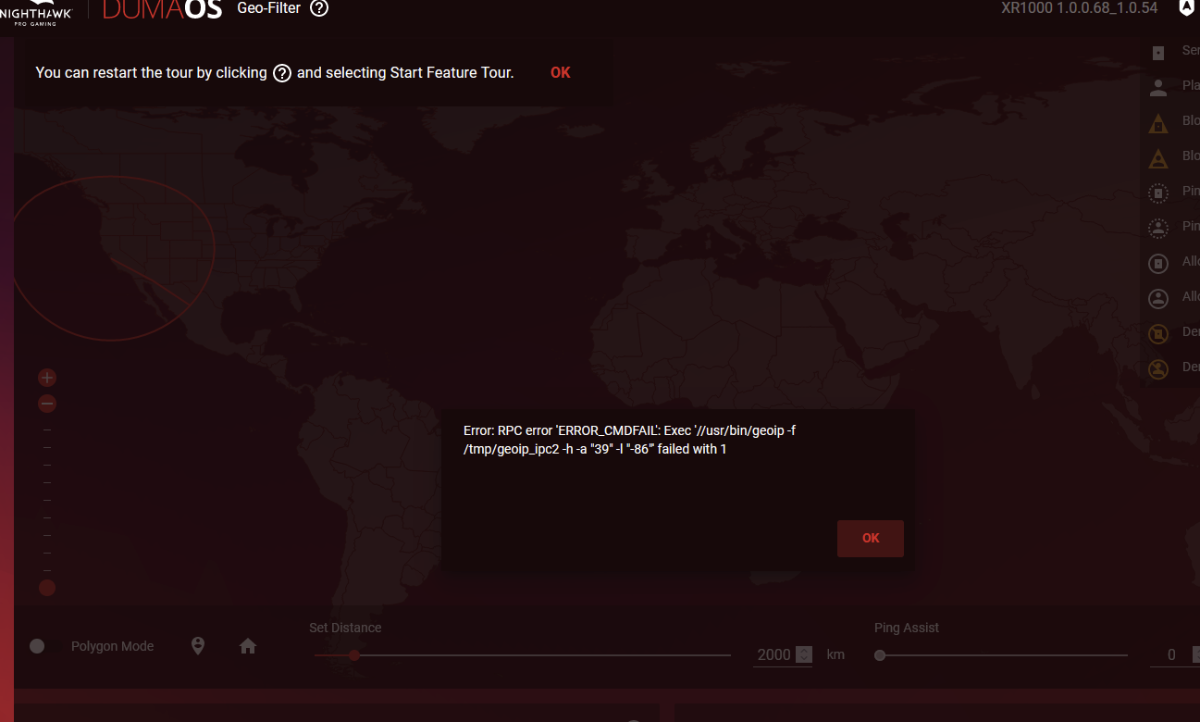
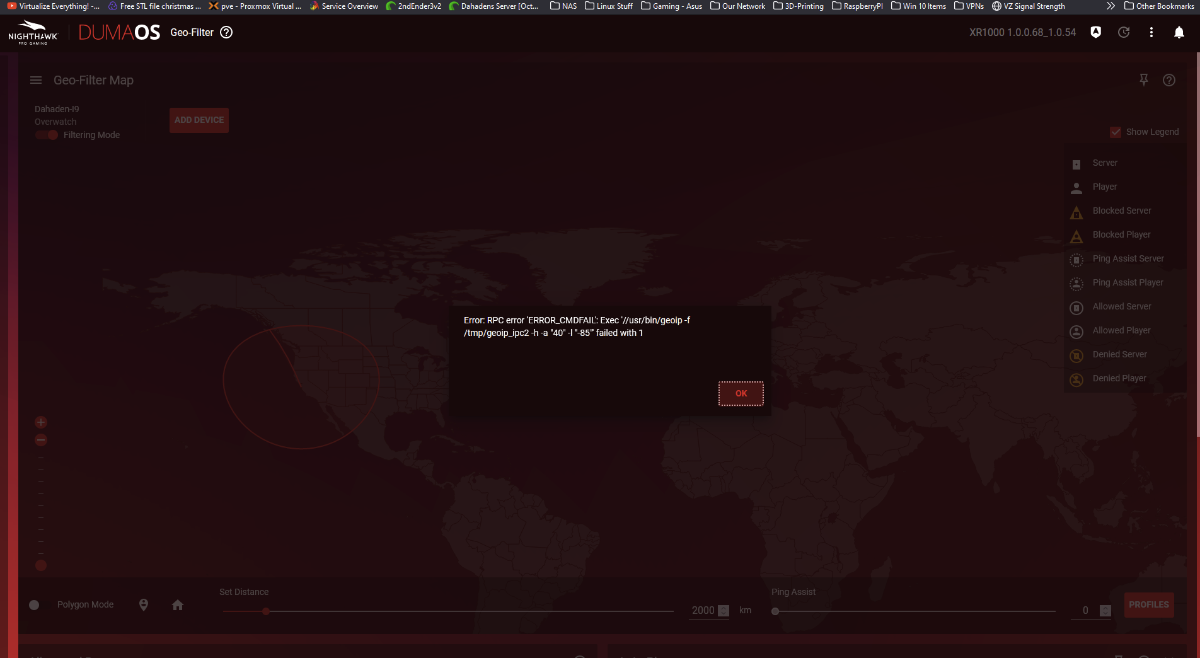
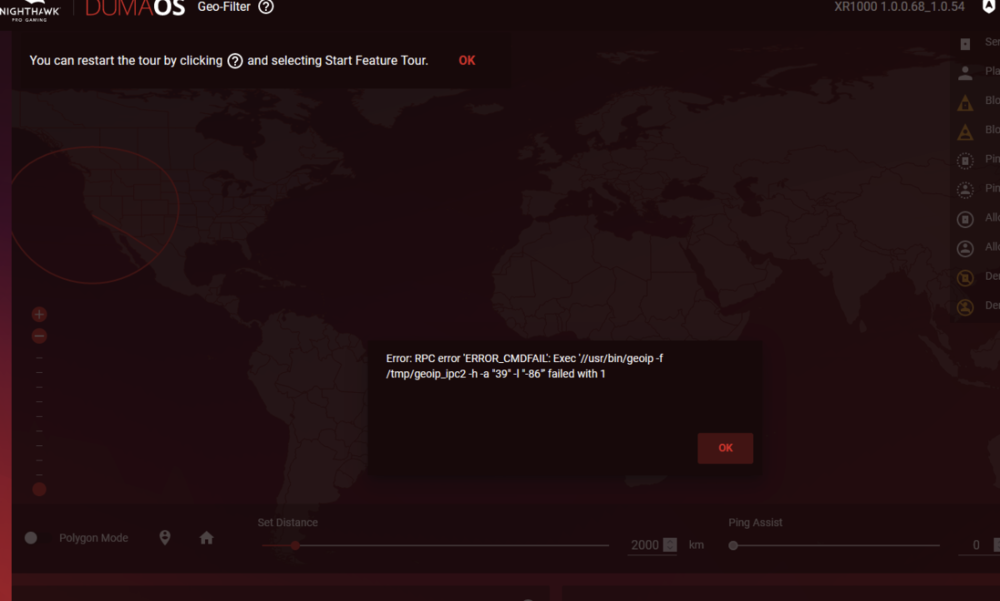
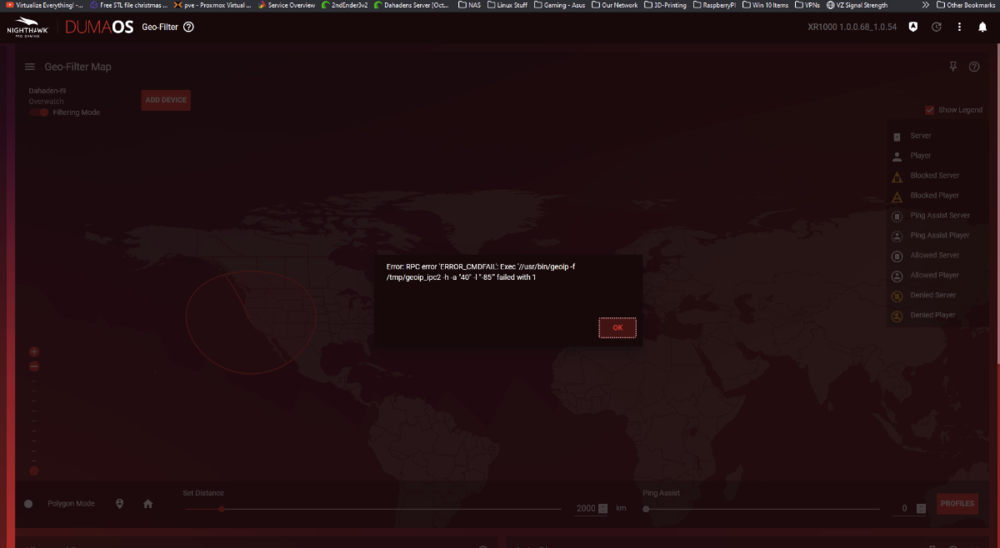
I just Tftp a new image on to my XR1000. Everything seems to be 90% better now other than this error. I can't set home point? Can't draw it, place a way point. I can search it, it looks it up, but then applying it I get this error: Firmware: XR1000 1.0.0.68_1.0.54 Tried in incognito Tried Firefox, Chrome, FireDragon, Tried on Windows, Unix Armor is not enabled, never has been Add Blocker is disabled Disabled all browser extensions rebooted router numerous times https and http Increased time to 5 from 3 for rapps
-
I run my own internal DNS server & DHCP server. Is there a magic trick I can use to get the XR1000 to look at my 192.168.1XXX lan name resolution of the internal devices? Would be great if it use the DNS server to populate the names instead of just always unknown.
-
owning xr1000 is joke right now
BSilverthorn replied to xara's topic in NETGEAR Nighthawk Support (XR range)
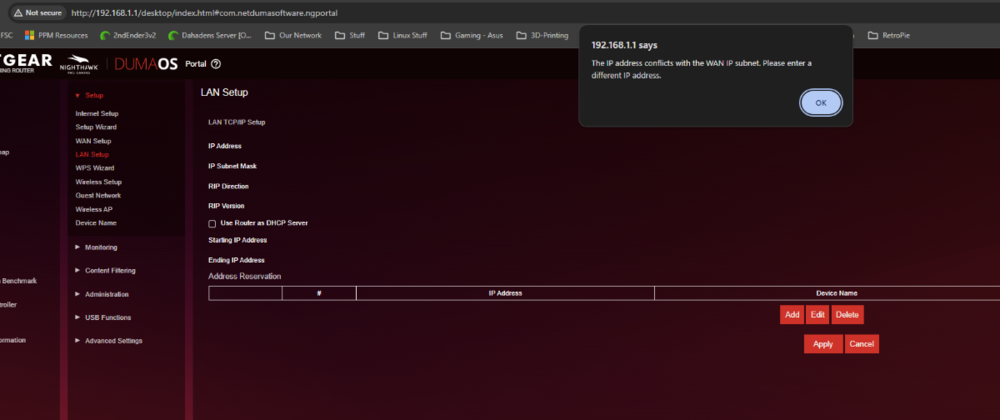
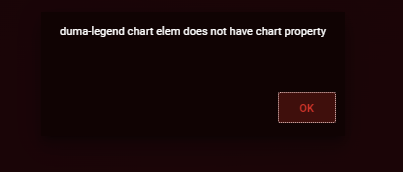
Yes, it is the worst netgear router I have ever owned. Wish I would have returned it! I have to reflash the firmware often, DUMAOS not loaded 5 to 6 times a year, along with rapps not loading etc... I should have never sold the XR500, it was for the most part rock solid. I have told many to pass on XR1000 series. I don't blame duma though, these guys up here try to help. Hopefully 3.3 will help this old dog in so many ways, someday. These are my icons right now lol, I just dont have time to reflash it again. I'm back to this again after reboot as well: Wan IP is a 10. and sub net is differnet as well. May not wait on 3.3 and just go get a new router at microcenter.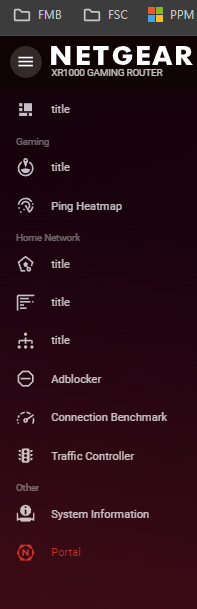
-
Missing devices on network monitoring
BSilverthorn replied to BSilverthorn's topic in NETGEAR Nighthawk Support (XR range)
Yes it does, the name and ip are correct. -
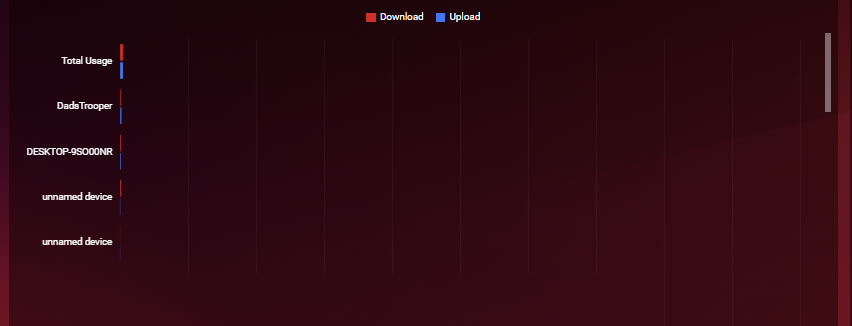
Right now as I took this snip, I have a device pulling down over 150 MBs. But it does not show when I go to the dashboard or too network monitoring. It is a ghost? I know its doing it, as its my PC and use to show up. Its updating Microsoft Flight Simulator and it is stating the correct network speed. Any ideas on this? None of the list devices, is the PC I am.
-
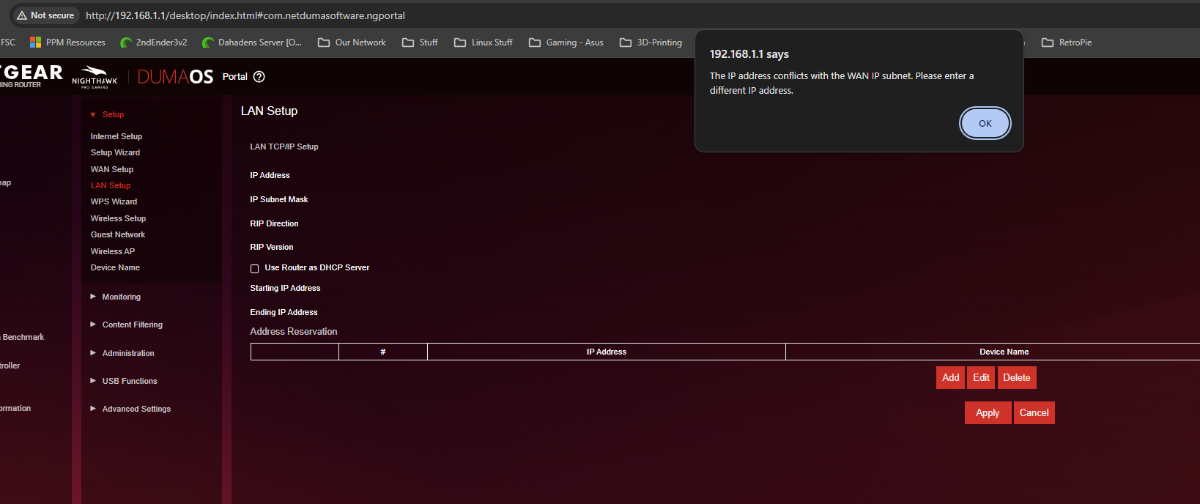
I resolved this by disconnecting everything from the router, connecting via wifi, then it let me turn dhcp off. Saved settings and rebooted. I seem to be working but sure is the hard way to disable DHCP
-
I also double checked to see if there was some weird reason that something came online as 1.1. When the router is off pings fail to 192.168.1.1. Wireshark just shows DHCP requests not getting answered.
.png)