jorgelcd
-
Posts
23 -
Joined
-
Last visited
-
.png "Like") jorgelcd reacted to a post in a topic:
"we have detected that some features may not have loaded correctly"
jorgelcd reacted to a post in a topic:
"we have detected that some features may not have loaded correctly"
-
 Netduma Fraser reacted to a post in a topic:
The router stopped working after a factory reset
Netduma Fraser reacted to a post in a topic:
The router stopped working after a factory reset
-

The router stopped working after a factory reset
jorgelcd replied to jorgelcd's topic in Netduma R2 Support
Okay, I'll be waiting to hear from you. -
The router stopped working after a factory reset
jorgelcd replied to jorgelcd's topic in Netduma R2 Support
I am disappointed with your stance on this matter. I bought the router with my brother—who is a gamer—and it was working perfectly. Since he moved to another country, I decided to keep the router; however, not wanting to retain his network settings, I performed a factory reset, and that is when the problem began. I need your support to resolve this issue. I have been trying to get this fixed with you for a month now without success. Honestly, I have never experienced anything like this with any network device I’ve ever bought. I have worked in IT for over 20 years, and I have never encountered a situation like this. Note: I was the one who set it up at my brother's house. -
Hello Netduma Team, I would like to express my frustration regarding my Netduma R2. I purchased this router second-hand and it was working perfectly when I received it. Since it still contained personal information and settings from the previous owner, I decided to perform a factory reset using the reset option available in the router's own web interface. Unfortunately, after the factory reset completed, the router never booted correctly again. What is most disappointing is that I did not use any unofficial procedure, custom firmware, or advanced configuration. I simply used the factory reset function provided by the router itself for its intended purpose. It is very frustrating to invest in a premium and expensive product and then end up with an unusable device after performing a standard factory reset. Could you please explain why this happened and whether there is an official recovery procedure available? At the moment, it appears that the factory reset has effectively bricked the router. I would appreciate any assistance in recovering the device. Attached is the error log. Thank you. logs (5).txt
-
Man, I’ve always dreamed of owning a Netduma. I never imagined that once I finally got one, I’d run into all these issues just from performing a factory reset. I’ve been trying to fix this for nearly a month without success; honestly, I’m on the verge of giving up on the Netduma and switching to another router—like a Ubiquiti EdgeRouter running OpenWrt. I’ve worked in IT for over 20 years and have owned plenty of routers, but I’ve never encountered a problem like this with any of them.
-
Any news? Did you manage to get access?
-
OK thanks.
-
Good afternoon. Did you manage to get access?Is there any estimate of when they'll be able to access it?
-
I set up the DMZ on my ISP's router pointing to the Netduma's WAN port and ran the remote access command; could you please try accessing it?
-
Is there any way we can communicate in real time to carry out this procedure? I think it will be more difficult to do it by posting on the forum.
-
"I identified from the logs that the antijitter module causes a kernel panic (BUG: spinlock bad magic) at approximately 62 seconds after boot on kernel 4.14.156, causing the router to reboot in a loop. The connection window is too short (~90 seconds) for a remote upgrade to complete successfully. Please advise on an alternative recovery method."
-
Good morning. I have a question: even if it loses connection every minute, will the remote connection you told me to run still work? Shouldn't the connection be stable for you to be able to access it? I work in networking and I'm almost certain you won't be able to access it. The router has a problem with the kernel; it's constantly intermittent.
-
Thank you. I'll be waiting.
-
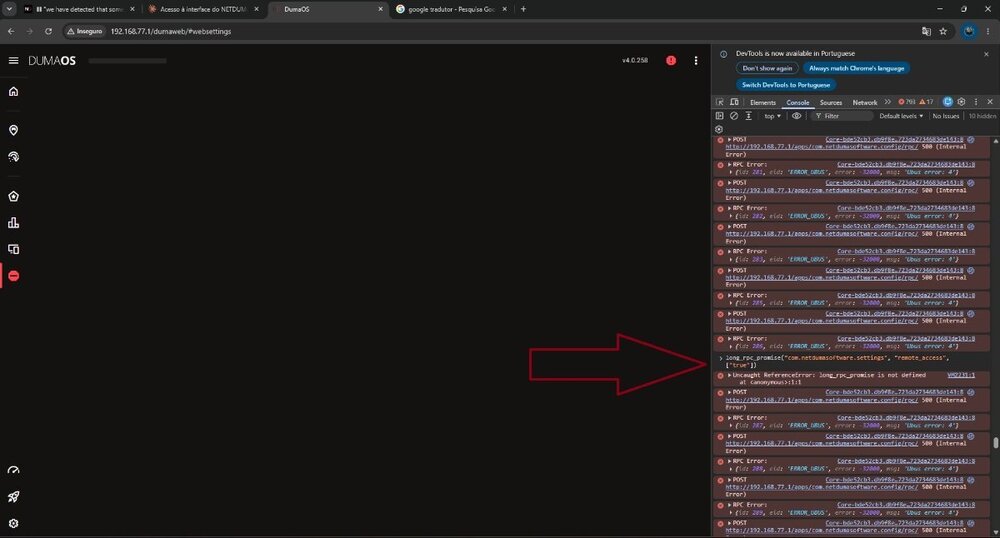
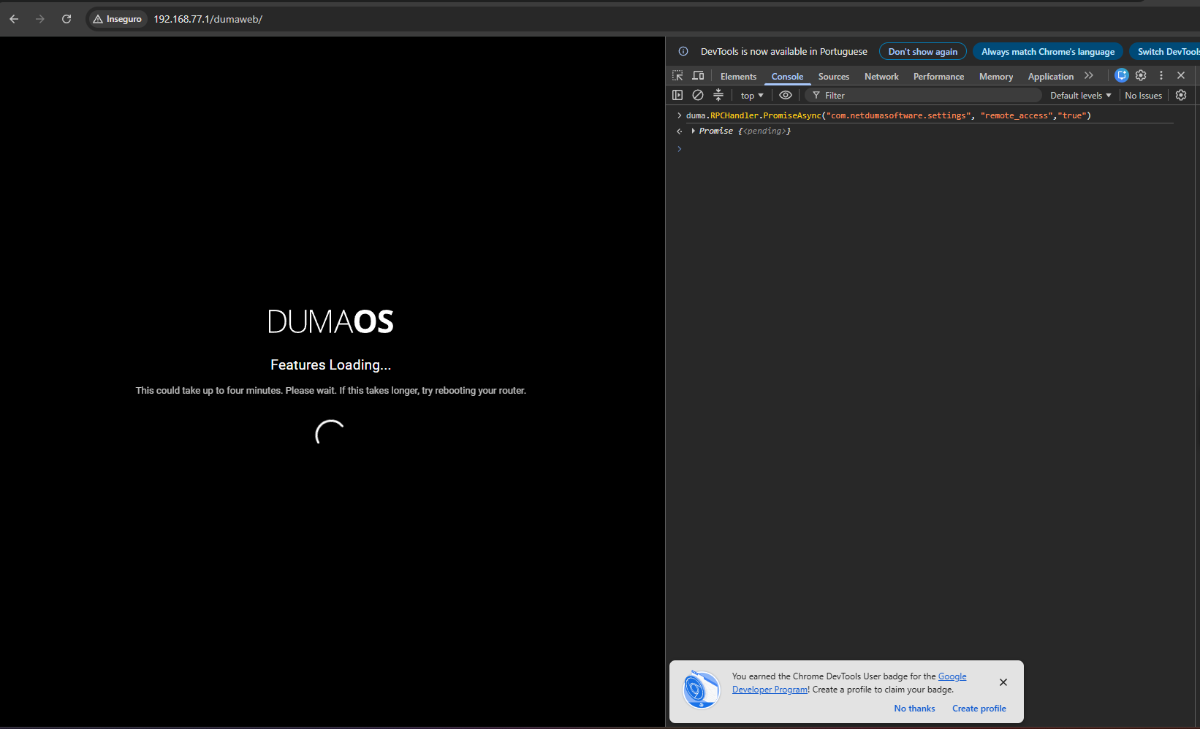
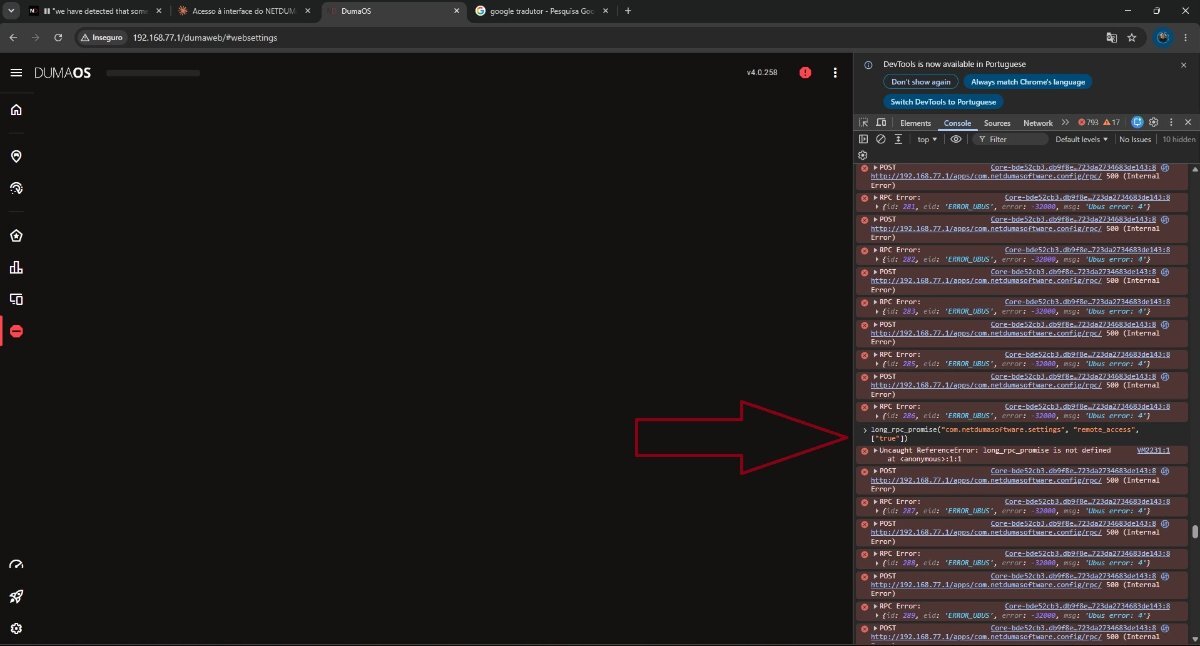
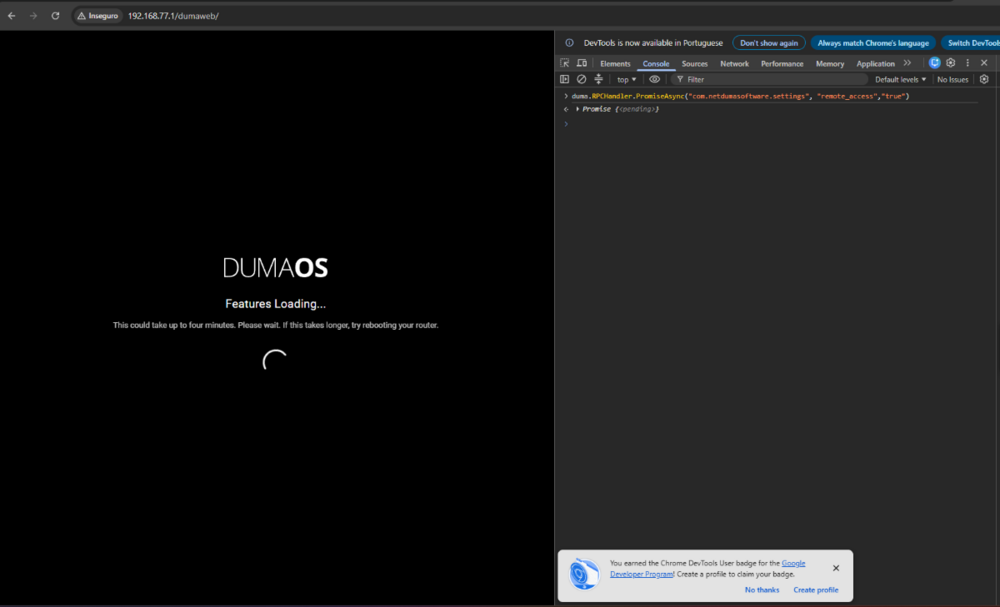
I was able to execute the command you sent. Now the connection doesn't take very long, because he keeps losing the connection all the time.
-
Good evening. Any news regarding access?
-
I tried to run the command you were envious of, but it seems it wasn't successful. Please attach a screenshot after running the command. I have a PC connected to it; if you need access to it to try something, I can give you access. I just need you to tell me a preferred time in Brasilia so I can assist you.