


jorgelcd
-
Posts
23 -
Joined
-
Last visited
Everything posted by jorgelcd
-

The router stopped working after a factory reset
jorgelcd replied to jorgelcd's topic in Netduma R2 Support
Okay, I'll be waiting to hear from you. -
The router stopped working after a factory reset
jorgelcd replied to jorgelcd's topic in Netduma R2 Support
I am disappointed with your stance on this matter. I bought the router with my brother—who is a gamer—and it was working perfectly. Since he moved to another country, I decided to keep the router; however, not wanting to retain his network settings, I performed a factory reset, and that is when the problem began. I need your support to resolve this issue. I have been trying to get this fixed with you for a month now without success. Honestly, I have never experienced anything like this with any network device I’ve ever bought. I have worked in IT for over 20 years, and I have never encountered a situation like this. Note: I was the one who set it up at my brother's house. -
Hello Netduma Team, I would like to express my frustration regarding my Netduma R2. I purchased this router second-hand and it was working perfectly when I received it. Since it still contained personal information and settings from the previous owner, I decided to perform a factory reset using the reset option available in the router's own web interface. Unfortunately, after the factory reset completed, the router never booted correctly again. What is most disappointing is that I did not use any unofficial procedure, custom firmware, or advanced configuration. I simply used the factory reset function provided by the router itself for its intended purpose. It is very frustrating to invest in a premium and expensive product and then end up with an unusable device after performing a standard factory reset. Could you please explain why this happened and whether there is an official recovery procedure available? At the moment, it appears that the factory reset has effectively bricked the router. I would appreciate any assistance in recovering the device. Attached is the error log. Thank you. logs (5).txt
-
Man, I’ve always dreamed of owning a Netduma. I never imagined that once I finally got one, I’d run into all these issues just from performing a factory reset. I’ve been trying to fix this for nearly a month without success; honestly, I’m on the verge of giving up on the Netduma and switching to another router—like a Ubiquiti EdgeRouter running OpenWrt. I’ve worked in IT for over 20 years and have owned plenty of routers, but I’ve never encountered a problem like this with any of them.
-
Any news? Did you manage to get access?
-
OK thanks.
-
Good afternoon. Did you manage to get access?Is there any estimate of when they'll be able to access it?
-
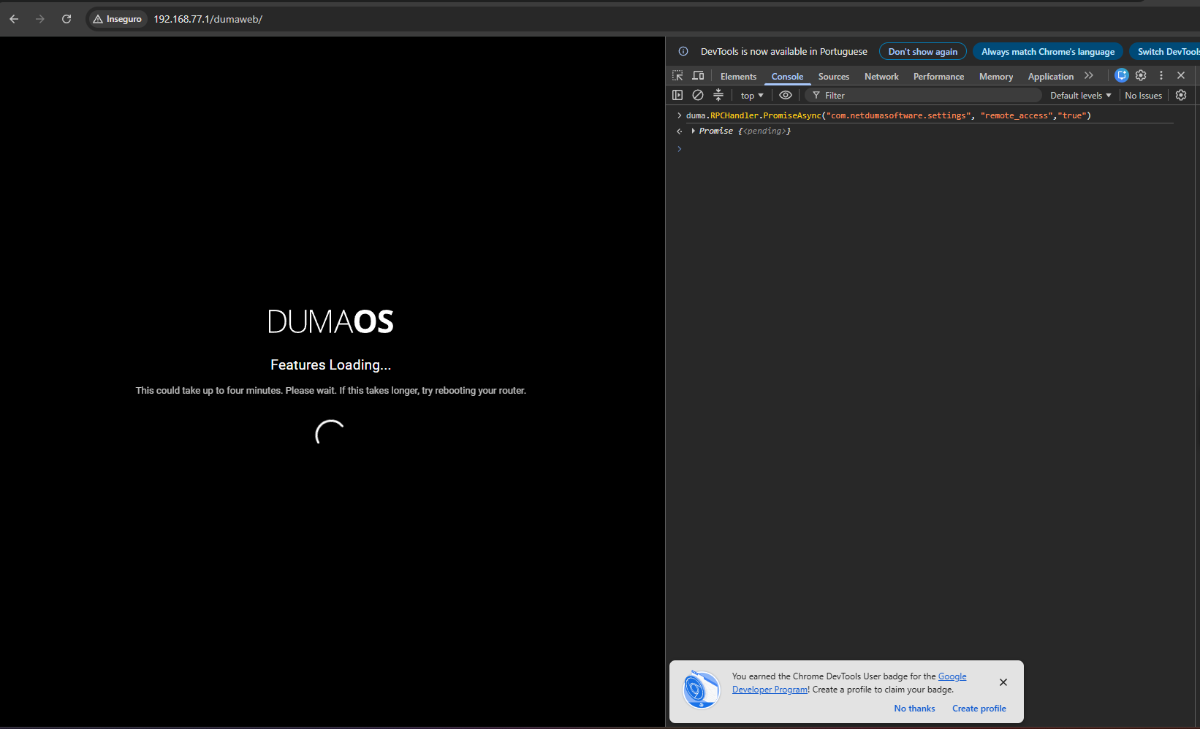
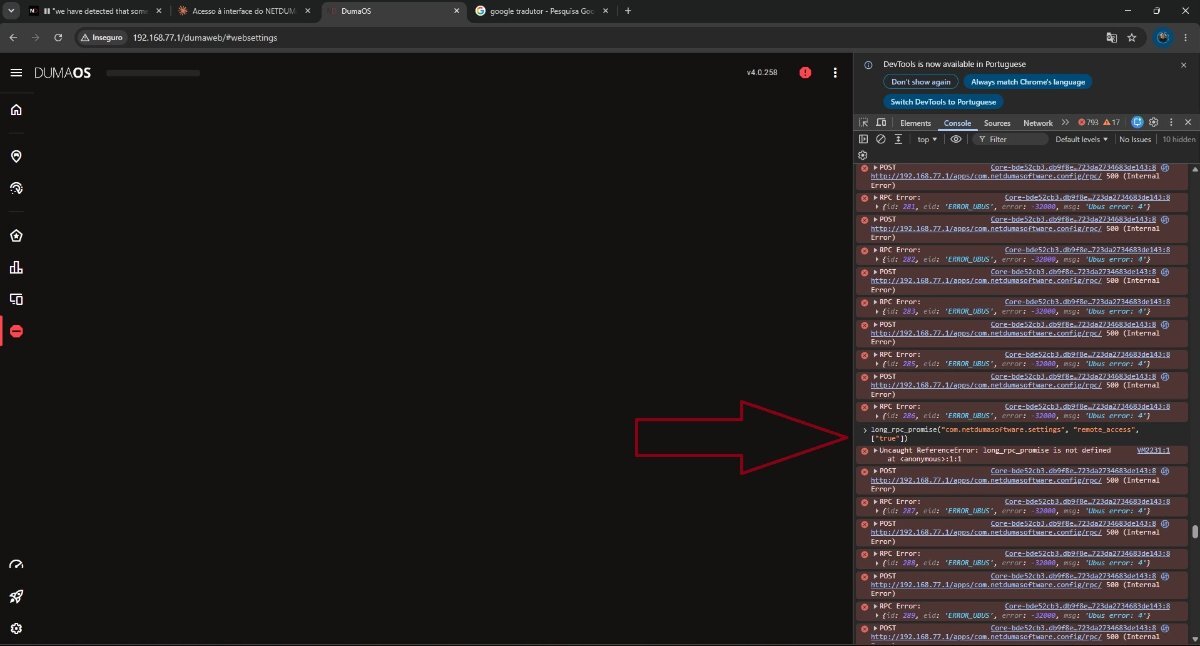
I set up the DMZ on my ISP's router pointing to the Netduma's WAN port and ran the remote access command; could you please try accessing it?
-
Is there any way we can communicate in real time to carry out this procedure? I think it will be more difficult to do it by posting on the forum.
-
"I identified from the logs that the antijitter module causes a kernel panic (BUG: spinlock bad magic) at approximately 62 seconds after boot on kernel 4.14.156, causing the router to reboot in a loop. The connection window is too short (~90 seconds) for a remote upgrade to complete successfully. Please advise on an alternative recovery method."
-
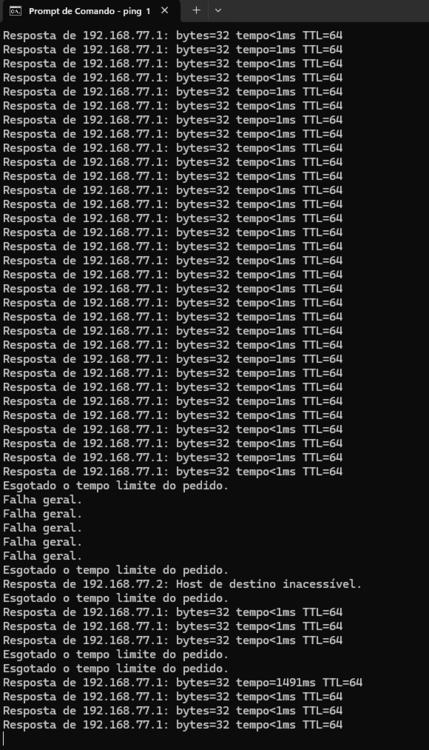
Good morning. I have a question: even if it loses connection every minute, will the remote connection you told me to run still work? Shouldn't the connection be stable for you to be able to access it? I work in networking and I'm almost certain you won't be able to access it. The router has a problem with the kernel; it's constantly intermittent.
-
Thank you. I'll be waiting.
-
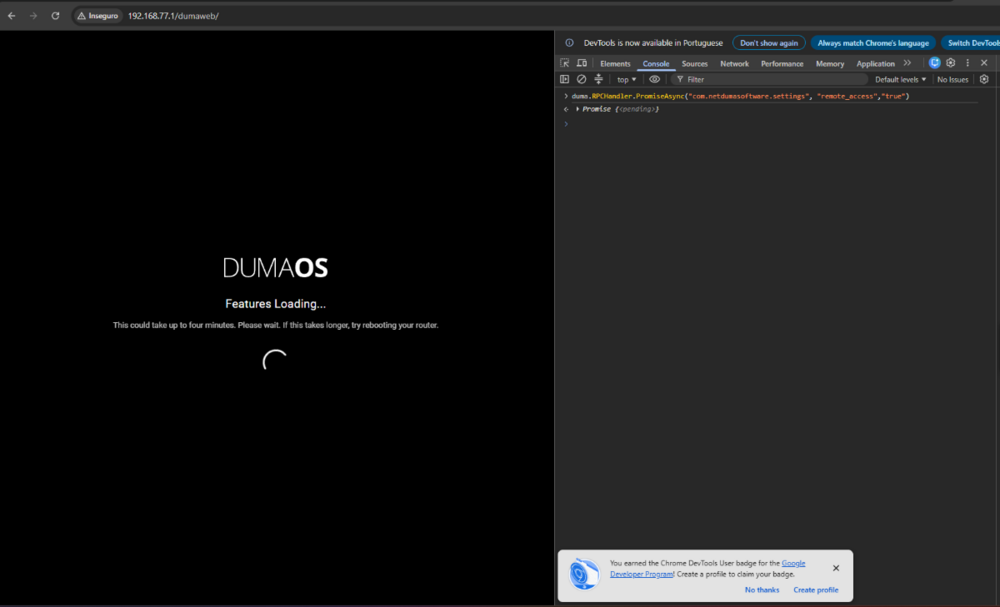
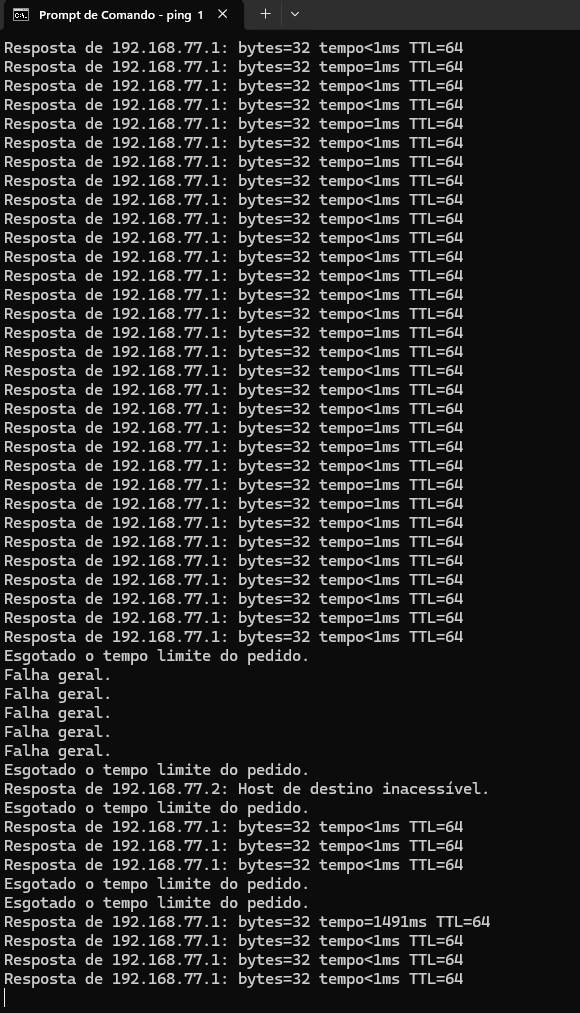
I was able to execute the command you sent. Now the connection doesn't take very long, because he keeps losing the connection all the time.
-
Good evening. Any news regarding access?
-
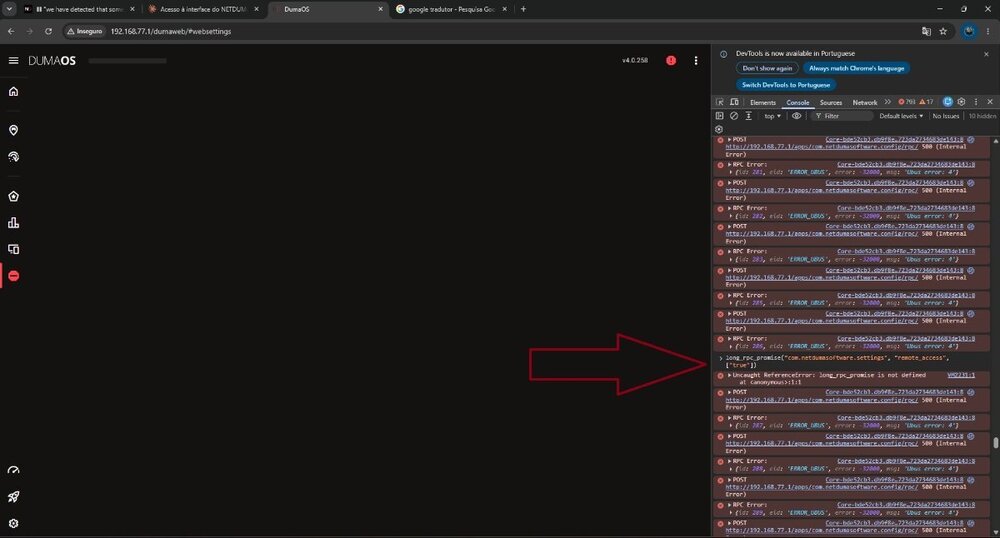
I tried to run the command you were envious of, but it seems it wasn't successful. Please attach a screenshot after running the command. I have a PC connected to it; if you need access to it to try something, I can give you access. I just need you to tell me a preferred time in Brasilia so I can assist you.
-
No, I can't access anything.
-
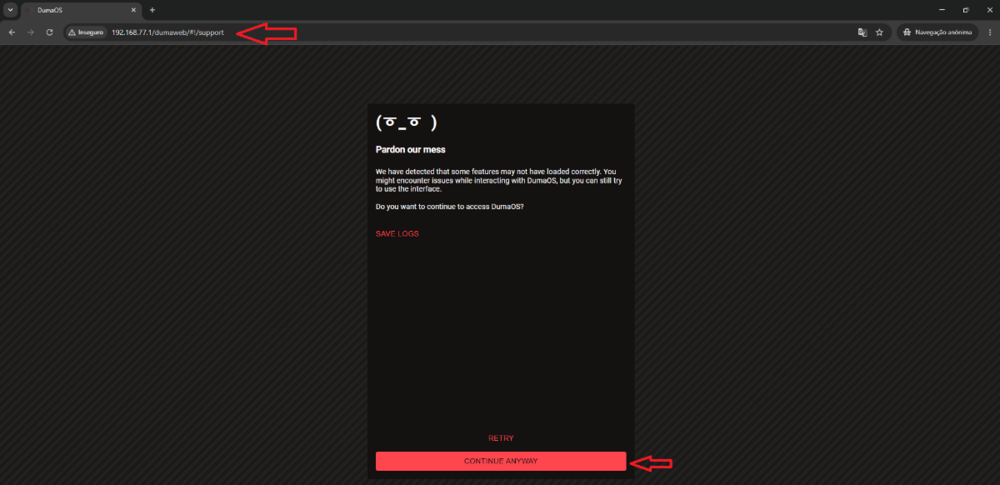
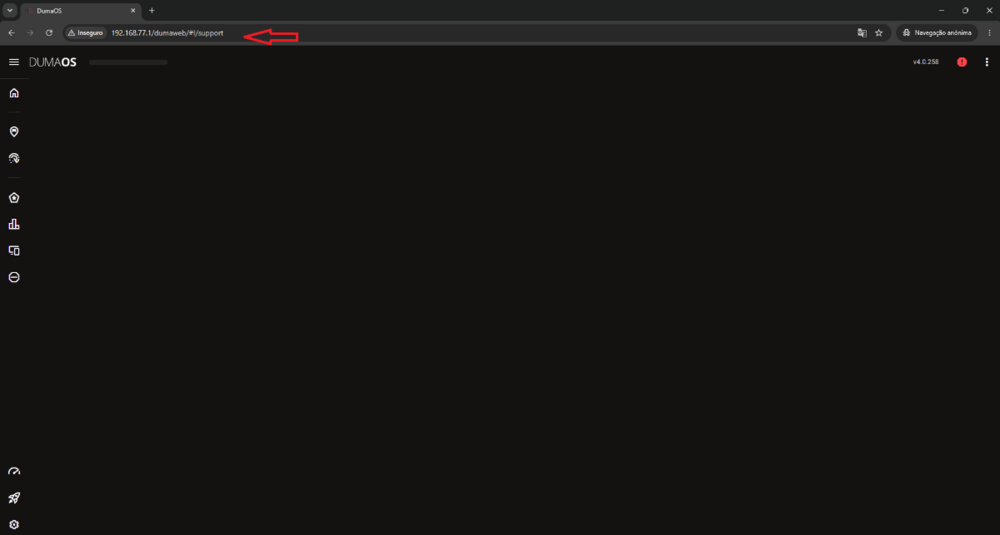
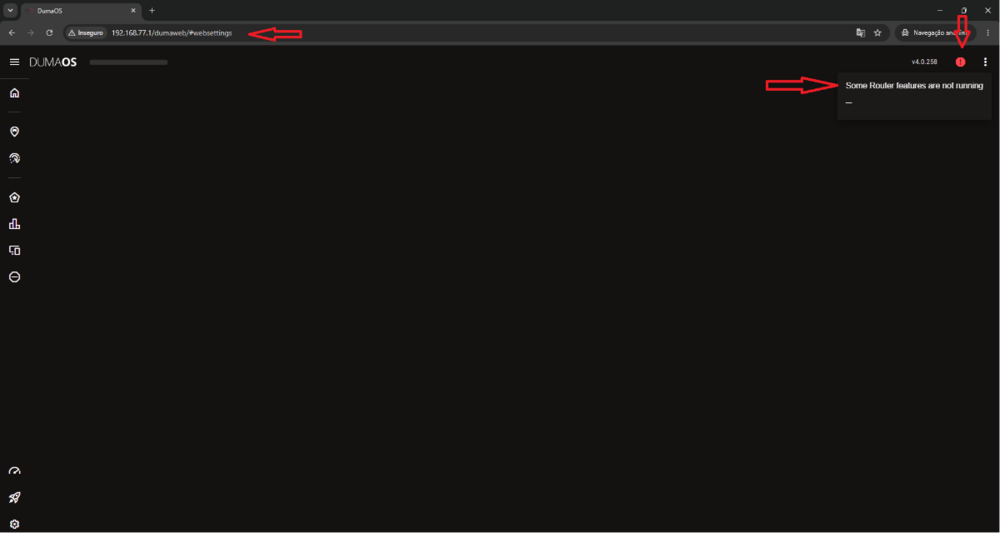
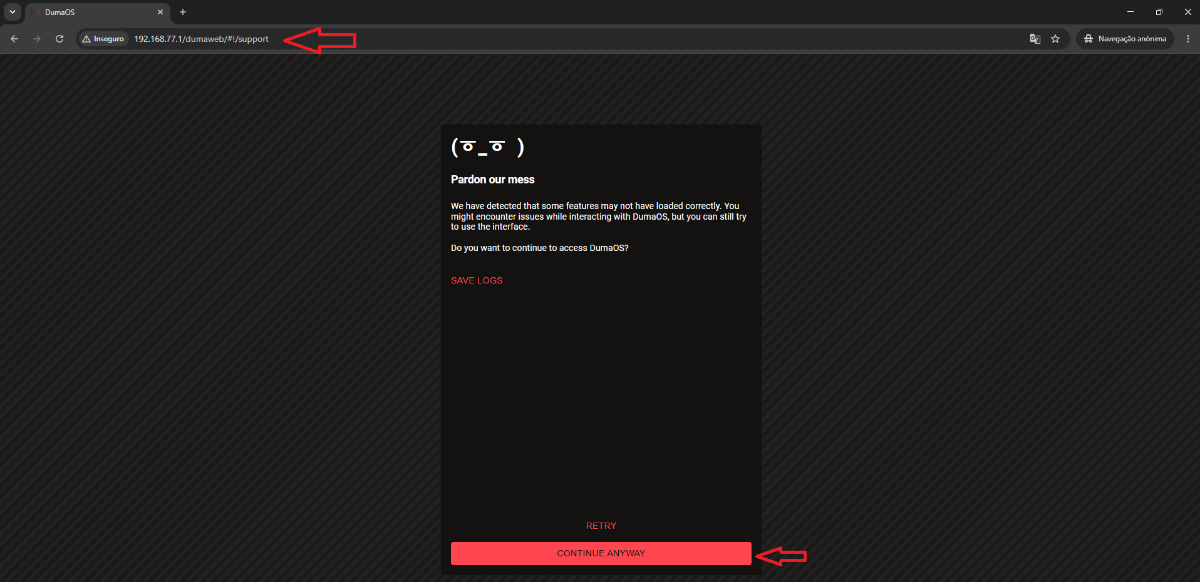
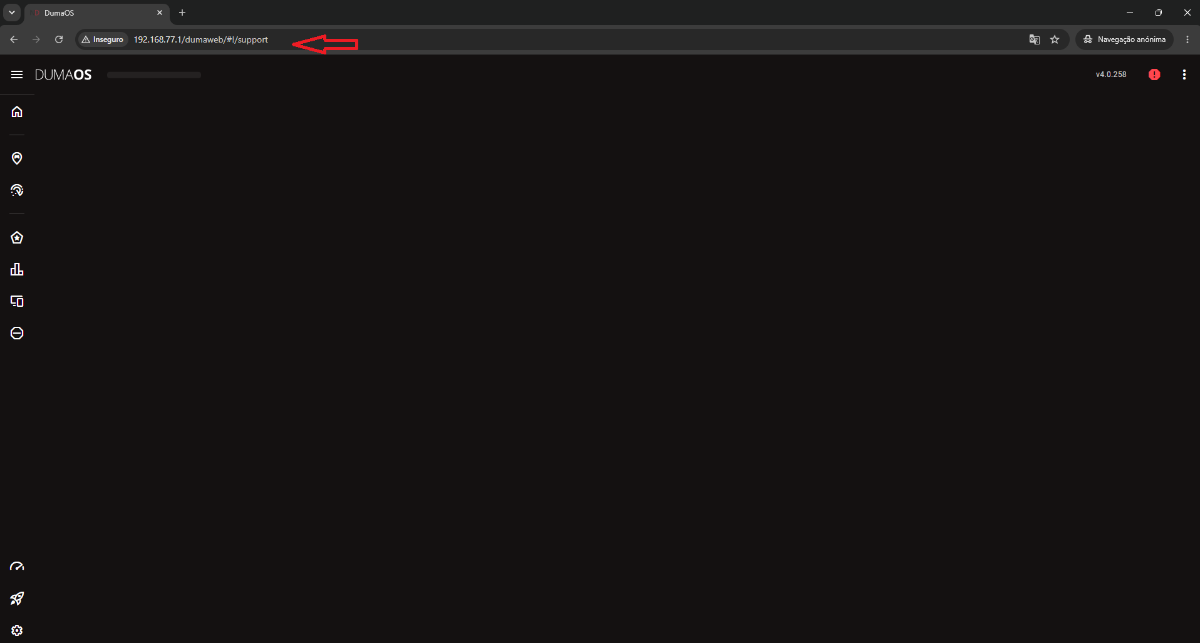
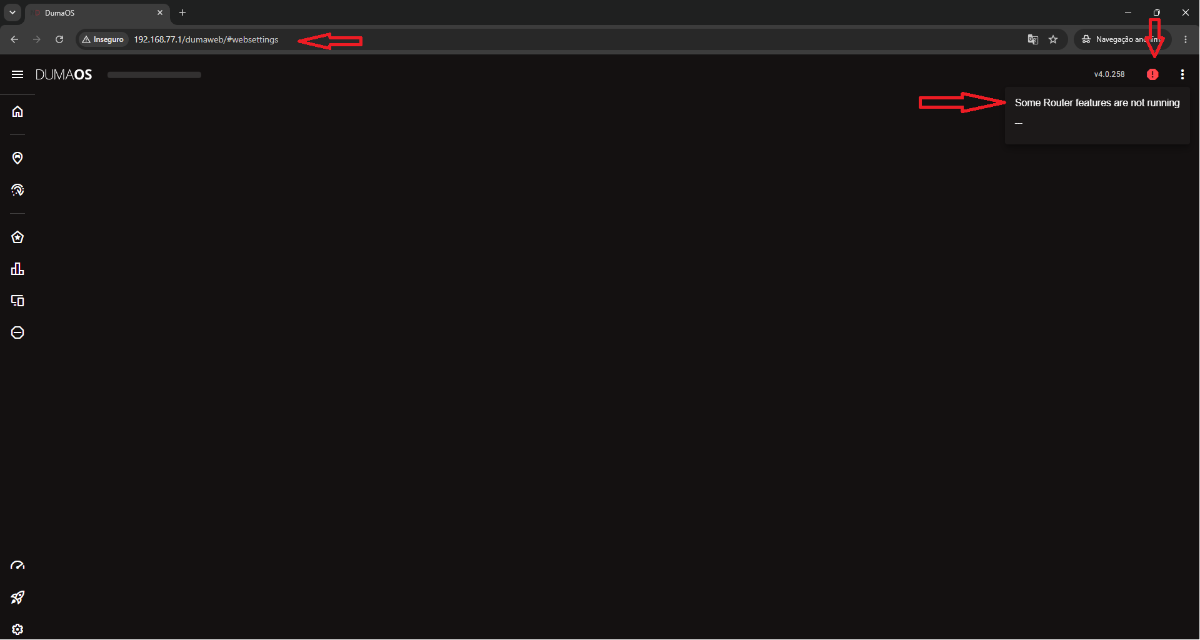
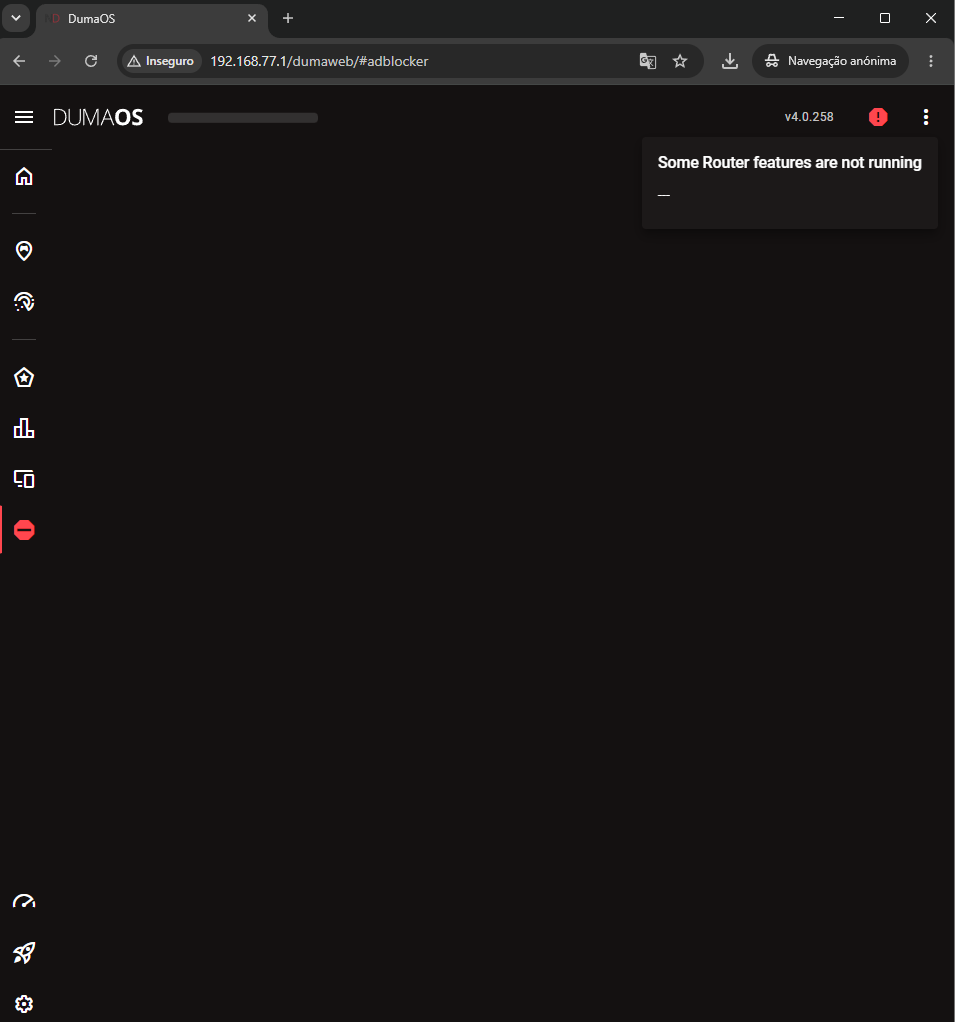
Good morning. I unplugged it for more than 24 hours and accessed it through the link you sent. Attached are screenshots showing the connection through the indicated link.
-
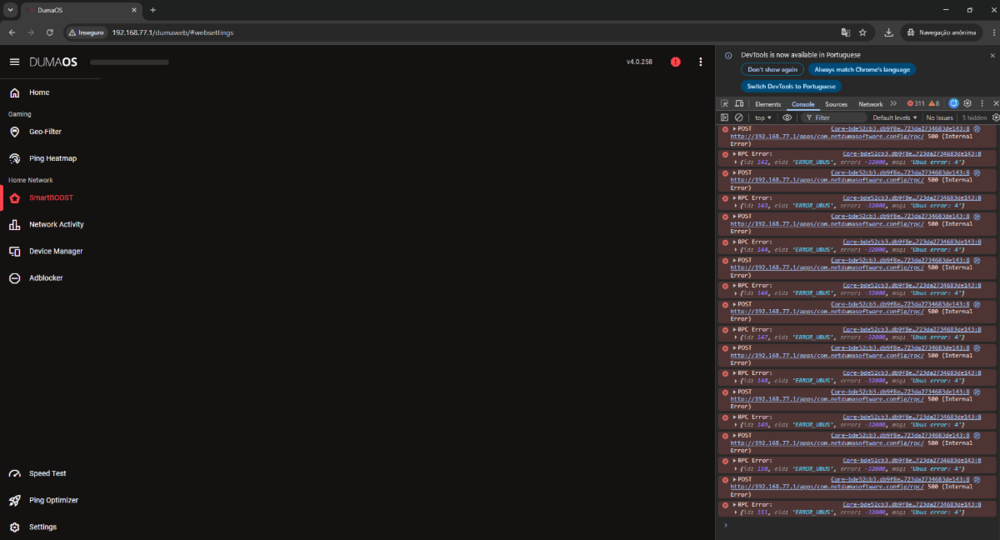
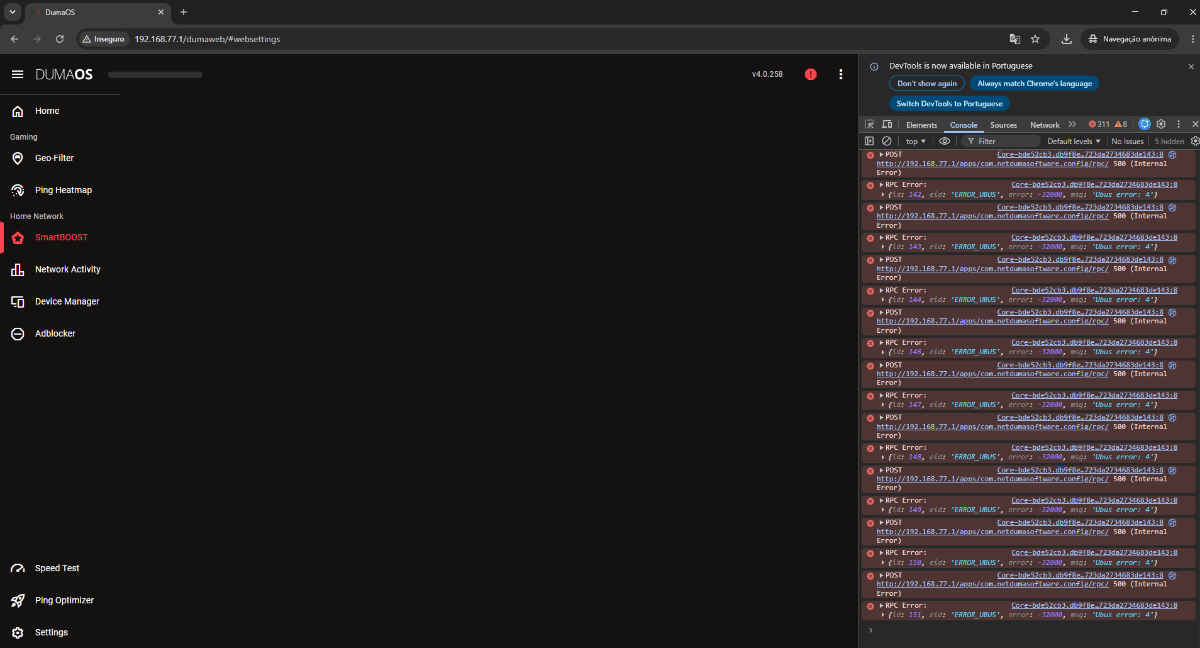
Good morning. I've tried all possible procedures, cleared the browser, changed browsers, tried resetting using the reset button, and had no success. I analyzed the log generated by the device using Claude's AI, and it gave me the following diagnoses: The log reveals two main problems: 1. Kernel Panic / Spinlock BUG (critical) kern.emerg: BUG: spinlock bad magic on CPU#0, insmod/5239 The anti-jitter module is attempting to load and corrupting the kernel upon initialization. This often happens after an unsuccessful factory reset—the configuration partition was wiped, but the kernel modules remained in an inconsistent state. 2. HybridVPN not registered with dnsmasq The hybridvpn service fails to register with the internal bus (ubus), causing hundreds of looping errors. This crashes the DumaOS interface. I think the only way to solve this is if there's a way to recover NetDumas, because other than that I can't see any other solution. It doesn't load anything, it gets stuck in a loop and keeps losing connection.
-
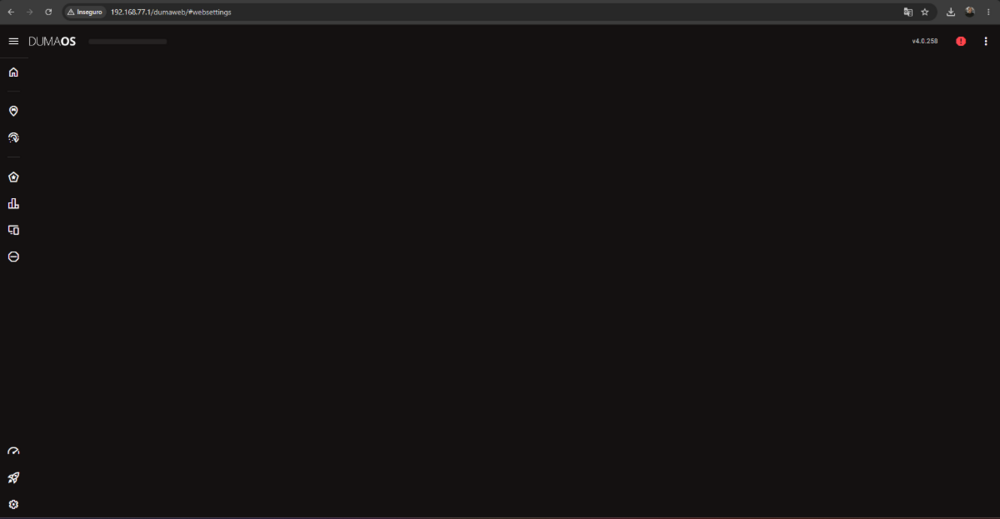
The page won't load the option to apply the firmware. I click on any option and the page doesn't load. There's no way for me to apply firmware. It seems there's no way to do it anymore.😔
-
I tried resetting it by holding the button for 30 seconds while it was on, without success. Then I turned it off, held the reset button and plugged it back in, holding it for 30 seconds, but it doesn't respond to anything, neither network nor web interface. I tried accessing it through the indicated support page(http://192.168.77.1/dumaweb#!/support) without success. After a minute and a half of being on, all the lights go out and it restarts, in an infinite loop. WhatsApp Video 2026-06-10 at 19.59.13.mp4
-
Good morning. I did it the way you said. I turned on the device and waited 4 minutes to try to access it. But the equipment is intermittent, like it's restarting. How am I going to update it if I can't access the settings that give me the option to update or do a factory reset? Everything indicates that a recovery needs to be done. Is it possible to do this on Netdumas?
-
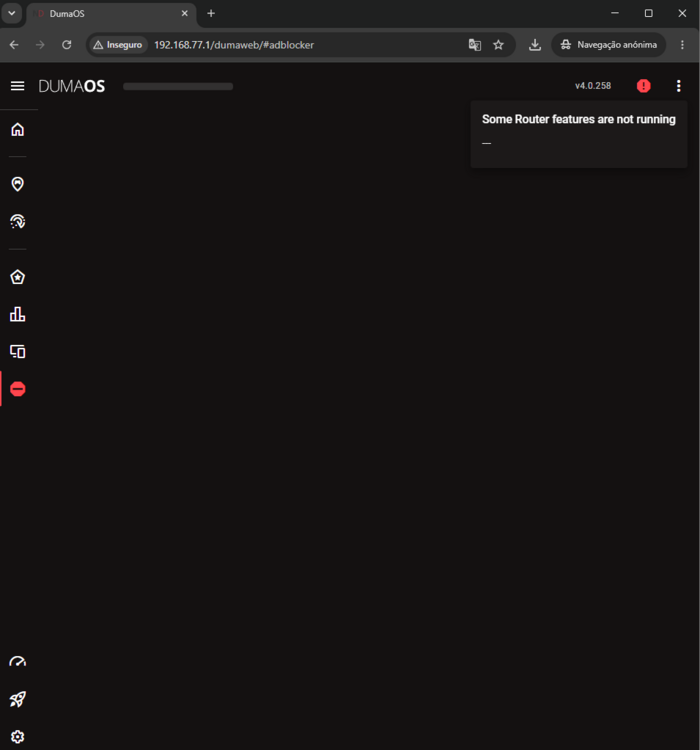
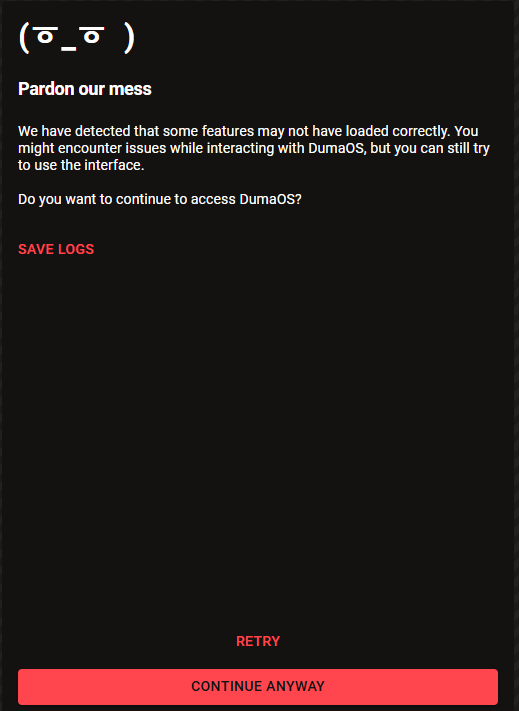
Good evening. I did what you asked, but unfortunately it didn't solve the problem; it persists. It's intermittent; suddenly the lights go out and it loses connection to Netdumas. I don't know what else to do. A video is attached for a better understanding of what's happening. WhatsApp Video 2026-06-09 at 20.13.15.mp4 logs (2).txt

-
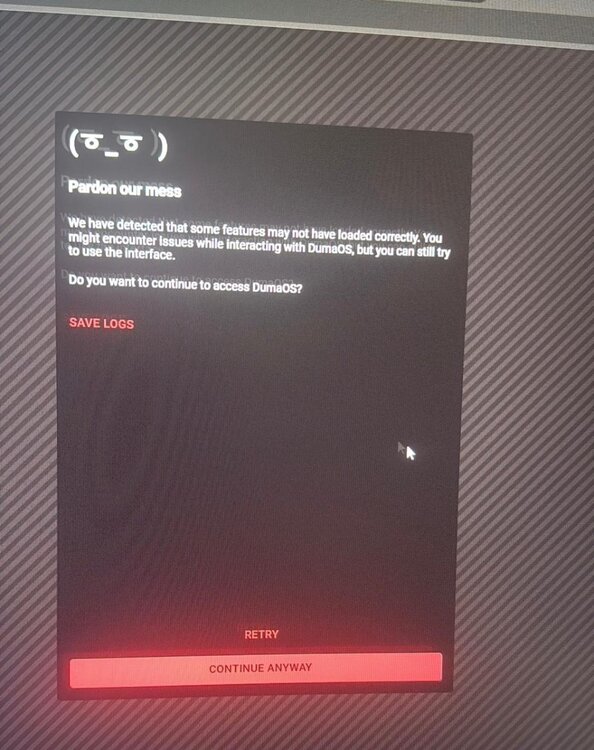
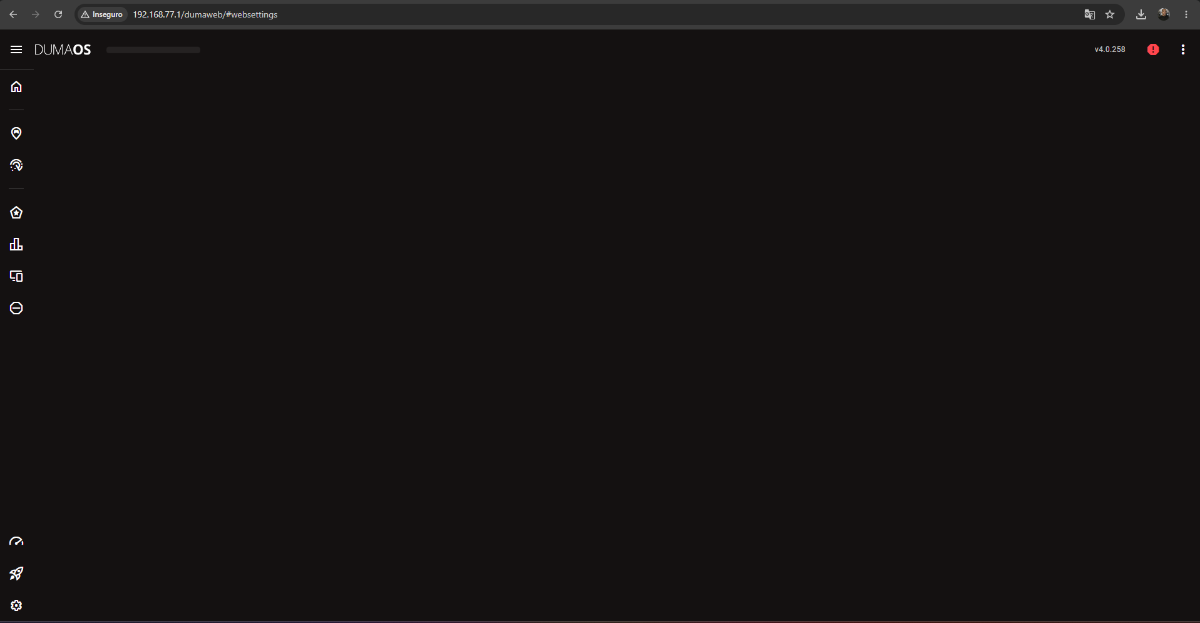
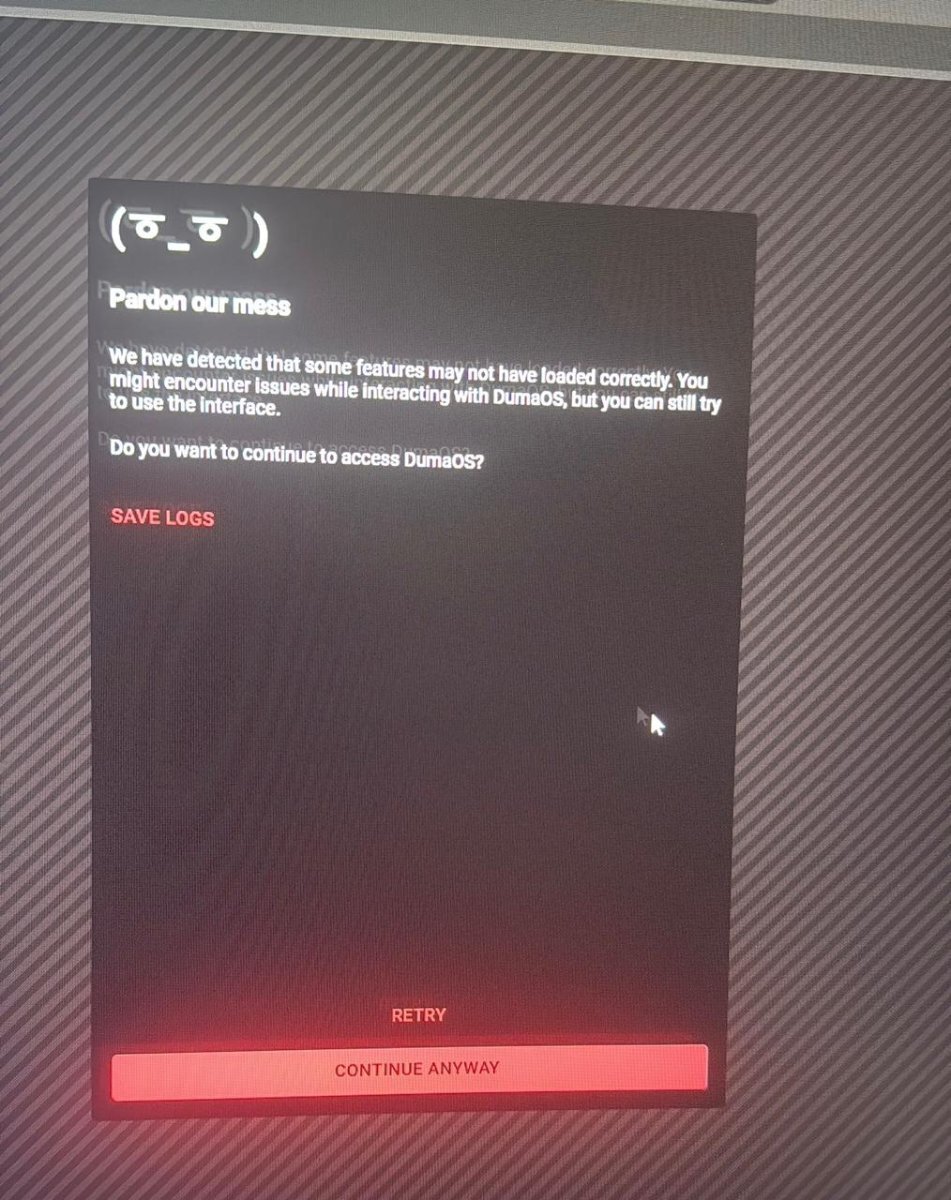
Hello, I have a Netduma R2 with update 4.0.258. Yesterday I did a factory reset, and when it started up, it began having this problem of not loading the menus. I can't open anything, not even the part to apply a new update. Does anyone know how to solve this problem? logs (1).txt
.thumb.jpeg.ca4770acaa1126909f2fa2b7b56c5c6e.jpeg)
.thumb.jpeg.336b14146560a5aa221b7b895cbb9519.jpeg)

.jpeg.c5b0c4dd406dd5e9dc745730e24f3988.jpeg)
.jpeg.405d12b6f83049b166dd06b081e4175f.jpeg)