TheMW2Ghost
-
Posts
142 -
Joined
-
Last visited
Everything posted by TheMW2Ghost
-
I am on 500 down 60 up, but im noticing it keeps dipping to around 60 download and lesser upload, when using the R3 over wifi (downloading from macbook) - i keep having to reboot router in order to get speeds back to normal. I still btw have the issue with not being able to access Duma OS (my thread on here already about this)
-
 Wicked, cheers Fraser. Hopefully sorted but everything else seems to work fine for me so far
 -
I have this setting on already, just checked. Same issue with DumaOS today showing same error. So thus far, the clearing cache and etc has not helped out. I tried on Safari (instead of Crome and error occurred still)
-
It eventually accepted the log in, but was greeted with the same error page
-
It will not allow me to log in. It appears auto-filled but does not accept password and refreshes back to the auto-filled box
-
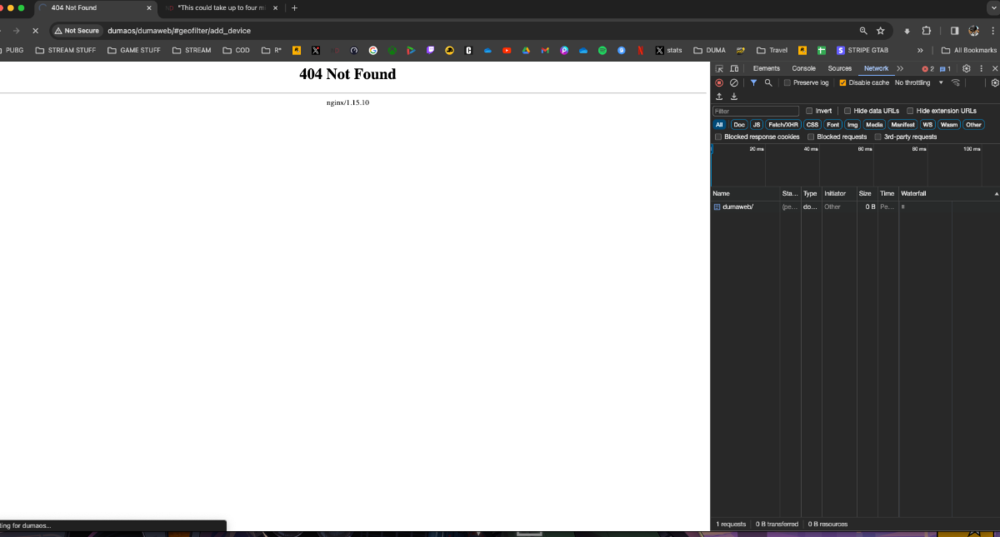
I tried these steps, and just got this after a long loading time. And no luck after restarting browse r
-
Will keep you updated if anything big issues happen with the PS5!. But I've got to come back on this topic - as this is happening again yesterday and today. Sometimes I'm on a game for a while without opening up OS and when i try to, it does this and does not load (shows the other error message i posted above. So I usually don't end up rebooting as im already in a session. SmartBOOST disabled, and cache cleared, but this is a daily thing it seems.
-
Seems to have ironed out now! I must not have reset the R£ after initially disabling smartBoost. I can't find the friend re: siblings connection, but since enabling 2.4Ghz, they're on a stable connection! Thank you
-
Cleared cache on Google Chrome, but still today when i opened up my laptop, i get this still. It happens daily. Router works but OS just does not load until i reboot R3 (not ideal to do this daily)

-
Wicked! Will report back. Cheers Fraser
-
Would i have to set up a 2.4 connection to do this?
-
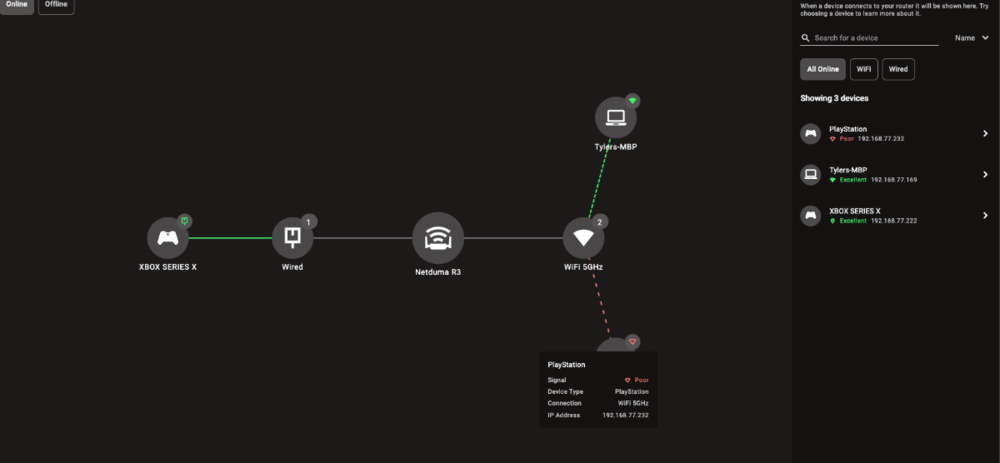
Okay, disabled it and will let you know on the second one! While im here - sibling is still having horrendous connection to the R3 from their PS5 - up to 500+ms ping and down to 20ms and the lag is very very bad.
-
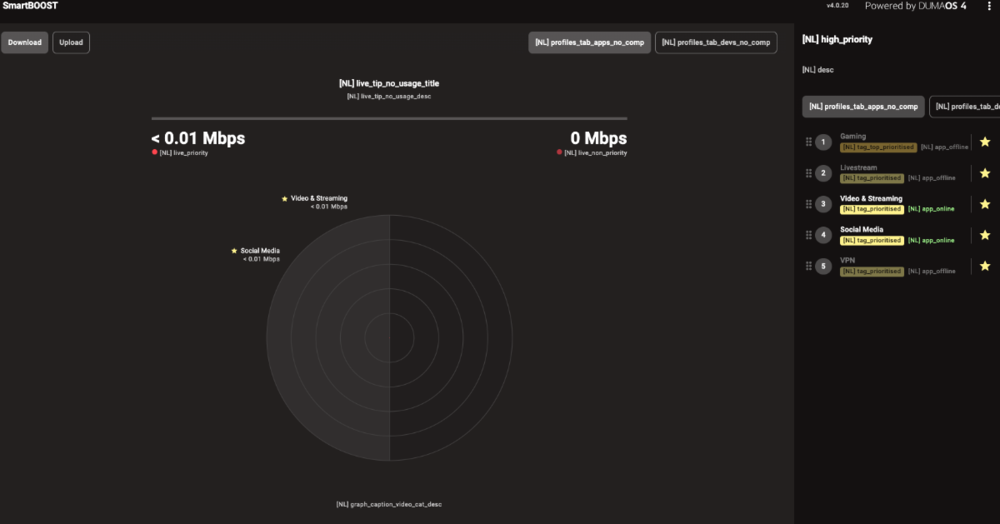
OS also looks like this after boot up (code lines)
-
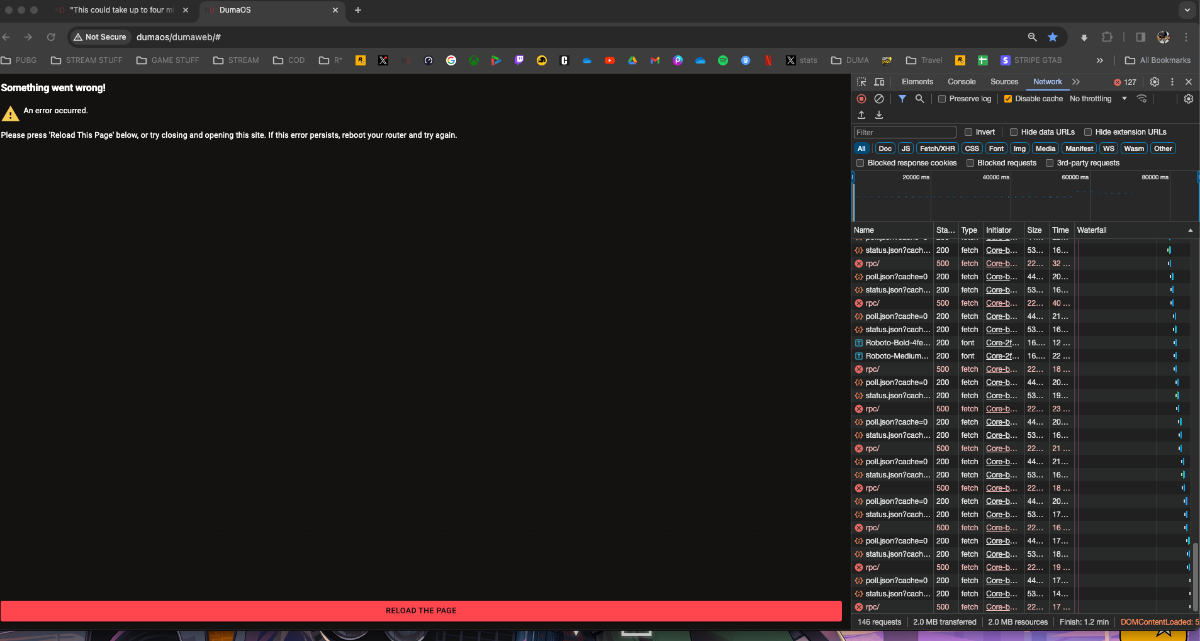
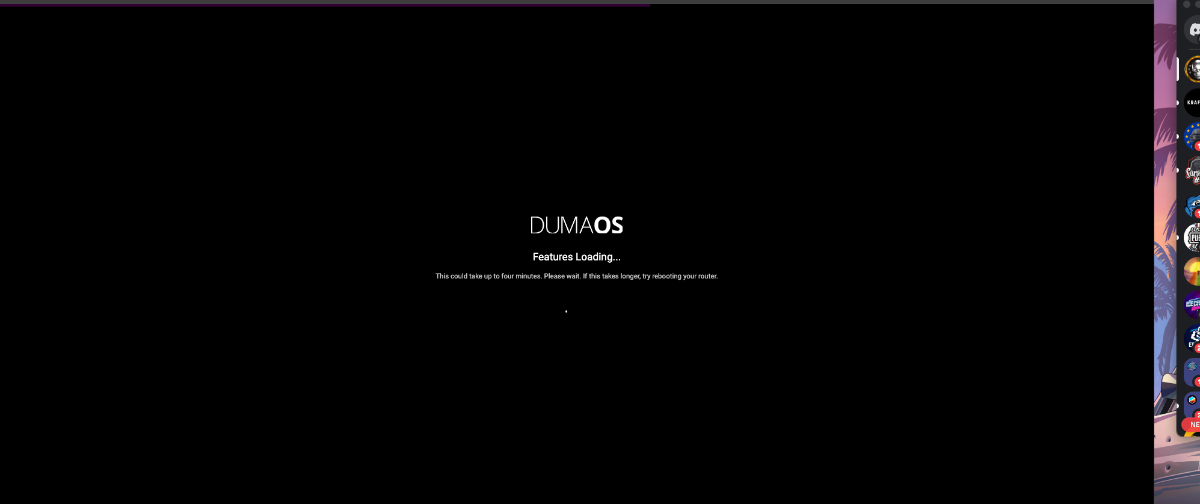
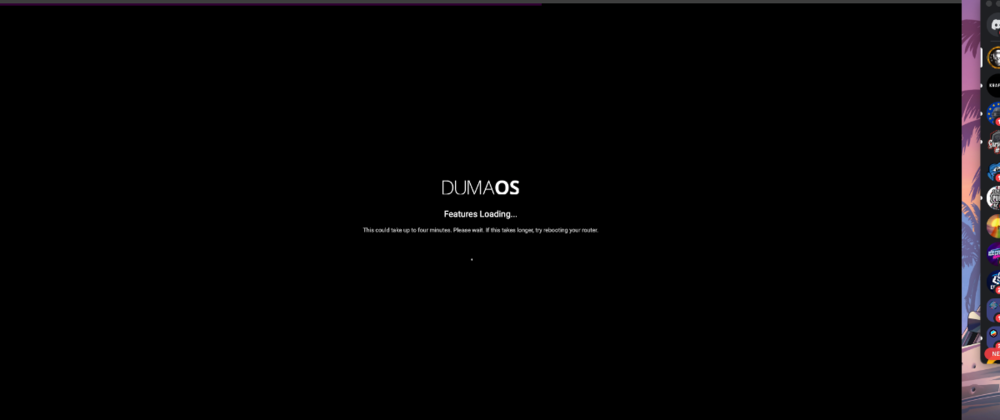
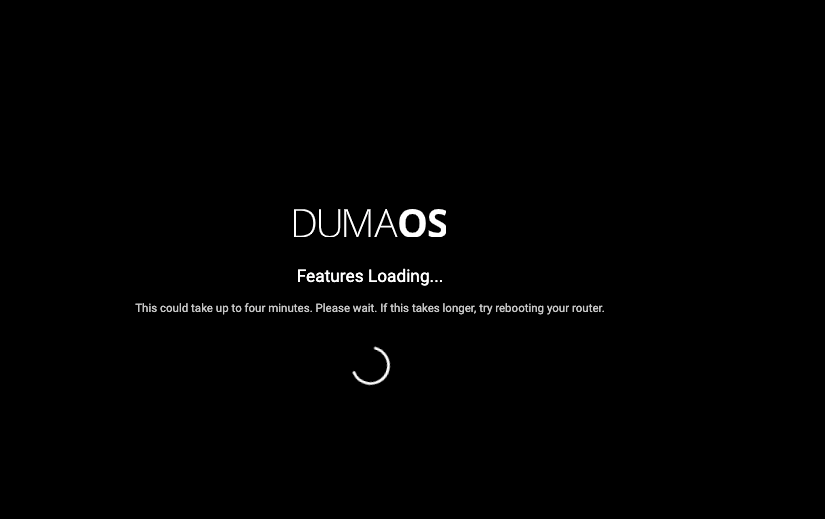
Every day that i go to open up DumaOS i get "This could take up to four minutes. Please wait. If this takes longer, try rebooting your router." - and it never ends up working until i have to reboot router, every time as it says " Something went wrong! An error occurred. Please press 'Reload This Page' below, or try closing and opening this site. If this error persists, reboot your router and try again. "
-
First off, Merry Christmas! I've noticed on Xbox it's showing 'Moderate NAT and Double NAT - this was not the case with R2 - i had Open NAT the whole time. It is making connections a bit bad, and maybe could be leading to some of the issues i've had with the Geo-Filter playing up for me. How can i fix this? EDIT: Update -- disabled Unup and rebooted routers - removed the double NAT! Tho now i have moderate NAT - so trying to work out how to get bakc to open EDIT 2: Portforwarfded the Xbox DMZ in R3 - NAT is opne now. Cheers!
-
Hey - that's fine - I can do that, what time is best for you guys tmrw? Preferably 12pm onwards. I'll download the Anydesk now. Cheers
-
ok great cheers - ill leave geo-latency off for now yeah? and also, are we thinking it could be due to the router that i cant join friends?
-
All on differernt. Some xbox, some PC, some PS5
-
I had GeoLatency turned off as recommended when weere finding out why i was getting into servers outside of region. I can put them back. And funnily enough, I havent actually seen any friends pop up on the geo-filter when they join me - not a single one so far
-
Did a full reset as this a simply reboot didn't work (got stuck on trying to reconnect your router for 20+ mins). All up now tho! And i guess it updated itself, on v4.0.19. While I'm here - the only question i really have left is to dow ith CoD - now I'm having an issue joining friends or accepting any invites. They can join me fine, and accept my invites, this is invites to the game lobby im talking about. This issue popped up about 3 weeks ago (was on the R2 then) - i don't think it is to do with the router, but just by any chance you might think there is something that could cause this router end? At a least resort now, the reinstalling the game multiple times and clearing the save data, I kind of just don't know what to do now. Wondering if there could be a setting that blocks me joining friends? Xbox Series X - on MWIII - and anyone can join me fine in game, but i cannot acceopt any invites to them or manually join them in-game. (joining xbox parties are fine tho). Cheers
-
If any help, this is the screen when i try to open - it shows this, then the 'something wrong' error
-
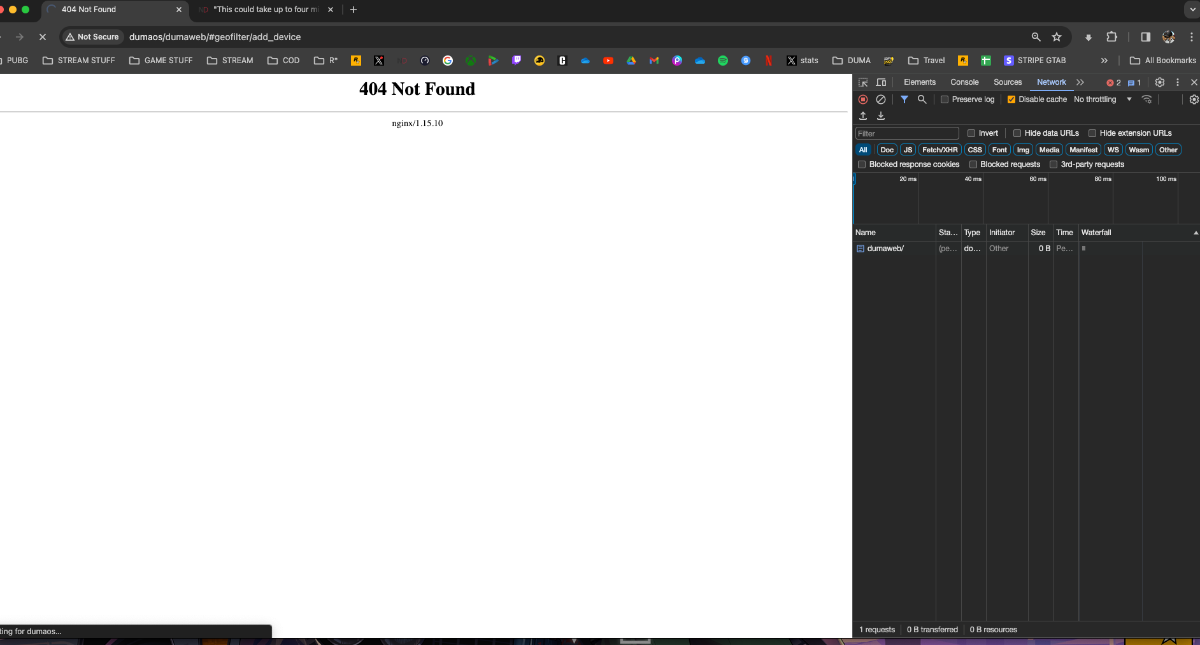
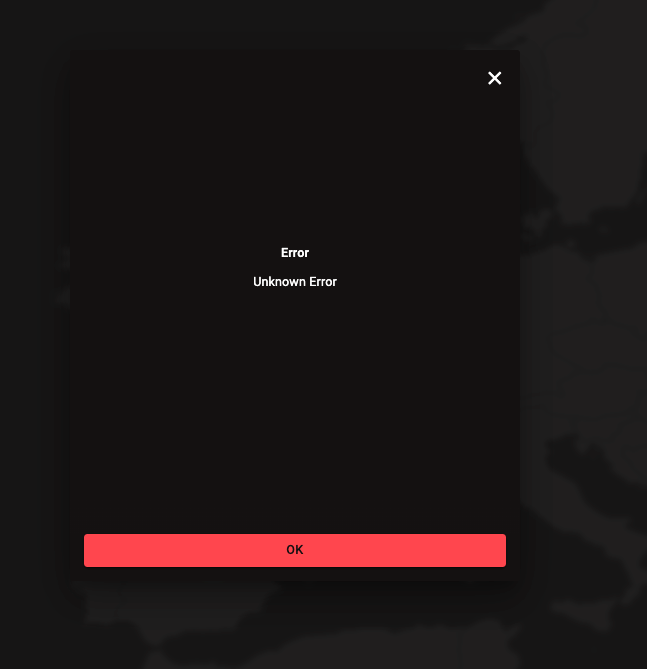
Since this afternoon I have bene unable to access the dashboard. I tried to open DumaOS/ and I get this error: Also, when trying to update DumaOS, it kept failing and showing this (that is when it no longer let me get onto the OS)

-
Got ya. Ok great! Cheers mate (Shows maybe 1/10 games)
-
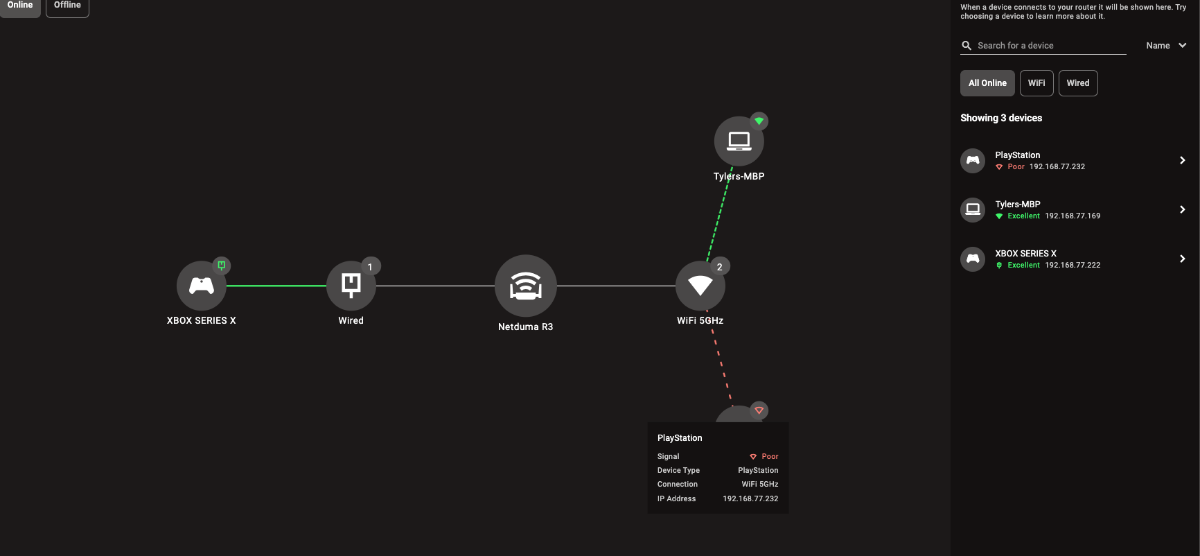
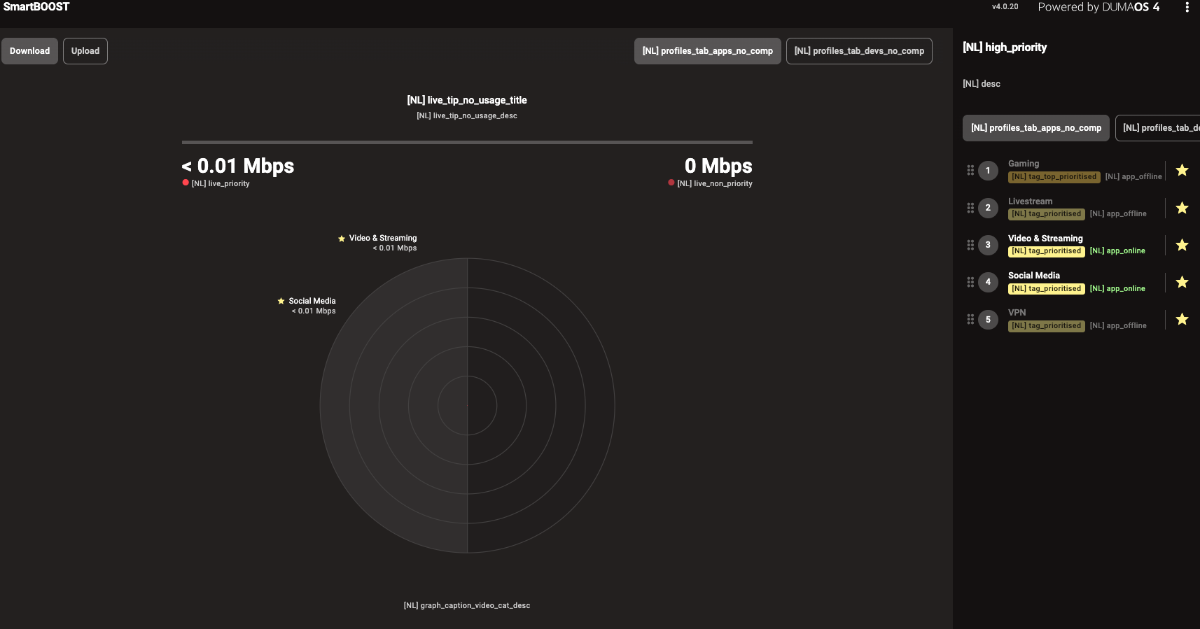
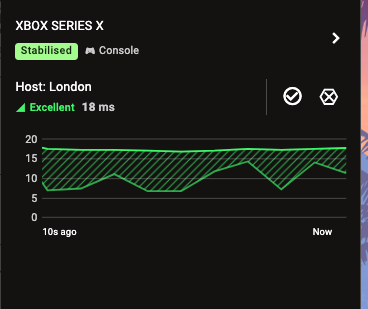
This is what it rarely shows - the ping and quality, etc. Tho when it does, it shows much higher in the UI than it does in-game
.png)