
JoshTheLuz
-
Posts
128 -
Joined
-
Last visited
1 Follower

About JoshTheLuz

- Birthday 01/06/1995
Recent Profile Visitors
1623 profile views



-

Netduma R2 Keeps Restarting Every 24 Hours
JoshTheLuz replied to JoshTheLuz's topic in Netduma R2 Support
i installed the DumaOS 4 beta and problem seems to be solved, lukily since i have no absolute clue how to change the "DHCP lease" brother. -
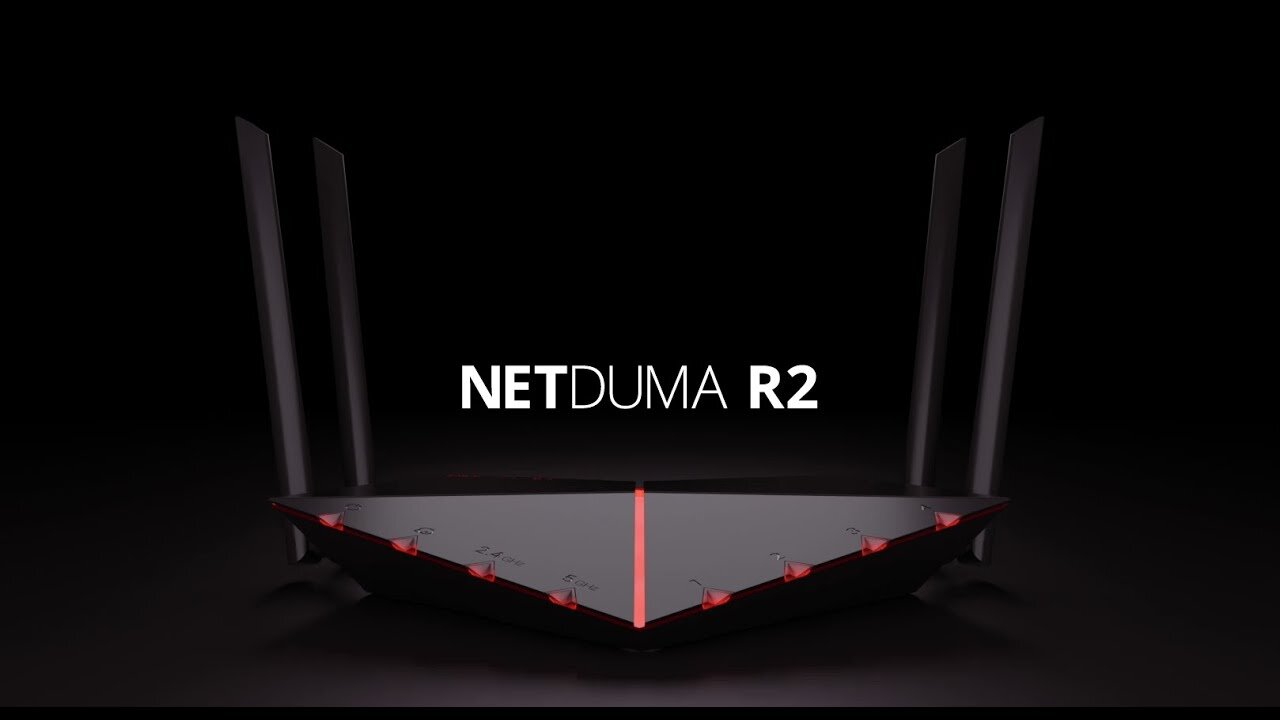
I'm really frustrated with my Netduma R2 running firmware version 3.3.615. Every day, exactly 24 hours after the last restart or reset, my router automatically reboots. At first, I thought it was an issue with my main fiber router, but I’ve confirmed it’s definitely the Netduma causing the problem. This is especially annoying because the reboot usually happens around 1 AM, right when I’m in the middle of ranked Warzone matches. It’s been ruining my gaming sessions and honestly, it’s driving me nuts. I’ve tried factory resetting the router multiple times, but the problem keeps coming back. As a temporary fix, I started manually turning off the router every day at 3 PM, hoping to shift the reboot time to when I’m not gaming. This does make the router restart at 3 PM the day after instead of 1 AM, but each time it reboots, it adds about 3 minutes to the next shutdown time. So now it’s rebooting at 3:03 PM, then 3:06 PM, and keeps drifting later each day. After a few months, this workaround is completely useless. Has anyone else experienced this 24-hour auto-reboot issue with the Netduma R2? Are there any real fixes or workarounds that actually solve the problem? I love the features and performance of the R2 otherwise, but this issue is a major pain. Any advice or suggestions would be greatly appreciated!
-
 JoshTheLuz reacted to a post in a topic:
Found mislocated servers? Let us know here!
JoshTheLuz reacted to a post in a topic:
Found mislocated servers? Let us know here!
-
2fad723d4aceeff4 173.244.206.61.static.midphase.com This is the server that appears to be in Netherlands area in geofilter. actually a geolocation of the ip shows that is in Frankfurt. So it just needs to be moved to Frankfurt Germany.
-
I will do it to help this amazing community. I will provide you the id of the wrong server. Probably tomorrow. For now I “might” have found a way to work this around, basically instead of drawing a circle around Milan I’m drawing a small circle around Geneva (my city) where I’m sure THERE ARE NOT cod servers, then I set ping assist to 15ms to indirectly force everything below 15ms (so Milan) What about this idea?
-
You’re suggesting that by drawing an area around Milan, it allows access only to servers within Milan while blocking those outside essentially it works whitelisting Milan and blacklisting everything else. I think there must be something else in Duma algorithm, if just white and blacklisting were done, the latency while searching in COD would rise, and getting a whitelisted server would be just luck done by random search until hitting the whitelisted server. Yet, the video demonstrates a consistent latency of <17ms ensuring it searches within <17ms only without increasing the search. Hence, there seems to be a specific instruction within Netduma for Call of Duty to let cod not increase the latency in search phase.
-
I was wondering if the geofilter takes into account not only latency but also the geolocation of IP addresses. I’ve observed that when I set Milan as my selected area, it seems to focus solely on finding servers in Milan , even if the ping to other locations, such as Frankfurt, is similar. Are there additional criteria that the geofilter considers to determine the geolocation of IPs apart from ping? I’m curious to understand the process better. Thank you for your assistance!
-
Too difficult to write what is going on here, better to see
-
Hello everyone, I’m experiencing an issue with beta software 3.3.615 on R2, specifically regarding the geofilter when playing MW3. I’ve noticed that if I isolate a specific geographic area, in my case, Milan, the game seems to respond correctly: the match search happens at 15ms and remains stable without increasing. However, once the match is found, the Netduma seems to lose connection to the game itself. It essentially says “connecting,” and instead of entering the lobby, it goes back to searching for the game at 15ms repeatedly. The Netduma appears to successfully access the match initially, but for some reason, it loses connection after getting connected, reverting to searching for the game. It would be much more efficient if the geofilter didn’t disconnect me once it says “connecting.” Eventually, after 2/3 minutes of saying “connecting” and then searching again and again, it eventually finds the match and works, but what a waste of time! If anyone has experience or suggestions on how to tackle this situation, I would be very grateful for your help! Thank you very much!
-
JoshTheLuz reacted to a post in a topic:
ANNOUNCEMENT: Introducing the Netduma R3
-
ANNOUNCEMENT: Introducing the Netduma R3
JoshTheLuz replied to Netduma Lew's topic in News & Announcements
If Duma OS 4 is available for the R2, what are the advantages of having it on the R3? Why should I buy the R3 instead of just installing OS 4 on my trusty old R2?