Infoseye
-
Posts
962 -
Joined
-
Days Won
6
Everything posted by Infoseye
-

Traffic Prioritization Settings: Modern Warefare (BO4)
Infoseye replied to East's topic in Call of Duty Support
I did better sold it never felt better. -
Traffic Prioritization Settings: Modern Warefare (BO4)
Infoseye replied to East's topic in Call of Duty Support
Granted if you where not playing with bots on your team, some team mates should have assist points not just 0.00 thats how you know something is up, couple of months back Ninja said something about Epic games adding bots to Fortnite. Some weeks after I watched well known youtuber stream talking of meeting enemies acting bots which on a normal day a human being wouldn't do in COD b04 Blackout mode, its just obvious developers are up to something. -
Traffic Prioritization Settings: Modern Warefare (BO4)
Infoseye replied to East's topic in Call of Duty Support
😂😂😂 Can someone please explain this another random bullshit I experience daily on WM, this game is soooooo broken! -
Traffic Prioritization Settings: Modern Warefare (BO4)
Infoseye replied to East's topic in Call of Duty Support
I rather have them pair me with people a level higher or 5 times better than me on equal level play ground, If I loose I will accept that with honor and pride. Rather sabotage me from the get go and lose to a nobody as per skill level no offence to noobs out there. -
Traffic Prioritization Settings: Modern Warefare (BO4)
Infoseye replied to East's topic in Call of Duty Support
The youtube video just confirms my thoughts about the game. For instance I hear someone coming I see him first and shot first on my screen but yet I die first, but watching the kill cam on his screen he see's me first and shots first. How do you explain that? This has happened tons of times its just frustrating, cant be bothered with the game. -
Traffic Prioritization Settings: Modern Warefare (BO4)
Infoseye replied to East's topic in Call of Duty Support
On b04 before I went for dark matter 2.90KD after dropped to 2.22 kd on MW barely 0.99kd or 1kd cant go above because of the bullshite people do in the game and the game itself is just ridiculous. -
Traffic Prioritization Settings: Modern Warefare (BO4)
Infoseye replied to East's topic in Call of Duty Support
oh my God maybe for you like I said you lucky, B04 is butter on bread for me sweet spot no bullshit its that good if I miss a shot I can account for all bullets shot thats good b04 and rest of other cods I have played in the past but not just MW -
Traffic Prioritization Settings: Modern Warefare (BO4)
Infoseye replied to East's topic in Call of Duty Support
on what cod game? -
Traffic Prioritization Settings: Modern Warefare (BO4)
Infoseye replied to East's topic in Call of Duty Support
This is absolutely true, I have never experienced this until Modern warfare. I emptied a magazine of 35 bullets into this guy and nothing happened! All other opponents died when shot at, but for this particular guys it's like the bullets just goes through him. First time it happened I was like maybe I missed or he saw me first situation. Second time I shot 20 bullets into this guy nothing happened now this is getting weird, 3rd time I camped and waited for this particular invincible guy to walk pass me and sprayed and emptied my magazine behind him and yes he turned around and shot me once I died instantly! The funny thing was I watched the kill cam, on his screen he turned and popped about 4 to 6 shots. But on my screen it was once shot I was like wtf , I was maybe it was glitched lobby. After about 7 other games played I encountered the same issue, couldn't kill this random enemy then I knew this game has been tampered with to fuck with people. I raged explained to my friend in the party I was playing with he too confirmed it did happen to him to, funny enough the 3rd we played he met someone else too that he couldn't kill no matter what he did he just got beamed by one shot. So yeah I believe what this YouTubers says, game match making isn't helping enough noob's or lower skilled players on the long run. The next thing was to rig the game code to favour noob's against skilled players. Just watch the first clip of the kid shocked, he shot at the enemy head camping almost emptied if not the whole clip but he got shot once and he died instantly. Listen no amount of tweaking or adjusting will fix this sh#t game it's been deliberately designed that way. I have given up on MW, never enjoyed it from day 1 there is no time I don't play it I don't complain or rage about a stupid thing about it. Developers sabotage the game to suit low skilled players, keep them playing. Sorry for those who are big fans of MW, its just not worth the hassle, but hey if not affected at all by this then yeah carry on playing lucky you I guess. Going back to BO4 until next cod is out, I rather play MW the original or remastered. -
Traffic Prioritization Settings: Modern Warefare (BO4)
Infoseye replied to East's topic in Call of Duty Support
There is nothing wrong with your connection/ Network or console Modern Warfare is broken! I just have 1 good game in every 5 games it's just a shitty game worst cod ever! -
Traffic Prioritization Settings: Modern Warefare (BO4)
Infoseye replied to East's topic in Call of Duty Support
Didn't use 2 rules though. just normal settings I have been using before. -
Traffic Prioritization Settings: Modern Warefare (BO4)
Infoseye replied to East's topic in Call of Duty Support
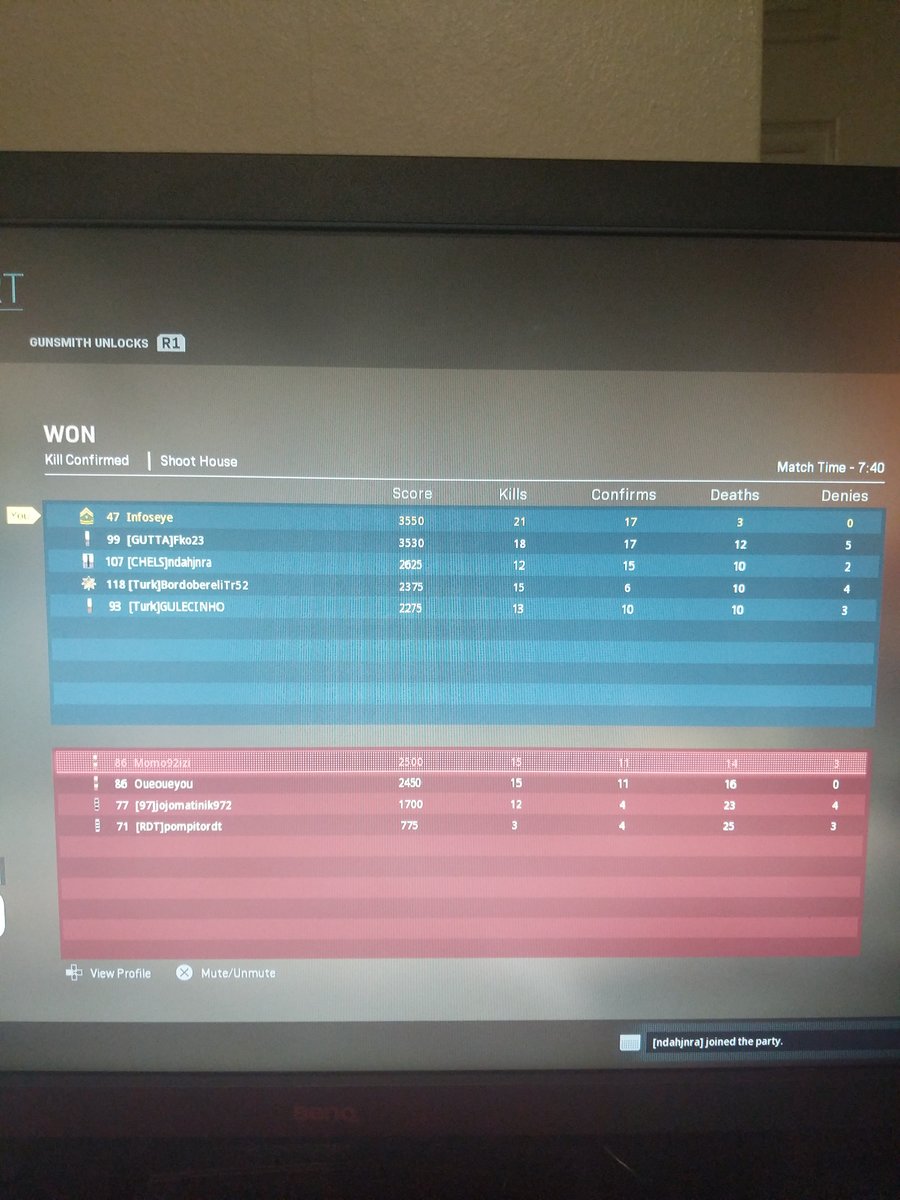
Well not uninstall or resintall sold my PS4 slim and upgraded to ps4 pro so I had to download and install MW 19. And yeah looks like reinstalling might help, this was my second game played after installing
-
Traffic Prioritization Settings: Modern Warefare (BO4)
Infoseye replied to East's topic in Call of Duty Support
Can you send me a screenshot of your settings? -
Traffic Prioritization Settings: Modern Warefare (BO4)
Infoseye replied to East's topic in Call of Duty Support
Okay soooo been using 4 rule Traffic Prioritization rules, I just realized I have not been playing on a UK server. It was mostly Spain, France and Germany servers which are mostly peers maybe some not sure could be wrong. So I have reverted back to my normal settings and removed the 4 rules. Game performance is just has good, can anyone explain why I I could connect to UK servers? -
Traffic Prioritization Settings: Modern Warefare (BO4)
Infoseye replied to East's topic in Call of Duty Support
This is Potara preset...hmmm nice will recommend it. -
Traffic Prioritization Settings: Modern Warefare (BO4)
Infoseye replied to East's topic in Call of Duty Support
Source 3074-3075 -> Destination 30000-45000 Source 30000-45000 -> Destination 3074-3075 Cheers -
Traffic Prioritization Settings: Modern Warefare (BO4)
Infoseye replied to East's topic in Call of Duty Support
I would try the share excess enabled for upload and not for download. I tried using the 2 rule prioritization doesn't work well as good as using the 4 rule. Anyone experience this? -
Traffic Prioritization Settings: Modern Warefare (BO4)
Infoseye replied to East's topic in Call of Duty Support
And I thought mine was bad, I just can't play MW after 3 games I loose concentration and give can't deal with idiots hiding in every damn corners lol -
Traffic Prioritization Settings: Modern Warefare (BO4)
Infoseye replied to East's topic in Call of Duty Support
How do you find ports for games? -
Traffic Prioritization Settings: Modern Warefare (BO4)
Infoseye replied to East's topic in Call of Duty Support
Its very possible this could explain some headshots with snipers, rather than getting a clean headshot which I will normally get instead I get hit marker on blackout. -
Traffic Prioritization Settings: Modern Warefare (BO4)
Infoseye replied to East's topic in Call of Duty Support
Tried the two Priority rules that did not work for me for both bo4 and MW so I have gone back to 4 rules works spot on. Nice gamepl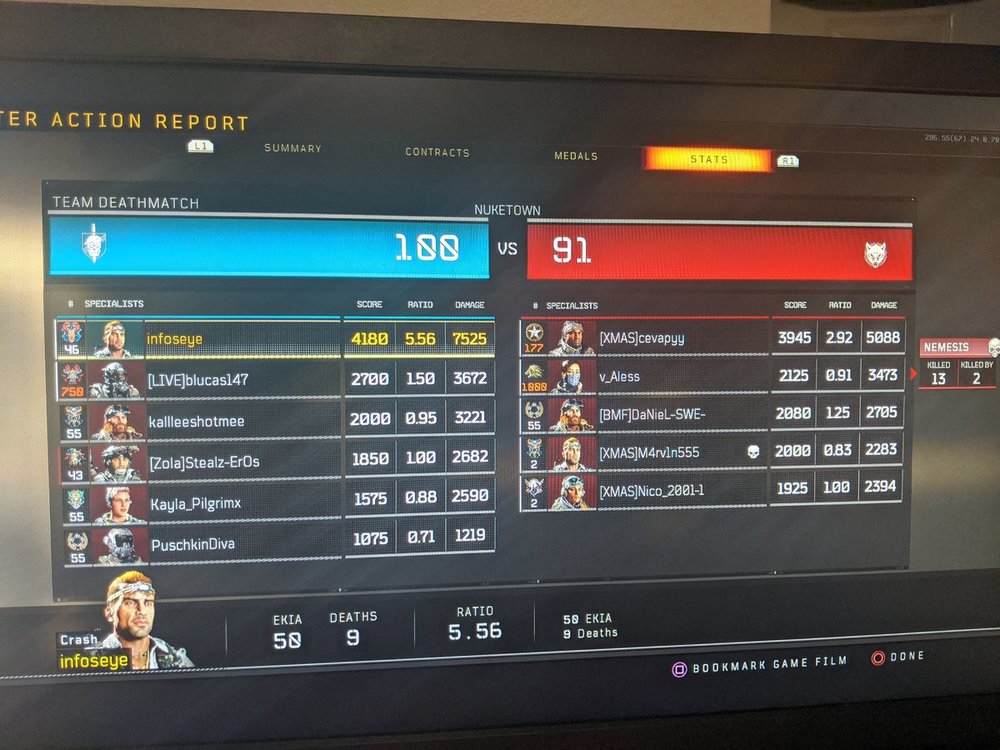
-
Traffic Prioritization Settings: Modern Warefare (BO4)
Infoseye replied to East's topic in Call of Duty Support
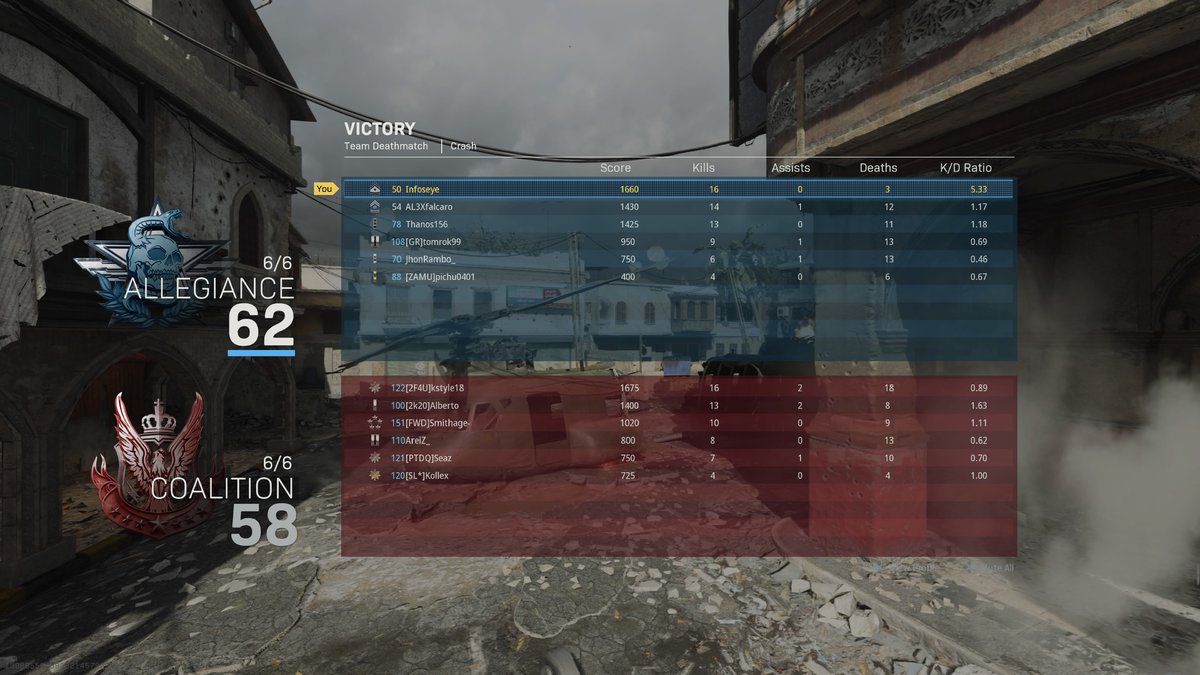
@East I just turned on ABB always and download/upload 70/70 got a better game-play, This is my very best score so far last 3 days of hopping on to MW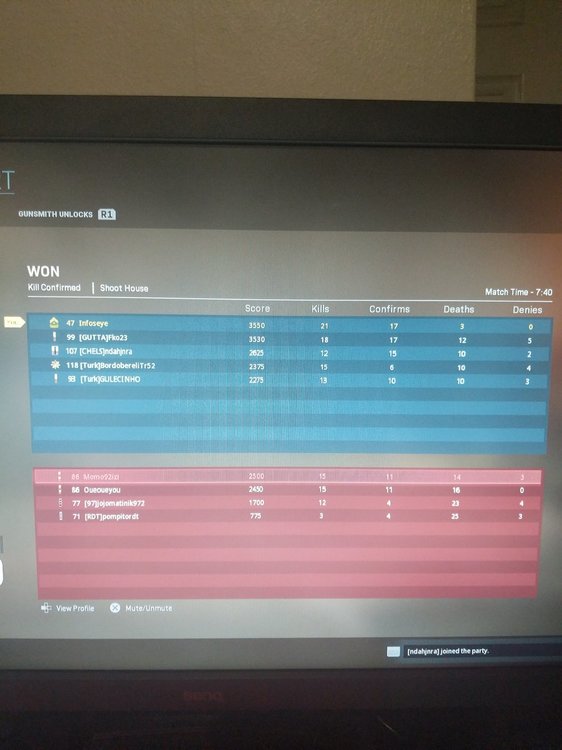
-
Traffic Prioritization Settings: Modern Warefare (BO4)
Infoseye replied to East's topic in Call of Duty Support
Yes the RED light is On -
Traffic Prioritization Settings: Modern Warefare (BO4)
Infoseye replied to East's topic in Call of Duty Support
@East I was referring to movement speed etc was still the same but my aim and target was good. -
Traffic Prioritization Settings: Modern Warefare (BO4)
Infoseye replied to East's topic in Call of Duty Support
I I dont think the Traffic Prioritization works for MW, I played 2 games of B04 which was perfect then loaded up MW felt the same to me.

.png)