Glazeko
-
Posts
135 -
Joined
-
Last visited
Everything posted by Glazeko
-
Upon further testing i think its just the games matchmaking that is messed up. Without the netduma after a couple of games and the lobby disbands i cannot find another game. I have to reset the game. Now camping a server with the netduma is a hit or miss in my experience. I play the game through the Xbox app on pc not sure if that could be an issue. But i sincerely give up on trying to enjoy this game.
-
Ive tried part of the east coast and sometimes it just works sometimes it doesn't or i have to restart the game. I will give this a try tomorrow since i gotta get ready for Thanksgiving dinner with the family. Will let you know if it works.
-
The game disbands me from every lobby after a game. I am not shadow banned. And idk what early access is.
-
1. Netduma r3 version 4.0.540 2. Its a spectrum modem EU2251 3. All devices are connected to the r3 4. I get 1gb down 40 upload 5. The speeds that the r3 recorded are a bit slower than offered but i do not mind. I get 700 down 30 up
-
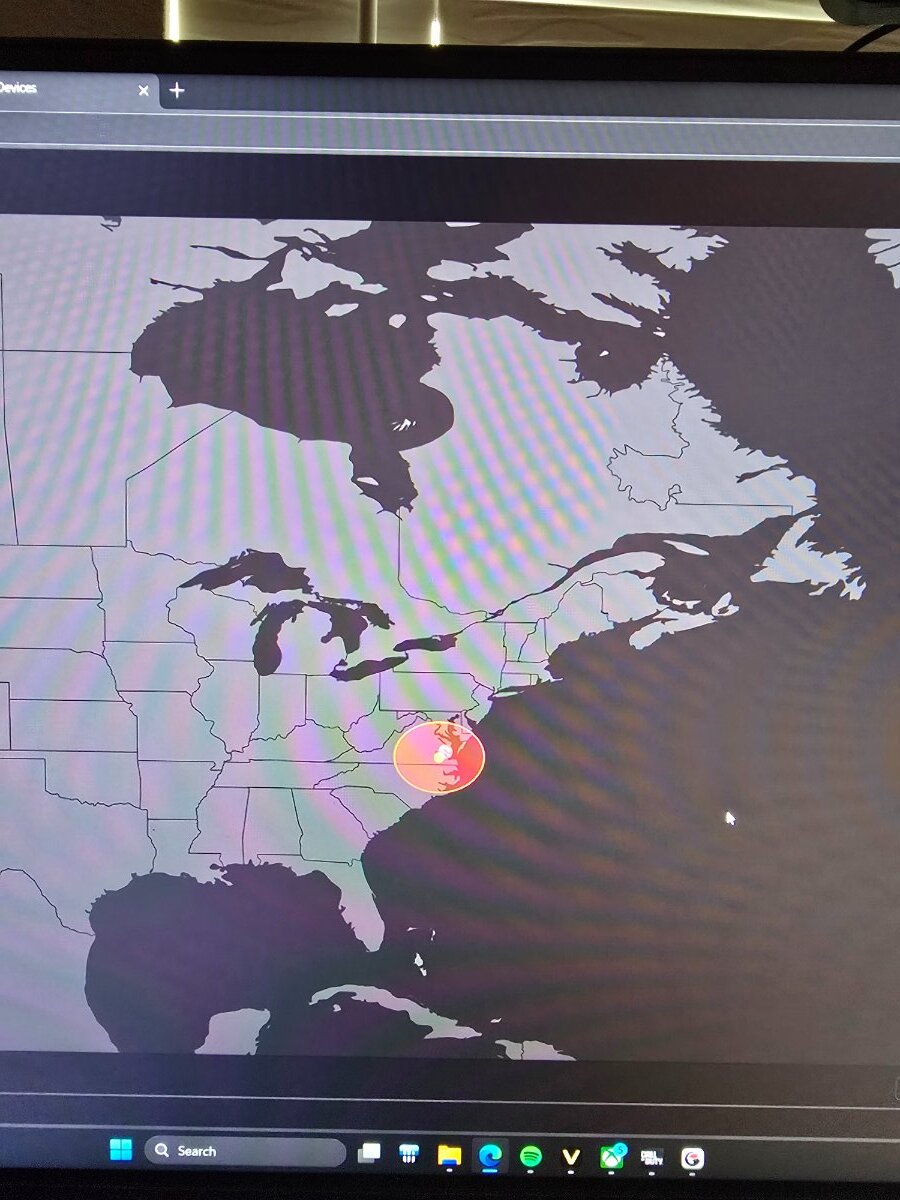
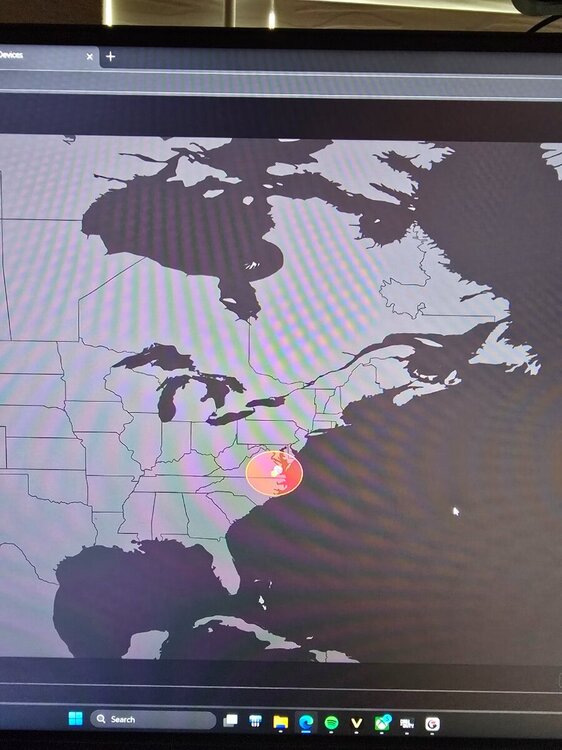
The geo filter is not working properly for black ops 7. I have tried several servers and ping assist. And just also camping one server. But the same thing happens. After one of two games, the game won't connect me to a match anymore. It tries to connect me to servers way further. I play on pc with the xbox app. Nat type is open. Pc is labeled as playstation on the router. I have call of duty prioritized on smart boost and i still get packet burst. Congestion control is at 50/50 which is what keeps my buffer bloat under control. I just dont know what to do to make anything better.
-
I have 500/500 speeds. I reset it earlier and still the same issue. Congestion control is set to 70/70 since running ping optimizer just leaves it at 99/99. And i have tried ping optimizer and running my own and still the same issue.
-
I factory reset before upgrading to the latest firmware. R3 is connected to a tplink modem (pure modem) smart boost just has gaming as a priority. Not sure what i can do in this situation besides putting the R3 away.
-
Ever since i updated to the new firmware. My streams on tiktok have major lag. My gameplay is not laggy at all but only my stream. I have factory reset the router. Tested with no devices online besides my gaming pc. Also disabled QoS. And still persisted. Changed to my xr500 and 0 issues.
-
My settings for Good Hit detection MW3 <R3 Router
Glazeko replied to Spritekid242's topic in Call of Duty Support
Me crying with my xr500..... -
Traffic Prioritization Settings: Modern Warefare (BO4)
Glazeko replied to East's topic in Call of Duty Support
Game plays the same the only thing is that my bullets register perfectly now. And all i play is sweats and pc players so im used to them having the crazy reaction time. But again i keep a 2.50 kd playing sweats all the time. -
Traffic Prioritization Settings: Modern Warefare (BO4)
Glazeko replied to East's topic in Call of Duty Support
I have comcast which sucks donkey toe. But these settings are doing magic right now. -
Traffic Prioritization Settings: Modern Warefare (BO4)
Glazeko replied to East's topic in Call of Duty Support
I have no idea but this is working out for me 100% -
Traffic Prioritization Settings: Modern Warefare (BO4)
Glazeko replied to East's topic in Call of Duty Support
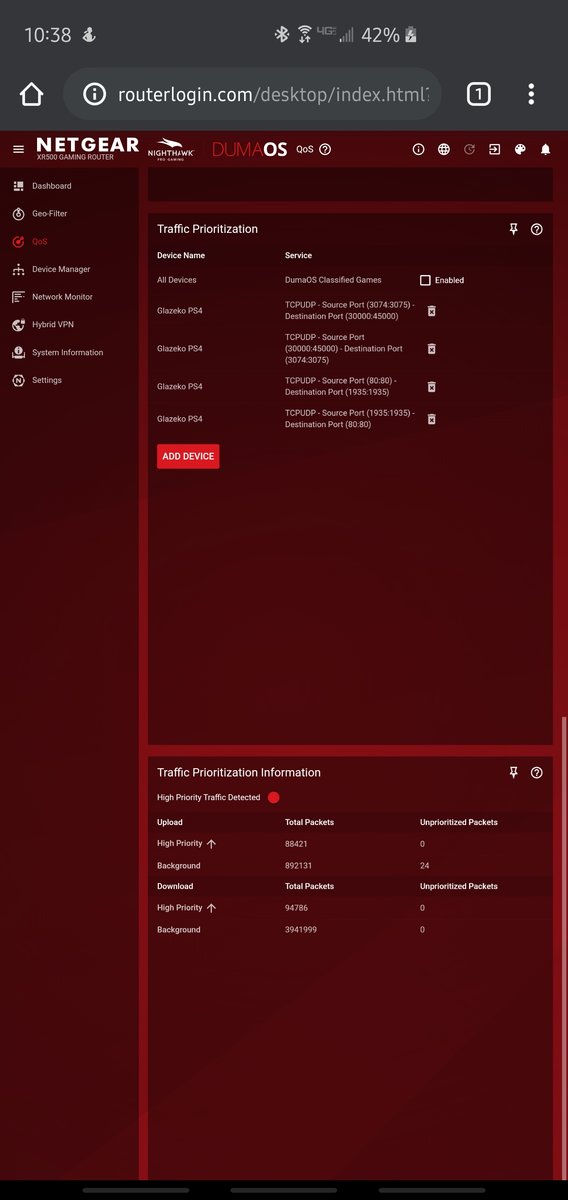
This is what i used. Had to dm someone for help lol.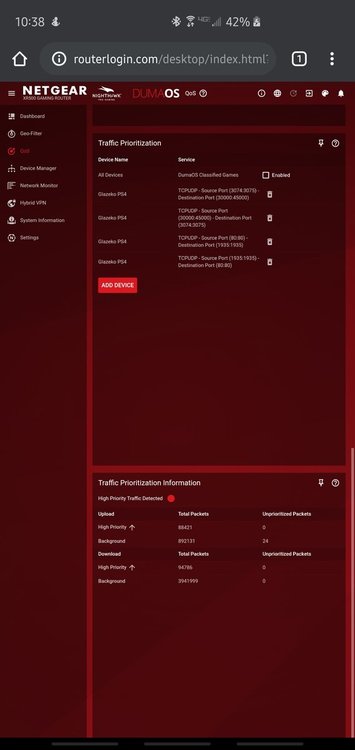
-
Traffic Prioritization Settings: Modern Warefare (BO4)
Glazeko replied to East's topic in Call of Duty Support
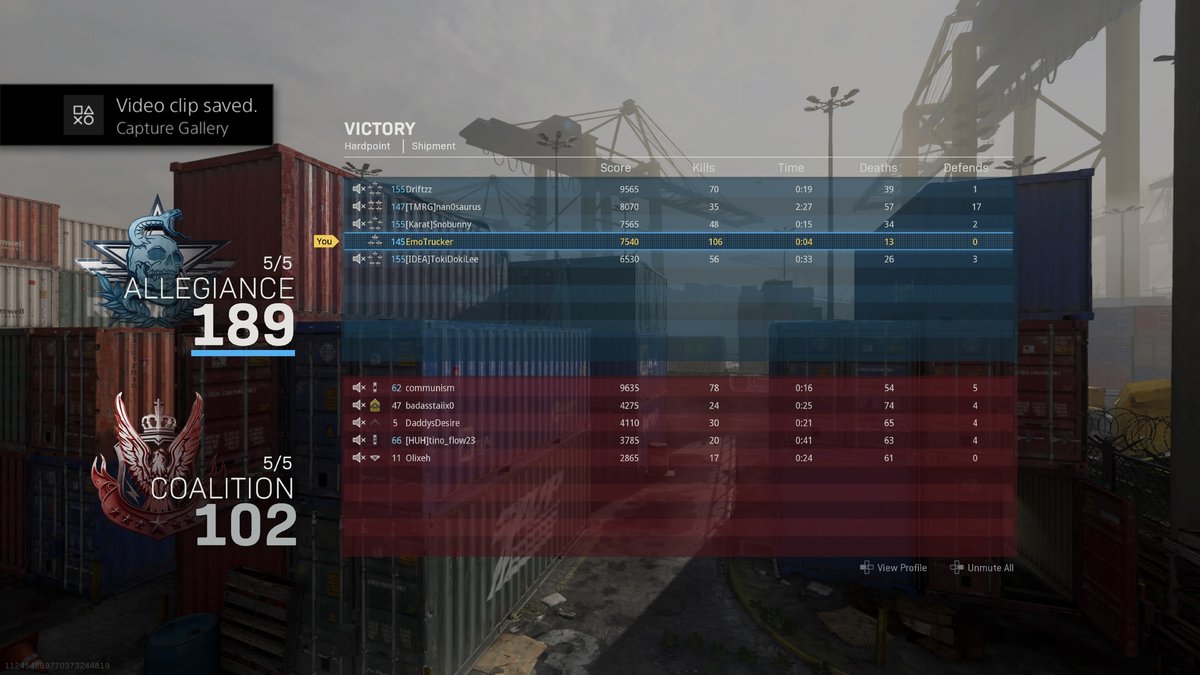
So i applied the setting and my kd went up from 2.46 to 2.53 and i also drop my first 100 bomb. The game is playing 10x better for me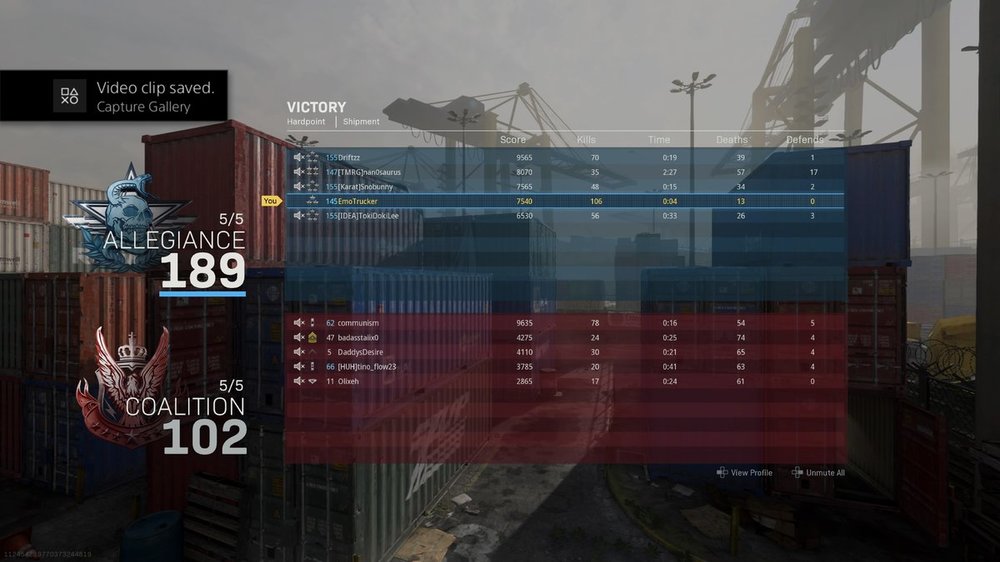
-
Traffic Prioritization Settings: Modern Warefare (BO4)
Glazeko replied to East's topic in Call of Duty Support
This is all so confusing 😅😅 I need this simplified into the dummy form -
Traffic Prioritization Settings: Modern Warefare (BO4)
Glazeko replied to East's topic in Call of Duty Support
Does anyone know what are the settings, that are working the best with traffic prioritization for ps4. Ive seen too many things. I honestly don't know much about these things i just want better hit registration. Can someone post a screenshot of the best settings? Please and thank you in advance. -
Is the tp link tc7650 a good modem?
.png)