blue water
-
Posts
38 -
Joined
-
Last visited
Everything posted by blue water
-
Updated my netduma r3 with new firmware need help
blue water replied to blue water's topic in Netduma R3 Support
Your very welcome and thank u and the rest of the dev team for all the hard work y'all put into making the netduma routers possible -
Updated my netduma r3 with new firmware need help
blue water replied to blue water's topic in Netduma R3 Support
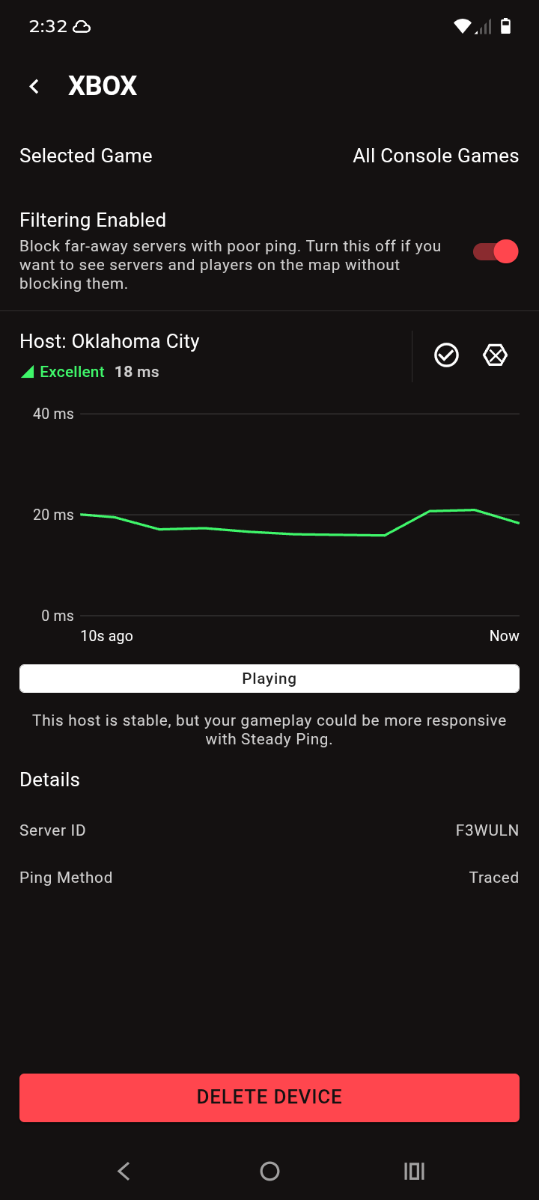
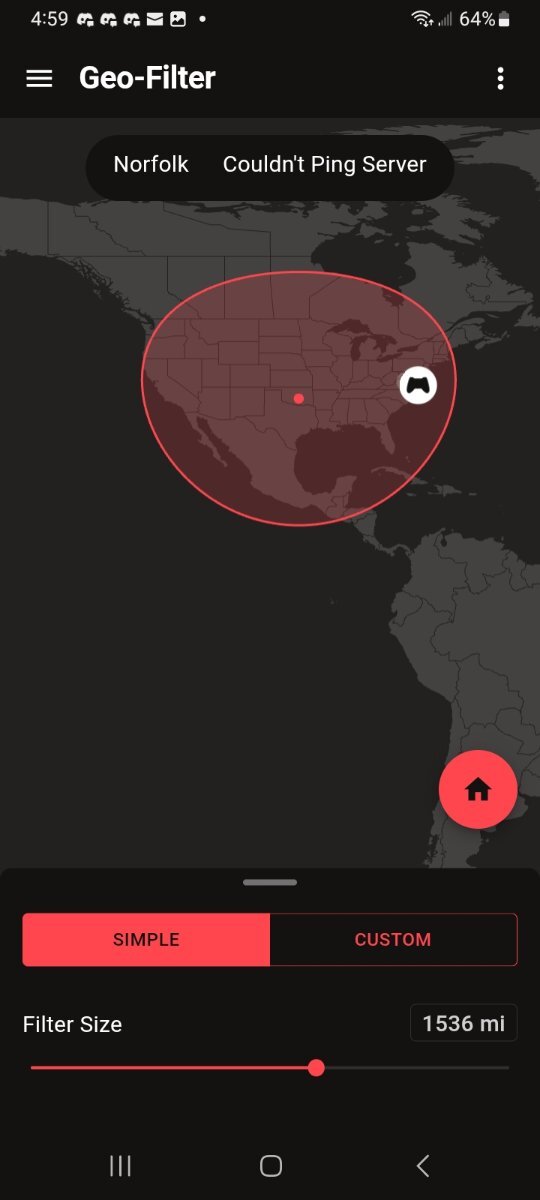
Okay so I got the server id and I do apologize it's actually connecting to a state above Oklahoma I misread where the location is I do apologize about the confusion but the ping is still reading like I'm connected to Norfolk Virginia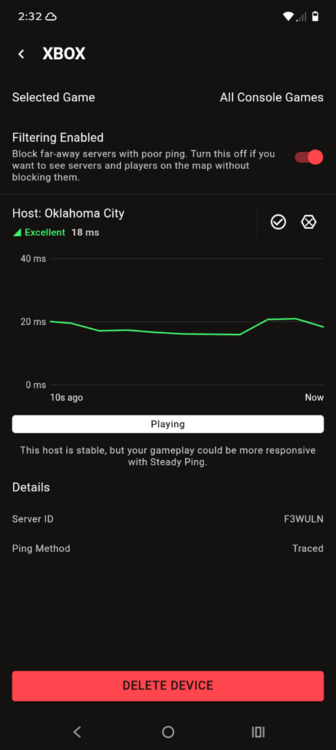
-
Updated my netduma r3 with new firmware need help
blue water replied to blue water's topic in Netduma R3 Support
So basically what is happening is on my netduma dashboard it shows that I'm connected to Oklahoma city and where the server is showing is actually in Oklahoma city usually before the update took place the map would show Norfolk Virginia and where the server was showing on the map was actually in Norfolk Virginia also I have noticed as well when deleting a device for some reason when u hit the button it hangs for a minute then it deletes the device and then when adding a device it hangs as well kinda seems laggy before the update it was more responsive and the server locations displayed correctly and I never connected to Oklahoma city only server I have ever connected to is Norfolk Virginia seems like it's connecting to Norfolk Virginia but showing on my screen on the dashboard that I'm connected to Oklahoma city and the location on the map is actually in Oklahoma city -
Today I updated my netduma r3 router to new firmware to 4.0.1510 I was recently on the beta firmware and after updating my gio filter is not working properly I usually play dead by daylight and I usually will connect to north Virginia servers now when I try to play the netduma is saying I'm connected to a Oklahoma city server but there is no server in Oklahoma my ping is showing like I'm connected to Virginia but the dashboard is showing Oklahoma city makes no sense if a dev could help me out I would truly appreciate it I also want to say that there is no peer to peer in dbd it's dedicated servers only
-
I'm as confused as u are on this I don't know if the router was malfunctioning or what but for some reason on the congestion control on the advanced setting u can choose low latency only or auto or always on when I would set it to alwasy on it would cause some of the servers inside of the radias to be blocked I then did a factory reset and left congestion control on auto and it for some reason stopped the servers from being blocked
-
I ended up fixing the issue basically what was causing the problem was congestion control being alwasy on I turned it to auto and things are working like normal
-
So usually I will turn gio latency off then I will set congestion control to always on but for some reason if I move the gio radias at all the router will start blocking servers inside of radias also if I turn on ping assist the router will also block servers inside of radias
-
I'm running into some issues with the netduma router basically what's happening is the netduma is blocking a server that is inside of the radias I don't understand what's going on I have tried to factory reset it seems to not help the issue also after I do the factory reset and I get to the setup screen it will freeze on the screen that shows the continue button I then will have to unplug my isp router and plug it back in order to get past the continue screen for the setup
-
So I did the factory reset and it went really well I thought I wasn't gonna be able to connect to the netduma but I was wrong I was able to connect to it right away and the problem has been fixed no more blocked server popping up and also ping assist is working really well
-
Okay so after i upgraded the router its still trying to connect to a blocked server and also I don't think ping assist is working properly I would factory reset at this point but if I factory reset I won't be able to get back into the dashboard because when trying to factory reset from a phone it seems to not want to display wifi
-
When I uploaded the file it started to upgrade it then told me that it didn't load the file correctly the router then rebooted and then came back on I checked the firmware version and it's the new firmware so idk exactly what happened but the netduma has internet connection and I can access the dashboard
-
Thank u so much for helping me with this I truly appreciate it sorry if it was a stupid question I'm just new to the r3 router
-
When I had my netduma r2 I could install the new firmware from the duma os app can u still upgrade beta firmware from the app it self or do u have to use the browser just curious cause I would think u can still upgrade firmware the same way on the r3 router
-
I don't have a pc can u walk me threw upgrading firmware on my phone and thank u so much fraser for the help I truly appreciate u and the other people that make these routers possible also I have another question do I need to remove my device from gio filter before upgrading to new firmware and do I have to factory reset after upgrade is complete
-
Also I'm not using the private beta so maybe if I flash the router with the private beta it could solve this issue I'm currently running the firmware version v.4.0.540
-
Hello I'm needing some help with my netduma r3 I accidentally turned gio fence on during a loading screen right before the match started in dbd and then I turned it off I accidentally turned it back on then off again I was trying to hit the back button I then left the game because I didn't want my connection to be messed up due to gio latency filter being turned on after that I then went to xbox dashboard and then i deleted the device from the gio filter then I did a resinq then added the device back and then rebooted the router just in case any problems that may have been caused due to gio latency being turned on and off rapidly after that I have noticed my ping assist is not working correctly and also I have noticed that the netduma keeps trying to connect to a blocked server and it won't stop
-
Just got my new netduma r3 router need some help
blue water replied to blue water's topic in Netduma R3 Support
Thank u so much Fraser for the help I truly appreciate it last night I was messing around with the gio latency and I realized that by turning it off everything seemed to be working like it should the gio latency is causing some issues after I turned it off the router was performing awesome the r3 is powerful I honestly didn't think it was gonna be this good of a router definitely worth it for sure and also I do apologize for getting frustrated the devs do a awesome job on the routers awesome work to all the devs making the netduma routers possible your a legend Fraser just saying u do some awesome things for the netduma routers -
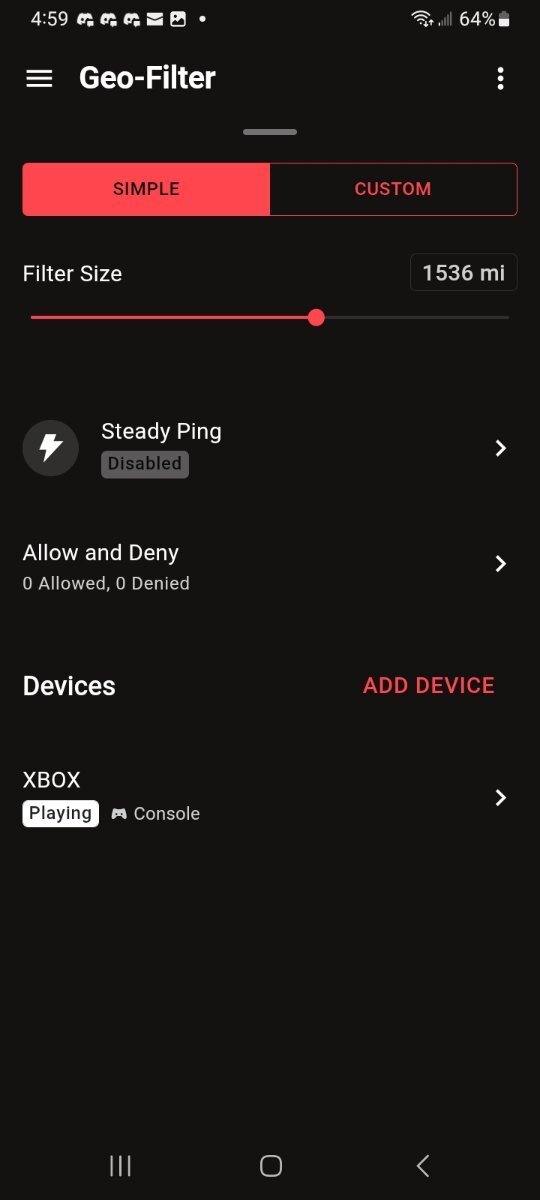
So I recently received my netduma r3 and when setting up device it won't let me choose a game for the right servers also I want to add that I play Xbox not pc I use to use a netduma r2 and I recently switched to a r3 router on the netduma r2 u would setup the device then u would hit xbox then u would choose a game that u play but on the r3 it only let's me choose xbox then that's it doesn't let me choose a game and also I want to add the netduma is not blocking servers outside of the gio radias it's still connecting me to those servers also I forgot to say I checked the firmware version and it's currently running firmware 4.0.540 so idk If it needs to be upgraded or what but this is very frustrating sense I just got the router
-
Needing some help with my netduma r2 router
blue water replied to blue water's topic in Netduma R2 Support
Problem is solved u are a genius thank u so much -
Needing some help with my netduma r2 router
blue water replied to blue water's topic in Netduma R2 Support
-
Needing some help with my netduma r2 router
blue water replied to blue water's topic in Netduma R2 Support
Just got out of a game of dead by daylight my ping was awesome better then before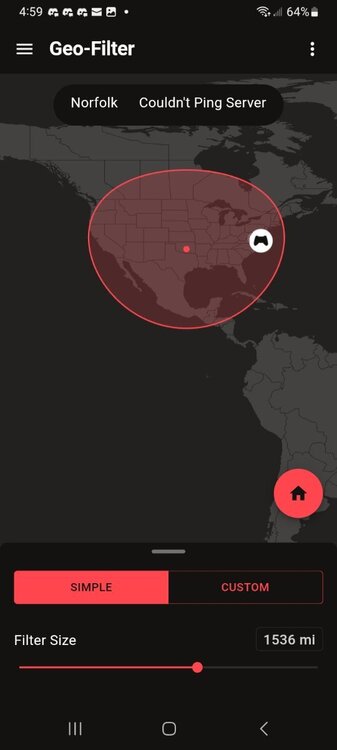
-
Needing some help with my netduma r2 router
blue water replied to blue water's topic in Netduma R2 Support
So should I delete the device so that I can get off of call of duty servers or what should I do -
Needing some help with my netduma r2 router
blue water replied to blue water's topic in Netduma R2 Support
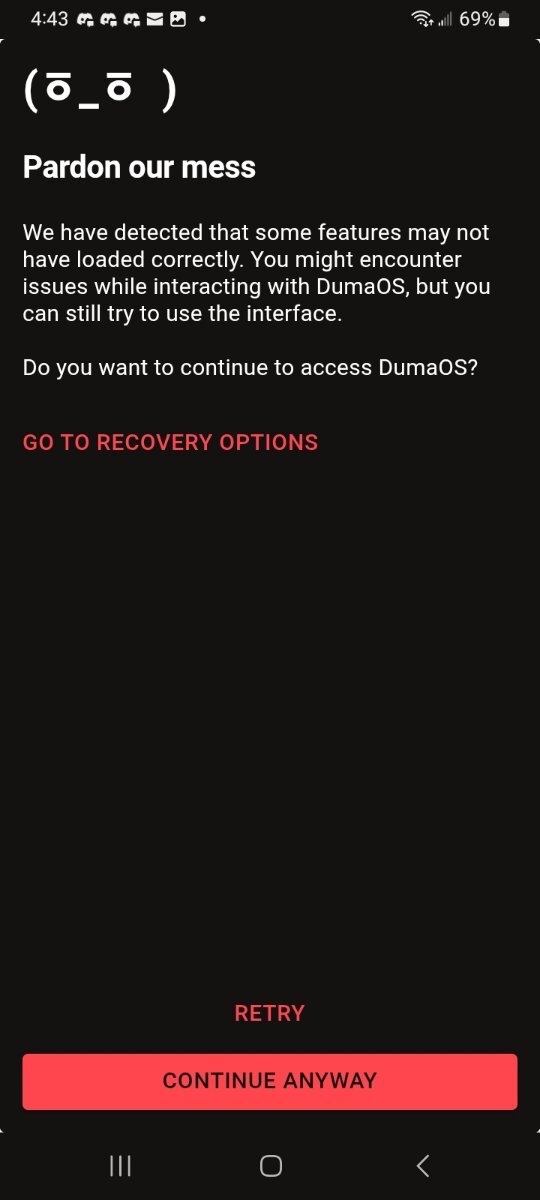
This popped up as well but I hit retry and it loaded everything up perfectly there is some bugs but overall it's awesome 👌 good job u need a raise that's why I have always went with netduma best company ever -
Needing some help with my netduma r2 router
blue water replied to blue water's topic in Netduma R2 Support
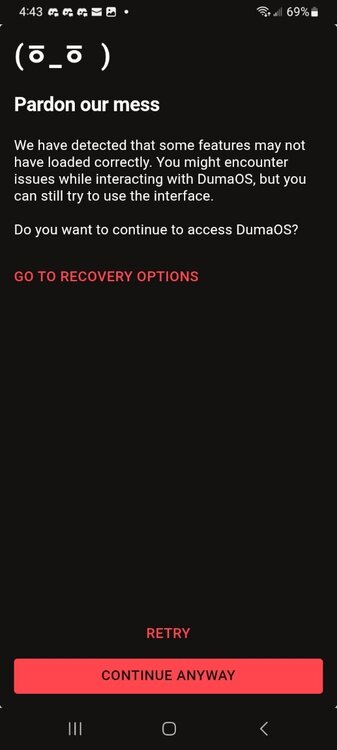
-
Needing some help with my netduma r2 router
blue water replied to blue water's topic in Netduma R2 Support
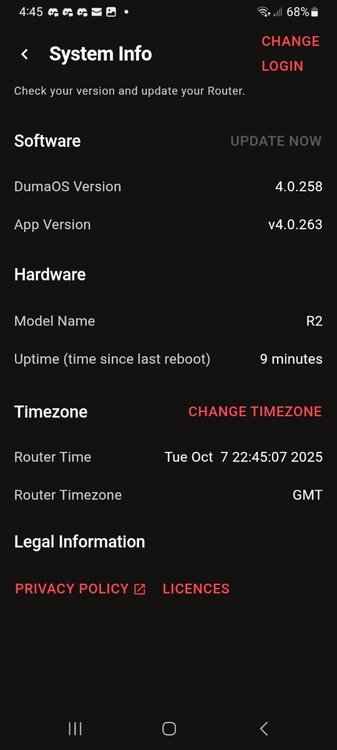
.png)