ggkthx
-
Posts
89 -
Joined
Everything posted by ggkthx
-
Adblocker not working across all devices(XR500)
ggkthx replied to ggkthx's topic in NETGEAR Nighthawk Support (XR range)
yeah i'm just as puzzled why it wouldnt just work on those devices. they're pretty new - it's an iphone 14 pro max and macbook released in the last 5 years. -
Adblocker not working across all devices(XR500)
ggkthx replied to ggkthx's topic in NETGEAR Nighthawk Support (XR range)
disabled that on both devices but still doesnt work. btw, i've got it enabled on one of my devices which is an iphone but adblocker seems to work regardless. -
Adblocker not working across all devices(XR500)
ggkthx replied to ggkthx's topic in NETGEAR Nighthawk Support (XR range)
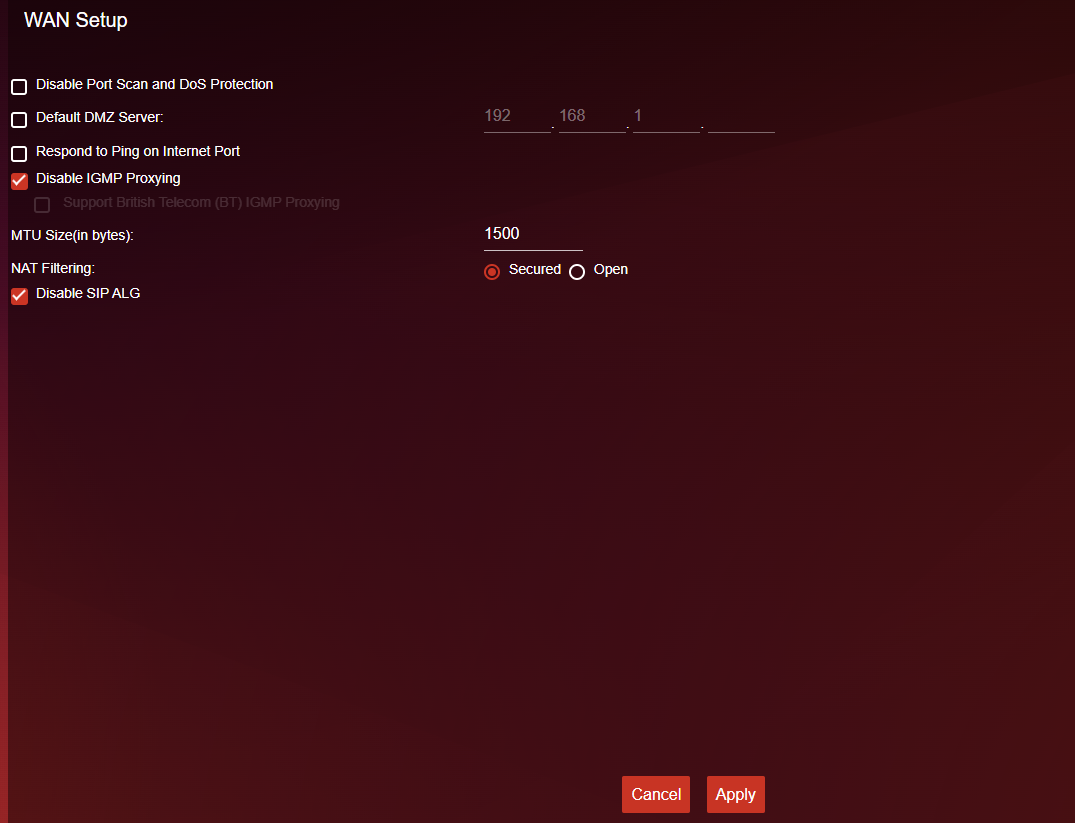
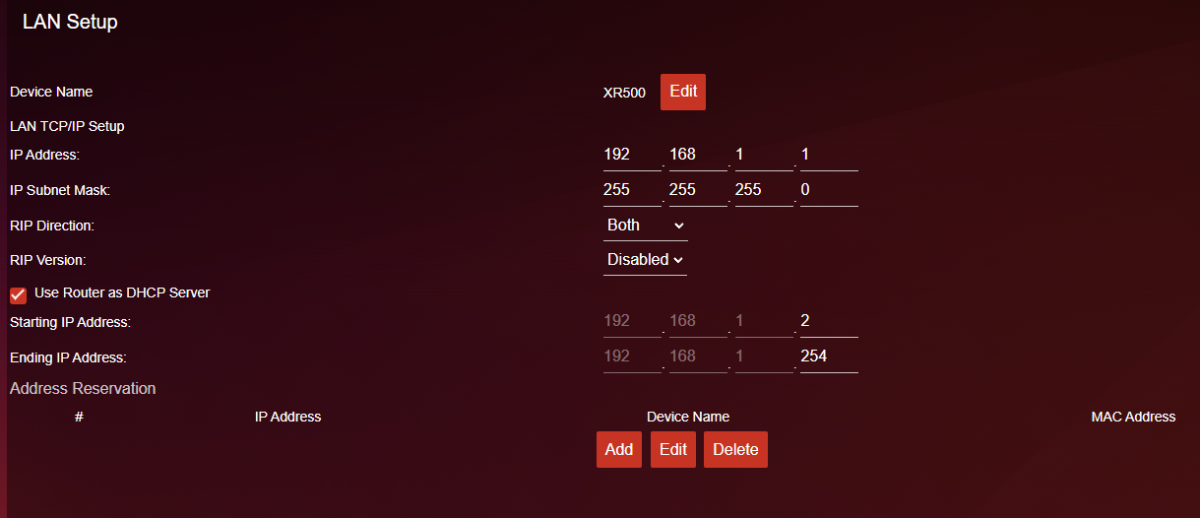
i don't see any ipv6 settings in the LAN/WAN pages. unless you're referring to this? then again, it's never been enabled.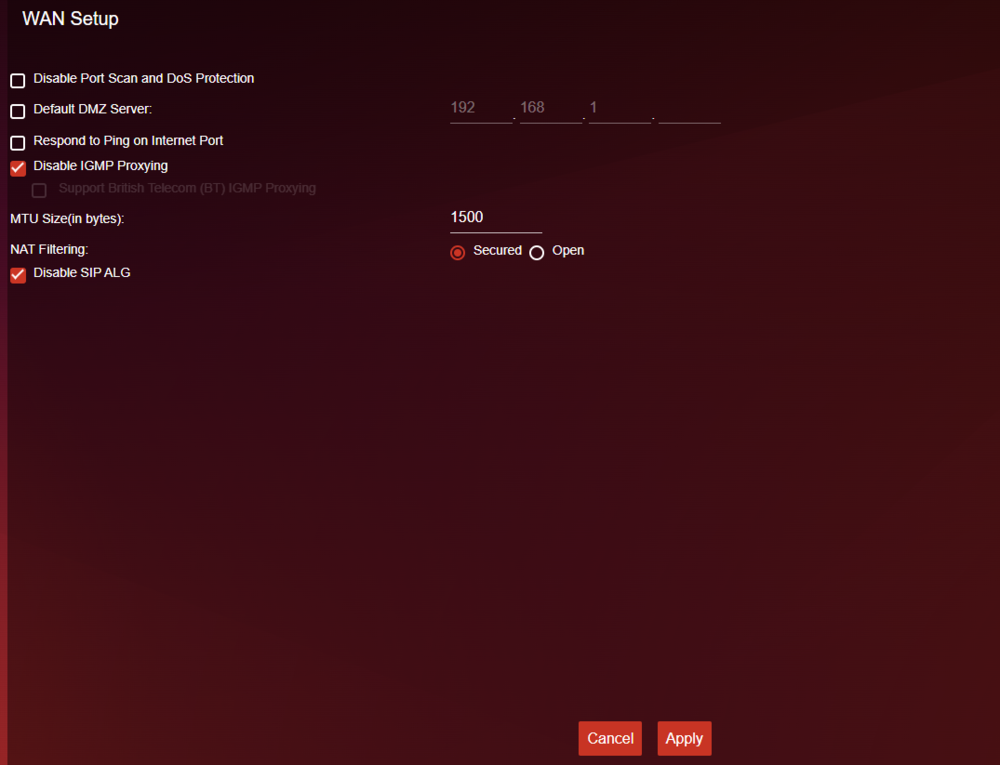
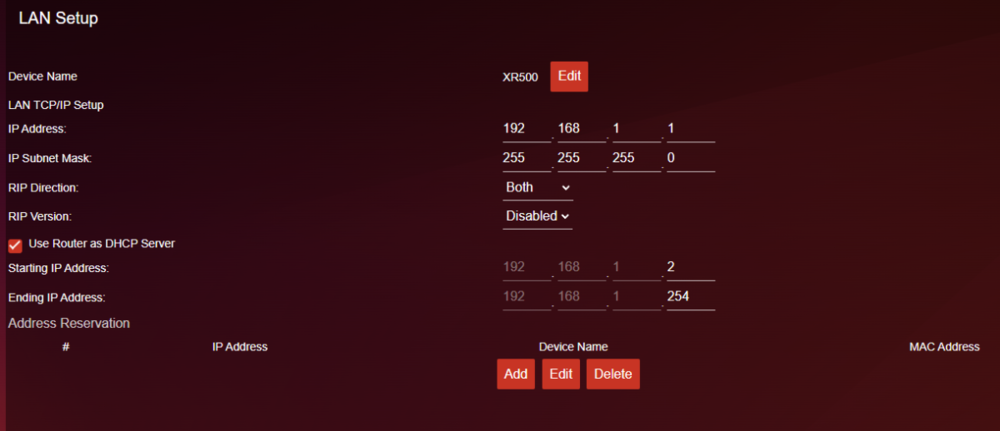

-
Adblocker not working across all devices(XR500)
ggkthx replied to ggkthx's topic in NETGEAR Nighthawk Support (XR range)
no. all defaults. no custom lists either. -
Adblocker not working across all devices(XR500)
ggkthx replied to ggkthx's topic in NETGEAR Nighthawk Support (XR range)
Yes, everything works fine except for adblocking on a couple of devices. -
Adblocker not working across all devices(XR500)
ggkthx replied to ggkthx's topic in NETGEAR Nighthawk Support (XR range)
No -
Adblocker not working across all devices(XR500)
ggkthx replied to ggkthx's topic in NETGEAR Nighthawk Support (XR range)
What I meant by connected is that they finally show up in device manager and not to the adnlocker. So this didn’t solve the issue -
Adblocker not working across all devices(XR500)
ggkthx replied to ggkthx's topic in NETGEAR Nighthawk Support (XR range)
the name change was not an issue. adblocker not blocking on a couple of my devices is the original issue and still the issue. disabling private wifi address on iPhone did nothing -
Adblocker not working across all devices(XR500)
ggkthx replied to ggkthx's topic in NETGEAR Nighthawk Support (XR range)
Yup, that's been fixed. Any other suggestions to fix adblocker not working? -
Adblocker not working across all devices(XR500)
ggkthx replied to ggkthx's topic in NETGEAR Nighthawk Support (XR range)
No luck with that. Also, those 2 devices don't show up in my Device Manager now even though they're connected. -
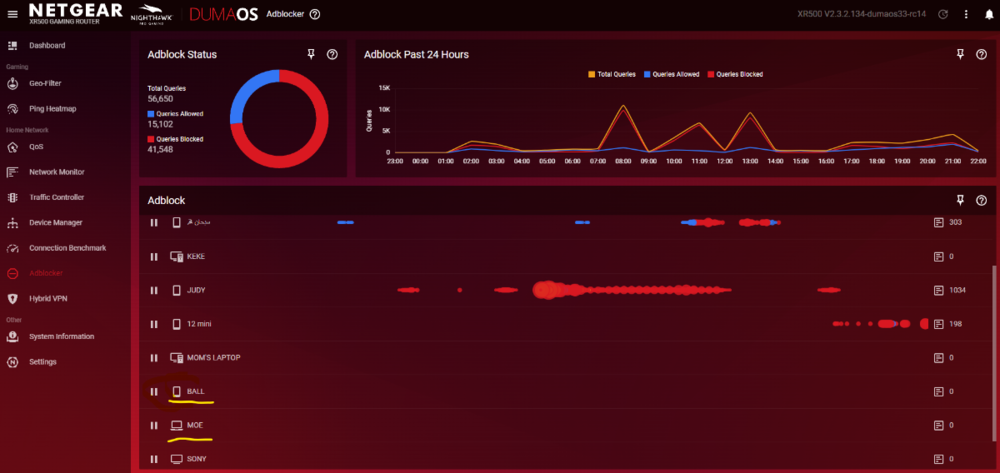
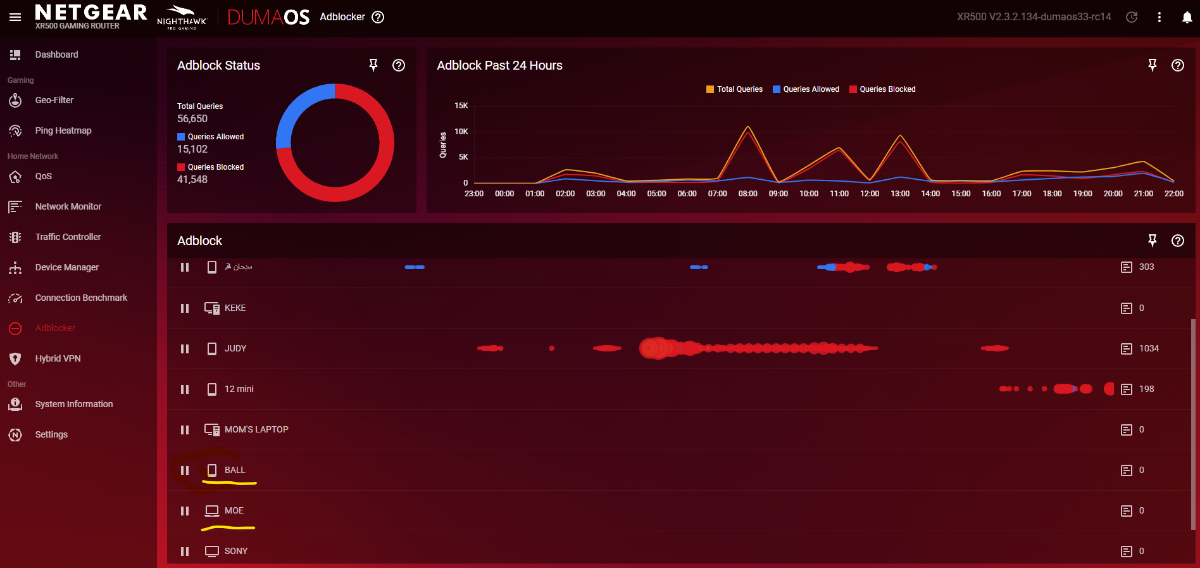
As per the topic, adblocker doesn't seem to work across all devices. I've been monitoring the stats for the past week and notice that zero ads and trackers are blocked for 2 of my devices. QoS and DPI are enabled and i'm using the default lists. Adblocking works just fine on all my other devices(verified this by going to ad-heavy sites. E.g. youtube, instagram, twitter etc.). I've resetted the router to defaults three times and it's been consistent in not being able to block on an iphone(no adblock or vpn profiles installed) and a stock windows laptop(no adblock in browser). Any suggestions?