Suliman
-
Posts
32 -
Joined
-
Last visited
-
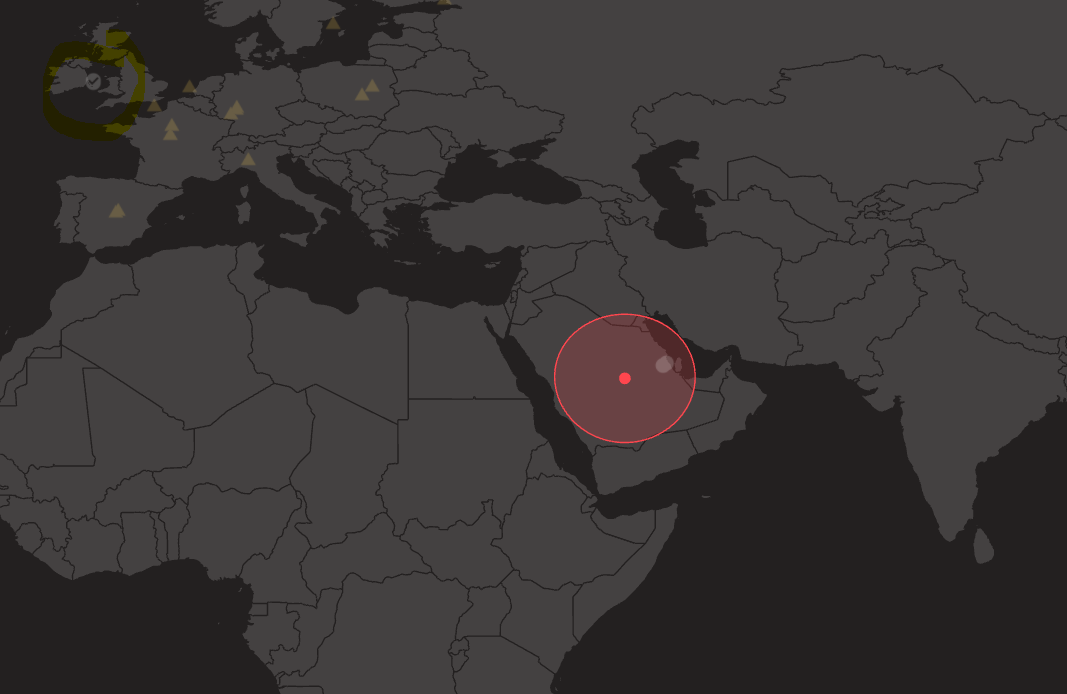
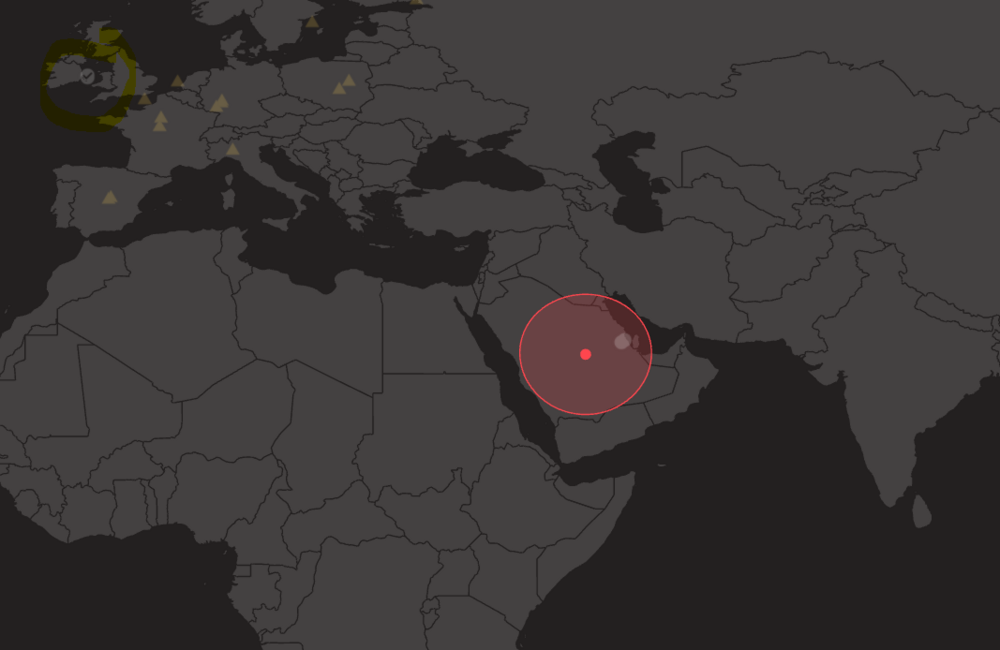
Thanks Fraser, this worked, however, I think I still need to connect to dublin, while I am in riyadh. I will test it but I dont want to connect to outside my range Riydh,
-
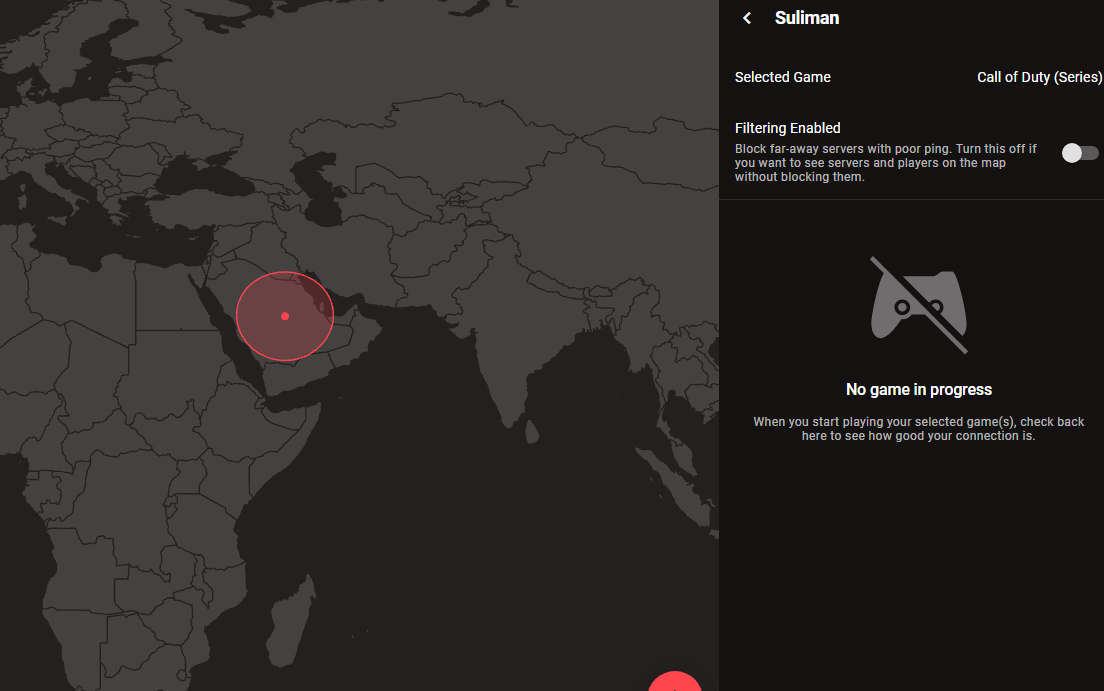
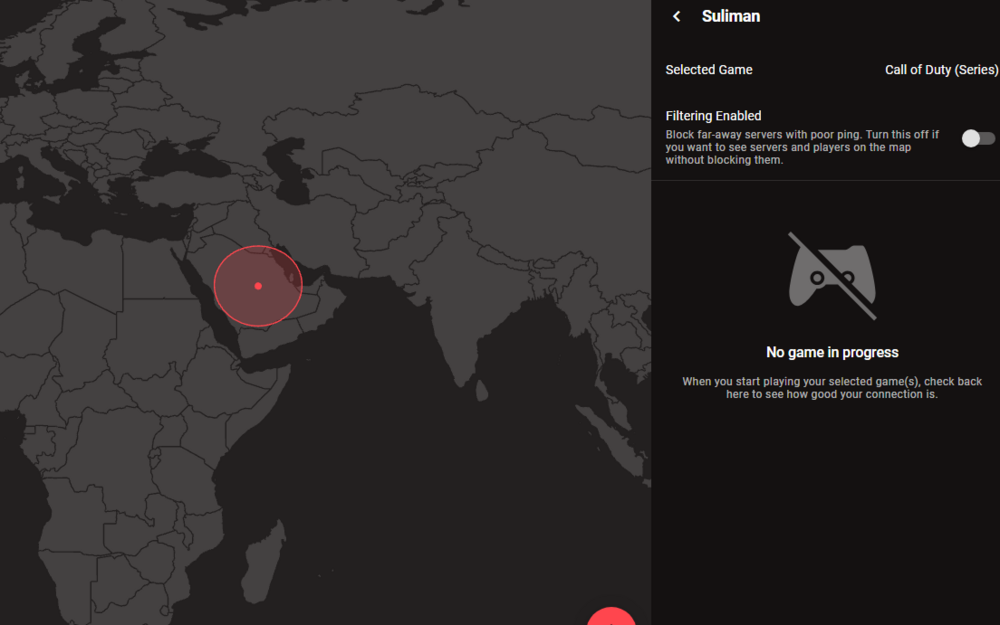
When I select Filtering enabled in setting, it does not let me log in in BO7, I must turn this off to be able to log to the game, help
-
what is the recommended to make sure I have <0.7 jitter ? what is the recommendation, adding all networked devices to the R3 Smartboost or keeping only my PC connected to Smartboost?
-
how DNs is linked to Jitter?
-
under speed test in ping optimizer
-
is it recommended to add all my networked devices in Smartboost and control them? I noticed when adding my PC the jitter drops but when adding all devices, the jitter is becoming more
-
thanks what is the recommended Congestion control settings?
-
.png "Like") Krush reacted to a post in a topic:
My internet speed is 500 down 150 up, but in Speed test and Netduma shows 200 ???
Krush reacted to a post in a topic:
My internet speed is 500 down 150 up, but in Speed test and Netduma shows 200 ???
-
seems fixed the Speedtest.net, but in Netduma still shows wrong speed
-
My internet speed is 500 down 150 up, but in Speed test and Netduma shows 200 ???
-
unfortunately the nearest server after Qatar is UK and EU, I wont dare go on 80+ ping but I guess have no other choice than Qatar, might check if there is another thing to check
-
the nearest server is Qatar, nothing after that
-
can you give the best to filter settings in Geo Filter? shall I enable steady ping? increase the ping assist or not? stuff like this
-
will try the settings to different server, I am using web browser
-
I am playing on 10 ms server from Qatar and I face an issue when gaming on Black ops 6, I always have disadvantage when combat where other players can see me first and shoot first, its a known issue its called shoot first die first, I am playing COD since 2010. is there a settings that can help enhance my connection experience, I have done all needful and I have a very stable and perfect connection, my Netduma R3 always keep having issue whenever I access it where it says I have to wait 4 mintues and nothing happens, then I have to restart my router, I am on latest firmware update
-
My Speed test is not showing the same as my internet from provider, please help ! after I update to this firmware