lg2021
-
Posts
58 -
Joined
-
Last visited
Everything posted by lg2021
-
this time next thursday plus soon thereafter in a week on tuesaday on the sunday plus 6 hours plus a soon ok.
-
Thr guy is a clown man should see his comments I read the forum everyday, in hopes of news of this thing actually working without hard resetting twice a day the stuff that he comes out with, #1 netduma brown noser.
-
Restarting R3 everyday to get to the settings.
lg2021 replied to sw3ar's topic in Netduma R3 Support
Yeah it is, completely agree, and just as frustrated as you believe me. But.. I'd rather them actually fix it properly than rush a update out which doesn't fix anything and be even more annoyed tbf, I want the update to work right away, and of that means waiting a extra two weeks I'll pay that price -
out of curiosity, do you have rgb disabled? i was having the same issue, i turned off smart boost, geo filter syn flood ipv6 wifi on and off, and still had the crashing issue every morning. untill i left rgb on, with all the settings how i had them before, but its stayed on and hasnt gone down for 3 days. also i turn of steady ping when not using it. i think its linked to one of those teo things, personally i think the rgb off setting, as ive tried every combo of everything and used to constantly turn rgb off, but as i say since i left it default everything works. just thought id let fraser know this incase it actually is a thing lol
-
Restarting R3 everyday to get to the settings.
lg2021 replied to sw3ar's topic in Netduma R3 Support
Hey just a update, 10, hours after last used have come back to pc and still the r3 is unresponsive again, I've kept steady ping turned off same as all other thing mentioned in linked thread had been applied so even that still doesn't work for me. Factory reset again and input all settings to get it responsive Next step is I'm going to turn it off completely and hope when I turn it back on it will be responsive, not a good work around who for people who connect their whole home through it though -
Restarting R3 everyday to get to the settings.
lg2021 replied to sw3ar's topic in Netduma R3 Support
Hard reset is the only way to do it snd re input your settings to your router had the router 3 days done it 7 times so far, but I'm guessing there will be a fix when the new firmware comes out....hopefully. -
Restarting R3 everyday to get to the settings.
lg2021 replied to sw3ar's topic in Netduma R3 Support
Hey @Netduma Fraser, I've gone to use the pc today about 16 hours after finishing and the r3 isn't responding when trying to log in nor do I have Internet connection This happend yesterday too, I've restarted it and still no connection. Any ideas? Thanks -
yes thanks very much for your help. still no open nat but thats due now to ports needing to be forwarded hopefully, my understanding was the ax88u would take care of all that, but not to worry. as now everything is coming straight to the r3 instead of ax88u then r3, would features like smart boost and ping optimiser work now?
-
okay ive done that, thanks for clearing that up for me,so far no crashes. hopefully now ill have open nat too *edit. does having synflood off then mean i have no firewall now on this r3 router as all traffic is being directed through this router that the pc is receiving/sending?
-
haha ok, noted thanks. i thought that is what i was doing by doing that with the pc in dmz options, by selcting the pc as the dmz'd device the router behind the r3 is the ax88u. i dont know how to set the r3 into dmz mode, would be great if you could tell me thanks
-
seems not putting my pc in dmz mode has stopped it crashing.... why i dont know without that nat is strict..
-
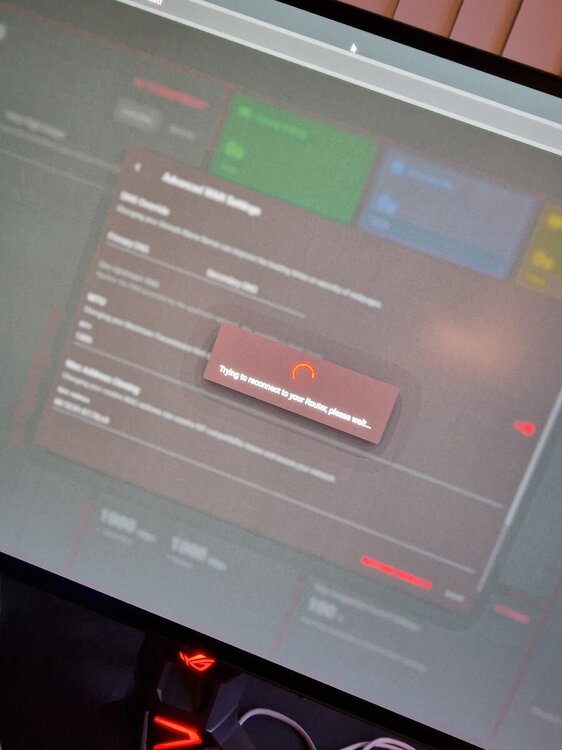
Disabled ipv6 wan, same thing a minute later, it crashes.
-
I pretty much disable everything including syn flood bar geo filter. Trying wan ipv6 off now aswell 🤞
-
If i reboot it still doesn't load, only fix is factory then the loops sets in again, disable sync flood too still happend. I disabled wan ipv6 yesterday and needed another factory reset, everything stopped including connection. I'll try again though and report back
-
Restarting R3 everyday to get to the settings.
lg2021 replied to sw3ar's topic in Netduma R3 Support
ive had to factory reset 3 times now with the crashing, even just disabled syn flood on this 3rd time, after setting router up as it needs to be, the web page for the dumaos, becomes unresponsive after a minute and takes a factory reset to come back online. connection to the internet is fine, just the actual dumaos is bricked. -
Done all that was because I didn't reset firewalls for private network or public on pc for cod then worked fine. Experiencing other issues now, have posted another thread
-
And as I typed that the dumaos timed out and can't now access it without probably restarting it again.. Internet works though.
-
Ethernet port from ax88un to the wan of the r3. Have set static ip for the router in asus, connected via static ip to the both if them, disabled dhcp upnp smart boost set my pc into dmz mode
-
Latest one, very frustrating I knew it would be like this when ordering but hoped against hope. Knew what I was getting myself into, but if I have to hard reset everyday it'll be going back tomorrow
-
As title. Received it yesterday, tinkered all day getting it to work, partially did although not 100% as I wanted. Gamed it worked blocked servers etc Not 14 hours later I've turned on pc it says connected and my ax88u can see the duma is connected but getting err connection timed out or err quic protocol error. Have reset still didn't work Don't want to factory reset yet because I have to re input settings all over again. Any ideas?
-
I've done all those things on mine and still had the same issue. Did you manage to solve the problem?
-
Specifically on cod, trying to connect to East Coast servers set home as long island new York, and still connects to Amsterdam or London. I've tried denying every server in Europe it says its denied but stays white. I've checked I.p address on duma os and pc both the same. One positive is setting my ping to 50ms in steady ping works.... Any help appreciated
-
Vpns do work mate, night and day difference with them on and off that's a fact sorry.
-
Another question sorry, would I need to mimic how I've set up the ax88u to be ipv6 full cone nat and port forwarding disabling upnp etc on the r3 too?
-
Appreciate the reply. Yeah geo fence is a big part of me purchasing this, and as you say IF I do want to do those things I can from the other router. Could the ping stabilisation though once working 100%, work in the configuration the way I'd have it?
.png)