iOrcus
-
Posts
201 -
Joined
-
Last visited
-
Days Won
1
Everything posted by iOrcus
-

BLACK OPS 6 BETA + NEW WARZONE AND FULL GAME RELEASE
iOrcus replied to iOrcus's topic in Call of Duty Support
will do. thanks -
BRING BACK SHARING BANDWIDTH TURN OFF OPTION PLEASE!
iOrcus replied to iOrcus's topic in Netduma R3 Support
I LOVE that. Holy Molly thank you 🙏. I'm very happy to hear that. @Netduma Fraser -
I was wondering if the netduma will be updated for the beta and new release of the game? Or should we just keep playing as call of duty (series) ?
-
BRING BACK SHARING BANDWIDTH TURN OFF OPTION PLEASE!
iOrcus replied to iOrcus's topic in Netduma R3 Support
Lol we definitely are not getting anywhere 🤣. Thank you -
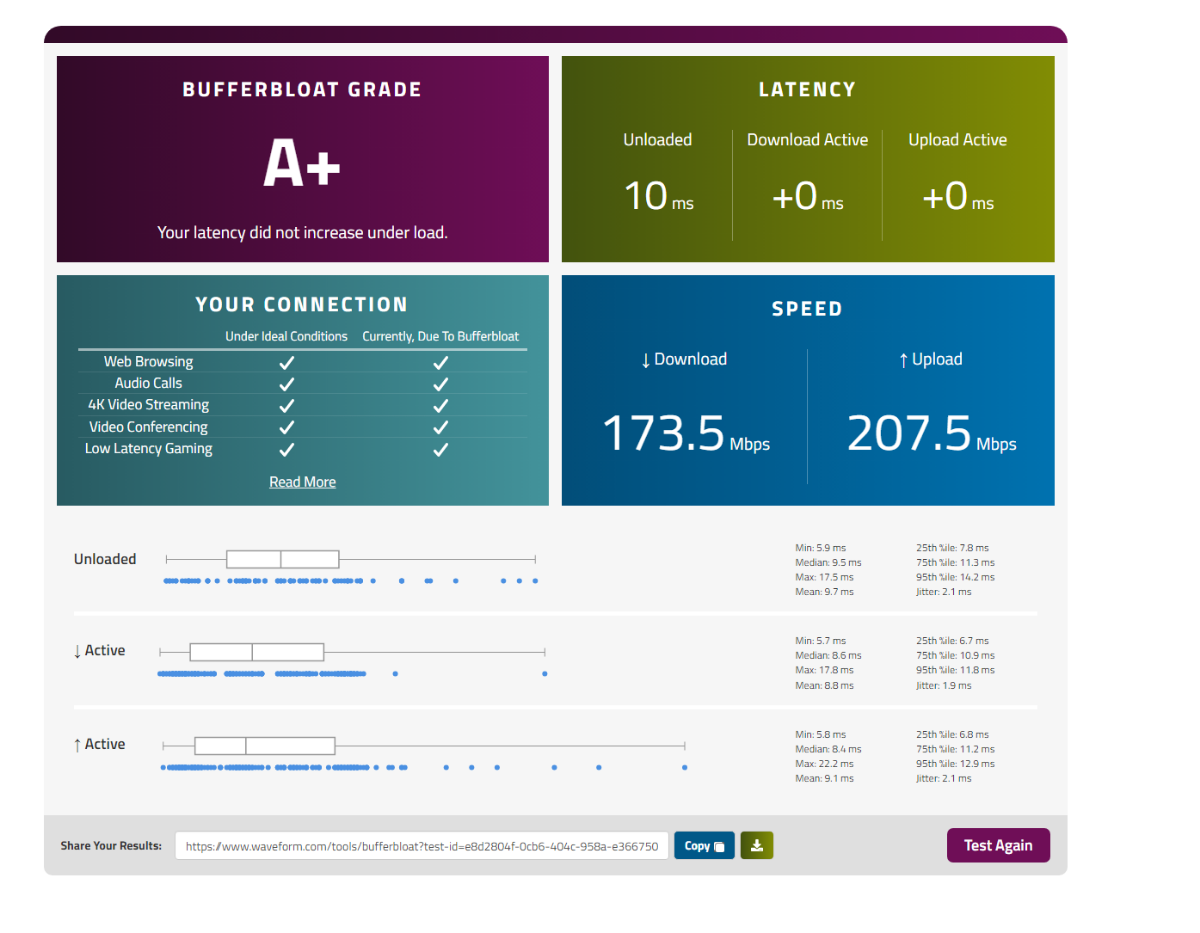
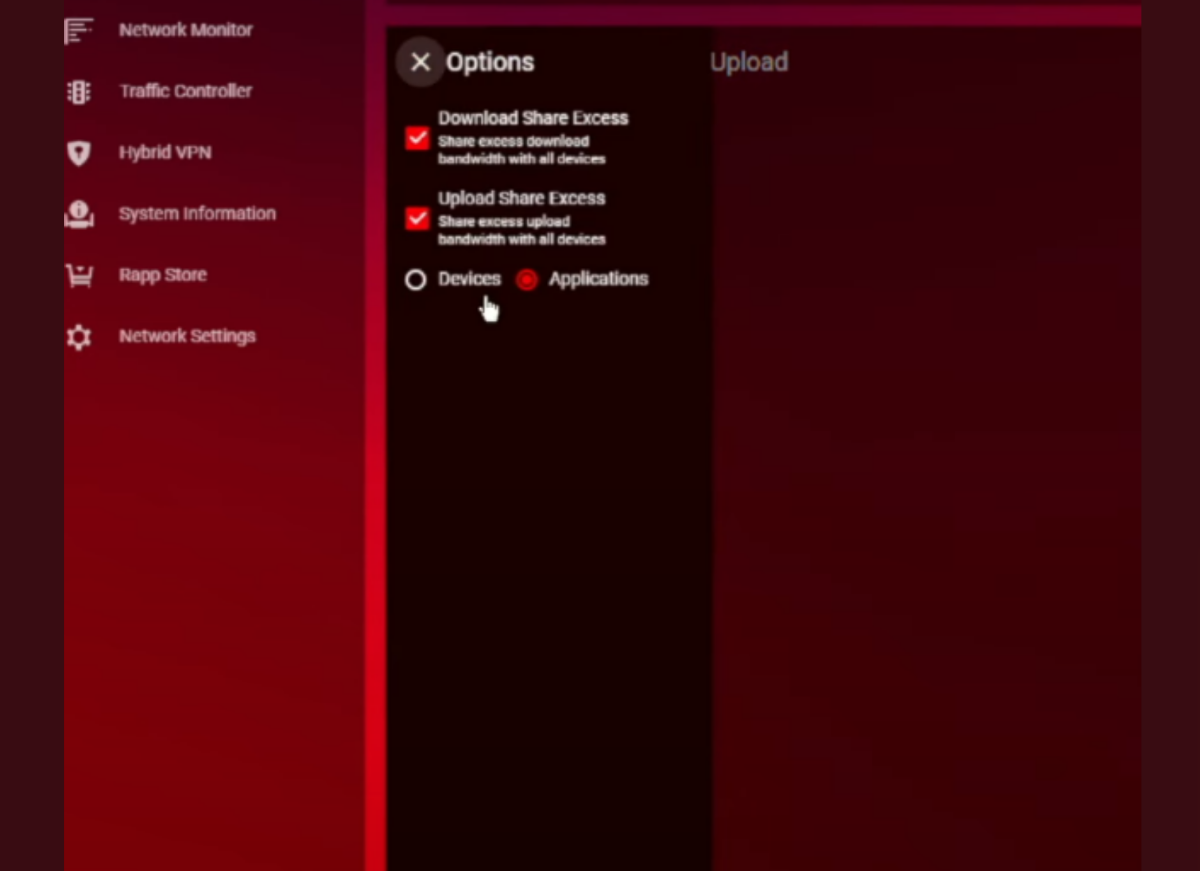
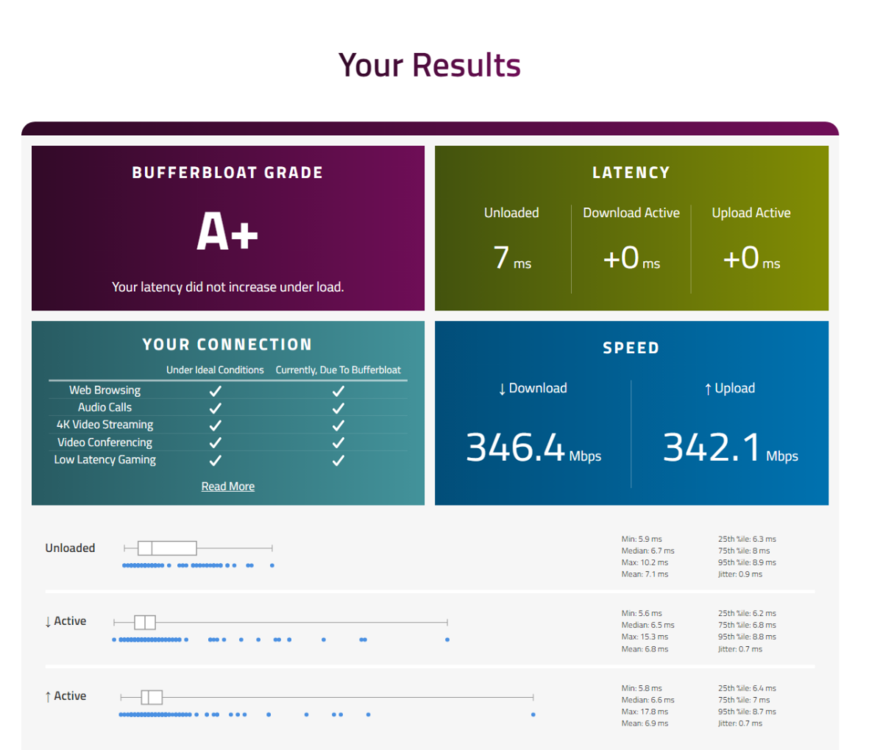
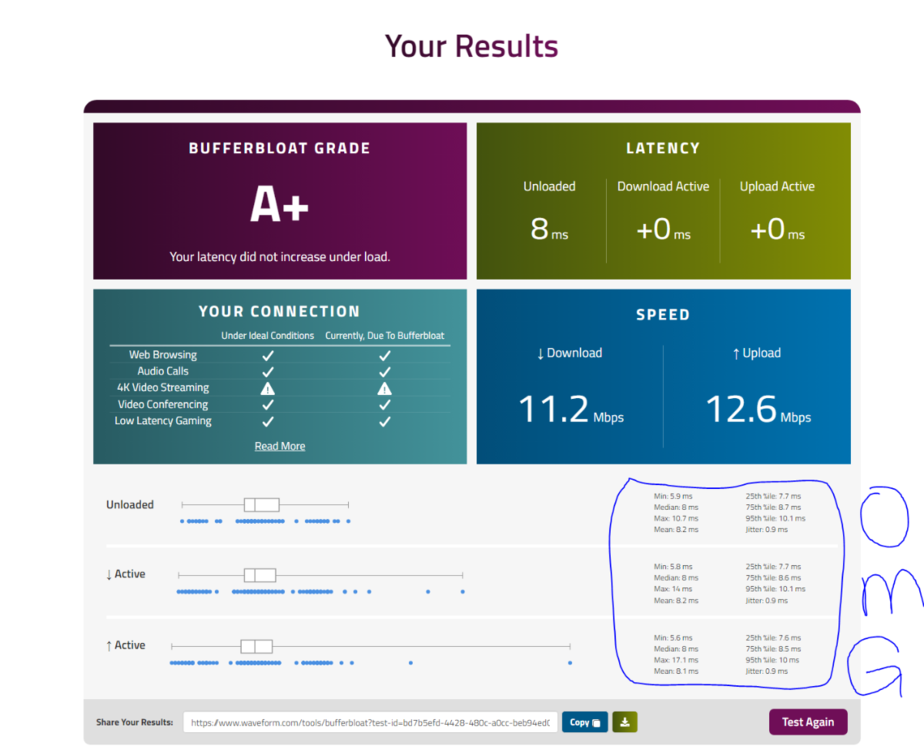
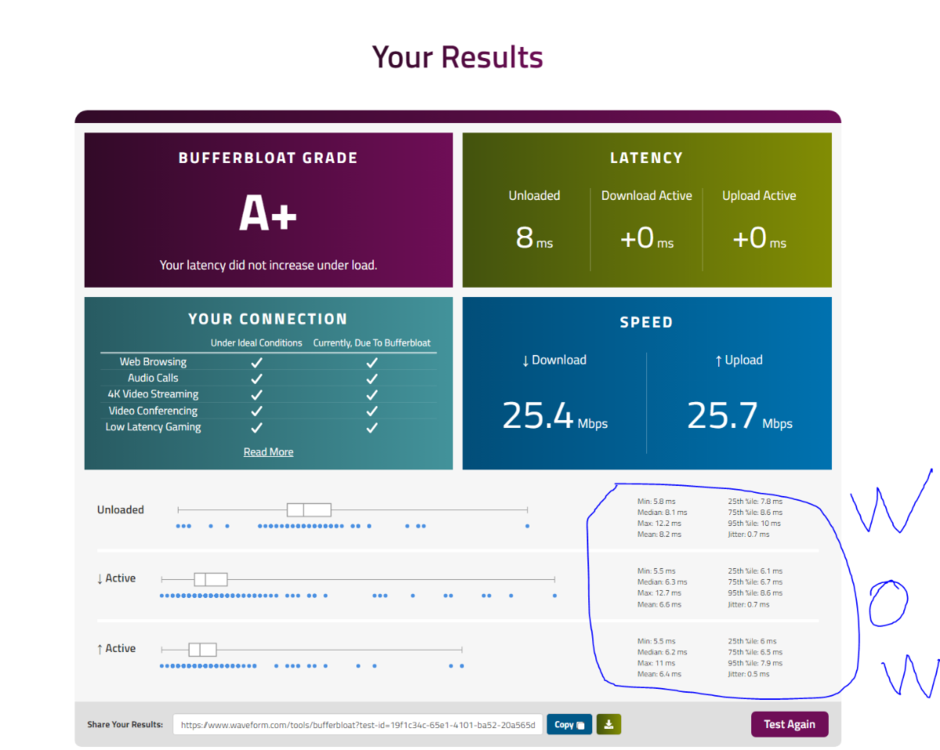
follow this pictures guide @Mach3r
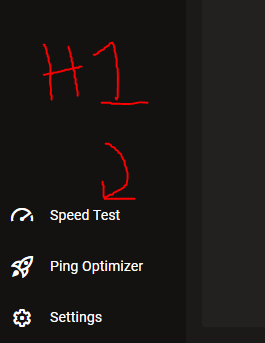
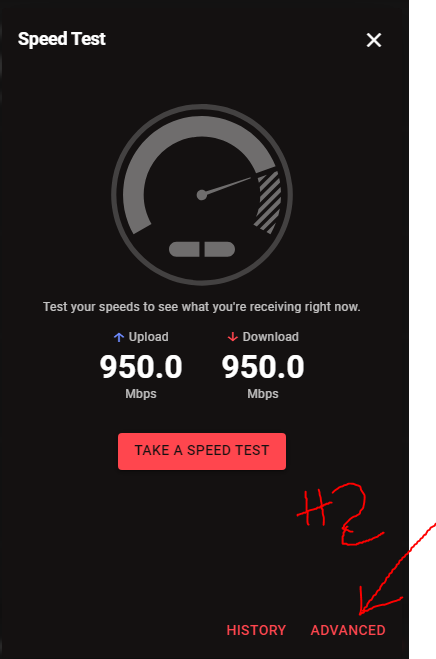
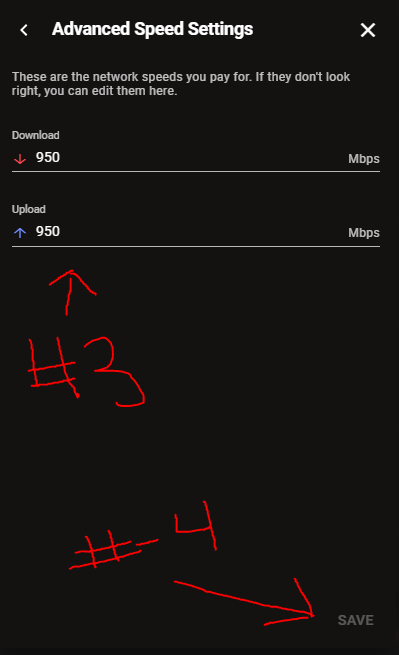
-
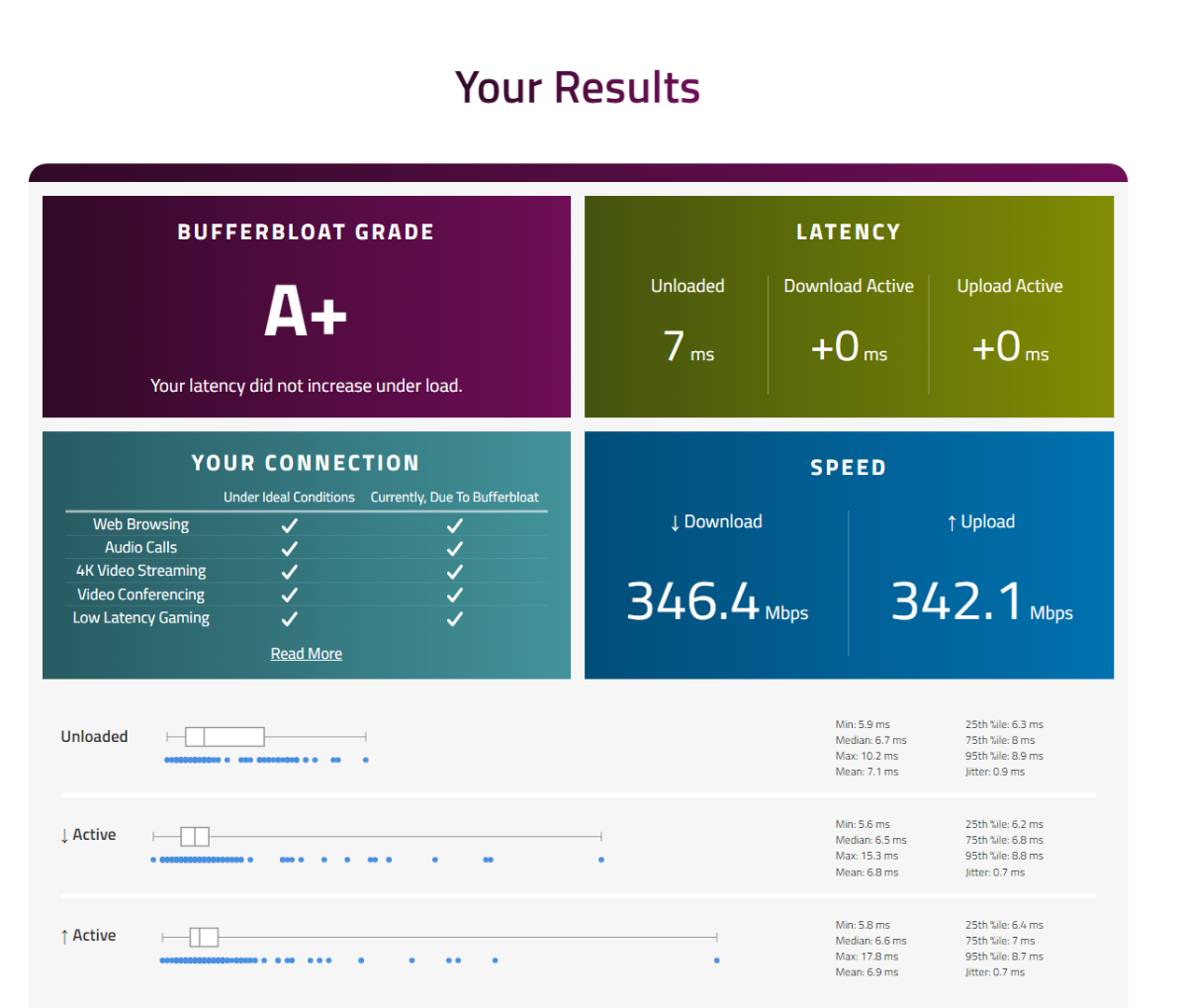
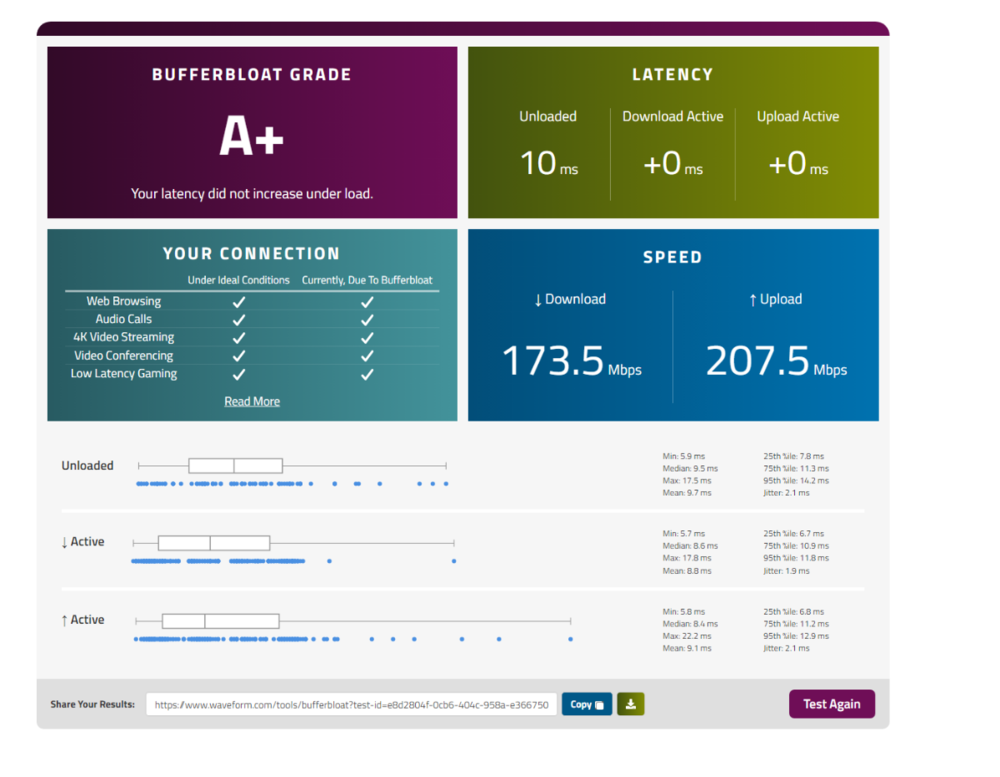
this is how it looks like with no tweaks
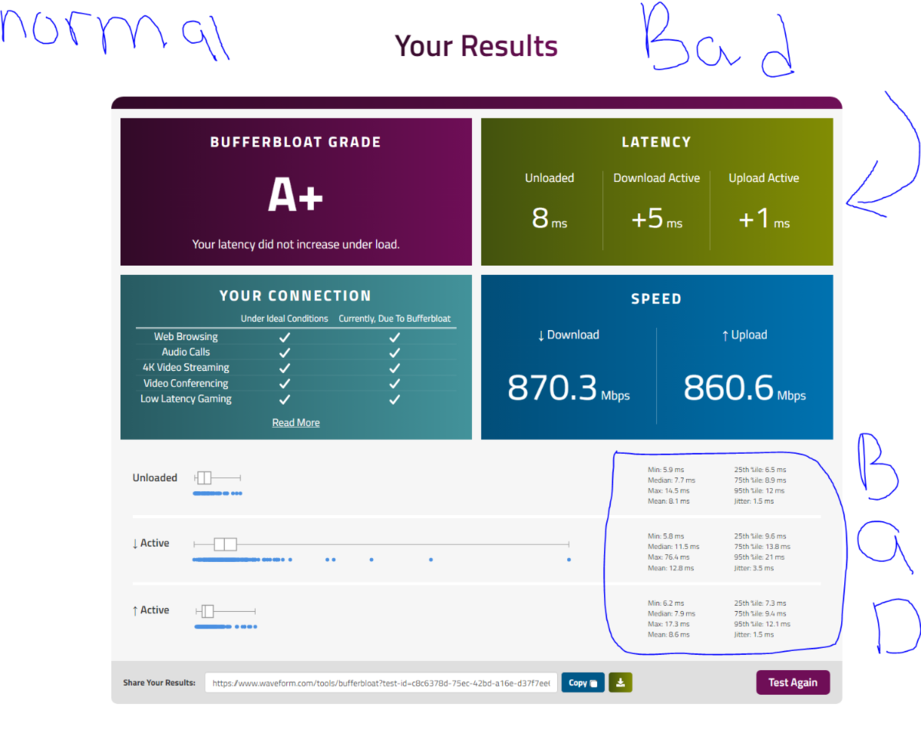
-
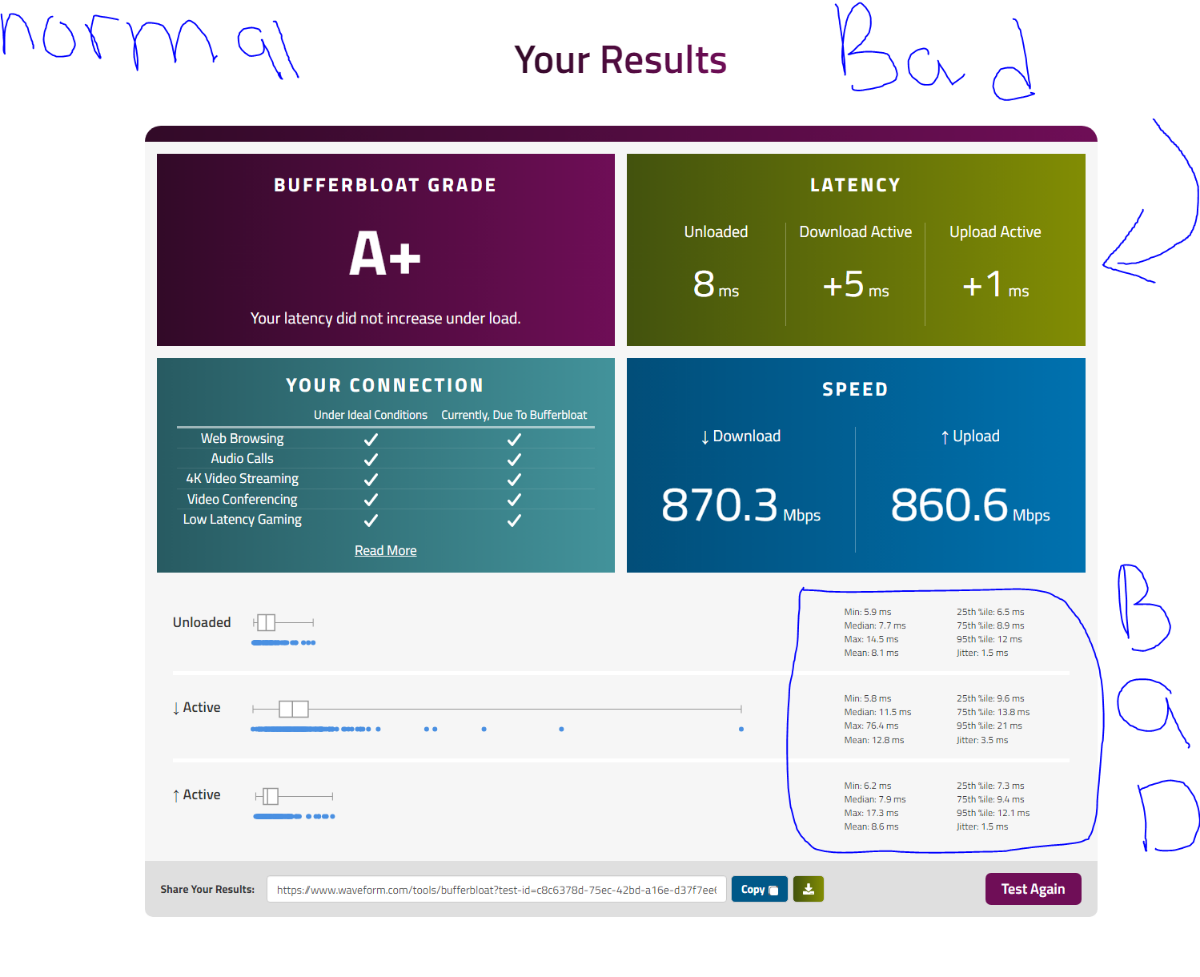
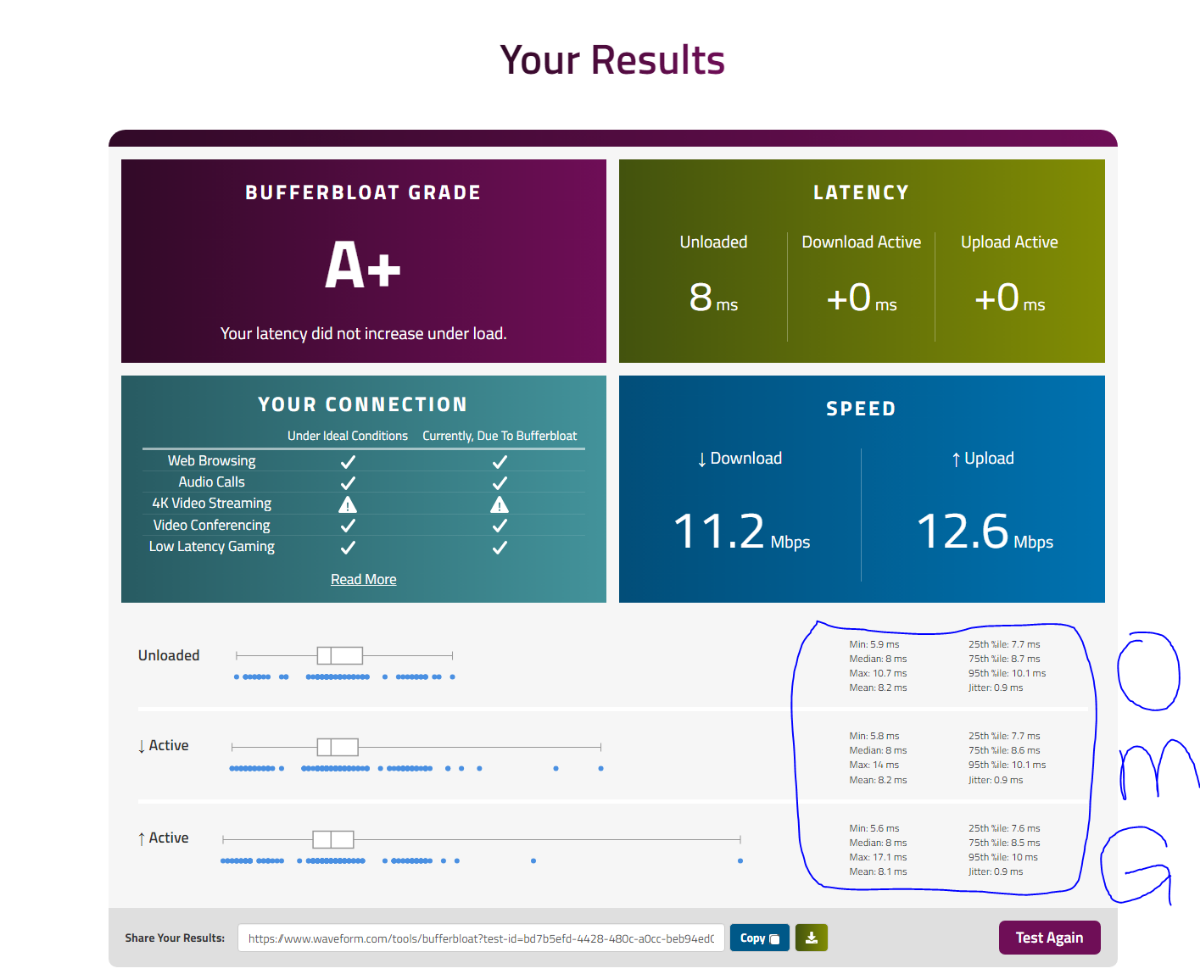
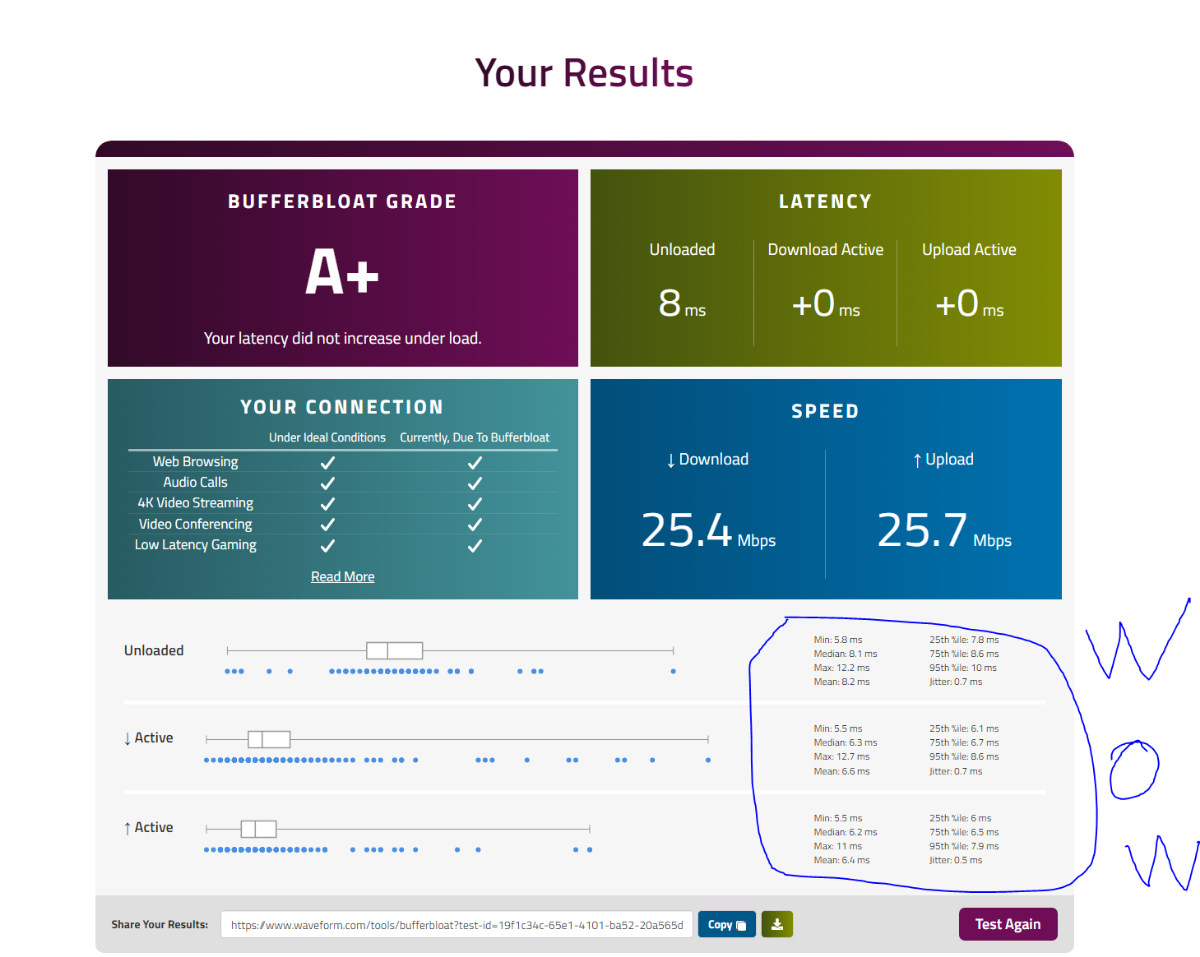
what helps me the most is by capping my bandwidth iniside the R3. for an example i have 1gb fiber and look how i capped my speed below for the BEST bufferbloat and the LOWEST jitter possible. the congestion controll % i always use is between 70% 65% 50%. @Mach3r
-
BRING BACK SHARING BANDWIDTH TURN OFF OPTION PLEASE!
iOrcus replied to iOrcus's topic in Netduma R3 Support
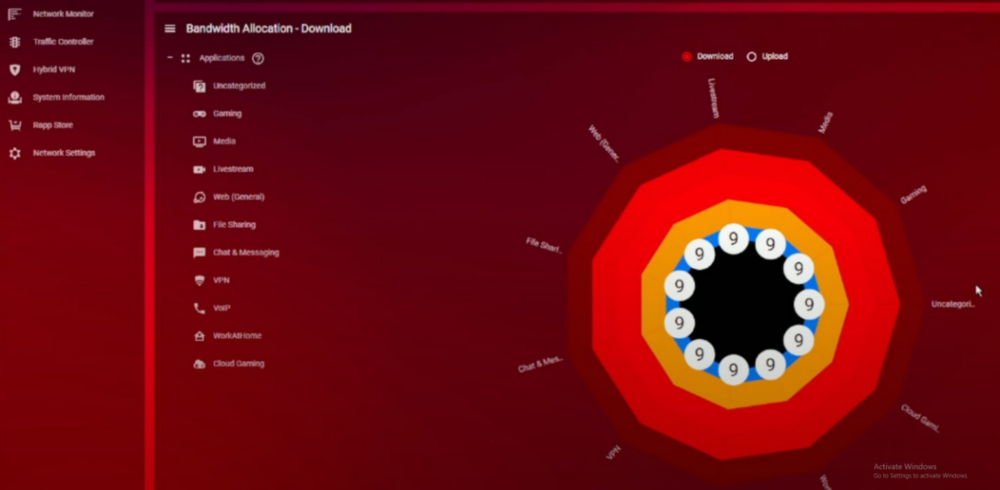
Fiber modern connected to the R3 ( i dont know the name of it). it has nothing to do with congestion control. ( its not my issue here) I want to be able to give each device in my house the amount of bandwidth I want individually without sharing the bandwidth option just like the R1 has it. (Simple). I don't want to reserve bandwidth for individually devices. Ok let me ask you this. I have 1GB fiber internet plan. every one at my house is connected to the R3. lets say, I do a speed at ( speedtest.net ) and both my upload and download speeds are around 950Mbps each. But inside the R3 speed test option I ONLY set the upload and download speed to 1Mbps each. Them I reserved bandwidth to all the devices at my house (except me) with 40Mpbs ( which I don't know why it's being capped at 40Mbps) for every single one of them. Now my question is: Will the SLOW Upload & Download speeds of 1Mpbs I setup on the speed test option inside the R3 going to ruined all the devices at my house with their downloads and uploads speed.? @Netduma Fraser -
BRING BACK SHARING BANDWIDTH TURN OFF OPTION PLEASE!
iOrcus replied to iOrcus's topic in Netduma R3 Support
@Fuzy @Proud R3 Owner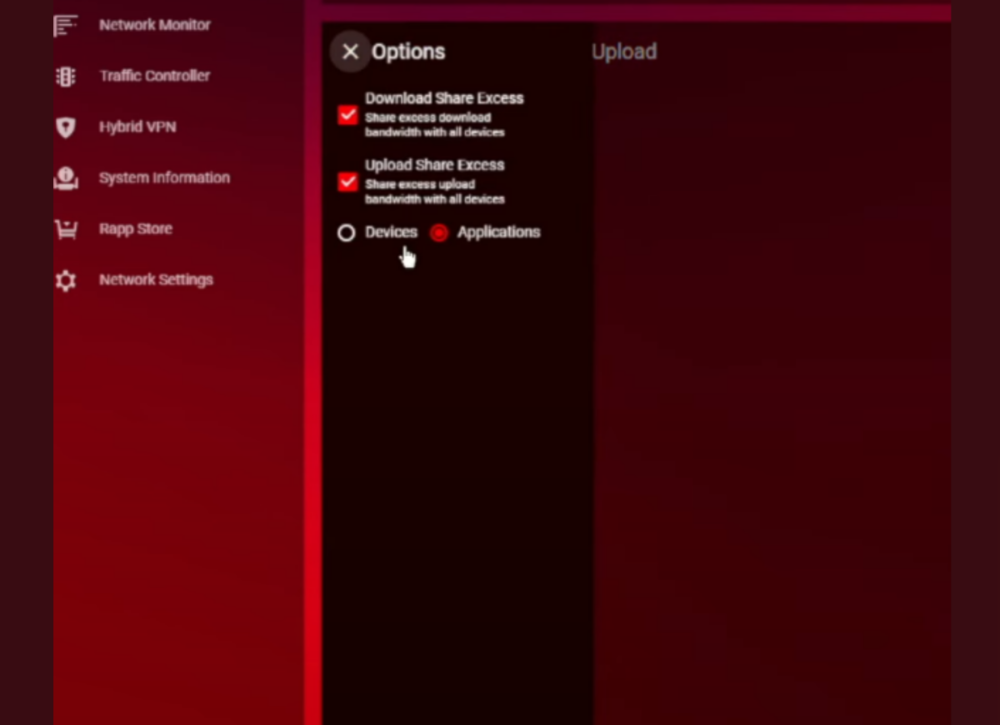
-
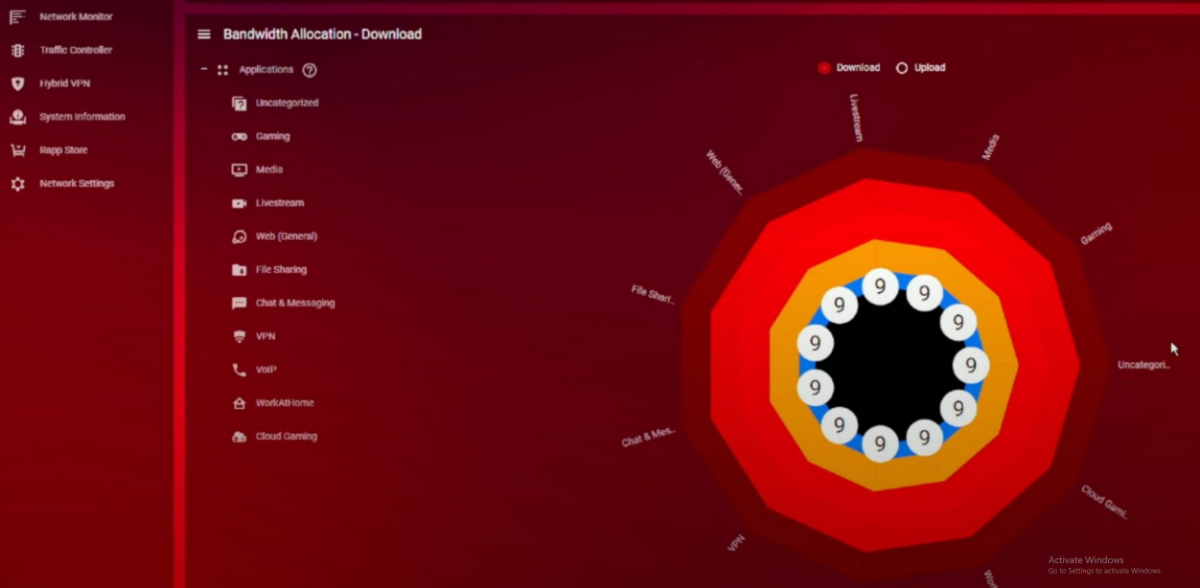
I BEEN having this ISSUES . I dont know WHY You guys removed the old featured LIKE the R1 had. where i was able to give EACH device in my house the amount of bandwidth i wanted them to have, which it was PERFECT for my household, since theres so many equitments at my house. A short example R1: I have a dual pc setup i use to give my gaming PC =5Mbps & Streaming PC = 40Mbps . My girl PC= 300Mbps . PS4/PS5 = 100Mbps each . Others PC's range from = 100Mbps - 150Mbps with the SHARING BANDWIDTH OPTION TURN OFF. I left other devices out the list since theres so many to type like cellphones tables, ipods, nintendo switch, laptops ect ect. My POINT is that this was PERFECT because when i gave my gaming pc only 5Mbps it DIDNT affected other people downloads or uploads at my house because i gave them their own bandwidth. I DONT know why theres NOT an option similar to this featured on the R3. smartboost doesnt help with this in anyway! theres no way to assign banwidth to seperate devices! congestion control DOESNT HELP with this issue! With the R3 if i change my fiber speed the entire network changes at my house. its frustrating. might go back to the R1 but they dont even support it anymore with new updates. i believe the last update was like 3 years ago! SHAME for the day one people who cant afford a NEW router!
-
My settings for Good Hit detection MW3 <R3 Router
iOrcus replied to Spritekid242's topic in Call of Duty Support
Does anybody knows if these settings are still working? -
i was. i had to add more servers so i dont wait for long queques. im back to 1-2 minutes
-
5-8 minutes
-
No
-
@loa5000 did you fixes the new york issue? I'm having the same issues taking long to find a game in New york server
-
-
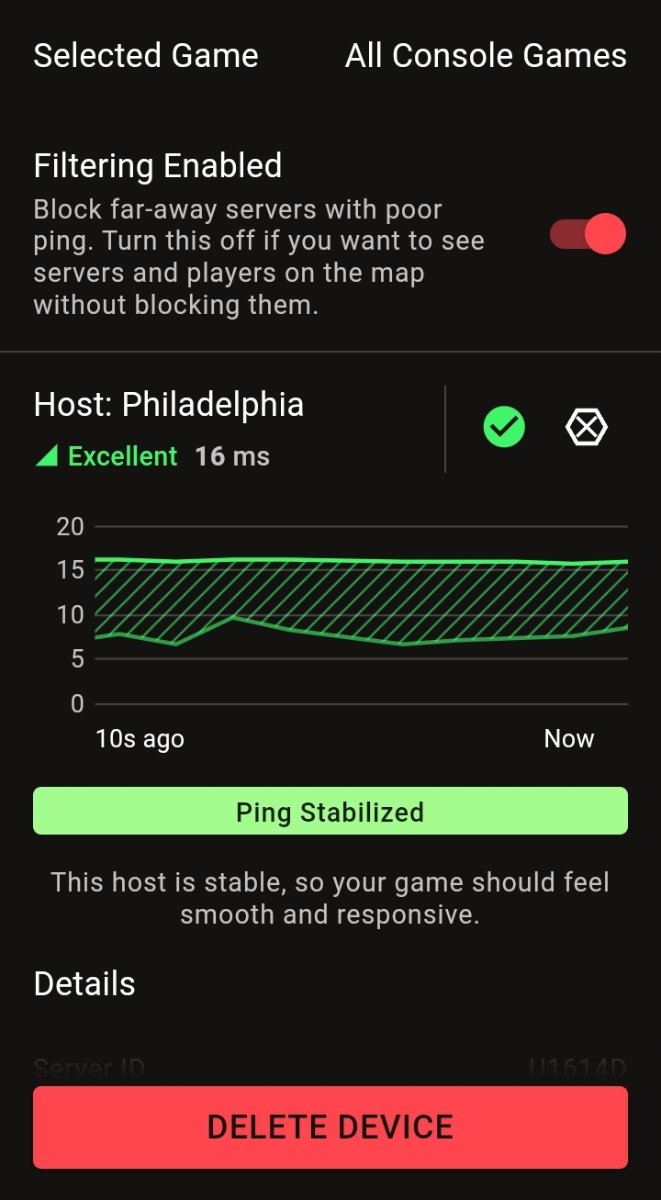
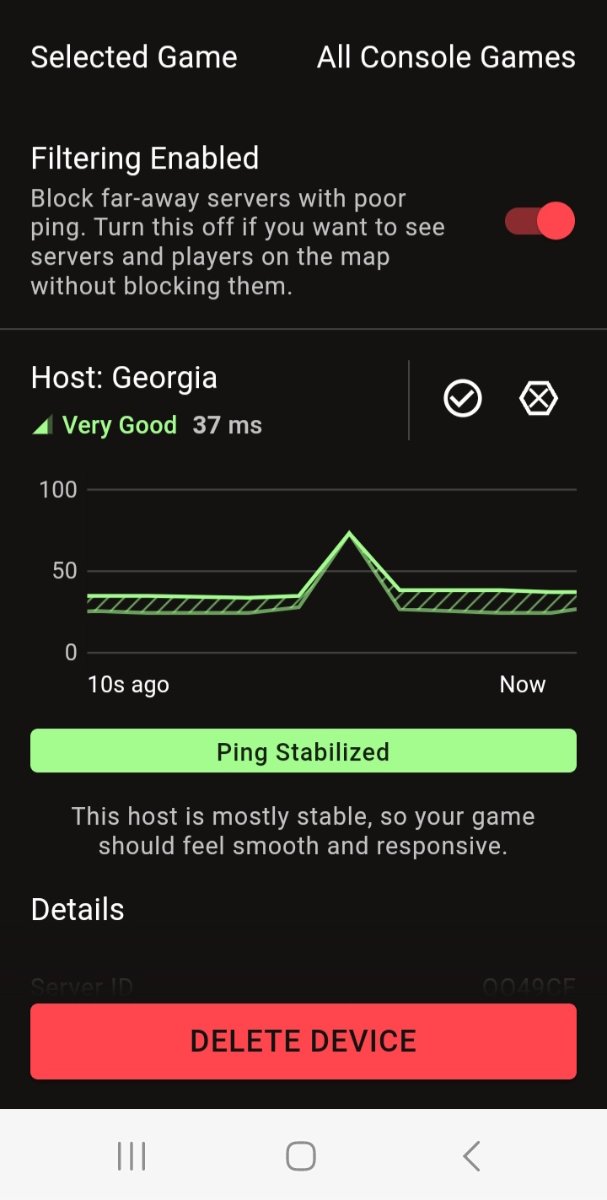
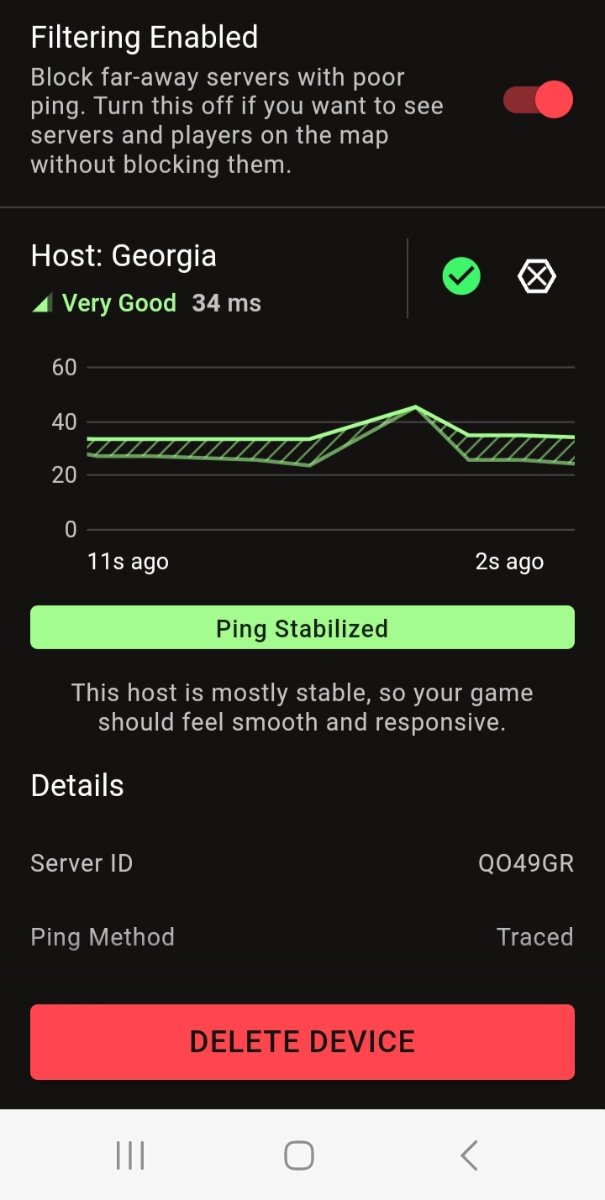
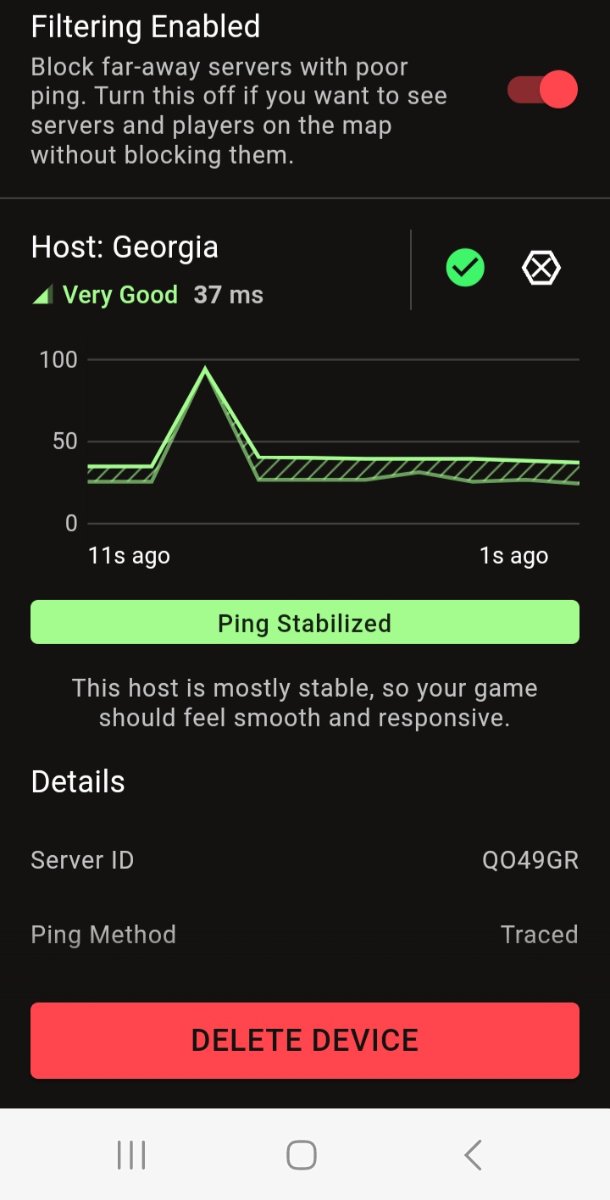
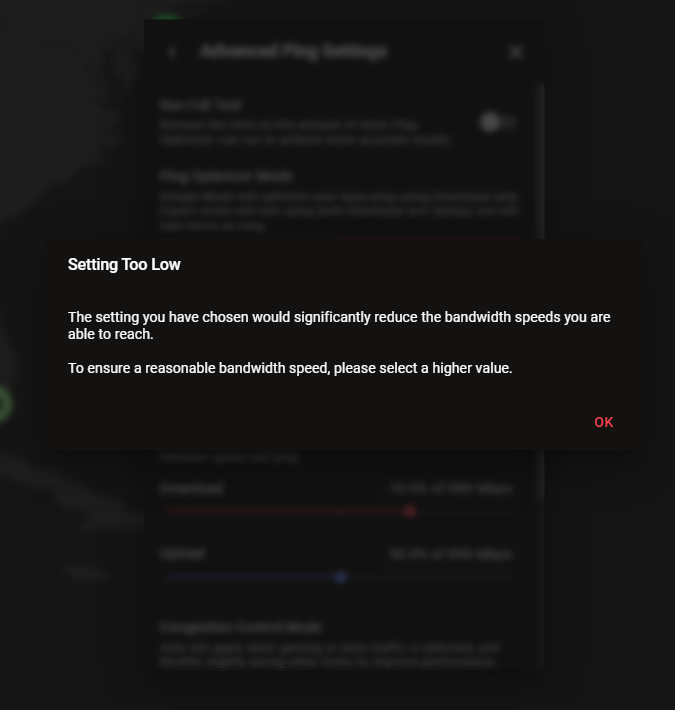
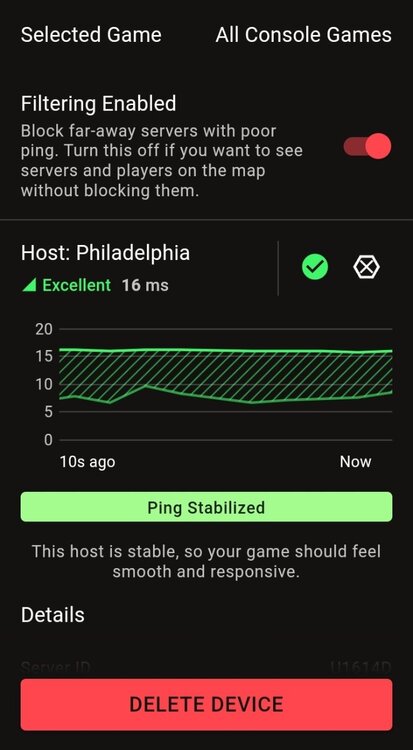
@Netduma Fraser updated: I blocked far away servers from me and im just playing on local servers and setup steady ping to (SIMPLE) and its much better now. I only get ping spikes sometimes.
-
I wish this Featured was implemented without having to sacrifice ping . I wish there was another work around with steady ping. Ok thank you. Appreciate you
-
BANDWIDTH SHARING ISSUES WHILE OTHER DOWNLOAD + UPLOAD IN MY HOUSE!
iOrcus replied to iOrcus's topic in Netduma R3 Support
Thank you -
What's best to use simple or expert? For the steady ping
-
Why is my steady ping broken? I had to turn it off. I watched the video as well @Netduma Fraser
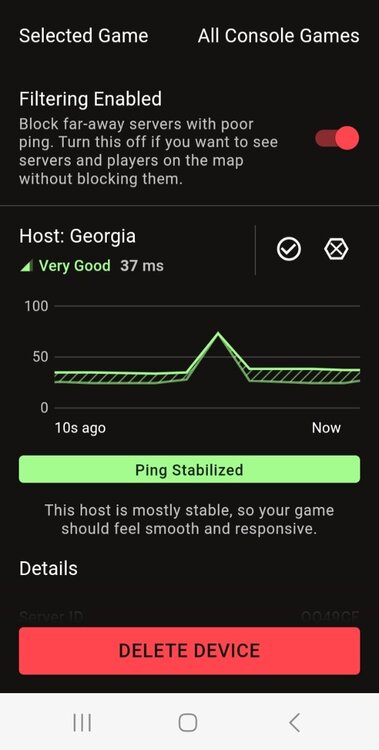
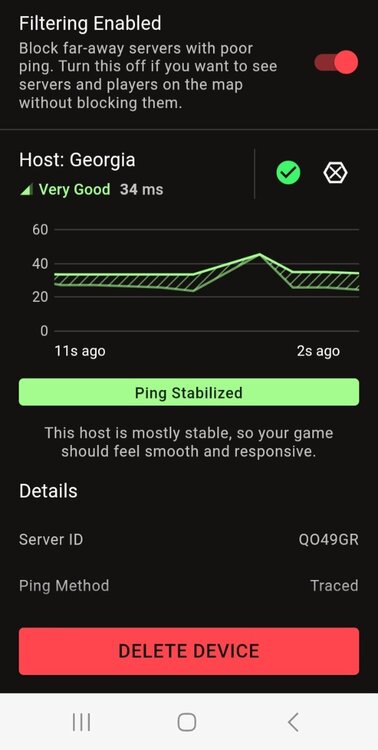
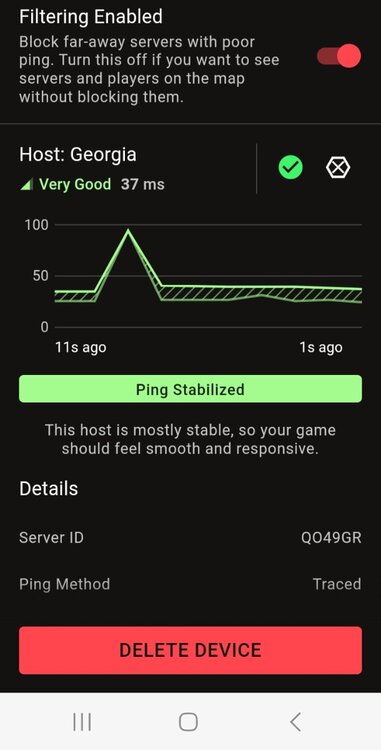
-
BANDWIDTH SHARING ISSUES WHILE OTHER DOWNLOAD + UPLOAD IN MY HOUSE!
iOrcus replied to iOrcus's topic in Netduma R3 Support
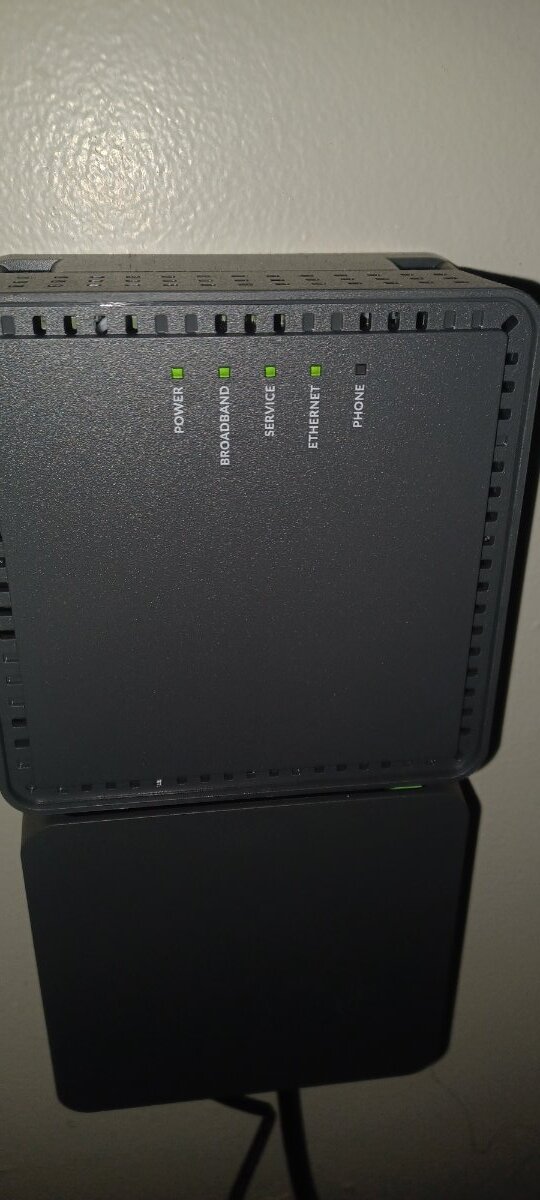
It's a straight up modern. Meaning it has no wifi on it, just one Lan that connects to my R3. here is a picture. Also the congestion control is set to always.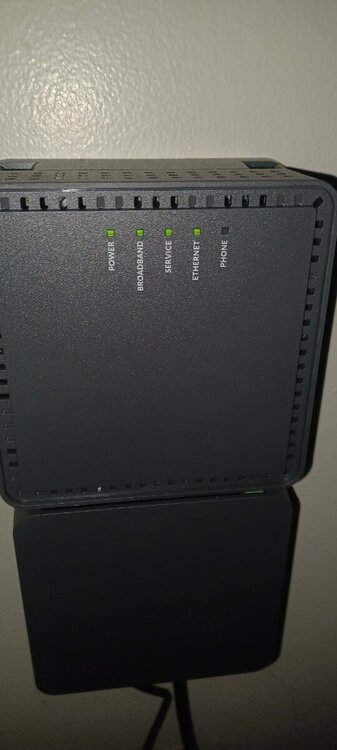
-
BANDWIDTH SHARING ISSUES WHILE OTHER DOWNLOAD + UPLOAD IN MY HOUSE!
iOrcus replied to iOrcus's topic in Netduma R3 Support
Congestion control 70% for both. I have fiber we all connected to the R3. I also have the modern from my isp fiber which is connected to the R3
.png)