Reykc9510
-
Posts
294 -
Joined
-
Last visited
Everything posted by Reykc9510
-
It was horrible 12 ms but the tech that was present didn't understand what jitter was. So im stuck fighting this issue myself
-
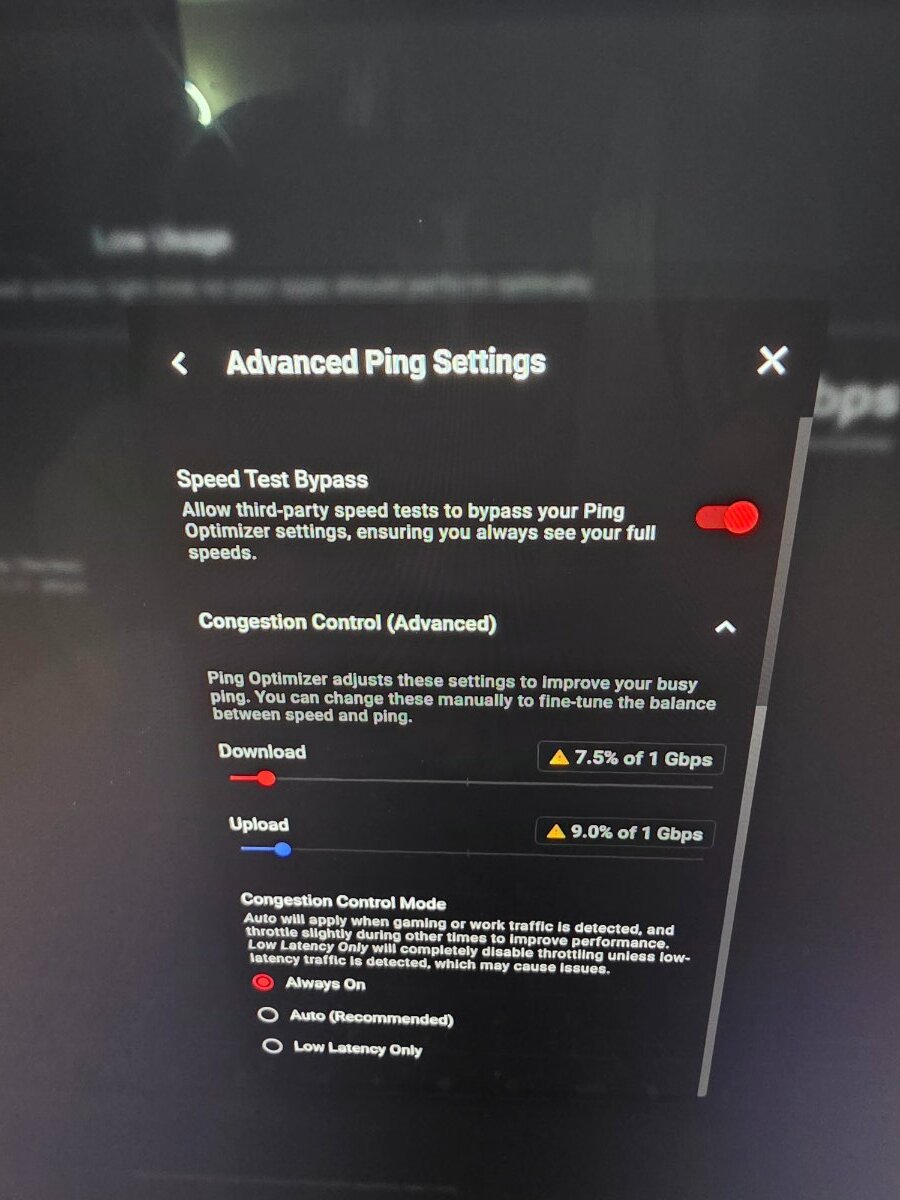
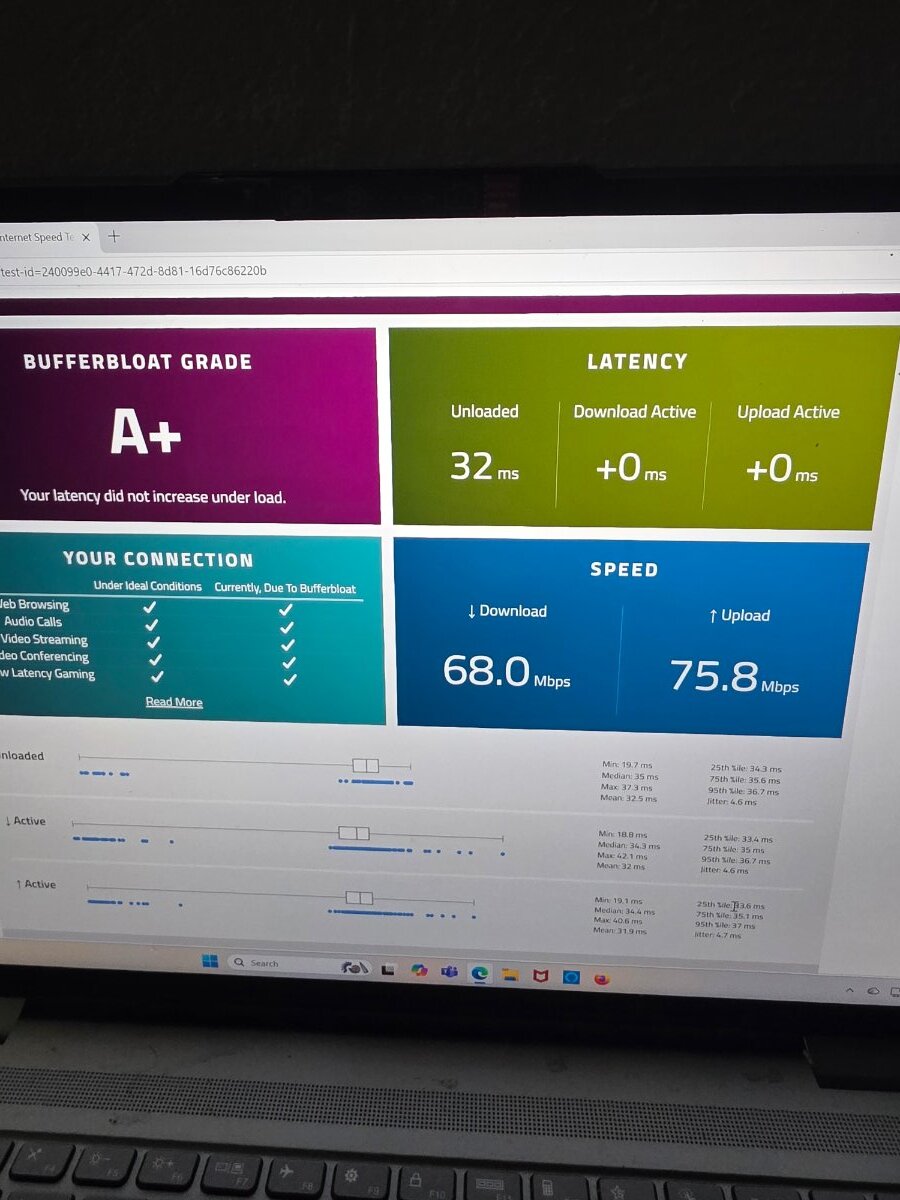
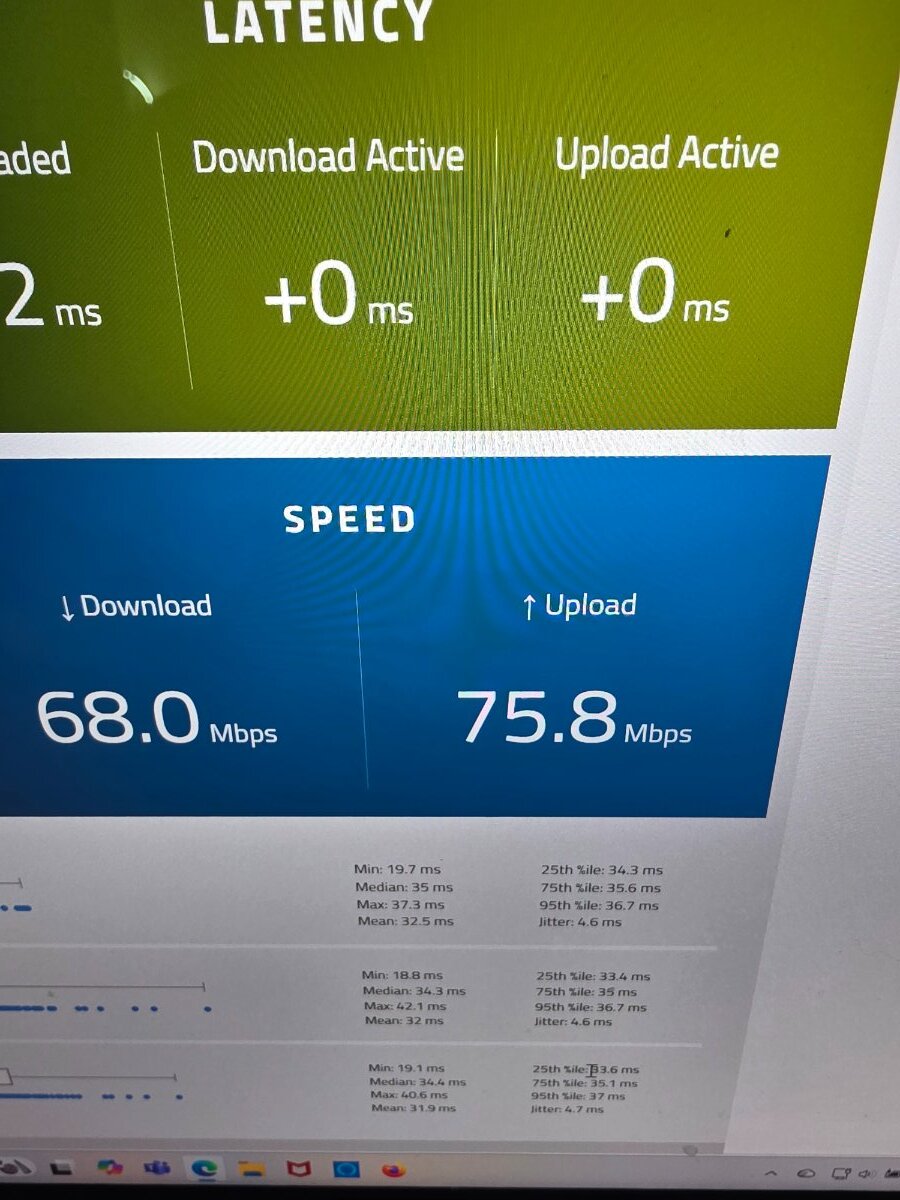
They bypassed the router then last time they were here connected it right from the modem to their computer an it did the same exact thing with the jitter. I never lost my up or down speed. Its just the jitter that gets out of control. I basically exhausted all my help from the fiber company unless I cut the wire myself they wont cone back out here. I posted some screenshots today early this morning showing near perfect jitter.. I have already played with the CC control on The R3 with alowing certain % of up an down. The jitter doesnt change when I do that just the latency .
-
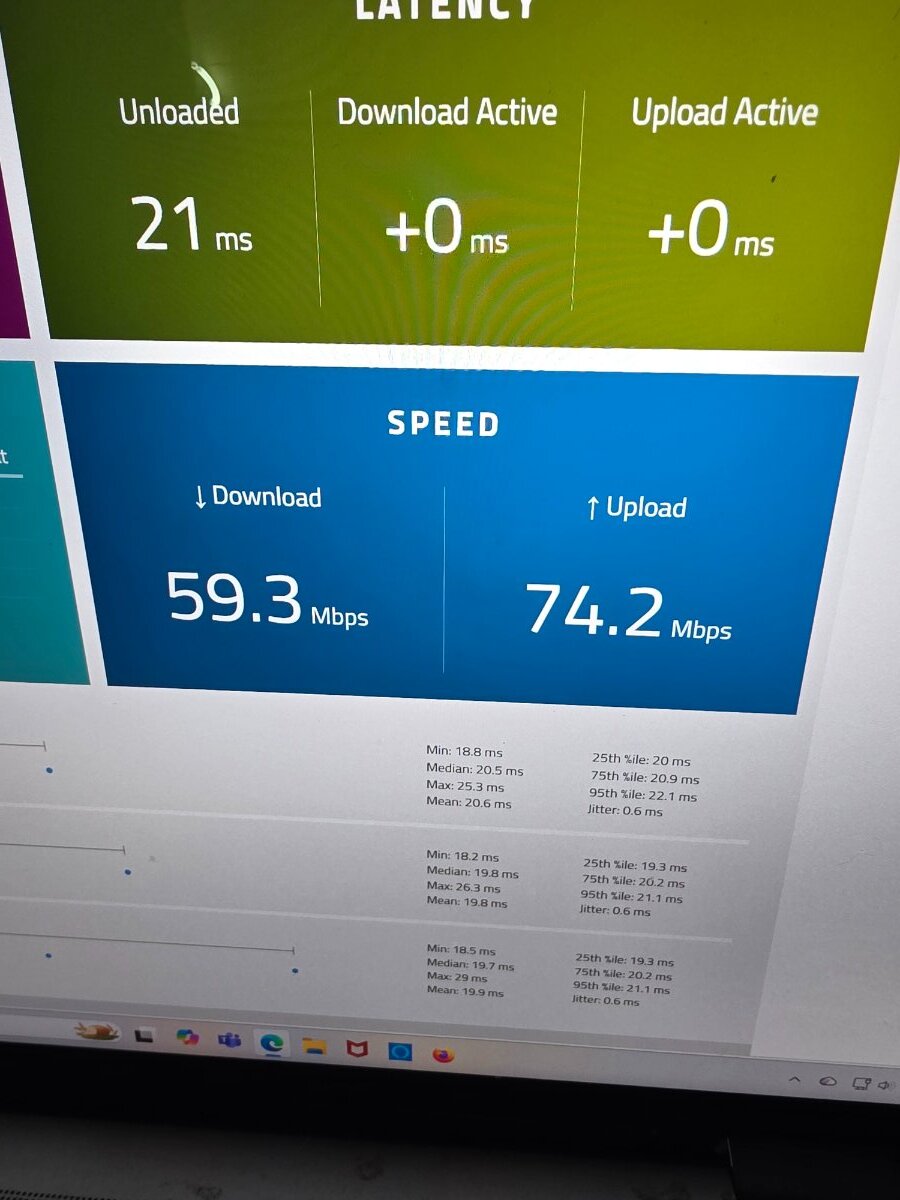
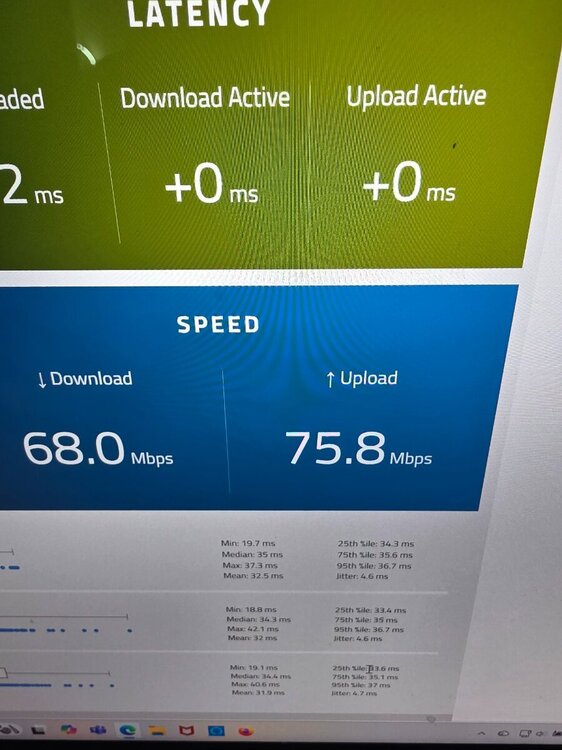
this is from this morning after no network use for 10 mins,i cant figure out how to max out latency
-
-
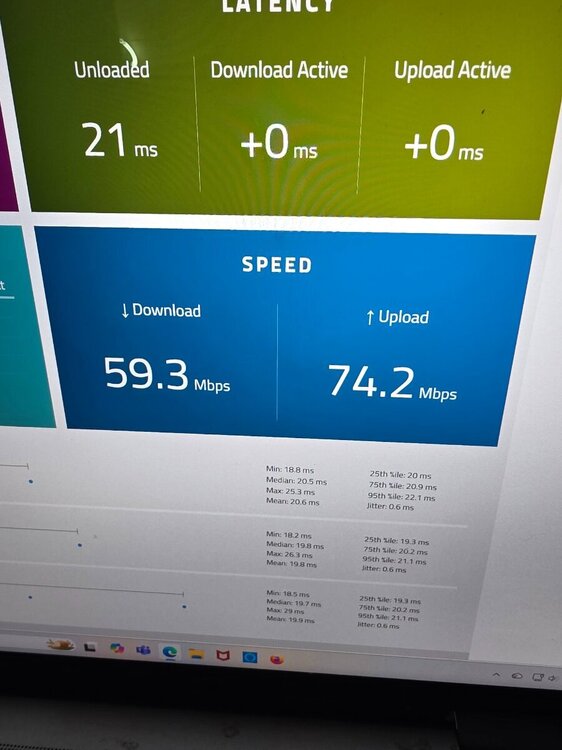
I guess I'll have to wait until you get back online tomorrow. I was asking about the different servers in the radius I selected on the geo filter for a reason maybe when im using bufferbloat its connecting me randomly in servers in that radius which may or may not be given me different read outs. I think its something else, but my knowledge in this stuff only goes so far. My ping would go from 21- 41 randomly which isn't horrible its the jitter that goes from 0.6 to 7-12 ms. Right now this morning ping is 21 jitter is 0.6
-
Its the jitter that more so hinders my gameplay the ping really never gets that bad.
-
Ahhh now im starting to understand this. So if im not in a game, ps5 off, or when I'm online. When Im using bufferbloat its randomly selecting a server inside that radius I set for call of duty? Which would theoretically, give me different stats.Because it's selecting to a random server?
-
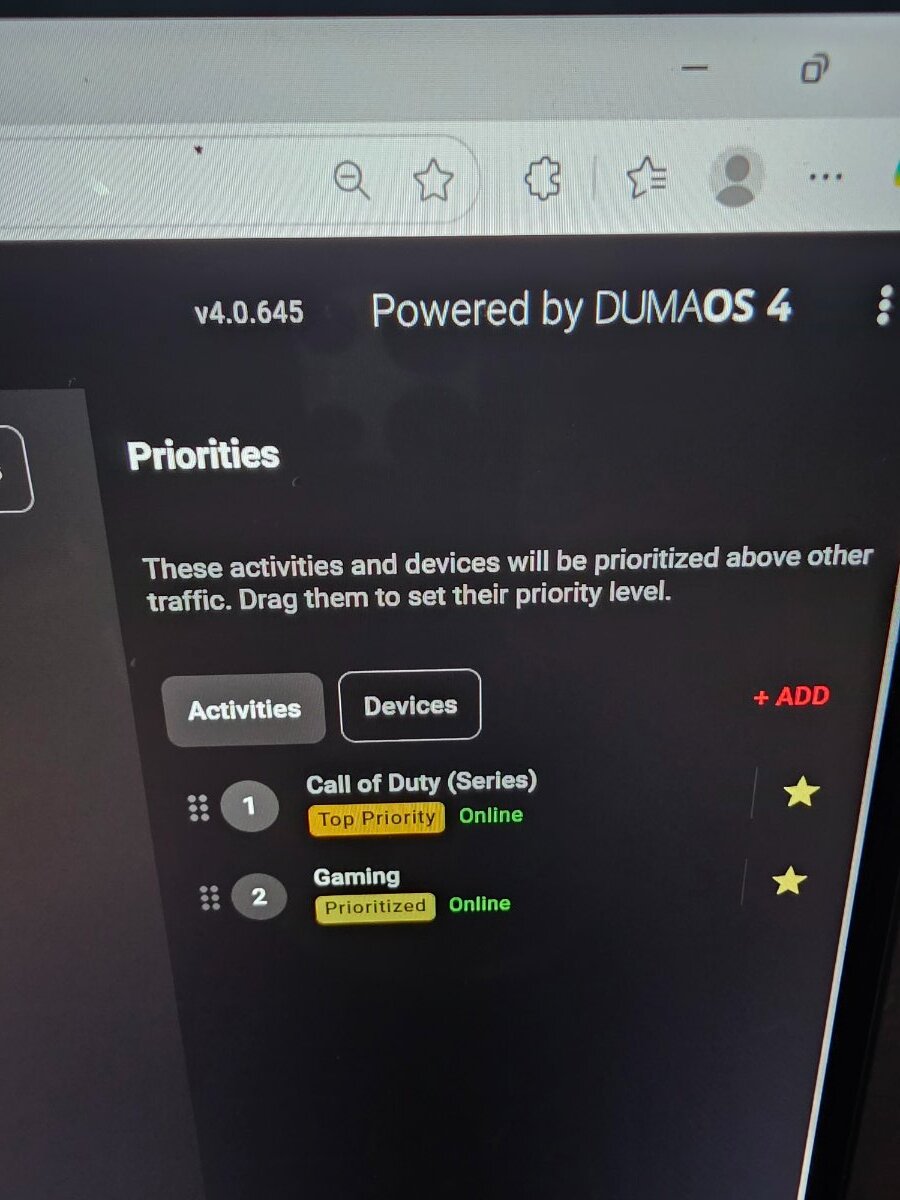
Im playing Bo6. I have the geo filter set in a radius around an area not set to 1 specific server. Yes Im using the latest version of pingplotter which is 5 I was able to double click on the word latency but nothing happened.

-
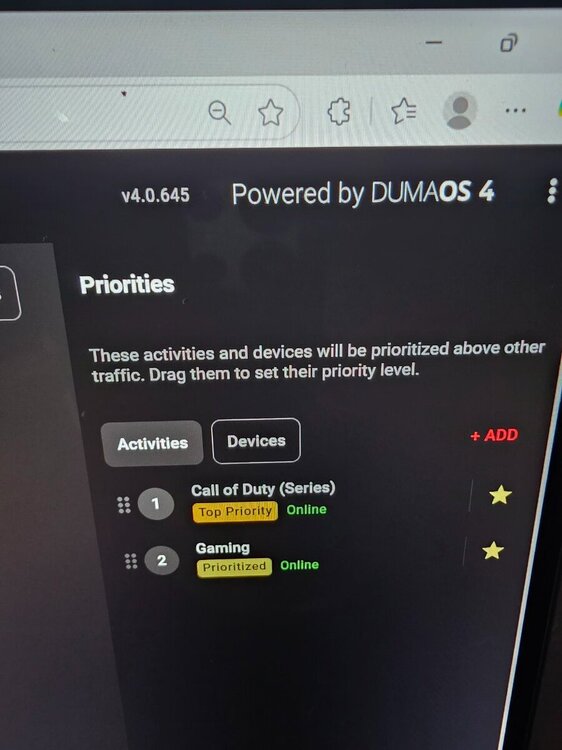
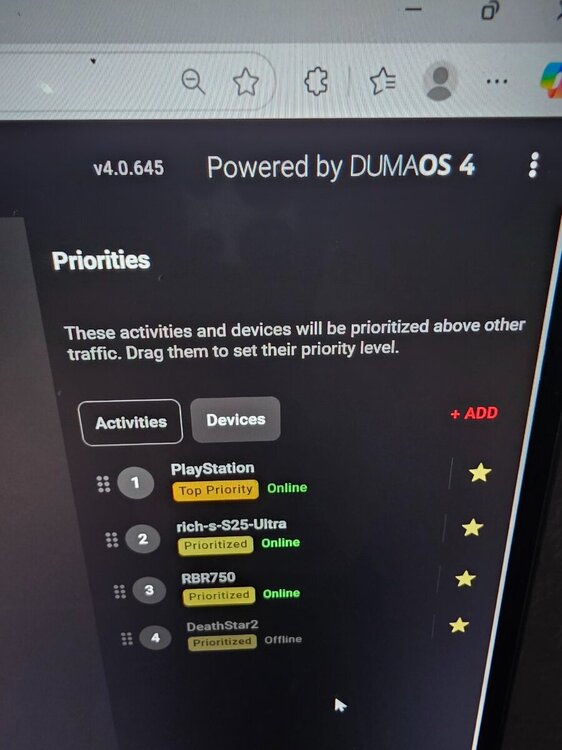
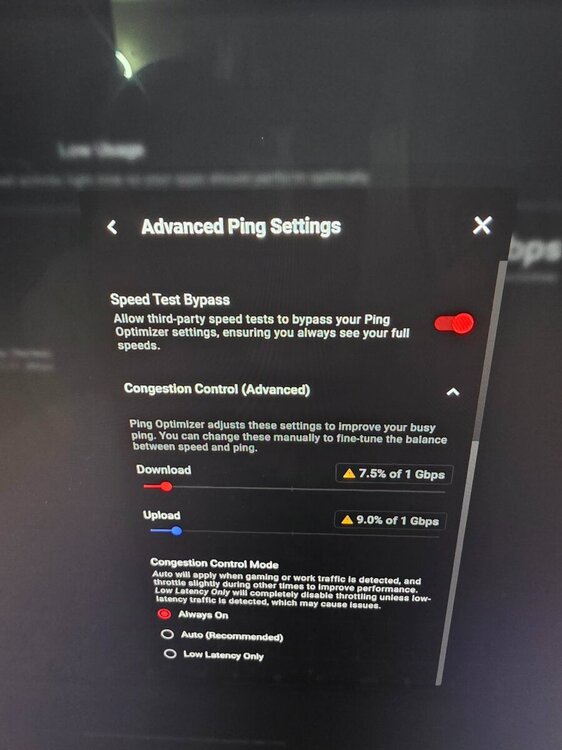
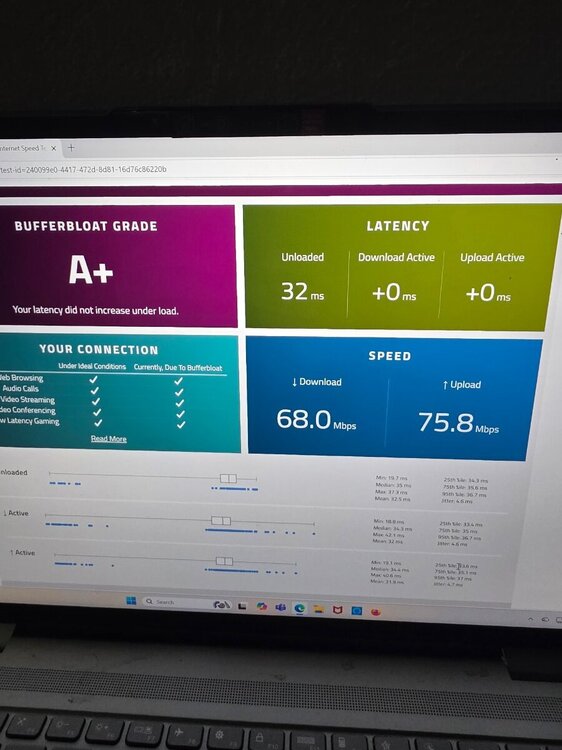
Now its not showing my post an pics because it needs to be approved. I dont understand what you mean by URL IS LOADED. my QoS is set from using bufferbloat an adjusting the speeds so I don't add any latency. Im the only one in my house there isn't anything being used but my ps5 lap top nest cameras an cell phone. If I allow more speed up an down the latency
-
I dont understand what you mean by URL IS LOADED. my QoS is set from using bufferbloat an adjusting the speeds so I don't add any latency. Im the only one in my house there isn't anything being used but my ps5 lap top nest cameras an cell phone. If I allow more speed up an down the latency increases
-
I used the link for PingPlotter you left an thats where it sent me to PingPlotter.com an downloaded PingPlotter 5
-
where do I go to find the maximum latency option? I must have did something wrong with tryin to share to share. So pingplotter.com is what I used. If your saying avoid it, which PingPlotter should I use?
-
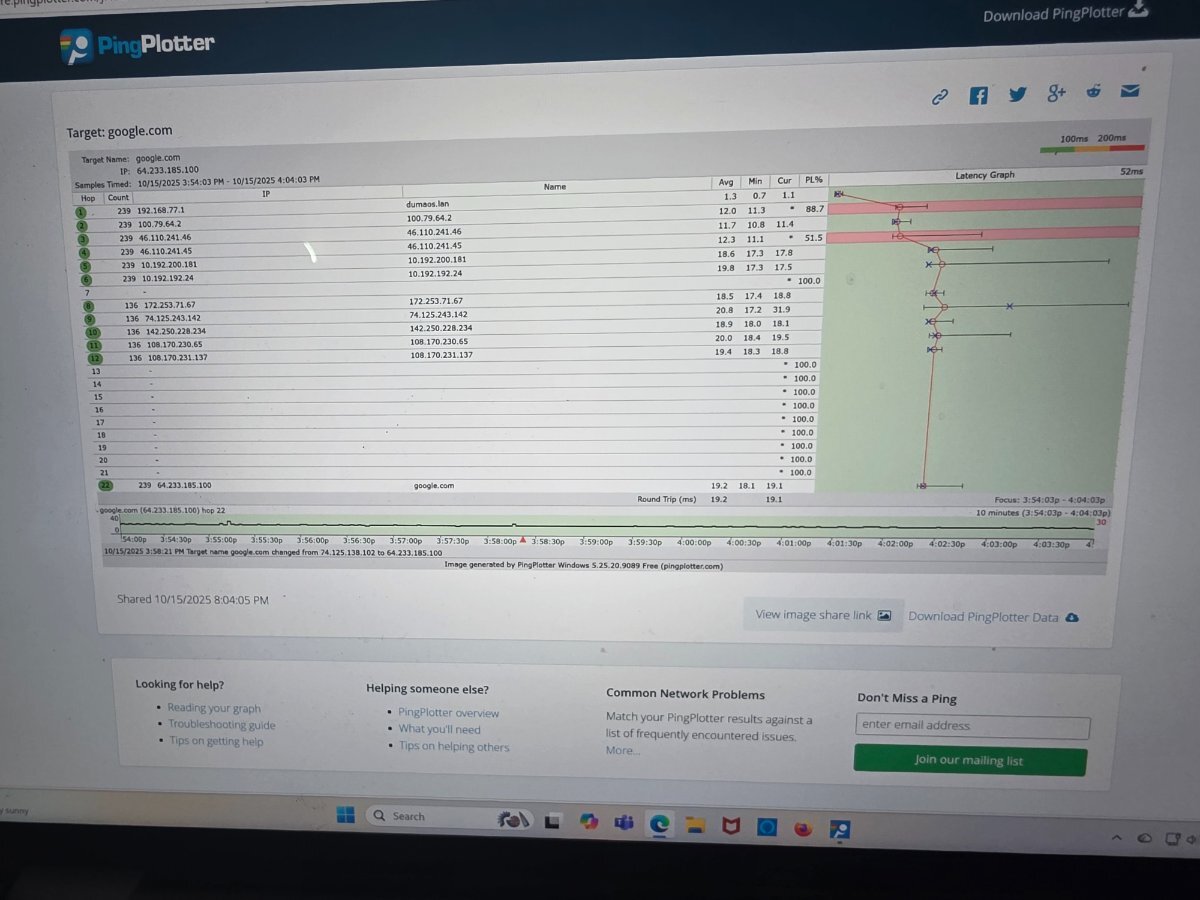
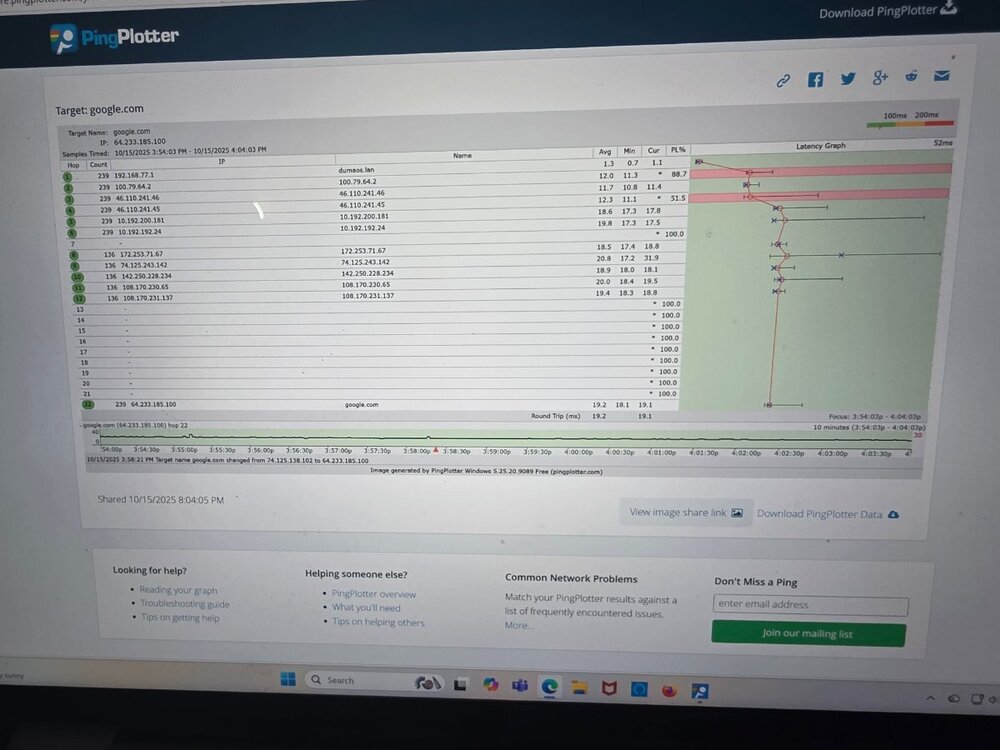
Of course the link doesnt work here's the screenshot
-
Https://share.pingplotter.com/SRiTKhUgV4C.png i didnt know how to make latency 100%
-
Think i got it set up the way you described. I dont understand how to read it an it doesnt show jitter you have to pay for that.
-
Lol early in the morning 🤣🤣
-
@Netduma Fraser any suggestions?
-
Ok, whats the site for the ping blotter your recommending? I typed in ping blotter in the search engine a bunch of them popped up. I also know the tech might not be that skilled either, but what their saying is its not their product or software thats causing it, an they pretty much won't do anything else for me on their end.
-
So this is whats going on, I have switched internet providers 3 times in 2 weeks. I had metro net fiber 1 gig up an down for 2 years. Recently my ping went from 21 42 an jitter went from 0.4 0.6ish to 8 to 12 ms of jitter. I switched to wire 3 fiber 2gig up n down everything worked great had 9 ping an jitter was 0.4 0.6ish then all the sudden around 730 1030 at night it was horrible. Then it got bad randomly. I went back to metro net. They completely re wired the wire an modem worked great then boom 3 days later went to poopy again. After 3 hrs with customer service this evening they said everything on their end is working, can it be my router? I said good question. Let me reach out an see. R3 everything is hardwired. I have the beta version of the software there newest one. I have done a hard reset numerous times. Have all cat 6 ethernet cables. Have CC dailed in. I'm stuck because I do not know how to rectify the problem. How can I tell if its the router? I had a tech here this afternoon showed him the stats on buffer bloat an had to explain an educate about jitter. Any ideas ln how an what i can do to fix this?
-
I was using bufferbloat I did exactly that today. They replaced everything one their end and it still doing it. They think its the r3 router i hard reset it 5 times. It works for a lil then goes back to 12 ms of jitter.
-
I cant understand what you wrote.
-
I called today an they told me its nothing on their end, i use bufferbloat. I have my laptop hardwired to the r3 router directly to an the ps5
-
My ping raises to but to terrible like the jitter, I'm in Florida
-
Why does the jitter fluctuate from 730 to 10 pm ridiculously high? I called my internet provider.And they said that they don't throttle the internet.I have everything hardwired, although I don't lose my connection speed.The jitter is terrible. What can I do to fix it if anything?
-
Yes of course doing it right now.