Bul
-
Posts
230 -
Joined
-
Last visited
-
Days Won
1
Everything posted by Bul
-
can you set vpn configuration L2TP / IPsec?
-
if I disable vpn and geo-filter, then I restart the routers, I get nat open, immediately after I activate geo-filter and vpn, after one day I have nat moderated again, it can be solved or I have to live with it( i have open/moderate Nat in game)
-
I was able to open it on the game yesterday when I had the geofilter disabled
-
it was one of the first things I did some time ago hehe
-
now that the geolocation works perfectly the nat has become moderate hahaha
-
Yesss, thanks to you for your availability
-
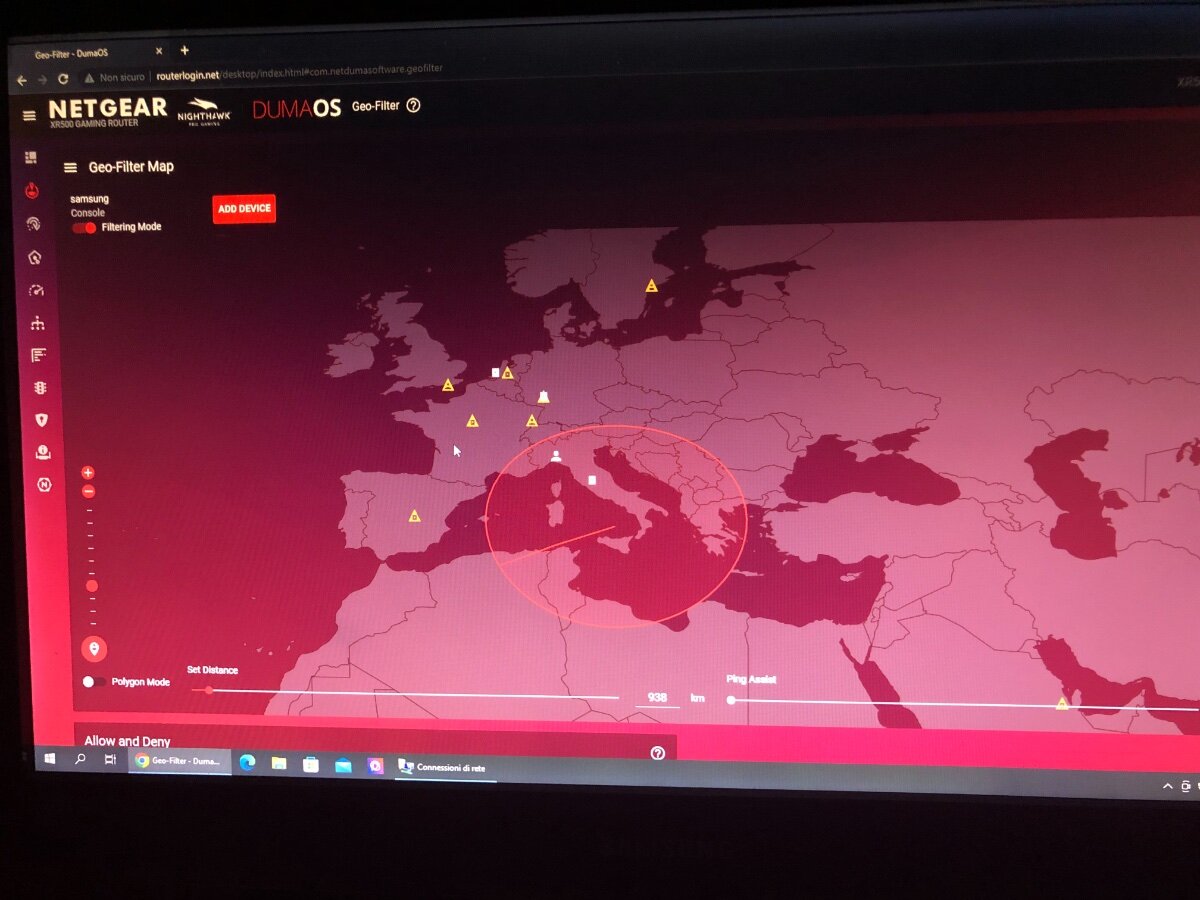
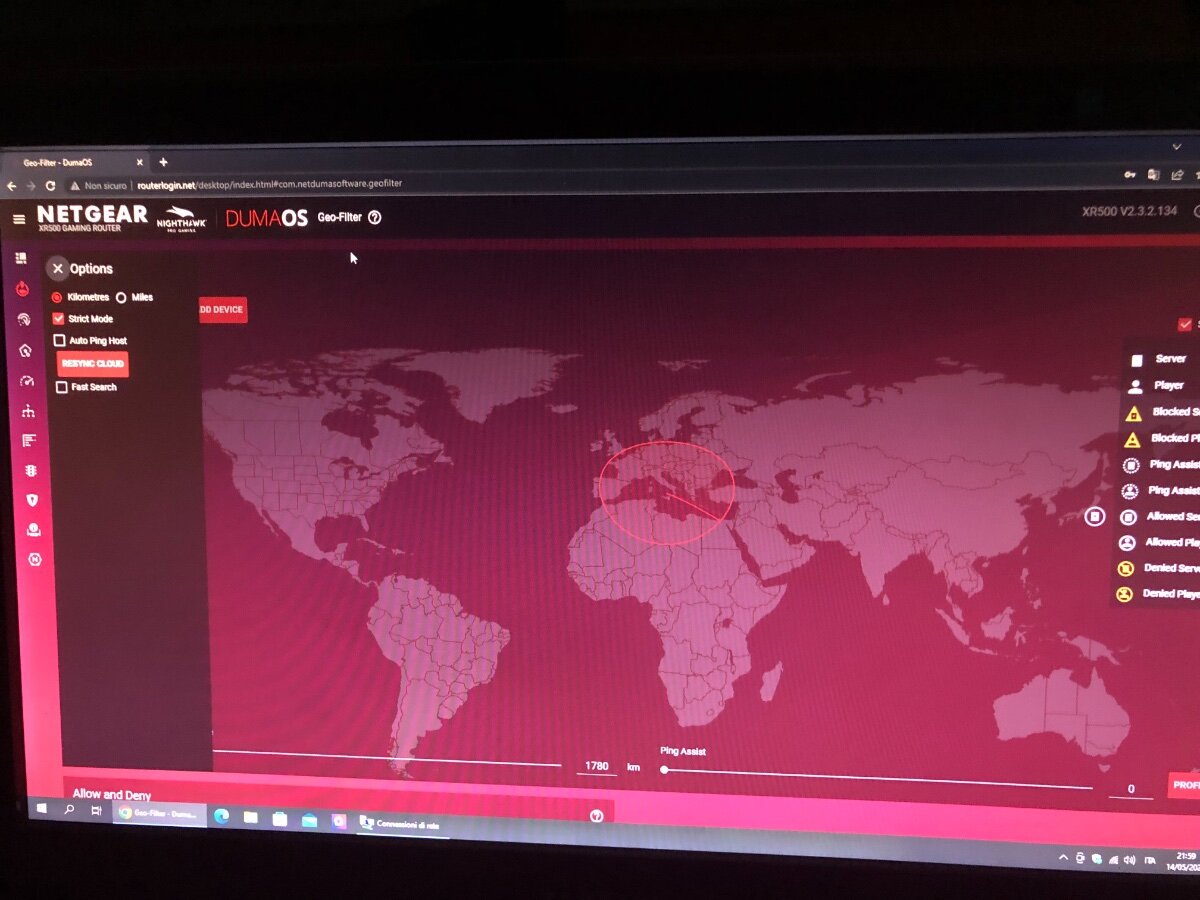
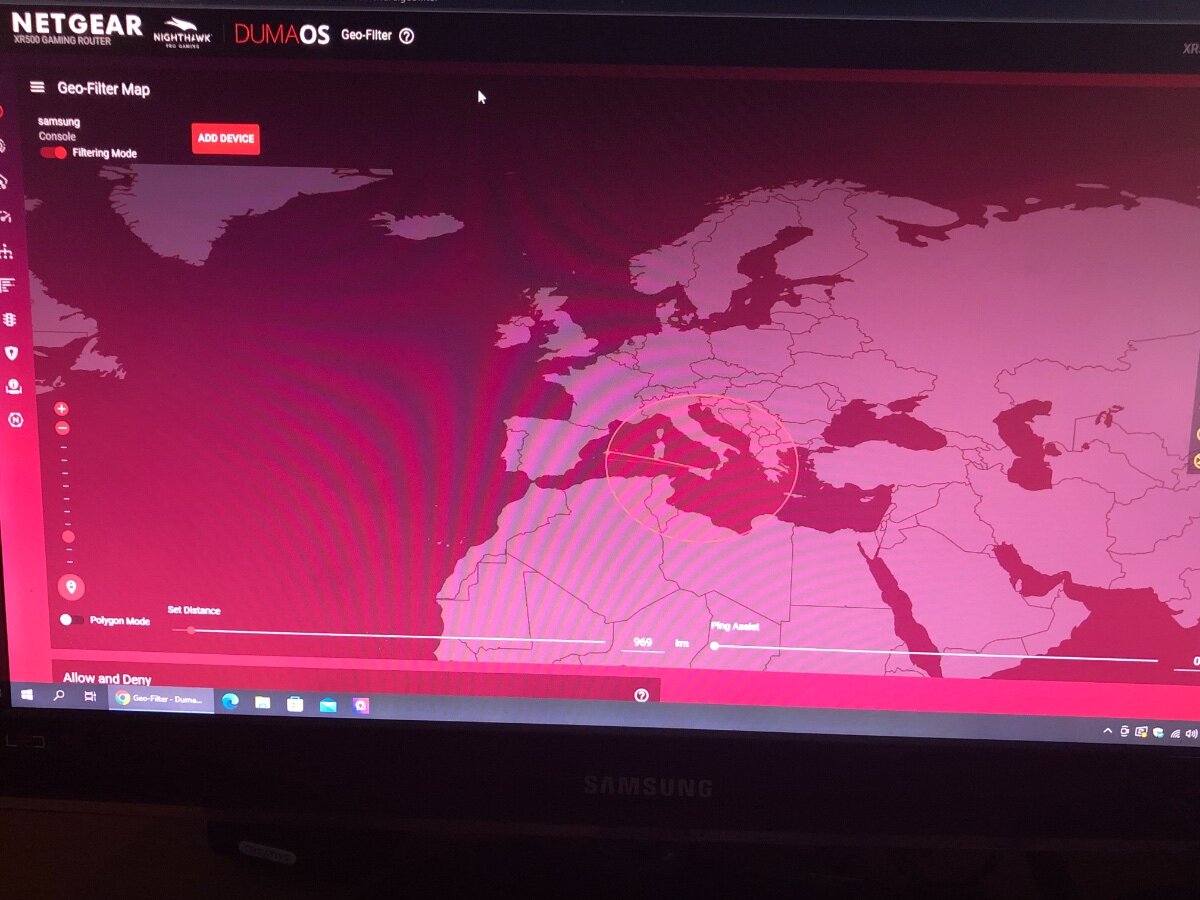
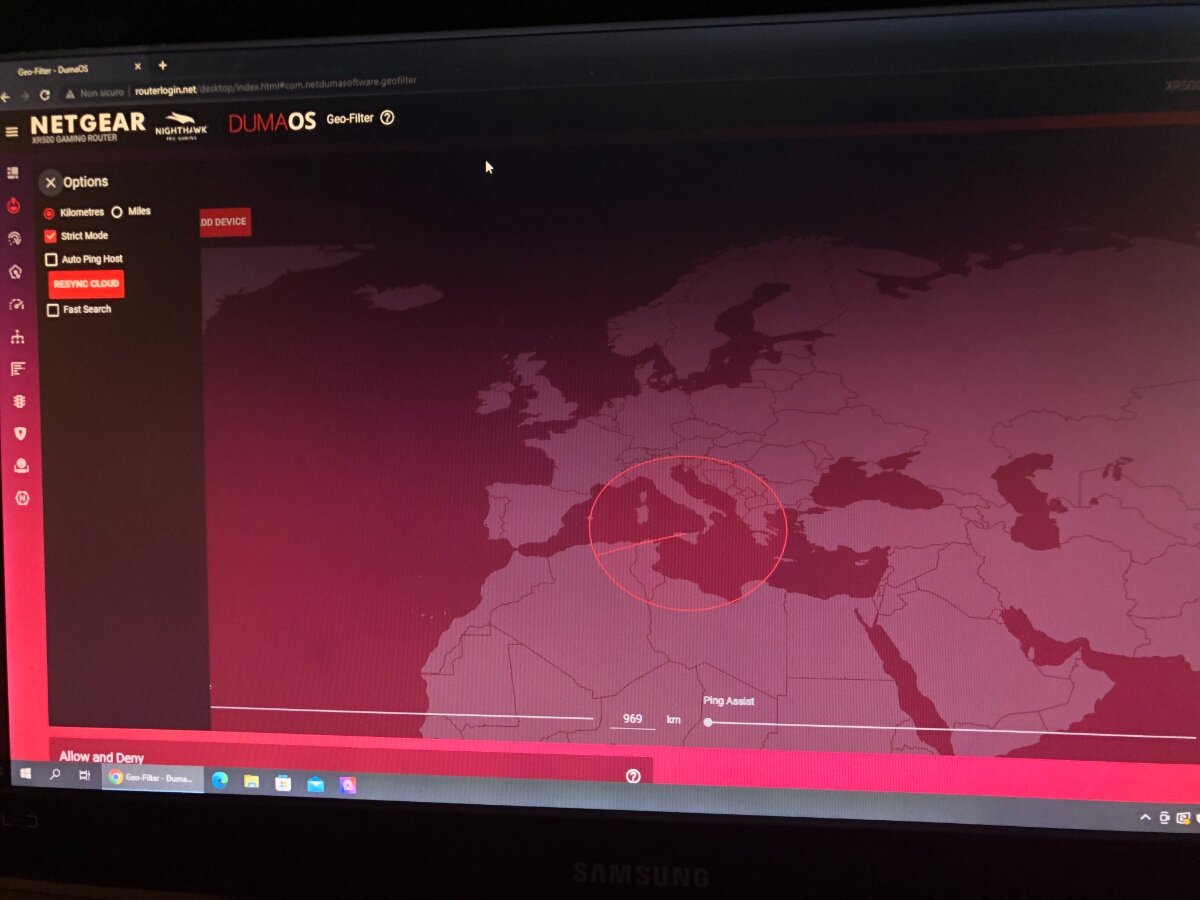
I thought and rethought what it could be, the last thing I did was to put the ps5 in the traffic priority and this causes the geo-filter to conflict, absurd I am attaching the photos that demonstrate it now, do not add the device you play with in "traffic controller"
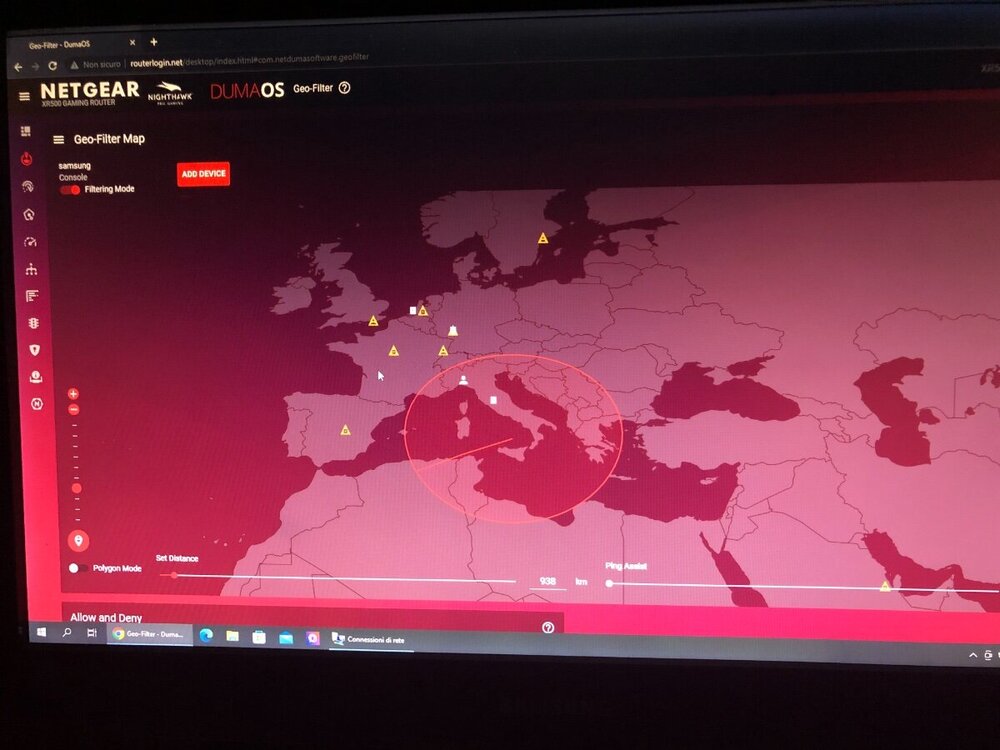
-
It doesn't work anymore, he's totally crazy look where the server is for me (right)
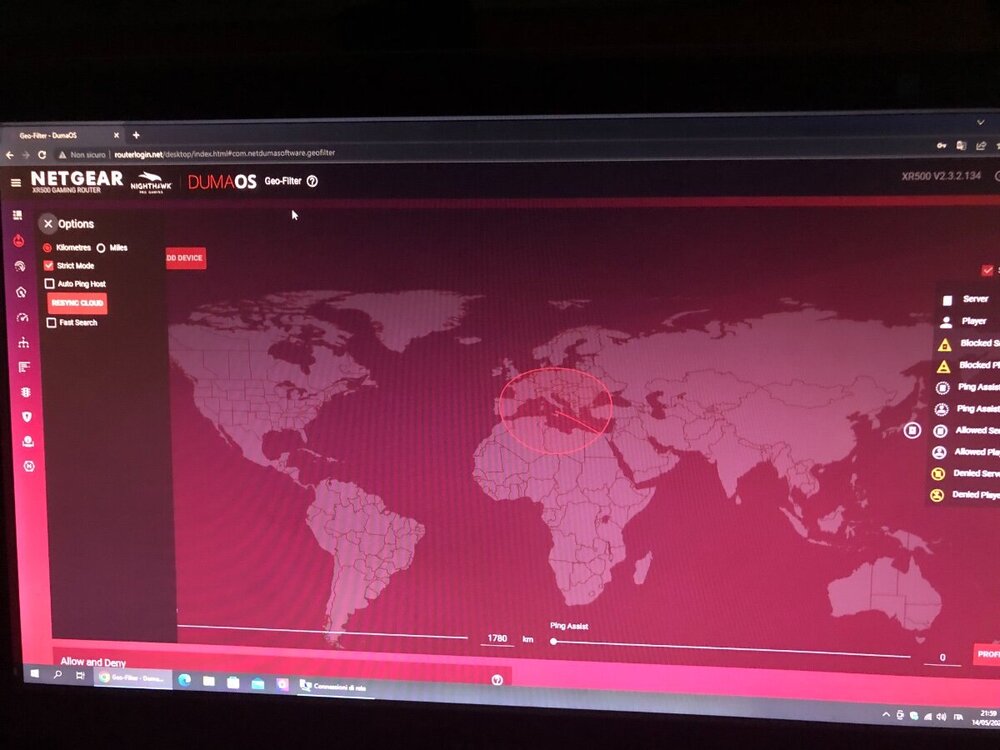
-
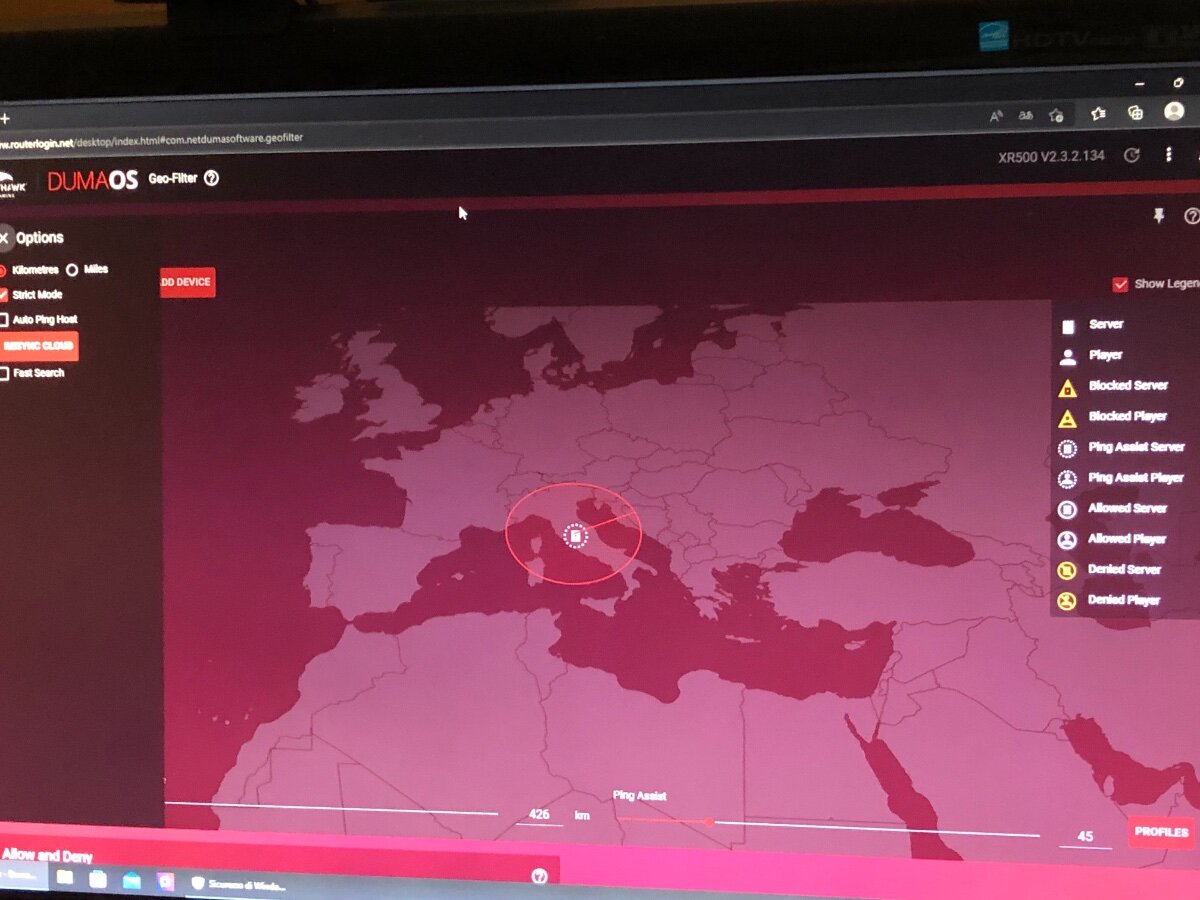
I changed some settings in the widtre modem and now I have nat open (nat is solved now). As regards the geo-filter if I remove the strict mode I see all the servers on the map, even the Italian one when I enter the game, while if I enable the strict mode I don't see neither the countries outside the circle blocked nor the server inside accessible .. When it worked I saw the countries outside the circle, yellow as they were blocked and the server inside the circle, white accessible .. I don't know what it can be. ... samsung is the ps5
-
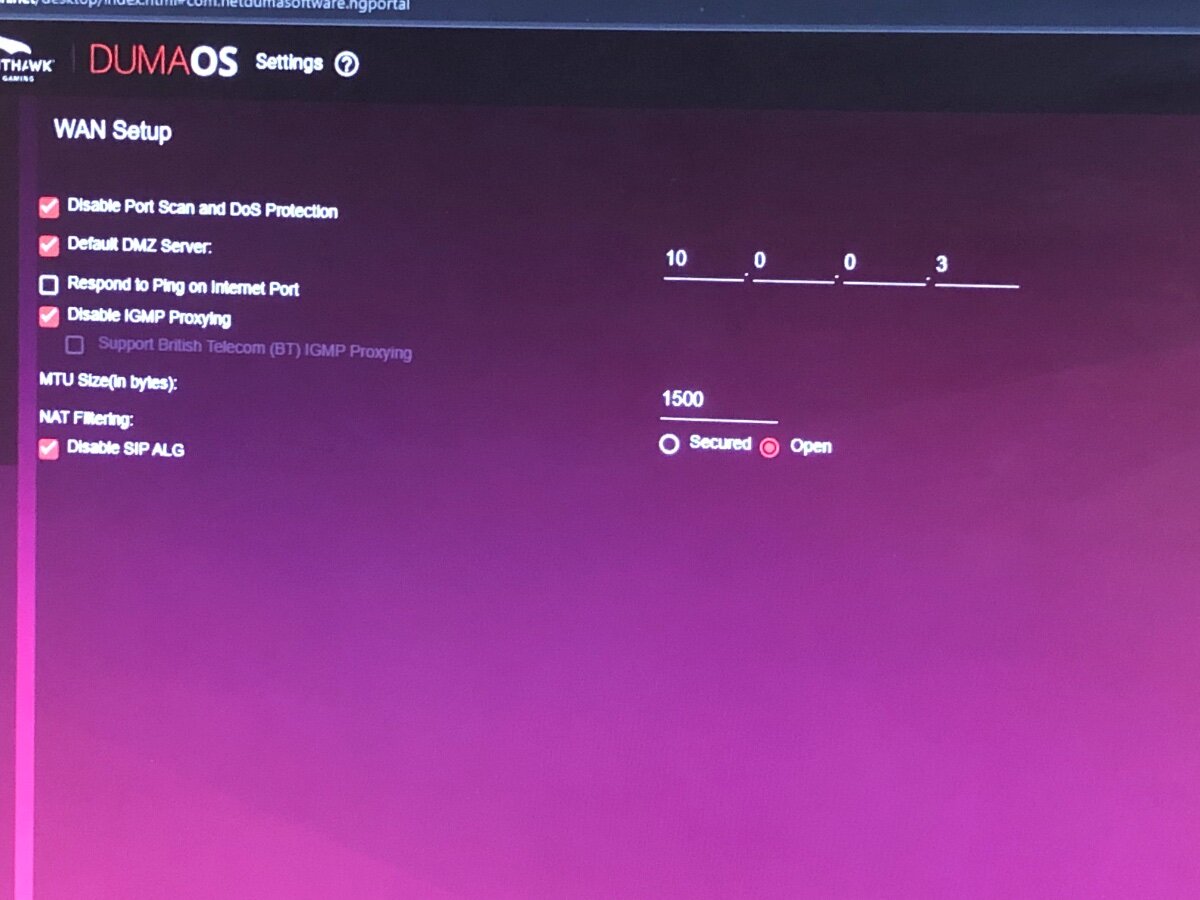
is the wan setup okay? do i have to remove any options?
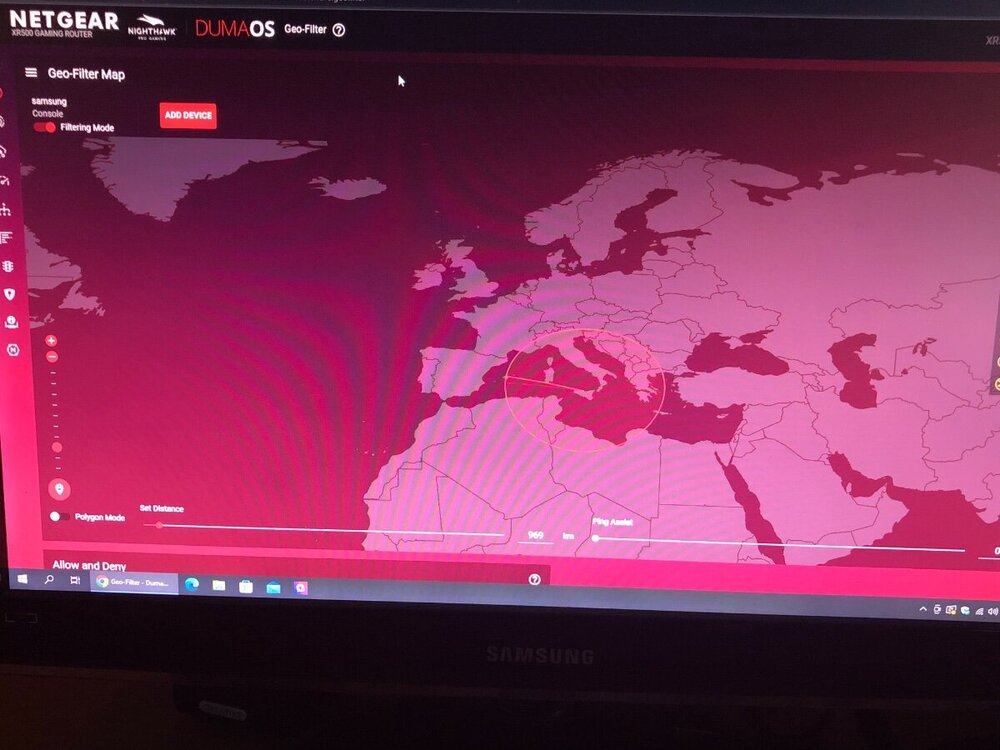
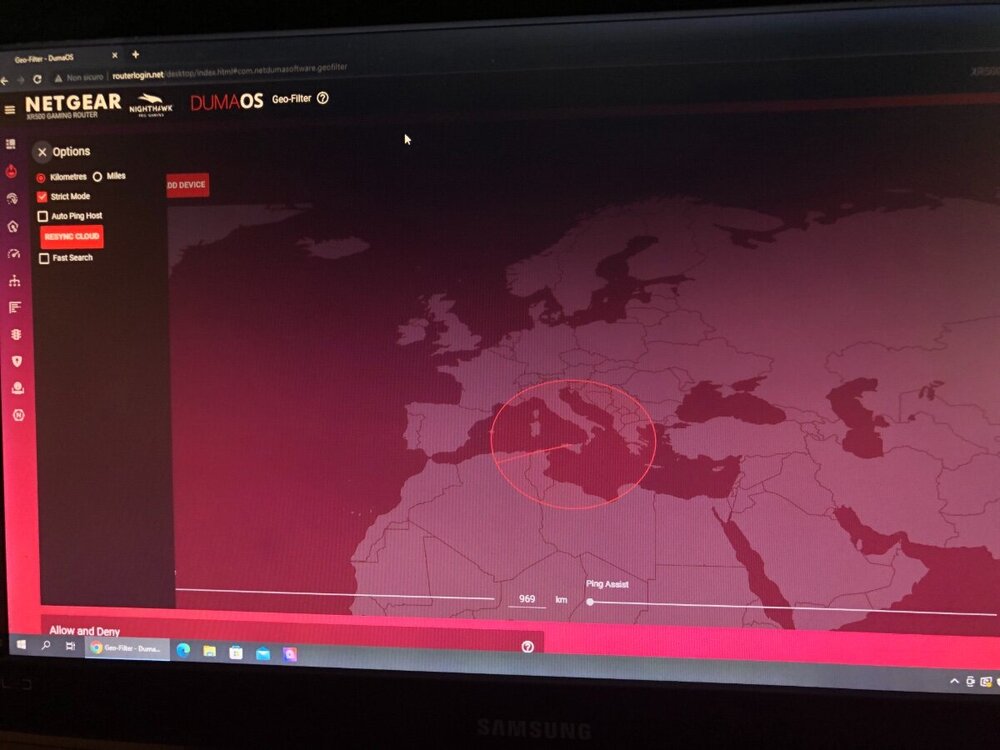
-
I am having problems with geolocation, only strict mode does not work, I am not seeing any blocked servers and no accessible servers, I repeated the path 1 delete the device 2synchronization 3add device 4 manual selection 5then I put ming assist 0 6strict selection 7and I open the game
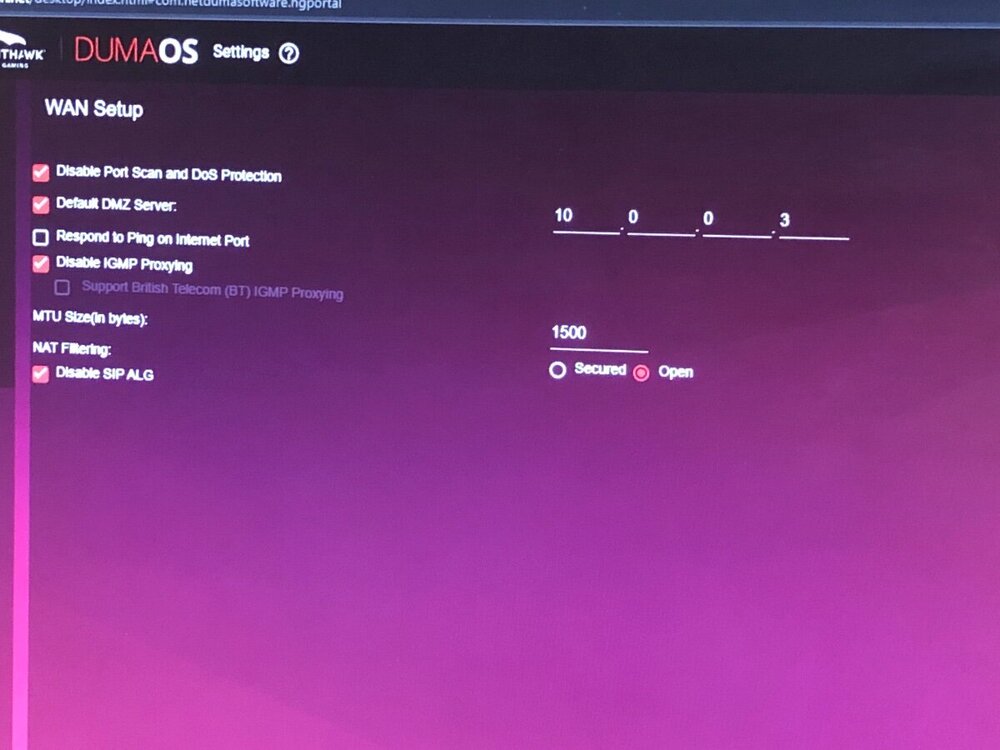
-
as for the hybrid vpn everything ok, now I have removed the hybrid vpn and I am reusing the geo-filter, I am having problems of restricted nat despite having put the wan address of the router on the dmz of the isp
-
I'm sorry, I did not get it
-
for a console configuration, in the vpn traffic section which ports I add beyond 443 o and 3074?
-
the modem is the one given by the house wind-tre homelife, it is also wi-fi. i have two question, 1)is there a way to do the geo-filter together with hybrid vpn? 2)if i add the device (vpn traffic) and select "do not vpn these services without writing anything, i get a normal vpn? then i can enable the filter in italy?
-
without vpn the geo-filter works but the nat after each number of games changes, becomes restricted and I have to restart the modem, I tried to restart the router but I still have the restricted nat so I also have to restart the modem to change nat, solutions ?
-
I went back to try the settings you suggested, with ping assist disabled it can't find the games even though I have the server in the radar
-
I'm sorry I forgot to attach the photo, this was a match that looked for me in Italy, now I'm back home I will continue to test
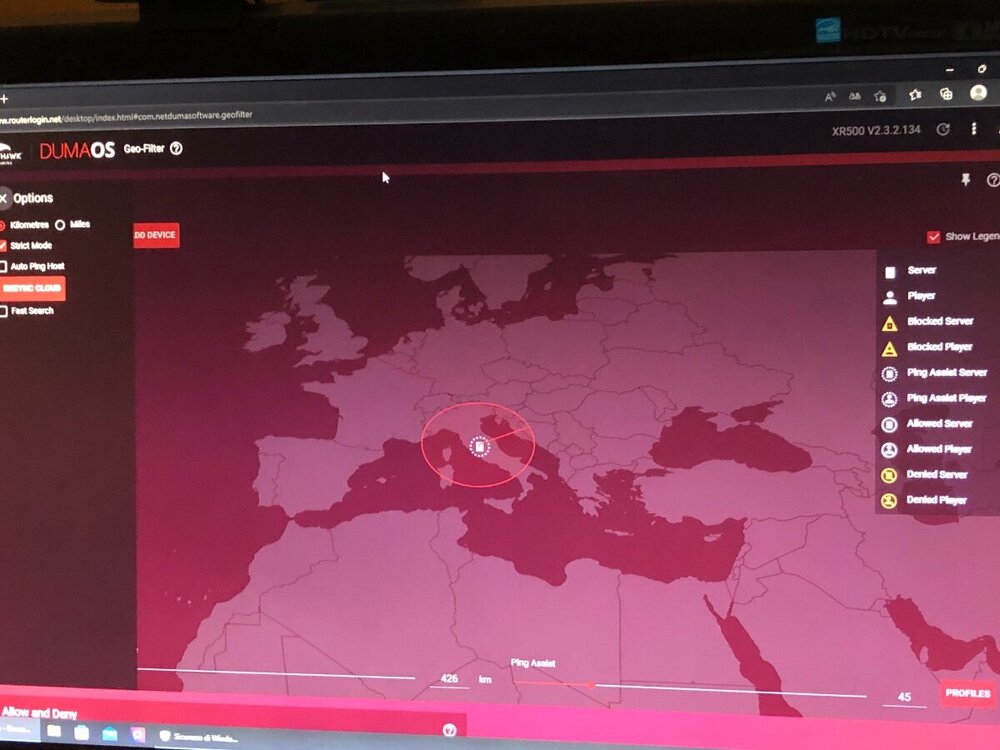
-
are always the same settings, I have two questions: 1) should I use ping heatmap to set that value on the geo-filter? using ping heatmap I see that in Italy it gives me 22 ping, obviously the ping around 10 more is around 2) every time I uncheck the geo-filter settings, do I have to press synchronize?
-
I have reprogrammed geo-filter and nothing is not working, I block the servers that I don't want to play but it keeps letting me enter those servers
-
I set the geo-filter as you suggested, (removed the ps5, synchronized, added home, put the ps5 manual typing and I removed all the ticks in the options there at the three lines at the top left) on about 30 games I will have found 5 in Italy all the others in Europe with higher ping than what I have selected, I am getting discouraged
-
ok, I continue with the tests with the geofilter and the update, however I sent an email to netduma support and I found the answer she gave me on the forum much more professional than the one they gave me in the email, thank you
-
ping heatmap now works (I have chosen the checkbox HTTP no htts, with htts it does not work), keep trying geo-filter, as you suggested to put manual you automatically set "auto ping host" what do I do? do I deselect it? while regarding the nat do you have other ideas?
-
the ping mode heatmap does not work with any game, I synchronize I click a game I wait for the red rectangle of "ping" to become selectable, I click and nothing happens. as for geo-filter every day I have to reconfigure it I impose it that I have to look for the matches in Italy, tomorrow as soon as I turn on the ps5 it no longer looks for them in Italy and I have to configure it from the beginning, I noticed that by removing the port forwarding you suggested it seems there is an improvement regarding the duration in which the geo-filter is applied, before it lasted me 4-5 games now it lasted me a whole day but today I'm deleting the ps5 and resetting it in the configuration, practically when it doesn't work it looks for me games with ping 50-55 and does not find them in Italy where I selected (I raised the search to 45 of ping)
-
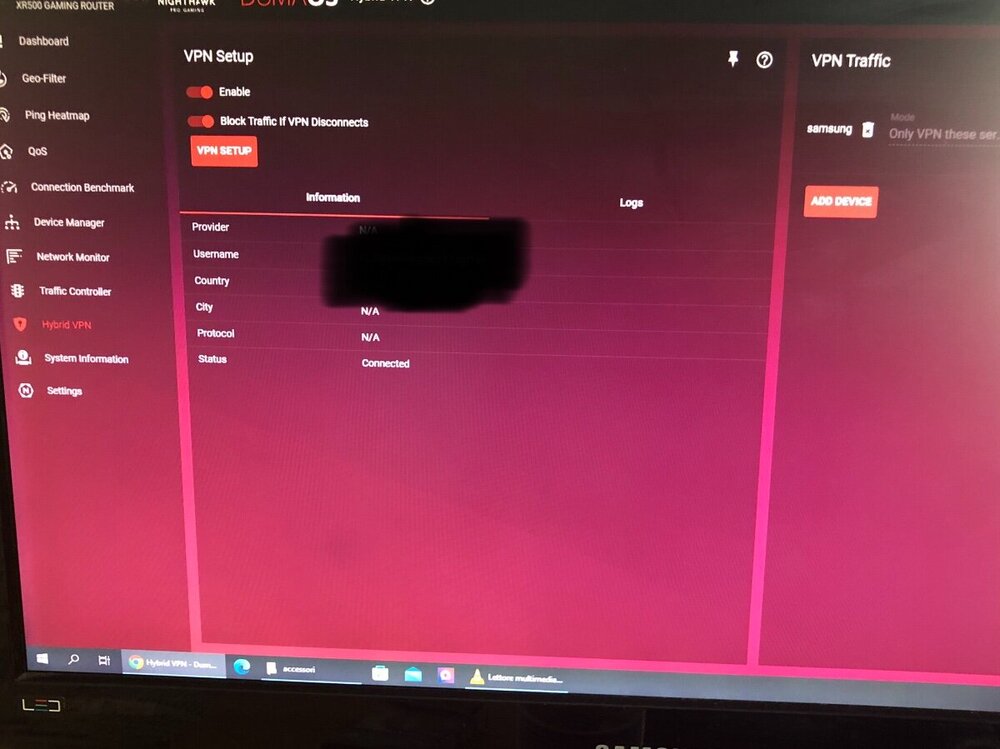
do not look at the photo that I had disconnected them, the hybrid vpn works perfectly, the rest of the things do not work, I try to remove what you suggested to me and for the rest? you say I have to reset and reconfigure from scratch? the geofilter makes me do a game or two then I have to reconfigure it is it possible?
.png)