JOSHR3ll
-
Posts
72 -
Joined
-
Last visited
Everything posted by JOSHR3ll
-
 Thanks again for your help, you were right, the solution does work, but only if the process is followed very strictly. I can see why others may have failed or stopped midway. In my case, if I didn’t do: downgrade to 4.0.41 factory reset at that exact stage only use the correct command to bypass the wizard then upgrade it would break things badly (I had HTTP redirection to /dumaweb, SSL issues, Windows Update failing, etc.). Regarding your question about the 24h disconnect: Before this full process, I had hard disconnections every ~24 hours with no automatic reconnection at all ; I had to manually reboot the router each time. Now, after applying the full method, everything is stable. It has been 48 hours without any disconnection or need to reboot, so for now it looks like the issue may be completely resolved. What I’ve also identified is that the issue seems to be triggered specifically after performing a factory reset on firmware 4.0.540 or 4.0.645. After that, PPPoE auto-reconnection stops working correctly. Using the 4.0.41 reset + upgrade method seems to avoid that state entirely. I’ll continue monitoring to confirm over a longer period, but this is already very promising. Also interesting to hear you're running 4.0.645 successfully, that gives me confidence to maybe test it later, once I’m sure everything is stable on my side.
 -
Just a quick update >> everything is now back to normal. After all the testing and the final procedure (downgrade to 4.0.41, reset, bypass wizard with the correct command, then upgrade to 4.0.540), the router is now working correctly and the connection is stable. Thank you for your support throughout this process, and also thanks to @Devastate from the forum for the help and shared findings >> it really made a difference. Now that everything is stable and I don’t plan to perform any further resets, I have one question: Would you recommend upgrading to firmware 4.0.645, or is it safer to stay on 4.0.540 given the PPPoE issue?
-
I wanted to provide an update on the current situation after further testing. Unfortunately, I am still experiencing the 24-hour disconnection issue. Here is exactly what I have done during the troubleshooting process: I first downgraded the router to firmware 4.0.41. I tested the different console commands that were suggested to bypass the setup wizard. After running several of these commands, I began experiencing HTTP/SSL redirection issues (many websites redirected to /dumaweb, browser certificate errors, Windows Update failing). I then upgraded back to firmware 4.0.540, but the redirection issues were still present. To resolve this, I had to perform a factory reset on firmware 4.0.540, after which internet access returned to normal. However, even after this reset on 4.0.540, I still observed the same WAN disconnection after roughly 24 hours. Because of this, I tried a different approach today: I downgraded again to firmware 4.0.41 I performed a factory reset at this stage (important step) I only executed the command that successfully bypasses the setup wizard: await duma.RPCHandler.PostRPC({rapp:"com.netdumasoftware.config",method:"set_setup_done",params:[true]}); After that, I upgraded again to firmware 4.0.540 The router is currently running with this configuration and everything is working normally for the moment. I am now waiting to see if the 24-hour disconnection will occur again with this setup. I will report back once I have observed the router for another full cycle.
-
Just a quick update regarding my situation. After the issues I encountered while testing different firmware versions and trying to bypass the setup wizard on 4.0.41, I eventually managed to restore normal internet access. The command below successfully allowed me to bypass the setup wizard and access the interface: await duma.RPCHandler.PostRPC({rapp:"com.netdumasoftware.config",method:"set_setup_done",params:[true]}); After completing the troubleshooting, I finally performed a factory reset and reconfigured the router on firmware 4.0.540. Since doing this, the router is now connected and internet access is working normally again. During the troubleshooting process I also experienced several side effects (HTTP redirection to /dumaweb, certificate errors in browsers, Windows Update not working), which were most likely caused by the router remaining in a setup/captive state. Everything now appears to be back to normal. I will monitor the router over the next 24 hours because previously my WAN connection was dropping after about 24 hours due to what seems to be the PPPoE reconnection issue. I hope that after this reset on 4.0.540 the problem will not occur again. I will keep you informed if the disconnection happens again.
-
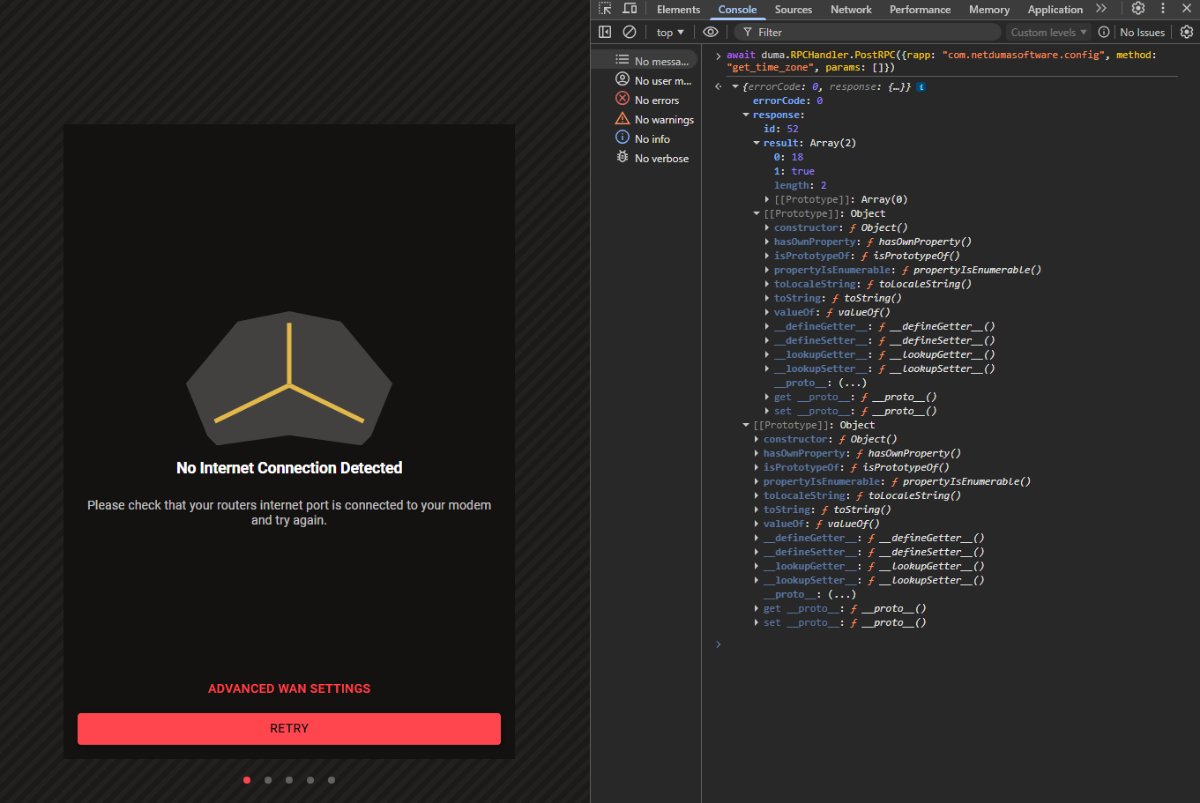
I tried the workaround you suggested, but unfortunately I am still unable to proceed with the setup. Here is exactly what I tested. After downgrading the router to firmware 4.0.41 and performing a factory reset, the router launches the initial setup wizard. The wizard requires a successful PPPoE connection before allowing me to continue. However, my ISP requires VLAN ID 2 for PPPoE to work. The setup wizard in this firmware does not provide any option to configure VLAN before attempting the PPPoE connection, so the connection cannot succeed. I also tried the command you suggested in the browser console: await duma.RPCHandler.PostRPC({rapp: "com.netdumasoftware.config", method: "get_time_zone", params: []}) The router returned a successful response (errorCode: 0), but the wizard did not skip and remained stuck on the same step. I then attempted several additional troubleshooting steps: Clearing browser storage and forcing redirection to the dashboard via the developer console Trying to directly access internal pages such as /#/dashboard and /#/settings/internet Disconnecting the WAN cable and attempting to skip the internet setup step Connecting a temporary DHCP internet source to allow the wizard to complete Unfortunately, none of these methods allowed me to bypass the setup wizard or reach the main DumaOS interface. So at the moment I am blocked on the setup screen and cannot configure: PPPoE VLAN ID 2 which are required for my fiber connection. For reference, my setup is: Fiber connection ONT: Nokia G-240G-E PPPoE authentication Required VLAN ID: 2 Could you please advise on how to bypass the setup wizard or access the full configuration interface directly, so that I can manually configure PPPoE and VLAN? We are getting close to solving this puzzle, so I am confident we will get there 🙂 Thank you for your help. 192.168.77.1-1773378052314.log
-
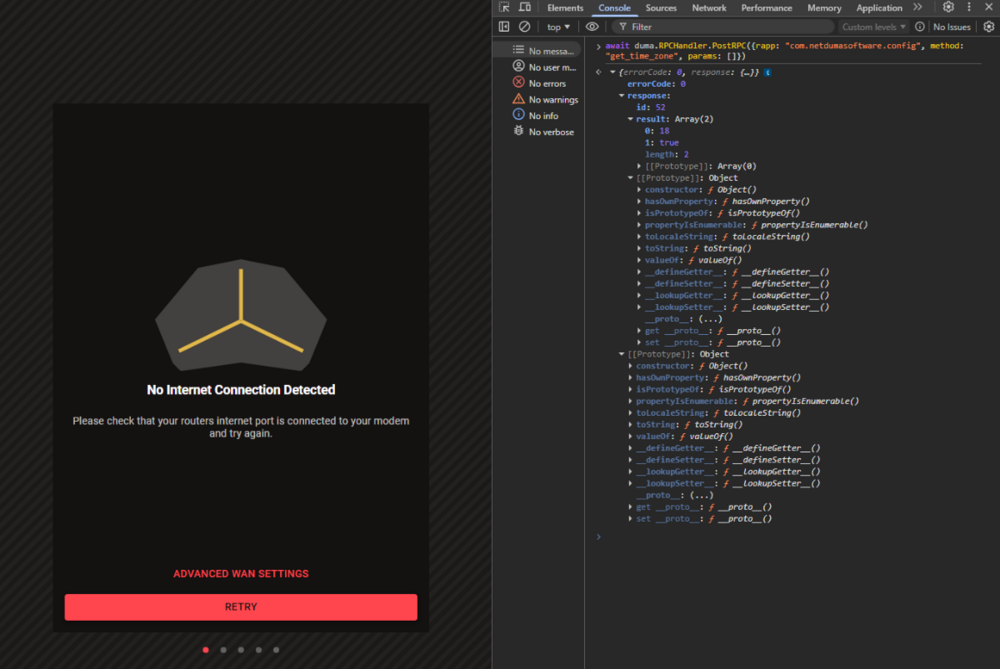
I encountered a new issue while trying the workaround that was suggested (downgrading to firmware 4.0.41). After installing firmware 4.0.41 and performing a factory reset, the router starts the initial setup wizard. The problem is that the wizard requires a successful PPPoE connection before allowing me to continue to the next step. However, my ISP connection requires VLAN ID 2 in order for PPPoE to work. The setup wizard in firmware 4.0.41 does not provide any option to configure a VLAN before attempting the PPPoE connection. As a result, the PPPoE connection cannot succeed during the setup process. There is an option to skip the internet setup step, but in my case this option appears to be bugged and does not allow me to proceed to the next screen. The wizard remains stuck and I cannot reach the main DumaOS administration interface to manually configure VLAN 2 and PPPoE. Because of this, I am currently unable to complete the setup process on firmware 4.0.41. Is there a way to bypass the setup wizard and access the full administration interface directly so that I can manually configure VLAN 2 and PPPoE? At this point it feels like every step reveals a new puzzle, but I’m sure we’ll get there eventually 🙂.
-
Thank you for the explanation. I understand that firmware development priorities and larger feature updates can delay fixes for specific issues, and I appreciate the transparency about that. To clarify the timeline: the issue started after I upgraded to firmware 4.0.645 and performed a full factory reset. Before that, I did not notice this behaviour. I then decided to downgrade back to firmware 4.0.540 and performed another factory reset, hoping that returning to the previous firmware would resolve the issue. However, the problem remained. Since then, the PPPoE reconnection issue occurs consistently every 24 hours on both firmware versions (4.0.540 and 4.0.645). As soon as possible I will try the workaround that was suggested (downgrading to firmware 4.0.41 first, setting everything up, and then upgrading again) and I will let you know the results.
-
Thank you for the clarification and for confirming that the issue is known. From my testing the behaviour is very consistent: exactly 24 hours after a reboot the connection stops. If I disconnect the Ethernet cable between the ONT (Nokia G-240G-E) and the R3 and reconnect it, the internet immediately comes back without rebooting the router. This strongly indicates that the PPPoE session expires and the router does not automatically renegotiate it until the WAN link is reset. My setup is: Fibre connection ONT: Nokia G-240G-E VLAN ID: 2 PPPoE authentication on the R3 Firmware: 4.0.540 What is surprising to me is that, according to the forum discussion, this PPPoE reconnection issue has been known and reproducible since June 2024. Considering that PPPoE is a very common connection type for fibre users, it is quite unexpected that a fix has not yet been released. Regarding the suggestion to extend the PPP session timeout with my ISP, this is unfortunately not possible. The 24-hour session timeout is imposed by the provider and cannot be modified. Could you please clarify if there is an estimated timeline for a firmware fix? In the meantime I will try the workarounds you suggested (v4.0.41 procedure and possibly the Early Access firmware).
-
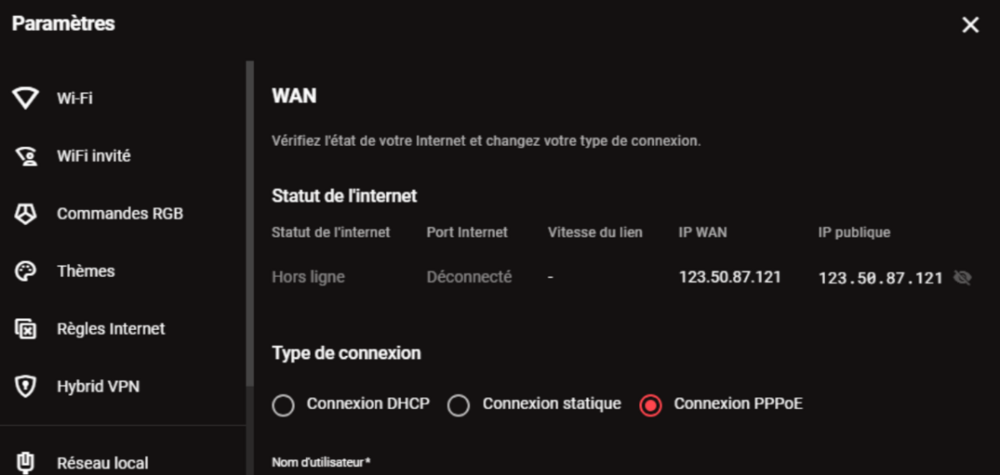
I am experiencing a reproducible issue with my Netduma R3 running firmware version 4.0.540. Network setup: Fiber connection ONT: Nokia G-240G-E Connection type: PPPoE VLAN ID: 2 configured on the WAN interface Router: Netduma R3 connected directly to the ONT Problem description: Every time I reboot the router, the internet connection works normally. However, exactly 24 hours later the internet connection stops working. The WAN link remains physically up, but there is no internet connectivity until the router is rebooted. Observation: If I reboot the R3 at 14:00, the connection stops working the next day at 14:00 almost exactly. This strongly suggests the PPPoE session expires after 24 hours and the router does not automatically reconnect. Diagnostic test performed: When the problem occurs, instead of rebooting the router I performed the following test: I disconnected the Ethernet cable between the Nokia G-240G-E ONT and the Netduma R3. I waited approximately 10–15 seconds. I reconnected the Ethernet cable. Result: The internet connection immediately comes back without rebooting the router. This indicates that forcing the WAN link down/up triggers a new PPPoE session and restores connectivity. Conclusion: It appears that when the ISP terminates the PPPoE session (likely due to a 24-hour session timeout), the Netduma R3 does not automatically renegotiate the PPPoE connection unless the WAN link state changes or the router is rebooted. Request: Could you please investigate whether this is a PPPoE reconnection issue in firmware 4.0.540? If possible I would appreciate: confirmation whether this behavior is a known issue guidance on any configuration change that could resolve it or a firmware fix that restores automatic PPPoE reconnection after session expiration. Please let me know if you need additional information such as logs, screenshots, or further diagnostic tests.
-
perfect thanks
-
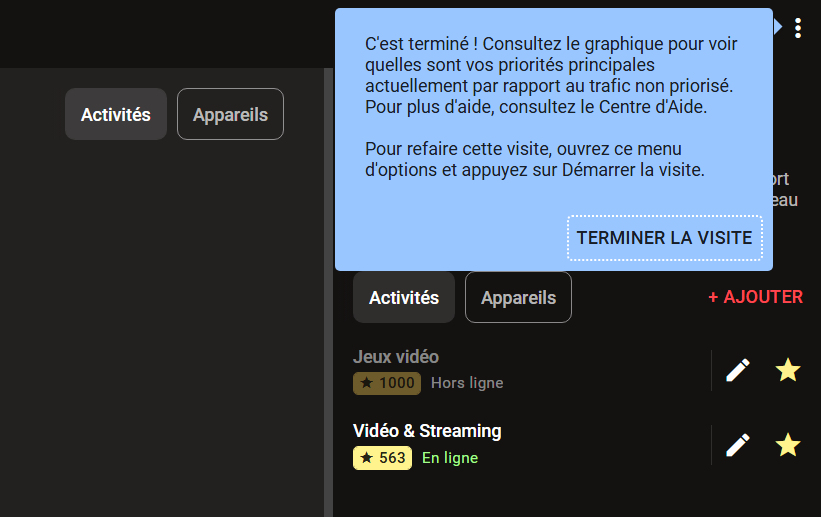
Even after completing or skipping the guided tour, the tips and tutorials reappear every time I reconnect to the interface. I am using Google Chrome. Is there a way to disable all of this once and for all?

-
me also
-
hi, Can I have new software please
.png)