Netduma R3 – Internet Speed Issues After Latest Firmware Update
I'm experiencing internet speed issues with my Netduma R3 router. My ISP's router is configured in bridge mode and connected directly to the Netduma R3.
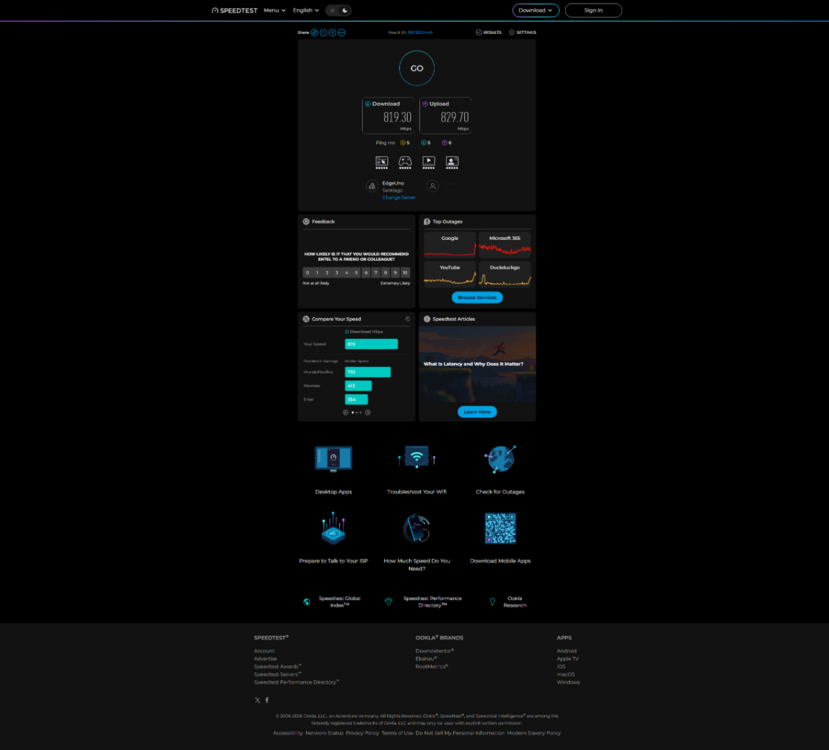
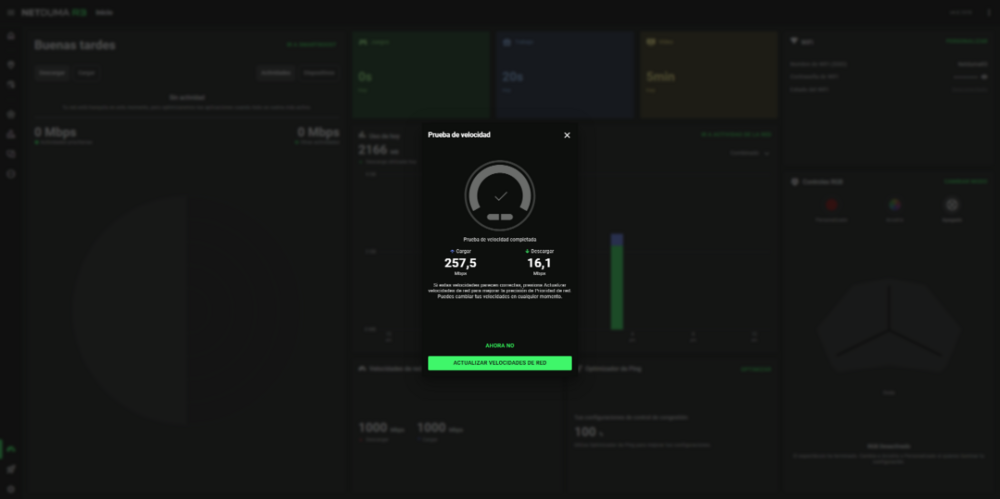
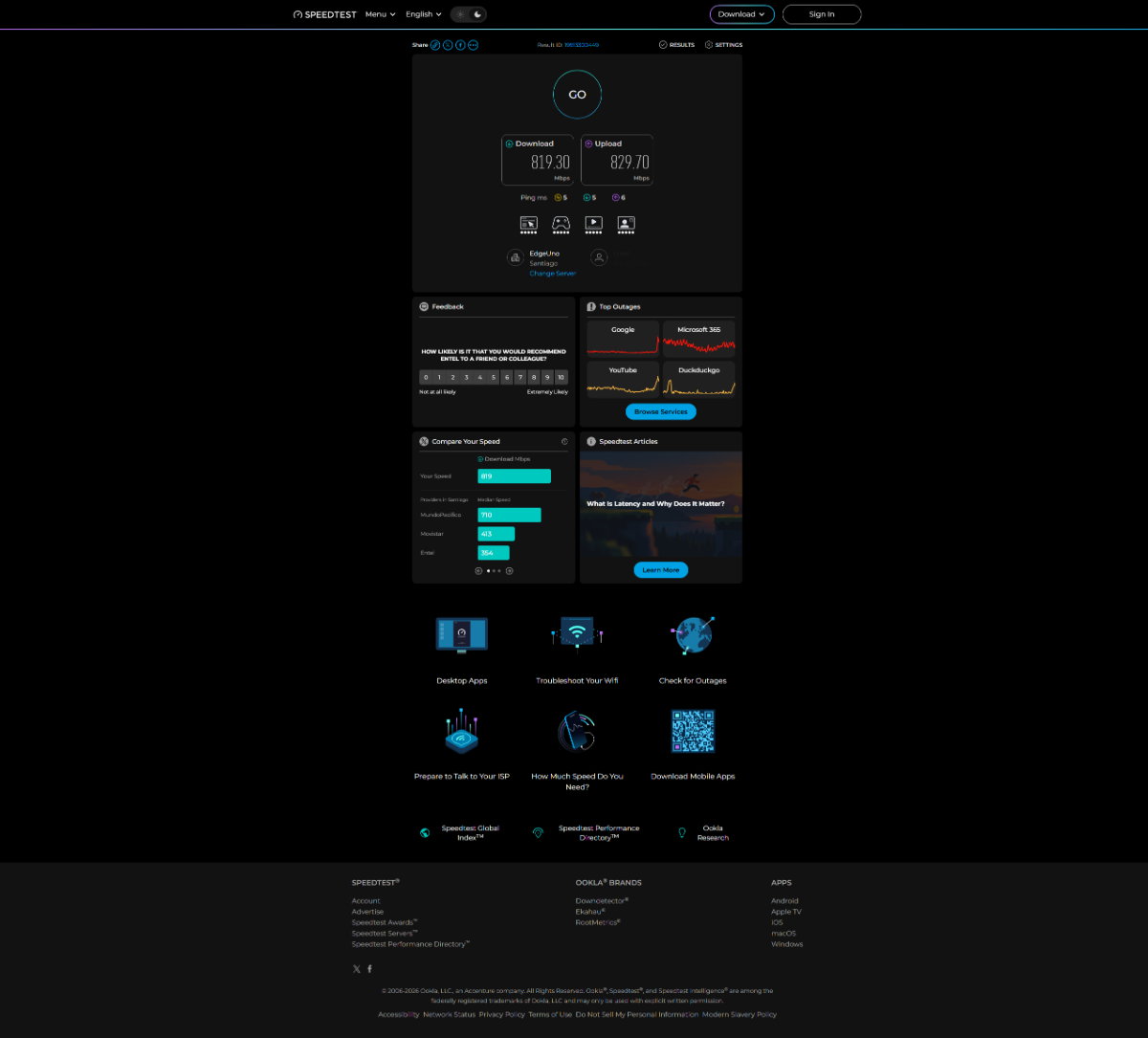
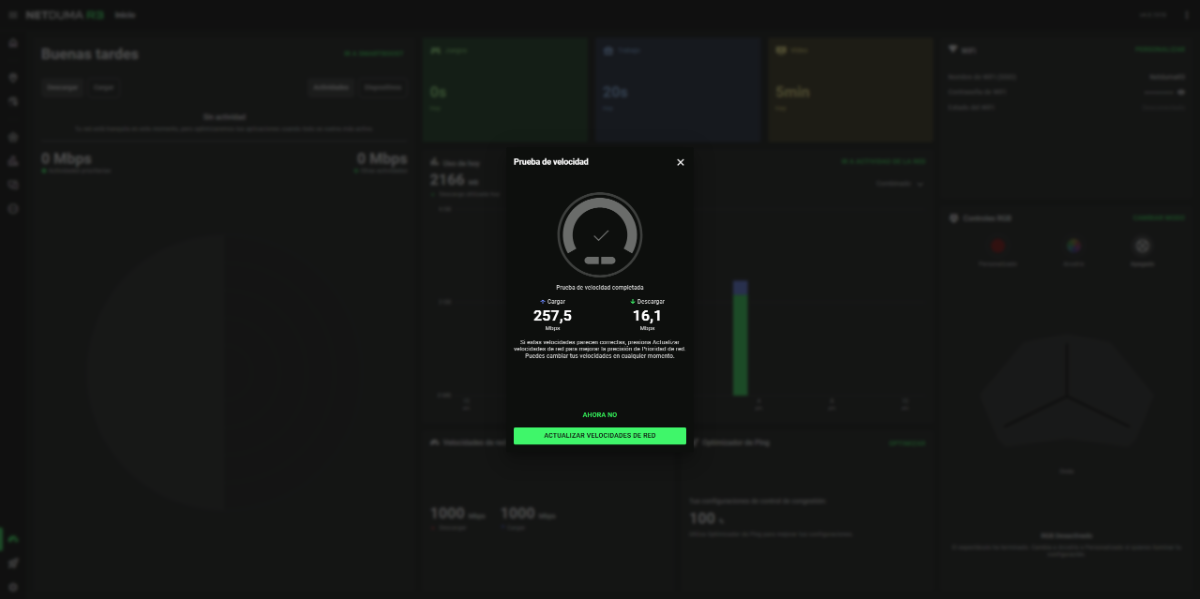
My internet connection is 800 Mbps download and 800 Mbps upload, but when I run a speed test using the Netduma app, the results are significantly lower than my actual connection speed. This is also noticeable when downloading or updating games.
I've performed speed tests using both the Netduma web interface and a web browser, and the results show a considerable difference, as you can see in the screenshots.
The router has been reset to factory settings, and this issue only started after the latest firmware update.
I would really appreciate any help or suggestions on how to fix this problem.
Sorry for my English, and thanks in advance for your help!



 DmenTe_Cz reacted to a post in a topic:
Netduma R3 Speed and Download Issues
 DmenTe_Cz changed their profile photo