kaan006
-
Posts
24 -
Joined
-
Last visited
Everything posted by kaan006
-
Isn't it better when I manually find a stable server and enter it myself? Even with 99% stability, it puts me in sweaty lobbies, and it has nothing to do with SBBM (SBMM).
-
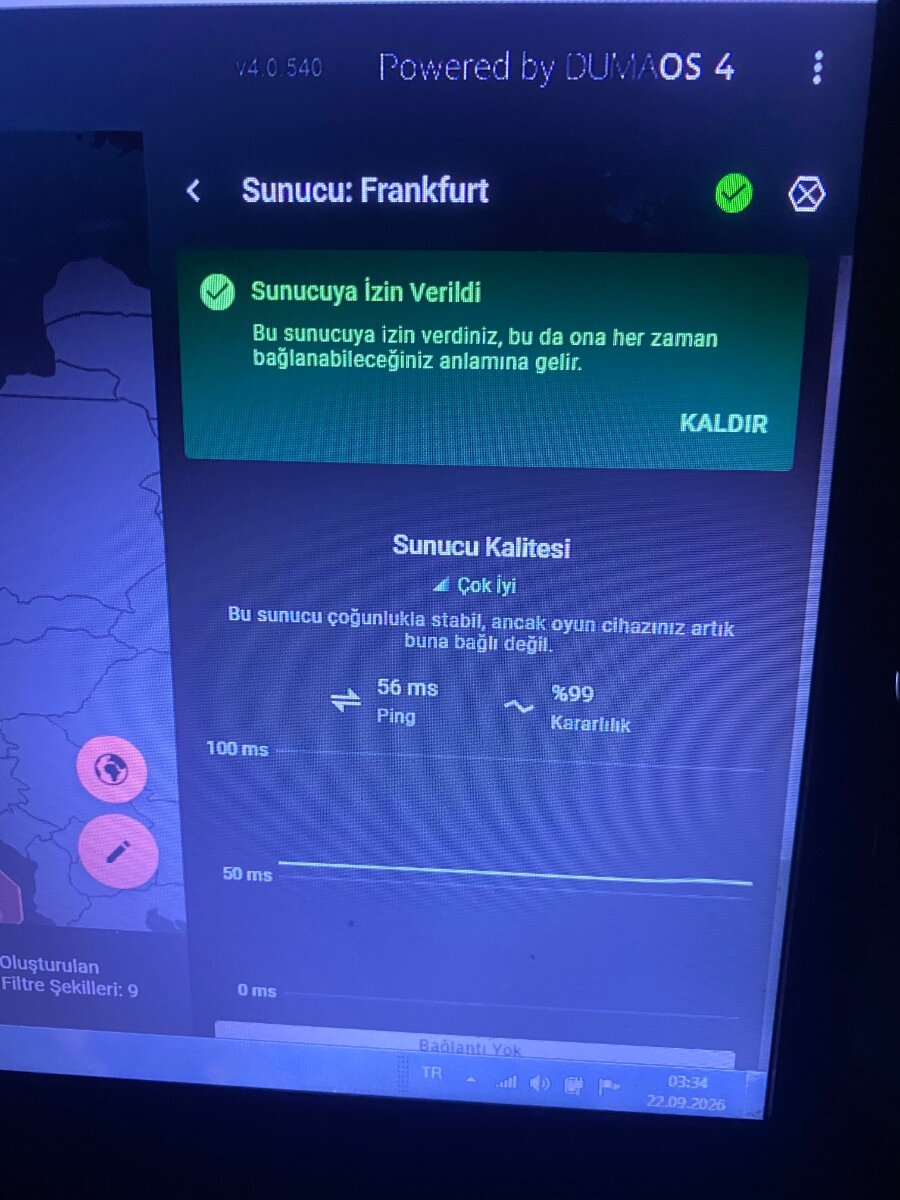
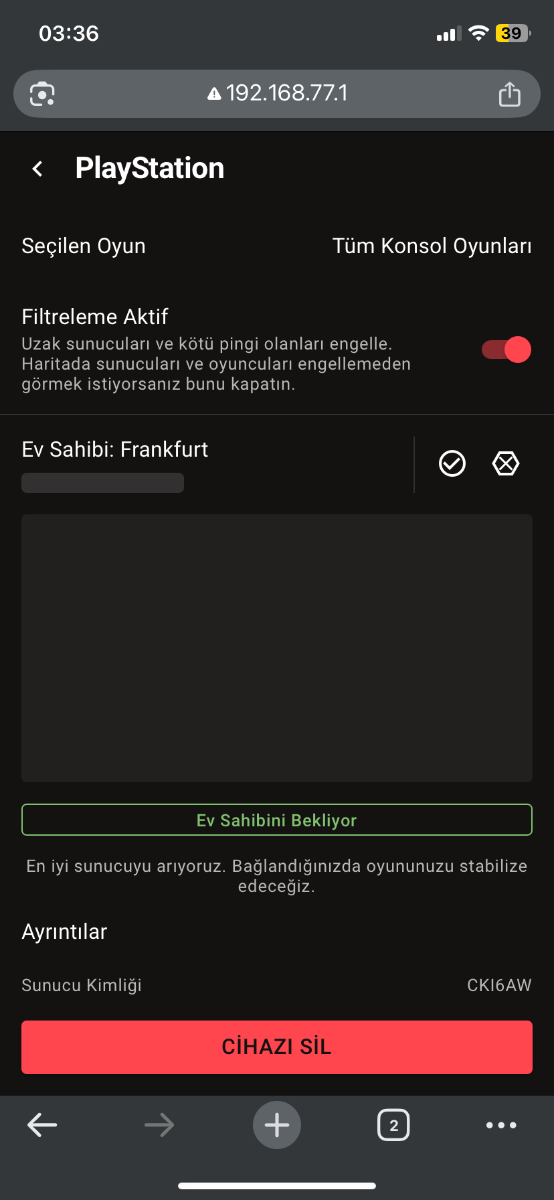
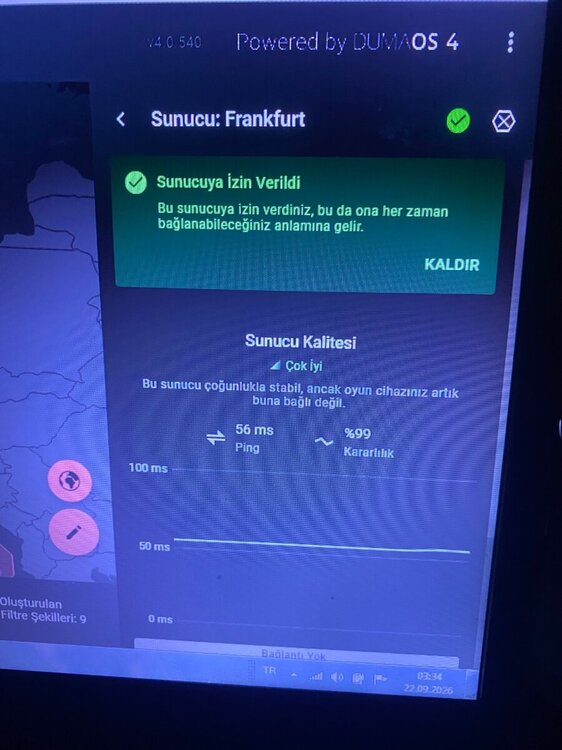
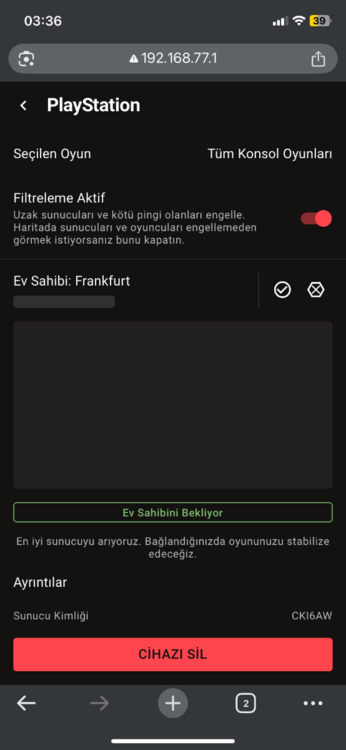
Does pinging it manually keep us constantly on that server, or does staying on automatic keep us locked to that server? I clicked on the console icon, and a green message appeared saying, 'You have allowed this server, which means we can always connect to it.' But when I enter the server, it says, 'This server is quite stable, but your gaming device is no longer connected to it.' For example, how can we make it constantly join a specific server? If I like a server, I want to keep joining the same one consistently, as some servers can be quite challenging.
-
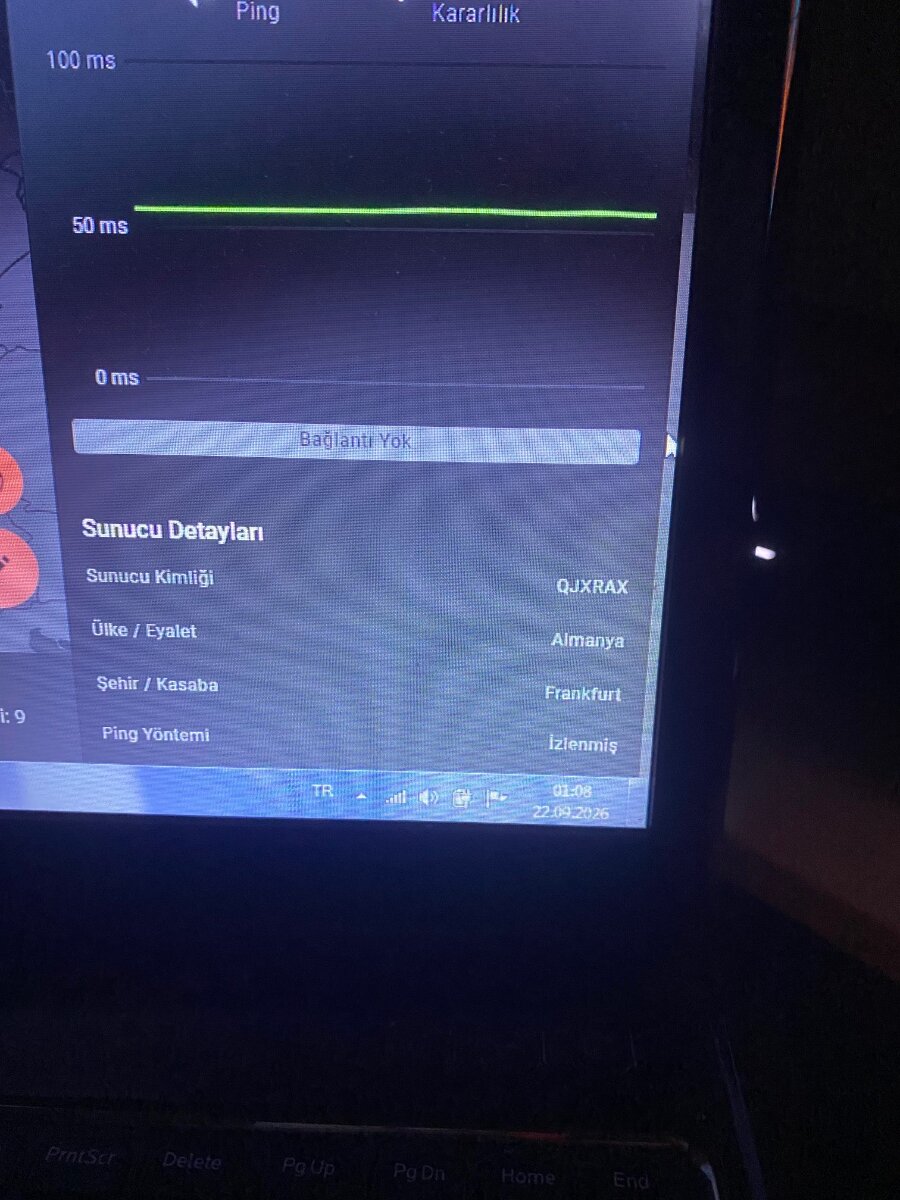
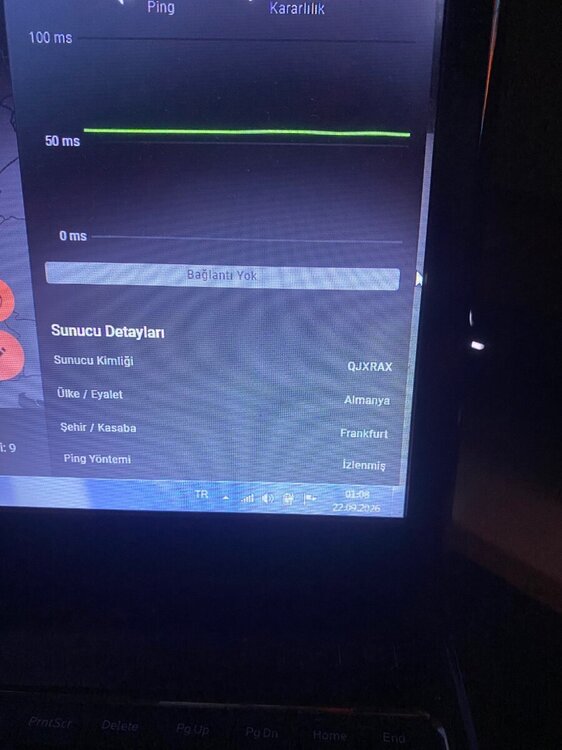
I am entering through the server ID code written here, but when another game starts, it says 'This server is mostly stable, but your gaming device is no longer connected to it,' yet when the game starts, my ping values are the same and I play stably. Am I being put into the server ID written as QJXRAX or other server IDs? I don't understand this section. There are other countries on the custom map as well, but I marked the lobby I liked, it turned green, and it started to become very stable. Previously it was Frankfurt, but the server code kept changing. Could you help me? Is it constantly putting me into the game with the same code, and why does it find it immediately, whereas this had never happened before?
-
-
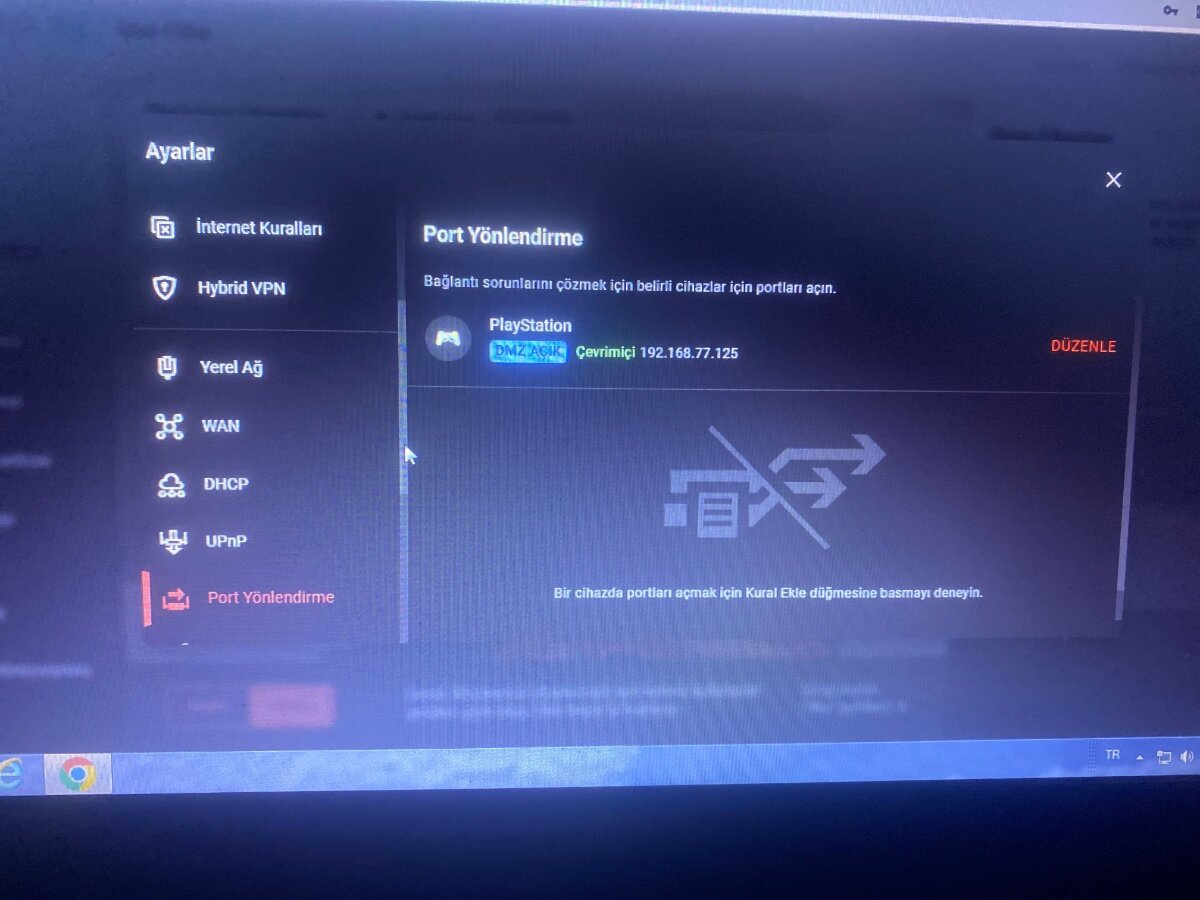
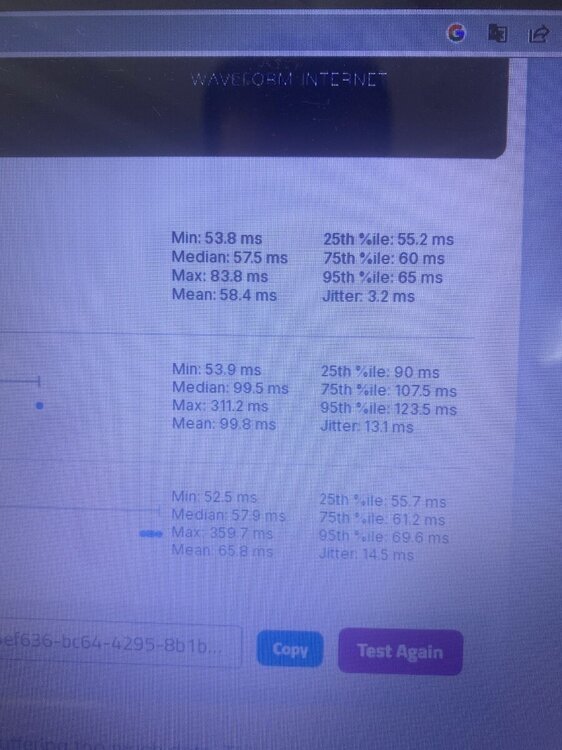
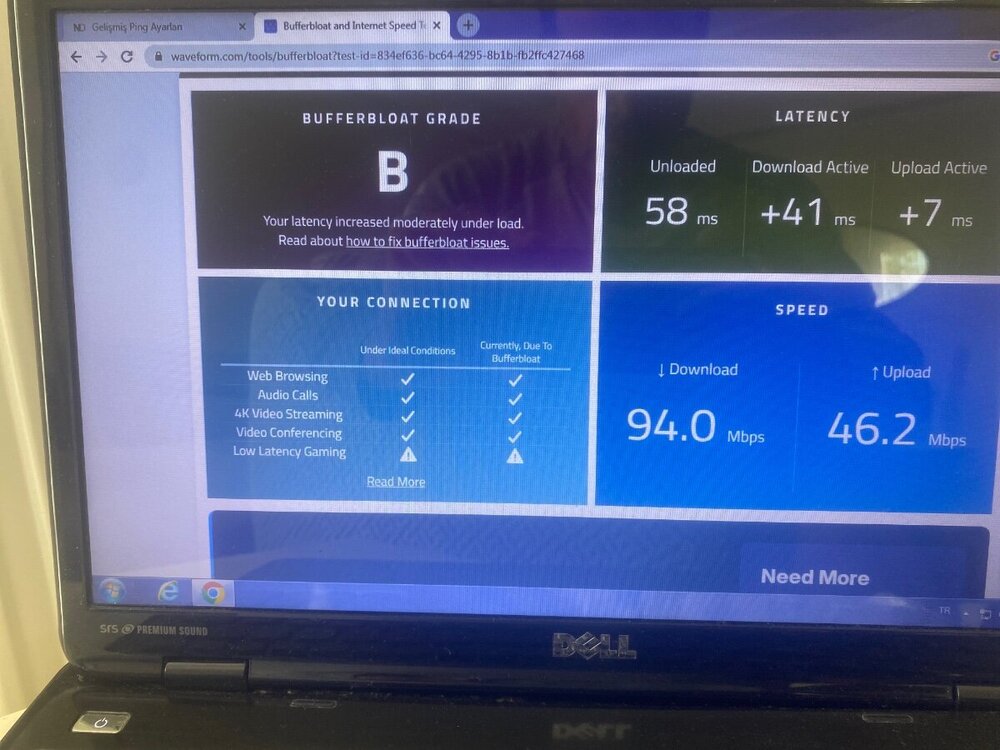
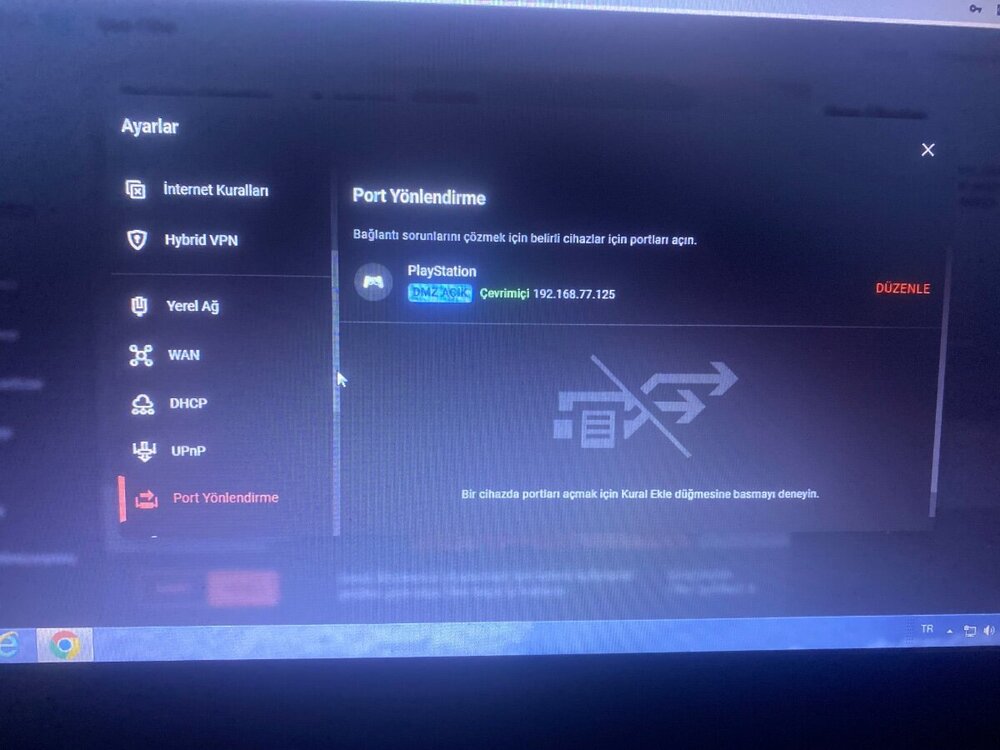
I connected all devices to the Netduma, entered the speed settings I receive, and my DMZ setting is also done, but my jitter went up to the 30s when it was between 12 and 16, it's not working at all.
-
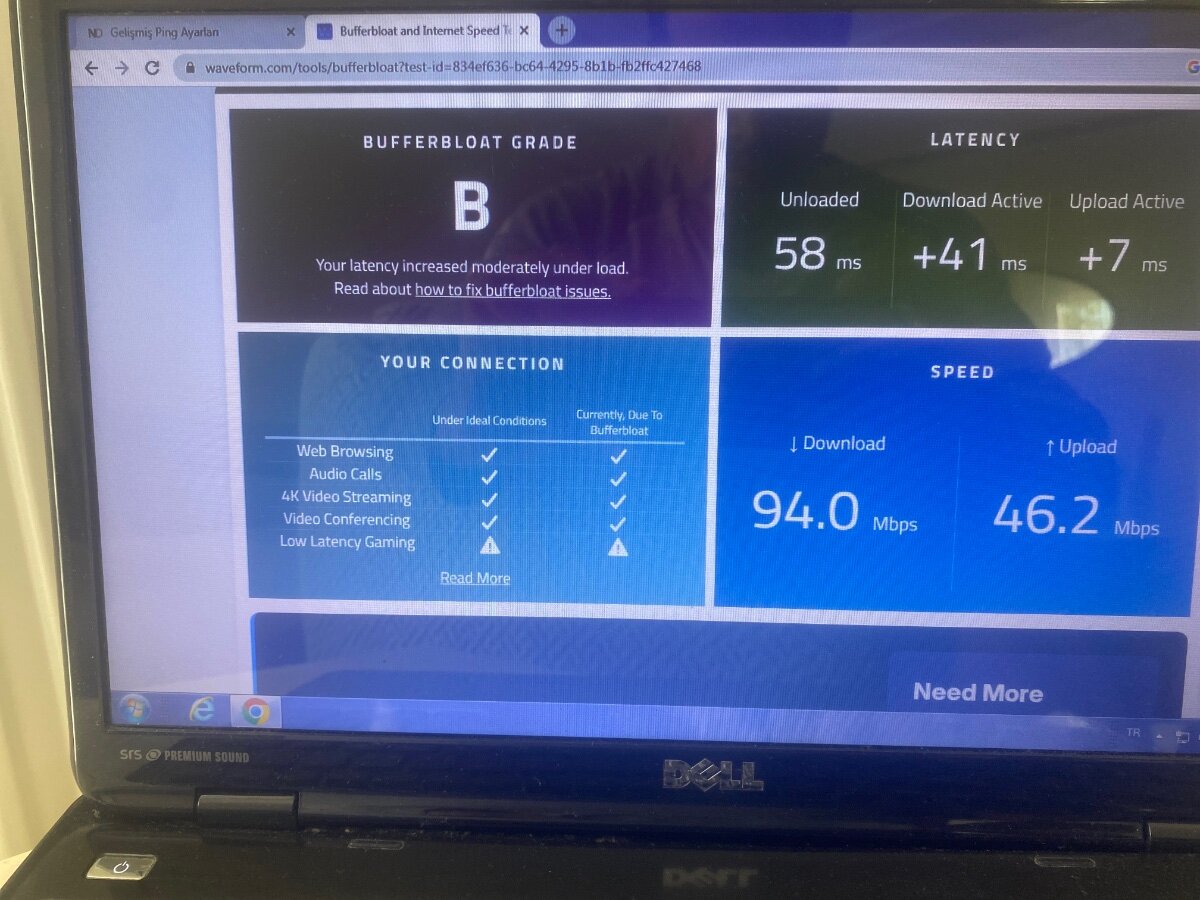
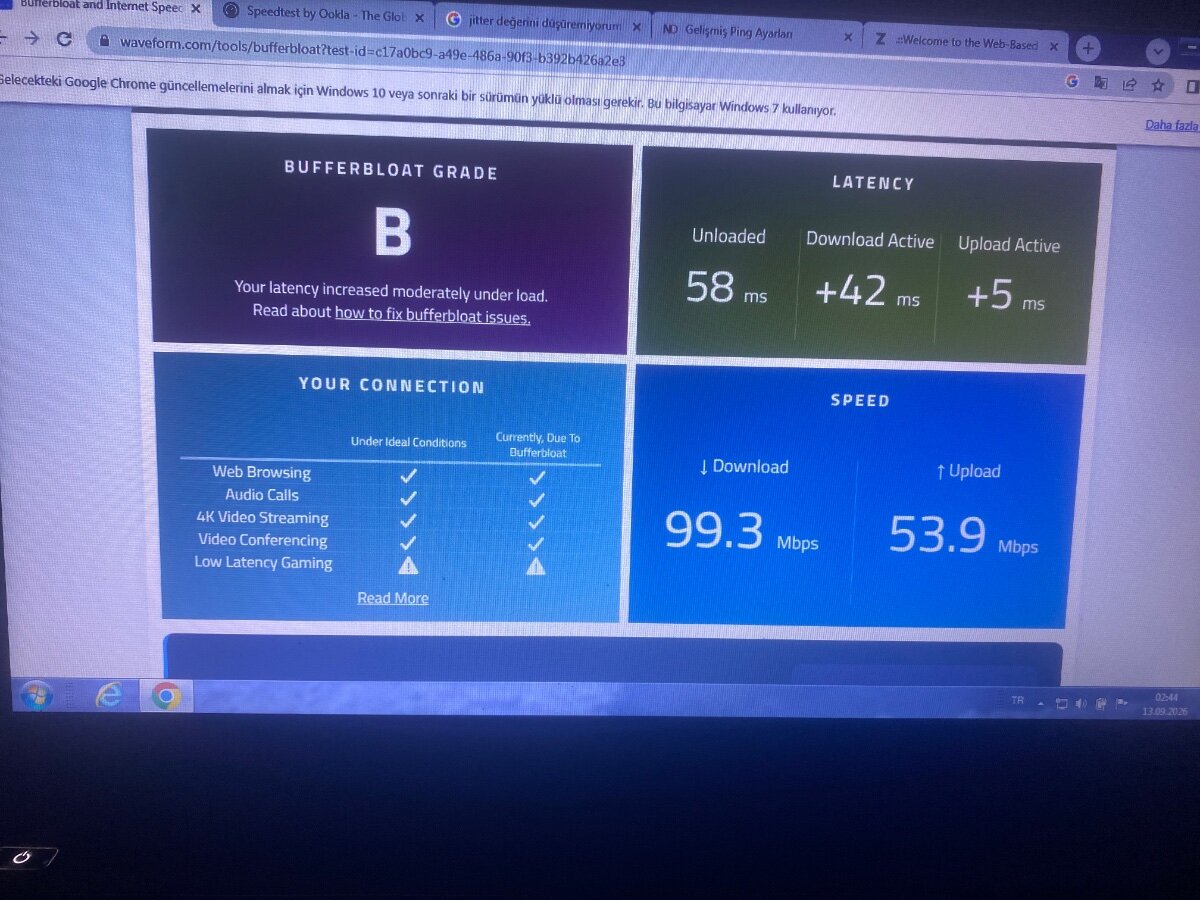
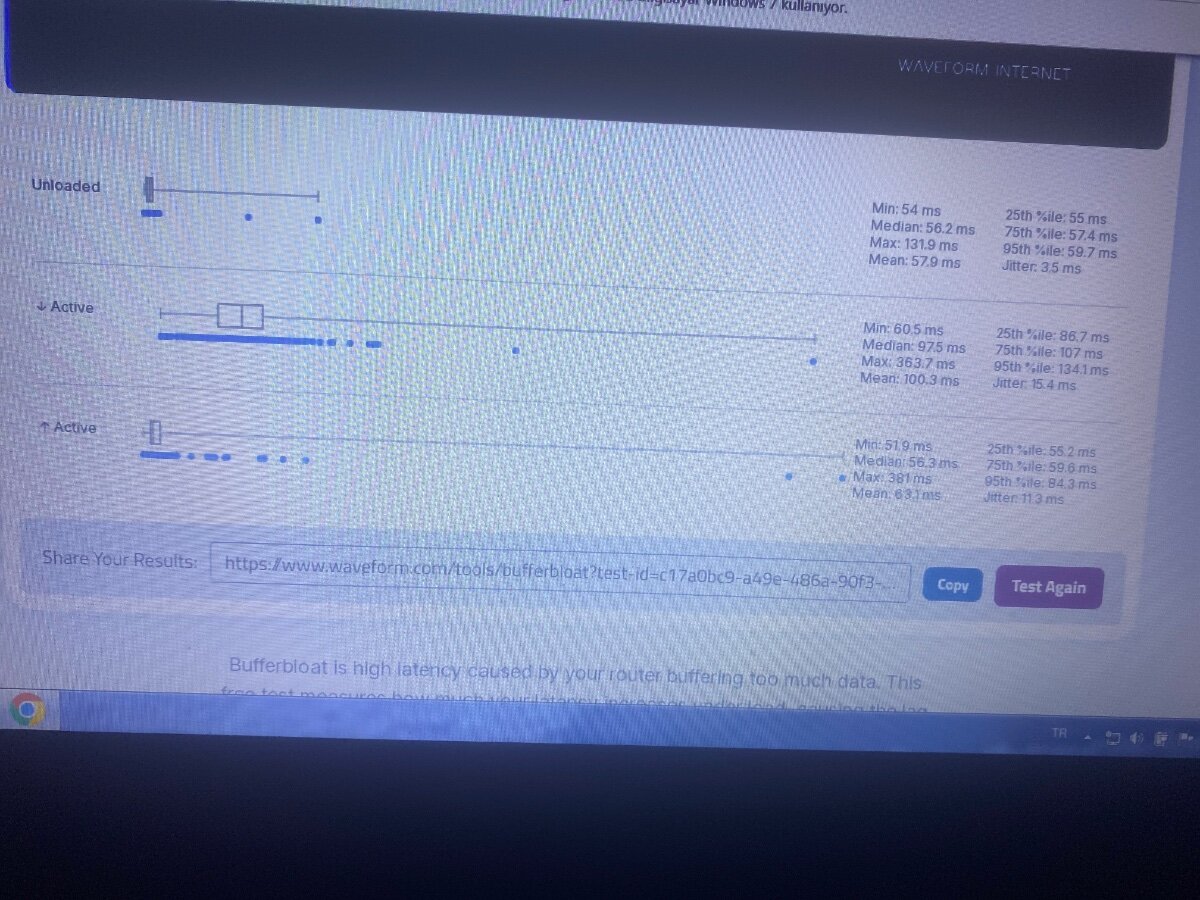
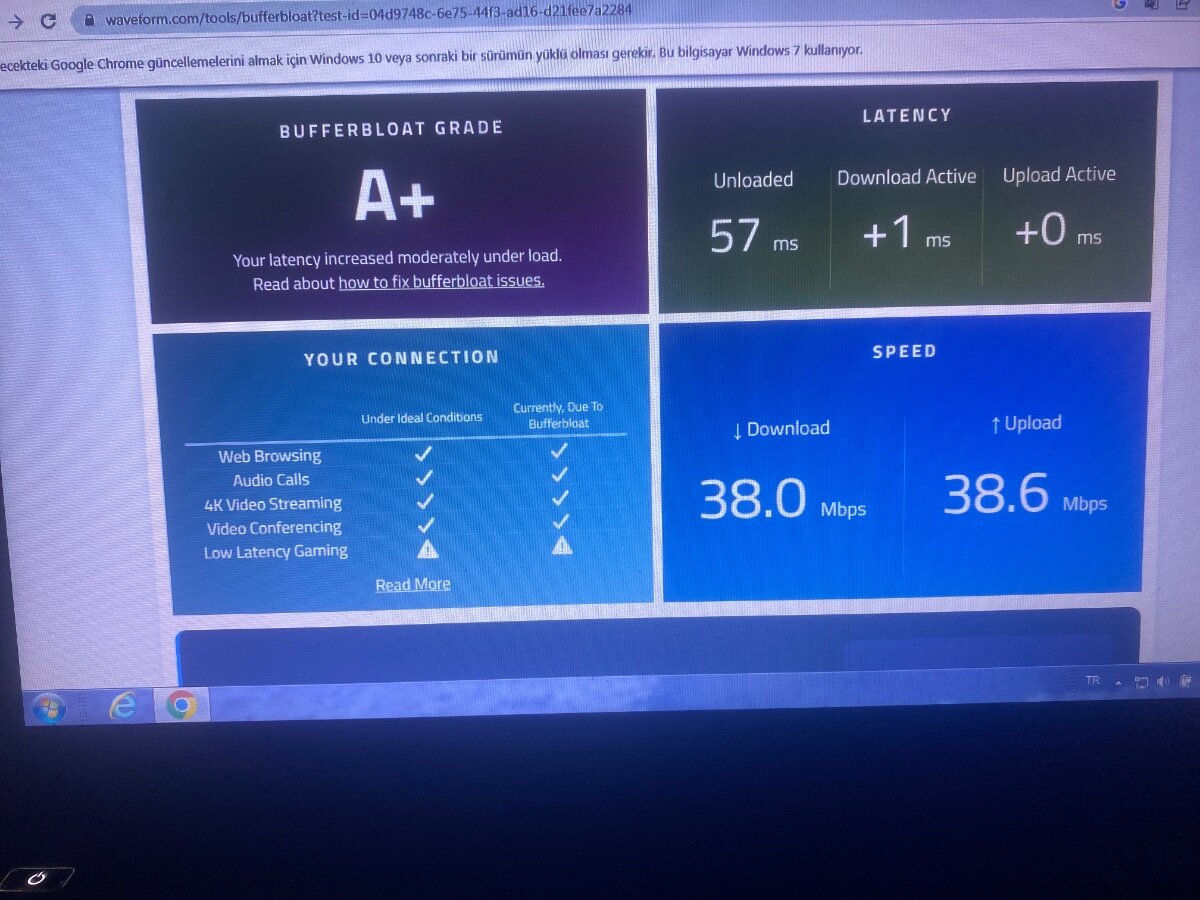
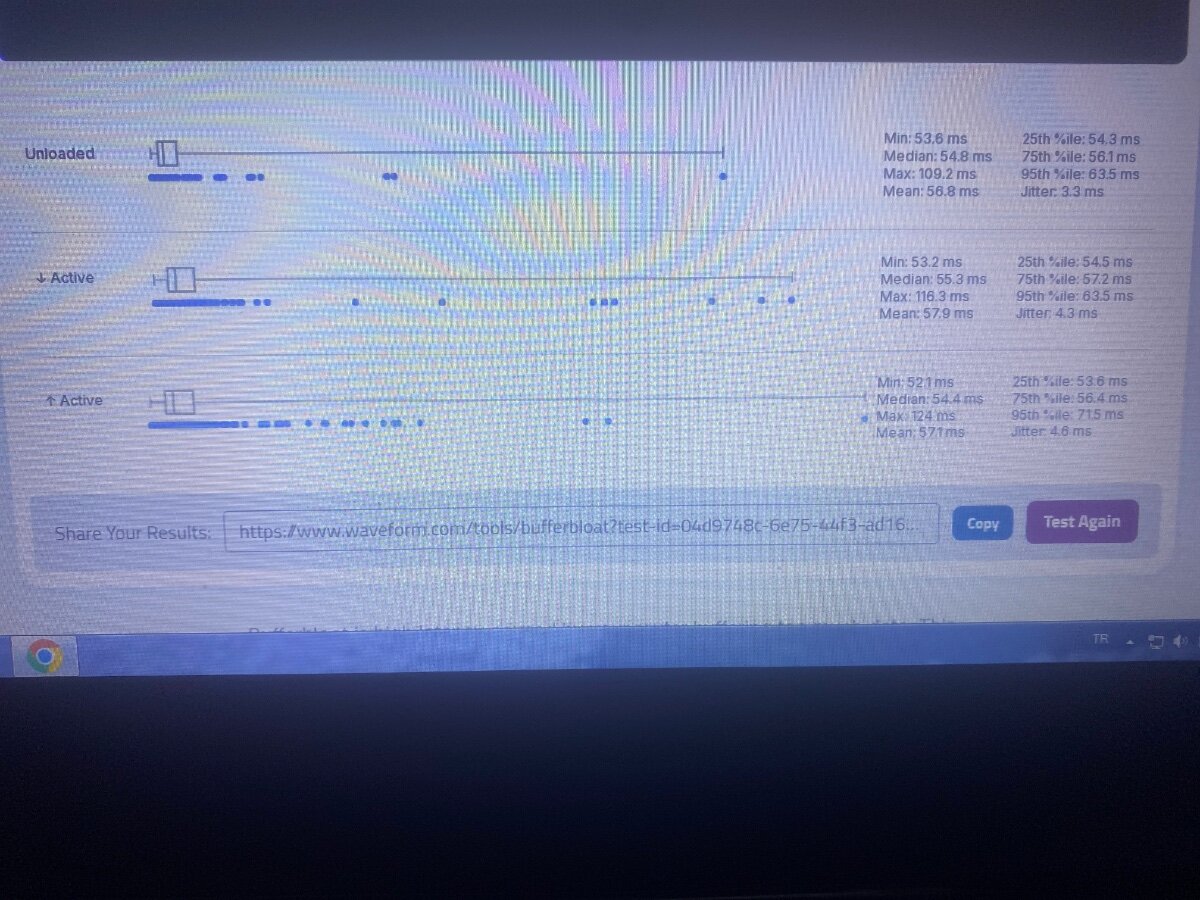
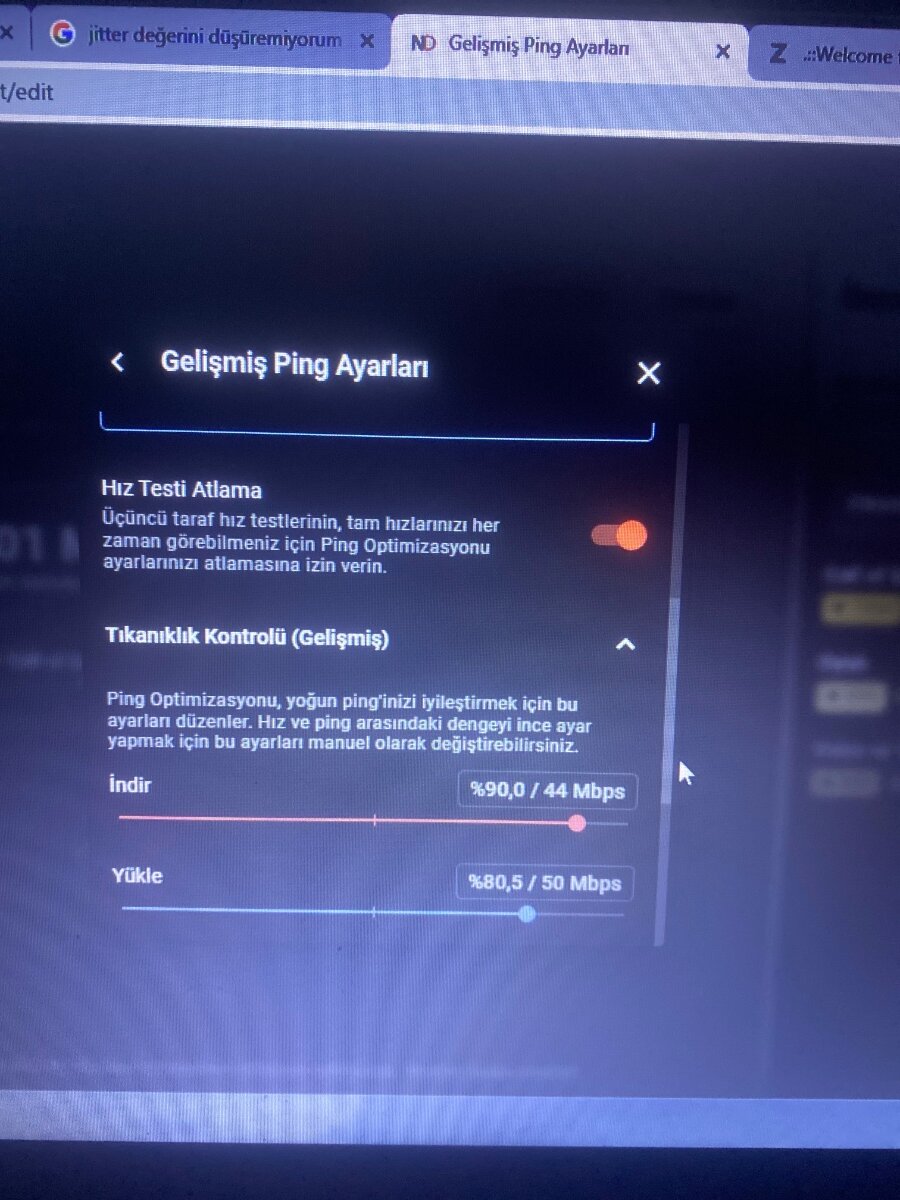
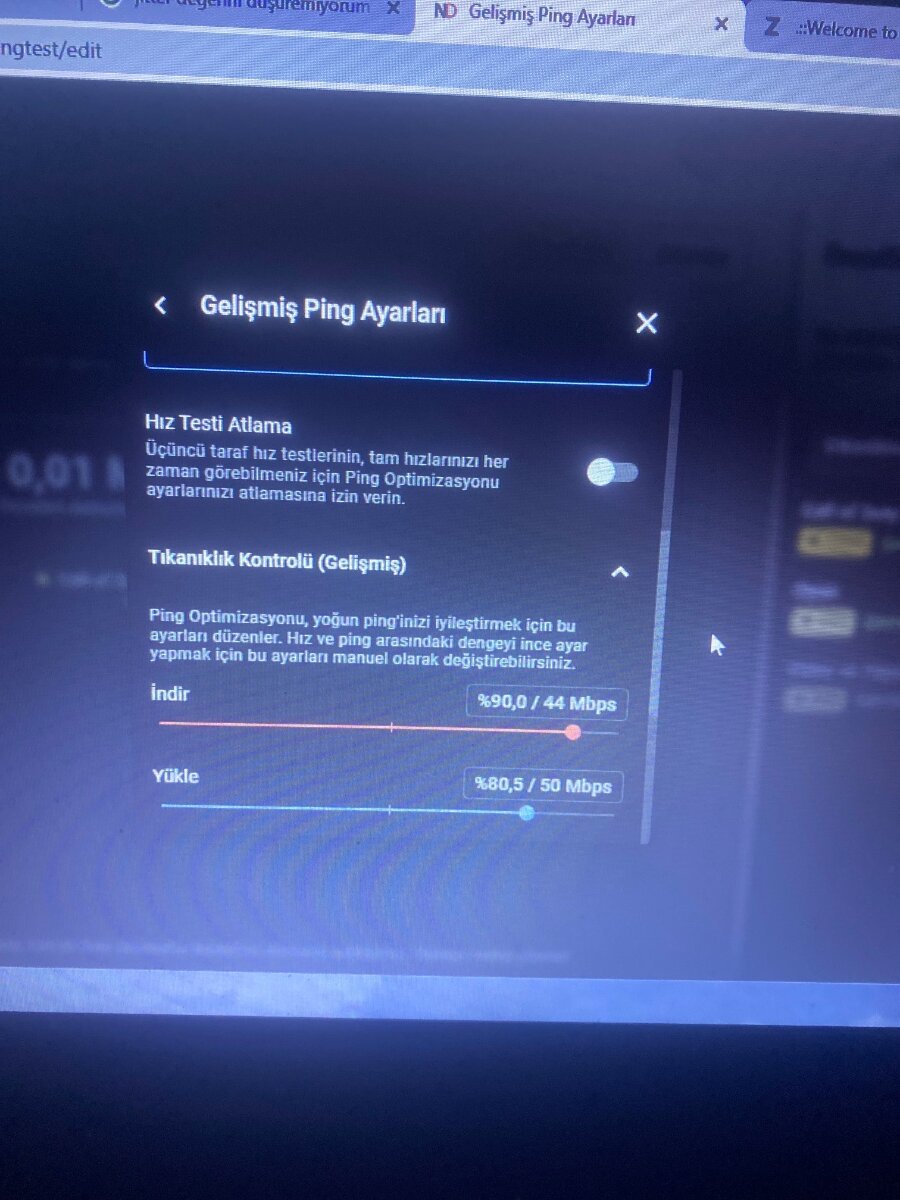
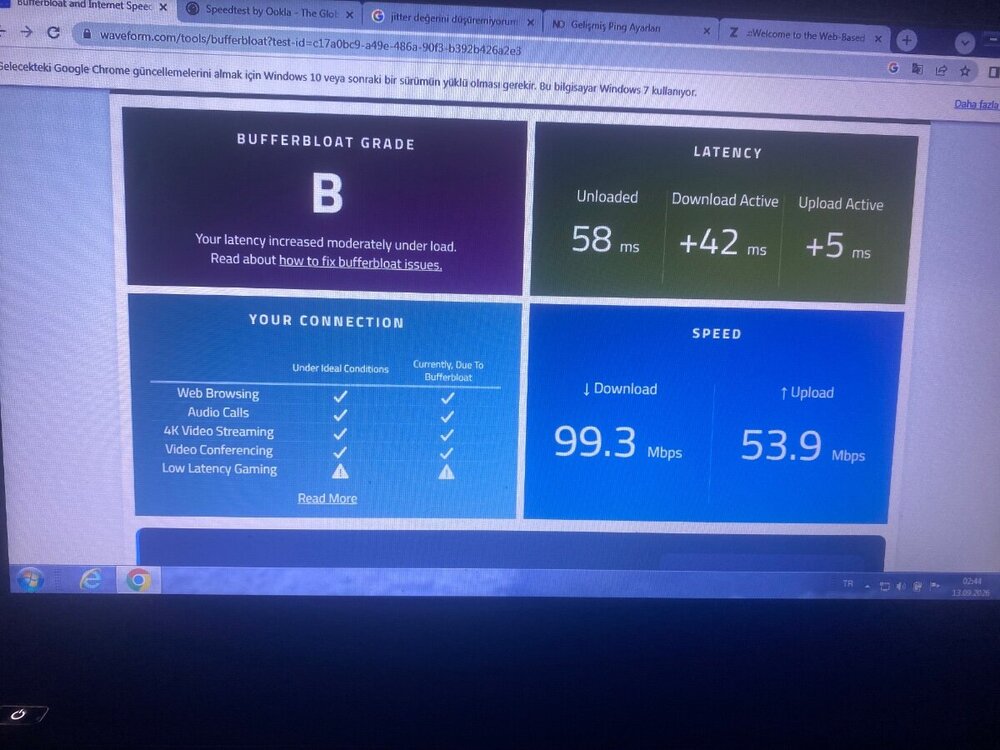
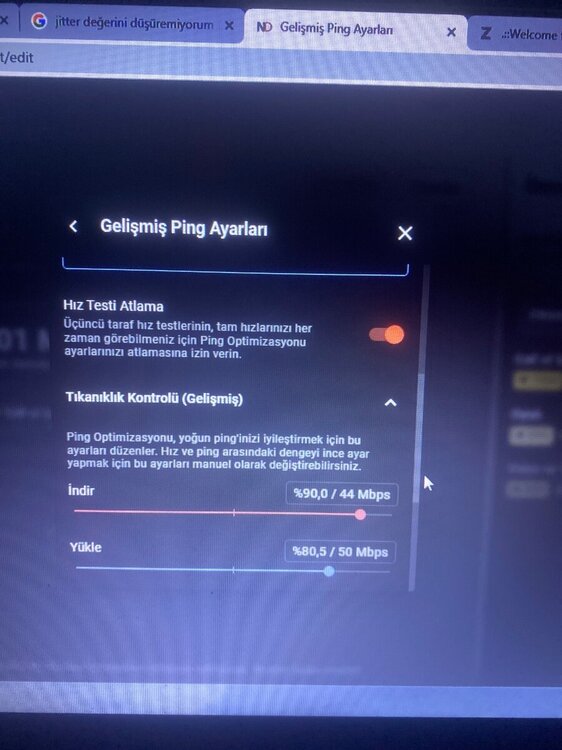
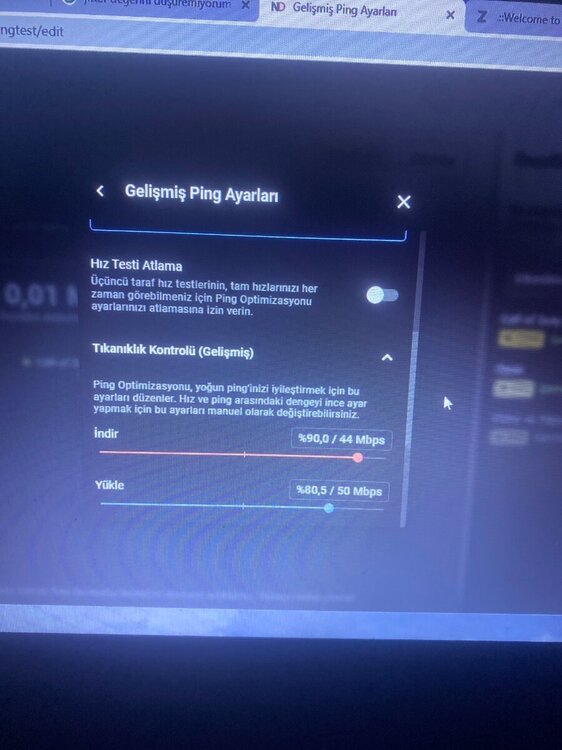
When the Speed Test Bypass setting is enabled, no matter what I adjust in the Congestion Control, it doesn't work and doesn't lower my values; if I turn it off, I get an A+, but if it's on, I get a B.
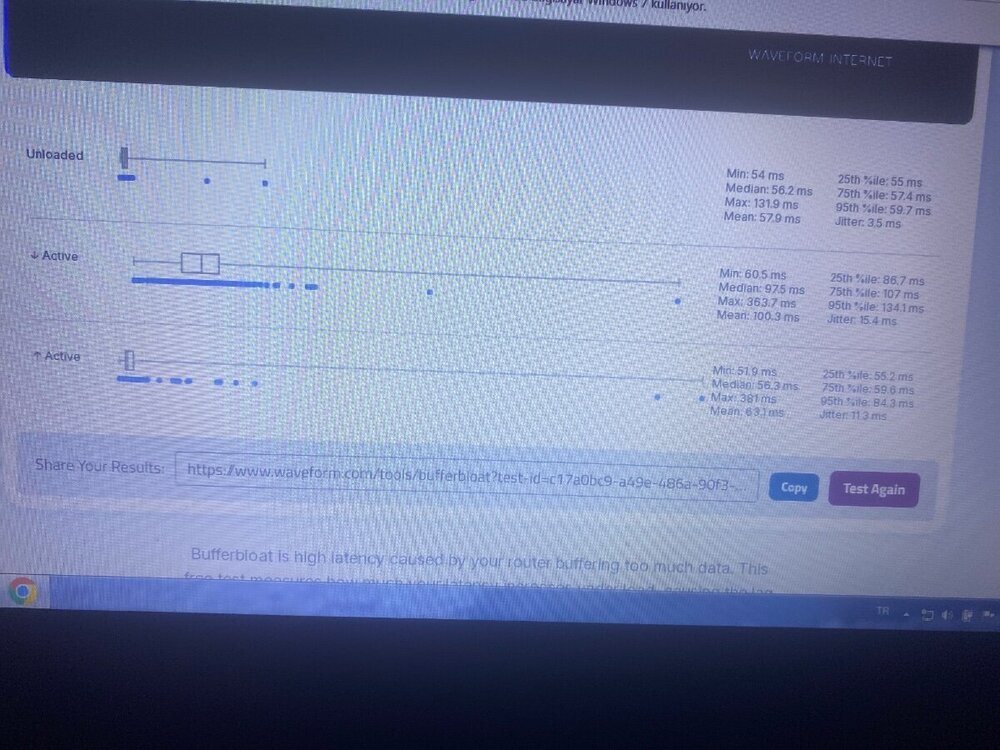
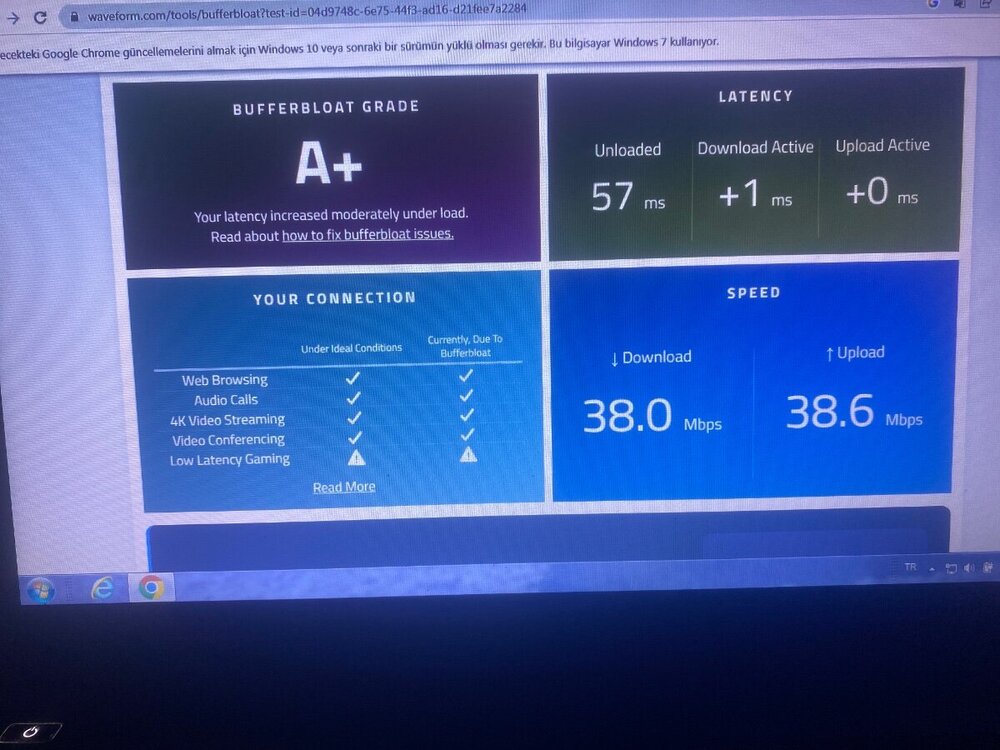
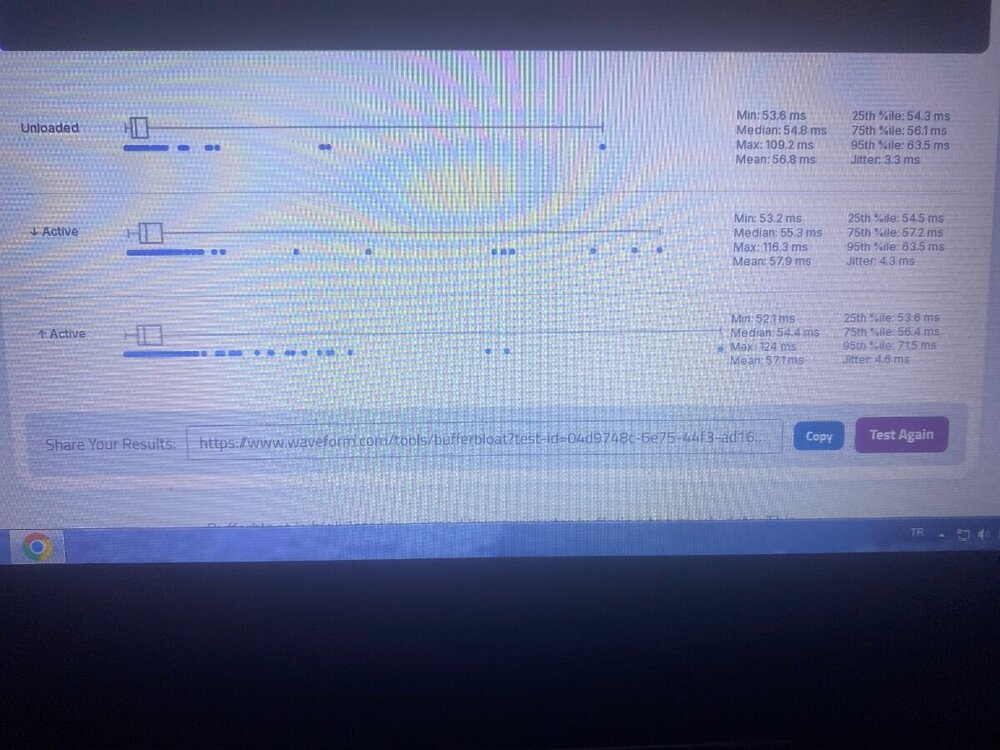
-
-
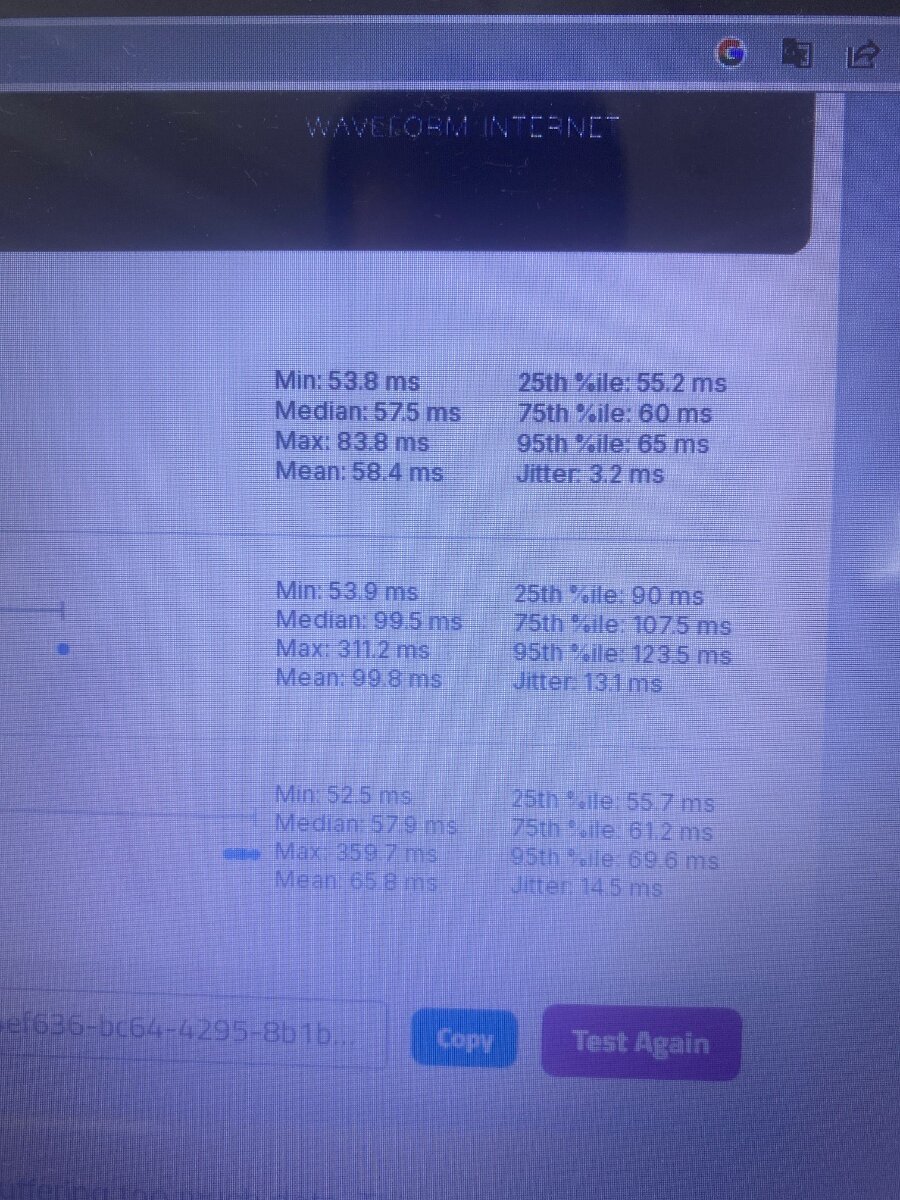
I set up DMZ, but I am the only one connected to the router; the other users are connected to the main ISP modem. My ISP speed is 1000/50, but the test shows 50/44, and traffic congestion is 80/70. In Geo-Filter, my ping fluctuates between 52 and 65. When Speed Test Bypass is enabled, my jitter is high (around 15); when disabled, jitter drops to 3. However, if Speed Test Bypass is disabled and the jitter drops, it doesn't seem to help. How can I lower the jitter while Speed Test Bypass is enabled during online games? Do I need to configure a setting on the main modem? Because of the jitter, I constantly experience delay. I never experience stuttering, but I can visually see that the opponent reacts before me. I want you to help me.
-
None of the other devices in the house are connected to the router; only the PS5 is connected because I only game on it. I have a 1000/50 Mbps internet connection, but when I run a speed test on the PS5, it shows 45/9 Mbps. I am testing from Turkey, and the closest server is Frankfurt. I logged into the router, enabled Smart Boost with Warzone prioritized, and set up traffic control for the PS5, allocating 80/70 Mbps, which changes the values slightly. I am playing via a wired connection, but since the geo-filter is set to Europe and the jitter doesn't drop, opponents always appear ahead of me, which I can see very clearly. Would using bridge mode or DMZ improve this? I would appreciate your help.
-


-
I use a Netduma R3 and my jitter is very high during online Warzone matches. When I disable the bypass mode, the jitter drops, but that doesn't give the true jitter value. Since my router is connected to the main modem, could my high jitter be caused by a double NAT issue? If I enable Bridge mode or DMZ, will my jitter value drop? My jitter is around 15 ms, and I want to reduce it down to about 2 ms. I am experiencing a lot of lag—will DMZ or Bridge mode solve this issue? I'm looking for information.
-
Hey, I'm playing Warzone and my NAT type is Moderate. Does switching from Moderate to Open actually make a difference? Is there any benefit to having an Open NAT?
-
I want to get rid of the double NAT issue. In Warzone, my NAT type is currently 'Moderate'. Is that okay, or would having an 'Open' NAT be beneficial? Do I need to turn off the Wi-Fi settings on my main modem? Could you give me a general setup guide? I don't know much about these things. What exactly should I enable or disable in the main modem and router settings? I bought this setup just for Warzone and I want it to run perfectly.
-
When setting up a DMZ, they are charging an extra fee for a static IP. Can I set up a DMZ without a static IP? I'm wondering if congestion control works without a DMZ using a triple setup of main modem, router, and PS5 when no one else at home is using the Wi-Fi. When I previously got a static IP, my ping spiked, so I canceled it. When I set it up without a static IP, my NAT type appears as 'Moderate' in Warzone. If I do these adjustments, will it change to 'Open'?
-
"Call of Duty: Warzone oynuyorum ve NAT türüm Orta olarak görünüyor. Bu durum oyunda herhangi bir gecikmeye/yavaşlamaya neden olur mu?"
-
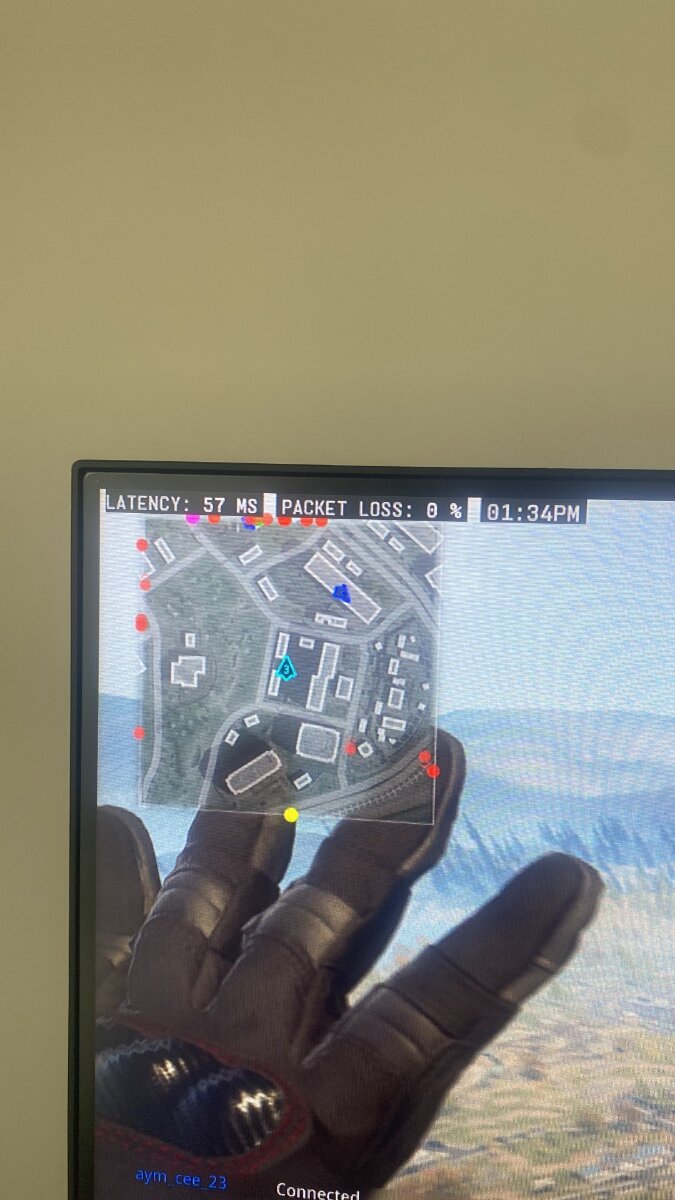
"I have a 1000/50 internet connection. I configured my speeds in the router and set the traffic control to 80/70. I also enabled SmartBoost for my PS5. I play Warzone on a wired connection. My router is connected to the main home modem, and the router is used strictly for the PS5. However, the rest of the household uses the main modem, and the router does not control the traffic coming from the main modem. Do you think I should set up a DMZ from the main modem to the router? Would I get better results? My issue is that I feel a noticeable lag in Warzone. When I encounter an enemy, it feels like something is holding me back, and the opponent always wins the gunfight. I turned off the Geo-Filter, which slightly improved the smoothness and overall feel. Would using a DMZ benefit me? The router only has the PS5 connected to it, while everyone else is on the main modem. Warzone is the only game I play. I would really appreciate your help."
-
I bought a Netduma R3 and I’m using it as a router in Turkey. I haven’t really seen any benefits from it. I can connect to the servers I want, but it doesn’t seem to provide any other advantage. However, I haven’t set up a DMZ between my main modem and the router. Could that be the reason? I play Warzone, but other players seem to have more stable and responsive gameplay than I do.
-
-
Which menu should l use if it’s ‘tracing?
-
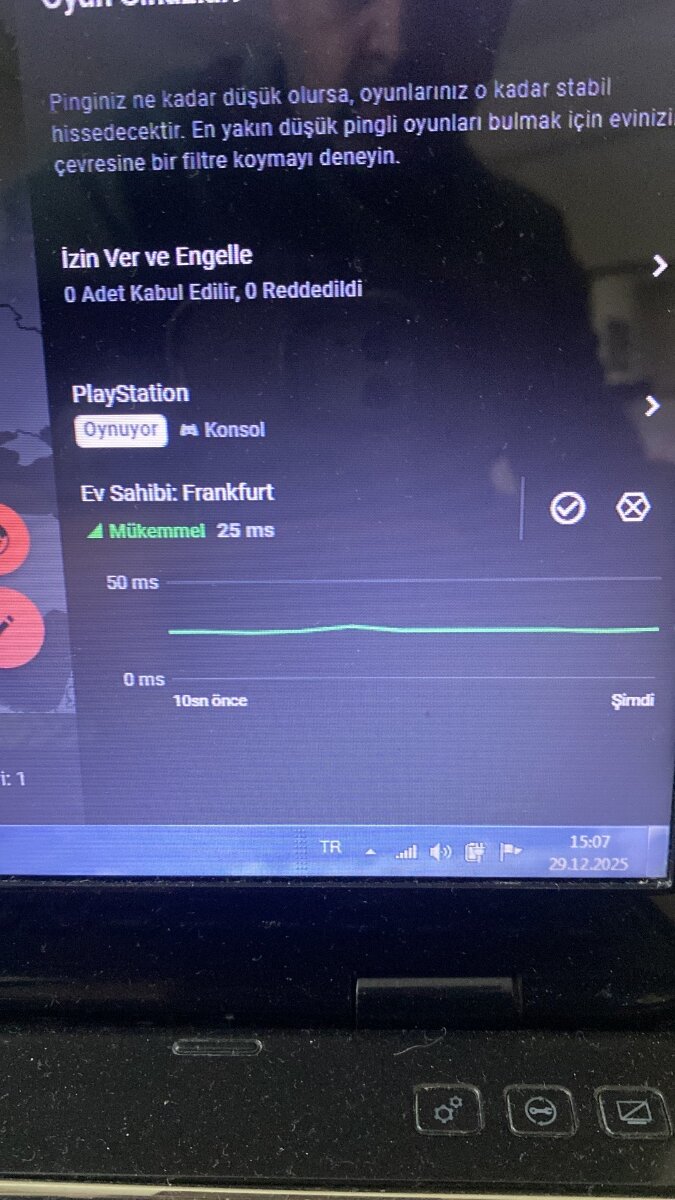
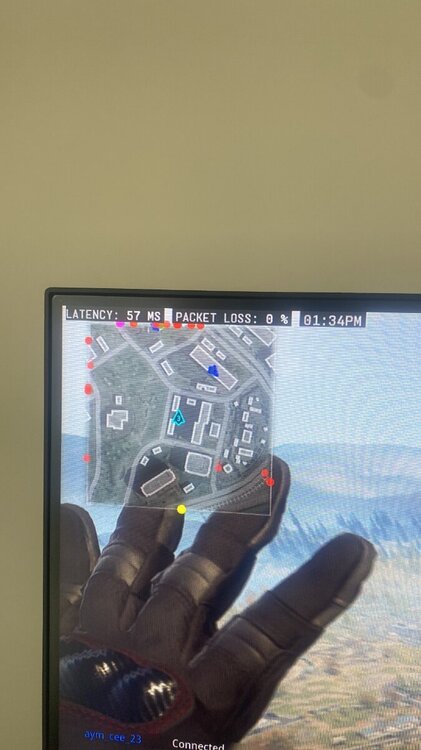
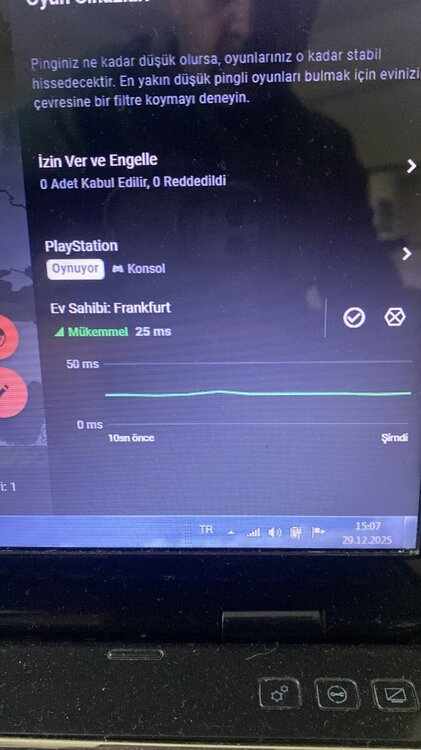
My usual ping is between 50 and 57 ms; l don’t actually get the 25 ms value shown there while playing.
-
My usual ping is between 50 and 58 ms; I don't actually get the 25 ms value shown there while playing.
-
Normally I get 58 ping, but it shows 25 ping below.
-
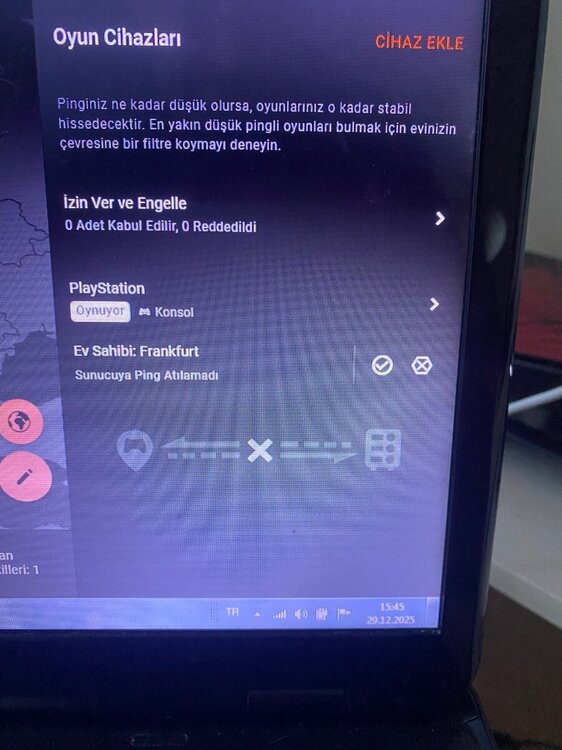
Günlerdir sürekli olarak aynı hatayı alıyorum.
-
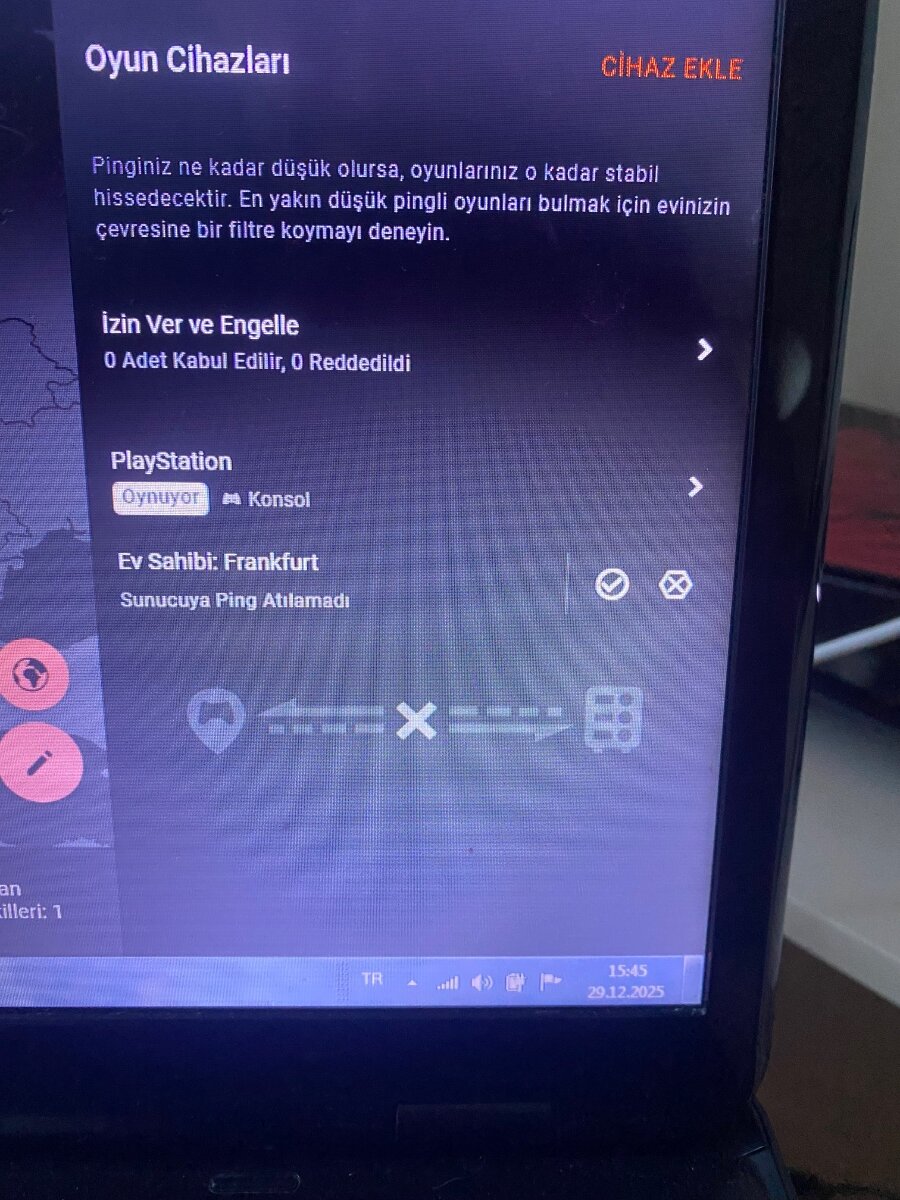
l am getting the 'ping failed! error on my router.l cannot see my ping results'