Mohamed87
-
Posts
30 -
Joined
-
Last visited
-
okay can you send me the like of the latest version firmware because i didn't found it again
-
diagnostic-report-2026-07-09T17_53_49.378Z.json
-
this isnfrom mobile and same from desktop

-
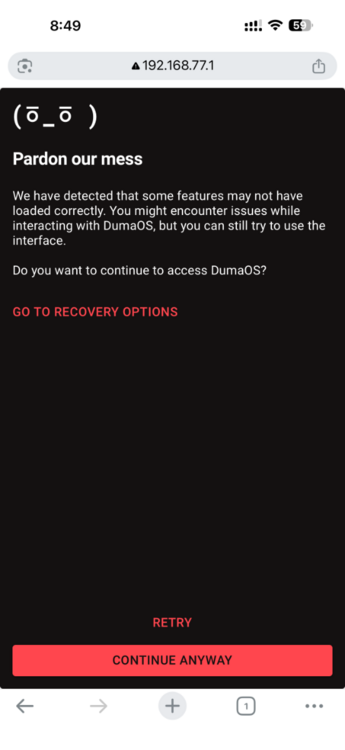
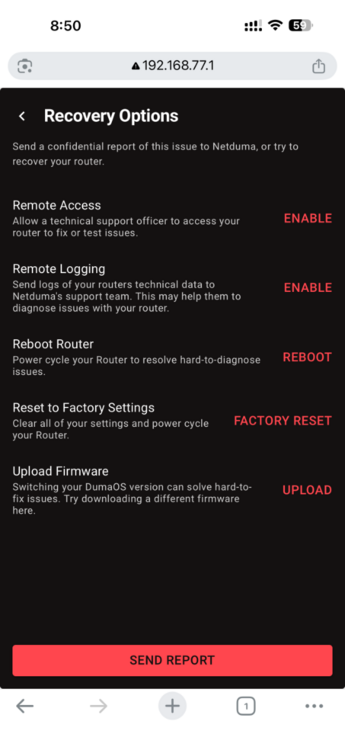
i tried but it didn't work
-
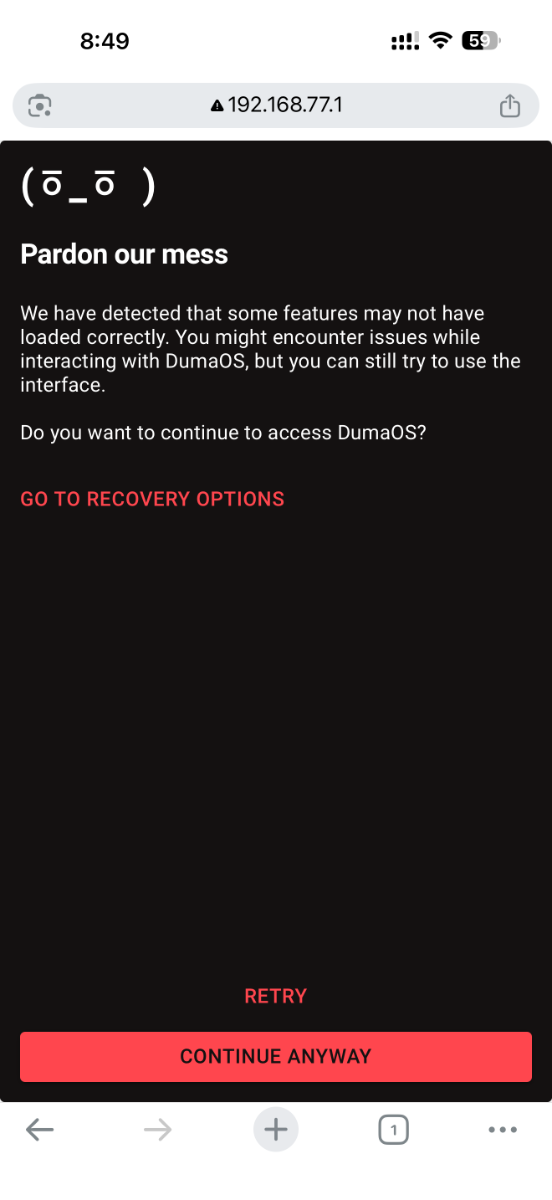
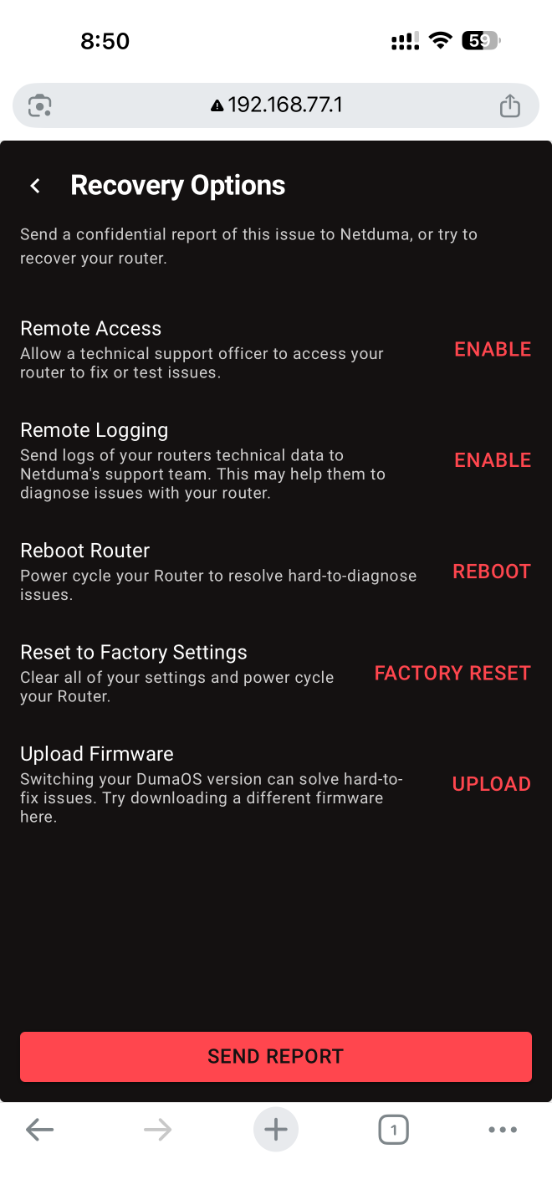
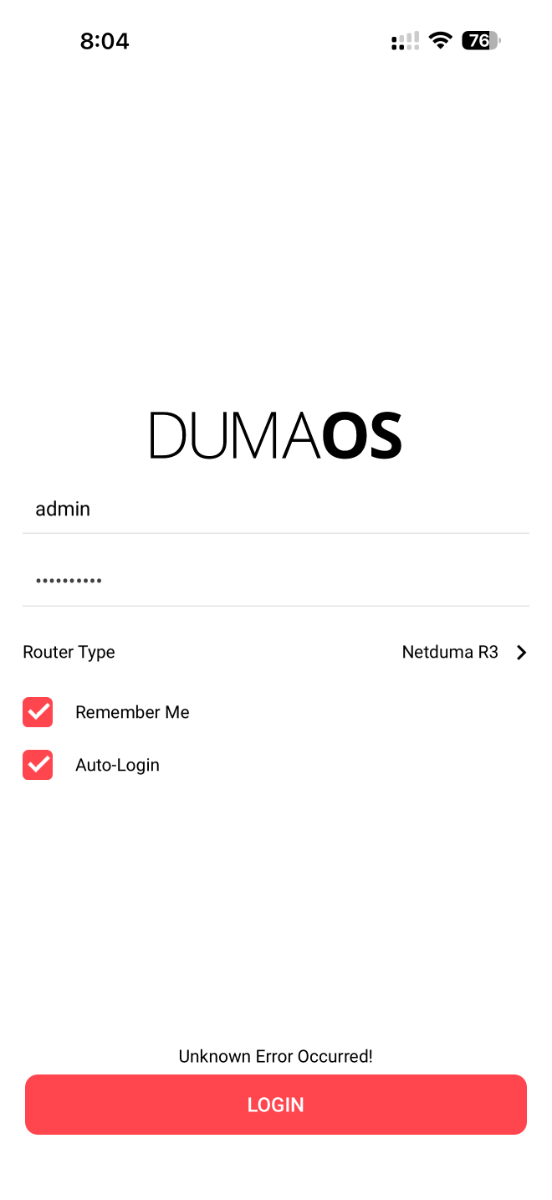
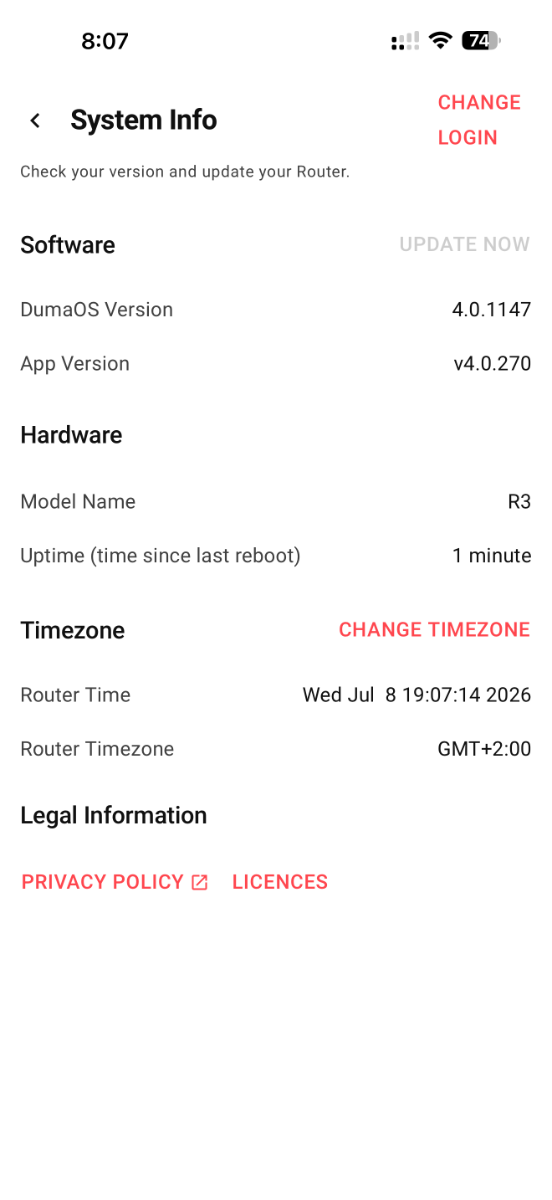
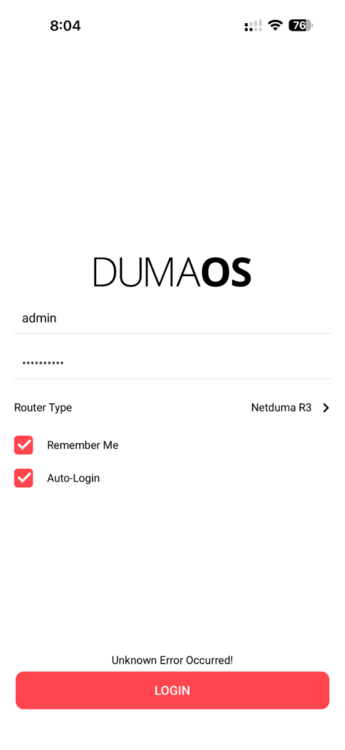
dear customer service i had an issue with the mobile app i can't access it several times per day and i must restart the ont and duma R3 router to access the app my connection is dmz between 2 routers
-
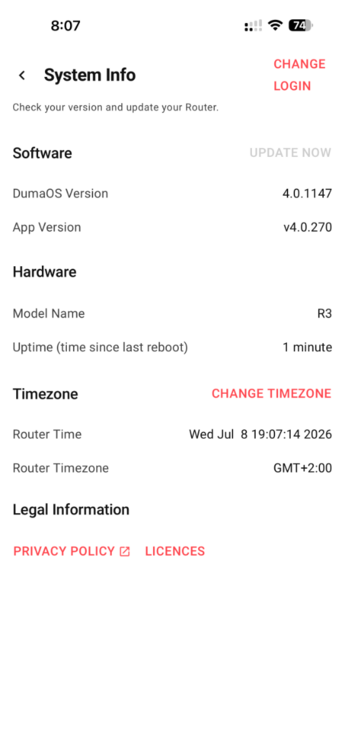
when the final version of 4.0645 will release?
-
when i connected directly to ont the download and upload almost 90
-
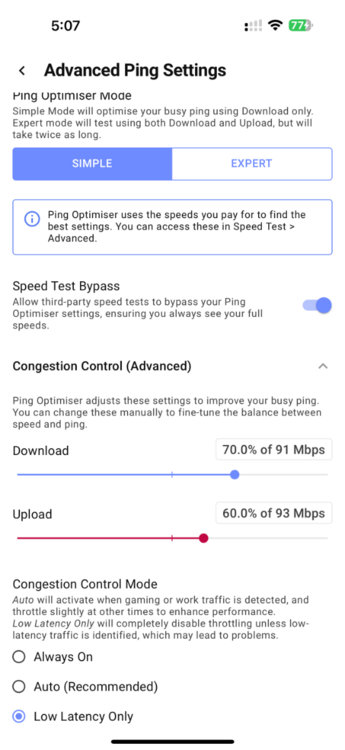
ok but i made speed test by pass
-
there is no disconnecting after i changed to static ip but the upload speed still not accurate from wifi 5G only but via cable it be accurate

-
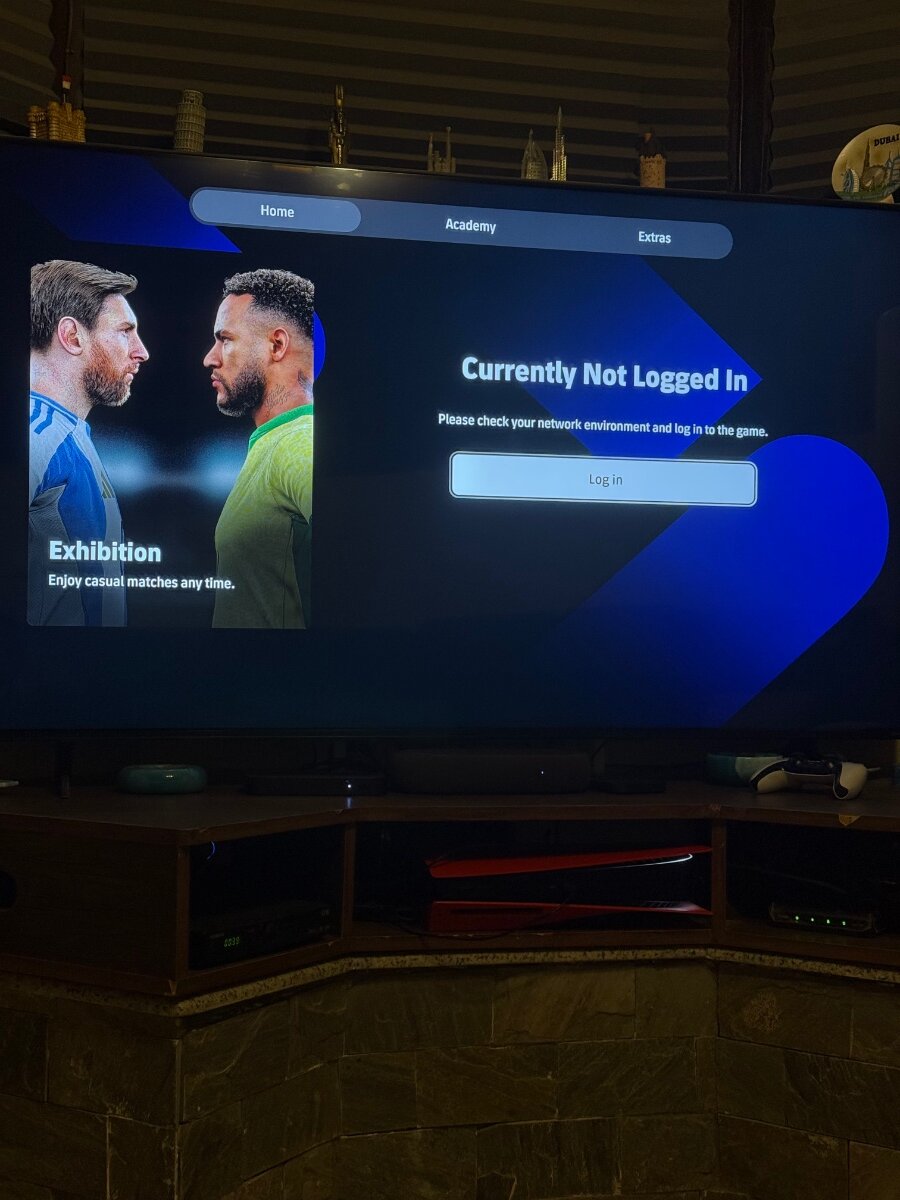
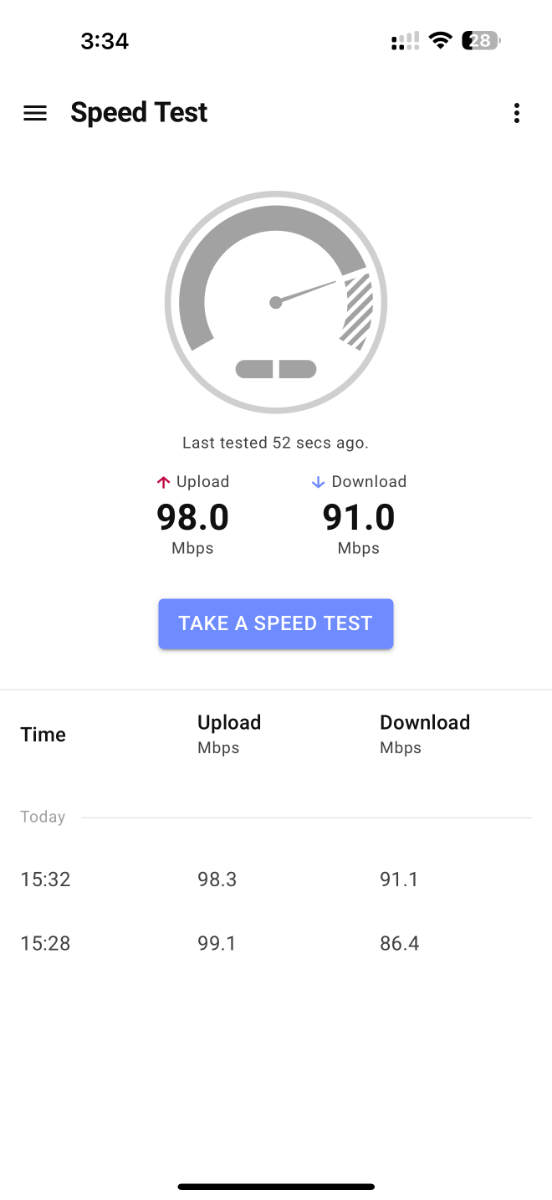
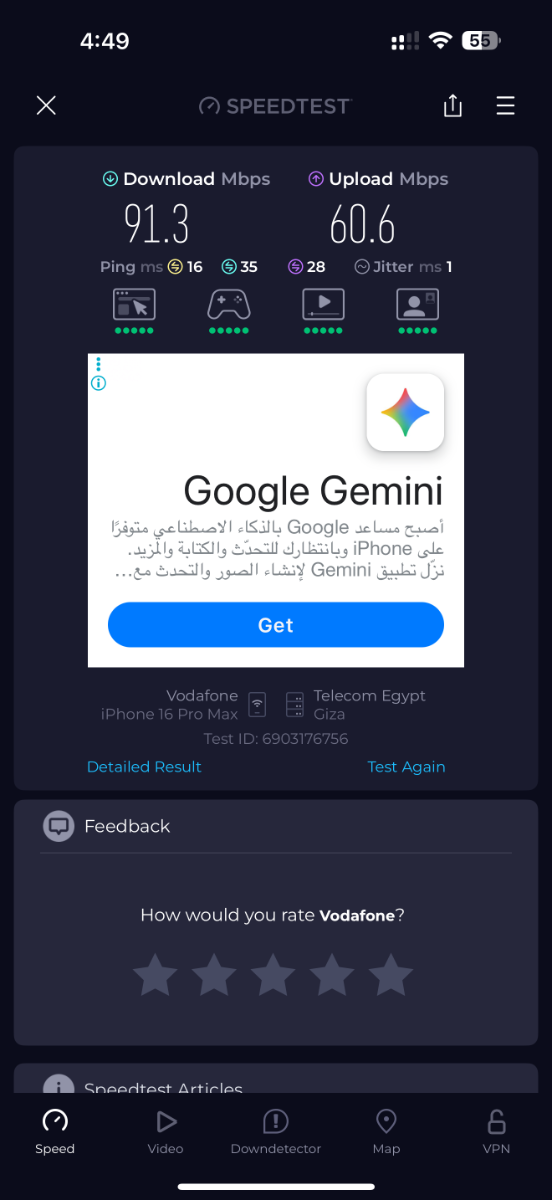
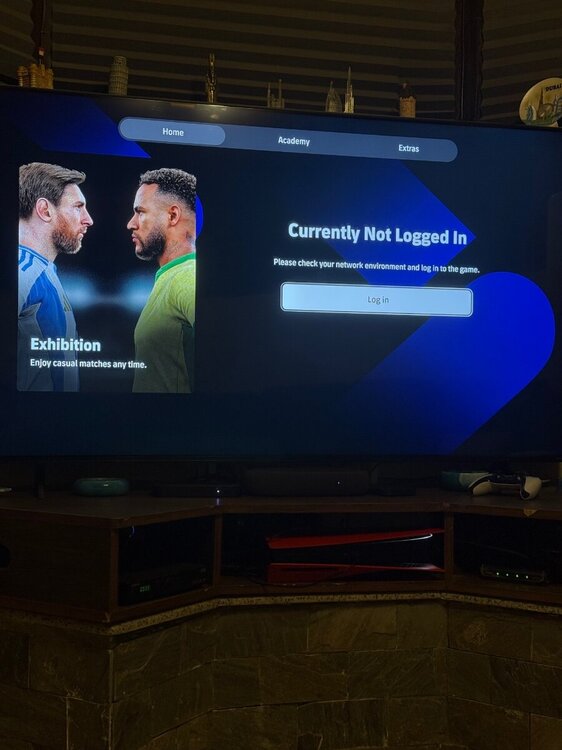
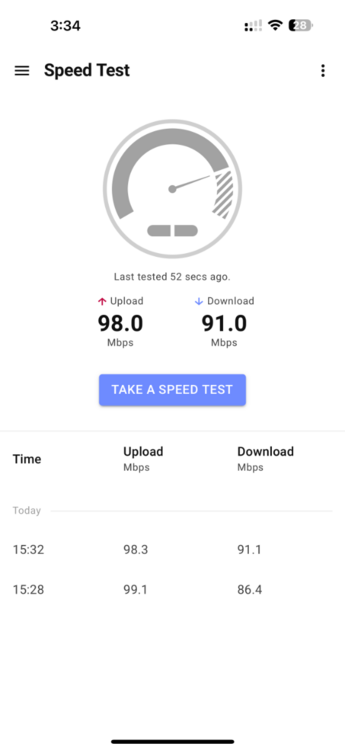
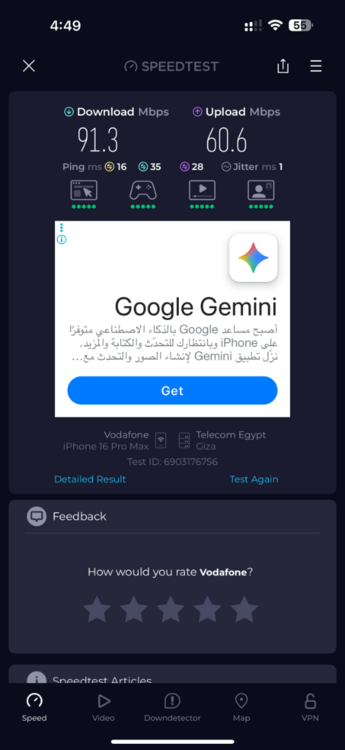
i had two problems first one when iam playing efootball suddenly get me lost and i kicked out from the match second one i payed for 90 download and 90 upload and i test from from netduma app i get it but when i tested from speedtest app i get 90 download and 60 upload my connection HG8245W5-6T huawei-dmz-netduma R3- ps5
-
.png "Like") Mohamed87 reacted to a post in a topic:
Internet Disconnects When Setting VLAN 10 on R3 (Vodafone Fiber ONT)
Mohamed87 reacted to a post in a topic:
Internet Disconnects When Setting VLAN 10 on R3 (Vodafone Fiber ONT)
-
Good morning when the final version for R3 will release to fix the pppoe issue
-
Mohamed87 reacted to a post in a topic:
Internet Disconnects When Setting VLAN 10 on R3 (Vodafone Fiber ONT)
-
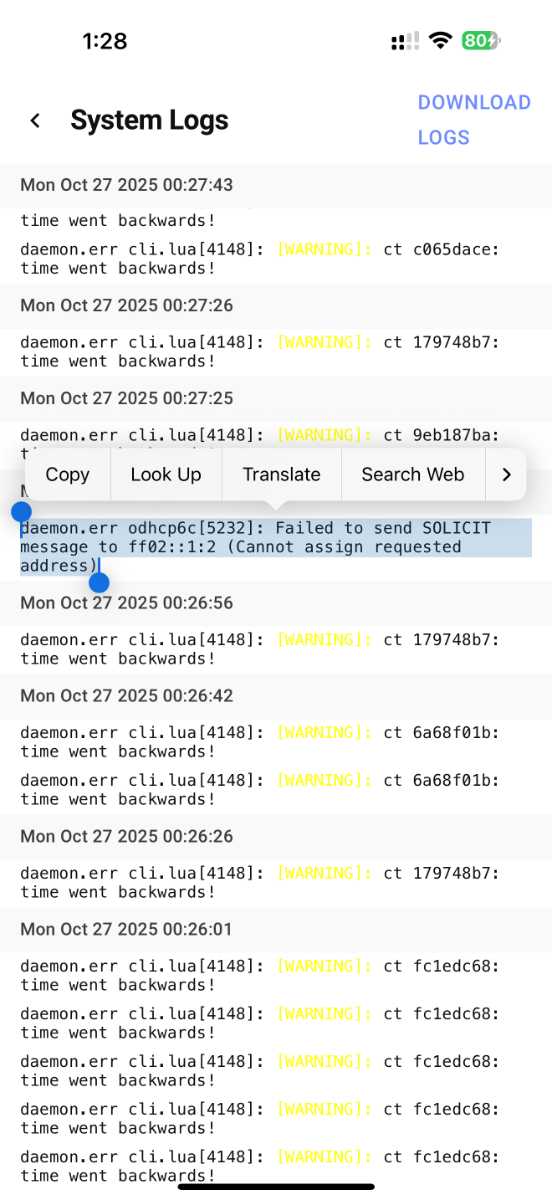
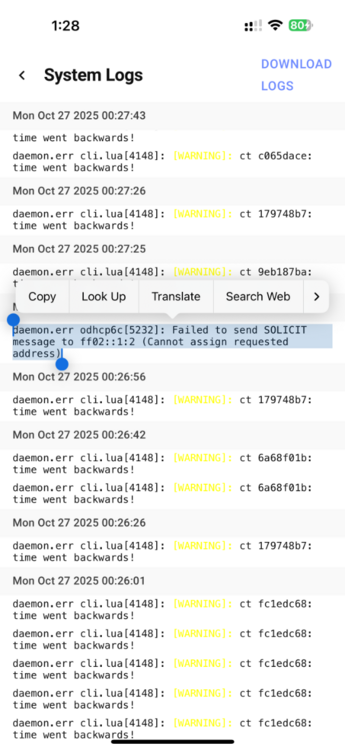
Hello I’m using a Netduma R3 router and I’ve noticed two recurring issues in my system logs, even though IPv6 is fully disabled on both the ONT and the router, and the time is correctly synchronized on both devices. 1. Every few minutes, I see this log entry repeating: daemon.err odhcp6c[xxxx]: Failed to send SOLICIT message to ff02::1:2 (Cannot assign requested address) 2. I also keep getting time-related warnings such as: [WARNING]: time went backwards or system time jumps detected in log The router is currently running in bridge mode (ONT handles PPPoE) and i tried DMZ method also IPv6 is disabled on both sides. Despite that, these messages keep showing up every 4–5 minutes, and sometimes the internet briefly drops when they appear. Could you please confirm: - Why odhcp6c is still running even with IPv6 disabled? - Whether there’s a firmware fix or hidden setting to fully stop the IPv6 client or the time sync conflict? If possible, please enable SSH access temporarily on my device so I can collect diagnostic information for you. if this error may cause the drop in internet
-
in this case to prevent double NAT shall i connect LAN TO LAN between ont and R3 or LAN to WAN AND shall i disable DHCP in R3 or not
-
Mohamed87 reacted to a post in a topic:
Internet Disconnects When Setting VLAN 10 on R3 (Vodafone Fiber ONT)
-
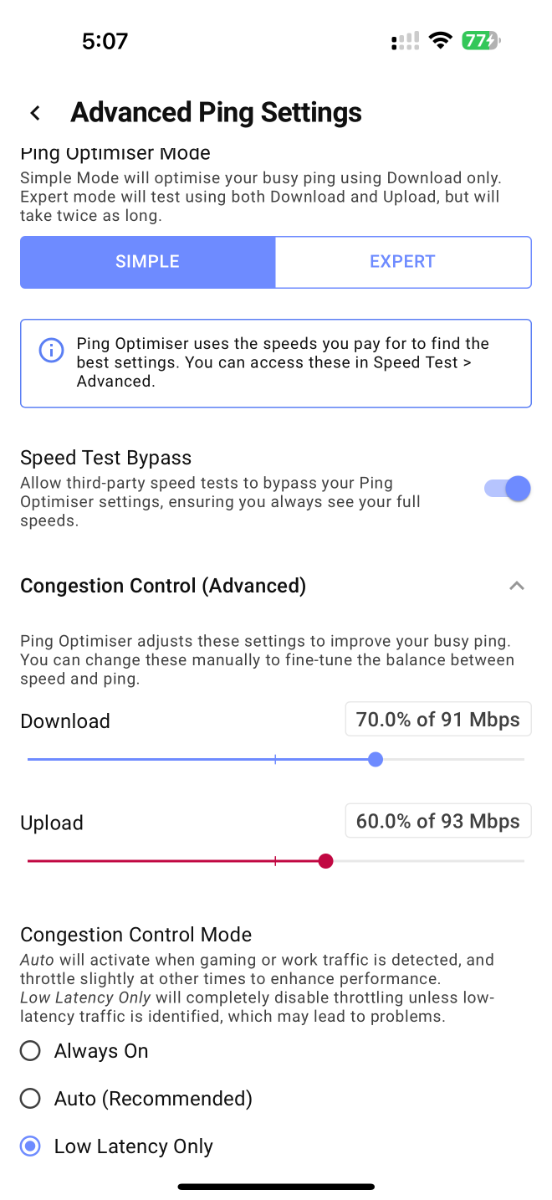
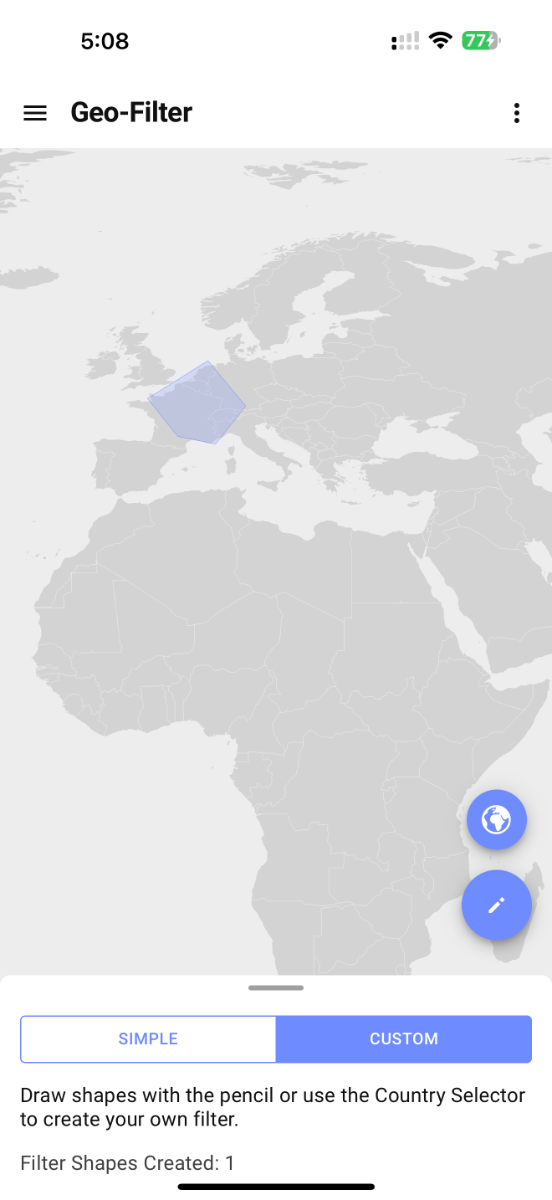
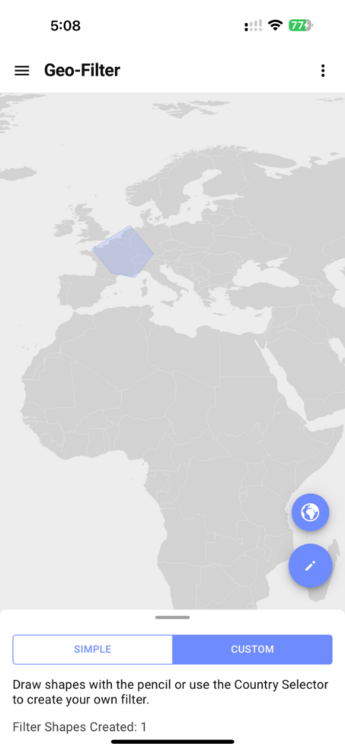
completely understand the difference now, but I’ve already noticed that when the ISP modem/router handles PPPoE (with the R3 in DMZ), the connection is stable — yet many of the R3 features like Ping Optimizer, Geo-Filter, and Smart Boost don’t work as accurately as they do when the R3 itself handles PPPoE in bridge mode. I actually tried that setup before — letting the ISP modem/router handle PPPoE and putting the R3 in the DMZ.However, when I used that configuration, my ping and latency were noticeably higher, and the overall gaming experience felt worse compared to when the ONT was connected directly and the R3 handled PPPoE in bridge mode.With the bridge setup, gameplay was smooth and ping was very low, but unfortunately, the only issue was the frequent disconnects.I’m also worried that the repeated reboots and disconnects might eventually harm the R3 hardware.Please, if possible, work on improving or fixing the bridge mode as soon as you can — it delivers the best performance by far.
-
update it disconnected again and here this log R3_2025-10-23T010555.467Z_logs.txt