Jessicadavisonn
-
Posts
15 -
Joined
-
Last visited
-
.png "Like") Netduma Fraser reacted to a post in a topic:
I can not do an update to my netduma r2
Netduma Fraser reacted to a post in a topic:
I can not do an update to my netduma r2
-
I can not do an update to my netduma r2
Jessicadavisonn replied to Jessicadavisonn's topic in Netduma R2 Support
can you reply when you've heard back and they can try force an update because im going to leave it till then as ive tried multiple times and im going to use my regular router till then. thanks -
I can not do an update to my netduma r2
Jessicadavisonn replied to Jessicadavisonn's topic in Netduma R2 Support
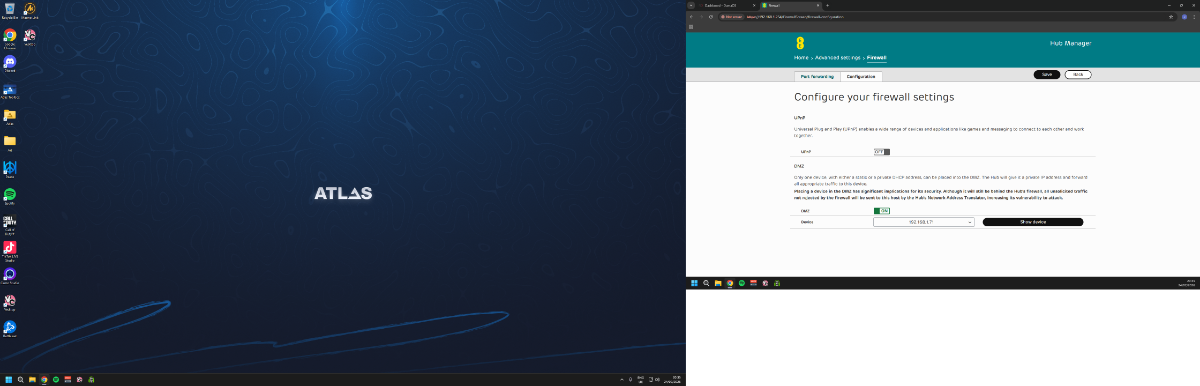
dmz is also enabled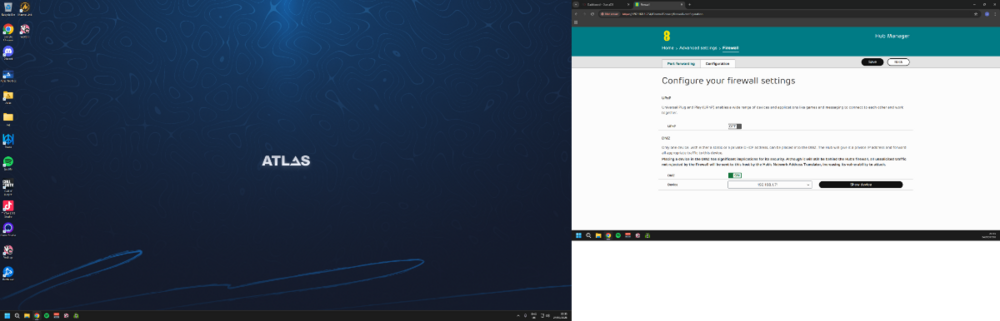
-
I can not do an update to my netduma r2
Jessicadavisonn replied to Jessicadavisonn's topic in Netduma R2 Support
when i factory reset then do the upgrade i cant no longer access the interface and it stays stuck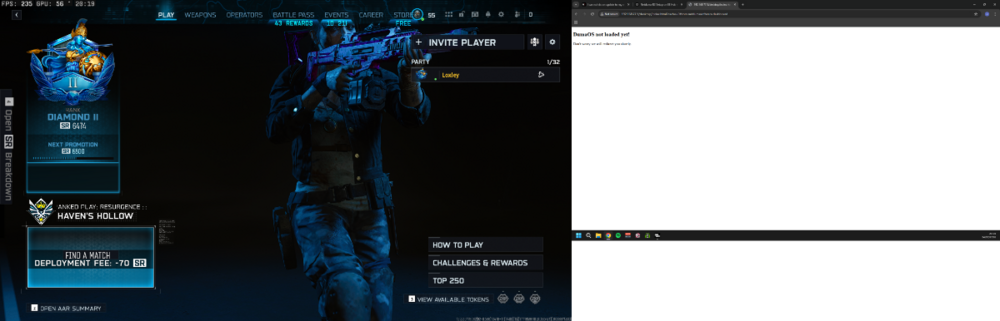
-
I can not do an update to my netduma r2
Jessicadavisonn replied to Jessicadavisonn's topic in Netduma R2 Support
ive just done factory reset from interface, I also did do other steps (when i click factory reset it seems to not do much just refresh the dashboard.) -
I can not do an update to my netduma r2
Jessicadavisonn replied to Jessicadavisonn's topic in Netduma R2 Support
ive enabled remote access can you please help as nothing else has worked. thanks and i cant reboot as all settings reset -
I can not do an update to my netduma r2
Jessicadavisonn replied to Jessicadavisonn's topic in Netduma R2 Support
I've only just got round to doing this now, tried to update and still won't is there anychance of someone forcing the update for me with remote access at all if I can enable this? -
I can not do an update to my netduma r2
Jessicadavisonn replied to Jessicadavisonn's topic in Netduma R2 Support
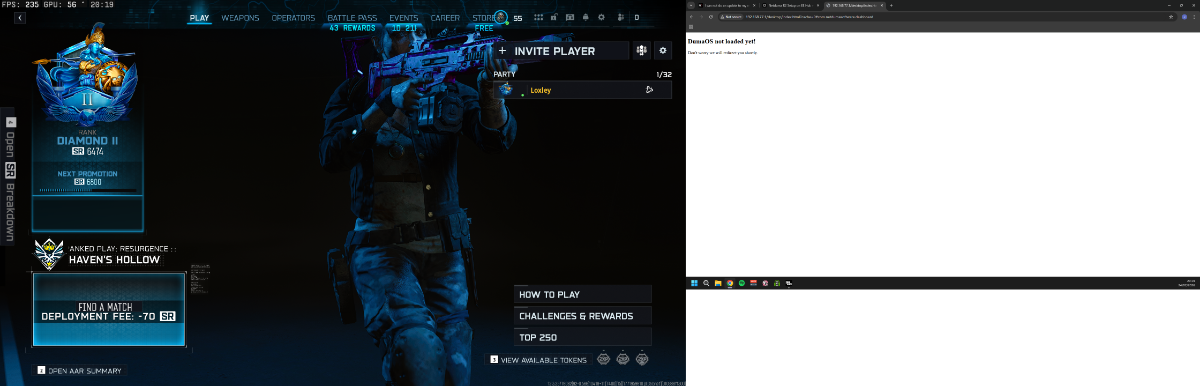
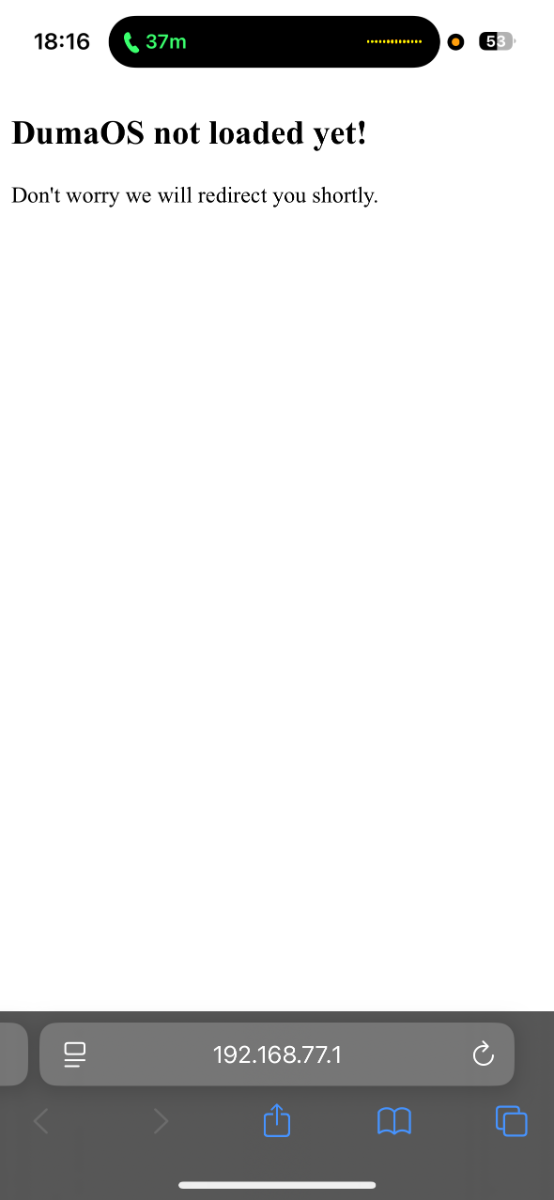
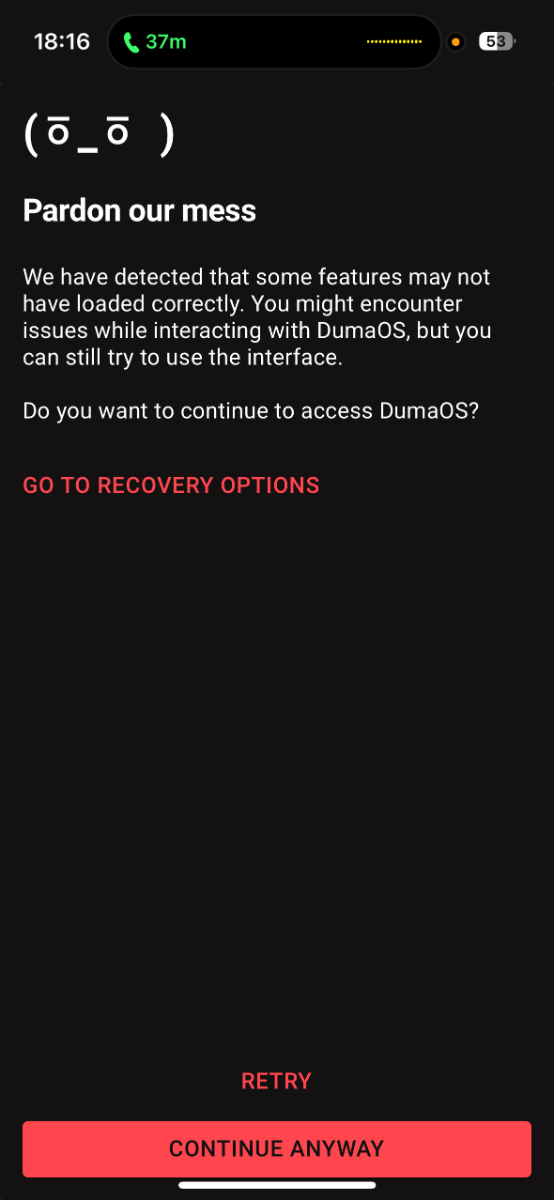
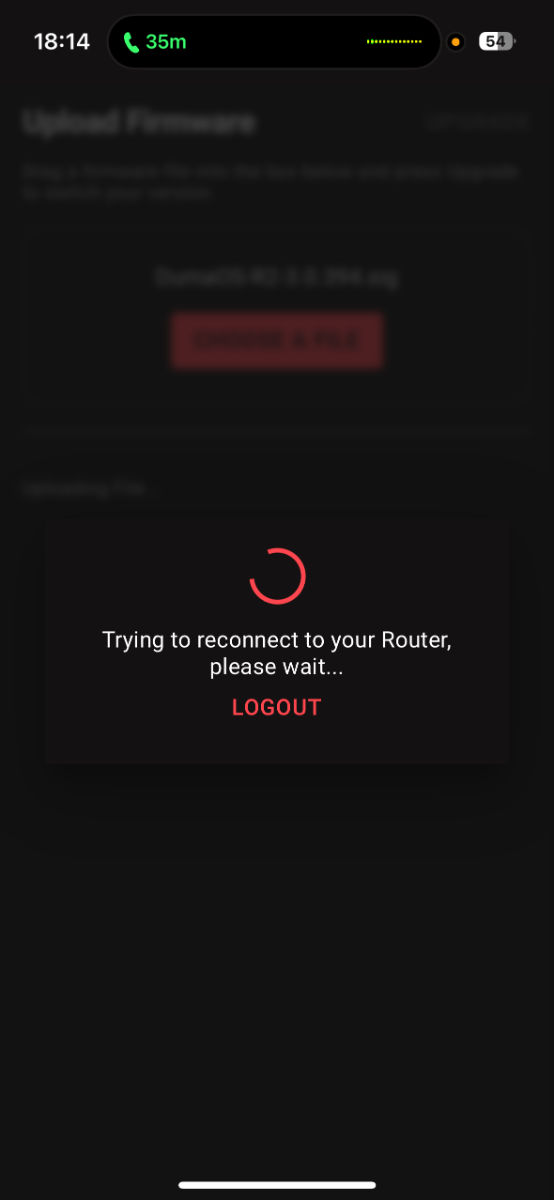
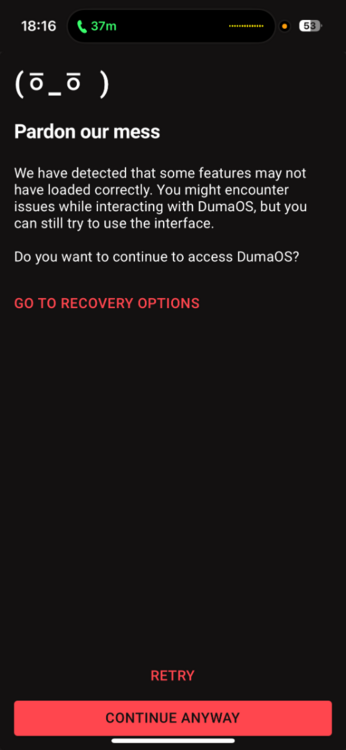
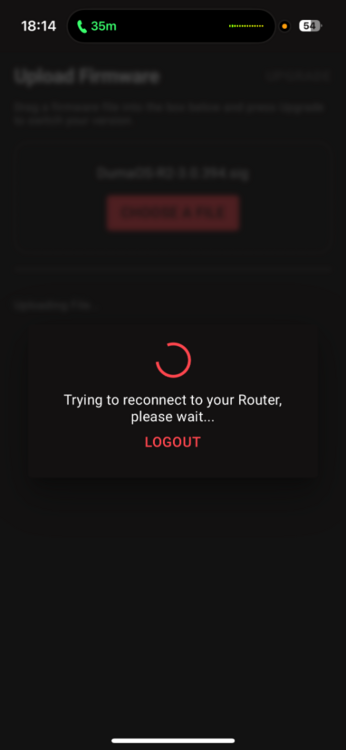
I have tried and tried in incognito mode on pc it is like it starts to update then just can’t and gets stuck for long time and doesn’t do anything then when I try access interface this happens and nothing works until I unplug it again no matter how long I leave it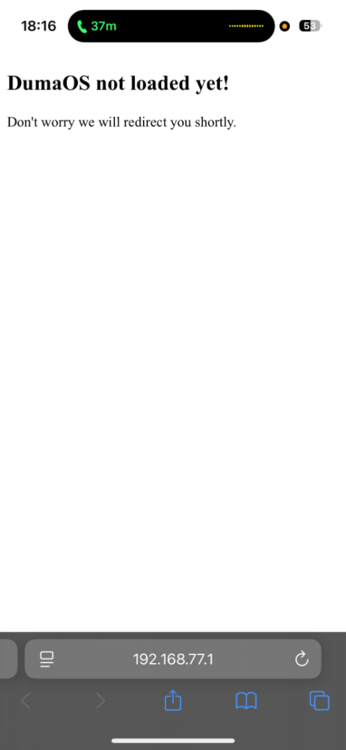
-
I can not do an update to my netduma r2
Jessicadavisonn replied to Jessicadavisonn's topic in Netduma R2 Support
yes after reboot no ad blocker and I am just typing in 192.168.77.7 to access the interface -
I can not do an update to my netduma r2
Jessicadavisonn replied to Jessicadavisonn's topic in Netduma R2 Support
-
I can not do an update to my netduma r2
Jessicadavisonn replied to Jessicadavisonn's topic in Netduma R2 Support
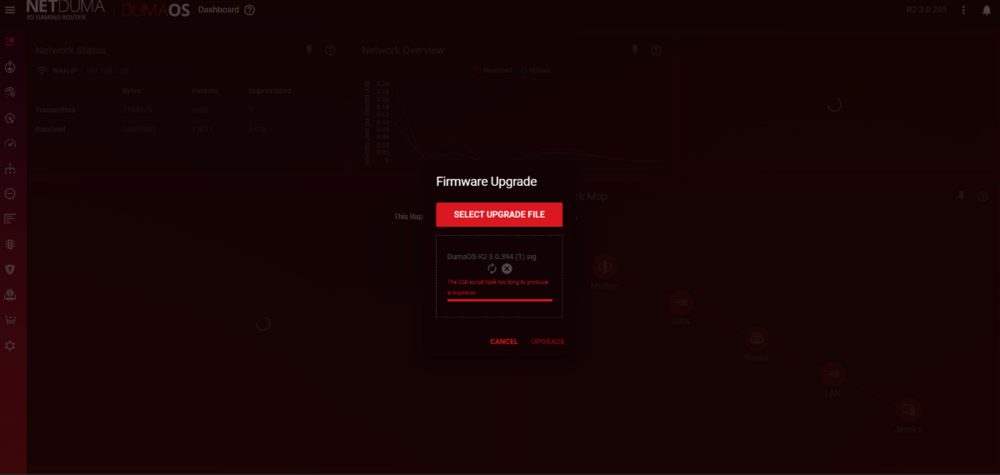
-
I can not do an update to my netduma r2
Jessicadavisonn replied to Jessicadavisonn's topic in Netduma R2 Support
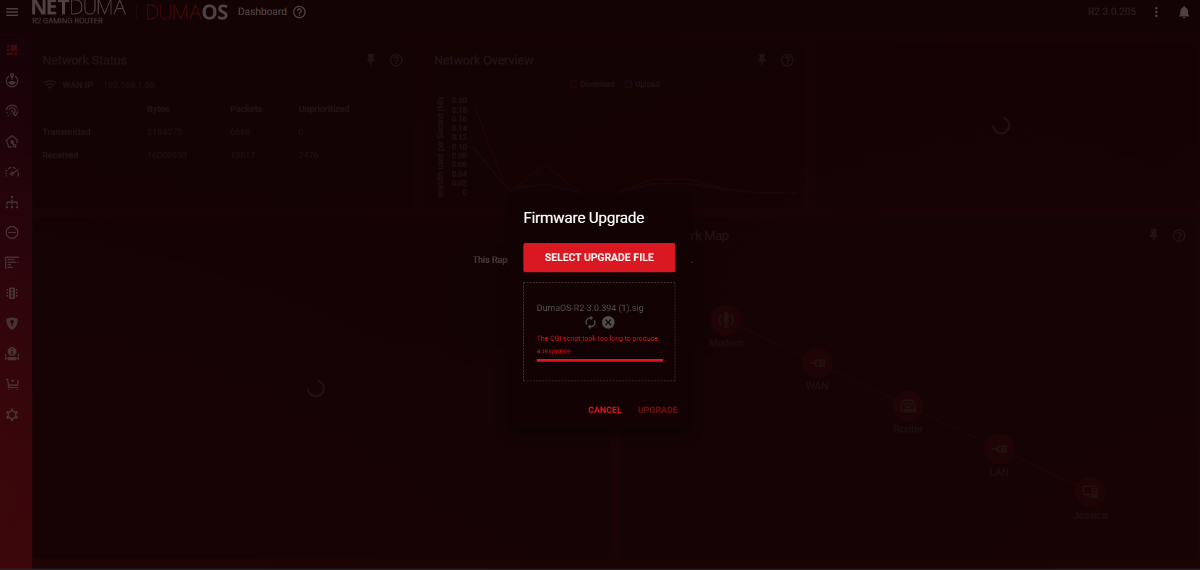
The CGI script took too long to produce a response I keep getting this error , I am plugged in to my pc via ethernet cable too. Many thanks -
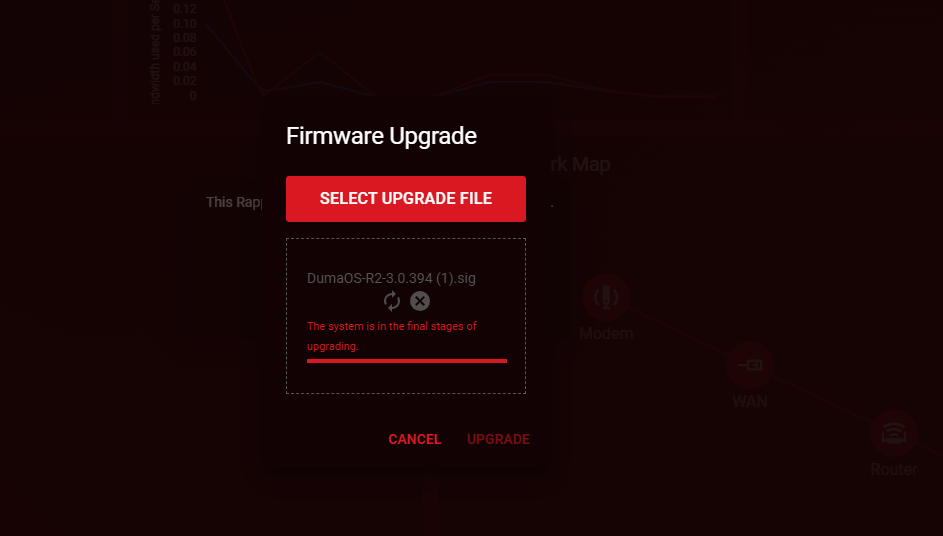
I keep getting error messages when I try to update my netduma r2 it is on version v3.0.205 I am trying to do it on my pc with an ethernet cable I have tried latest firmware and the firmware after this one and I have also try factory rebooting and it just seems to get stuck. Any help please? The CGI script took too long to produce a response - this is example of error message when trying to update firmware
-
Yeah I done that but still wouldn’t update it not sure if my mac can support it as it is an old version MacBook, it works as it should be it just loses connection to the geo fence on my ps5 then I need to power off the router set up as new add and remove the device to get it back pinging to the geo location
-
Hi I have tried rebooting and waiting it just gets stuck on upgrade and doesn’t carry on further I tired via Mac book with Ethernet, phone and iPad and also when I move ping I restart game and resync cloud but I still then majority of the time either have to reboot the router or delete and re add my ps5 multiple times until it registers a geo change
-
My r2 will not update via MacBook with Ethernet connection it just gets stuck on update in progress. The duma works as should sometimes without updating but when I change the geo filter ping I need to constantly reboot the router add and re add the device until it wants to pick the ping location up on my device which is very time consuming any fixes?