


Devastate
-
Posts
47 -
Joined
Everything posted by Devastate
-
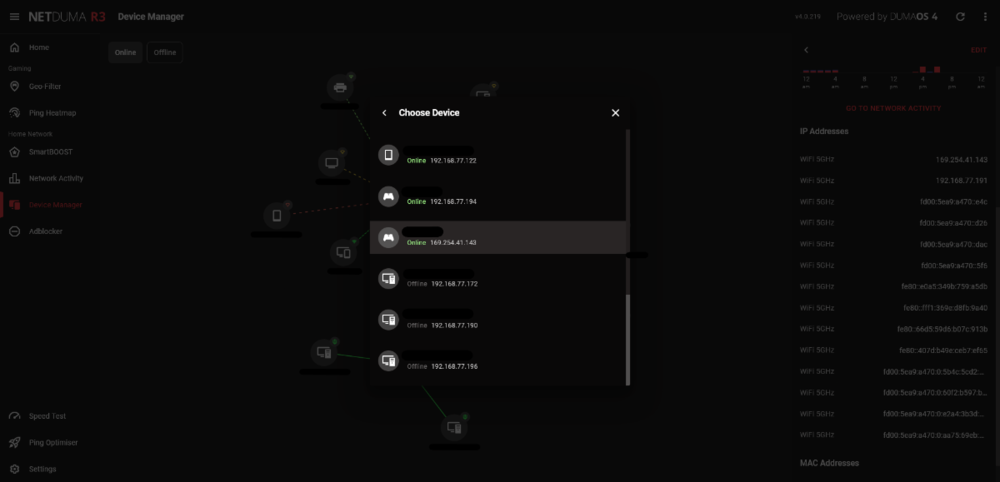
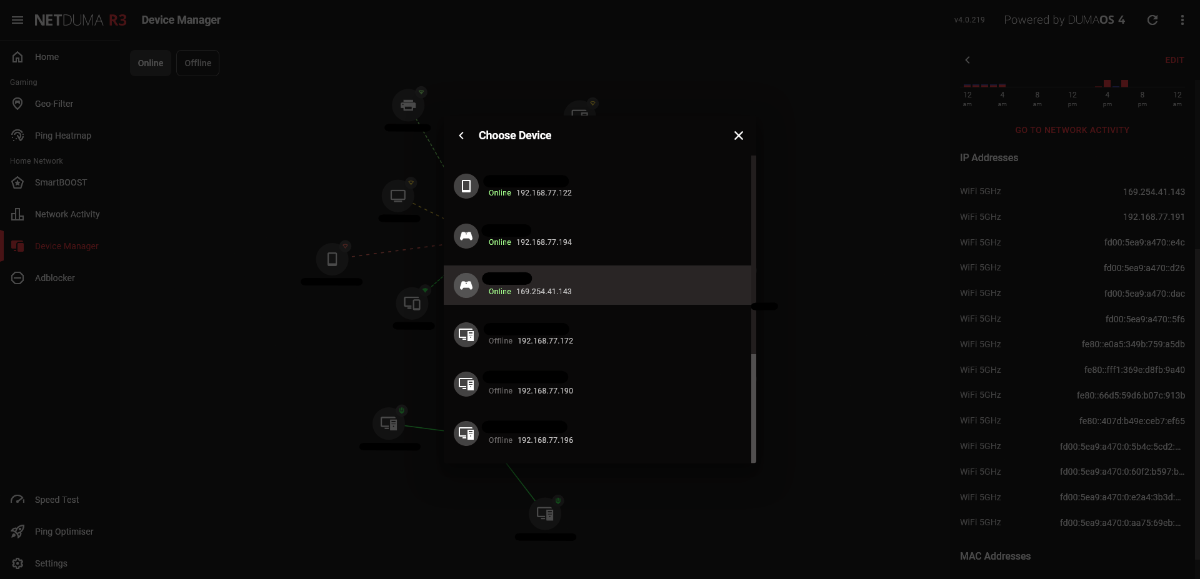
I have a bug with features that require you to choose a device by the device's name and IP address, such as hybrid VPN, internet rules, etc. If the device has a local link address, this takes priority over the private IP address, resulting in the features not working on the device. Additionally, is a device supposed to have that many IPv6 addresses? Edit: Restarting the R3 has fixed the issue by removing the local link address and reducing the IPv6 addresses to two.
-
My hope was to be able to see the DSL status and statistics without having to lose access to the internet whilst looking, due to only one LAN port on the modem. So to bring up my previous reply, is it right to assume the R3 isn't capable of doing either of them?
-
The user guide doesn't mention Wi-Fi anywhere in it, and it is titled "Vigor130 Series VDSL2/ADSL2/2+ Modem User’s Guide." Also, 192.168.2.1 is unreachable whilst behind the R3.
-
I wish it was that simple. Unfortunately, that doesn't seem to be the case with this modem, as I've searched this forum and others have had difficulties accessing the web user interface as well albeit not through the R3. The modem is the Vigor 130.
-
Thank you for the response. I am trying to access the modem's web user interface from behind the R3. The solution from the manufacturer's website is to create an untagged virtual WAN interface. Or a different solution from the web is to create a static route from the modem's LAN port to the router's WAN port and vice versa. Is it possible to do either of these with the R3?
-
Does the WAN port of the R3 have an IP address, or can you assign one to it?
-
May I also receive access to Early Access, please?
.png)