Spandex
-
Posts
12 -
Joined
-
Last visited
About Spandex

-
PPPoE Dial On Demand Or Always On Problem
Spandex replied to Spandex's topic in NETGEAR Nighthawk Support (XR range)
I have had it on dial on demand and they are still doing it, for whatever reason the internet keeps going down for say a minute and when it comes back on again it is restricted to exactly one tenth of the speed, have no clue what is going on with it but i can guarantee bt will blame it on me not having their router plugged in lol, gonna have to get one of their engineers come out i reckon as they are persistently cutting it off and reducing the speed somehow, only way to get the speed back is by turning off their connection box where the fibre comes in to reset it. -
Set up my router on PPPoE and bypassed having the bt router plugged in completely and it was automatically set to dial on demand, so i tried switching it to always on, but if i do this about an hour later the internet cuts off on the router for about a minute and then when it comes back on we have internet but now at 1/10th of the speed, 930mbps down to 93mbps, always guaranteed 1/10 exactly, have no idea why but it has done it 3 times now without fail by changing from dial on demand to always on. I since looked at the set up and realised i had the tp link ethernet switch not set to loop prevention, could this have caused the drop in connection and the speed dropping to exactly 1/10 of the speed when it reconnected ?, i have done away with the tp ethernet switch as well now by the way since i no longer need that as the netgear xr500 is just feet away from my pc's.
-
That is what i thought, the bt smart hub 3 was awful, kept cutting everyone off the wifi constantly so i just did away with it, these new build houses came pre-installed with bt and hyperoptic, first year we had to choose either as no holes were allowed to be drilled, subsidence and all, after that we can choose. But yes all the problems with the 2 routers being mortal enemies are over :).
-
I decided in the end to do away with the bt hub all together and put the netgear router in PPPoE mode but now i have hit a new problem, i have shut down QOS because i know there was problems with that in the past limiting internet speed and if i test the speed via the xr500 i can only get a maximum of 500 mbps but if i do a speedtest online it reads as 930 mbps, any ideas ?, thankyou for your help by the way fraser i would of answered sooner but have been doing alot moving into our new home. Doing it this way as well has cured the problem of not being able to get into the router, win win.
-
The bt hub was connected to the box coming into the house as normal and then the xr was hooked up via an ethernet port from the bt box to the to the internet port so i could run multiple ethernet ports from the xr, i have done it this way in the past with sky, virgin, bt and always in the past just turned off the wifi on the other router and used it as a modem but the problem i think is because the bt smart hub 3 cannot be used in modem mode and even if you try and shut off the wifi and everything as soon as it detects the xr it turns everything back on, when i reset the xr it did say it was assining an ip which would not cause problems with the ip but obviously something was still going a bit strange.
-
I am pretty sure i know what is doing it now, i just moved in to a new build house and there are strict rules on no holes in the walls for the first year so we have had to put up with a pre installed bt line, not great but it is only for a year, anyway it hooks up through the wall in a ethernet port to the front room which is where i plugged in my XR 500 as normal BUT it is a bt smart hub 3 which does not play nice with it, i tried shutting off the dhcs and the wireless on the bt hub to try and remedy it but that just switches them all back on anyway as soon as i hook up the xr 500, i was thinking about plugging the xr500 straight into the line instead of the bt hub to cut it out all together but i have no idea what i have to change on the xr500 to make it go smoothly. So basically i reckon this problem is purely because the bt smart hub 3 does not like another router being placed in it like earlier models, any ideas would be great :).
-
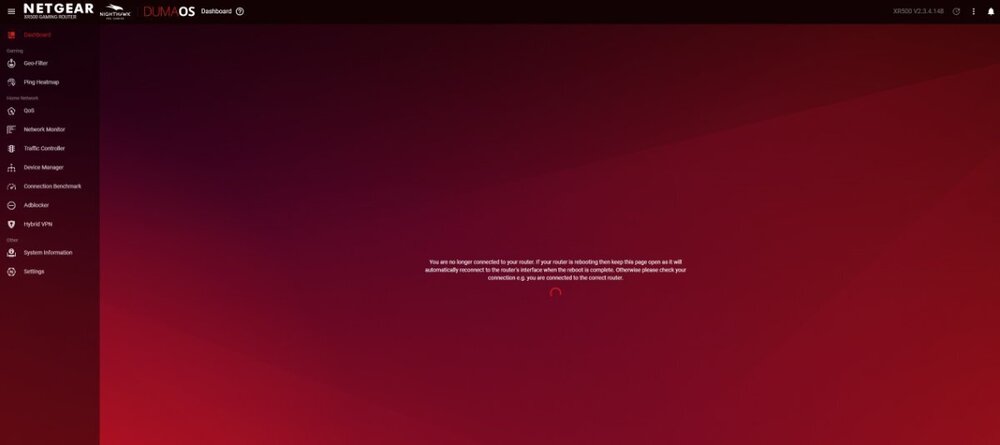
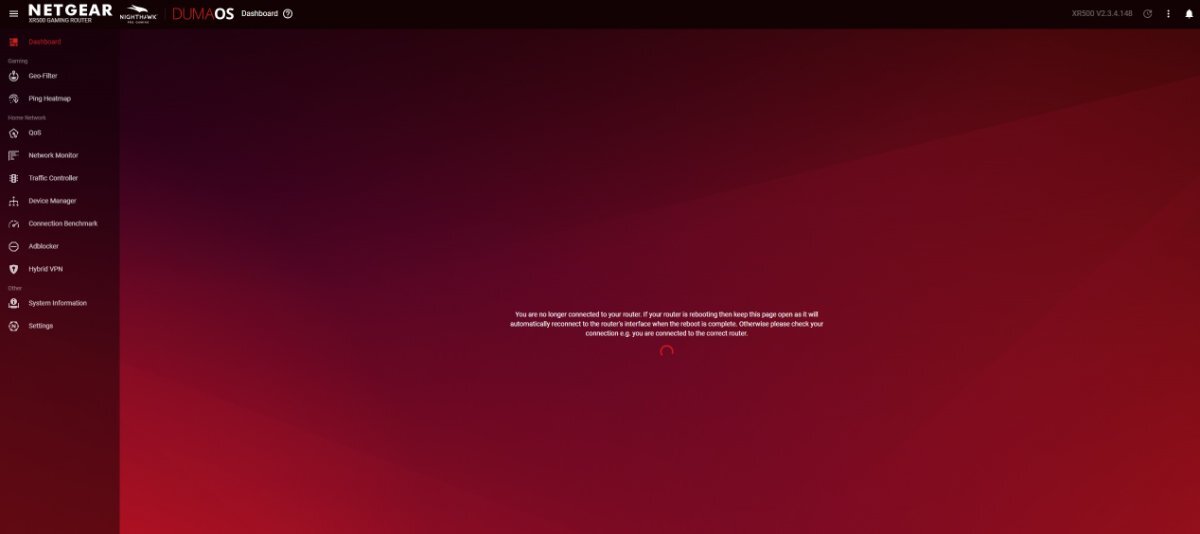
Does this every single time, internet is fine but i cannot change anything in duma os, i have reset it by holding the reset for 30 seconds like 5 times now and it lets me do all the menu stuff until i close the web browser, upon trying to reopen it via the browser i get this every time.