


Deasha
-
Posts
99 -
Joined
-
Last visited
Everything posted by Deasha
-
There is something fundamentally wrong with the routers ability to have devices on the same network communicate. Seeing a lot of people dealing with similar issues on the R3. I managed to find a work around by plugging an old router into the R3 and using it as an AP and connecting my speakers to that for anyone having similar problems. But really frustrating to not be able to connect a speaker to a brand new router in late 2023 and requiring a second router to get basic functionality. The amount of issues has been overwhelming for me sadly. I love Netduma and have faith you guys will turn it around soon! ❤️
-
Tried everything to get them set up but keep getting this message. Tried geo filter off, smart boost off, steady ping off, separating wifi bands, kicking ISP connection, reseting ISP ports, reseting network settings, factory reset router, UPNP on and off, port forwarding apples air play ports manually, factory resting home pods, deleting all data from phone and iCloud before factory reset, saving manual IP addresses for home podS
-
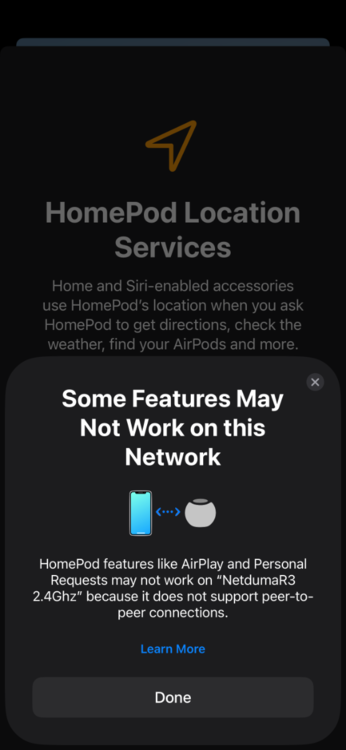
I’m having the same problems with setting up my Apple home pods. Tried everything to get them set up but keep getting this message. Tired geo filter off, smart boost off, steady ping off, separating wifi bands, kicking ISP connection, reseting ISP ports, reseting network settings, factory reset router, UPNP on and off, port forwarding apples air play ports manually, factory resting home pods, deleting all data from phone and iCloud before factory reset, saving manual IP addresses for home pods
-
-
I’ve tried disabling steady ping and geo filter but still getting the same message. It appears the speaker is set up but the router is limiting its functionality. AirPlay just can’t find the speakers at all and when trying to create a stereo pair they won’t communicate with each other. Definitely seems like a communication problem. Any ideas or list of ideas you can think of for me to try today?
-
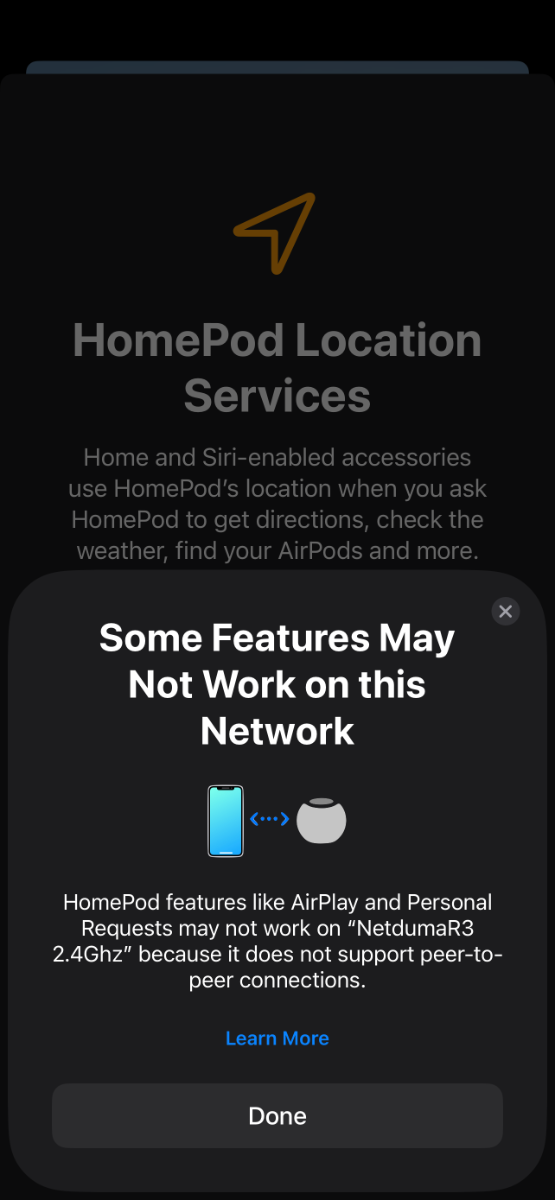
Ever since setting up my R3 I’ve had trouble connecting my home pods to my R3. When I go through the set up process on my iPhone I get a message on completion of set up saying “ Some Features May Not Work on This Network HomePod features like AirPlay and Personal Requests may not work on ' because it does not support peer-to-peer connections.” On the R3 my home pods show up in devices with no issues at all. I have UPNP turned on also. Any help would be much appreciated
-
Ping Optimization has failed every time I’ve tried it
Deasha replied to CaSpA's topic in Community Discussion
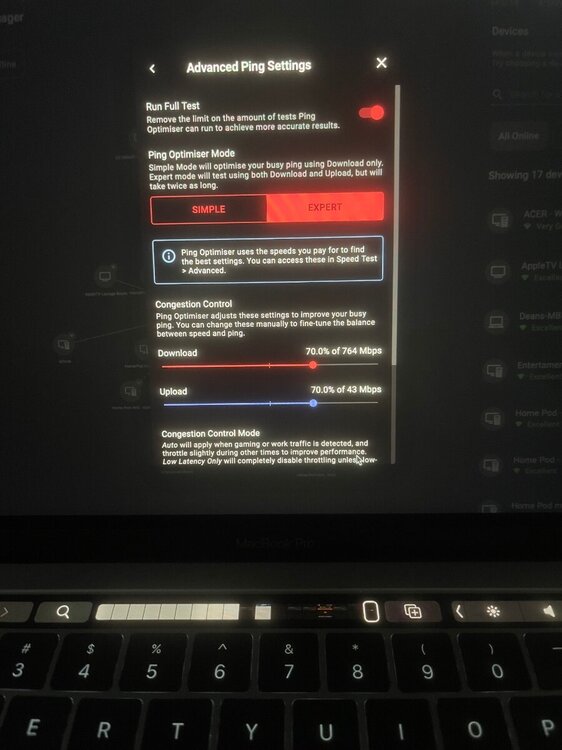
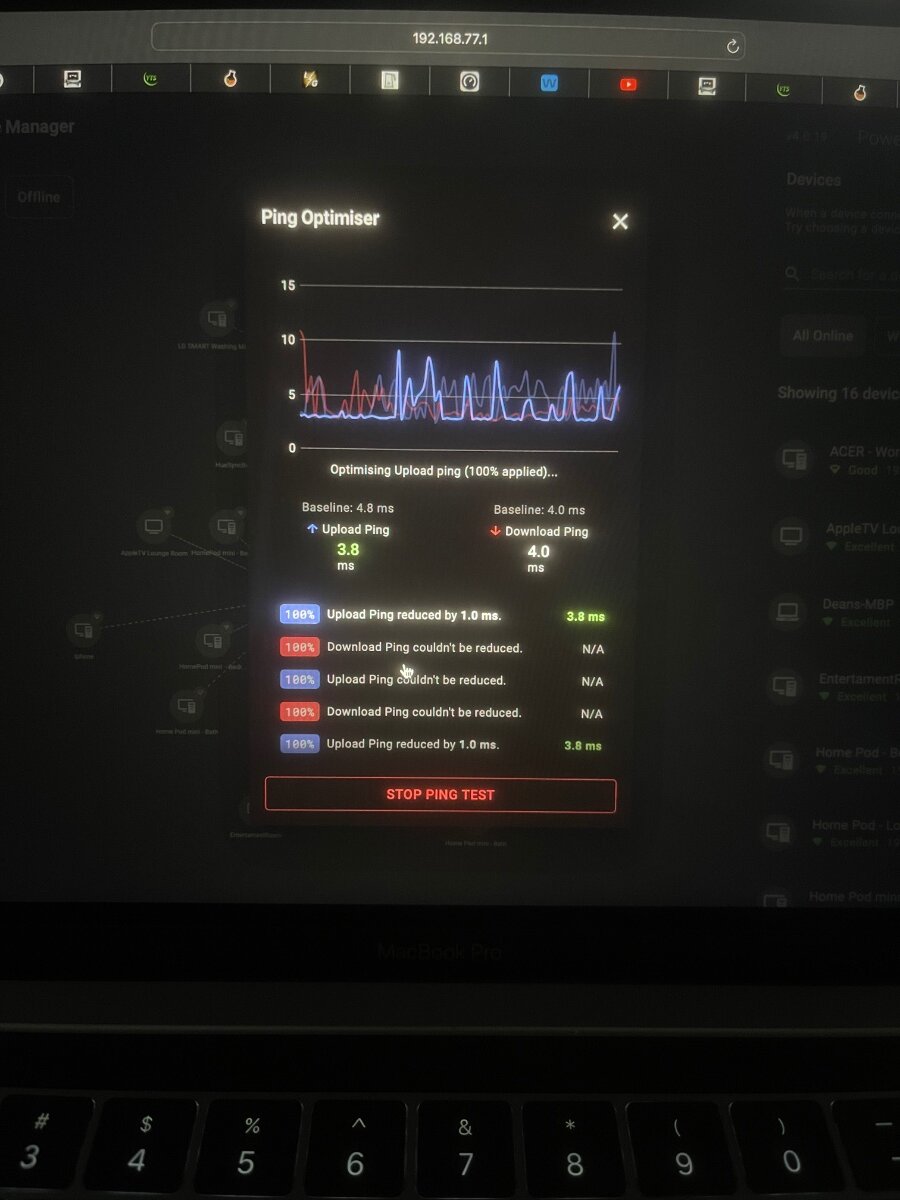
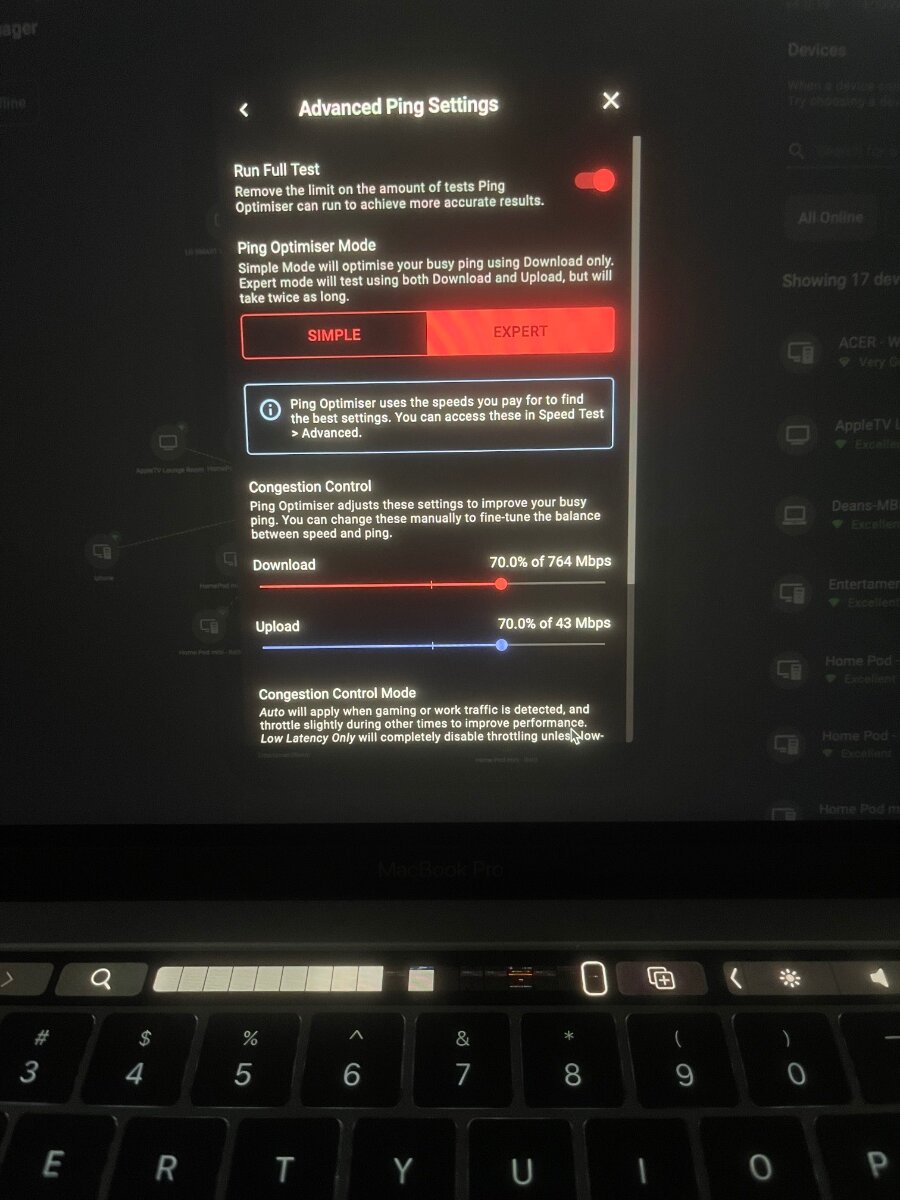
I have noticed that the ping optimizer only test for 100% even if I have selected 70% manually in advance settings. Is this functioning correctly?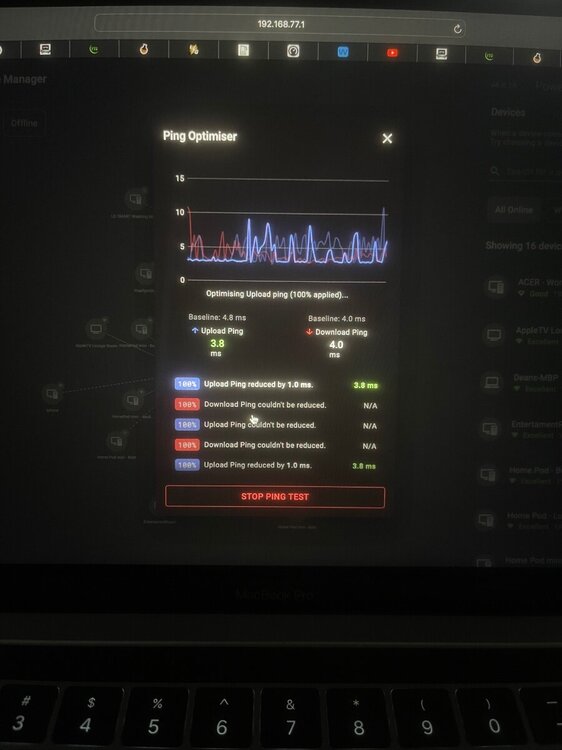
-
Ping Optimization has failed every time I’ve tried it
Deasha replied to CaSpA's topic in Community Discussion
I managed to get it working by doing a resync to geofilter, ping heat map, device manager and adblocker. I then disabled add blocker. I think the culprit was add blocker -
Ping Optimization has failed every time I’ve tried it
Deasha replied to CaSpA's topic in Community Discussion
I’m having the exact same issue. Tried 20 times in the past 2 days and every test failed to optimize. 1. Australia 2. DHCP 3. IPV6 turned off at WAN & LAN
.png)