gearsniper550
-
Posts
195 -
Joined
-
Last visited
Everything posted by gearsniper550
-

Netduma losing internet at arandom times
gearsniper550 replied to gearsniper550's topic in Netduma R3 Support
how do i do that sorry ive never had this problem before -
Netduma losing internet at arandom times
gearsniper550 replied to gearsniper550's topic in Netduma R3 Support
yeah it happened again heres the logs R3_2025-08-26T04_30_40.477Z_logs.txt -
Netduma losing internet at arandom times
gearsniper550 replied to gearsniper550's topic in Netduma R3 Support
it seems to have fixed it, it hasnt done it for a while. Ill let you know if it does it again. Thanks for your help -
Netduma losing internet at arandom times
gearsniper550 replied to gearsniper550's topic in Netduma R3 Support
its connected to a verizon router i dont know the name of it but it looks like an xbox x. I have internet on the router its just the r3 that goes out for a few minutes repeatedly. R3_2025-08-14T21_09_00.442Z_logs.txt -
for some reason at random times im losing internet when i look at the network it says nothing for the ethernet port where the duma is supposed to be listed butthe wifi is still on and the light for my pc connection goes in and out a few times and then it comes back, i dont know what could be causing it.
-
yeah i think so
-
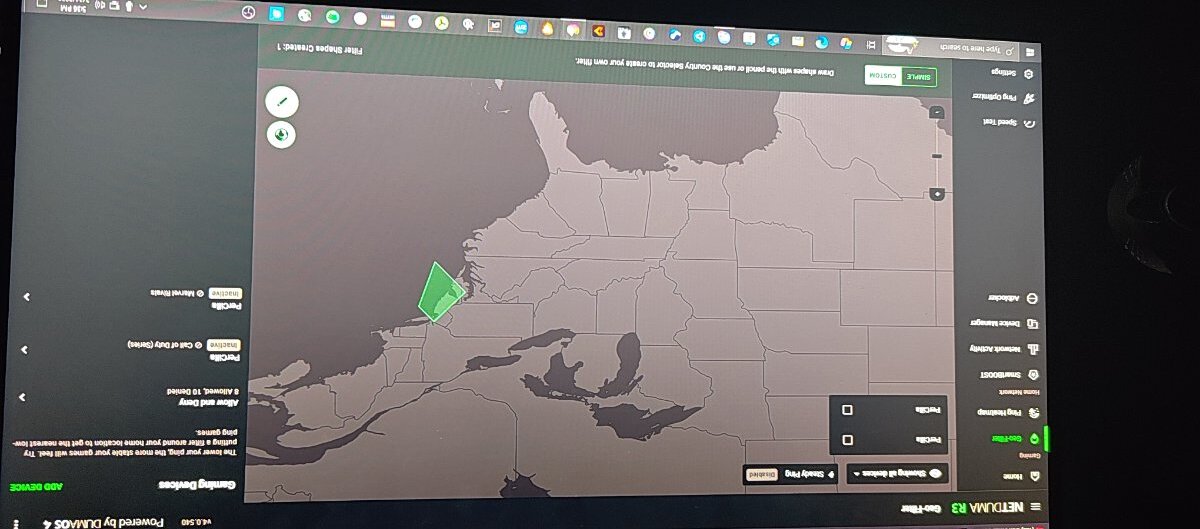
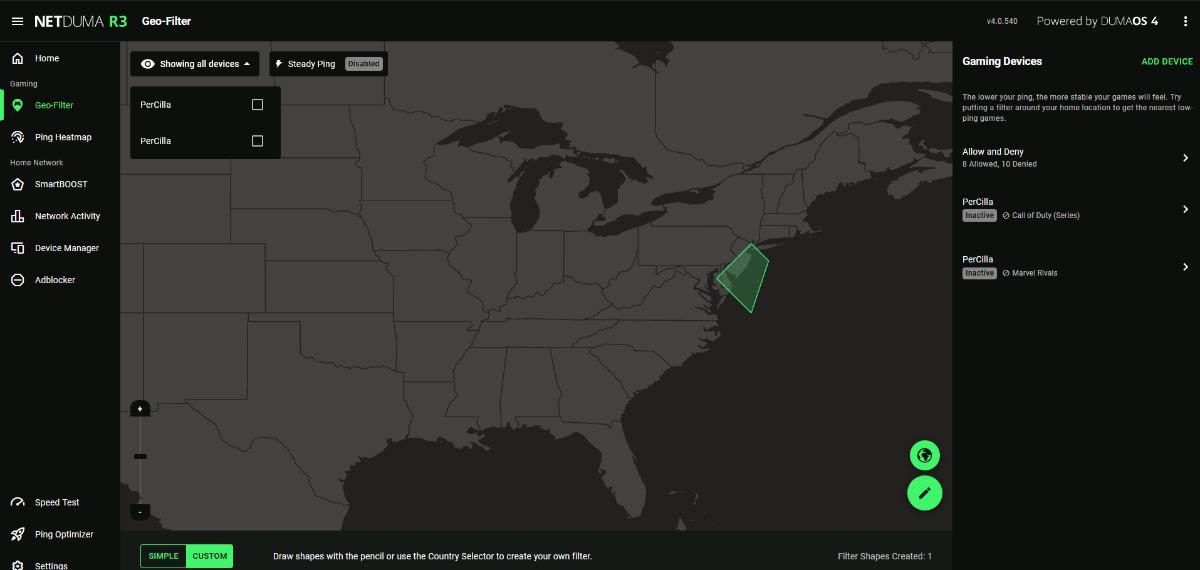
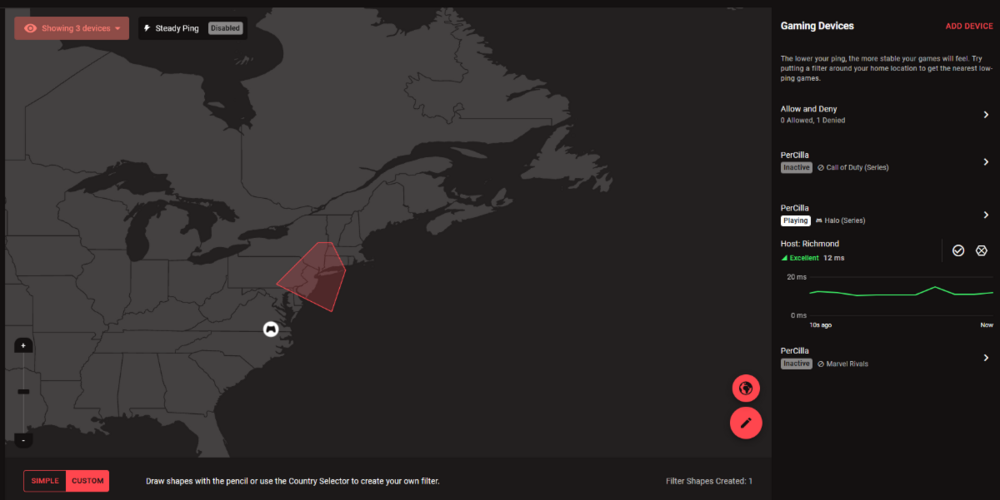
for some reason when i was looking for a game i am getting connected to servers outside of the filter that i made. Is there a reason or am i doing something wrong
-
i checked through all of them and im pinging correctly on all games except halo infinite its the only one showing 1000ms. My router is connected into a verizon router.
-
i dont know if theres something going on but its doing it again, i couldnt find a game at all and when i try to use the ping heatmap it shows all the pings as 1000 ms and i have never seen this before,
-
just asking is it supposed to go from inactive to waiting for host when i search for a game
-
its still doing it even after i changed it to a playstation, im searching for a match and its taking forever. this is what the filter looks like when i start searching 2025-06-09 23-29-58.mkv
-
yeah im getting games with the filter on now, i was talking about the newest call of duty update last week. For some reason when i search for a game the filter looks like this is it supposed to start and stop like this. 2025-06-06 19-18-13.mkv
-
for some reason after the recent update ive been in a long wait time to n ever get a game on cod, ive been here for 2 hours looking for a game and i dont know why before the update my game was fine now i cant get a game. Is there anything i can do
-
Do you know when I might be able to change it back to PC or should I leave it
-
ok thanks
-
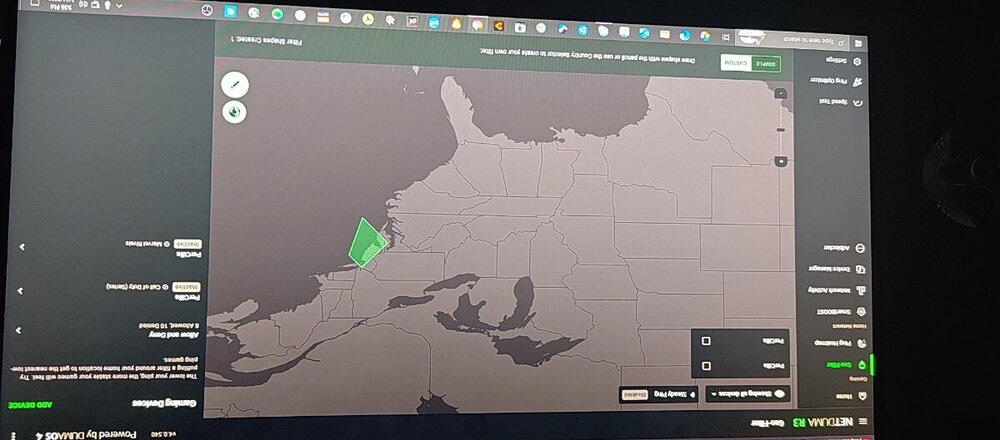
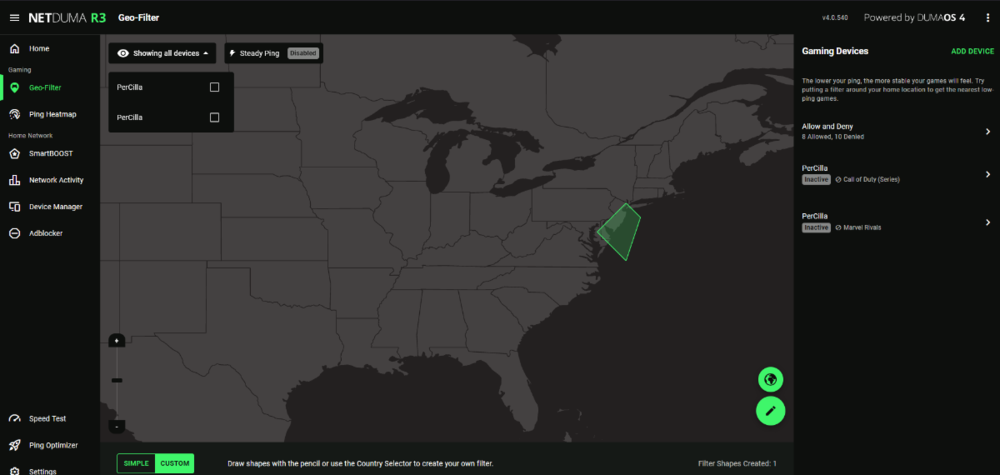
As in when i press look for game it used to show the geofilter filtering now it just says inactive the whole time
-
-
I have the r3 and I just updated it and for some reason when i matchmake it doesn't start up when I start looking for a match
-
Low ping servers and setup question
gearsniper550 replied to gearsniper550's topic in Netduma R3 Support
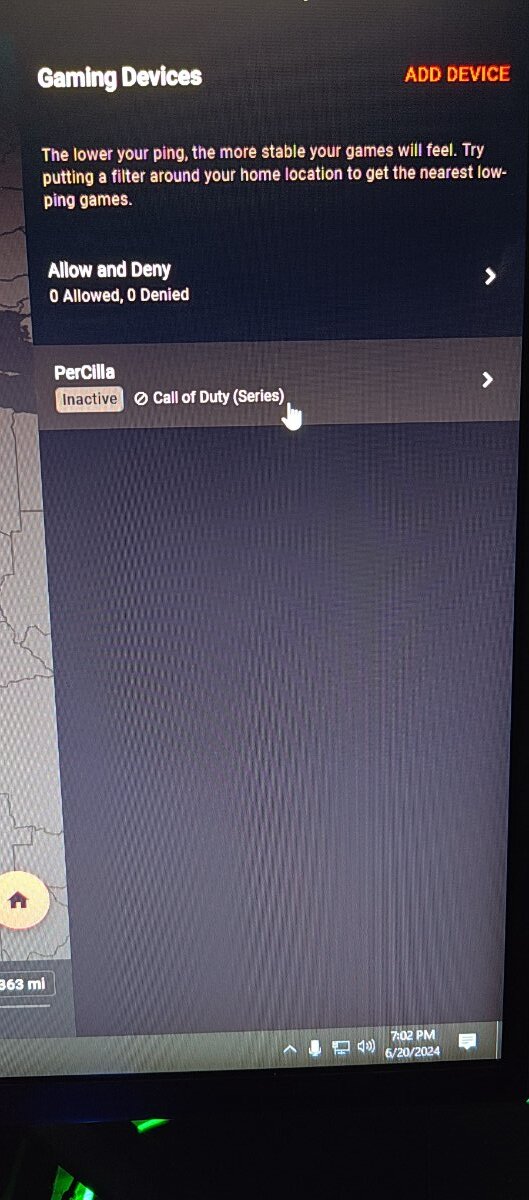
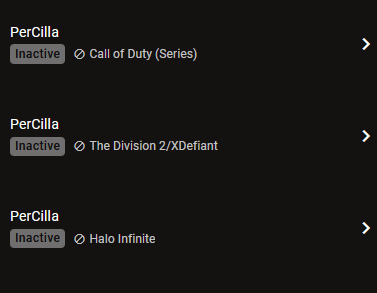
so like i have it in the screenshot is fine or do i have to do it individually -
i have 2 questions, for some reason when i play cod for example i have only a server that is 8 ms but when i play im getting 20 ms servers somehow. How can i fix this. Second question since im on pc do i have to setup my geofilter like this to get it to work for the multiple games i play?
-
yeah i put in steam download im on v4.0.219

-
in my prioritize list i have steam downloading on it but when i download a game on steam the listing says offline, do i have to change something else or does it not prioritize when downloading a game on steam
-
Okay thanks
-
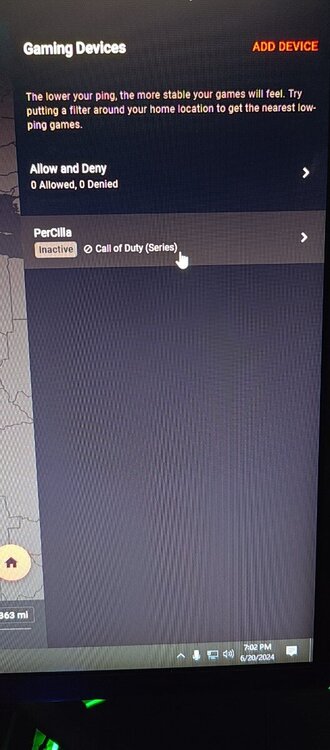
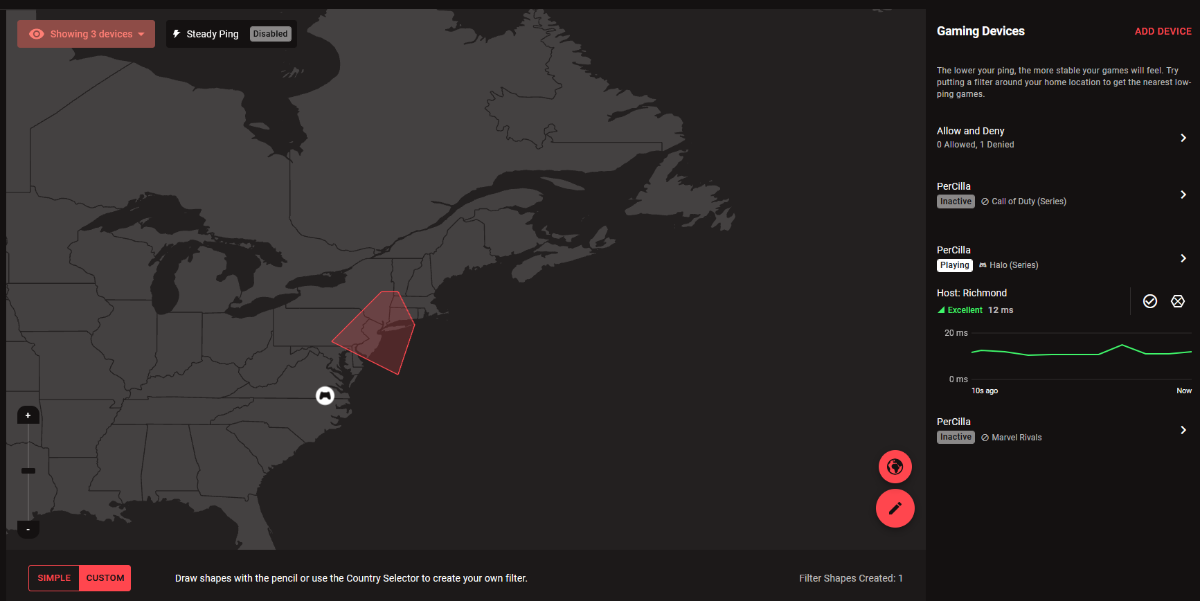
How would I do that would I have to delete the device and re add it every time
-
So even if I have the filter set to cod series it will still filter halo, etc
.png)