
Jump to content

Jeofel08

R2 Early Access
  • Posts

    202
  • Joined

  • Last visited

Everything posted by Jeofel08

  1. I think it's okay as long as the general speed of router will change.
  2. @DARKNESSI may have reasons why I suggest this. 1. They are working on smart QOS(ping optimizer) on R2 which hopefully they will import it to NG 2. Since we would like to leave the NG alone and automatically does it's thing without touching it. Hope anyone would understand that I suggest this for ease of use.
  3. @DARKNESSseemed mlab server are very slow compare to ookla and fast.com
  4. Hi team, This is regarding Netduma - Auto Detect speed Do you use Ookla or fast.com for speed testing or an in-house server to test net speed? I am particularly bothered with this one because it has a different(slower) speed compared to when I try to speed test in Ookla and fast.com in the browser. May be you can get this type of auto detect speed similar with asus on this one.
  5. @Netduma Fraser Are you referring to Smart QoS Ping Optimiser in R2 beta? May I know if it does automatically change bandwidth speed as well like the one I proposed?
  6. Thanks, Liam, Just In case I think of something else we can provide to improve the User Experience (UX) I will post again since all we wanted is to have a device that plug-it and let it work Also, Can we request to add these VPNs in the VPN Application Section or work-from-home QOS list of VPNs as most of us are working from home and using these VPNs to access office-related networks so we can prioritize work over gaming especially during weekdays. 1. AnyConnect. by Cisco 2. FortiClient. by Fortinet 3. Pulse Secure 4. Ivanti Connect Secure 5. GlobalProtect 6. Citrix Gateway 7. NetMotion. 8. Zscaler I hope this makes Sense Thank you.
  7. Hi team, Due to issues with some ISP providers, that they do not provide consistent internet speed. e.g using 4G or 5G networks or congested ISP DSL/fiber users in a single location or maybe some using satellite net I am proposing this function inside QOS Network speed which is called Autoset NetSpeed (I tried to design this function so it looks more clear to understand the thoughts I am concerned about.) Objectives 1. The Main Objective of this function is to use a timer to automatically do the speed test and set the Network speed. 2. By default, the AutoSet could be programmed every 3 or 5 hrs in between. 3. Ease of mind to not manually Update/Set the download and upload speed every time there is slowness in ISP Kindly check the screenshot I tried to edit below to see what I meant for this one. I hope this function can be considered soon in the next updates of Netduma OS as it is very helpful for us not to set download and upload speed every time. Thank you.
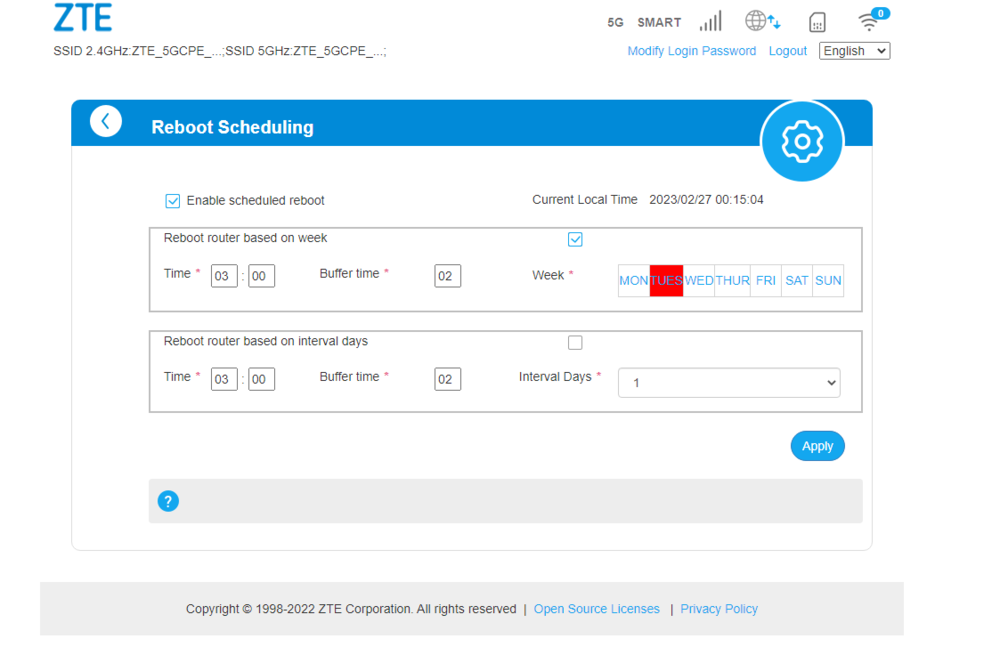
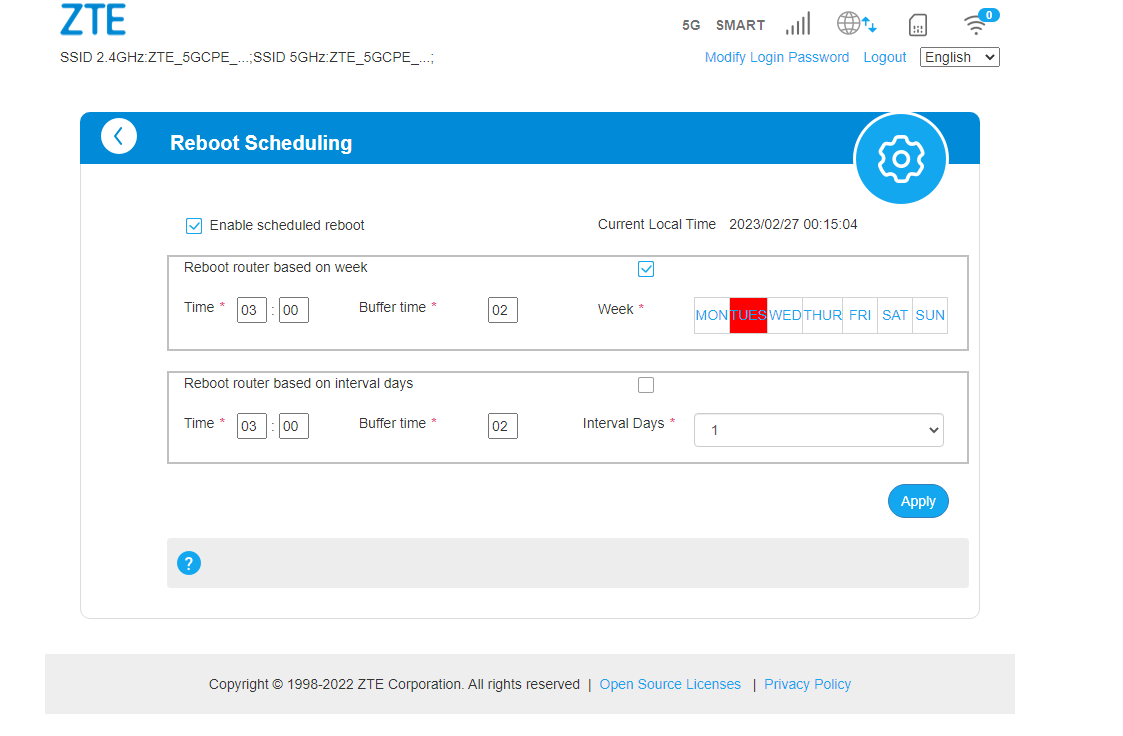
  8. Hello, This can be handy if we have this Reboot Scheduling in our netduma system instead of a manual reboot of the device. Below is an example of a 5g modem/router from my device which has a reboot schedule based on what you prefer if it's a weekly or daily reboot.
  9. Try to add security like AV and I think netgear has it with netgear armor then asus Ai protection something like that.
×
×
  • Create New...