RiSK
-
Posts
14 -
Joined
-
Last visited
-

Netduma R3 Feels Underwhelming – What Am I Doing Wrong?
RiSK replied to RiSK's topic in Netduma R3 Support
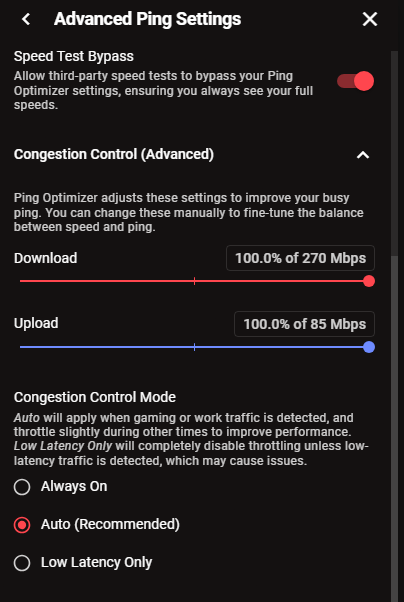
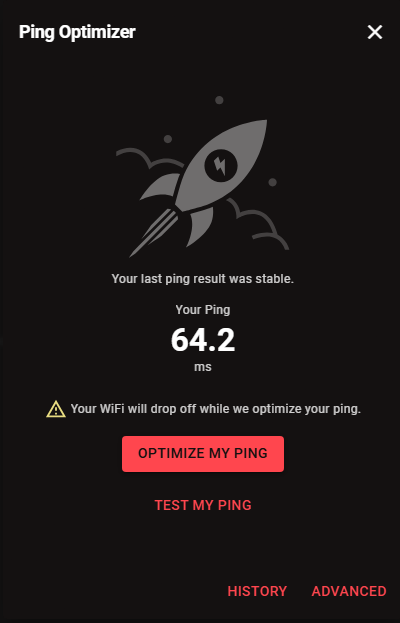
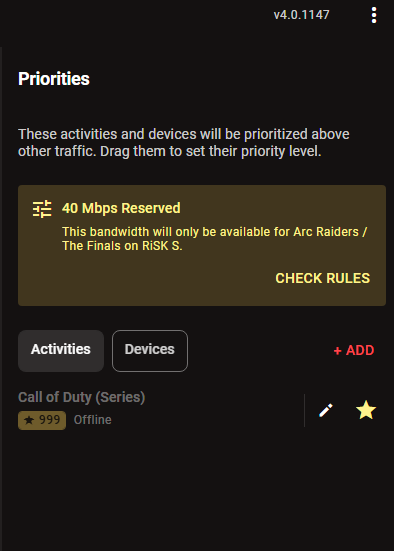
No, I don’t have other devices heavily using the internet. My setup is: I have a fiber modem connected to the Netduma R3 using PPPoE. The R3 is used only for my PC. As for the main fiber router, it only has two iPhones connected to it. My internet speed is 300 Mbps download and 100 Mbps upload. Regarding the Geo-Filter, since I’m located in Saudi Arabia, the closest server I get is around 20 ms ping. I have enabled Steady Ping and set it up in a simple way like shown in the screenshot. About Congestion Control, I understand that having it at 100% doesn’t help. I will try setting it to 75% download and 68% upload and see how it performs. I have already removed the 40 Mbps bandwidth allocation after writing this post, as I’m trying to fully utilize the R3 in the best way possible. Regarding these two points, I haven’t set them up before, so I would appreciate it if you could explain how to do them, preferably with screenshots: Enabling “Prioritize Gaming” globally (so it covers all games) Prioritizing my PC as a device as a backup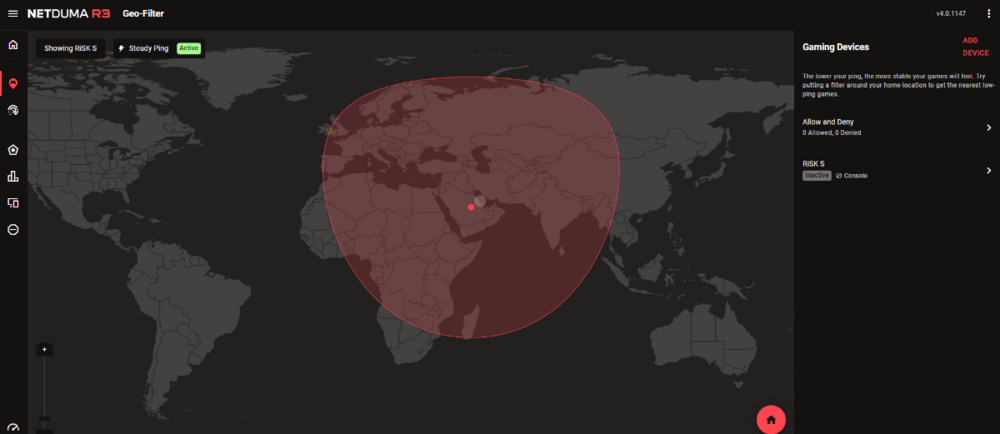
-
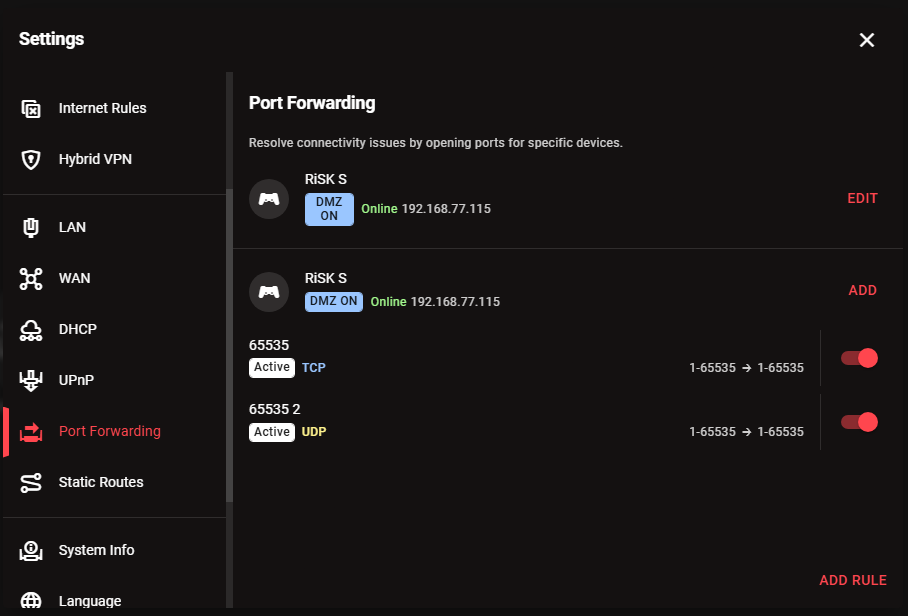
Hi, I’ve been using the Netduma R3 for about a year and a half, but I feel like I’m not fully taking advantage of it or setting it up properly. My current setup: Fiber modem is set to Bridge mode DMZ is enabled to the Netduma R3 The only device connected to the R3 is my PC Geo-Filter is enabled and in use UPnP is enabled Despite this, I feel like I’m not getting the best possible performance. My questions: Are there any essential settings I’m missing besides Bridge mode and DMZ? What’s the best way to configure Congestion Control? Is SmartBOOST useful, and what are the recommended settings? Are there any commonly overlooked settings that could improve performance? I’d appreciate any guidance on how to fully optimize the R3. Thanks.
-
-
It was working in a previous update, but it is not supported now I will try to download all previous versions and try them
-
could I please get access too 🥰
-
Escape from Tarkov is not Support to Netdoma R3
-
Escape from Tarkov is not Support to Netdoma R3
-
😘
-
Hi all I want to ask , Does Netdoma R3 support the game? Because the EFT Original game is supported . if no is there any plan to support Arena in the future ? Best Regards